





- APEC Shenzhen Spotlight: Cross-Border E-Commerce Orders Promote Asia-Pacific Trade and Economic CooperationNov 08, 2026View details
- China-Europe Railway Express and CIIE Hold Business Matchmaking Event, Focusing on Cross-Border E-commerce B2B ExportsNov 07, 2026View details
- China’s Ministry of Commerce Responds to Additional Charges on Low-Value Imports Imposed by the EUNov 06, 2026View details
- Two Internet Development Reports Released at the 2026 World Internet ConferenceNov 05, 2026View details
- Internet Business Revenue of Enterprises Above the Designated Size Reached RMB 1.716 Trillion in the First Three Quarters, with Profits Up 17.6%Nov 05, 2026View details
- Shopify's Third-Quarter Revenue and GMV Fall Short of Expectations, Sending Shares Tumbling Before the Market OpensNov 04, 2026View details
How does search engine crawling affect website SEO rankings?
Search engine crawling can affect website rankings because search engines must first access a page and retrieve its content before they can determine whether to index it and whether it is suitable for relevant search results. Crawling itself does not guarantee a ranking: a page may be visited without being indexed, and being indexed does not guarantee a prominent position.
To understand how crawling affects SEO rankings, consider it as part of the process of discovering URLs, crawling content, building an index, and ranking pages. Crawling obstacles can prevent new pages or updated content from moving on to subsequent stages in a timely manner. Pages that are crawled successfully must still meet ranking criteria such as content quality and relevance to search intent.
What is the relationship between crawling, indexing, and ranking?
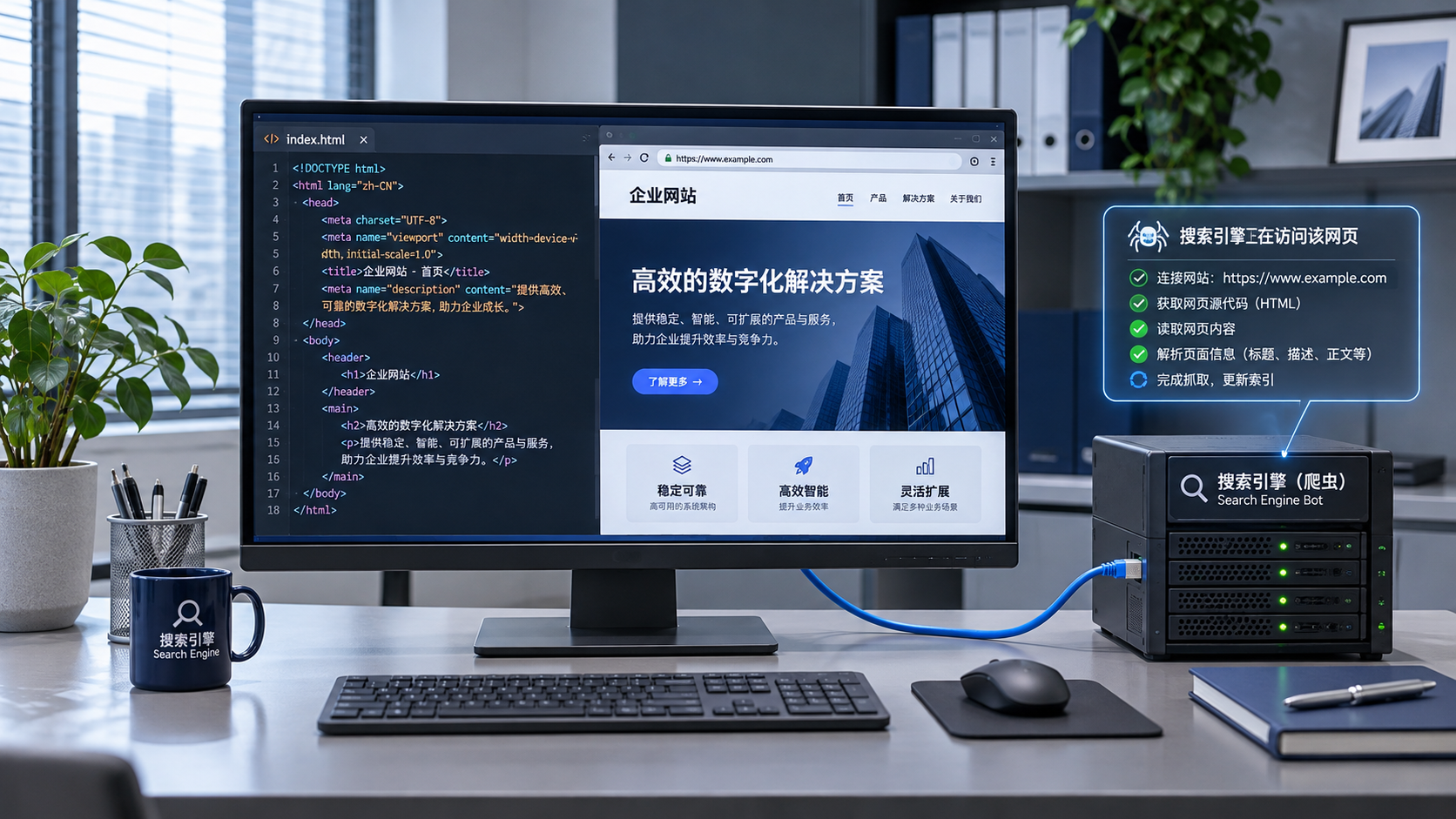
Crawling is the process by which search engines use automated programs to access URLs and read their responses. Search engines can discover URLs through internal links, links from other websites, or sitemaps, and then decide when to visit them. After receiving a page, they may also render it to process content that depends on JavaScript.
Indexing is the process of evaluating retrieved content and adding selected pages to the index. When multiple URLs have highly similar content, a search engine may select one as the canonical version. Ranking takes place when a user searches: the search engine looks in its index for results relevant to the query and decides the order in which to display them.
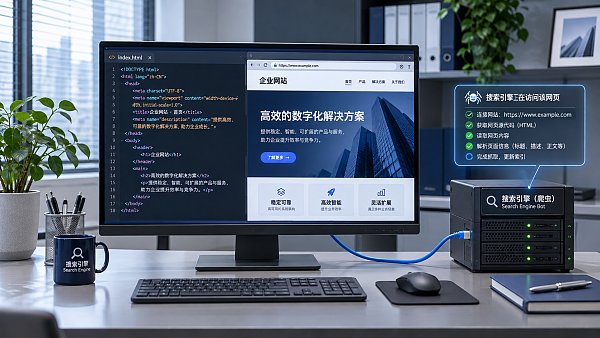
These stages do not always happen in a fixed timeframe. For example, after a product article is published, a search engine may discover its URL quickly but crawl it later. It may also crawl the page but leave it unindexed for the time being because it considers the content duplicative or insufficiently valuable. Therefore, not finding a page in search results only means that the displayed results are not as expected; it does not by itself prove that crawling failed.
How can crawling barriers affect search performance?
New pages may not be discovered promptly. If a page does not receive links from relevant sections, navigation, or other known pages, a search engine may have to rely on other methods, such as a sitemap, to discover it. A sitemap helps provide URL suggestions, but submitting a URL does not guarantee that it will be crawled or indexed. On multilingual websites, discovery may also be more difficult if pages in each language can only be accessed by switching through a script or form.
Published updates may not be processed promptly. After a page title, body text, or product information is updated, the search engine needs to crawl and process the page again before the change can be reflected in search results. There is no fixed timeframe for recrawling. Even after a page has been crawled, the search engine may choose to display a different title or snippet.
Search engines may see incomplete content. A successful server response does not necessarily mean that the main text is readable. If essential content is loaded through JavaScript requests and the relevant resources are blocked, the requests fail, or the rendered output is incomplete, the search engine may receive a page containing only navigation and empty containers. A page appearing normal in a browser does not, by itself, prove that the search engine sees the same content.
Server issues may reduce crawling efficiency. If timeouts, connection failures, or numerous server errors persist, crawling programs may reduce their requests to avoid adding to the server load. The effects of occasional errors differ from those of ongoing outages and should be assessed based on when they occurred, how much of the site they affected, and how quickly service was restored.
Which settings can easily lead to incorrect conclusions?
robots.txt and noindex directives
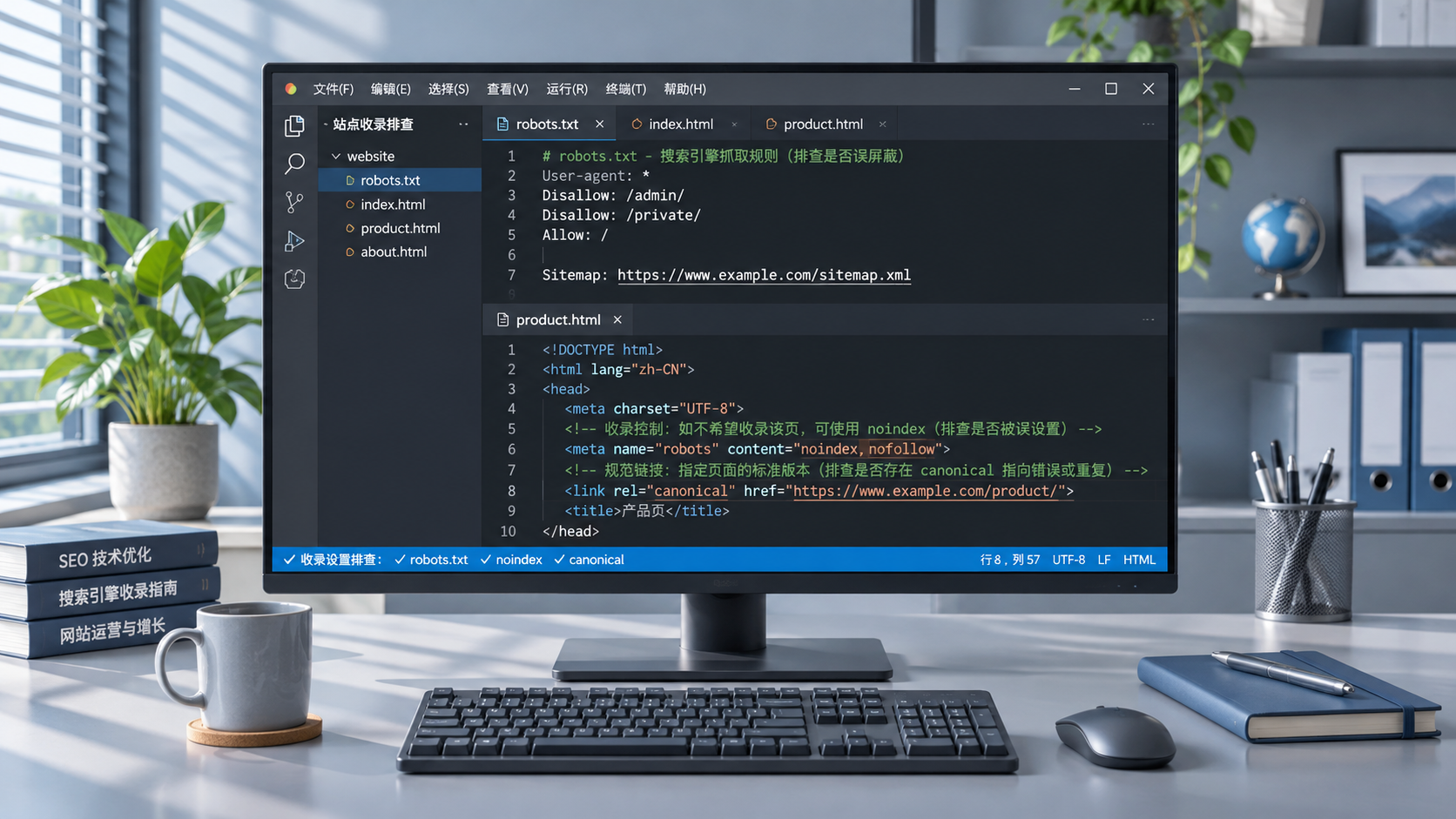
robots.txt tells crawlers that follow its rules which paths should not be crawled. URLs blocked from crawling may still appear in search results based on signals such as external links, but the search engine cannot read their page content normally. If you want to prevent indexing with a noindex directive on the page, the search engine must be able to access the page and see that directive. Blocking crawling at the same time can prevent it from reading the directive.
When launching a site, also check for rules left over from the test environment. Blocking crawling across the entire site, leaving noindex on pages, or blocking important resources can all prevent live pages from entering the index as expected. When addressing an issue, first identify which layer it occurs at, then change the relevant setting.
Status codes, redirects, and canonical URLs
The HTTP status code returned by a page affects how search engines interpret its URL. A page that returns a 404 over an extended period indicates that the resource does not exist; temporary server outages often appear as 5xx errors. If a page has moved, an appropriate permanent redirect can point to its corresponding new URL. Redirecting many old pages to an unrelated homepage can make it difficult for search engines and visitors to match the original content to its replacement.
The same content may also have duplicate URLs due to filtering parameters, tracking parameters, or multiple paths. A canonical link can indicate which version you prefer, but it is a hint, not a directive. If internal links, sitemaps, and redirects point to different versions, canonicalization signals can become inconsistent.
More crawling does not mean better rankings
Search engines schedule crawling based on a website's condition, content changes, and their own assessments. On large websites, numerous low-value parameterized pages, duplicate pages, or endlessly expanding filter combinations can consume crawling requests, affecting the discovery and updating of important pages. For websites with relatively few pages that run reliably, simply pursuing more crawls may not change rankings.
Likewise, reducing low-value URLs cannot replace improving content. When search engines can already access and index a page reliably, its ranking still depends on factors such as whether it answers the search query, whether its information is clear, and how relevant competing pages are.
How can you tell whether an issue is with crawling or a later stage?
Start by selecting a specific URL and checking its discovery, crawling, and indexing status in the URL inspection tool provided by the search engine. Check the date of the most recent crawl as well. If the tool reports a crawl failure, investigate the server response, redirects, access permissions, and robots.txt. If it reports that the page was crawled but not indexed, look further into whether the content is duplicated, whether the canonical URL is consistent, and whether the page provides enough unique information.
During the check, distinguish between a live test and the recorded status: a live test shows whether the page can be accessed at the time of testing; it does not mean the search engine has processed the page again. After changing settings, you can test again and submit a crawl request, but you still need to wait for the search engine to process the result.
Server logs can provide information that complements the tools, such as when crawlers requested particular URLs, which status codes they received, and whether they repeatedly visited parameterized pages. When analyzing logs, verify the crawler's identity to avoid mistaking ordinary visits or a spoofed crawler identifier for search engine activity. Comparing logs and URL inspection results with the page's publication date makes it possible to distinguish more accurately between delayed discovery, access failures, and indexing decisions.
Related Articles
 How does search engine crawling affect website SEO rankings?
 How can you improve Google rankings by optimizing page content?
 Which Website SEO Configuration Errors Can Affect Page Indexing?

Related Products
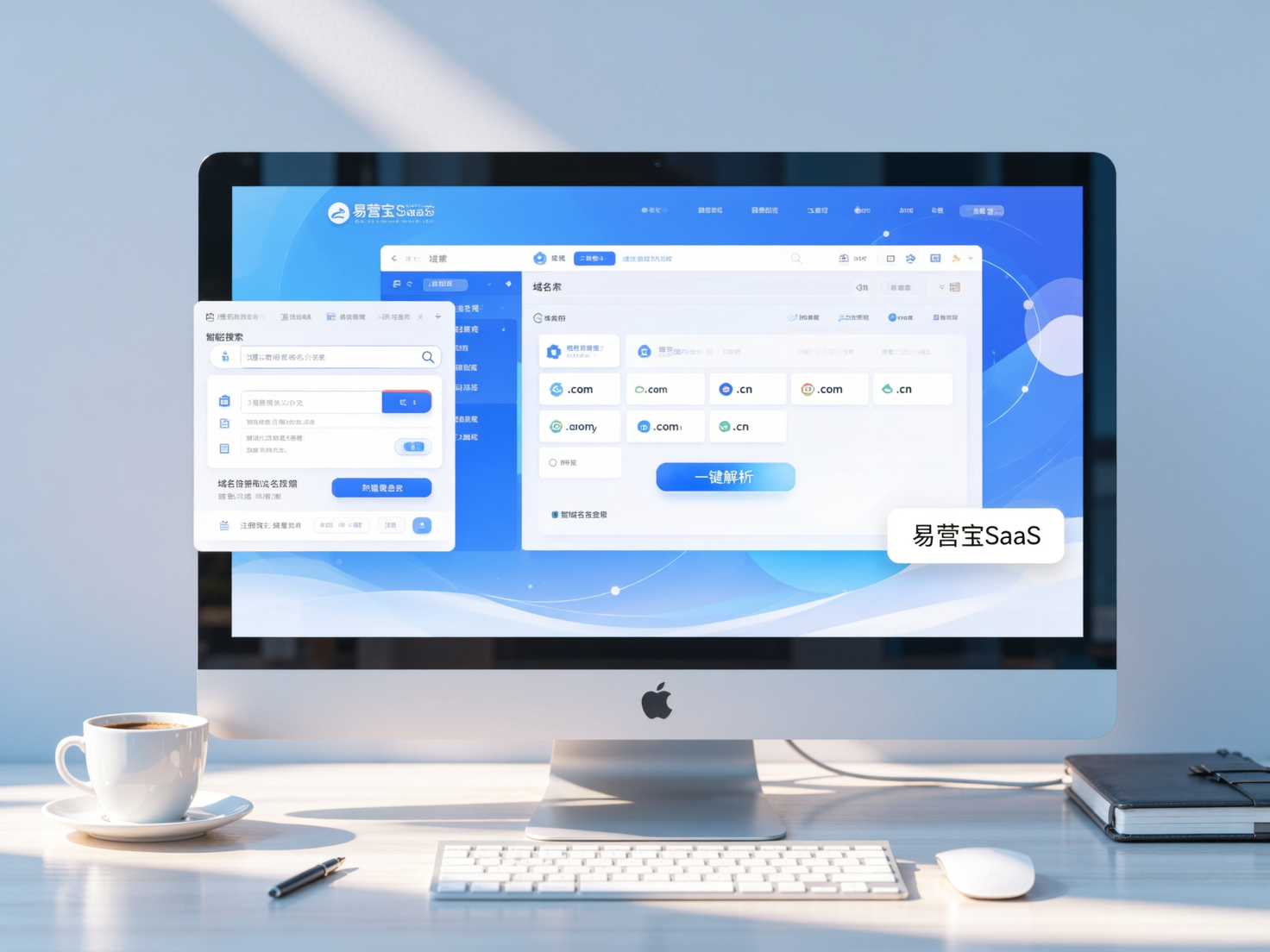
 Yiyingbao SaaS Intelligent Website Building and Marketing SystemYiyingbao SaaS Intelligent Website Building and Marketing System, AI-powered no-code website building, rapid creation of multilingual B2B international websites in 10 minutes, global server acceleration, AI-powered SEO optimization, helping businesses connect efficiently with global markets. The perfect integration of technology and operation makes building an international trade website remarkably simple
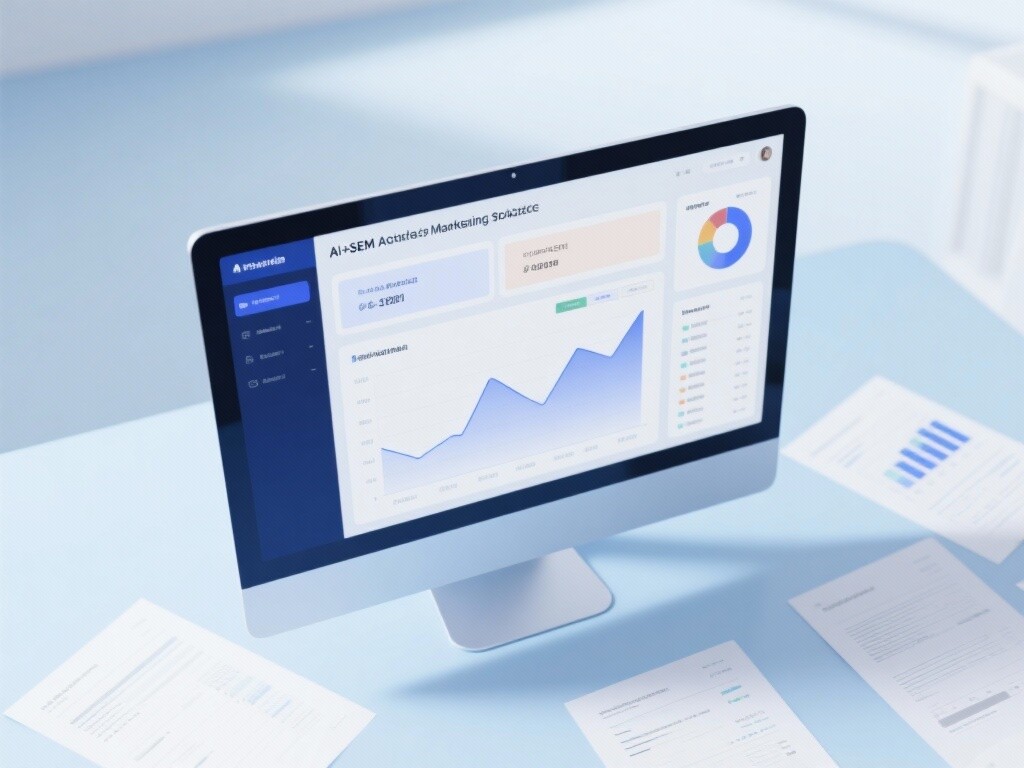
 AI+SEM Intelligent Advertising Marketing SystemAI+SEM drives intelligent ad creation, empowering full-funnel precision advertising marketing. The system automatically generates weekly/monthly reports, AI recommends keywords and target countries, monitors core metrics in real-time with intelligent alerts, and enables one-click high-conversion ad solutions to help quickly acquire customers and improve ROI.
 AI+SEO Dual-Engine System Optimization ServicesYiyingbao’s AI+SEO dual-engine optimization system helps foreign trade enterprises acquire high-quality organic traffic through AI-powered keyword research, content generation, and comprehensive technical optimization, significantly improving search rankings and conversion rates.
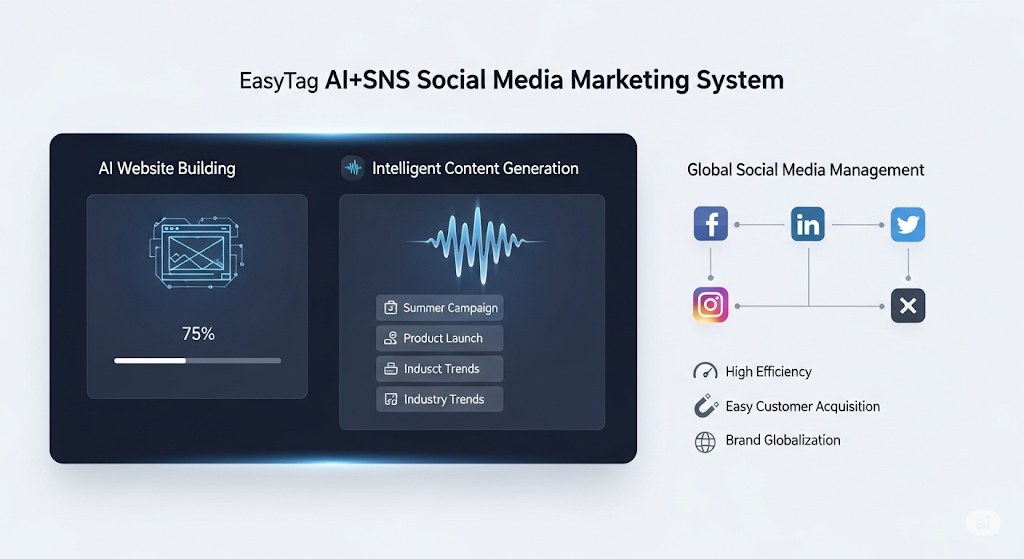
 AI+SNS Social Media Marketing SystemYingbao AI+SNS Social Media Marketing System - Precision social capture for the social media era. Supports one-click content synchronization across major platforms like Facebook and LinkedIn. AI intelligently rewrites posts for enhanced relevance. 24/7 AI customer service and user profiling analysis empower businesses to efficiently expand into global markets.
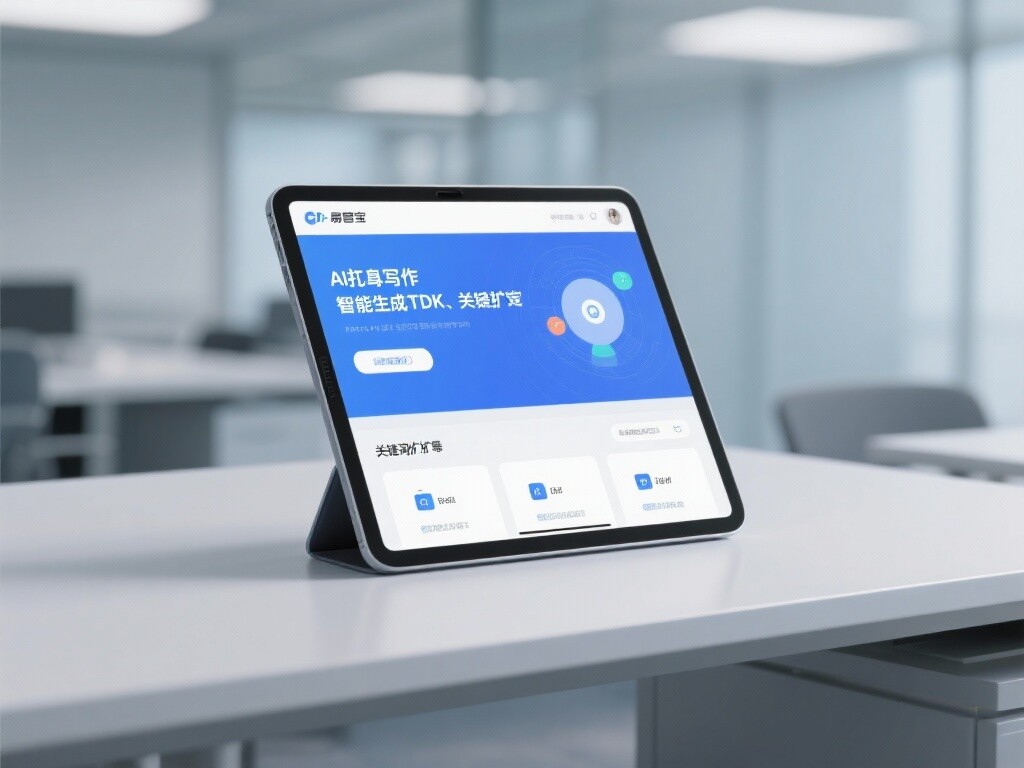
 AI+SEO营销解决方案易营宝AI+SEO营销解决方案,通过AI批量写作、智能生成TDK、精准关键词扩词等功能,全面优化网站SEO效果,提升流量与转化率。助力企业构建高效智能网站新生态。
 AI+SEM Advertising Marketing SolutionsAI+SEM Advertising Marketing Solution leverages AI technology to deeply empower SEM ad campaigns. It automatically generates weekly/monthly reports using AI, presenting account data across multiple dimensions for comprehensive insights into campaign performance and trends. The system precisely recommends keywords and target countries, intelligently generates high-conversion ad copy, and enables one-click activation of efficient campaign plans to help businesses rapidly acquire customers. Simultaneously, it monitors core metrics in real time, intelligently identifies abnormal fluctuations, and issues timely alerts to ensure stable, high-return advertising results.
 Domain Name ServicesEasyWin provides professional domain name services, including intelligent queries, one-stop registration, brand protection, and full lifecycle management, helping businesses build a digital brand image.
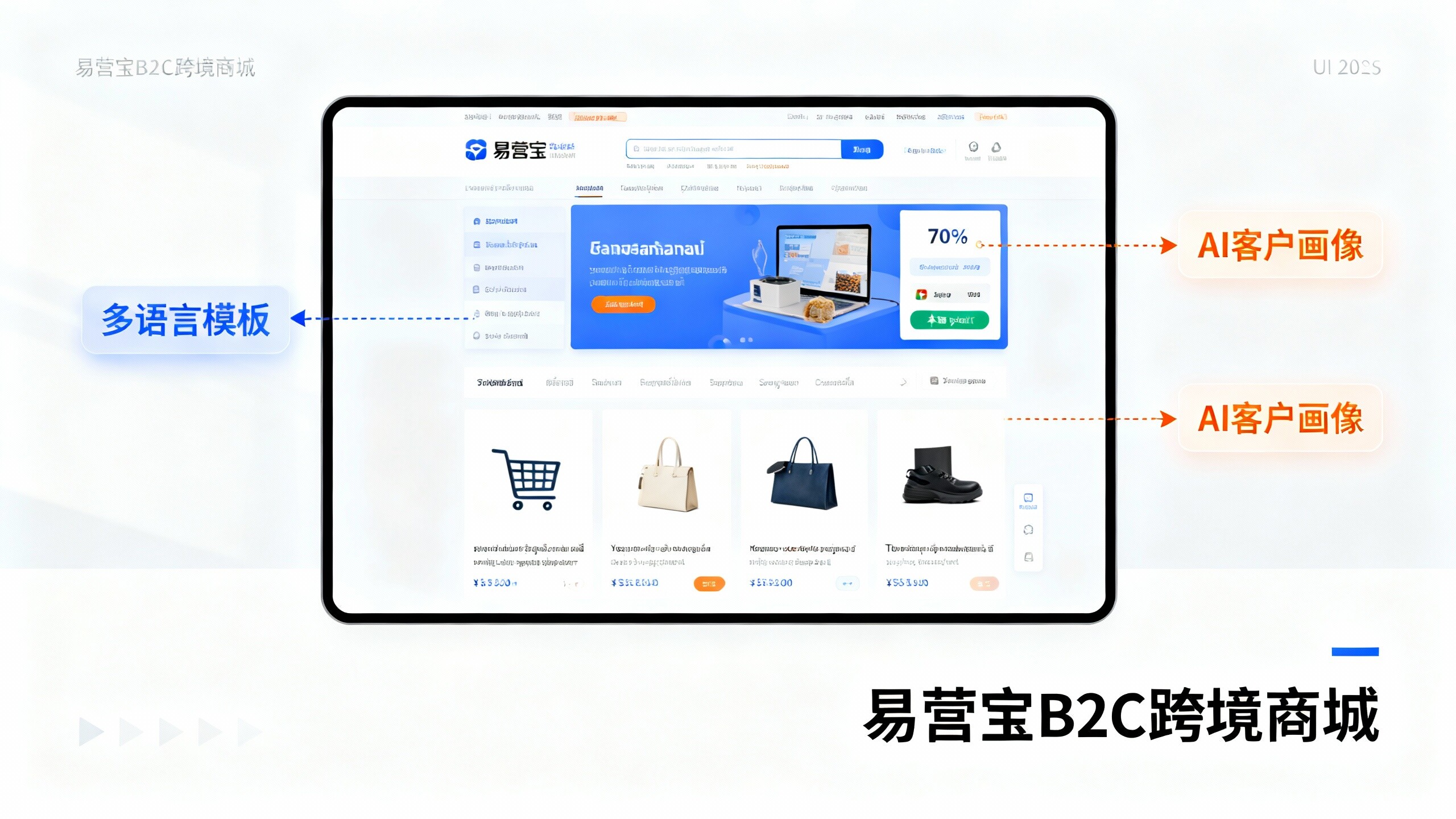
 EasyOperate B2C Cross-Border E-Commerce Platform & Independent WebsiteEasyStore B2C Cross-border E-commerce Independent Store is an intelligent website building and cross-border e-commerce integrated solution independently developed by EasyStore Information Technology (Beijing) Co., Ltd. The system is specially designed for small and medium-sized as well as large export enterprises, integrating 'website building, operation, marketing, advertising, and conversion' into one, helping enterprises quickly establish cross-border e-commerce independent stores to achieve brand globalization and global sales growth.
The platform supports multiple languages, multiple currencies, and multi-channel marketing, with built-in AI intelligent translation and SEO optimization systems, suitable for mainstream markets such as Southeast Asia, Europe and America, Latin America, and the Middle East, assisting Chinese manufacturing enterprises in efficiently deploying international e-commerce strategies. SSL证书易营宝提供专业SSL安全证书服务,包括单域名和泛域名证书,确保网站数据传输加密、身份验证和完整性保护,助力企业建立安全可信的在线业务环境。