








- China’s Tariff Commission of the State Council Adjusts Additional Tariffs on U.S. Goods: 24% Tariff Suspended for Two MonthsNov 10, 2026View details
- APEC Shenzhen Spotlight: Cross-Border E-Commerce Orders Promote Asia-Pacific Trade and Economic CooperationNov 08, 2026View details
- China-Europe Railway Express and CIIE Hold Business Matchmaking Event, Focusing on Cross-Border E-commerce B2B ExportsNov 07, 2026View details
- China’s Ministry of Commerce Responds to Additional Charges on Low-Value Imports Imposed by the EUNov 06, 2026View details
- Two Internet Development Reports Released at the 2026 World Internet ConferenceNov 05, 2026View details
- Internet Business Revenue of Enterprises Above the Designated Size Reached RMB 1.716 Trillion in the First Three Quarters, with Profits Up 17.6%Nov 05, 2026View details
How to Reduce High Checkout Abandonment on a Cross-Border E-commerce Website
A high checkout abandonment rate can quietly undermine conversions on cross-border e-commerce sites. Before taking action, operators should confirm that the data is accurate, then pinpoint issues by device, market, and checkout step, prioritizing costs, payment, delivery, and page errors.
First, identify where checkout abandonment is happening

The checkout abandonment rate is typically calculated by subtracting the number of sessions that complete a purchase from the number of sessions that enter checkout, then dividing the result by the number of sessions that enter checkout. For example, if sixty out of one hundred checkout sessions result in a purchase, the abandonment rate is forty percent.
Before calculating the rate, standardize the reporting period, device scope, and session definitions. Some users may enter checkout one day and make a purchase the next. Cross-device payments and users who do not return to the website after being redirected to a payment page can also skew the data.
Do not look only at the overall rate. Break the funnel into steps—entering checkout, entering information, selecting delivery, submitting payment, and completing a purchase—and compare the number of drop-offs at each step to identify where to investigate first.
If abandonment is noticeably higher on mobile than on desktop, check the mobile experience first. If drop-offs are concentrated in a particular country, review local shipping costs, payment methods, currencies, and delivery restrictions. When the sample size is small, extend the observation period first.
Are costs and delivery details making buyers hesitate?
Buyers may reconsider their purchase if they discover shipping, taxes, or additional fees only after entering checkout. Operators should display cost information starting on the product page and in the cart, and list the item price, shipping, taxes, and total before order confirmation.
When exact taxes cannot be determined in advance, provide an estimate based on the buyer’s location or clearly explain how they are calculated. For orders subject to import duties, also state whether the recipient is responsible for paying them, rather than using vague wording to obscure additional costs.
Delivery commitments also affect purchasing decisions. The checkout page should show eligible delivery regions, estimated delivery times, and available shipping options. If some products cannot be shipped to certain regions, notify buyers early and provide a way to change the address or remove the item.
Check that free-shipping thresholds are clear, and verify the rules for discount codes. If a code does not apply, explain why and retain the information already entered to avoid frustrating buyers with repeated attempts. Before changing shipping rates, also calculate the impact on gross margin and fulfillment costs.
How should payment failures or limited payment options be investigated?
Start by reviewing the failure rate at the payment step, then use error information in the payment provider’s dashboard to identify the cause: issuer declines, risk-control blocks, verification failures, or an interface or page error. Each issue requires a different response.
Operators can review coverage of credit cards, debit cards, and locally popular payment methods in each target market. They should also confirm that buyers can see the available currencies and the final amount to be charged. The payment methods to integrate should be selected based on local demand and provider support.
If the payment button does not respond, a verification window fails to open, or buyers cannot return to the site after being redirected, they may abandon the purchase. Test the checkout flow on different phones and browsers, and over real network connections. If necessary, review the logs with the payment provider.
When a payment fails, the page should display an explanation buyers can understand and let them switch payment methods or try again. Do not make users re-enter all their details. Also prevent duplicate charges and provide clear order status information and access to customer support.
How can forms and the mobile experience be simplified?
Review each checkout form field and keep only the information required for fulfillment, payment, and essential contact. If the business allows it, offer guest checkout and leave account registration until after the purchase is complete, reducing the decisions buyers need to make before paying.
Form fields should support address formats in target countries, including the correct handling of states, provinces, postal codes, and phone numbers. If address autocomplete is available, allow users to edit the results manually so recognition errors do not prevent them from continuing.
On mobile, pay particular attention to input field size, keyboard type, page loading, and button placement. Display error messages next to the relevant fields, explain how to correct them, and retain entered information when users return to a previous step.
Place trust-related information where buyers need it to make a decision, such as return and exchange policies, customer support contact details, and payment information near the order summary. Ensure that all statements match the actual service, and avoid security or delivery-time claims that cannot be verified.
How can data be used to verify whether optimizations are effective?
After completing the initial investigation, document each issue, including the affected market and device, the step where buyers drop off, possible causes, the person responsible for fixing it, and the verification date. Address issues that directly prevent purchases, such as payment failures and incorrect shipping costs, first.
Next, test experience issues that affect a larger share of users. For example, if you suspect that overly complicated address entry is causing mobile drop-offs, simplify the fields and guidance, then compare address-step completion rates and final purchase rates before and after the change.
When possible, randomly divide similar traffic between the old and new versions, keeping other important conditions as consistent as possible. Avoid making frequent page changes during the test. Consider the sample size and observation period when assessing results, and do not rush to conclusions when traffic is insufficient.
Do not evaluate results based on checkout completion rate alone. Also monitor payment success rate, order value, refunds, and customer support inquiries. Free shipping may increase conversions but also reduce profit; after changing discount rules, calculate actual returns as well.
How can abandoned carts be recovered and ongoing optimization planned?
For buyers who have provided contact details and meet local legal and consent requirements, set up abandoned-cart reminders showing the products, order information, and a link back to checkout. Exclude buyers who have already completed their purchase to avoid contacting them repeatedly.
Recovery messages can first help resolve buyers’ concerns, for example by explaining delivery times or providing a customer support link. Then decide whether to offer a discount based on available margins. Track the orders generated by reminders over time to determine whether the channel and frequency are worth maintaining.
If the website, advertising, and data are spread across different tools, operators should first verify how orders correspond to traffic data. Yiwangbao provides website building, cross-border e-commerce platform, and overseas marketing services. When evaluating providers, focus on their payment integrations, data tracking, and support for target markets.
Checkout optimization should start with the actual points where buyers drop off: first ensure that costs are transparent, payments work, and pages function properly, then gradually improve forms and the mobile experience, validating results against sales and profit data. Consistently recording issues and outcomes is essential to steadily improving conversions on cross-border e-commerce sites.
Related Articles
 Qingpu’s cross-border e-commerce grew by 51.8%, ranking second in Shanghai by total volume, as it deepens ties with the CIIE
 How to Reduce High Checkout Abandonment on a Cross-Border E-commerce Website
 How long does it take to see results from increasing brand awareness? How can you tell if it’s working?



Related Products
 Yiyingbao SaaS Intelligent Website Building and Marketing SystemYiyingbao SaaS Intelligent Website Building and Marketing System, AI-powered no-code website building, rapid creation of multilingual B2B international websites in 10 minutes, global server acceleration, AI-powered SEO optimization, helping businesses connect efficiently with global markets. The perfect integration of technology and operation makes building an international trade website remarkably simple
 AI+SEM Intelligent Advertising Marketing SystemAI+SEM drives intelligent ad creation, empowering full-funnel precision advertising marketing. The system automatically generates weekly/monthly reports, AI recommends keywords and target countries, monitors core metrics in real-time with intelligent alerts, and enables one-click high-conversion ad solutions to help quickly acquire customers and improve ROI.
 AI+SEO Dual-Engine System Optimization ServicesYiyingbao’s AI+SEO dual-engine optimization system helps foreign trade enterprises acquire high-quality organic traffic through AI-powered keyword research, content generation, and comprehensive technical optimization, significantly improving search rankings and conversion rates.
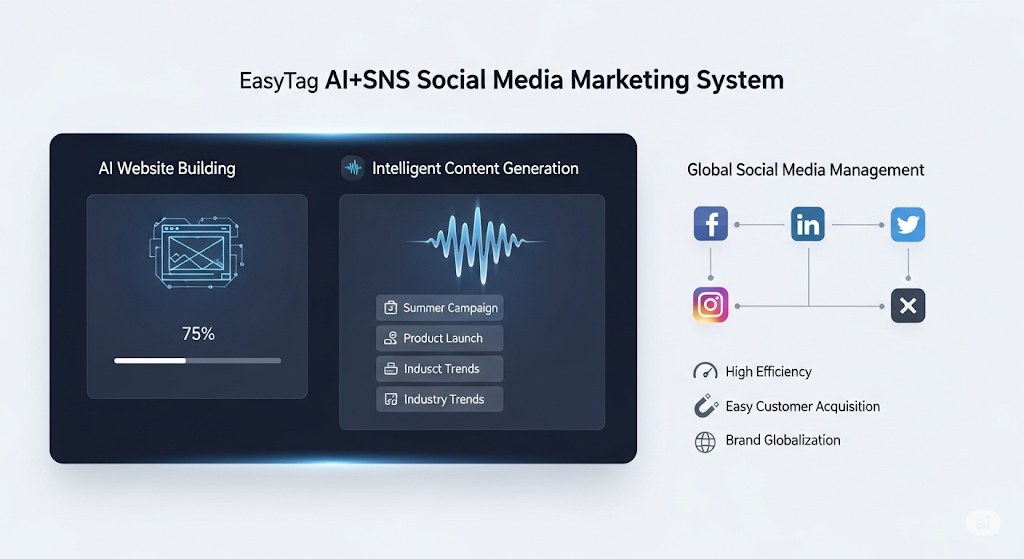
 AI+SNS Social Media Marketing SystemYingbao AI+SNS Social Media Marketing System - Precision social capture for the social media era. Supports one-click content synchronization across major platforms like Facebook and LinkedIn. AI intelligently rewrites posts for enhanced relevance. 24/7 AI customer service and user profiling analysis empower businesses to efficiently expand into global markets.
 AI+SEO营销解决方案易营宝AI+SEO营销解决方案,通过AI批量写作、智能生成TDK、精准关键词扩词等功能,全面优化网站SEO效果,提升流量与转化率。助力企业构建高效智能网站新生态。
 AI+SEM Advertising Marketing SolutionsAI+SEM Advertising Marketing Solution leverages AI technology to deeply empower SEM ad campaigns. It automatically generates weekly/monthly reports using AI, presenting account data across multiple dimensions for comprehensive insights into campaign performance and trends. The system precisely recommends keywords and target countries, intelligently generates high-conversion ad copy, and enables one-click activation of efficient campaign plans to help businesses rapidly acquire customers. Simultaneously, it monitors core metrics in real time, intelligently identifies abnormal fluctuations, and issues timely alerts to ensure stable, high-return advertising results.
 Domain Name ServicesEasyWin provides professional domain name services, including intelligent queries, one-stop registration, brand protection, and full lifecycle management, helping businesses build a digital brand image.
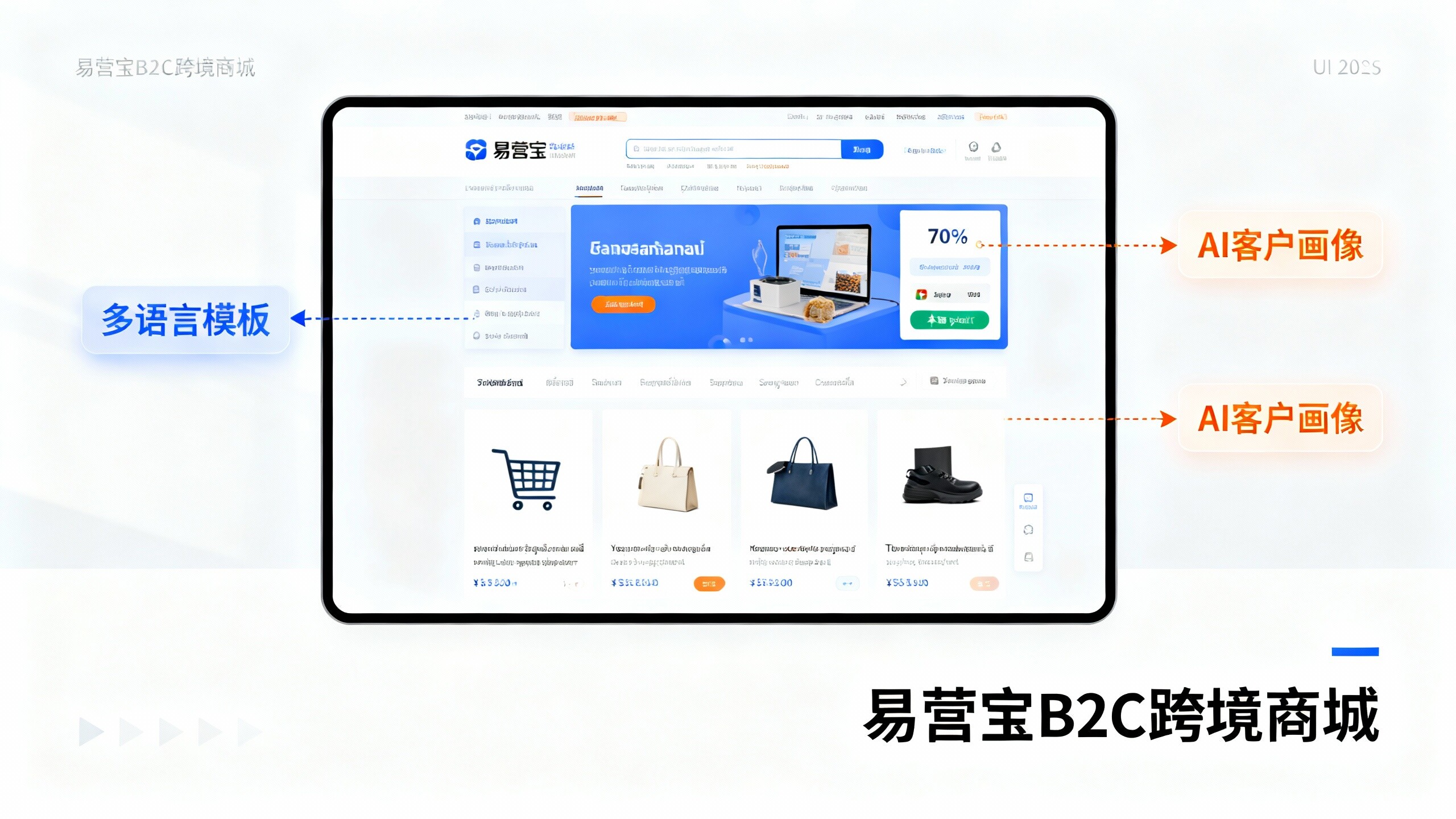
 EasyOperate B2C Cross-Border E-Commerce Platform & Independent WebsiteEasyStore B2C Cross-border E-commerce Independent Store is an intelligent website building and cross-border e-commerce integrated solution independently developed by EasyStore Information Technology (Beijing) Co., Ltd. The system is specially designed for small and medium-sized as well as large export enterprises, integrating 'website building, operation, marketing, advertising, and conversion' into one, helping enterprises quickly establish cross-border e-commerce independent stores to achieve brand globalization and global sales growth.
The platform supports multiple languages, multiple currencies, and multi-channel marketing, with built-in AI intelligent translation and SEO optimization systems, suitable for mainstream markets such as Southeast Asia, Europe and America, Latin America, and the Middle East, assisting Chinese manufacturing enterprises in efficiently deploying international e-commerce strategies. SSL证书易营宝提供专业SSL安全证书服务,包括单域名和泛域名证书,确保网站数据传输加密、身份验证和完整性保护,助力企业建立安全可信的在线业务环境。