








- APEC Shenzhen Spotlight: Cross-Border E-Commerce Orders Promote Asia-Pacific Trade and Economic CooperationNov 08, 2026View details
- China-Europe Railway Express and CIIE Hold Business Matchmaking Event, Focusing on Cross-Border E-commerce B2B ExportsNov 07, 2026View details
- China’s Ministry of Commerce Responds to Additional Charges on Low-Value Imports Imposed by the EUNov 06, 2026View details
- Two Internet Development Reports Released at the 2026 World Internet ConferenceNov 05, 2026View details
- Internet Business Revenue of Enterprises Above the Designated Size Reached RMB 1.716 Trillion in the First Three Quarters, with Profits Up 17.6%Nov 05, 2026View details
- Shopify's Third-Quarter Revenue and GMV Fall Short of Expectations, Sending Shares Tumbling Before the Market OpensNov 04, 2026View details
Do SaaS website security features cost extra?
Not all security features for SaaS website building necessarily require additional fees. The basic plan may already include HTTPS for the website, basic backups, and some network protection. However, standalone certificates, long-term backups, on-demand recovery, advanced attack protection, and security audits may be charged separately based on the plan tier or usage. When budgeting for SaaS website security, consider the feature scope, usage limits, recovery fees, and renewal terms together.
SSL Certificates: Distinguish Between “Can Be Enabled” and “Included”
SSL certificates encrypt the connection between a browser and a website. If a quote says “SSL supported,” that does not necessarily mean the certificate fee is included. It may only mean that the system allows a certificate to be configured, while the certificate itself must still be purchased separately. Even if the quote says “free SSL,” confirm whether it applies to a domain provided by the system or to your own domain.
Multilingual websites often use multiple domains or subdomains. Certificate coverage, automatic renewal methods, and reconfiguration fees after a domain change all affect the actual cost. If the plan includes a basic certificate but the project requires a specific certificate type or self-managed certificates, also confirm whether the system supports importing certificates and whether a configuration service fee applies.
HTTPS protects the connection during transmission; it does not replace account access management, data backups, or attack protection. A free certificate does not mean that all website security costs are covered.
Backup Costs Often Depend on Recovery Conditions
The phrase “data backups provided” offers limited information. What really affects the cost is what the backups cover, how often they are performed, how long they are retained, and whether you can restore them yourself when needed. Pages, images, product information, orders, and form inquiries in a website-building system may not all fall within the same backup scope.
For example, a plan may include regular backups but retain only a limited number of historical versions. If deleted content is not noticed until much later, the required version may no longer be available in the existing backups. Extending the retention period, increasing backup frequency, or backing up the database separately may incur additional charges.
Recovery should also be priced separately: can the provider restore the entire website, or individual pages, orders, or files? What happens to data created after restoration to an older version? Some services include backup storage in the plan but charge separately for manual recovery, point-in-time recovery, or emergency handling. It is best to specify these conditions in the quote to avoid discovering only after an incident that “backups are available” does not necessarily mean “recovery is available on demand.”

For Protection Services, Check Coverage and Usage-Based Billing Triggers
Basic security protection may be provided as part of the cloud infrastructure or website-building plan, while advanced protection is often tied to plan tiers, traffic volumes, or standalone services. When comparing options, consider the following types of fees:
- Malicious traffic and attack protection: Confirm the protection scope and traffic limits included in the plan, as well as what happens when those limits are exceeded. Exceeding the limit may incur fees or trigger rate limiting or service suspension, so do not compare plans based only on whether they are labeled “attack protection.”
- Web application protection: Rules for blocking malicious requests may be divided into basic and configurable rules. If rules need to be adjusted individually or false positives addressed, confirm whether manual support is included.
- Malware detection and remediation: Regular scanning, alerts, cleanup, and recovery are separate steps. Scanning being included does not mean cleanup is included. Response times and service scope after an issue is detected should also be specified in the agreement.
- Logs and audits: Access to login records, activity records, and security event logs, as well as their retention periods and export options, may be limited by the plan.
Traffic may surge after an advertising campaign or promotion goes live. If protection services are billed by traffic or request volume, confirm whether normal promotional traffic counts toward the limit and how overage fees are calculated. Spam-submission protection should also be considered for inquiry forms: frequent blocking can prevent potential customers from submitting inquiries, while insufficient restrictions may increase the cost of handling spam.
Account Permissions and Third-Party Integrations Can Also Affect Costs
When multiple people maintain a website, the number of backend accounts, role permissions, and login protection features affect security settings. A basic plan may offer only a limited number of accounts. More granular permissions for content editing, order management, and system settings, or stricter login verification, may require a plan upgrade. Confirm whether permissions can be assigned by role and whether accounts can be promptly deactivated when staff leave.
When a website connects to payment, customer management, or marketing tools, also clarify which systems exchange data, who manages interface permissions, and whether the integration incurs separate fees. Security services in a website-building plan may not cover third-party systems. If form data synchronization fails or an interface key is leaked, the responsibilities for troubleshooting, reconfiguration, and data recovery should also be agreed in advance.
Compare Security Costs as Part of the Full Quote
Two quotes that both say “security services included” may not be directly comparable if they differ in the number of domains, backup retention periods, and protection limits. It is helpful to list initial fees, renewal prices, plan allowances, and overage charges separately, and to specify the service period covered by each fee. Features available only after a plan upgrade should also be assessed based on the actual price of the plan that includes them.
The contract or terms of service should also specify incident notifications, how to request recovery, and the division of responsibilities. If data is accidentally deleted, whether recovery requires additional payment, whether a response is guaranteed within an agreed timeframe, and what conditions limit the recovery objectives are more useful for evaluation than simply stating “free backups.”
Finally, confirm the scope and cost of data exports when the service expires or you switch systems. Being able to export page content does not mean that orders, inquiries, images, and historical logs can all be retrieved in a usable format. Clarifying export permissions and support periods in advance can help prevent security and migration costs from accumulating at renewal time.
Related Articles
 Do SaaS website security features cost extra?
 How do the long-term maintenance costs of SaaS website building compare with outsourced website development?
 How Does an AI Website Translation SaaS Platform Calculate Translation Costs?



Related Products
 Yiyingbao SaaS Intelligent Website Building and Marketing SystemYiyingbao SaaS Intelligent Website Building and Marketing System, AI-powered no-code website building, rapid creation of multilingual B2B international websites in 10 minutes, global server acceleration, AI-powered SEO optimization, helping businesses connect efficiently with global markets. The perfect integration of technology and operation makes building an international trade website remarkably simple
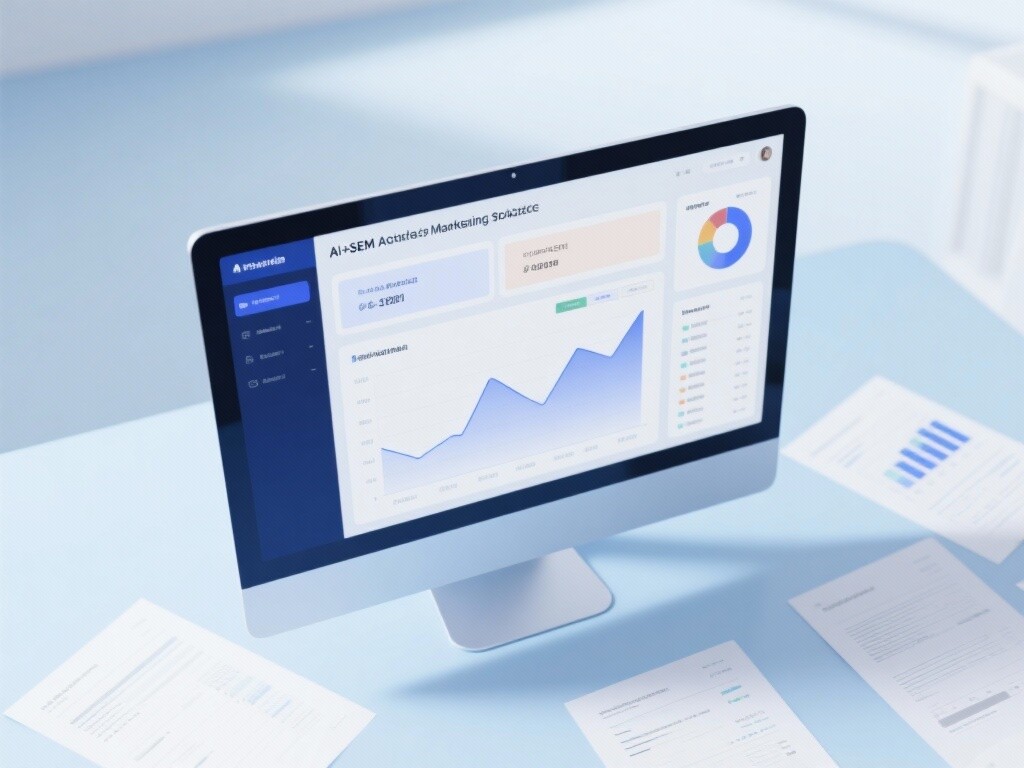
 AI+SEM Intelligent Advertising Marketing SystemAI+SEM drives intelligent ad creation, empowering full-funnel precision advertising marketing. The system automatically generates weekly/monthly reports, AI recommends keywords and target countries, monitors core metrics in real-time with intelligent alerts, and enables one-click high-conversion ad solutions to help quickly acquire customers and improve ROI.
 AI+SEO Dual-Engine System Optimization ServicesYiyingbao’s AI+SEO dual-engine optimization system helps foreign trade enterprises acquire high-quality organic traffic through AI-powered keyword research, content generation, and comprehensive technical optimization, significantly improving search rankings and conversion rates.
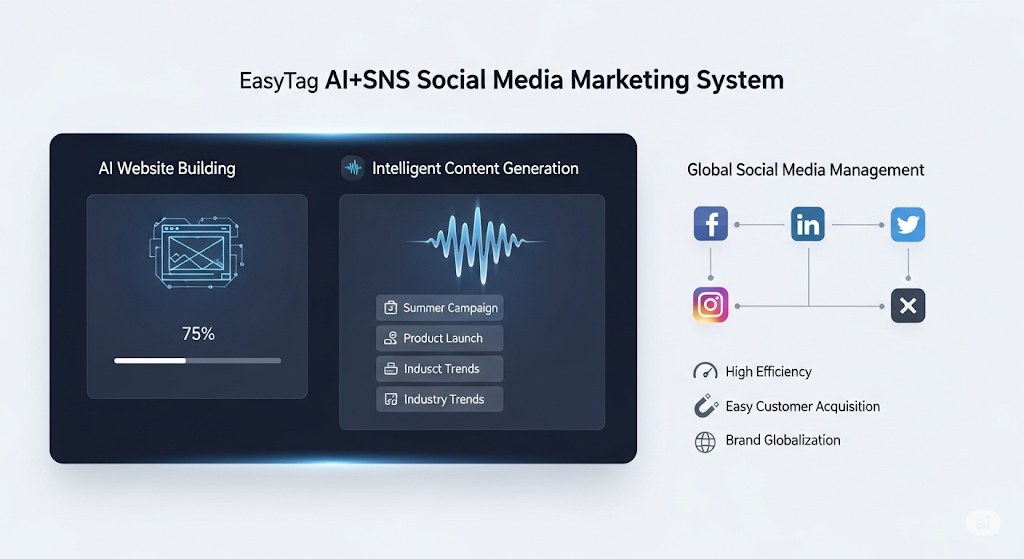
 AI+SNS Social Media Marketing SystemYingbao AI+SNS Social Media Marketing System - Precision social capture for the social media era. Supports one-click content synchronization across major platforms like Facebook and LinkedIn. AI intelligently rewrites posts for enhanced relevance. 24/7 AI customer service and user profiling analysis empower businesses to efficiently expand into global markets.
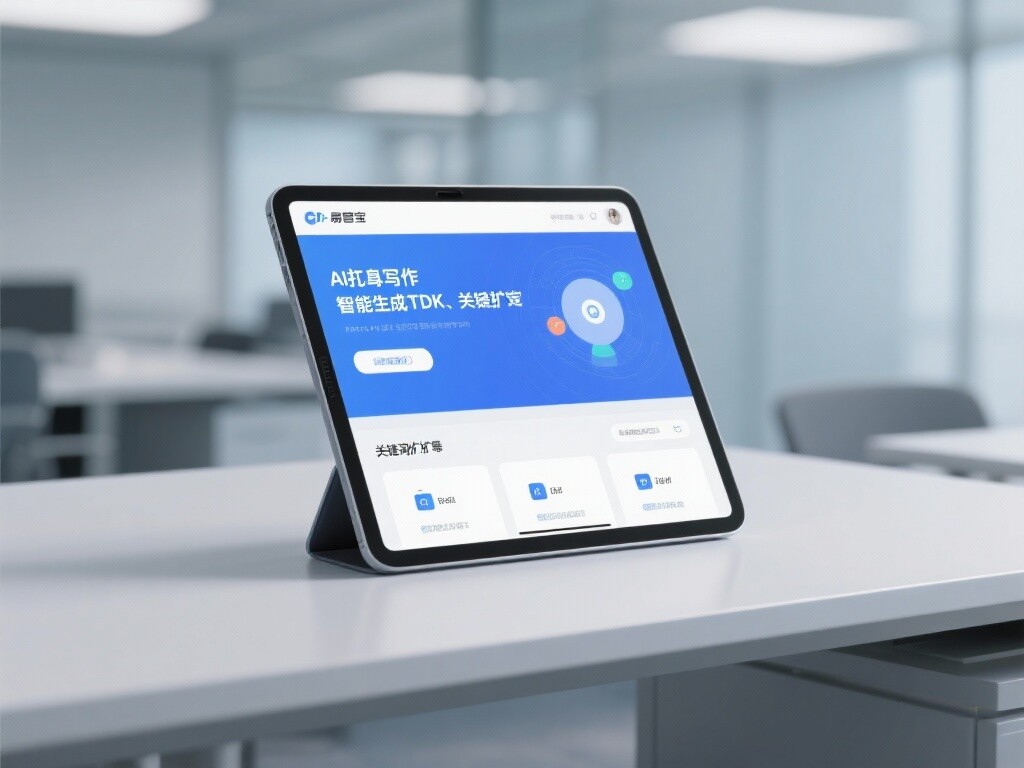
 AI+SEO营销解决方案易营宝AI+SEO营销解决方案,通过AI批量写作、智能生成TDK、精准关键词扩词等功能,全面优化网站SEO效果,提升流量与转化率。助力企业构建高效智能网站新生态。
 AI+SEM Advertising Marketing SolutionsAI+SEM Advertising Marketing Solution leverages AI technology to deeply empower SEM ad campaigns. It automatically generates weekly/monthly reports using AI, presenting account data across multiple dimensions for comprehensive insights into campaign performance and trends. The system precisely recommends keywords and target countries, intelligently generates high-conversion ad copy, and enables one-click activation of efficient campaign plans to help businesses rapidly acquire customers. Simultaneously, it monitors core metrics in real time, intelligently identifies abnormal fluctuations, and issues timely alerts to ensure stable, high-return advertising results.
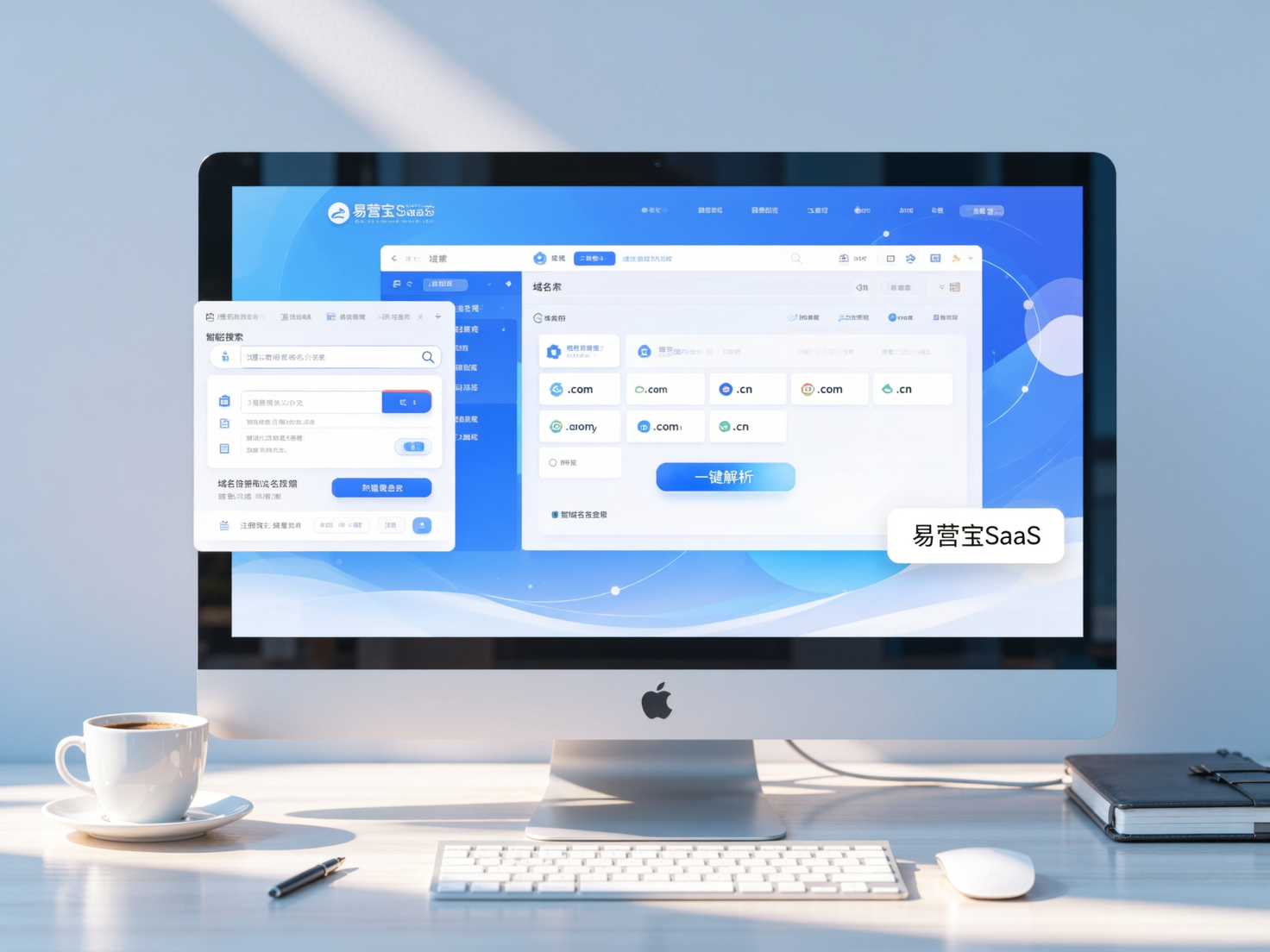
 Domain Name ServicesEasyWin provides professional domain name services, including intelligent queries, one-stop registration, brand protection, and full lifecycle management, helping businesses build a digital brand image.
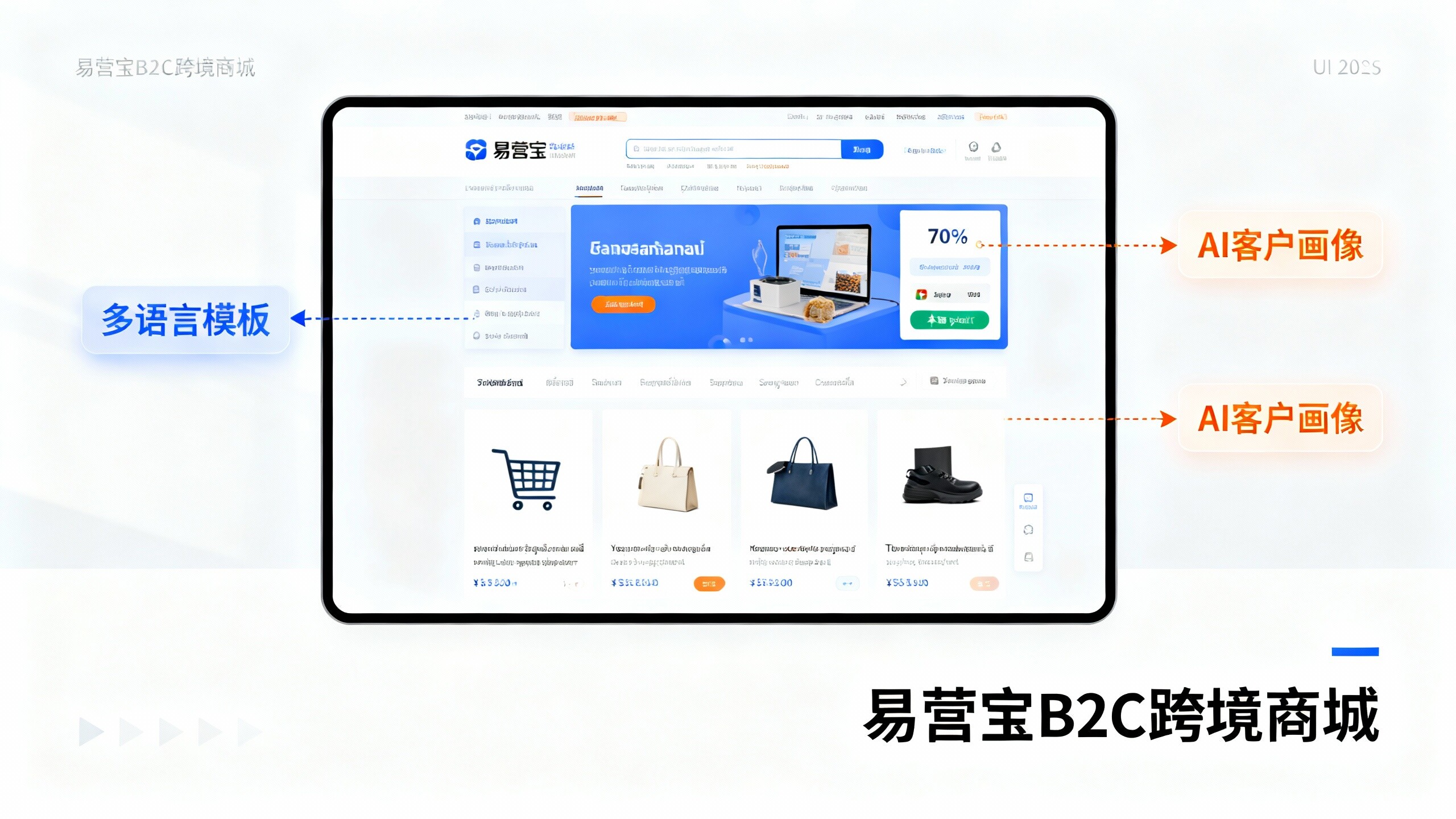
 EasyOperate B2C Cross-Border E-Commerce Platform & Independent WebsiteEasyStore B2C Cross-border E-commerce Independent Store is an intelligent website building and cross-border e-commerce integrated solution independently developed by EasyStore Information Technology (Beijing) Co., Ltd. The system is specially designed for small and medium-sized as well as large export enterprises, integrating 'website building, operation, marketing, advertising, and conversion' into one, helping enterprises quickly establish cross-border e-commerce independent stores to achieve brand globalization and global sales growth.
The platform supports multiple languages, multiple currencies, and multi-channel marketing, with built-in AI intelligent translation and SEO optimization systems, suitable for mainstream markets such as Southeast Asia, Europe and America, Latin America, and the Middle East, assisting Chinese manufacturing enterprises in efficiently deploying international e-commerce strategies. SSL证书易营宝提供专业SSL安全证书服务,包括单域名和泛域名证书,确保网站数据传输加密、身份验证和完整性保护,助力企业建立安全可信的在线业务环境。