









- Amazon Reportedly Sends Exclusivity Warning Letters to Multiplatform SellersNov 03, 2026View details
- New TikTok Shop Cross-Border Returns Rules for Southeast Asia Take Effect on November 5Nov 03, 2026View details
- U.S. Tightens De Minimis Exemption Channel and Revises Section 321 Data PilotNov 03, 2026View details
- Amazon FBA Fuel and Logistics Surcharge in 10 European Countries to Increase to 2% on November 2Nov 02, 2026View details
- EU Customs Code reform to take effect on November 1, with new handling fees for direct-mail small parcelsNov 01, 2026View details
- EU Plans to Raise Tax on Incoming Small Parcels to €5Oct 31, 2026View details
Are AI Search Engines Indexing My Website? First Check the Crawl Sources and Page Permission Settings
Before Checking Rankings, First Confirm Whether the Page Can Actually Be Crawled
When many after-sales maintenance personnel notice that their site does not appear in AI search results, they first check keyword rankings. In fact, this step is often too late. When dealing with questions such as “are ai search engines indexing my website?”, the first things to investigate are the crawling entry points, robots settings, whether the page requires login, and whether the server is blocking visitors.
The reason is simple: if a page cannot be accessed reliably or does not allow crawling at all, even excellent content cannot enter the index. These basic issues are especially common on multilingual websites, foreign trade websites, campaign landing pages, and newly redesigned pages, and they are often not immediately visible to the content team.
How Can You Determine Whether AI Search Has Actually Crawled Your Website?
Do not look only at whether there is traffic, and do not check only whether the homepage can open. A more reliable approach is to check the site through four layers: “accessible, crawlable, parsable, and indexable.”
- Whether the page returns a normal status code, with particular attention to 200, 301, 302, 403, 404, and 5xx.
- Whether robots.txt blocks directories, parameter pages, or language-version pages.
- Whether the page source contains noindex or nofollow, or whether the X-Robots-Tag response header imposes restrictions.
- Whether the page requires login, CAPTCHA verification, or a regional redirect before its content can be viewed.
- Whether important body content depends on front-end script rendering, leaving the initial HTML with almost no substantive content.
If any of these items has a problem, AI search may know your URL but only visit it briefly, ultimately leaving it out of the usable index.
Why Is a Website Still Not Indexed When robots.txt Is Correct?
Because robots.txt is only the first layer. It addresses whether crawlers are “allowed to enter,” but not what they see after entering. In actual maintenance work, the following situations are most easily overlooked:
Therefore, normal robots settings do not mean that a page can be indexed. You need to examine the response headers, page source, and security policies together to see the full picture.
When building knowledge bases or resource pages, some maintenance teams also refer to the permission-design logic of other content systems. Pages such as Research on the Construction Path of Internal Controls in Public Hospitals from the Perspective of Financial and Accounting Supervision can also become inaccessible to crawlers if they are placed in restricted directories or have overly long download redirect chains. This is the same issue as with white paper and case study pages on marketing websites.

If a Page Opens but Requires Login to View, Will This Affect AI Search?
Yes, and the impact is direct. Most AI search crawling logic is still based on publicly accessible pages. Login walls, SMS verification, pop-ups that force users to submit contact details, regional passwords, and forms that must be submitted before downloading a PDF can all stop crawlers at the door.
For after-sales maintenance, the most easily overlooked point is that “being visible to people does not mean being visible to crawlers.” For example, because you are already logged in to the backend in your browser, everything appears normal when you open the resource center. However, an external crawling request has no login session and may receive a redirect page, a blank template, or a permission notice instead.
If such content is intended to be cited by AI search, it is recommended to retain at least one public version: place the title, summary, and core explanation on a publicly accessible HTML page, and then guide users to download more in-depth materials. This preserves the conversion path without completely locking the entire page.
Which Page Permission Settings Are Most Likely to Accidentally Harm Indexing?
The problem is not limited to “access denied”; many accidental blocks occur in default configurations. There are four common types:
- Rules from the testing environment are carried over to the production site, such as site-wide noindex settings or unretracted basic authentication.
- Multilingual switching depends on scripts, leaving the default page without body content and giving crawlers only an empty shell page.
- Anti-crawling policies classify visits with unusual frequencies as risky requests, causing normal crawling to be blocked as well.
- Attachment pages, case study pages, and help center pages are placed in private directories. The front-end links can be clicked, but the responses are not publicly accessible.
When troubleshooting, do not check only the homepage. At a minimum, sample category pages, detail pages, multilingual pages, paginated pages, and redirect pages, because the problem often appears only in a particular type of template.
Is Submitting a Sitemap Enough?
No. A sitemap only tells the crawling system that “these URLs are worth looking at”; it does not help bypass permissions and cannot replace content accessibility. Many people mistakenly treat a sitemap as an indexing switch.
A more practical approach is to use the sitemap as a checklist: the URLs listed in it must return stable content, rather than redirecting in bulk, returning soft 404s, or displaying only a loading animation after opening. This is especially true for AI search, which relies more on readable page text, structure, and context than on simply remembering a URL.
Can Front-End-Rendered Pages Affect AI Search Indexing?
Possibly. The key issue is not which framework is used, but whether the first retrievable HTML contains the essential content. If the source code contains only a root node, while the body text, title, and product description are all generated by scripts, crawling performance is usually unstable.
During maintenance, you can assess this as follows: view the page source directly. If you cannot see the core title, body summary, internal links, and basic metadata, the page should be prioritized for handling. Common methods include server-side rendering, static pre-rendering, or at least ensuring that important content does not appear only after user interaction.
In What Order Should After-Sales Maintenance Personnel Troubleshoot Indexing Abnormalities?
Checking in order is the most efficient approach and makes it less likely that anything will be overlooked.
- Extract 5 to 10 key URLs and check their response codes and final landing pages.
- Check whether robots.txt, meta robots, and X-Robots-Tag conflict with one another.
- Access the pages without login, without cache, and through networks in different regions to confirm whether permission differences occur.
- View the source code and confirm that the body content is not an empty shell rendered by scripts.
- Check CDN, WAF, rate limiting, and CAPTCHA policies to confirm that crawling requests have not been blocked by mistake.
- Verify that the URLs in the sitemap are genuinely accessible and consistent with the internal linking structure.
The advantage of this sequence is that it eliminates technical blocking factors first and then moves on to content and external links, preventing time from being wasted in the wrong direction from the outset.
Are There Differences Between AI Search and Traditional Search in Crawling Assessment?
There are differences in emphasis, but the basic threshold is the same: the page must be accessible, readable, and capable of forming a stable content unit. The difference is that AI search places greater emphasis on whether content can be accurately extracted, understood, and cited.
In other words, traditional search may still provide some exposure opportunities through strong entry pages, whereas if AI search crawls a permission page, an empty template, or fragmented body content, it is usually difficult for it to use the content effectively in answers. This is particularly important for multilingual marketing websites. It is not enough for a page to “exist”; it must also be “readable.”
When Should You Suspect a Page Quality Issue Rather Than an Indexing Issue?
Once the technical checks have passed and the page can be accessed reliably, examine the content itself. If many pages merely replace words in the title, contain very little body text, have highly repetitive regional content, or provide almost no usage-scenario information beyond a parameter table on product pages, AI search may not choose to display them even after crawling them.
This situation differs from a permission issue. A permission issue means “the crawler cannot get in,” while a quality issue means “there is little useful information after getting in.” The two must be handled separately; do not attribute every abnormality to crawling.
Which Line Should You Follow First?
When you encounter “are ai search engines indexing my website?”, do not rush to ask whether there are rankings. First confirm whether the URL is publicly accessible, then check robots and page-level indexing directives, next rule out login walls, security-risk blocks, and empty-shell rendering, and only then move on to content quality and structural optimization.
For after-sales maintenance personnel, the most valuable approach is not guessing whether AI search has indexed a page, but clarifying every possible point of blockage. When the page opens reliably, the source code contains readable body content, and the permission policy does not cause accidental blocking, the indexing issue can usually be narrowed down to a clear scope. This provides a reliable basis whether the work is subsequently handed over to SEO, development, or operations.
Related Articles
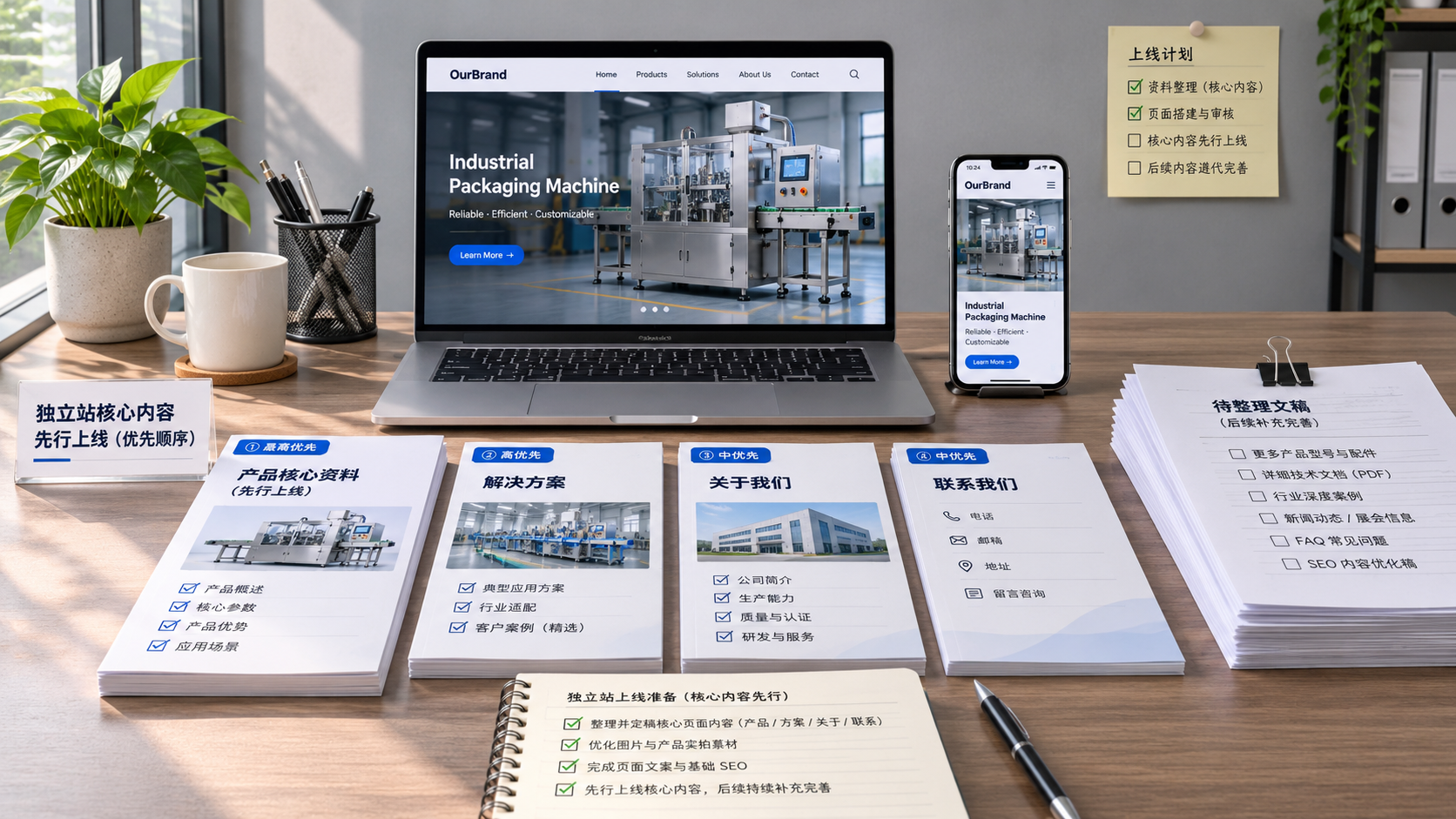
 Q3 marketing content for your standalone website isn’t ready. How should you adjust the launch sequence?
 Is It Normal for Multilingual Website Maintenance to Take Up 35% of the Technical Team’s Time?
 Overseas customers report that websites load slowly in some regions. How can we identify the cause?


Related Products
 Yiyingbao SaaS Intelligent Website Building and Marketing SystemYiyingbao SaaS Intelligent Website Building and Marketing System, AI-powered no-code website building, rapid creation of multilingual B2B international websites in 10 minutes, global server acceleration, AI-powered SEO optimization, helping businesses connect efficiently with global markets. The perfect integration of technology and operation makes building an international trade website remarkably simple
 AI+SEM Intelligent Advertising Marketing SystemAI+SEM drives intelligent ad creation, empowering full-funnel precision advertising marketing. The system automatically generates weekly/monthly reports, AI recommends keywords and target countries, monitors core metrics in real-time with intelligent alerts, and enables one-click high-conversion ad solutions to help quickly acquire customers and improve ROI.
 AI+SEO Dual-Engine System Optimization ServicesYiyingbao’s AI+SEO dual-engine optimization system helps foreign trade enterprises acquire high-quality organic traffic through AI-powered keyword research, content generation, and comprehensive technical optimization, significantly improving search rankings and conversion rates.
 AI+SNS Social Media Marketing SystemYingbao AI+SNS Social Media Marketing System - Precision social capture for the social media era. Supports one-click content synchronization across major platforms like Facebook and LinkedIn. AI intelligently rewrites posts for enhanced relevance. 24/7 AI customer service and user profiling analysis empower businesses to efficiently expand into global markets.
 AI+SEO营销解决方案易营宝AI+SEO营销解决方案,通过AI批量写作、智能生成TDK、精准关键词扩词等功能,全面优化网站SEO效果,提升流量与转化率。助力企业构建高效智能网站新生态。
 AI+SEM Advertising Marketing SolutionsAI+SEM Advertising Marketing Solution leverages AI technology to deeply empower SEM ad campaigns. It automatically generates weekly/monthly reports using AI, presenting account data across multiple dimensions for comprehensive insights into campaign performance and trends. The system precisely recommends keywords and target countries, intelligently generates high-conversion ad copy, and enables one-click activation of efficient campaign plans to help businesses rapidly acquire customers. Simultaneously, it monitors core metrics in real time, intelligently identifies abnormal fluctuations, and issues timely alerts to ensure stable, high-return advertising results.
 Domain Name ServicesEasyWin provides professional domain name services, including intelligent queries, one-stop registration, brand protection, and full lifecycle management, helping businesses build a digital brand image.
 EasyOperate B2C Cross-Border E-Commerce Platform & Independent WebsiteEasyStore B2C Cross-border E-commerce Independent Store is an intelligent website building and cross-border e-commerce integrated solution independently developed by EasyStore Information Technology (Beijing) Co., Ltd. The system is specially designed for small and medium-sized as well as large export enterprises, integrating 'website building, operation, marketing, advertising, and conversion' into one, helping enterprises quickly establish cross-border e-commerce independent stores to achieve brand globalization and global sales growth.
The platform supports multiple languages, multiple currencies, and multi-channel marketing, with built-in AI intelligent translation and SEO optimization systems, suitable for mainstream markets such as Southeast Asia, Europe and America, Latin America, and the Middle East, assisting Chinese manufacturing enterprises in efficiently deploying international e-commerce strategies. SSL证书易营宝提供专业SSL安全证书服务,包括单域名和泛域名证书,确保网站数据传输加密、身份验证和完整性保护,助力企业建立安全可信的在线业务环境。









