









- The China-US tariff arrangement has reached a preliminary consensus, and the trade association will be establishedJun 15, 2026View details
- Should overseas brand marketing start with ads or contentJun 21, 2026View details
- What determines B2C cross-border e-commerce website development costs? A breakdown of features, interfaces, and deployment methodsJun 17, 2026View details
- China-Morocco zero-tariff access, a breakthrough in the cost of Moroccan goods exports to ChinaJun 11, 2026View details
- What signal should be released for the suspension of exports to JapanJun 10, 2026View details
- China's May LNG imports rebounded, with increased volumes from Russia and Canada filling the Middle East supply gapJun 10, 2026View details
Which smart website builder platform is the best and easiest to use?
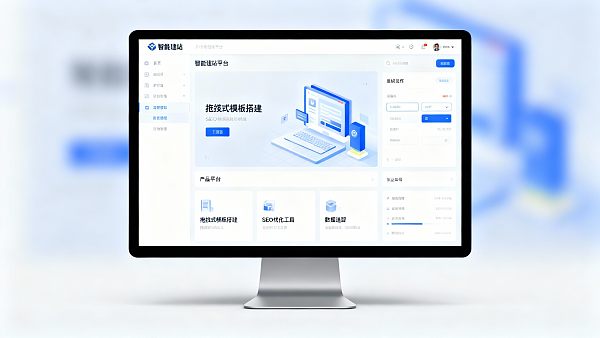
"Best to use, simplest" is not a one-size-fits-all answer: some want 1 day online, others want no rework after half a year. What truly determines the experience is not the "number of features" advertised by the platform, but which type of "simplicity" you need: learning simplicity, operational simplicity, or long-term operational simplicity.
Table of Contents
1) First clarify the keywords: What is "best to use"? What is "simplest"?
1.1 "Best to use" typically refers to 3 types of experiences
Setup experience: Whether templates/drag-and-drop/components are smooth, and whether going live is fast.
Operational experience: Whether version updates, new content updates, and content refreshes are hassle-free and error-prone.
Growth experience: Whether the workflow is smooth for subsequent SEO, ads, and data reviews (fewer tool switches, less import/export).
1.2 "Simplest" also divides into 3 types of "simplicity"
Low learning cost: Can be used even without technical knowledge, with clear paths and friendly prompts.
Short action paths: Fewer system switches, less copy-pasting, less manual table adjustments.
Long-term no rework: Structure, data, and collaboration mechanisms won't "lock you in" from the start.
Summary: Short-term looks at "how fast setup is," long-term looks at "how much rework is needed." Your answer depends on which type of "simplicity" you prioritize.
2) Where exactly is the "intelligence" in "smart website building"? Don't misuse the concept
2.1 "Smart" isn't just AI copywriting
Process automation: E.g., batch updates, batch page element generation, automatic multi-language content sync.
Structural capabilities: Clearer pages/columns/data sources for more stable SEO and ad integration.
Data traceability: Leads, sources, and page performance can be uniformly tracked for review.
Controlled collaboration: Multi-role permissions, traceability, reducing errors.
2.2 All-in-one vs. tool-based: This is about "platform positioning," not feature count
All-in-one platforms emphasize integrating "building → growth (SEO/ads/content) → data review" into one system; Tool-based platforms focus on quick building but often require external tools for growth and data.
Key insight: You're not choosing "the most features" but "whether future actions will require frequent tool switching."
3) Common platform types explained: Three main approaches (understand the terms to avoid mistakes)
Reminder: "Simplest" doesn't equal "fewest features," but whether your frequent actions have fewer detours.
4) Quantifying "simplicity": A self-assessment checklist + 5 scoring dimensions
4.1 First take a 5-question self-test (determine your "simplicity type")
4.2 Score platforms on 5 dimensions (suggest 1–5 points per item)
Setup cost: Whether the learning curve is gentle and guidance is clear.
Operational cost: Whether updates/new content/refreshes are smooth and easy to maintain.
Growth cost: Whether SEO/ads/content require many external tools to function.
Data cost: Whether leads, sources, and reporting are clear and unified.
Collaboration cost: Whether permissions, workflows, and traceability are robust.
Experienced judgment: If you score high on "growth cost, data cost, collaboration cost," it may only be "setup-simple" but not "long-term simple."
5) Different groups have different "simplest answers"
5.1 Those who just want quick launch: Simplest = least configuration, fastest publish
This group focuses on: template quality, drag-and-drop experience, and short publishing flow. But if you plan to do SEO/ads/multi-language later, know that you may need to supplement structure and data workflows.
5.2 Those treating the site as a long-term lead asset: Simplest = less rework, fewer tool switches, closed-loop data
This group focuses on: smooth growth (SEO/ads/content synergy), traceable leads, analyzable sources, and review rhythms. Often, the "all-in-one approach" saves more effort.
5.3 Those with tech teams/strong customization needs: Simplest = more control, more extensible
This group may not prioritize "fastest launch" but values architectural control and extensibility—though maintenance and collaboration costs must be prepared for.
6) When these conditions are met, prioritize all-in-one platforms
If you meet 3+ of these: need multi-language, need SEO/ads, need lead tracking/source analysis, team misalignment, want less hassle/rework—typically, "all-in-one SaaS" feels "long-term simpler."
For example, platforms like EasyWin that position as "build + grow + conversion attribution/review" are better for long-term lead asset operations: reducing data fragmentation and rework from tool switching. But if you only need ultra-simple displays or require heavy customization, all-in-one SaaS may not be optimal.
7) FAQ
What’s the core difference between all-in-one and traditional website tools?
The core difference is "whether workflows are in one system": All-in-one platforms emphasize connecting building, growth (SEO/ads/content), and data review; traditional tools focus on quick building but often require external tools for growth and data.
What’s the difference between "best to use" and "simplest"?
"Best to use" leans toward comprehensive experience (setup, operations, growth), while "simplest" breaks down into learning cost, action paths, and long-term rework. Many platforms are "setup-simple" but not "long-term simple."
What’s most overlooked in multi-language sites: translation or structure?
Multi-language most overlooks "structure and sync mechanisms." If only translating text without stable structure and update strategies, inconsistencies, async updates, and broken conversion paths easily occur.
Should SEO and ads be considered during building?
At least consider "structural compatibility": core columns, landing page logic, form lead paths, and data tracking. Ignoring this may require URL, column, or page rework later.
Do platforms affect SEO/ad limits?
Yes. The impact usually isn’t "can you run ads" but overseas access speed/stability, page structural capabilities, landing page iteration efficiency, lead/source data tracking, and multi-language structure reliability.
How to tell if a platform is truly integrated or just feature-stacked?
Look at "action paths," not "feature lists": Can updates, content refreshes, SEO/ads, lead tracking, source analysis, and reporting connect seamlessly? If each step requires imports/exports or system switches, it’s likely stacked, not integrated.
Related Articles
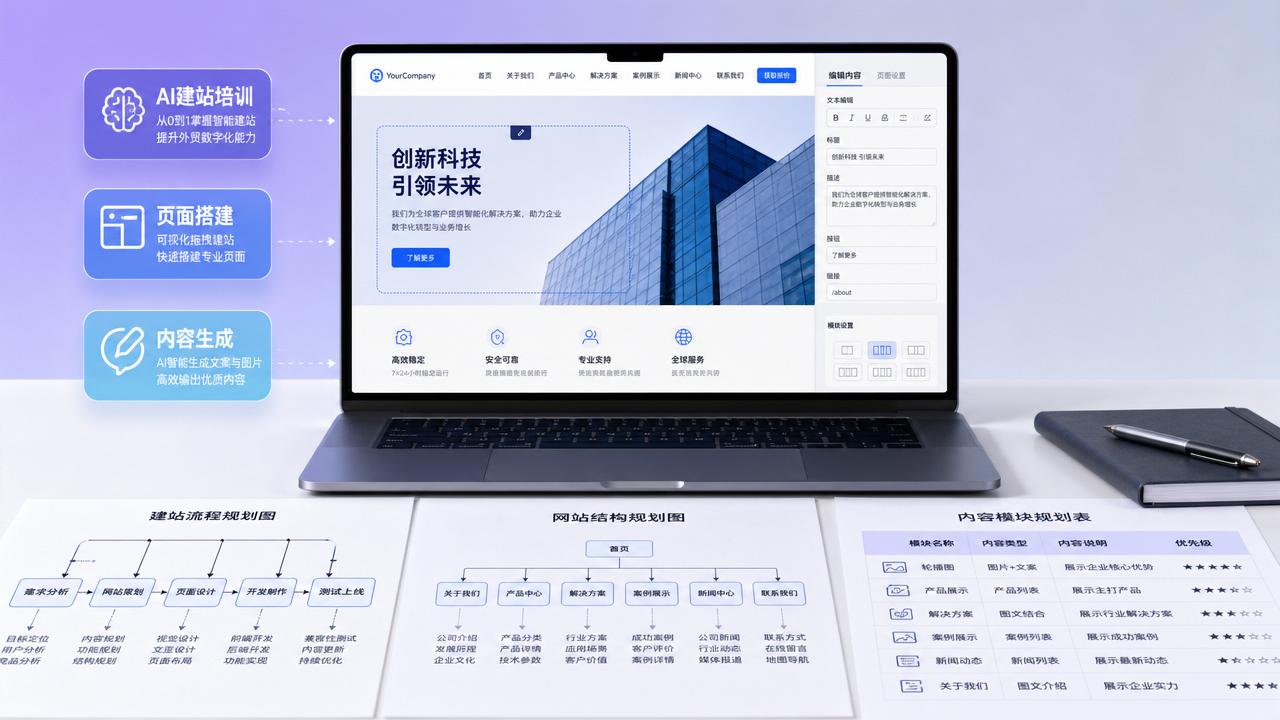
 Which roles are AI website-building training suitable for? From page setup to practical scope of content generation
 What problems can YiYingBao AI website building solve? Which foreign trade businesses is it suitable for?
 Is AI website building suitable for foreign trade companies? Applicable scenarios, limitations, and implementation recommendations
Related Products
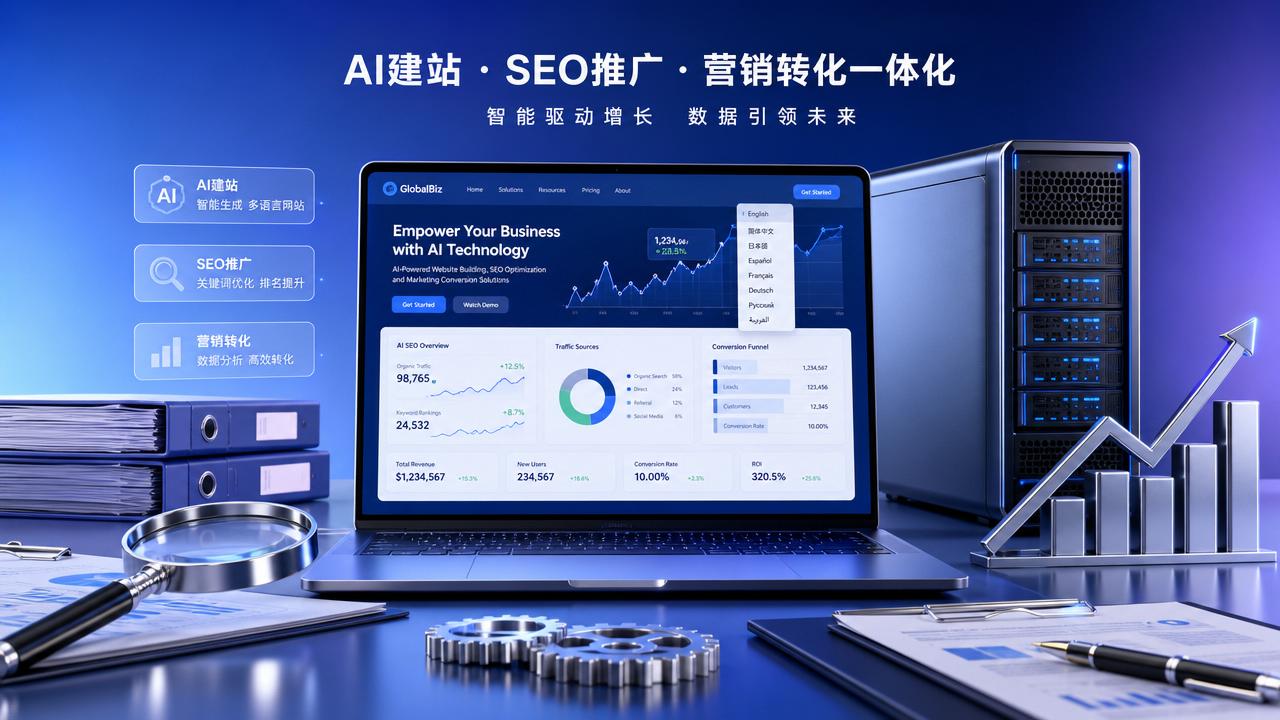
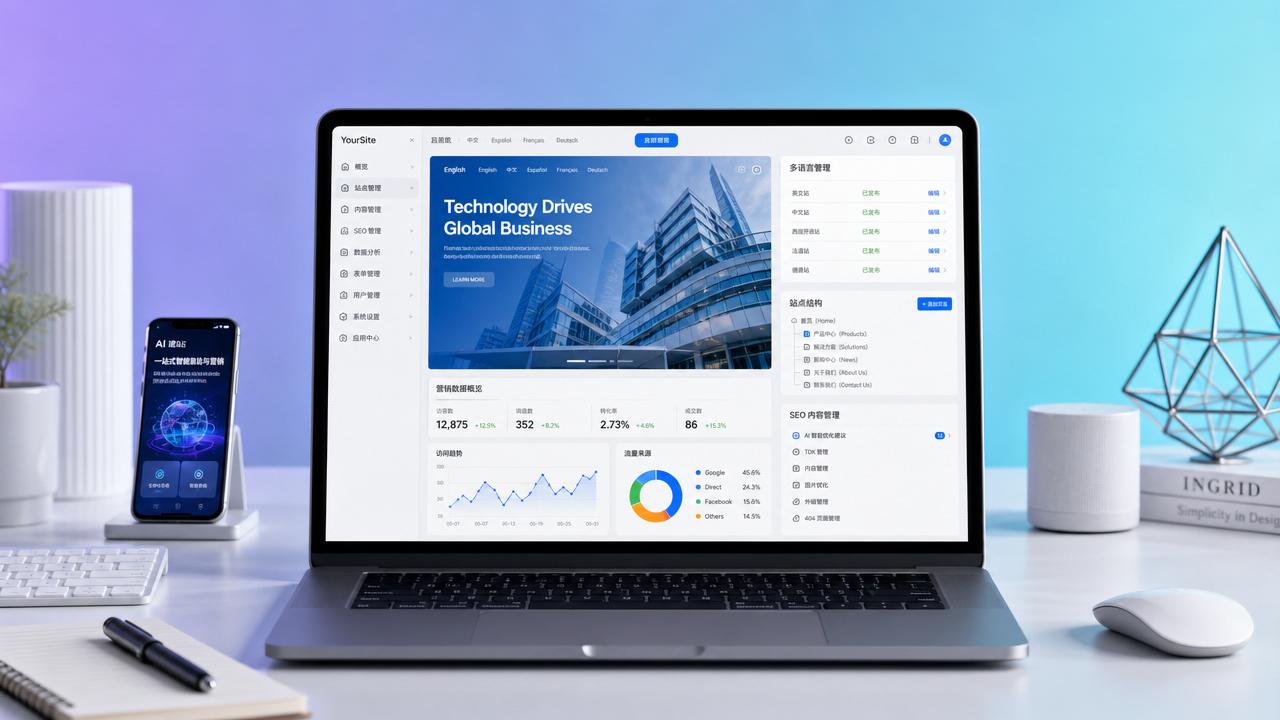
 EasyCamp SaaS Smart Website Marketing SystemE-Yingbao SaaS Smart Website Marketing System: AI-powered, zero-code website building. Rapidly launch multilingual independent e-commerce sites in just 10 minutes. Global server acceleration and AI-driven SEO optimization empower businesses to efficiently connect with global markets. The seamless integration of technology and user-friendly operation makes building e-commerce sites incredibly simple.
 AI+SEM Intelligent Advertising Marketing SystemAI+SEM drives intelligent ad creation, empowering full-funnel precision advertising marketing. The system automatically generates weekly/monthly reports, AI recommends keywords and target countries, monitors core metrics in real-time with intelligent alerts, and enables one-click high-conversion ad solutions to help quickly acquire customers and improve ROI.
 AI+SEO Dual Engine Optimization ServiceEasyWin AI+SEO Dual Engine Optimization System leverages AI-powered keyword mining, content generation, and comprehensive technical optimization to help foreign trade enterprises acquire high-quality organic traffic, significantly improving search rankings and conversion rates.
 AI+SNS Social Media Marketing SystemYingbao AI+SNS Social Media Marketing System - Precision social capture for the social media era. Supports one-click content synchronization across major platforms like Facebook and LinkedIn. AI intelligently rewrites posts for enhanced relevance. 24/7 AI customer service and user profiling analysis empower businesses to efficiently expand into global markets.
 AI+SEO营销解决方案易营宝AI+SEO营销解决方案,通过AI批量写作、智能生成TDK、精准关键词扩词等功能,全面优化网站SEO效果,提升流量与转化率。助力企业构建高效智能网站新生态。
 AI+SEM Advertising Marketing SolutionsAI+SEM Advertising Marketing Solution leverages AI technology to deeply empower SEM ad campaigns. It automatically generates weekly/monthly reports using AI, presenting account data across multiple dimensions for comprehensive insights into campaign performance and trends. The system precisely recommends keywords and target countries, intelligently generates high-conversion ad copy, and enables one-click activation of efficient campaign plans to help businesses rapidly acquire customers. Simultaneously, it monitors core metrics in real time, intelligently identifies abnormal fluctuations, and issues timely alerts to ensure stable, high-return advertising results.
 Domain Name ServicesEasyWin provides professional domain name services, including intelligent queries, one-stop registration, brand protection, and full lifecycle management, helping businesses build a digital brand image.
 EasyOperate B2C Cross-Border E-Commerce Platform & Independent WebsiteEasyStore B2C Cross-border E-commerce Independent Store is an intelligent website building and cross-border e-commerce integrated solution independently developed by EasyStore Information Technology (Beijing) Co., Ltd. The system is specially designed for small and medium-sized as well as large export enterprises, integrating 'website building, operation, marketing, advertising, and conversion' into one, helping enterprises quickly establish cross-border e-commerce independent stores to achieve brand globalization and global sales growth.
The platform supports multiple languages, multiple currencies, and multi-channel marketing, with built-in AI intelligent translation and SEO optimization systems, suitable for mainstream markets such as Southeast Asia, Europe and America, Latin America, and the Middle East, assisting Chinese manufacturing enterprises in efficiently deploying international e-commerce strategies. SSL证书易营宝提供专业SSL安全证书服务,包括单域名和泛域名证书,确保网站数据传输加密、身份验证和完整性保护,助力企业建立安全可信的在线业务环境。









