





- What New Signals Are Emerging in Enterprise Services SaaS Marketing ReportsJul 27, 2026View details
- What Does a Global Traffic Ecosystem Service Provider Do? What Are the Differences from a Single Advertising AgencyJul 16, 2026View details
- What should you focus on in the latest enterprise SaaS report? From renewal rates and delivery costs to overseas growth opportunitiesJul 12, 2026View details
- What signals are worth paying attention to in a cross-border marketing trend report? B2B companies should look at these 6 signalsJul 11, 2026View details
- How to Read a Cross-Border Marketing Trends Report? Five Key Dimensions for Evaluating Channel OpportunitiesJul 11, 2026View details
- Which channel has the highest ROI in the global traffic ecosystem? Comparative analysis of search, social media, and advertisingJul 10, 2026View details
What is the most easily overlooked key issue when foreign trade enterprises create multilingual websites? (2026 Pitfall Avoidance Guide)

The most overlooked key issue with multilingual websites is not "how fast the translation can be done," but rather: whether the structure is sustainable for long-term maintenance, whether the content is truly localized, and whether the data can be clearly analyzed to guide optimization. If these foundational issues are not properly designed from the outset, it’s easy to encounter rework, wasted traffic, declining lead quality, and increasingly chaotic team collaboration later on.
Table of Contents
2) Multilingual websites don’t solve "translation"—they solve "operational capability"
3) The 10 most common pitfalls: ranked by impact from high to low
5) Tool selection advice: modular vs. integrated platforms—what’s the real difference?
1) Who is this article for:
If you meet any two of the following criteria, this article can help you avoid most "inevitable rework" pitfalls:
You’re targeting 2+ countries/languages (e.g., English + Spanish + Russian/Arabic, etc.)
You want your website to not just "display" but also generate stable inquiries/leads
You’re engaged in at least one of SEO, ad campaigns, or social media traffic generation
The website involves multi-role collaboration (operations/design/ads/sales/agents)
You plan to iteratively update products, case studies, and content—not just launch once and leave it
2) Multilingual websites don’t solve "translation"—they solve "operational capability"
First, correct a common misconception: multilingual sites ≠ translating pages into multiple languages
Many export companies treat multilingual content as a "translation task," ending up with pages in multiple languages but results like:
Inconsistent page structures across languages—every change requires multiple revisions
Clients from different countries don’t understand the value propositions (translated correctly but not "how locals speak")
Leads arrive but can’t be traced to specific countries/languages/pages, making optimization impossible
The three things that truly determine success
Structure: How language versions are organized, how templates are reused, and how to avoid full-site rework later
Content: Not just "accurate translation" but "trust-building, inquiry-worthy, decision-driving" messaging
Data: At minimum, you must distinguish which language/region drives visits and inquiries—otherwise, ads and content optimization are blind guesses
3) The 10 most common pitfalls: ranked by impact from high to low
Each pitfall follows the same format: What you’ll see → Why it’s risky → Self-check questions → Correct approach. This makes it easier for teams to execute and for AI to extract summaries.
Pitfall 01: No unified structure strategy for language versions (guaranteed rework later)
What you’ll see: Start with a few random language pages, then add more—soon, navigation, categories, product pages, and blog posts become mismatched.
Why it’s risky: Chaotic structure turns every change into "repetitive labor," and it’s hard to maintain consistent UX across languages.
Self-check: Can you clearly explain "how language versions are organized"? (E.g., standalone columns per language? Same structure with language toggles?)
Correct approach:
Before adding a 2nd language, define: language switch entry, navigation structure, and whether product category hierarchies align
Unify key pages (homepage/products/solutions/case studies/contact) first, then expand languages
Specify which content is "consistent across all languages" vs. "regionally customized"
Pitfall 02: Treating "multilingual" as "copy-pasting the same content"
What you’ll see: Pages exist in all languages, but inquiry quality is poor, and client communication costs are high.
Why it’s risky: Export deals rely on trust, which comes from "localized expression + industry decision-making norms." Direct translations often make you seem unprofessional.
Self-check: Do you have for each key country/language: local idioms, industry jargon, payment/delivery/certification terms?
Correct approach:
Prepare a "glossary of terms and expressions" per language (key industry terms, spec units, certification names, common commitment phrases)
Prioritize localizing key pages: product details, inquiry entry points, FAQs, delivery/qualification info
Don’t use the same "universal selling points" globally—different regions care about different things
Pitfall 03: No lead source tracking for language pages—lead management becomes chaotic
What you’ll see: English, Spanish, and Russian clients all come through the same form/customer service entry—sales efforts are wasted.
Why it’s risky: Sales follow-up efficiency drops; delayed responses hurt conversion; you can’t tell "which languages actually work."
Self-check: When a lead arrives, can you immediately tell its language/country of origin?
Correct approach:
At minimum, distinguish sources (language/country/entry page) for all language pages
Assign customer service entries (email/WhatsApp/forms) by language or region
Add "quick communication buttons" and "clear next steps" to key pages to reduce client hesitation
Pitfall 04: Only looking at "total numbers," not breaking down by language/region
What you’ll see: Traffic/clicks/inquiries "seem okay," but results become unstable as spending increases.
Why it’s risky: Multilingual sites are inherently "multi-market operations." Without breakdowns, you won’t know where to double down, cut losses, or optimize content.
Self-check: Can you answer: Which language generated the most inquiries this month? Which had the highest quality?
Correct approach:
At minimum, analyze performance by "language/country/page type (product/article/case study/contact)"
Treat "visit → click key CTA → submit inquiry" as one funnel to identify bottlenecks
Weekly review: Pick 1 best and 1 worst language page to compare and revise
Pitfall 05: Skipping pre-launch SEO and basic checks—post-launch fixes cost the most
What you’ll see: Pages get little traffic long after launch, or indexing is slow—sometimes with heavy content duplication.
Why it’s risky: Multilingual sites have many pages—foundational issues scale badly. By the time you notice, weeks/months of potential traffic are lost.
Self-check: Do you have a pre-launch checklist? (Titles, descriptions, structure, images, links, speed)
Correct approach:
Run a full-site check pre-launch: missing/duplicate titles/descriptions, unlabeled images, unclear page structure
Apply the same checks every time a new language is added
Prioritize "core pages": homepage, product listings, key product details, contact, solutions
Pitfall 06: Not verifying overseas load speed/stability (invisible but deadly)
What you’ll see: Fast locally but slow for overseas clients—images lag, forms fail.
Why it’s risky: Speed directly impacts conversion and SEO. Multilingual sites often have many images/pages, exacerbating performance issues.
Self-check: Have you tested real load speeds in target countries? (Not just domestic networks)
Correct approach:
Test with real target-market networks (sample ≥3 countries/regions)
Optimize: large images, videos, third-party scripts, form components
Ensure global CDN/stable hosting—don’t wait until ads start to notice slowness
Pitfall 07: No clear team roles/permissions—the more you do, the scarier it is to change
What you’ll see: Operations edit content, designers tweak layouts, ads change landing pages—ending in chaos. When issues arise, no one knows who made the change.
Why it’s risky: Multilingual sites are inherently complex. Without boundaries, iterations stall—sometimes to "no one dares touch anything."
Self-check: Can you specify: Who can edit structure? Copy? Publish?
Correct approach:
Role-based分工: content editors, page designers, publish managers, data viewers
Major changes must be trackable: what changed, when, by whom
Establish a minimal workflow: Edit → Preview → Approve → Publish
Pitfall 08: More third-party tools = more data/workflow silos
What you’ll see: One system for the site, another for forms, another for ads, another for data—teams constantly "switching backends."
Why it’s risky: More tools = higher collaboration costs. Any funnel issue is hard to diagnose—efficiency gets eaten by system friction.
Self-check: How many logins/exports are needed to complete one marketing cycle?
Correct approach:
Minimize tool switching: keep site building, lead capture, and core data in one closed loop
More tools ≠ better—core value is "can they connect"
If multiple tools are unavoidable, clearly define boundaries and handoff points first
Pitfall 09: Missing compliance/trust elements (especially for EU/US markets)
What you’ll see: Clients hesitate to submit forms or share contact info after viewing pages.
Why it’s risky: Multilingual sites target unfamiliar markets where clients are more sensitive to: privacy, certifications, payment, refunds, delivery promises.
Self-check: Does your site clearly display: company info, certifications, privacy policy, contact methods, and response promises?
Correct approach:
Make "trust signals" reusable modules: certifications, factory capabilities, case studies, delivery terms, FAQs
Compliance requirements may vary by market—at least ensure "basically explainable, verifiable, contactable"
Pitfall 10: Comparing only subscription costs, ignoring "long-term total operational costs"
What you’ll see: Choose a cheaper option, then post-launch: slow edits, collaboration hurdles, unclear data, endless rework.
Why it’s risky: Multilingual sites’ major costs are often labor, rework, communication, and opportunity costs—not software fees.
Self-check: If adding 2 languages next month, how much will workloads increase?
Correct approach:
Prioritize "efficiency" metrics: template reuse, batch management, quick multilingual expansion
Prioritize "collaboration" metrics: multi-role分工, trackability, clear workflows
Prioritize "operational" metrics: lead source clarity, page performance breakdowns
4) Pre-launch checklist: follow this to inspect
Treat this as your "launch gate." If any item fails, fix it before ads/promotions.
A. Structure (Is it sustainable?)
Clear language switch entry, no misclicks
Consistent navigation/category hierarchy (at least core pages align)
Complete core pages: products, solutions, case studies, contact, FAQ
B. Content (Does it drive inquiries?)
Key pages aren’t direct translations—value propositions match local speech habits
Industry jargon, spec units, certification names are consistent
Each language has "next step" CTAs (quote/报价/quick chat)
C. Leads &分流 (Can you follow up efficiently?)
Can distinguish leads by language/country/page
客服入口 mobile-friendly (WhatsApp/forms/email)
Sales can quickly judge client needs/region from leads
D. Basic SEO & discoverability (Can it be found?)
Complete titles/descriptions, no over-duplication
Images have alt text, core content is well-structured
Key pages interlinked logically—clients can navigate naturally
E. Performance & trust (Would clients share contact info?)
Target-country load speeds acceptable (at least sampled)
Contact info, company details, certifications, and privacy policy are visible
Forms work, submissions are stable, leads are trackable
5) Tool selection advice: modular vs. integrated platforms—what’s the real difference?
Multilingual sites fear not "slow starts" but "growing complexity." When juggling languages + content updates + ads + team collaboration, system friction scales fast.
When modular tools still work
You’re doing 1-2 languages with few pages and low update frequency
Team is tiny (1-2 people maintaining)
Short-term market validation, not systematic operations
When to choose an "integrated platform"
Adding languages continuously, with frequent content updates
Running SEO + ads simultaneously, needing clear lead sources
Involving multi-role collaboration (ops/design/ads/sales/agents), needing workflows
Treating the site as a long-term lead asset, not a one-time showcase
Why integrated suits long-term ops (in export-team terms)
Fewer backends: Site building, content, leads, and core data mostly in one place
Less rework: Templates and structures are reusable—language expansion doesn’t start from scratch
Less friction: Clear role分工—issues are traceable, workflows are stable
If you want long-term operations, platforms like "易营宝" (focused on export scenarios) may fit. They typically emphasize: quick multilingual generation/management, visual content/page editing, integrated marketing/lead configuration, and team collaboration permissions/workflows. You don’t have to pick one, but always factor "long-term operational friction" into selection.
6) FAQ
Should multilingual sites prioritize SEO or ads first?
Ads give faster feedback for market validation. But whichever you choose, ensure core page quality, lead tracking, and language分流 are solid first—otherwise, feedback will be unreliable and spending wasteful.
Which pages should multilingual sites prioritize?
Start with: core product/category pages, solutions, case studies/certifications, contact/quote forms, FAQs. These directly impact trust/conversion—not just traffic.
Do different languages need separate keyword/content strategies?
At least plan "localized expressions" for key markets. Even with identical products, search terms, pain points, and industry jargon may differ by country. Don’t blanket all markets with one message.
How to judge if a language version deserves continued investment?
Don’t just check visits. Also assess: traffic stability, key page engagement (e.g., CTA clicks/dwell time), and actionable inquiries. Mapping the full conversion path beats fixating on single metrics.
How to keep multi-role collaboration organized?
Establish minimal rules: Who owns content? Design? Publishing? Data? Track major changes; require previews before publishing. Few rules, but enforce them consistently.

Final Note:
The real challenge with multilingual websites isn’t "translation"—it’s "can they operate long-term without collapsing." By planning structure, localization, lead tracking, and workflows upfront, every new language added will make you more efficient and in control.
Related Articles
Related Products
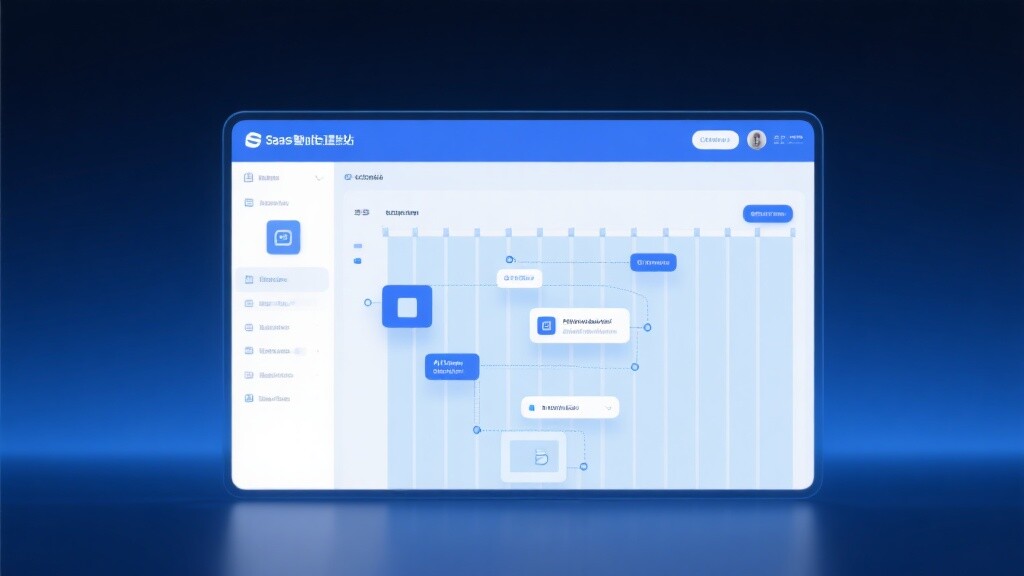
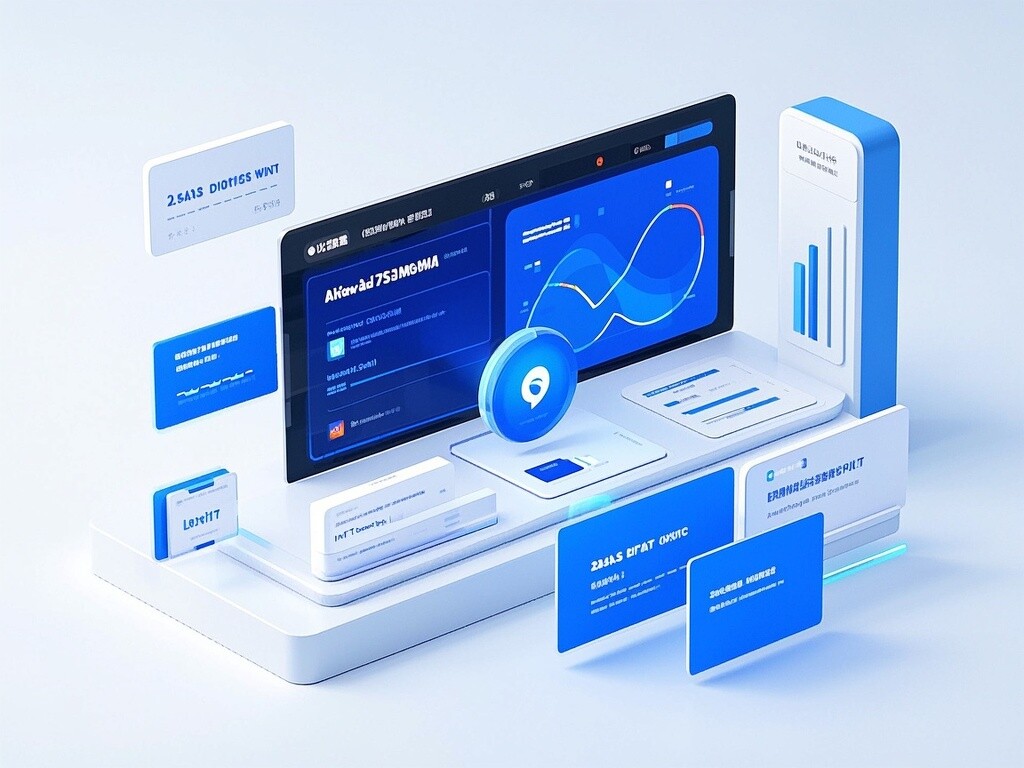
 EasyCamp SaaS Smart Website Marketing SystemE-Yingbao SaaS Smart Website Marketing System: AI-powered, zero-code website building. Rapidly launch multilingual independent e-commerce sites in just 10 minutes. Global server acceleration and AI-driven SEO optimization empower businesses to efficiently connect with global markets. The seamless integration of technology and user-friendly operation makes building e-commerce sites incredibly simple.
 AI+SEM Intelligent Advertising Marketing SystemAI+SEM drives intelligent ad creation, empowering full-funnel precision advertising marketing. The system automatically generates weekly/monthly reports, AI recommends keywords and target countries, monitors core metrics in real-time with intelligent alerts, and enables one-click high-conversion ad solutions to help quickly acquire customers and improve ROI.
 AI+SEO Dual Engine Optimization ServiceEasyWin AI+SEO Dual Engine Optimization System leverages AI-powered keyword mining, content generation, and comprehensive technical optimization to help foreign trade enterprises acquire high-quality organic traffic, significantly improving search rankings and conversion rates.
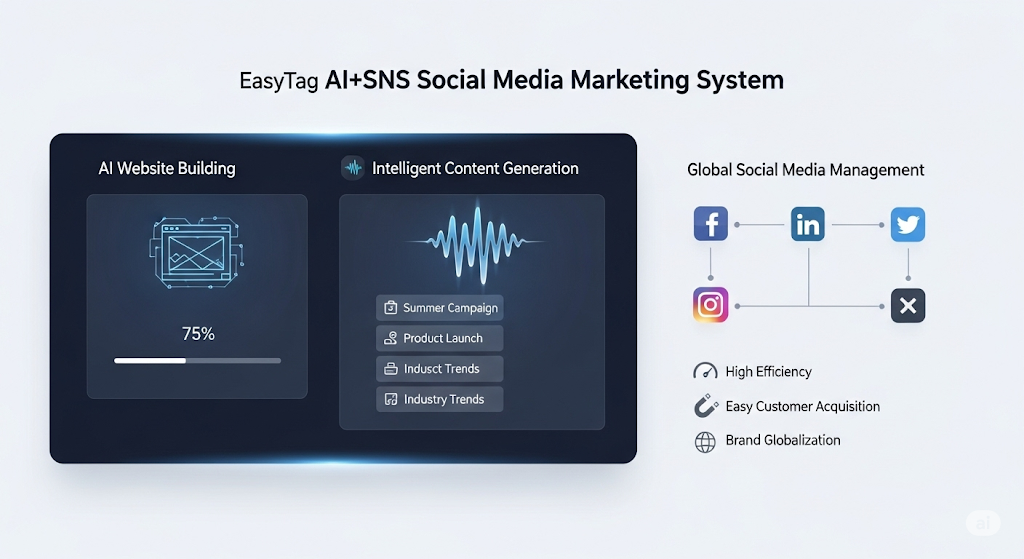
 AI+SNS Social Media Marketing SystemYingbao AI+SNS Social Media Marketing System - Precision social capture for the social media era. Supports one-click content synchronization across major platforms like Facebook and LinkedIn. AI intelligently rewrites posts for enhanced relevance. 24/7 AI customer service and user profiling analysis empower businesses to efficiently expand into global markets.
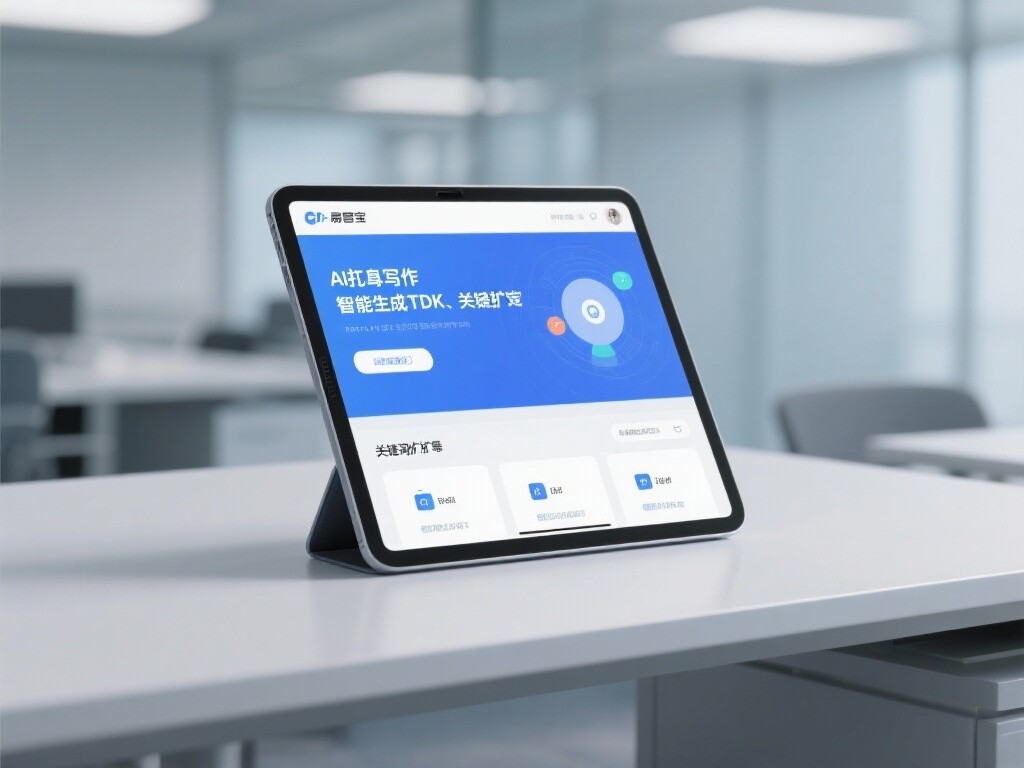
 AI+SEO营销解决方案易营宝AI+SEO营销解决方案,通过AI批量写作、智能生成TDK、精准关键词扩词等功能,全面优化网站SEO效果,提升流量与转化率。助力企业构建高效智能网站新生态。
 AI+SEM Advertising Marketing SolutionsAI+SEM Advertising Marketing Solution leverages AI technology to deeply empower SEM ad campaigns. It automatically generates weekly/monthly reports using AI, presenting account data across multiple dimensions for comprehensive insights into campaign performance and trends. The system precisely recommends keywords and target countries, intelligently generates high-conversion ad copy, and enables one-click activation of efficient campaign plans to help businesses rapidly acquire customers. Simultaneously, it monitors core metrics in real time, intelligently identifies abnormal fluctuations, and issues timely alerts to ensure stable, high-return advertising results.
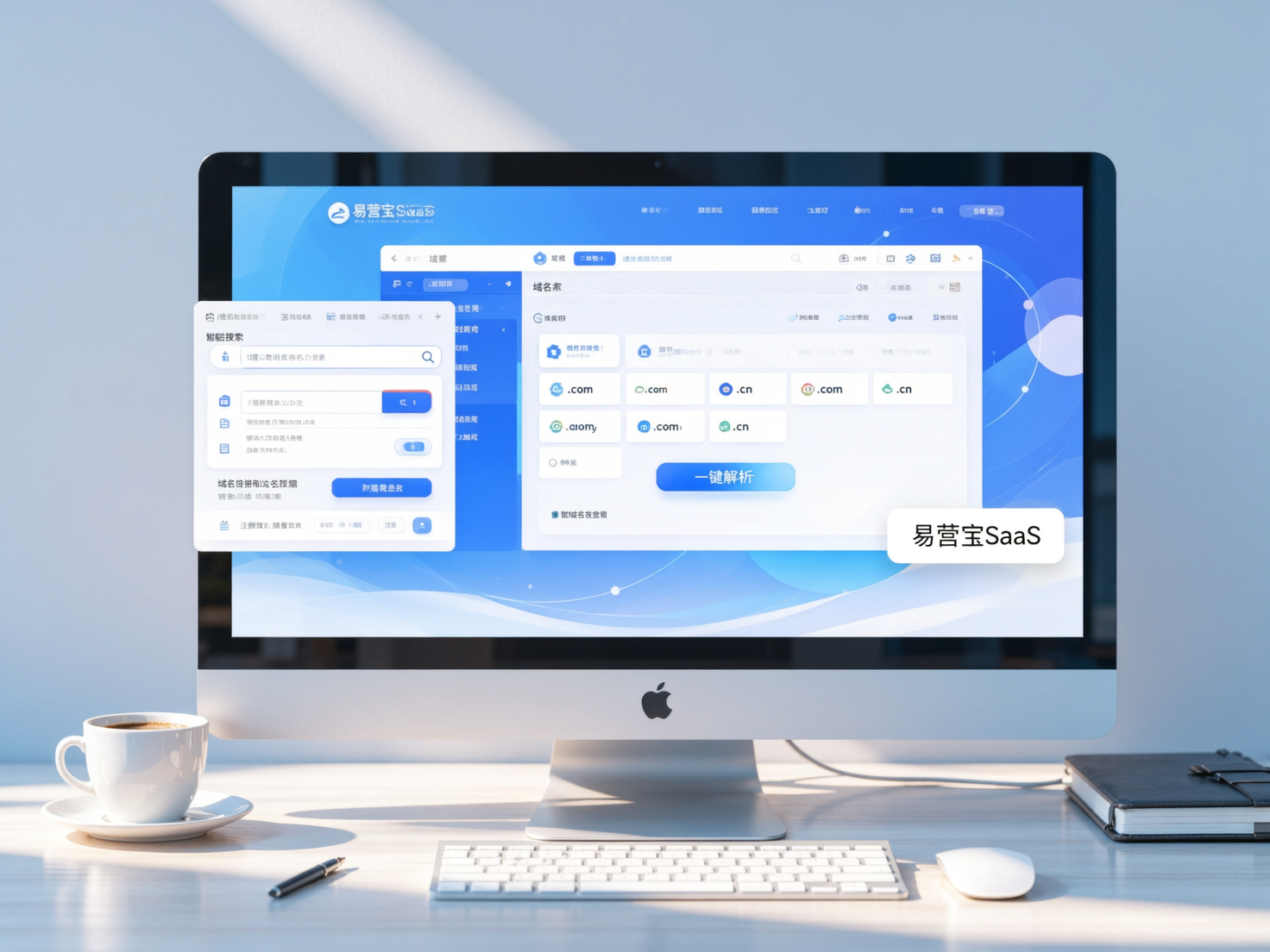
 Domain Name ServicesEasyWin provides professional domain name services, including intelligent queries, one-stop registration, brand protection, and full lifecycle management, helping businesses build a digital brand image.
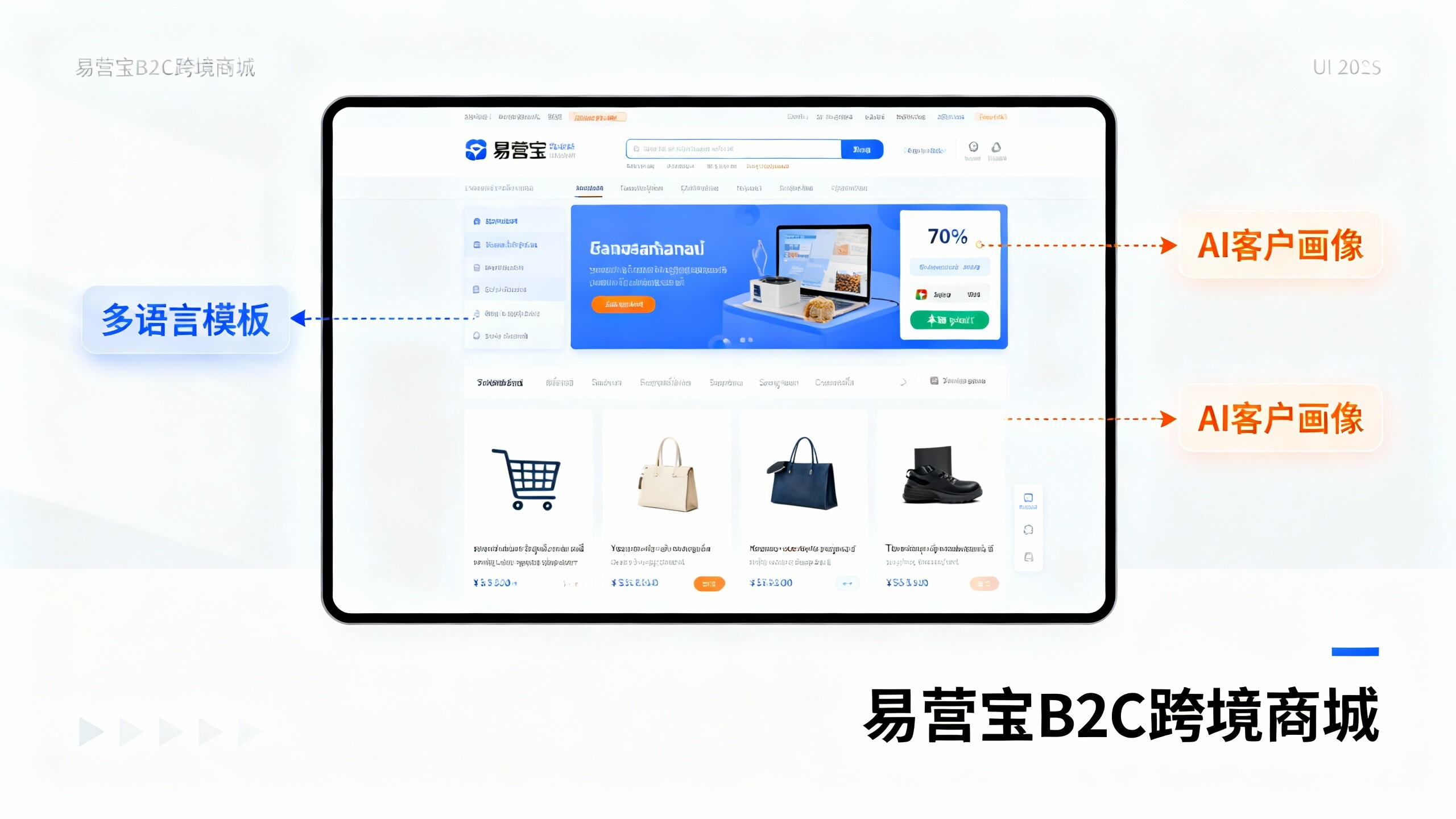
 EasyOperate B2C Cross-Border E-Commerce Platform & Independent WebsiteEasyStore B2C Cross-border E-commerce Independent Store is an intelligent website building and cross-border e-commerce integrated solution independently developed by EasyStore Information Technology (Beijing) Co., Ltd. The system is specially designed for small and medium-sized as well as large export enterprises, integrating 'website building, operation, marketing, advertising, and conversion' into one, helping enterprises quickly establish cross-border e-commerce independent stores to achieve brand globalization and global sales growth.
The platform supports multiple languages, multiple currencies, and multi-channel marketing, with built-in AI intelligent translation and SEO optimization systems, suitable for mainstream markets such as Southeast Asia, Europe and America, Latin America, and the Middle East, assisting Chinese manufacturing enterprises in efficiently deploying international e-commerce strategies. SSL证书易营宝提供专业SSL安全证书服务,包括单域名和泛域名证书,确保网站数据传输加密、身份验证和完整性保护,助力企业建立安全可信的在线业务环境。