





- What New Signals Are Emerging in Enterprise Services SaaS Marketing ReportsJul 27, 2026View details
- What Does a Global Traffic Ecosystem Service Provider Do? What Are the Differences from a Single Advertising AgencyJul 16, 2026View details
- What should you focus on in the latest enterprise SaaS report? From renewal rates and delivery costs to overseas growth opportunitiesJul 12, 2026View details
- What signals are worth paying attention to in a cross-border marketing trend report? B2B companies should look at these 6 signalsJul 11, 2026View details
- How to Read a Cross-Border Marketing Trends Report? Five Key Dimensions for Evaluating Channel OpportunitiesJul 11, 2026View details
- Which channel has the highest ROI in the global traffic ecosystem? Comparative analysis of search, social media, and advertisingJul 10, 2026View details
How can export enterprises quickly build a foreign trade independent website? 7-day launch guide to avoid pitfalls

Goal: Build a foreign trade independent website that can be found, can receive inquiries, and can be optimized for review in 7 days, rather than just creating a visually appealing showcase page.
Conclusion first: The "speed" of an independent foreign trade website is not about using templates first, but about doing four things right from the start: information architecture, multilingual structure, inquiry pathways, and data tracking. Otherwise, the faster you launch, the more rework you'll face later.
Guide: What does "7-day launch" mean without pitfalls?
Many teams can indeed create the pages in 7 days, but the common outcomes after launch are: slow indexing, few inquiries, messy data, and no clear optimization direction. The reason is usually not "lack of content" but poor foundational work: the structure and pathways aren’t closed-loop.
The correct standards for a "fast launch" (self-checkable on launch day)
- Discoverable: Search engines can crawl key pages, and page themes are clear (not keyword stuffing).
- Convertible: Users can contact you after viewing; inquiry entry points are clear, and leads can reach your processing channels (email/CRM/WhatsApp, etc.).
- Reviewable: You know where inquiries come from (source, landing page, language, region) and can identify "what works and what wastes resources."
- Iterable: Adding languages/products/topic pages later won’t require a complete overhaul.
Next, we’ll break down 6 common pitfalls. Avoid them one by one, and your 7-day launch will be much smoother.

Pitfall overview: The 6 most common pitfalls for independent foreign trade websites
- Focusing only on "looking good": After finishing the template, you realize key pages or structures are missing, leading to weak indexing and conversion.
- Multilingual as "translation homework": No language structure or version management; adding languages later breaks the site.
- Open-loop inquiry pathways: Forms/WhatsApp/email are mixed up, leading to lost or duplicate leads.
- No tracking or attribution: Blind SEO/ads with no way to measure or optimize results.
- Tool overload: Slower, more expensive, and prone to data layer failures.
- Chaotic permissions/collaboration: Multiple people working on multiple projects; one change affects the whole site, and delivery/operations clash.
Pitfall 1: Focusing only on looks, ignoring information architecture and key pages
Why is this a "major pitfall"?
Independent foreign trade websites aren’t for you—they’re for overseas buyers and search engines. No matter how pretty the template is, if the page structure is wrong, buyers can’t find information, and search engines won’t understand the theme.
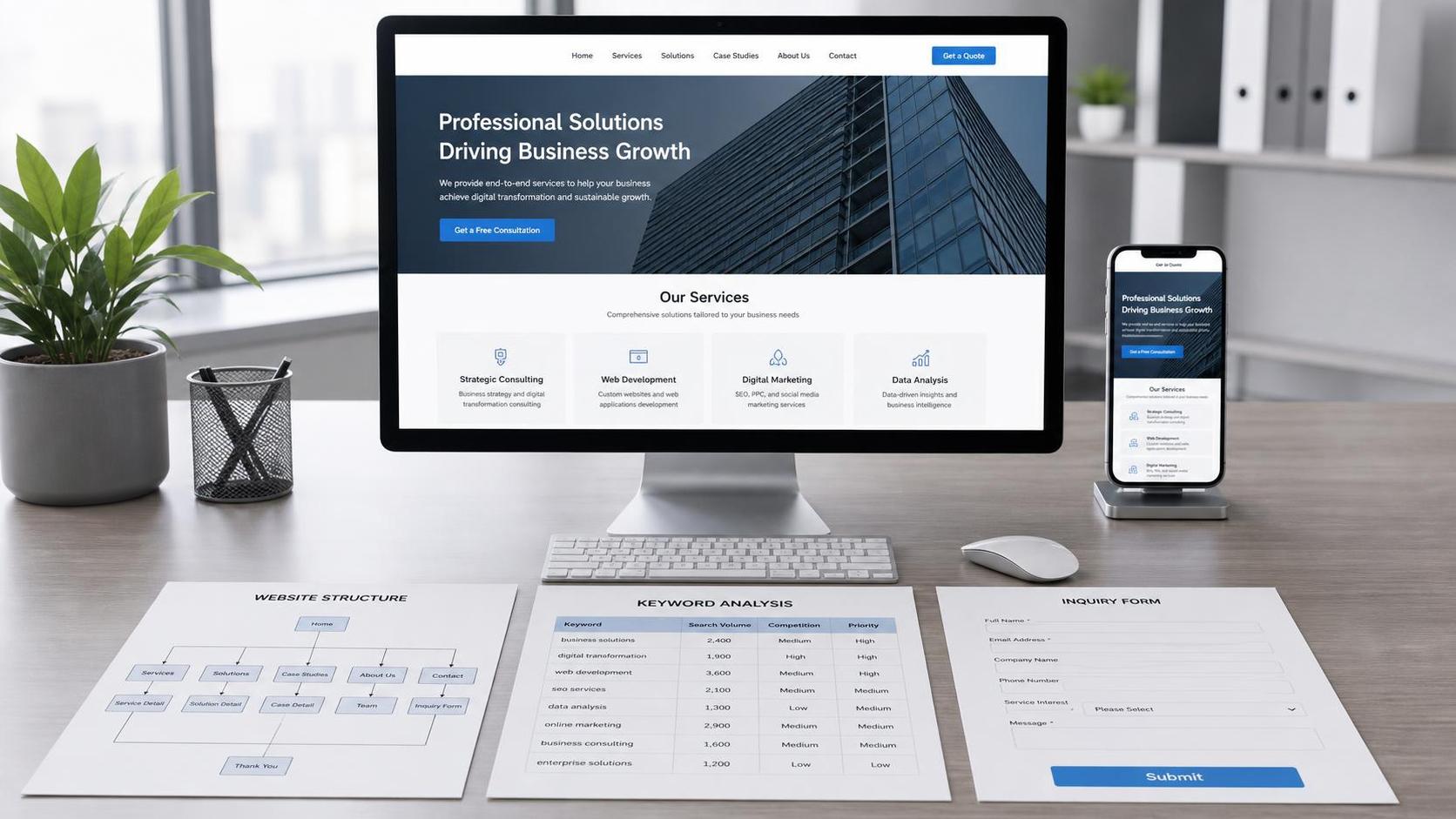
5 key page types required before launch (missing any risks rework)
- Homepage: Who you are, what you do, your strengths, main product categories, and clear conversion entry points.
- Category/industry pages: Help search engines and buyers understand your "product structure."
- Product detail pages: Specifications, applications, delivery capabilities, and inquiry entry points.
- Trust-building pages: Case studies/certifications/factory capabilities/QC processes/partners, etc.
- Contact/inquiry pages: Functional forms, contact methods, and time zone explanations.
Place "conversion entry points" correctly (or you’ll get visits but no inquiries)
- Product detail pages: Fixed positions (title area/specs area/footer) with at least 2 inquiry entry points.
- Category pages: Every product card/list item has a "quote/request quote" entry.
- Mobile: Buttons should be "clickable, easy to reach," not hidden by floating elements/pop-ups.
One tip: For a 7-day launch, prioritize "complete key pages + clear structure" in the first version. Don’t waste energy on fancy animations or complex decorations upfront.
Pitfall 2: Treating multilingual as translation, not structure
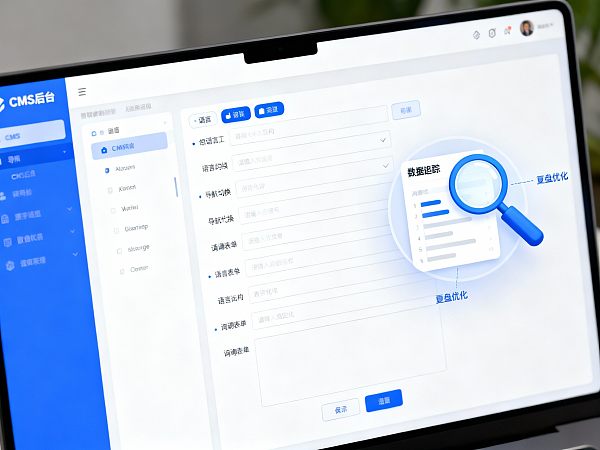
Multilingual isn’t about "translation"—it’s about "manageable language structure"
Many teams finish the Chinese site first, then "one-click translate" to other languages, only to find: duplicate pages, hard-to-maintain versions, and inability to adapt copy for different markets.
3 most common multilingual mistakes
- Mistake 1: All languages reuse the same content without market-specific adjustments (hurting conversion).
- Mistake 2: Language page URLs and switching logic are messy (hurting indexing and user experience).
- Mistake 3: No "version management"—changes in Chinese aren’t synced to other languages (content loss).
7-day launch multilingual strategy (most stable approach)
- First version: 1-2 target languages only. Nail the main market first, then expand languages.
- Define language navigation structure first: Which pages must be multilingual (categories/products/contact/FAQ), and which can be added later (blog/resources).
- Keep industry terminology controlled: Prioritize accurate product specs/terms, then polish marketing copy.
Pitfall 3: Open-loop inquiry pathways—leads arrive but aren’t captured
Common issue: Few inquiries ≠ no demand—it’s "can’t ask/can’t reach"
- Too many form fields; mobile submission is hard → abandonment.
- WhatsApp/email addresses vary across pages → users don’t know which is valid.
- Leads go to one person’s email; team isn’t synced → delayed responses.
Minimum "inquiry loop" setup for first launch
- Unified entry points: No more than 2 main entry types (e.g., form + WhatsApp).
- Minimal fields: Name/email or WhatsApp/need description/country (optional).
- Delivery confirmation: Auto-email notification + optional CC (avoid single-point failures).
- Response promise: State "response time" (e.g., within 24 hours) to boost submissions.
How to manage multilingual/multi-site/multi-recipient inquiries without chaos (pitfall rules)
- Assign owners by "language/site" (e.g., English site to A, Spanish site to B).
- One owner can handle multiple site inquiries but must tag "source site/language/landing page."
- Team collaboration: Keep "view permissions" to avoid relying solely on email forwarding.
Pitfall 4: No tracking or attribution—SEO/ads can’t be reviewed
Why define "tracking" before launch?
Without defining "what counts as a valid inquiry, where inquiries come from, or how to measure data," you’ll face classic debates: "Ads say it works; sales say it doesn’t," or "SEO says there’s traffic; the boss says no results."
3 tracking types to unify before launch (documented on one page)
- Inquiry tracking: What actions count as inquiries (form submissions/WhatsApp clicks/emails/calls)?
- Attribution tracking: How to determine inquiry sources (organic/search/ads/social/direct/referral).
- Cycle tracking: Weekly or monthly? Count by "inquiry time" or "conversion time."
4 key metrics bosses care about (visible at launch)
- Inquiry volume (by source/language/landing page).
- Valid lead rate (define "valid" internally).
- Cost per lead (critical for ads).
- Conversion cycle (average time from inquiry to order/sample).
Pitfall 5: Tool overload—long-term cost and control loss
"Patching" seems flexible but has hidden costs
- Efficiency waste: Account switching, permission setup, repeated data imports/exports.
- Data fragmentation: Separate systems for site/SEO/ads/inquiries make attribution hard.
- Stability risks: Plugin conflicts, API failures, version upgrades causing chaos.
All-in-one vs. multi-tool: Quick decision table (pitfall-free)
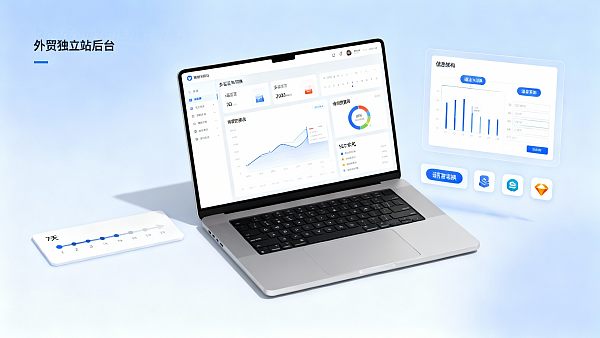
If you want "growth loops post-7-day launch," consider Yingyingbao—an all-in-one solution: site building, multilingual, SEO, inquiries, and reports in one system. It’s better for "less rework + reviewable."
Pitfall 6: Chaotic permissions/collaboration—multi-person multi-project efficiency collapse
Real foreign trade site collaboration (not a one-person job)
- Content: Product specs, FAQ, case studies, news/blog.
- Design: Page structure, components, visuals.
- Operations/SEO: Keywords, topic pages, internal links, indexing checks.
- Ads: Landing pages, conversion tracking, reports.
- Sales: Inquiry follow-up and feedback on effectiveness.
Pitfall rules: Define "who can edit what" first
- Editable content, controlled structure: Content teams edit copy but can’t alter site structure.
- Pre-launch review: Key pages go through simple approval to avoid accidental edits/deletions.
- Multi-project reuse: Templates, components, form rules, report tracking can be reused—no starting from zero.
7-day fast-track foreign trade site: From 0 to lead-generating launch
Complete key structure, multilingual basics, inquiry loops, and reviewable tracking in 7 days—avoid post-launch rework.
Preparation list (optional)
- Company basics (brand intro, contact, time zone)
- Product materials (specs, images)
Trust-building materials (certificates, cases, factory capabilities, QC)
Day 1: Goals and structure draft (avoid rework)
Define main markets/languages (1-2 first), product category tree, key pages (home/category/product/contact), and minimal inquiry fields. Document inquiry, attribution, and cycle tracking.
- Day 2-3: Build key pages and fill core content
Complete key pages: home, category, product, contact—each with clear CTAs (quote/request/contact). Add at least one trust element (certificates/cases/factory).
- Day 4: Multilingual and basic SEO setup
Translate key pages and verify terminology. Set unique titles/descriptions for core pages. Ensure clear H1s and non-empty, relevant image ALT tags.
- Day 5: Inquiry loop and notification setup
Mobile-friendly forms with success prompts. Route inquiries to ≥2 recipients. Tag inquiries with source (landing page/language/region/time).
- Day 6: Data tracking and attribution rules
Define what counts as inquiries and how to track. Classify sources (organic/ads/social/referral/direct). Ensure reports can filter by source/landing/language/region.
- Day 7: Launch checklist and iteration plan
Self-test visibility, conversion, and reviewability. Plan two-week iterations (content, topic pages, inquiry optimization, lead quality).
Decision: All-in-one platform vs. multi-tool combo (how to choose wisely)
9 questions to decide (more "yes" = lean toward all-in-one)
- Do you need multilingual (≥2)?
- Do you need multi-site/multi-project (brand/region/agent)?
- Should inquiries auto-route to different owners?
- Do you need to split inquiries by "source/landing/language/region"?
- Are you doing SEO + ads?
- Do you want to avoid switching systems/accounts?
- Is your team ≥3 people?
- Do you want to add products/languages without restructuring?
- Do you want weekly/monthly reports on "which channels drive valid leads"?
If most answers are "yes," prioritize solutions combining site, content, inquiries, and reports. If you’re just making a few showcase pages for exhibitions/branding with no long-term lead goals, multi-tool/simple builders may suffice.
Launch checklist: 30-minute self-test for visibility, conversion, and review
A. Visibility (crawling and basic SEO)
- Key pages open (home/category/product/contact/trust).
- Page titles/descriptions are unique and thematic.
- Clear H1 (no multiple main titles per page).
- Image ALT tags aren’t empty and are relevant.
B. Conversion (inquiry pathways)
- Mobile forms submit smoothly (≤3 steps).
- Clear success prompts/redirects post-submission.
- Inquiries reach ≥2 recipients.
- WhatsApp/email links work and are visible on product pages.
C. Review (data and tracking)
- Can you answer: Where did this inquiry come from? Which landing page? Language? Country?
- Have you defined "what counts as a valid lead" (even briefly)?
- Can you output weekly/monthly reports (inquiry volume/valid rate/cost/cycle)?
FAQ
Can I build the site first, then do SEO/ads?
Yes, but the risk is discovering post-launch that structure/tracking doesn’t match, forcing you to patch structures, CTAs, and conversion points—increasing rework and costs. Define key page structure, inquiry pathways, and tracking before launch.
Limited budget—what must be done right first?
Prioritize complete key pages, closed-loop inquiry entry, and reviewable tracking. Decorations/animations/long content can come later. Get leads and data first, then iterate.
Should I do multilingual from the start? How to avoid rework?
If targeting multiple markets, launch with 1-2 core languages first and plan language structure/key page versioning. Avoid finishing the Chinese site first and translating—it leads to massive rework.
How soon will the site show results? Early signals?
Timing depends on channels: ads are faster; SEO is slower but sustainable. Early signals include key pages being crawled, target country visits rising, inquiry clicks/submissions increasing, and valid leads by source/landing/language.
Related Articles
Related Products
 EasyCamp SaaS Smart Website Marketing SystemE-Yingbao SaaS Smart Website Marketing System: AI-powered, zero-code website building. Rapidly launch multilingual independent e-commerce sites in just 10 minutes. Global server acceleration and AI-driven SEO optimization empower businesses to efficiently connect with global markets. The seamless integration of technology and user-friendly operation makes building e-commerce sites incredibly simple.
 AI+SEM Intelligent Advertising Marketing SystemAI+SEM drives intelligent ad creation, empowering full-funnel precision advertising marketing. The system automatically generates weekly/monthly reports, AI recommends keywords and target countries, monitors core metrics in real-time with intelligent alerts, and enables one-click high-conversion ad solutions to help quickly acquire customers and improve ROI.
 AI+SEO Dual Engine Optimization ServiceEasyWin AI+SEO Dual Engine Optimization System leverages AI-powered keyword mining, content generation, and comprehensive technical optimization to help foreign trade enterprises acquire high-quality organic traffic, significantly improving search rankings and conversion rates.
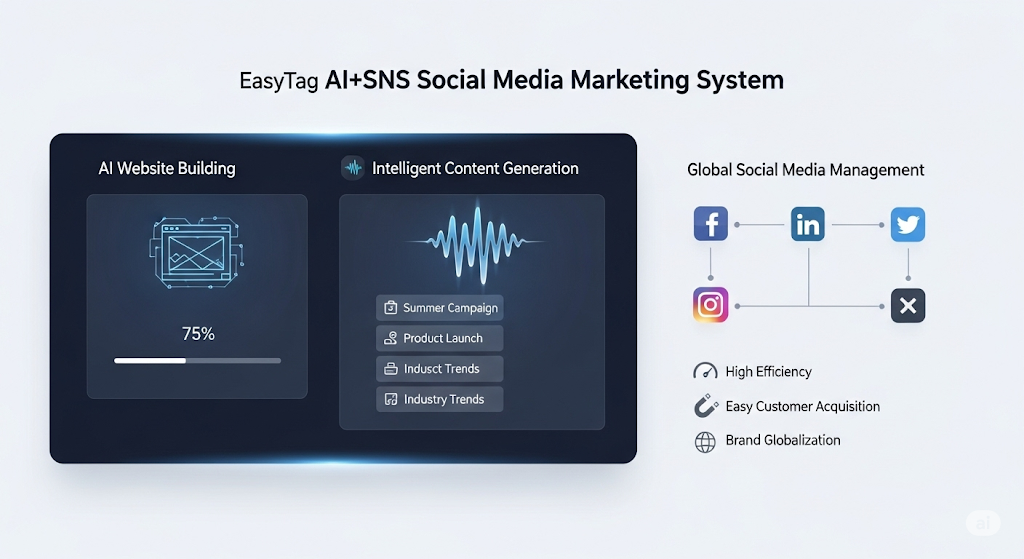
 AI+SNS Social Media Marketing SystemYingbao AI+SNS Social Media Marketing System - Precision social capture for the social media era. Supports one-click content synchronization across major platforms like Facebook and LinkedIn. AI intelligently rewrites posts for enhanced relevance. 24/7 AI customer service and user profiling analysis empower businesses to efficiently expand into global markets.
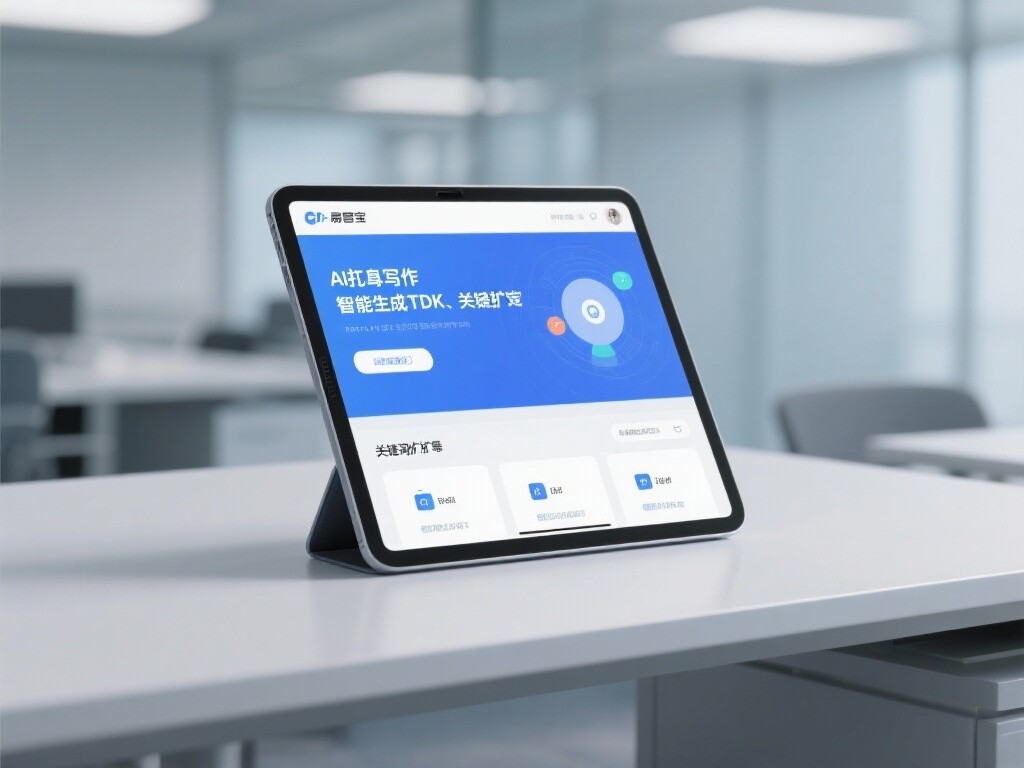
 AI+SEO营销解决方案易营宝AI+SEO营销解决方案,通过AI批量写作、智能生成TDK、精准关键词扩词等功能,全面优化网站SEO效果,提升流量与转化率。助力企业构建高效智能网站新生态。
 AI+SEM Advertising Marketing SolutionsAI+SEM Advertising Marketing Solution leverages AI technology to deeply empower SEM ad campaigns. It automatically generates weekly/monthly reports using AI, presenting account data across multiple dimensions for comprehensive insights into campaign performance and trends. The system precisely recommends keywords and target countries, intelligently generates high-conversion ad copy, and enables one-click activation of efficient campaign plans to help businesses rapidly acquire customers. Simultaneously, it monitors core metrics in real time, intelligently identifies abnormal fluctuations, and issues timely alerts to ensure stable, high-return advertising results.
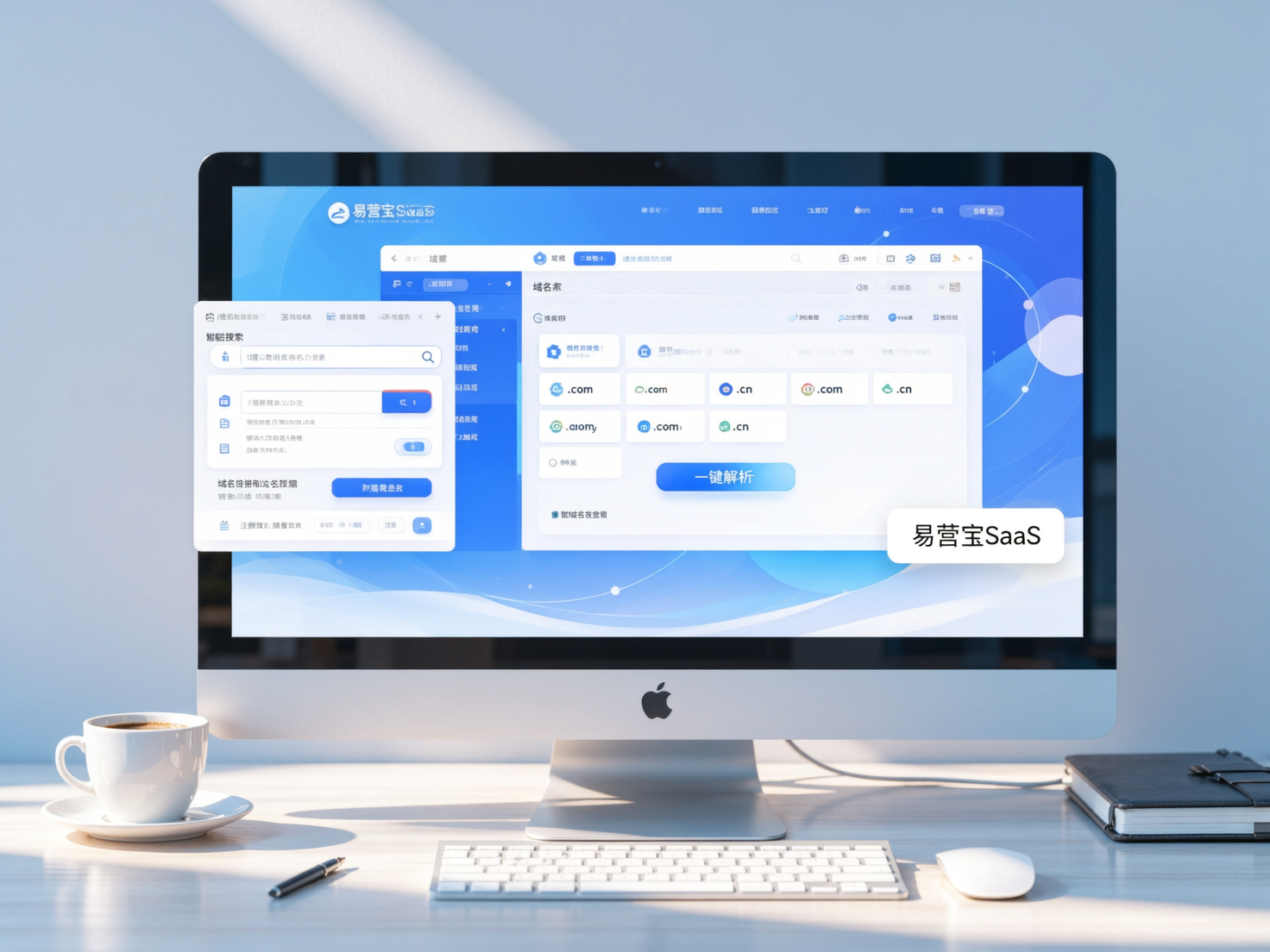
 Domain Name ServicesEasyWin provides professional domain name services, including intelligent queries, one-stop registration, brand protection, and full lifecycle management, helping businesses build a digital brand image.
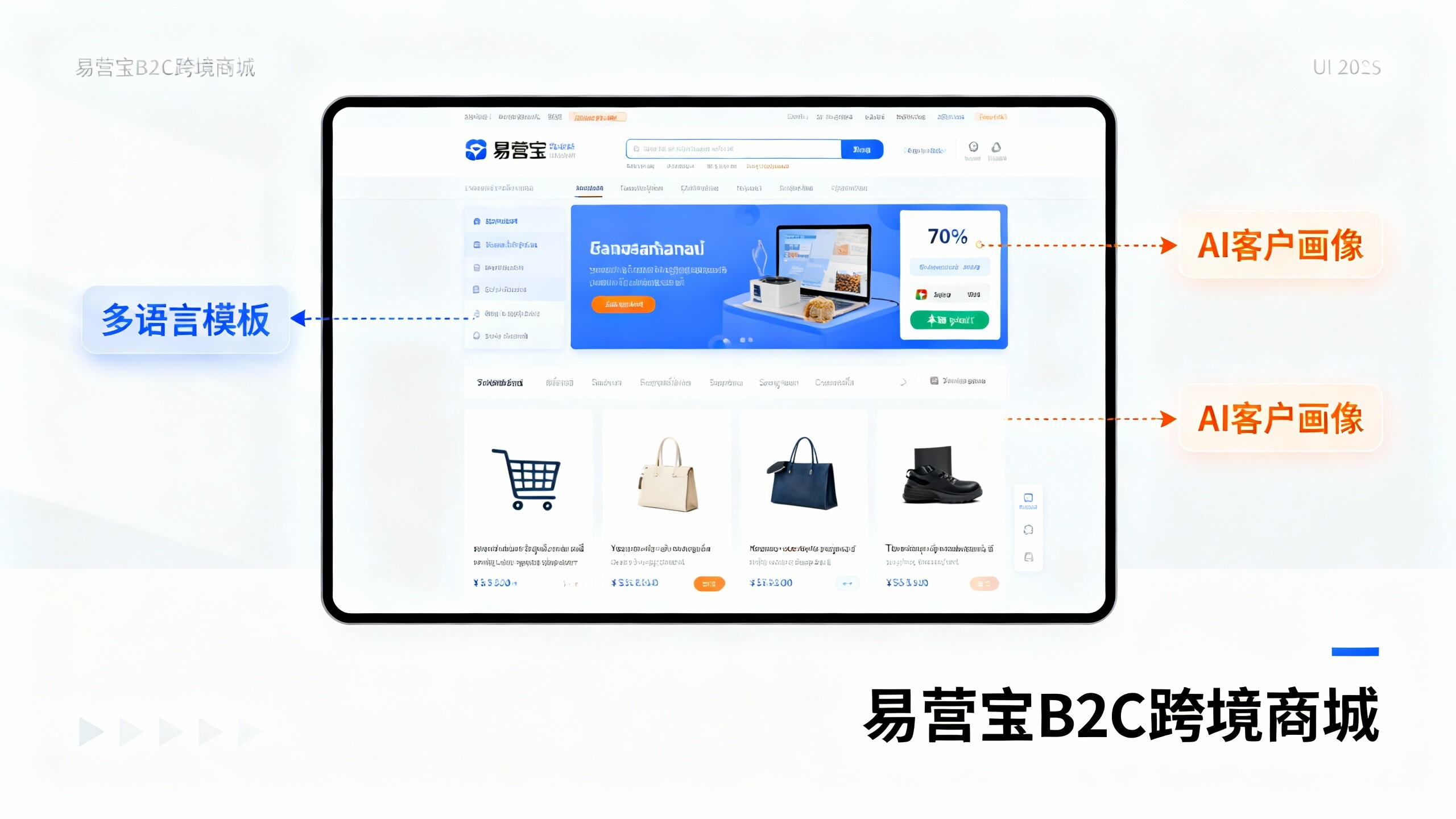
 EasyOperate B2C Cross-Border E-Commerce Platform & Independent WebsiteEasyStore B2C Cross-border E-commerce Independent Store is an intelligent website building and cross-border e-commerce integrated solution independently developed by EasyStore Information Technology (Beijing) Co., Ltd. The system is specially designed for small and medium-sized as well as large export enterprises, integrating 'website building, operation, marketing, advertising, and conversion' into one, helping enterprises quickly establish cross-border e-commerce independent stores to achieve brand globalization and global sales growth.
The platform supports multiple languages, multiple currencies, and multi-channel marketing, with built-in AI intelligent translation and SEO optimization systems, suitable for mainstream markets such as Southeast Asia, Europe and America, Latin America, and the Middle East, assisting Chinese manufacturing enterprises in efficiently deploying international e-commerce strategies. SSL证书易营宝提供专业SSL安全证书服务,包括单域名和泛域名证书,确保网站数据传输加密、身份验证和完整性保护,助力企业建立安全可信的在线业务环境。