





- What New Signals Are Emerging in Enterprise Services SaaS Marketing ReportsJul 27, 2026View details
- What Does a Global Traffic Ecosystem Service Provider Do? What Are the Differences from a Single Advertising AgencyJul 16, 2026View details
- What should you focus on in the latest enterprise SaaS report? From renewal rates and delivery costs to overseas growth opportunitiesJul 12, 2026View details
- What signals are worth paying attention to in a cross-border marketing trend report? B2B companies should look at these 6 signalsJul 11, 2026View details
- How to Read a Cross-Border Marketing Trends Report? Five Key Dimensions for Evaluating Channel OpportunitiesJul 11, 2026View details
- Which channel has the highest ROI in the global traffic ecosystem? Comparative analysis of search, social media, and advertisingJul 10, 2026View details
- What multilingual website services are available in Sanya? Which model is more suitable for local businesses going global?Jul 08, 2026View details
- How to view the complete list of China SaaS companies in the top 100? Practical methods for screening website-building and marketing service providersJul 08, 2026View details
What should you do before your SSL certificate expires?
When an SSL certificate is nearing its expiration date, what a business most needs to do is not to “wait until it expires and then renew,” but to review its certificate deployment in advance, confirm the renewal and replacement process, verify domain names and server configurations, and arrange validation, installation, testing, and monitoring. Otherwise, once the SSL certificate expires, the website will not only display a “Not Secure” warning, affecting user trust, but may also disrupt form submissions, landing page conversions from advertising campaigns, search engine optimization performance, and the overall operational effectiveness of a marketing website. For business managers, this is a foundational task directly related to brand image and business continuity; for operators and after-sales maintenance personnel, a clear and executable renewal and troubleshooting checklist is even more necessary.
Before an SSL certificate expires, which risks should businesses identify as the most critical first?
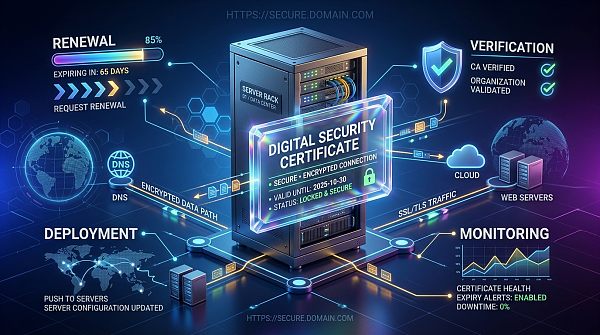
Many businesses assume that SSL certificate expiration only means “a browser reminder,” but the actual impact is often much greater than expected. This is especially true for websites that rely on the corporate website for lead generation, SEO traffic acquisition, online inquiries, and form conversions, where an invalid certificate can directly interrupt the user access path.
The main risks are usually concentrated in the following areas:
- Rapid decline in website credibility: Browsers will display warnings such as “Connection is not secure” or “Certificate has expired,” and users are very likely to close the page immediately.
- Drop in conversion rates: For pages involving login, payment, inquiries, and form submissions, once a security warning appears, transactions and lead submissions will be significantly affected.
- SEO and marketing traffic acquisition affected: Even if advertising and organic traffic are still coming in, a poorer landing page experience will reduce conversion efficiency and cause wasted marketing budget.
- API or system call abnormalities: Some APIs, CDNs, email services, and enterprise systems have high HTTPS requirements, and certificate expiration may trigger chain failures.
- Increased after-sales and operations pressure: Handling the issue only after expiration is usually more passive, making emergency fixes, repeated deployments, and cross-department coordination more likely to become chaotic.
Therefore, SSL certificate renewal is not simply a “procurement action,” but a critical management checkpoint for website security, brand trust, and stable business operations.
What exactly should be done before an SSL certificate reaches the end of its validity period?
If you truly want to avoid website downtime, it is recommended to start preparing at least 15 to 30 days before the certificate expires. For businesses with multiple domain names, multiple sites, or multiple server nodes, arrangements should be made even earlier. You can proceed in the following order:
1. First confirm the exact expiration time and coverage scope of the certificate
The first step is not renewal, but inventory review. Many problems do not arise from “forgetting to buy,” but from “assuming there is only one certificate.” You need to check:
- The exact expiration date of the certificate
- Whether it is bound to a single-domain, wildcard, or multi-domain certificate
- Whether it is deployed on multiple servers, behind load balancing, a CDN, or cloud WAF
- Whether test sites, mobile sites, or overseas sites are also using the same certificate synchronously
This step helps avoid the common problem of renewing and updating only the main site while missing sub-sites, mirror sites, or edge nodes.
2. Decide in advance whether to renew the original certificate or replace it with a different certificate solution
The SSL certificate application process is not always a simple “renew the same one.” Businesses should determine whether upgrades or adjustments are needed based on the current business stage:
- If it is only a standard corporate showcase website, a basic DV certificate may be considered
- If emphasizing corporate identity credibility, an OV certificate is more suitable
- If it is for finance, a platform-type website, or a brand official website with higher trust-display requirements, an EV certificate can be evaluated
- If the business has expanded to multiple subdomains, a wildcard certificate may be more suitable
- If multiple independent brands or multiple domain names are served at the same time, a multi-domain certificate may reduce management costs more effectively
At this stage, business decision-makers are often less concerned about technical details and more focused on “whether the current certificate solution still matches the business.” If the website has already taken on more responsibilities for promotion, inquiries, and brand presentation, then the SSL certificate purchasing strategy should also be upgraded accordingly.
3. Check the domain name, DNS, contact email, and validation requirements
Many SSL certificate renewal delays are caused not by slow payment, but by getting stuck in the validation stage. Common items that need to be checked in advance include:
- Whether the domain is still under your control and whether the domain itself is nearing expiration
- Whether WHOIS, administrator email, or enterprise validation email can receive emails normally
- Whether DNS resolution can have validation records added as required
- Whether the company qualification information has changed, especially for OV/EV certificates
If these basic conditions are not prepared in advance, even if the order has already been placed, issuance may still be delayed for a long time, ultimately creating the passive situation of “knowing it is about to expire but still being unable to update it on time.”
4. Generate the CSR in advance and manage the private key properly
When carrying out the SSL certificate application process, operators usually also need to generate a CSR file and properly keep the private key. There are two key points here:
- The CSR information should match the domain name and company information to reduce rework during review
- The private key must be stored securely, must not be shared externally at will, and must not become unusable for later deployment due to unclear handover
If there is extensive collaboration among the internal website, operations, and marketing teams, it is recommended to uniformly record the domains corresponding to certificates, server environments, certificate brands, expiration dates, responsible personnel, and deployment locations in a management ledger.
5. Schedule the installation time properly to avoid switching during business peak periods
After the certificate is issued, the task is not over. What truly affects the business is whether deployment is stable. It is recommended to choose low-traffic periods for installation and complete the following tasks:
- First verify the installation in a testing environment or on non-core nodes
- Check whether the certificate configuration in Nginx, Apache, IIS, or the cloud platform is correct
- Confirm that the intermediate certificate chain is complete
- Check whether CDN, load balancing, reverse proxy, and other locations also need to be updated synchronously
- Keep a backup of the old configuration for rollback in case of abnormalities
For marketing website development projects, when switching certificates, you should also simultaneously check whether form pages, landing pages, online customer service components, tracking analytics, and third-party plugin calls are functioning properly.
6. After deployment, conduct comprehensive testing instead of only checking the browser “padlock”
Many people think the work is done once HTTPS appears in the address bar, but in reality further verification is still needed:
- Whether the entire site is forcibly redirected to HTTPS
- Whether there are mixed content issues, such as images, JS, and CSS still calling HTTP resources
- Whether both desktop and mobile versions can be accessed normally
- Whether key processes such as form submission, payment, login, and downloads function normally
- Whether SEO-related settings are normal, such as canonical, sitemap, and 301 redirects
If the business relies on search engine optimization services for customer acquisition over the long term, this step is especially important. Because being technically “accessible” and being commercially “convertible” are not the same thing.
What business managers should focus on most is not just renewal, but the certificate management mechanism
For businesses with multiple websites, multiple brands, or multi-regional operations, SSL certificate issues are often not about a single certificate, but about an unclear management mechanism. Truly efficient practices usually include:
- Establish a certificate expiration reminder mechanism, with at least 30-day, 15-day, and 7-day multi-level alerts
- Clearly assign responsibility to avoid procurement, technical, and operations teams waiting on one another
- Uniformly record certificate suppliers, issuance cycles, deployment locations, and renewal times
- Include certificate management in website operations and digital asset management processes
- Conduct unified security inspections for official websites, landing pages, overseas sites, and campaign pages
From a business perspective, although this kind of foundational security management does not directly generate traffic, it ensures that SEO, advertising campaigns, brand presentation, and user experience are not dragged down by underlying issues. For businesses pursuing sustained growth, this is foundational work with low investment and high return.
When purchasing and renewing SSL certificates, how can businesses make more suitable decisions?
If a business is evaluating an SSL certificate purchasing plan, it can judge from the following dimensions:
- Website purpose: Is it a corporate showcase site, a marketing site, an e-commerce site, or a system platform?
- User trust requirements: Is there a need to strengthen endorsement of the company’s identity?
- Number of domain names: Is it a single domain, or multiple subdomains and multiple brand domains running in parallel?
- Operations and maintenance complexity: Is there a desire to reduce subsequent certificate management costs?
- Budget and risk tolerance: Is the priority lower cost, or greater emphasis on brand and stability?
If the business does not have a dedicated IT team, it is recommended to have the service provider help sort out the site structure and deployment environment before renewal. Integrated services covering website development, SEO optimization, traffic acquisition, and security maintenance are often better than purchasing a certificate alone in reducing follow-up hidden risks.
In enterprise digital operations, many management actions are essentially about “reducing systemic risk.” This also applies to other management scenarios. For example, in research on organizational governance and process optimization, Research on the Current Situation and Optimization Strategies of Human Resource Management in Public Hospitals reflects the same idea of improving overall operational efficiency through mechanism optimization. Although website certificate management belongs to technical detail, it likewise needs to be institutionalized rather than handled as a temporary remedy.
Common misconceptions: Why do many businesses still run into problems even when they clearly know expiration is approaching?
From actual operations and maintenance experience, problems before SSL certificate expiration are usually not caused by “not knowing renewal is needed,” but by falling into the following misconceptions:
- Misconception 1: Assuming auto-renewal guarantees everything
Auto-renewal does not mean automatic deployment. Whether the certificate is successfully installed after issuance still needs to be checked. - Misconception 2: Only managing the main site while ignoring the CDN and subdomains
The actual access path involves multiple nodes, and missing even one may cause an error. - Misconception 3: The certificate was renewed, but HTTPS details were not handled properly
Mixed content, redirect abnormalities, and third-party plugin errors are all very common. - Misconception 4: Treating SSL as a purely technical issue
In fact, it is directly related to brand trust, inquiry conversion, and user loss. - Misconception 5: No handover documentation
After personnel changes, no one can clearly explain who manages the certificate, how it was purchased, or where it is deployed.
These issues essentially show that SSL certificate renewal should not be viewed only from the procurement stage, but from the entire execution loop.
A practical checklist: 7 self-check steps before SSL certificate expiration
If you need fast implementation, you can directly follow this checklist below:
- Confirm the certificate expiration time and the scope of affected domains
- Determine whether to continue with the current solution or upgrade the certificate type
- Check domain status, DNS, validation email, and company qualifications
- Generate the CSR and securely store the private key
- Complete the SSL certificate purchase or renewal application
- Complete deployment on servers, CDN, load balancing, and other relevant locations
- Test HTTPS, redirects, forms, page resources, and SEO performance
If the corporate website also serves functions such as brand presentation, lead generation, and promotional conversion, it is recommended to incorporate this checklist into fixed operations and maintenance procedures. When necessary, you can also combine the capabilities of external service providers to handle website development, security, optimization, and marketing traffic acquisition issues in a unified manner.
Overall, before an SSL certificate reaches the end of its validity period, the most important thing is not simply to “buy a new certificate,” but to complete inventory review, decision-making, validation, deployment, and testing in advance to ensure that website security and business continuity are not affected. For businesses that rely on their official websites for customer acquisition and brand trust, the SSL certificate application process, SSL certificate purchase, and renewal management are all part of digital marketing infrastructure. When done well, they may seem unnoticeable; but once neglected, losses are often directly reflected in wasted traffic, user loss, and brand damage. Instead of waiting until the certificate expires to make an emergency fix, it is better to establish a mechanism in advance and eliminate the risk before expiration.
Related Articles



Related Products
 EasyCamp SaaS Smart Website Marketing SystemE-Yingbao SaaS Smart Website Marketing System: AI-powered, zero-code website building. Rapidly launch multilingual independent e-commerce sites in just 10 minutes. Global server acceleration and AI-driven SEO optimization empower businesses to efficiently connect with global markets. The seamless integration of technology and user-friendly operation makes building e-commerce sites incredibly simple.
 AI+SEM Intelligent Advertising Marketing SystemAI+SEM drives intelligent ad creation, empowering full-funnel precision advertising marketing. The system automatically generates weekly/monthly reports, AI recommends keywords and target countries, monitors core metrics in real-time with intelligent alerts, and enables one-click high-conversion ad solutions to help quickly acquire customers and improve ROI.
 AI+SEO Dual Engine Optimization ServiceEasyWin AI+SEO Dual Engine Optimization System leverages AI-powered keyword mining, content generation, and comprehensive technical optimization to help foreign trade enterprises acquire high-quality organic traffic, significantly improving search rankings and conversion rates.
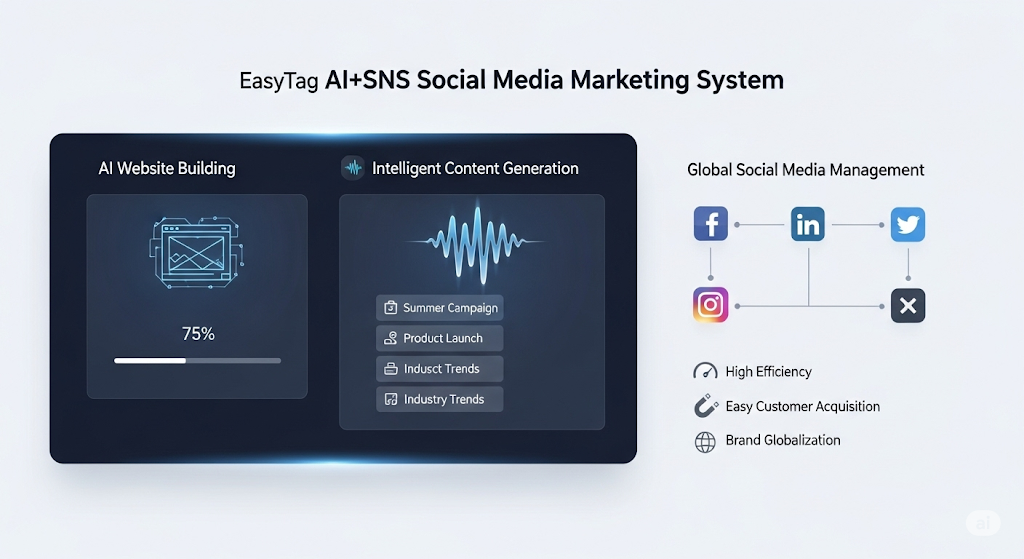
 AI+SNS Social Media Marketing SystemYingbao AI+SNS Social Media Marketing System - Precision social capture for the social media era. Supports one-click content synchronization across major platforms like Facebook and LinkedIn. AI intelligently rewrites posts for enhanced relevance. 24/7 AI customer service and user profiling analysis empower businesses to efficiently expand into global markets.
 AI+SEO营销解决方案易营宝AI+SEO营销解决方案,通过AI批量写作、智能生成TDK、精准关键词扩词等功能,全面优化网站SEO效果,提升流量与转化率。助力企业构建高效智能网站新生态。
 AI+SEM Advertising Marketing SolutionsAI+SEM Advertising Marketing Solution leverages AI technology to deeply empower SEM ad campaigns. It automatically generates weekly/monthly reports using AI, presenting account data across multiple dimensions for comprehensive insights into campaign performance and trends. The system precisely recommends keywords and target countries, intelligently generates high-conversion ad copy, and enables one-click activation of efficient campaign plans to help businesses rapidly acquire customers. Simultaneously, it monitors core metrics in real time, intelligently identifies abnormal fluctuations, and issues timely alerts to ensure stable, high-return advertising results.
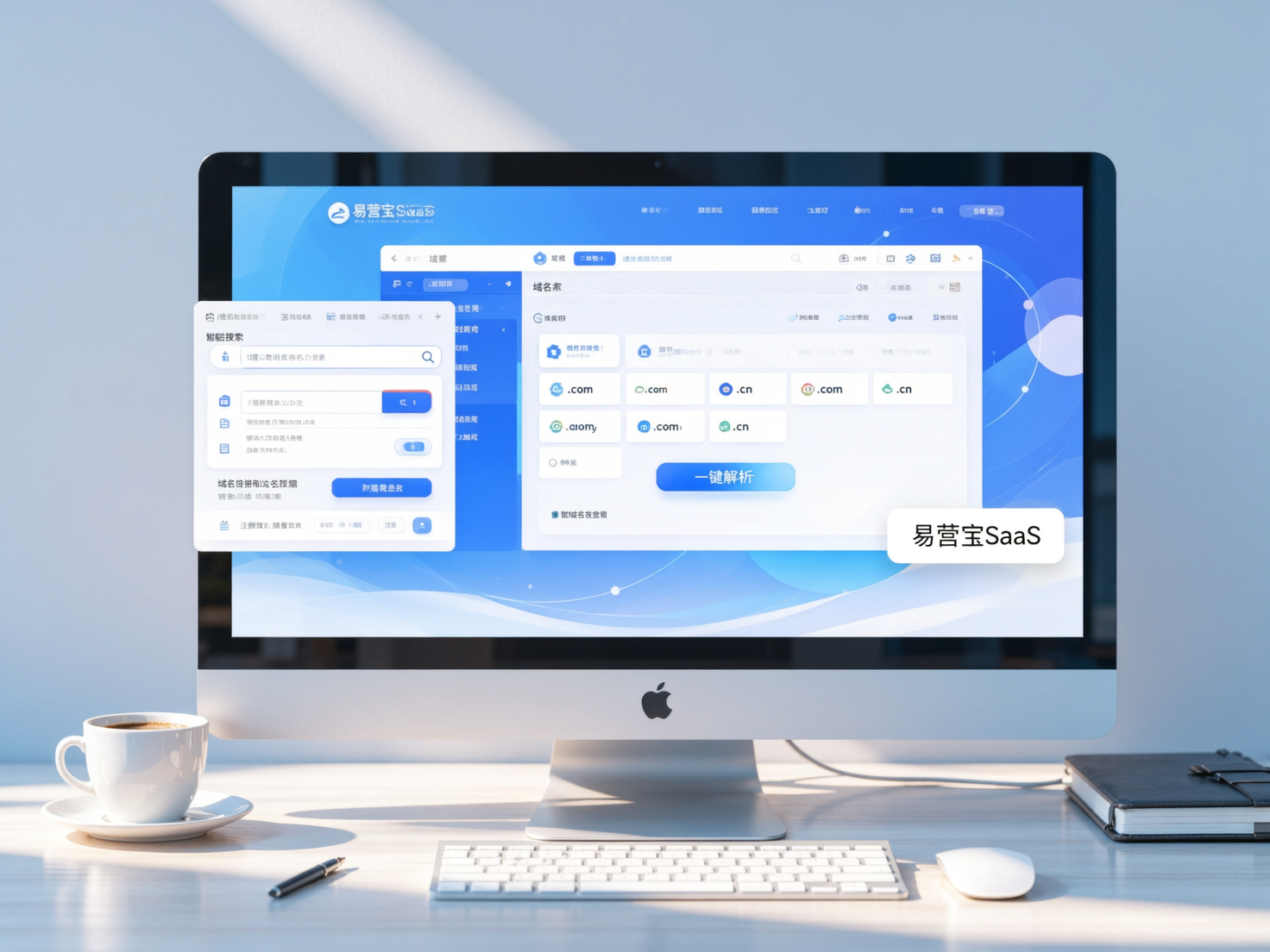
 Domain Name ServicesEasyWin provides professional domain name services, including intelligent queries, one-stop registration, brand protection, and full lifecycle management, helping businesses build a digital brand image.
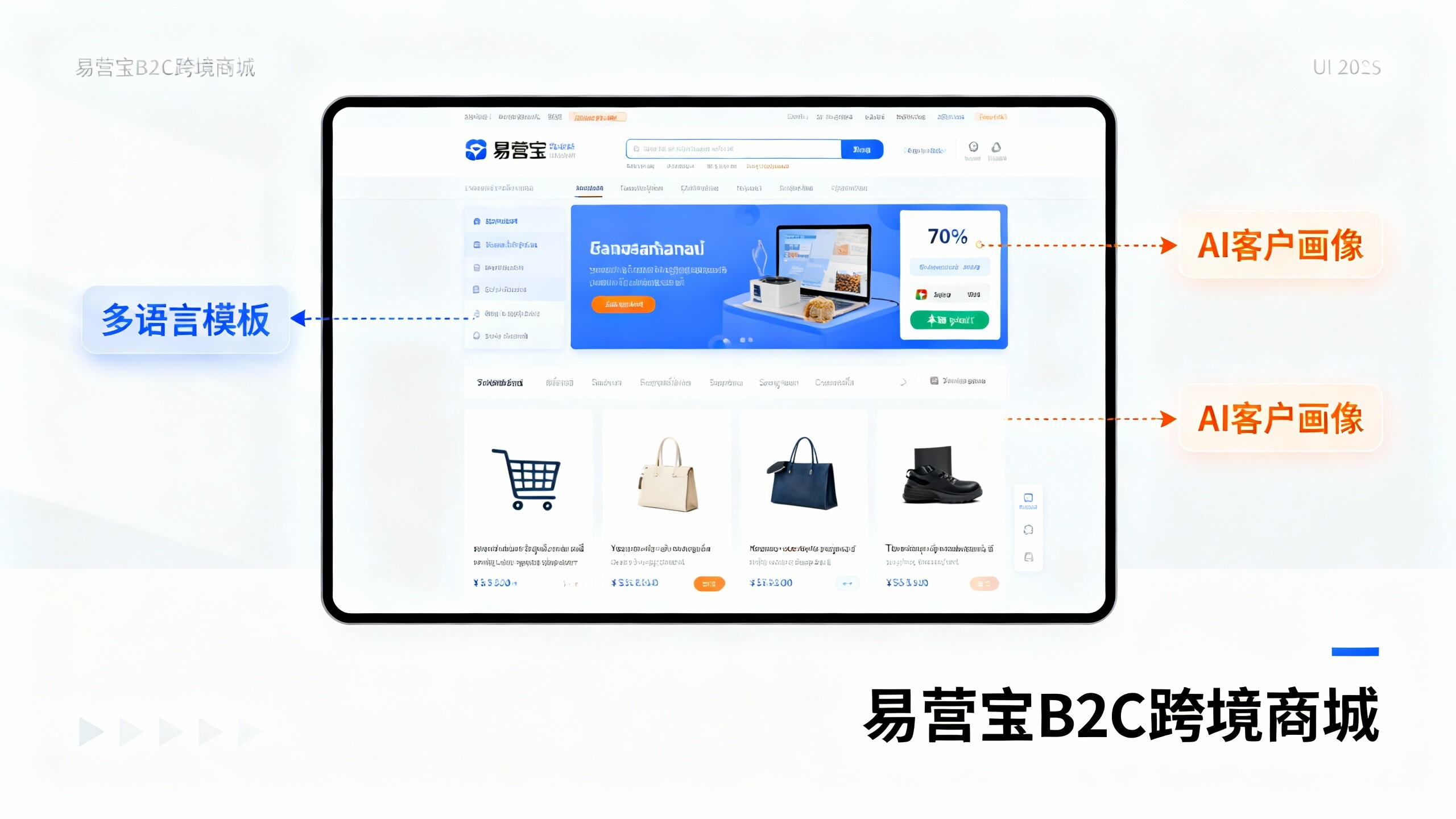
 EasyOperate B2C Cross-Border E-Commerce Platform & Independent WebsiteEasyStore B2C Cross-border E-commerce Independent Store is an intelligent website building and cross-border e-commerce integrated solution independently developed by EasyStore Information Technology (Beijing) Co., Ltd. The system is specially designed for small and medium-sized as well as large export enterprises, integrating 'website building, operation, marketing, advertising, and conversion' into one, helping enterprises quickly establish cross-border e-commerce independent stores to achieve brand globalization and global sales growth.
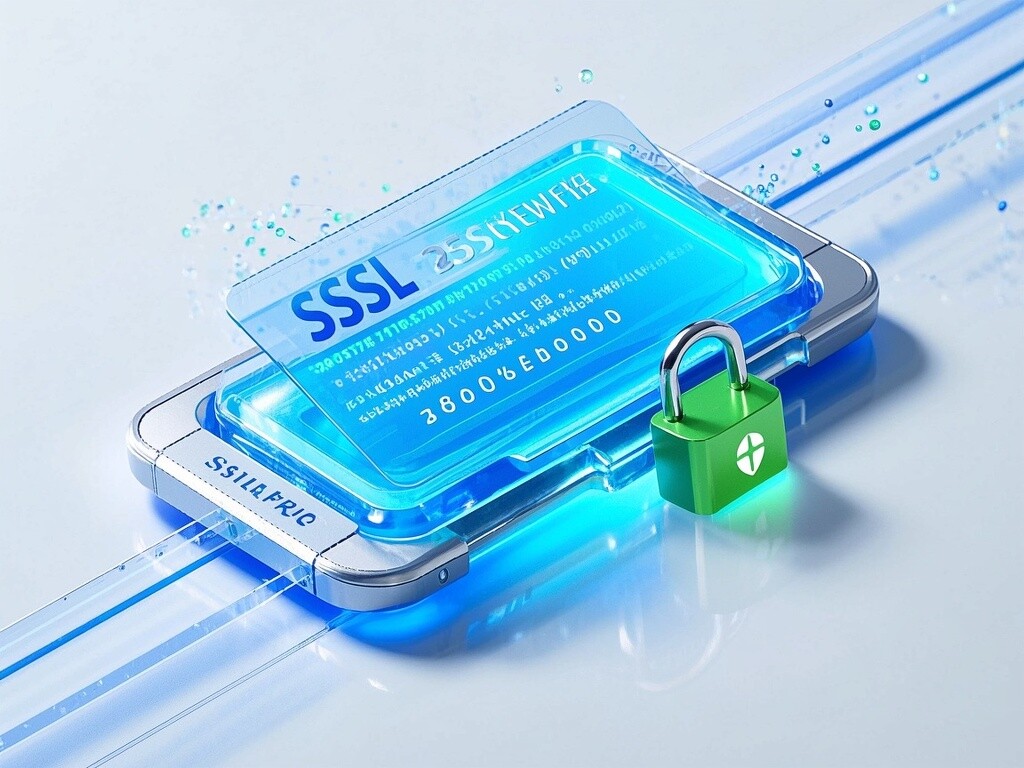
The platform supports multiple languages, multiple currencies, and multi-channel marketing, with built-in AI intelligent translation and SEO optimization systems, suitable for mainstream markets such as Southeast Asia, Europe and America, Latin America, and the Middle East, assisting Chinese manufacturing enterprises in efficiently deploying international e-commerce strategies. SSL证书易营宝提供专业SSL安全证书服务,包括单域名和泛域名证书,确保网站数据传输加密、身份验证和完整性保护,助力企业建立安全可信的在线业务环境。