








- Two Internet Development Reports Released at the 2026 World Internet ConferenceNov 05, 2026View details
- Internet Business Revenue of Enterprises Above the Designated Size Reached RMB 1.716 Trillion in the First Three Quarters, with Profits Up 17.6%Nov 05, 2026View details
- Shopify's Third-Quarter Revenue and GMV Fall Short of Expectations, Sending Shares Tumbling Before the Market OpensNov 04, 2026View details
- Temu Sellers See a Decline in Traffic as the Platform’s Traffic Allocation ShiftsNov 04, 2026View details
- UK Regulator Requires E-Commerce Businesses to Clearly Display Total Prices Including Mandatory Delivery ChargesNov 04, 2026View details
- Amazon Reportedly Sends Exclusivity Warning Letters to Multiplatform SellersNov 03, 2026View details
How Can a Data Analytics SaaS Tool for B2B Export Websites Track Inquiry Sources?
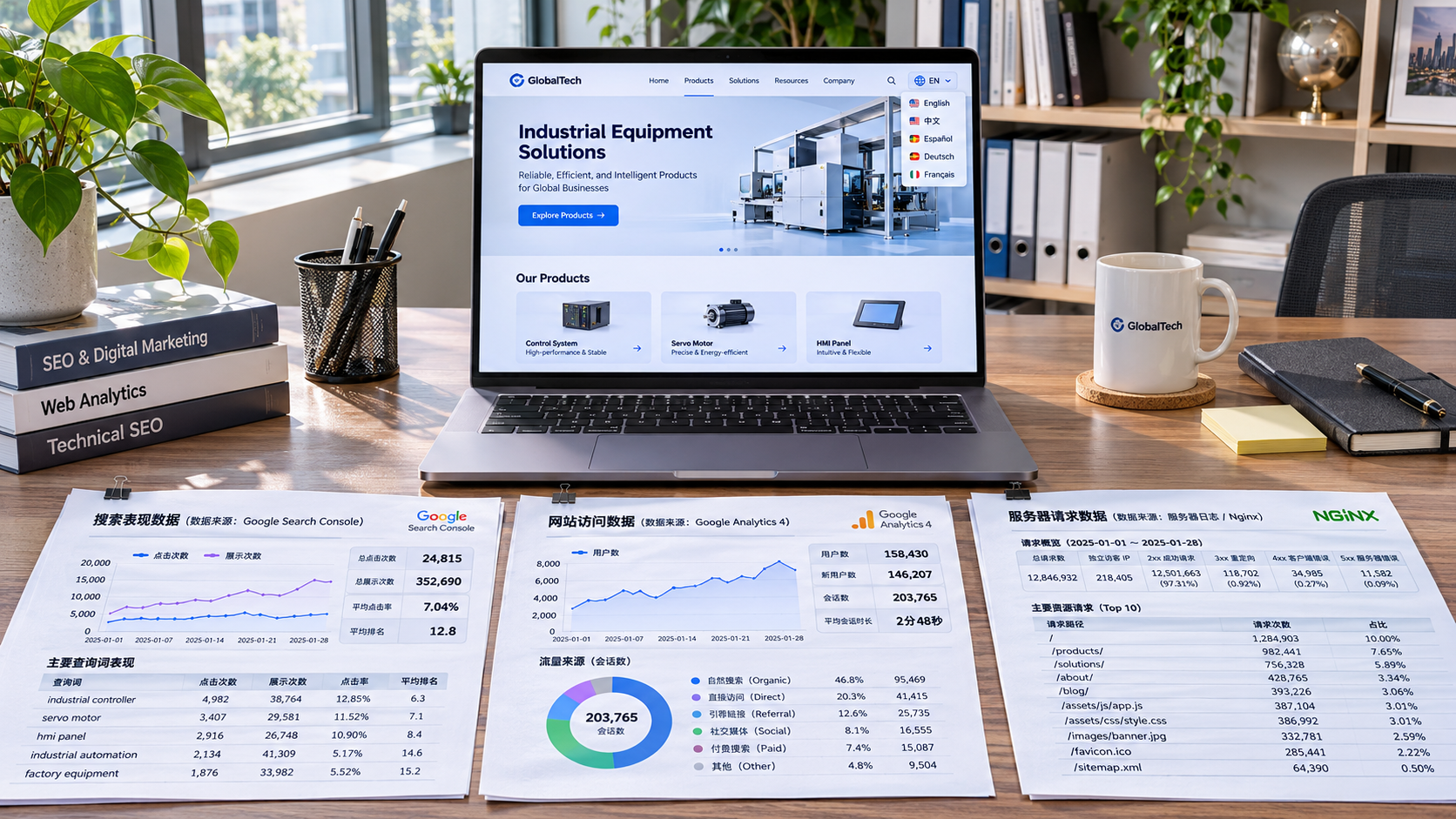
For a B2B export website, tracking the source of inquiries is not simply a matter of counting where visitors enter the site. The key is to connect a valid inquiry with that visitor’s previous browsing records. Data analytics SaaS tools typically identify visits using marketing parameters in page URLs, referrer information, and browser identifiers, then save the corresponding source information when a form is submitted or another conversion event occurs.
However, there may be more than one answer to the question of “source”: a customer might first visit through organic search, return a few days later by clicking an ad, and ultimately submit an inquiry after opening the website directly. Which channel the system credits with the inquiry depends on its identity-linking capabilities and attribution rules—not merely on whether tracking code has been installed.
From Visit to Inquiry: How Source Information Is Saved
When a visitor arrives at an independent website, the tracking script typically reads the landing page URL, referrer URL, and information such as the visit time and page path. UTM parameters can be added in advance to links from ads or social media—for example, utm_source, utm_medium, and utm_campaign—to identify the traffic source, medium, and campaign, respectively. Ad platform click IDs can also be used to associate conversions later, but their availability depends on platform rules, authorization, and the integration method.
When marketing parameters are absent, the system may use the HTTP Referrer—the referring page URL—to determine whether a visitor came from a search engine, social network, or another external website. Referrer data does not include full search or advertising context, and may be missing because of browser policies, privacy settings, page redirects, or in-app browsing. Therefore, traffic labeled as “direct” does not necessarily mean that the customer manually entered the URL.
To link a subsequent inquiry to earlier visits, tools use cookies, local storage, or other permitted methods to save visitor identifiers and source information. When a user submits a form, the website can send the identifier and source fields with the form as hidden fields, or the backend can look them up using a session identifier and write them to the inquiry record. A complete process generally includes: collecting visit information, saving identifiers and sources, recording valid conversions, and linking conversions to leads.

For example, a customer clicks a product page link containing utm_source=google and utm_medium=cpc, then returns three days later and submits an inquiry. If the identifier is still valid and the tool has saved the first-touch source, the inquiry record can retain information about that ad visit. If the identifier has been lost, the system may only see the source of the visit during which the form was submitted. The actual retention period depends on the tool’s settings, browser restrictions, and applicable privacy requirements.
A Form Submission Does Not Mean Every Inquiry Is Tracked
Inquiries on a website may come from product forms, general contact forms, instant messaging buttons, email links, or phone links. Tracking accuracy varies:
- On-site forms: A conversion can be recorded after successful submission is confirmed on the server, and source fields can be written to the lead management system. Recording button clicks alone may include failed validation, repeated clicks, and incomplete submissions.
- Instant messaging and email links: A website can usually record a redirect or click, but cannot reliably confirm from that alone that the customer sent a message. Linking the interaction to an actual conversation requires integration support from the relevant platform or customer service system, as well as the necessary permissions.
- Phone links: A click event does not mean the call was connected, much less that it resulted in a valid inquiry. Associating the event with the call outcome requires additional phone system capabilities.
- Embedded third-party forms: If a form is in a cross-domain iframe, the main site’s script may be unable to read the submission result directly. The form service must provide a callback, event interface, or server-side integration.
Multilingual sites, standalone ad landing pages, and third-party form domains can also affect the completeness of the tracking chain. During cross-domain navigation, if the visitor identifier or source parameters are not passed correctly, the system may identify the same customer as a new visitor or even misidentify the company’s own domain as a referral source. When evaluating a tool, confirm how it handles cross-domain identification, internal domain exclusions, and server-side form data transmission.
Why Can the Same Inquiry Be Attributed to Different Sources in Different Reports?
Data analytics SaaS tools for B2B export websites typically apply attribution rules to collected records. First-touch attribution focuses on the channel through which the customer first discovered the website; last-touch attribution focuses on the last visit before submission. Some tools use last non-direct touch attribution: if the last visit is identified as direct, they look back to the previous eligible non-direct source.
Suppose a customer first arrives through organic search, then clicks social media content, and later visits directly via a bookmark before submitting a form. First-touch attribution may credit organic search, last-touch attribution may credit direct traffic, and last non-direct touch attribution may credit social media. These results follow different rules, and none can be taken as proof that a particular channel independently generated the inquiry.
When comparing reports, also check the attribution window: how far back the system looks for visit records, and whether the window is calculated from the click or the submission time. With a short window, customers with longer purchasing cycles may not be linked to earlier touchpoints. Differences in time zones, channel classification, deduplication methods, and conversion definitions between systems can also lead to different figures. Conversion counts in ad platforms and website inquiry counts are not inherently the same metric; they are comparable only when the measurement criteria are aligned.
Note that a browser identifier is not the same as a real customer identity. If customers switch devices, clear their data, or use different browsers, the original visit chain may be interrupted. Merging identities based on login accounts or a customer relationship management system also requires clear rules and authorization boundaries. Visits that cannot be linked should not be treated as a fully reconstructed customer journey.
To Verify Tracking Capabilities, Check the Records—not Just the Reports
After deployment, visit the website using a test link with clearly defined UTM parameters, browse a product page, and then submit an inquiry marked as a test. Check whether the source fields are consistent across website events, form records, and the lead management system, and confirm that test data can be excluded from official reports. Then test visits without parameters, cross-domain navigation, duplicate submissions, and third-party forms separately to see whether sources are overwritten, lost, or counted more than once.
Also check whether the tool can retain both the original source fields and the attributed channel classification. If the system only displays aggregated labels such as “search” or “ads” without letting you inspect parameters, landing pages, conversion times, and rule versions, it will be harder to troubleshoot channel classification errors later. When the form system sends data back to a CRM or ad platform, confirm the event identifiers, retry process, and deduplication mechanism to prevent a single inquiry from being counted multiple times.
Tracking design is also subject to privacy requirements. Where GDPR, EU ePrivacy rules, or laws in other regions apply, the use of cookies and similar technologies may involve notice, consent, and exceptions, depending on the purpose and applicable jurisdiction. The system should support controlling relevant data collection and transmission based on consent status, and clearly define data retention periods, access permissions, and deletion mechanisms. Server-side tracking does not automatically eliminate these obligations.
A workable source-tracking solution is not about claiming to identify every visitor. It is about clarifying which inquiries are recorded, how sources are linked, what attribution rules are used, and which cases cannot be identified. With these conditions clearly defined, channel reports can provide a sound basis for decisions about ad campaigns and website optimization.
Related Articles
 How can you tell whether a website development service provider supports structured data?
 How Can a Data Analytics SaaS Tool for B2B Export Websites Track Inquiry Sources?
 How to Choose an SEO Data Analysis Tool: Start by Checking the Data Sources


Related Products
 Yiyingbao SaaS Intelligent Website Building and Marketing SystemYiyingbao SaaS Intelligent Website Building and Marketing System, AI-powered no-code website building, rapid creation of multilingual B2B international websites in 10 minutes, global server acceleration, AI-powered SEO optimization, helping businesses connect efficiently with global markets. The perfect integration of technology and operation makes building an international trade website remarkably simple
 AI+SEM Intelligent Advertising Marketing SystemAI+SEM drives intelligent ad creation, empowering full-funnel precision advertising marketing. The system automatically generates weekly/monthly reports, AI recommends keywords and target countries, monitors core metrics in real-time with intelligent alerts, and enables one-click high-conversion ad solutions to help quickly acquire customers and improve ROI.
 AI+SEO Dual-Engine System Optimization ServicesYiyingbao’s AI+SEO dual-engine optimization system helps foreign trade enterprises acquire high-quality organic traffic through AI-powered keyword research, content generation, and comprehensive technical optimization, significantly improving search rankings and conversion rates.
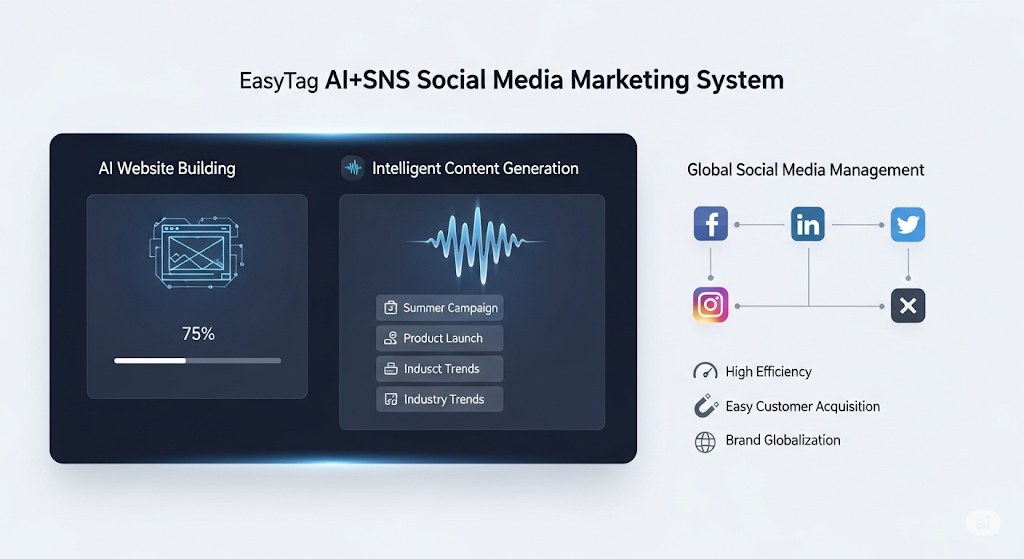
 AI+SNS Social Media Marketing SystemYingbao AI+SNS Social Media Marketing System - Precision social capture for the social media era. Supports one-click content synchronization across major platforms like Facebook and LinkedIn. AI intelligently rewrites posts for enhanced relevance. 24/7 AI customer service and user profiling analysis empower businesses to efficiently expand into global markets.
 AI+SEO营销解决方案易营宝AI+SEO营销解决方案,通过AI批量写作、智能生成TDK、精准关键词扩词等功能,全面优化网站SEO效果,提升流量与转化率。助力企业构建高效智能网站新生态。
 AI+SEM Advertising Marketing SolutionsAI+SEM Advertising Marketing Solution leverages AI technology to deeply empower SEM ad campaigns. It automatically generates weekly/monthly reports using AI, presenting account data across multiple dimensions for comprehensive insights into campaign performance and trends. The system precisely recommends keywords and target countries, intelligently generates high-conversion ad copy, and enables one-click activation of efficient campaign plans to help businesses rapidly acquire customers. Simultaneously, it monitors core metrics in real time, intelligently identifies abnormal fluctuations, and issues timely alerts to ensure stable, high-return advertising results.
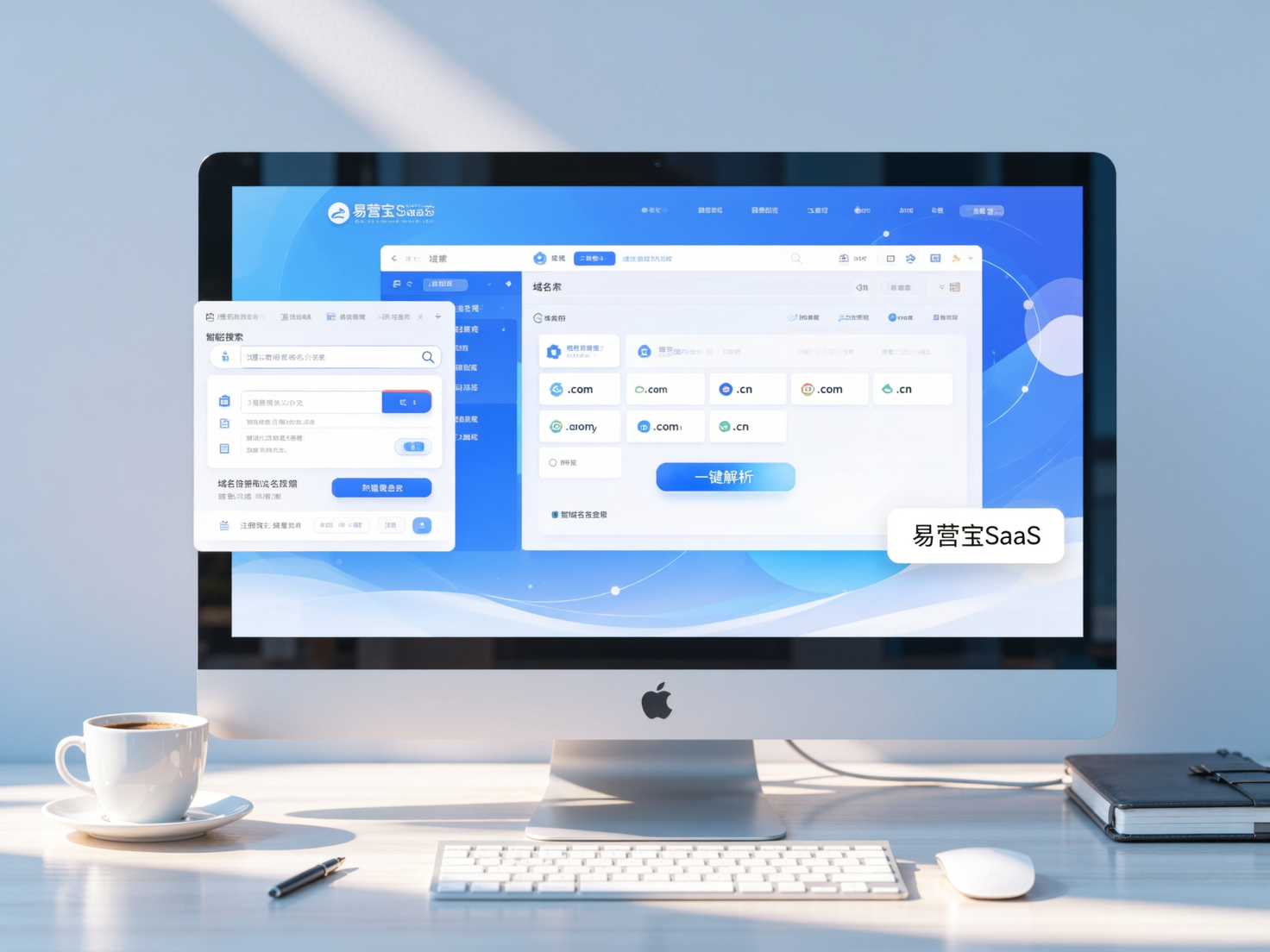
 Domain Name ServicesEasyWin provides professional domain name services, including intelligent queries, one-stop registration, brand protection, and full lifecycle management, helping businesses build a digital brand image.
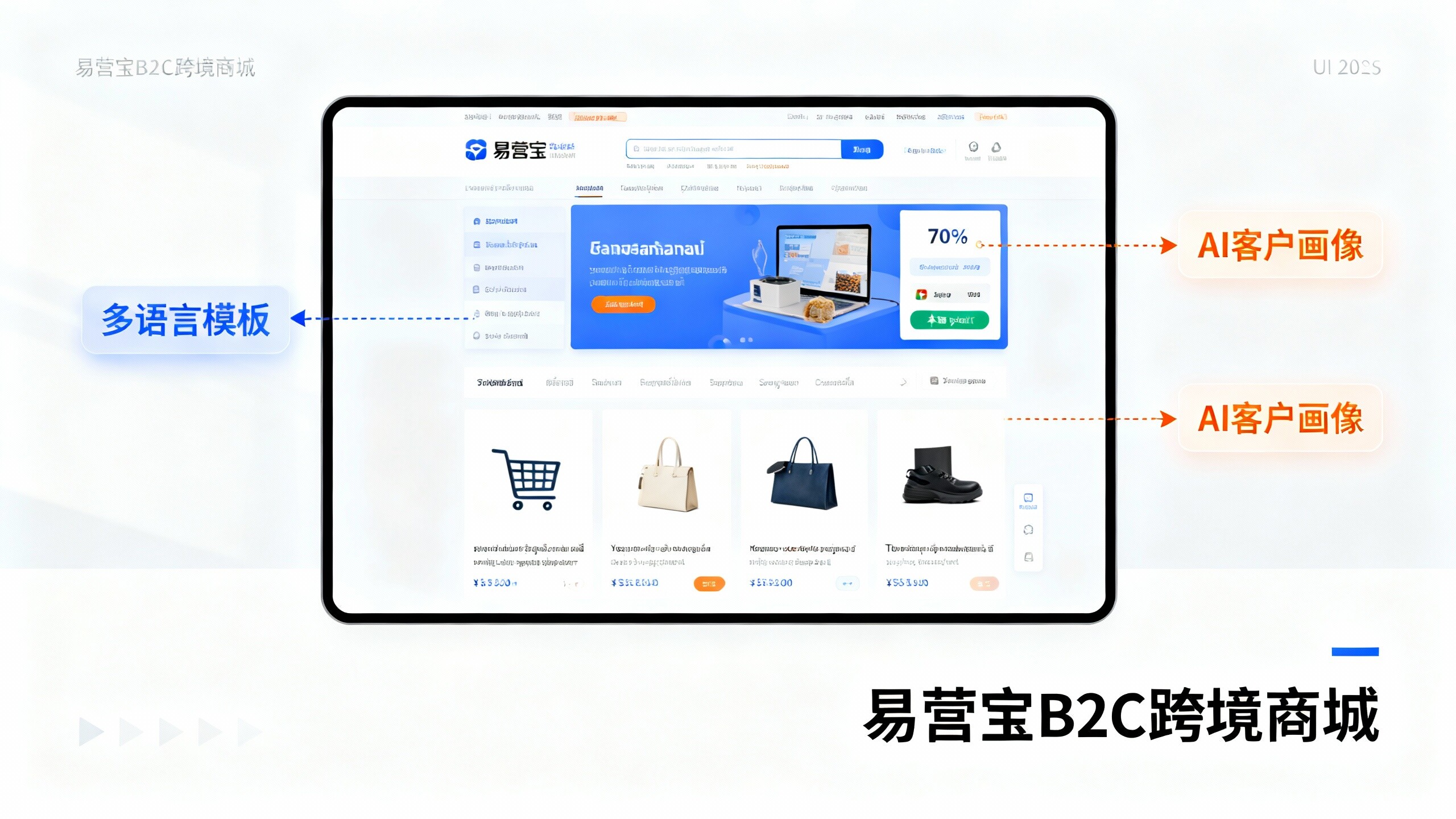
 EasyOperate B2C Cross-Border E-Commerce Platform & Independent WebsiteEasyStore B2C Cross-border E-commerce Independent Store is an intelligent website building and cross-border e-commerce integrated solution independently developed by EasyStore Information Technology (Beijing) Co., Ltd. The system is specially designed for small and medium-sized as well as large export enterprises, integrating 'website building, operation, marketing, advertising, and conversion' into one, helping enterprises quickly establish cross-border e-commerce independent stores to achieve brand globalization and global sales growth.
The platform supports multiple languages, multiple currencies, and multi-channel marketing, with built-in AI intelligent translation and SEO optimization systems, suitable for mainstream markets such as Southeast Asia, Europe and America, Latin America, and the Middle East, assisting Chinese manufacturing enterprises in efficiently deploying international e-commerce strategies. SSL证书易营宝提供专业SSL安全证书服务,包括单域名和泛域名证书,确保网站数据传输加密、身份验证和完整性保护,助力企业建立安全可信的在线业务环境。