








- Amazon Reportedly Sends Exclusivity Warning Letters to Multiplatform SellersNov 03, 2026View details
- New TikTok Shop Cross-Border Returns Rules for Southeast Asia Take Effect on November 5Nov 03, 2026View details
- U.S. Tightens De Minimis Exemption Channel and Revises Section 321 Data PilotNov 03, 2026View details
- Amazon FBA Fuel and Logistics Surcharge in 10 European Countries to Increase to 2% on November 2Nov 02, 2026View details
- EU Customs Code reform to take effect on November 1, with new handling fees for direct-mail small parcelsNov 01, 2026View details
- EU Plans to Raise Tax on Incoming Small Parcels to €5Oct 31, 2026View details
How to Choose an SEO Data Analysis Tool: Start by Checking the Data Sources
The estimated organic traffic for the same website can vary greatly between two tools. When technical evaluators see reports like these, it can be difficult to tell at a glance which one to trust: is one tool calculating incorrectly, or are they measuring different things to begin with?
Choosing an SEO data analysis tool is about more than its features and reports. Does its data come from search engines, website logs, or third-party estimates? Clarifying the data sources, coverage, and calculation methods is essential to determining whether the results are suitable for your decision-making needs.
The same “SEO data” can answer different questions depending on its source
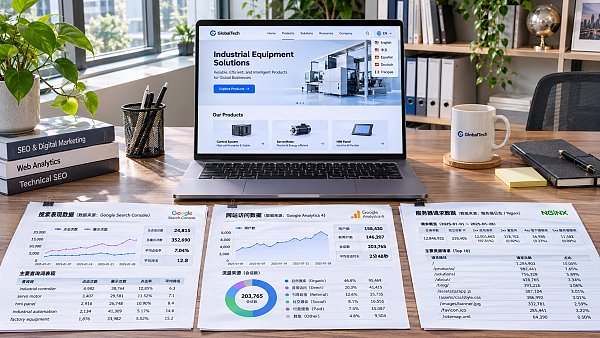
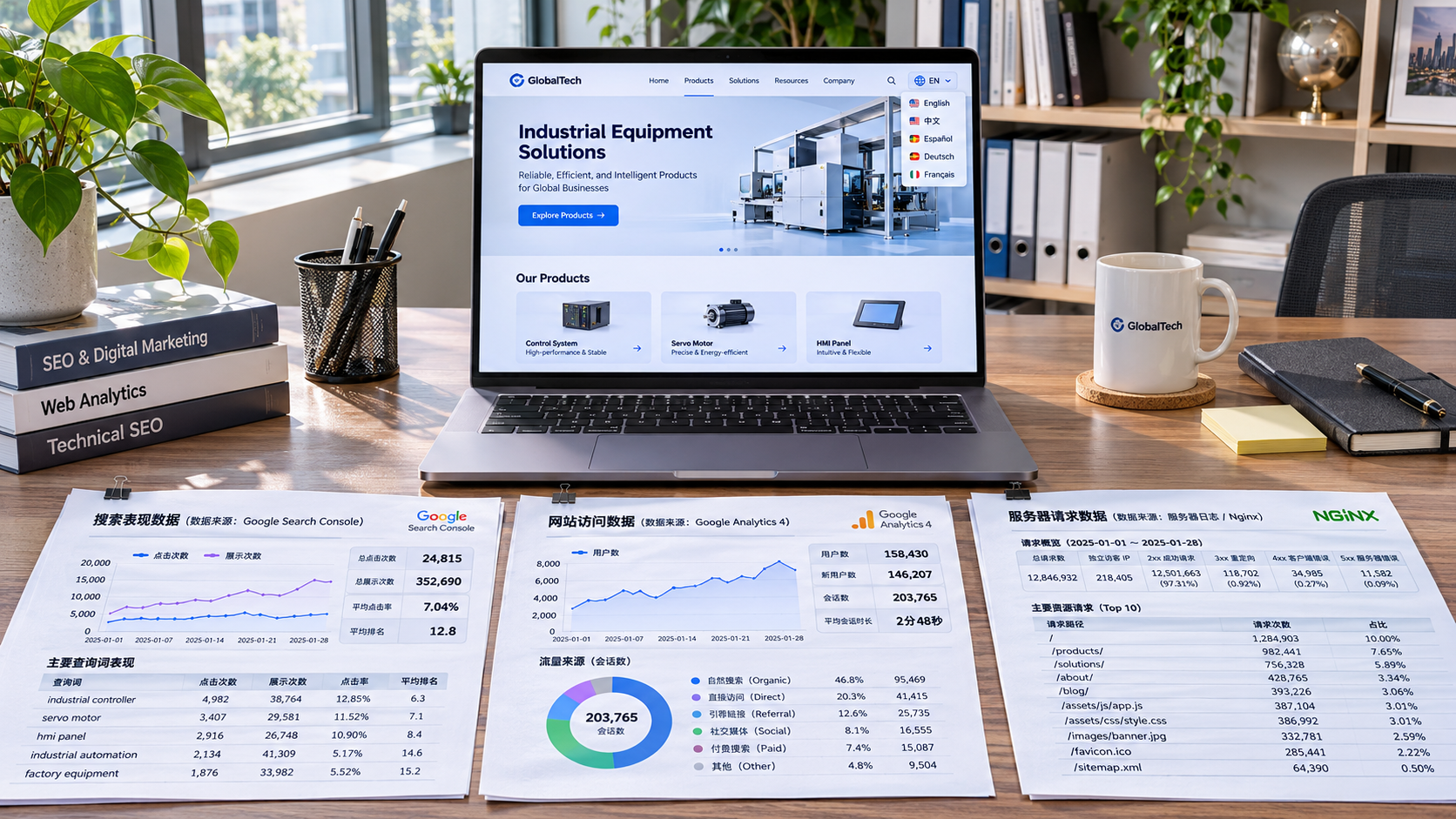
Search engine platform data typically comes from search performance reports available to verified site owners. For example, Google Search Console provides information on impressions, clicks, click-through rates, and average positions in Google Search. It is useful for evaluating your own website’s search performance, but it is not a complete record of website visits and does not directly reflect data from other search engines. Some reports may also be affected by privacy protections, query limits, and data processing methods, so detailed figures may not add up exactly to the totals.
Website analytics data primarily comes from page tags or other collection methods and is used to observe user behavior after visitors arrive at a website, such as pages visited, inquiries submitted, or purchases completed. It can connect organic search to conversions, but is affected by user consent status, browser restrictions, attribution models, and tag implementation. As a result, the number of recorded visits may not match the number of clicks reported by search platforms.
Server logs record requests received by the server and can be used to analyze search engine crawler paths, status codes, and crawl frequency. They help identify page crawling issues, but cannot directly show whether a page has been indexed or ranked. When using logs, you should also verify crawler identities and consider how log retention periods, CDNs, and caching architectures affect data completeness.
Third-party databases and model-based estimates are often used for keyword research, competitor rankings, and backlink analysis. These tools typically rely on their own crawlers, keyword samples, or data partnerships, and then use models to calculate results. Their value lies in providing an external comparison—not in reproducing competitors’ actual backend data.
When evaluating a metric, first ask where it comes from
A polished growth chart in a demo can be reassuring, but before making a purchase, it is more useful to select a few key metrics and ask the vendor to explain how they are collected, processed, and presented. In particular, be sure to ask:
- What is being measured? Is it actual search clicks, website sessions, or estimated visits based on keyword rankings? Similar names can refer to very different things.
- Which markets are covered? Confirm the search engines, countries or regions, languages, device types, and whether the keyword sample covers your target markets. For multilingual sites targeting Japan, South Korea, or the Middle East, performance in English-speaking markets alone is not enough to draw conclusions.
- How often is the data updated? Page crawling, ranking samples, and search performance reports may each have different delays. Investigating a launch incident calls for timely data, while quarterly content planning relies more on long-term trends.
- How is historical data handled? Check data retention periods, the scope of historical backfilling, sampling rules, and how anomalies are corrected, so you can continue year-over-year analysis after switching tools.
- Can the data be exported and verified? Check whether raw details, field definitions, API access, or report exports are available. If you can see only an aggregate score with no way to trace its components, troubleshooting may be difficult.
For derived metrics such as “keyword rankings” and “organic traffic value,” confirm how they are calculated. Rankings can vary by location, device, and sampling time. Traffic value is usually calculated from estimated traffic and ad click prices; it does not represent actual revenue.
Testing tools on real tasks is more effective than comparing feature lists
Select an important section of your site or a set of target keywords, then run a small-scale test using the same time period, country, and device settings. For example, for a multilingual product page on an international trade website, you can compare impressions and clicks in the search platform, organic search visits and inquiry events in the analytics platform, and use logs to check whether the relevant pages have been crawled.
If the search platform shows an increase in clicks but inquiries have not increased accordingly, do not immediately assume the tool is inaccurate. First check the date range, time zone, attribution rules, and conversion event configuration, then see whether the growth came from queries with low purchase intent. If logs show crawlers frequently visiting a page, that does not mean the page has necessarily been indexed; you will also need to check index reports and the page’s actual status.
For third-party tools, select several known keywords and check whether their rankings in your target regions broadly match search results. Also look for any obvious gaps in the competitors’ keyword coverage. Test results do not need to match line by line, but vendors should be able to explain the sampling time, location settings, and possible reasons for discrepancies.
When integrating data into business workflows, also check access and collaboration costs
A tool’s ease of use depends on more than the range of charts it offers. Technical teams should confirm website verification methods, account permission levels, API access limits, data export formats, and whether the tool can connect with existing analytics platforms, CRMs, or data warehouses. For overseas user behavior data, they should also assess collection methods, data storage locations, access controls, and applicable privacy requirements.
Businesses that operate their own websites, advertising, and social media channels should also check whether channel attribution is clear: advertising visits should not be counted as organic search growth, and inquiries should not be attributed to SEO based solely on the last visit. For multilingual websites, check whether analysis can be broken down by country, language, directory, or subdomain; otherwise, overall growth could mask problems in a priority market.
Yingyingbao provides integrated services including intelligent website building, SEO, and overseas marketing. When evaluating this type of solution, in addition to checking whether website and marketing data can be viewed in one place, confirm that the data sources, integration methods, permission settings, and export capabilities for each metric meet your needs. Specific features and coverage are subject to the actual demonstration and delivery agreement.
Ultimately, the right SEO data analysis tool is not necessarily the one with the most metrics. It is the one that helps your team understand where the numbers come from, which conclusions can be relied on, and how to verify discrepancies. Making data sources the starting point for tool selection gives you a stronger basis for technical troubleshooting, content optimization, and business evaluation.
Related Articles
 How to Choose an SEO Data Analysis Tool: Start by Checking the Data Sources
 How Good Is Yiyingbao? An Evaluation Based on Website Needs for International Trade
 How Can Cross-Border E-Commerce Analytics Tools Track Orders Generated by Ads?


Related Products
 Yiyingbao SaaS Intelligent Website Building and Marketing SystemYiyingbao SaaS Intelligent Website Building and Marketing System, AI-powered no-code website building, rapid creation of multilingual B2B international websites in 10 minutes, global server acceleration, AI-powered SEO optimization, helping businesses connect efficiently with global markets. The perfect integration of technology and operation makes building an international trade website remarkably simple
 AI+SEM Intelligent Advertising Marketing SystemAI+SEM drives intelligent ad creation, empowering full-funnel precision advertising marketing. The system automatically generates weekly/monthly reports, AI recommends keywords and target countries, monitors core metrics in real-time with intelligent alerts, and enables one-click high-conversion ad solutions to help quickly acquire customers and improve ROI.
 AI+SEO Dual-Engine System Optimization ServicesYiyingbao’s AI+SEO dual-engine optimization system helps foreign trade enterprises acquire high-quality organic traffic through AI-powered keyword research, content generation, and comprehensive technical optimization, significantly improving search rankings and conversion rates.
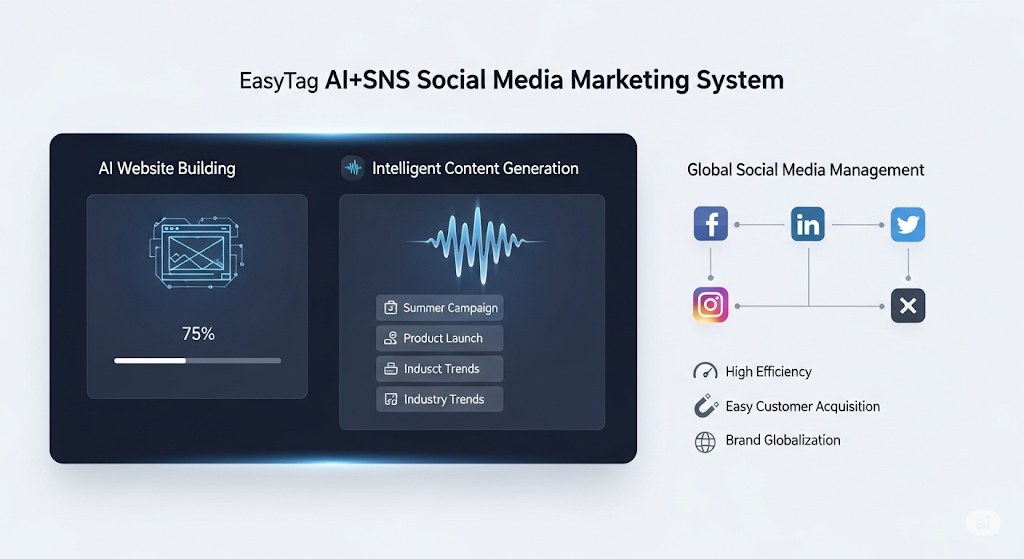
 AI+SNS Social Media Marketing SystemYingbao AI+SNS Social Media Marketing System - Precision social capture for the social media era. Supports one-click content synchronization across major platforms like Facebook and LinkedIn. AI intelligently rewrites posts for enhanced relevance. 24/7 AI customer service and user profiling analysis empower businesses to efficiently expand into global markets.
 AI+SEO营销解决方案易营宝AI+SEO营销解决方案,通过AI批量写作、智能生成TDK、精准关键词扩词等功能,全面优化网站SEO效果,提升流量与转化率。助力企业构建高效智能网站新生态。
 AI+SEM Advertising Marketing SolutionsAI+SEM Advertising Marketing Solution leverages AI technology to deeply empower SEM ad campaigns. It automatically generates weekly/monthly reports using AI, presenting account data across multiple dimensions for comprehensive insights into campaign performance and trends. The system precisely recommends keywords and target countries, intelligently generates high-conversion ad copy, and enables one-click activation of efficient campaign plans to help businesses rapidly acquire customers. Simultaneously, it monitors core metrics in real time, intelligently identifies abnormal fluctuations, and issues timely alerts to ensure stable, high-return advertising results.
 Domain Name ServicesEasyWin provides professional domain name services, including intelligent queries, one-stop registration, brand protection, and full lifecycle management, helping businesses build a digital brand image.
 EasyOperate B2C Cross-Border E-Commerce Platform & Independent WebsiteEasyStore B2C Cross-border E-commerce Independent Store is an intelligent website building and cross-border e-commerce integrated solution independently developed by EasyStore Information Technology (Beijing) Co., Ltd. The system is specially designed for small and medium-sized as well as large export enterprises, integrating 'website building, operation, marketing, advertising, and conversion' into one, helping enterprises quickly establish cross-border e-commerce independent stores to achieve brand globalization and global sales growth.
The platform supports multiple languages, multiple currencies, and multi-channel marketing, with built-in AI intelligent translation and SEO optimization systems, suitable for mainstream markets such as Southeast Asia, Europe and America, Latin America, and the Middle East, assisting Chinese manufacturing enterprises in efficiently deploying international e-commerce strategies. SSL证书易营宝提供专业SSL安全证书服务,包括单域名和泛域名证书,确保网站数据传输加密、身份验证和完整性保护,助力企业建立安全可信的在线业务环境。