









- CBP Finalizes Electronic Rail Export Manifest Rule, Effective October 26, 2026Oct 26, 2026View details
- Amazon’s 2026 peak season surcharge takes effect on October 25Oct 26, 2026View details
- AI Is Eating SaaS: Three Real-World Cases in One AfternoonOct 25, 2026View details
- Exiger CEO: The SaaS Apocalypse Is Real, but It Means Something DifferentOct 25, 2026View details
- Hengqin Cooperation Zone Shares Cross-Border E-Commerce Developments, Focusing on Macao-Hengqin Collaboration and International MarketsOct 24, 2026View details
- A Shenyang study highlights the development of the “cross-border e-commerce + industrial cluster” modelOct 24, 2026View details
How should you investigate a decline in indexed pages for one language version of a multilingual site after six months?
After a multilingual standalone website has been operating for about six months, a continued decline in indexed pages for a particular language is usually not because “the search engine suddenly dislikes that market,” but because crawlability, canonicalization, language targeting, or content quality signals have changed. Do not rush to submit links in bulk or make widespread title changes. First, confirm whether the decline is occurring in “valid indexing” or merely in reporting metrics, then investigate whether pages are crawlable, identifiable as independent language versions, and worth retaining.
This issue directly affects organic visibility for the relevant language: product pages, category pages, or article pages that previously generated long-tail traffic may no longer appear in search results. Even newly added content may subsequently continue to be excluded because of similar technical issues. Investigation should be based primarily on data from the search engine console, with pages before and after the decline sampled and verified individually. Do not rely solely on site search commands or estimated figures from third-party tools.
First confirm: Is indexing declining, or has the page count changed?
Open the “Page indexing” report or a similar report for the relevant site property, and compare the trends over the past three months with those before the decline. Focus on whether the number of “indexed” pages has decreased, while also checking whether the reasons for excluded pages have increased significantly in specific categories. Different statuses require different actions:
Also verify the actual number of pages in the website backend. When updating products, adjusting categories, or switching language plugins, some teams may take old pages offline, change URL rules, or change paginated and filtered pages from indexable to non-indexable. In such cases, an “indexing decline” may be normal, but it is still necessary to ensure that important landing pages have not been affected unintentionally.

Start with several declining pages rather than checking the entire site at once
Select 5 to 10 pages that were previously indexed but are now excluded, and use the URL Inspection tool to review each page: the last crawl time, whether crawling was successful, indexability status, the user-declared canonical, and the canonical ultimately selected by the search engine. Then open the page in a browser and confirm that regular visitors receive a 200 status code rather than a redirect, blank content, a soft 404, or a page that requires scripts to load for an extended period.
Pay particular attention to language-switching logic. Some websites automatically redirect visitors based on browser language or location. For example, if a French page redirects directly to the English homepage, crawlers will have difficulty consistently obtaining the French content. Language versions should have fixed, directly accessible URLs. Automatic language recommendations may be retained, but they should not forcibly override the URL requested by users or crawlers.
Language tags and canonical tags are most likely to conflict with each other
Multilingual pages need to clearly tell search engines which URLs are different language versions of the same content and which page is the canonical version of the current URL. A common error is having French, German, and English pages all point their canonical tags to the English page. Technically, this actively declares that non-English versions are duplicate pages, so it is unsurprising if they are later consolidated or removed from the index.
- The canonical for each indexable language page should generally point to its own full URL, rather than directing all pages to the default-language page.
hreflangshould use the correct language or language-region code, with all language versions referencing one another and, where necessary, including a default version.- URLs in the tags must be accessible, return 200, contain no noindex directive, and must not redirect to another language version.
- The sitemap should list canonical URLs and should not include parameterized pages, old paths, redirect URLs, or deleted pages.
Do not treat hreflang as an indexing switch. It primarily helps search engines match users with appropriate language versions; it cannot fix low-quality content, incorrect canonicals, or crawling issues. After correcting the tags, also check whether the page body, titles, navigation, and structured data genuinely use the target language. Avoid translating only the body text while leaving menus, breadcrumbs, and product attributes largely in another language.
“Translated” content does not mean a language page has independent value
A decline in indexing for a particular language after six months can also occur when pages are initially indexed on a trial basis and then reassessed later. Obvious machine-translation traces, product pages that differ only by model number, and category pages with very little content can all make a language version lack sufficient value to retain. This is especially common with B2B product pages: when different pages use the same images and specification tables and only one or two sentences in the body text are changed, search engines tend to retain only one version.
First check whether the decline is concentrated in product detail pages, tag pages, filtered combination pages, or automatically generated regional pages. For pages that genuinely serve lead-generation purposes, add information that readers in the target market care about, such as application scenarios, specification explanations, delivery scope, inquiry requirements, frequently asked questions, and clear product differentiators. For filtered pages and duplicate tag pages with no independent search demand, there is no need to force indexing; interference can be reduced through canonicalization, noindex directives, or internal-link adjustments.
Check crawl entry points and server responses
If page content is adequate but indexing does not recover for a long time, return to the crawling layer. Review server logs or console crawl statistics to determine whether the relevant language directory has a large number of 5xx errors, 429 responses, timeouts, or loading failures. Multilingual sites often place translation services, image resources, or regional scripts in the page-rendering chain. If one external resource is unstable, crawlers may receive incomplete pages.
Internal links should not rely solely on the language switcher. The target-language homepage, category pages, and related articles should naturally link to key detail pages. If all pages can only be found through the XML sitemap, or if their page depth is too great, their crawl priority will be lower. After publishing new navigation, changing URLs, or migrating a CMS, recheck whether the relevant language directory still receives effective entry points from navigation, breadcrumbs, and related-content modules.
After fixes, proceed according to impact rather than repeatedly submitting all pages
First address errors that cause systematic exclusion, such as sitewide canonicals pointing to the default language, noindex being mistakenly added to templates, language pages being redirected, or robots rules blocking pages by mistake. Then prioritize improving pages with business value that previously received visibility, followed by long-tail pages. After the fixes, update the sitemap and use the inspection tool on representative URLs to request validation or recrawling; frequent bulk submissions cannot replace content and technical fixes.
Afterward, review the exclusion reasons in indexing reports each week, the crawl times of key pages, and changes in search visibility for the target language. If only a small number of low-value pages decline while core categories and product pages remain normal, there is no need to treat “total indexed pages” as the sole objective. What truly requires attention is when important pages are continuously selected as duplicates of other language versions, or when they remain unable to enter the index long after being crawled successfully.
Related Articles
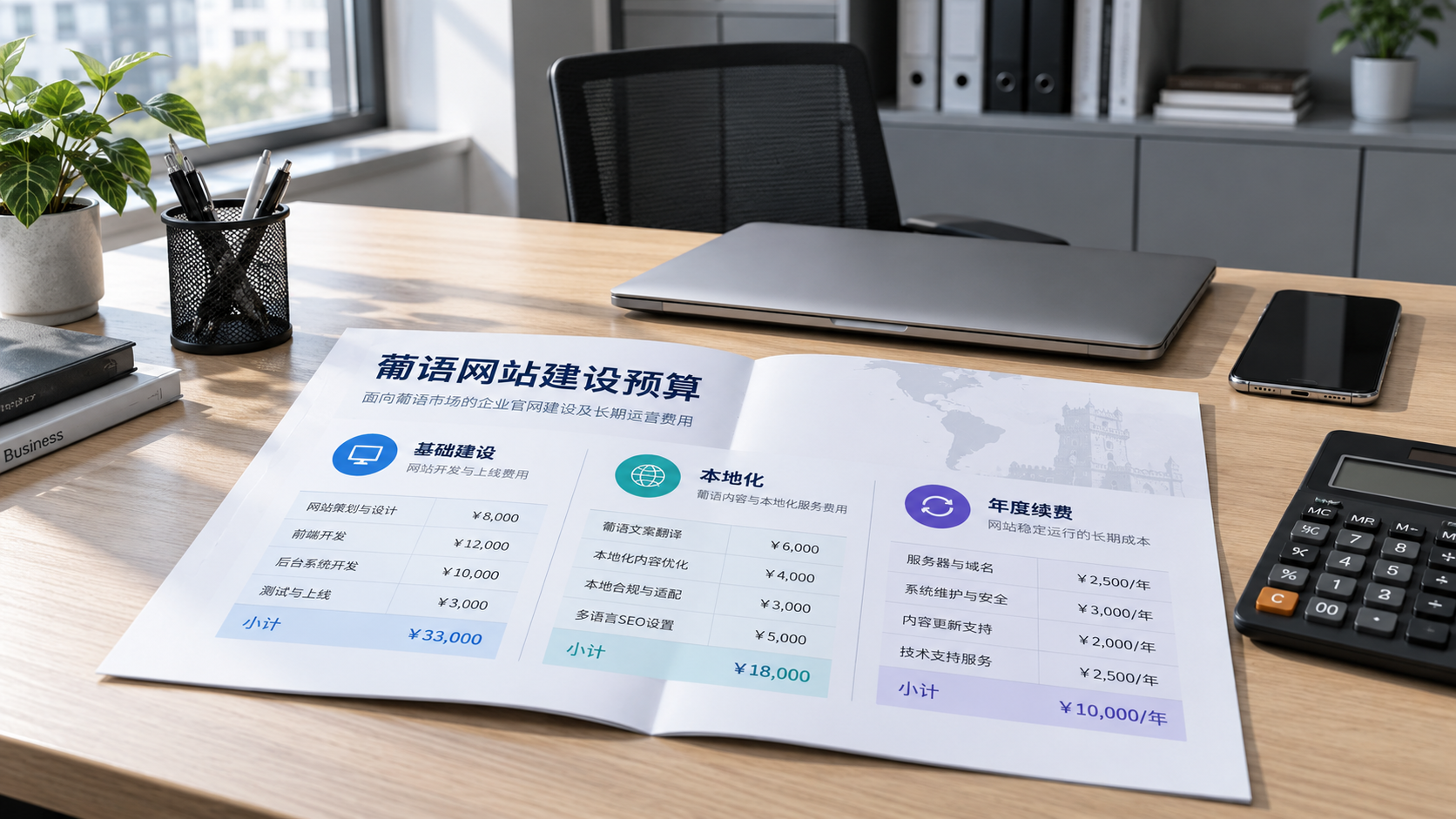
 Where Do the Costs of Building a Portuguese-Language Standalone Website Go?
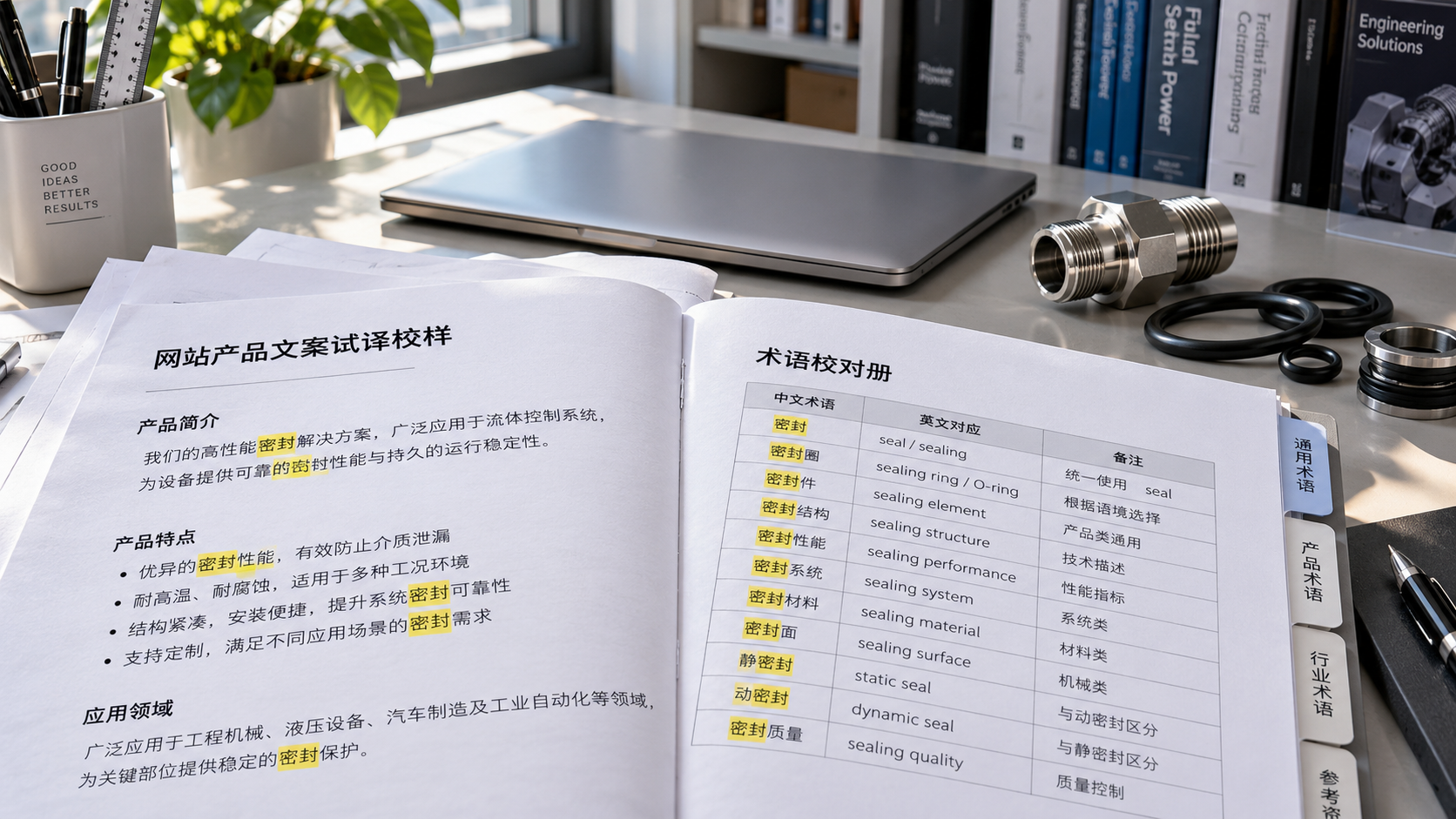
 Can website content translation tools accurately handle industry terminology?
 Can I learn to use a multilingual content management system without a technical background?

Related Products
 Yiyingbao SaaS Intelligent Website Building and Marketing SystemYiyingbao SaaS Intelligent Website Building and Marketing System, AI-powered no-code website building, rapid creation of multilingual B2B international websites in 10 minutes, global server acceleration, AI-powered SEO optimization, helping businesses connect efficiently with global markets. The perfect integration of technology and operation makes building an international trade website remarkably simple
 AI+SEM Intelligent Advertising Marketing SystemAI+SEM drives intelligent ad creation, empowering full-funnel precision advertising marketing. The system automatically generates weekly/monthly reports, AI recommends keywords and target countries, monitors core metrics in real-time with intelligent alerts, and enables one-click high-conversion ad solutions to help quickly acquire customers and improve ROI.
 AI+SEO Dual-Engine System Optimization ServicesYiyingbao’s AI+SEO dual-engine optimization system helps foreign trade enterprises acquire high-quality organic traffic through AI-powered keyword research, content generation, and comprehensive technical optimization, significantly improving search rankings and conversion rates.
 AI+SNS Social Media Marketing SystemYingbao AI+SNS Social Media Marketing System - Precision social capture for the social media era. Supports one-click content synchronization across major platforms like Facebook and LinkedIn. AI intelligently rewrites posts for enhanced relevance. 24/7 AI customer service and user profiling analysis empower businesses to efficiently expand into global markets.
 AI+SEO营销解决方案易营宝AI+SEO营销解决方案,通过AI批量写作、智能生成TDK、精准关键词扩词等功能,全面优化网站SEO效果,提升流量与转化率。助力企业构建高效智能网站新生态。
 AI+SEM Advertising Marketing SolutionsAI+SEM Advertising Marketing Solution leverages AI technology to deeply empower SEM ad campaigns. It automatically generates weekly/monthly reports using AI, presenting account data across multiple dimensions for comprehensive insights into campaign performance and trends. The system precisely recommends keywords and target countries, intelligently generates high-conversion ad copy, and enables one-click activation of efficient campaign plans to help businesses rapidly acquire customers. Simultaneously, it monitors core metrics in real time, intelligently identifies abnormal fluctuations, and issues timely alerts to ensure stable, high-return advertising results.
 Domain Name ServicesEasyWin provides professional domain name services, including intelligent queries, one-stop registration, brand protection, and full lifecycle management, helping businesses build a digital brand image.
 EasyOperate B2C Cross-Border E-Commerce Platform & Independent WebsiteEasyStore B2C Cross-border E-commerce Independent Store is an intelligent website building and cross-border e-commerce integrated solution independently developed by EasyStore Information Technology (Beijing) Co., Ltd. The system is specially designed for small and medium-sized as well as large export enterprises, integrating 'website building, operation, marketing, advertising, and conversion' into one, helping enterprises quickly establish cross-border e-commerce independent stores to achieve brand globalization and global sales growth.
The platform supports multiple languages, multiple currencies, and multi-channel marketing, with built-in AI intelligent translation and SEO optimization systems, suitable for mainstream markets such as Southeast Asia, Europe and America, Latin America, and the Middle East, assisting Chinese manufacturing enterprises in efficiently deploying international e-commerce strategies. SSL证书易营宝提供专业SSL安全证书服务,包括单域名和泛域名证书,确保网站数据传输加密、身份验证和完整性保护,助力企业建立安全可信的在线业务环境。









