









- How Can a Brand Updates Page Be Made More SEO-Friendly? Analysis of Update Frequency, Content Structure, and Internal Linking StrategyJun 28, 2026View details
- What stages does the cross-border services ecosystem include? How do website building, promotion, payment, and compliance work togetherJun 22, 2026View details
- How will email marketing costs change in 2026Jun 22, 2026View details
- The China-US tariff arrangement has reached a preliminary consensus, and the trade association will be establishedJun 15, 2026View details
- Should overseas brand marketing start with ads or contentJun 21, 2026View details
- What determines B2C cross-border e-commerce website development costs? A breakdown of features, interfaces, and deployment methodsJun 17, 2026View details
- China-Morocco zero-tariff access, a breakthrough in the cost of Moroccan goods exports to ChinaJun 11, 2026View details
- What signal should be released for the suspension of exports to JapanJun 10, 2026View details
How to Use a Responsive Corporate Website Building System: A Basic Operation Guide
Want to know how to use a responsive enterprise website building system? For front-line operators, the most critical question is not “what is responsive,” but “can I get started quickly, avoid unnecessary detours, and actually build and launch the website.” Overall, using a responsive enterprise website building system is not complicated. The key is to first understand the website building process clearly, and then master several basic operations such as page editing, content publishing, navigation configuration, form setup, and mobile-side checking.
If you are responsible for the daily building or maintenance of a corporate website, the greatest value of this type of system is that one build can adapt to desktops, tablets, and mobile phones, significantly reducing the workload of repeatedly creating pages. For the integrated business scenario of website + marketing services, the website is not only a display window, but also important infrastructure for handling traffic, acquiring inquiries, and supporting subsequent SEO optimization.
Therefore, the truly useful way to learn is not to memorize a pile of concepts, but to first learn the standard operation of “from 0 to 1”: first build the website framework, then fill in the content, then adjust styles and functions, and finally check the adaptation effect and publish it online. As long as you follow this line of thinking, most operators can quickly master how to use a responsive enterprise website building system.
Don’t rush to build pages first: what operators should clarify before anything else
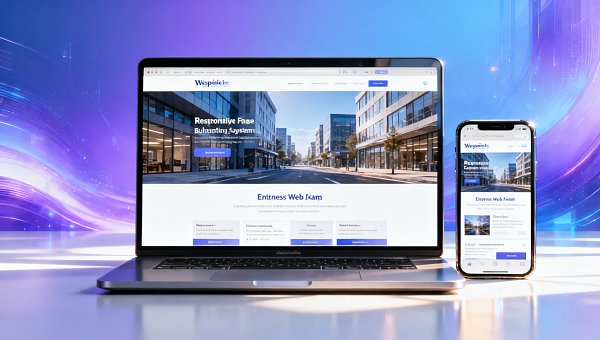
Many people start by dragging components, changing banners, and modifying colors. In the end, the website may look complete, but in reality the structure is chaotic, the content is repetitive, and it becomes very difficult to maintain later. The correct approach is to first confirm three questions: who the website is intended to serve, what action users should complete after visiting, and what sections the website needs.
Taking a corporate website as an example, the most common goals include brand display, product introduction, inquiry acquisition, lead collection, and support for search engine indexing. Different goals lead to different page structures. If customer acquisition is the main goal, focus on the homepage value proposition, product pages, case study pages, and contact forms; if brand image is the main goal, pay more attention to visual consistency, company introduction, and qualification display.
For operators, the clearer the preparation in the early stage, the more efficient the subsequent operation in the responsive enterprise website building system will be. It is recommended to first list the sitemap, such as Home, About Us, Products & Services, News, Case Studies, and Contact Us, and then start the actual building, so that rework is less likely.
How to use a responsive enterprise website building system: the basic workflow can be followed in these 6 steps
The first step is to choose a template or initialize the site. Most responsive enterprise website building systems provide industry templates. You can give priority to templates that are close to your company’s business, rather than only looking at whether they are “visually appealing.” This is because templates closer to actual business scenarios usually have more practical section structures, form layouts, and page modules.
The second step is to configure the basic site information. This usually includes the website name, Logo, company profile, contact information, footer information, filing information, and basic SEO settings. Many operators tend to overlook the footer and site title, but this content often appears across the entire site and is an important part of presenting a unified image and search display.
The third step is to build the page structure. A common approach is to complete the homepage first, then create section pages and detail pages. The homepage is recommended to include modules such as the hero Banner, core advantages, business introduction, case results, customer reviews, and contact information. Section pages should keep a consistent structure as much as possible, which is convenient for users to browse and also facilitates batch updates later.
The fourth step is content entry. This is not only about “pasting text in,” but also includes heading hierarchy, image replacement, button copy, link jumps, and form field settings. Especially for mobile display, text should not be too long, buttons should be obvious, and users should not have trouble clicking or reading.
The fifth step is to adjust the responsive effect. Although the system will automatically adapt to different devices, automatic adaptation does not mean no checking is needed at all. You still need to separately check whether the font size, image proportions, button positions, navigation collapse, and form display are normal on both desktop and mobile.
The sixth step is preview, testing, and publishing. Before going live, check whether there are typos, broken links, blank modules, and default images that have not been replaced. For enterprises with marketing needs, you should also test whether form submission, phone dialing, map navigation, and online consultation can be used normally.
When building pages, which functions are most worth learning first
If you are just getting started with the system, you do not need to study complex features from the beginning. Learn a few of the most commonly used modules first, and that is basically enough to support the launch of a corporate website. The most common modules include sliders, image-and-text introductions, product lists, news lists, button components, contact forms, and map modules.
Sliders are used to convey core information, but it is not recommended to include too many slides; usually 1 to 3 are enough. Image-and-text introduction modules are suitable for displaying corporate advantages, service content, and brand stories. Product lists and news lists are used to support content update needs, making ongoing operations easier later instead of rebuilding pages every time.
Contact forms are key to lead acquisition for many corporate websites. When setting them up, keep them as simple as possible and retain only necessary fields, such as name, phone number, company, and requirement description. Too many fields will reduce the submission rate. Button copy should also not simply say “Submit”; it can be changed to clearer expressions such as “Get a Solution” or “Book a Consultation.”
In addition, the navigation menu is an important part of the user experience. There should not be too many top-level navigation items; usually 5 to 7 is more appropriate, and the names should be as concise and direct as possible. When operators configure navigation in the system, they should pay attention to whether the menu order matches users’ reading habits and whether the mobile collapsed menu is easy to click.
How to manage content so that later maintenance is not exhausting
Many websites are difficult to keep updated after going live, not because the system is hard to use, but because the content management method is unreasonable. For operators, the most effortless way is to divide content into two categories: “fixed content” and “updated content.” The former includes company introduction, core business, and qualification certificates; the latter includes news updates, case articles, and event information.
In the system backend, fixed content is usually managed through single-page management, while updated content is maintained through article or product management modules. The advantage of doing this is that when updating, you do not need to re-edit the entire page every time. You only need to add one new piece of content, and the system can automatically synchronize it to the corresponding list page and detail page.
If the company has SEO needs, then when publishing content you should also pay attention to title standards, summary writing, image Alt information, and URL naming. For example, tutorial-type content centered around keywords such as “how to use a responsive enterprise website building system” is more likely to gain search traffic than generic company news, and it is also easier to match users’ actual needs.
From the perspective of long-term operations, a website building system is not just a tool for “making a website,” but also a platform for managing a company’s content assets. When some companies are undergoing digital transformation or brand upgrading, they also pay attention to broader topical content at the same time. For example, materials on topics such as Analysis of implementation paths for ESG to support the development of new-quality productive forces in enterprises can often serve as part of industry viewpoint output and enhance the depth of website content.
Why does mobile adaptation always have problems, and how should it be checked
Many operators ask: if it is clearly a responsive system, why does it still not look good on mobile? The reason usually lies not in the system itself, but in the way content and modules are used. For example, inconsistent image sizes, overly long copy, and too many side-by-side modules can all cause the mobile layout to become cramped and affect the display effect.
When checking the mobile side, it is recommended to focus on four areas. The first is whether the first-screen information is clear, and whether users can immediately understand what you do after opening the page. The second is whether the buttons are large enough and easy to click. The third is whether the images are distorted or excessively cropped. The fourth is whether filling out the form is smooth, especially whether mobile number input and submission prompts are clear.
In addition, the mobile side is not suitable for piling up too much decorative content. Instead of placing multiple large rotating images, it is better to highlight one core selling point and one clear conversion button. For corporate websites aimed at customer acquisition, the mobile side is often more important than the desktop side, so this step absolutely cannot be handled carelessly by relying only on the “system’s automatic adaptation.”
The details operators are most likely to overlook before and after launch
Just because a website can be opened does not mean it is already “usable.” Details that are easily overlooked before launch include: duplicate page titles, uncompressed images causing slow loading, buttons without jump links set, empty section pages, incorrect contact information, and no prompt message after form submission. These problems may directly affect user experience and conversion results.
After launch, basic maintenance still needs to continue. For example, regularly update news or case studies, check whether form notifications can be received, see whether there is outdated information that needs to be replaced, and observe which pages have high traffic and which pages have high bounce rates. Even without doing complex data analysis, basic traffic statistics can still help you determine whether the website is really playing its role.
If the company uses an integrated website + marketing service solution, then after the website is built it should work in coordination with SEO, content marketing, and advertising. A website does not exist in isolation; ultimately it should serve enterprise customer acquisition and brand growth. Only a responsive website with a clear structure, complete content, and good adaptation is qualified to become the landing page for subsequent marketing efforts.
When beginners are getting started, how to improve efficiency and reduce rework
For operators who are just beginning to use the backend, the most effective method is not to complete the entire site at once, but to first create a “usable version.” First complete the four core pages: Home, About Us, Products & Services, and Contact Us. Make sure the structure, style, and functions all work smoothly, and then gradually add extended sections such as case studies, news, and downloads.
The second tip is to unify standards. This includes unified image sizes, unified button styles, unified title formats, and unified rules for article publishing times. The earlier standards are established, the easier multi-person collaboration will be later. Otherwise, the styles of different pages will be chaotic and the site will not look like a professional corporate website.
The third tip is to create a checklist. Before each release, verify against the checklist: whether the navigation is correct, whether images have been replaced, whether the mobile side is normal, whether links are clickable, whether forms are usable, and whether SEO titles have been filled in. This action may look simple, but it can greatly reduce the occurrence of basic errors.
Summary: mastering the process is more important than memorizing functions
Returning to the original question, how do you use a responsive enterprise website building system? For users and operators, the answer is not to learn every button in the backend, but to first master a clear website building process: first define goals and sections, then choose a template and build the structure, then enter content, check the mobile side, test functions, and publish it online.
As long as you grasp several key points such as page structure, content management, form configuration, and mobile-side checking, you can complete the basic setup of a corporate website relatively quickly and lay the foundation for subsequent SEO and marketing conversion. Truly efficient website building is not about making it overly complex, but about making the website easy to maintain, able to display well, able to acquire customers, and able to continue updating. That is the actual value of a responsive enterprise website building system.
Related Articles
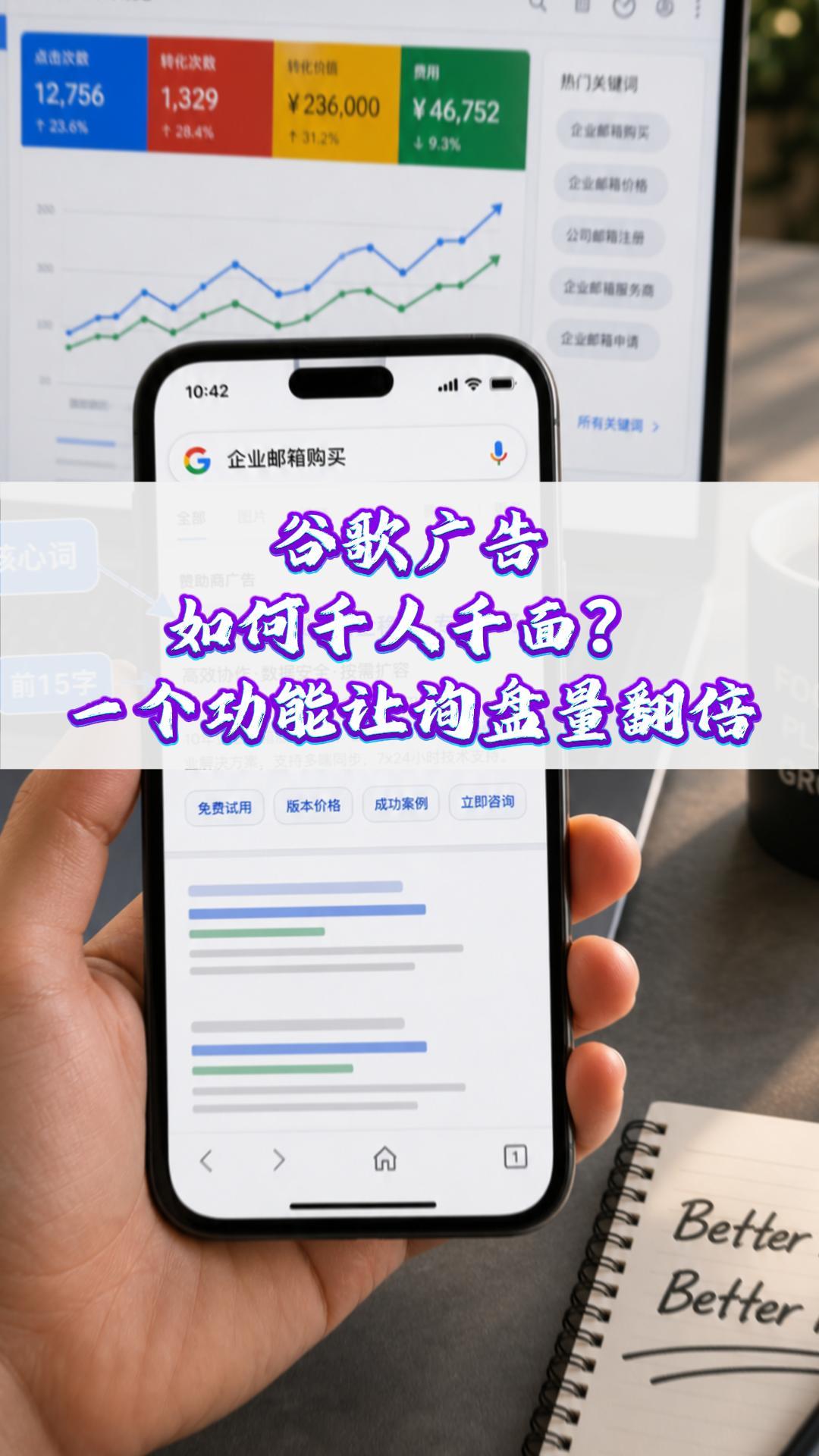
 How can Google Ads deliver one-to-one personalization? One feature can double your inquiry volume#ExportMarketing#OverseasPromotion#GoogleAds#SocialMediaMarketing#ForeignTradeIndependentWebsite
 Why a Google-optimized independent website is essential for trailer exports
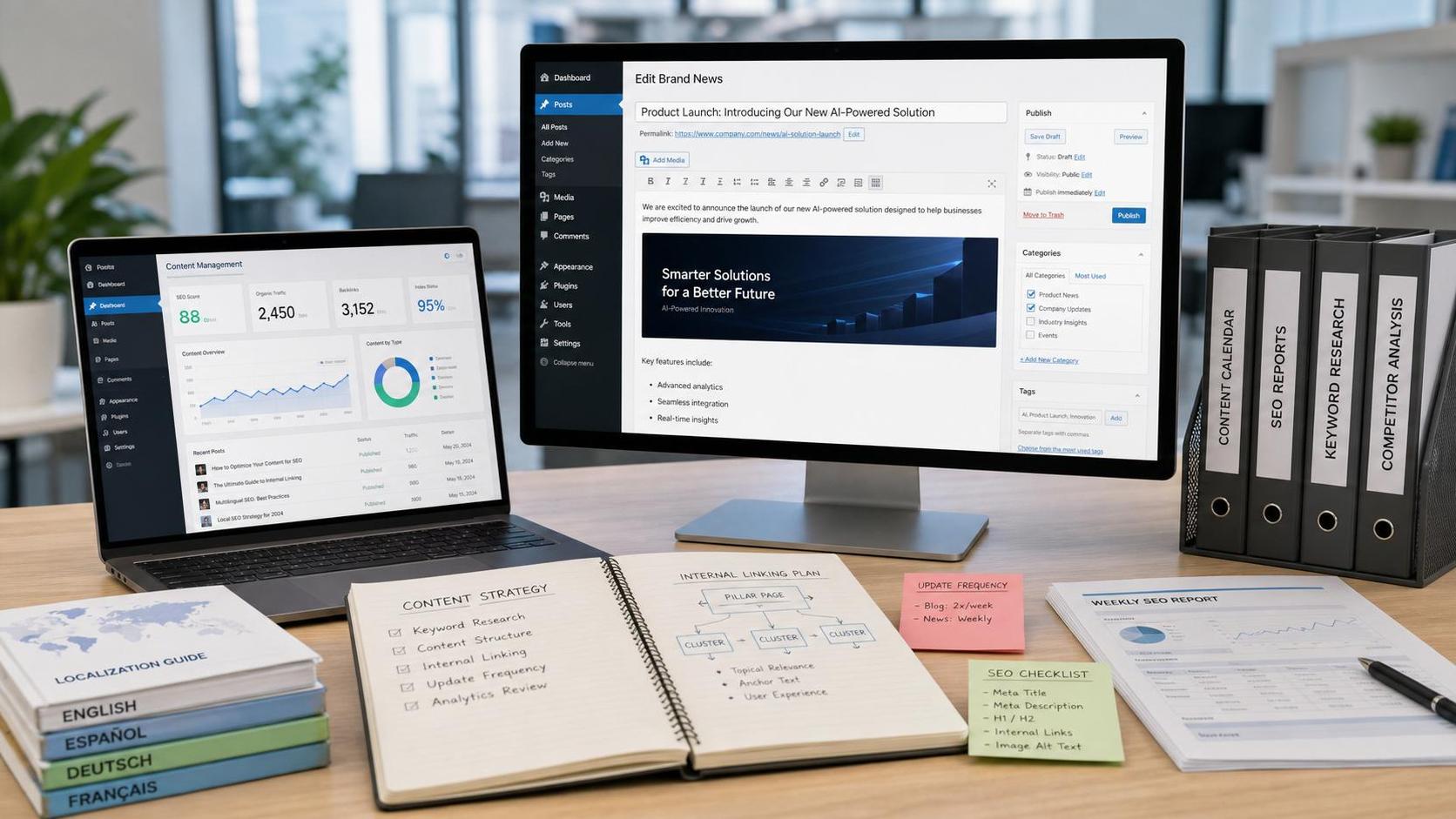
 How Can a Brand Updates Page Be Made More SEO-Friendly? Analysis of Update Frequency, Content Structure, and Internal Linking Strategy

Related Products
 EasyCamp SaaS Smart Website Marketing SystemE-Yingbao SaaS Smart Website Marketing System: AI-powered, zero-code website building. Rapidly launch multilingual independent e-commerce sites in just 10 minutes. Global server acceleration and AI-driven SEO optimization empower businesses to efficiently connect with global markets. The seamless integration of technology and user-friendly operation makes building e-commerce sites incredibly simple.
 AI+SEM Intelligent Advertising Marketing SystemAI+SEM drives intelligent ad creation, empowering full-funnel precision advertising marketing. The system automatically generates weekly/monthly reports, AI recommends keywords and target countries, monitors core metrics in real-time with intelligent alerts, and enables one-click high-conversion ad solutions to help quickly acquire customers and improve ROI.
 AI+SEO Dual Engine Optimization ServiceEasyWin AI+SEO Dual Engine Optimization System leverages AI-powered keyword mining, content generation, and comprehensive technical optimization to help foreign trade enterprises acquire high-quality organic traffic, significantly improving search rankings and conversion rates.
 AI+SNS Social Media Marketing SystemYingbao AI+SNS Social Media Marketing System - Precision social capture for the social media era. Supports one-click content synchronization across major platforms like Facebook and LinkedIn. AI intelligently rewrites posts for enhanced relevance. 24/7 AI customer service and user profiling analysis empower businesses to efficiently expand into global markets.
 AI+SEO营销解决方案易营宝AI+SEO营销解决方案,通过AI批量写作、智能生成TDK、精准关键词扩词等功能,全面优化网站SEO效果,提升流量与转化率。助力企业构建高效智能网站新生态。
 AI+SEM Advertising Marketing SolutionsAI+SEM Advertising Marketing Solution leverages AI technology to deeply empower SEM ad campaigns. It automatically generates weekly/monthly reports using AI, presenting account data across multiple dimensions for comprehensive insights into campaign performance and trends. The system precisely recommends keywords and target countries, intelligently generates high-conversion ad copy, and enables one-click activation of efficient campaign plans to help businesses rapidly acquire customers. Simultaneously, it monitors core metrics in real time, intelligently identifies abnormal fluctuations, and issues timely alerts to ensure stable, high-return advertising results.
 Domain Name ServicesEasyWin provides professional domain name services, including intelligent queries, one-stop registration, brand protection, and full lifecycle management, helping businesses build a digital brand image.
 EasyOperate B2C Cross-Border E-Commerce Platform & Independent WebsiteEasyStore B2C Cross-border E-commerce Independent Store is an intelligent website building and cross-border e-commerce integrated solution independently developed by EasyStore Information Technology (Beijing) Co., Ltd. The system is specially designed for small and medium-sized as well as large export enterprises, integrating 'website building, operation, marketing, advertising, and conversion' into one, helping enterprises quickly establish cross-border e-commerce independent stores to achieve brand globalization and global sales growth.
The platform supports multiple languages, multiple currencies, and multi-channel marketing, with built-in AI intelligent translation and SEO optimization systems, suitable for mainstream markets such as Southeast Asia, Europe and America, Latin America, and the Middle East, assisting Chinese manufacturing enterprises in efficiently deploying international e-commerce strategies. SSL证书易营宝提供专业SSL安全证书服务,包括单域名和泛域名证书,确保网站数据传输加密、身份验证和完整性保护,助力企业建立安全可信的在线业务环境。









