





- What should you focus on in the latest enterprise SaaS report? From renewal rates and delivery costs to overseas growth opportunitiesJul 12, 2026View details
- What signals are worth paying attention to in a cross-border marketing trend report? B2B companies should look at these 6 signalsJul 11, 2026View details
- How to Read a Cross-Border Marketing Trends Report? Five Key Dimensions for Evaluating Channel OpportunitiesJul 11, 2026View details
- Which channel has the highest ROI in the global traffic ecosystem? Comparative analysis of search, social media, and advertisingJul 10, 2026View details
- What multilingual website services are available in Sanya? Which model is more suitable for local businesses going global?Jul 08, 2026View details
- How to view the complete list of China SaaS companies in the top 100? Practical methods for screening website-building and marketing service providersJul 08, 2026View details
Responsive Enterprise Website Builder System Import Guide: Compatibility Testing and FAQ Checklist

Introduction
This guide focuses on compatibility testing and common issues for responsive enterprise website systems, helping you quickly deploy and operate on a multilingual website construction platform. As global traffic and multi-device access become the norm for customer acquisition, the demands of researchers and users/operators for compatibility, performance, and localization are increasing. This guide targets B2B decision-makers, implementation engineers, and operations personnel, systematically addressing preparation for compatibility testing, key points for cross-device and browser detection, multilingual content and localization adaptation issues, as well as a troubleshooting checklist and process to help enterprises reduce risks and improve efficiency and search visibility in the deployment of global website SaaS systems.
Compatibility Testing Preparation and Scope Definition: From Requirements to Test Matrix Implementation
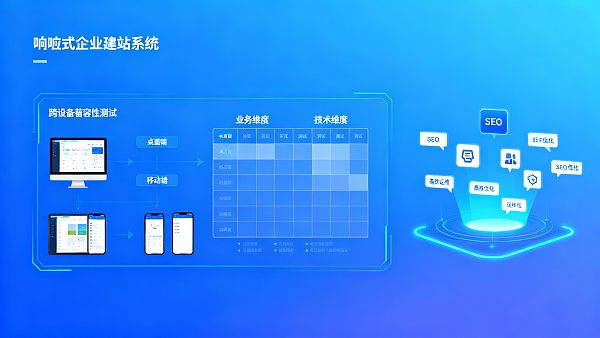
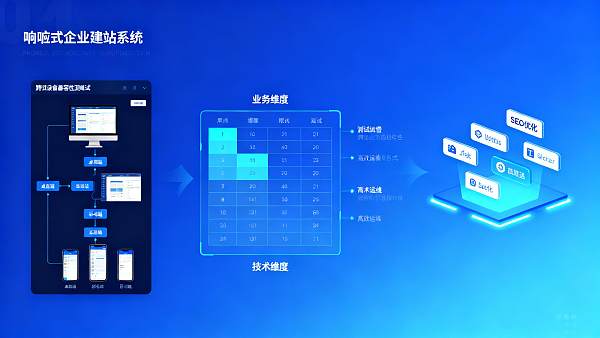
Before launching a responsive enterprise website system, defining the scope of compatibility testing is the first step. It is recommended to develop a test matrix from both business and technical dimensions: the business dimension covers target markets (e.g., Chinese foreign trade websites targeting Europe, America, Southeast Asia, etc.), supported languages, payment, and logistics plugins; the technical dimension covers front-end frameworks, CSS breakpoints, JS dependencies, server-side rendering, and caching strategies. When creating the matrix, prioritize key traffic sources' device and browser combinations, such as mobile (iOS Safari, Android Chrome), desktop (Chrome, Edge, Firefox, Safari), and common low-configuration devices.
To improve testing efficiency, combine automated and manual testing: automated tools for regression testing, performance baselines, and resource loading sequences; manual testing for interaction details, localized displays, and complex form flows. Test cases should cover common conversion paths (homepage → product page → add to cart → checkout) and consider template websites' performance in language switching and SEO-friendly URLs. By predefining SLAs (load time, key rendering time, interaction readiness time), quantifiable acceptance criteria can be established for compatibility testing, facilitating alignment with digital marketing SaaS teams, SaaS agents, and city partners.

Cross-Device and Browser Testing Key Points: Responsive Layout, Performance, and SEO Optimization
Responsive layout is not just about screen adaptation but also impacts core conversion rates and search engine crawl efficiency. Key testing points include: CSS breakpoint coverage, viewport and pixel ratio handling, adaptive loading strategies for images and media (e.g., using srcset and lazy-loading), and clickability of key interactive elements at different resolutions. For template websites or custom modules, validate style isolation and component implementation to avoid style conflicts causing misalignment or interaction failures.
Performance compatibility testing is equally critical. During testing, collect core metrics (LCP, FID/INP, CLS) and compare them with target baselines. For example, global website SaaS systems should ensure homepage and product pages achieve LCP under 2.5 seconds on mainstream network conditions. For SEO optimization, verify if server-side rendering or pre-rendering strategies are search-engine friendly, check canonical, hreflang tags, structured data, and TDK (title, description, keywords) consistency and accuracy across multilingual pages to avoid duplicate content or indexing issues.
Multilingual and Localization Compatibility: Translation Accuracy, Format Adaptation, and Legal Compliance
Compatibility testing for multilingual website platforms extends beyond interface display to semantic accuracy, localized element adaptation, and compliance checks. Testing should cover language switching logic, URL and SEO tag hreflang configurations, and fallback solutions for language package loading exceptions. To ensure translation quality and operational efficiency, integrate high-precision AI translation with human-audited workflows, ensuring product descriptions, measurement units, date formats, and legal disclaimers are correctly localized for target markets.
For example, in cross-border e-commerce and B2B foreign trade scenarios, translation tools should support regional terminology optimization and dialect recognition to avoid semantic deviations affecting conversions. Enterprises can integrate industry-leading translation centers to generate multilingual websites and dynamic content synchronously, reducing maintenance costs and accelerating deployment. Some platforms support 249 language pairs and automatically adapt local measurement units and date formats, significantly cutting project timelines. Embedding such services into testing workflows allows teams to quickly validate content semantic consistency and SEO performance.EasyTrade AI Translation Center
- Verify if dynamic content synchronization causes duplicate indexing or cache pollution.
Check if multilingual page schema markup, breadcrumbs, and sitemaps are correctly mapped.
Incorporate GDPR and local data protection compliance checks during testing to avoid post-launch legal risks.
- Use real device pools combined with cloud simulators, prioritizing low-speed and high-latency scenarios.

Common Issues Checklist and Troubleshooting Process: From Fault Isolation to Closed-Loop Resolution
During operations, common compatibility issues include style distortion, script conflicts, unloaded image resources, missing language packages, and third-party plugin incompatibilities. Establish a standardized troubleshooting process: issue reproduction → environment collection (device, browser, network conditions, version numbers) → log and network request capture → isolation (disable plugins/roll back versions) → repair validation. For frequent issues, create a knowledge base (FAQ) and templated tickets to enable SaaS agents and city partners to quickly respond to client requests.
Key troubleshooting points for common issues:
- Page style anomalies: Verify if CSS compression/merging altered selector priorities, check component style isolation and custom CSS overrides.
- Interaction failures (unresponsive forms/buttons): Check console errors, third-party script loading sequences, try disabling deferred or asynchronous scripts.
- Missing SEO tags after language switching: Verify hreflang and canonical updates with language changes, and sitemap multilingual entry completeness.
- Poor mobile performance: Analyze image and third-party resource loading, enable CDN, image compression, and server-side rendering to reduce LCP.
Automated alerts and continuous monitoring significantly reduce resolution times. Configure synthetic monitoring for key conversion paths, integrated with log aggregation and error tracking tools for rapid reporting. For agency-operated teams, define clear upgrade and rollback strategies to ensure rapid recovery during outages, safeguarding client experience and business continuity.
Summary and Action Guide
Compatibility testing is a core component of successful responsive enterprise website system launches and long-term operations, covering requirement definition, cross-device and browser validation, multilingual localization, and systematic troubleshooting. Through structured test matrices, combined automated and manual validation, and rigorous control over translation and localization capabilities, enterprises can achieve highly available, high-conversion international standalone deployments on multilingual platforms. Integrated with professional digital marketing SaaS capabilities and SEO optimization strategies, technical implementations and traffic monetization form a closed loop, supporting Chinese foreign trade websites and global marketing objectives.
EasyTrade leverages AI and big data-driven intelligent website and global traffic ecosystems to provide end-to-end solutions from construction to lead conversion. If you wish to explore compatibility testing in global website SaaS systems, improve multilingual site SEO performance, or seek AI website agency policies and SaaS partnership models, contact us. Reach out now to learn more about solutions and city partnership opportunities, enabling your template websites and multilingual sites to efficiently deploy and sustain growth in global markets.
Contact us now for exclusive testing checklists and consultations: Learn more about solutions.
- Website Development
- Foreign Trade Website Development
- B2B Foreign Trade
- Multilingual website development
- Digital Marketing SaaS
- Template website
- SEO Optimization Expert
- Yiyingbao
- SEO
- Independent Website
- SEO Optimization
- Smart Website Building
- AI Translation
- City Partners
- Multilingual website
- Global Traffic Ecosystem
- Responsive Enterprise Website Building System
- Multilingual Website Construction Platform
- Global Website Building SaaS System
- China Foreign Trade Website
Related Articles
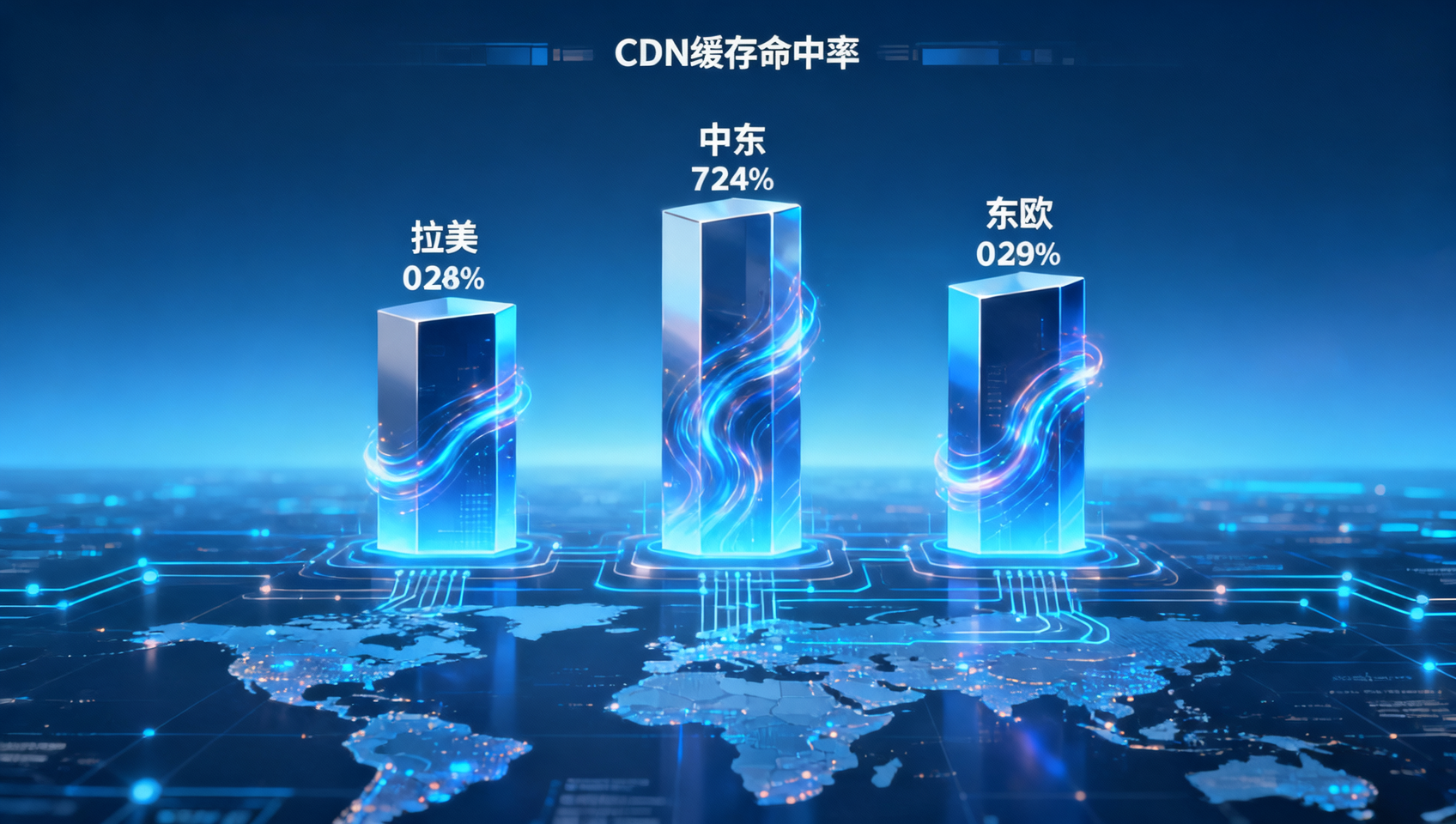
 In Yiyingbao's security and performance architecture, what are the cache hit rates for CDN edge nodes in Latin America, the Middle East, and Eastern Europe?
 How many working days were shortened in the PCI DSS compliance audit cycle for enterprises using Yiyingbao's technology platform for multilingual websites?
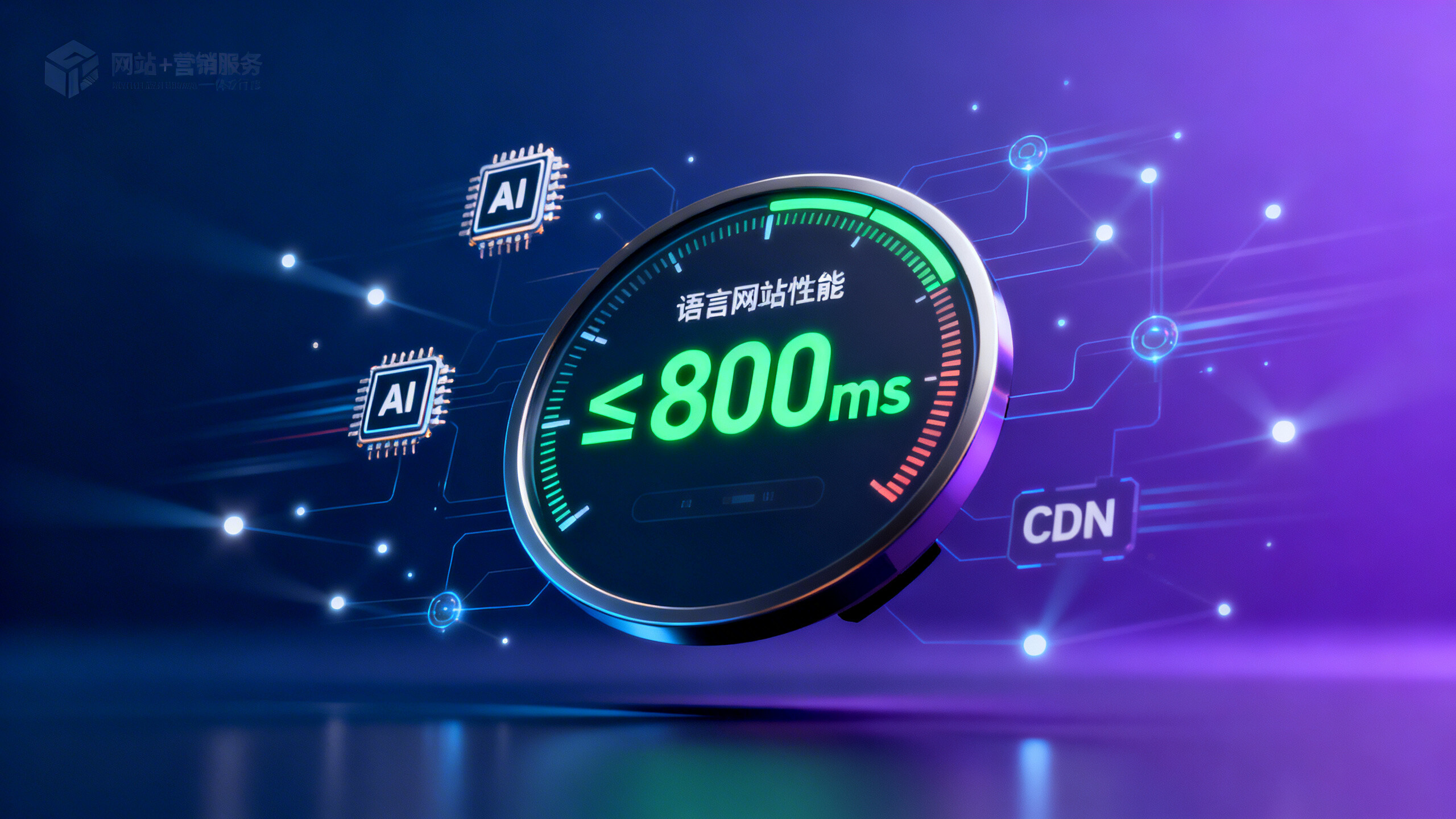
 Yiyingbao Security and Performance White Paper Reveals: How Many Milliseconds Does the Average Multilingual Website Homepage Load Time Stay Within?
Related Products
 EasyCamp SaaS Smart Website Marketing SystemE-Yingbao SaaS Smart Website Marketing System: AI-powered, zero-code website building. Rapidly launch multilingual independent e-commerce sites in just 10 minutes. Global server acceleration and AI-driven SEO optimization empower businesses to efficiently connect with global markets. The seamless integration of technology and user-friendly operation makes building e-commerce sites incredibly simple.
 AI+SEM Intelligent Advertising Marketing SystemAI+SEM drives intelligent ad creation, empowering full-funnel precision advertising marketing. The system automatically generates weekly/monthly reports, AI recommends keywords and target countries, monitors core metrics in real-time with intelligent alerts, and enables one-click high-conversion ad solutions to help quickly acquire customers and improve ROI.
 AI+SEO Dual Engine Optimization ServiceEasyWin AI+SEO Dual Engine Optimization System leverages AI-powered keyword mining, content generation, and comprehensive technical optimization to help foreign trade enterprises acquire high-quality organic traffic, significantly improving search rankings and conversion rates.
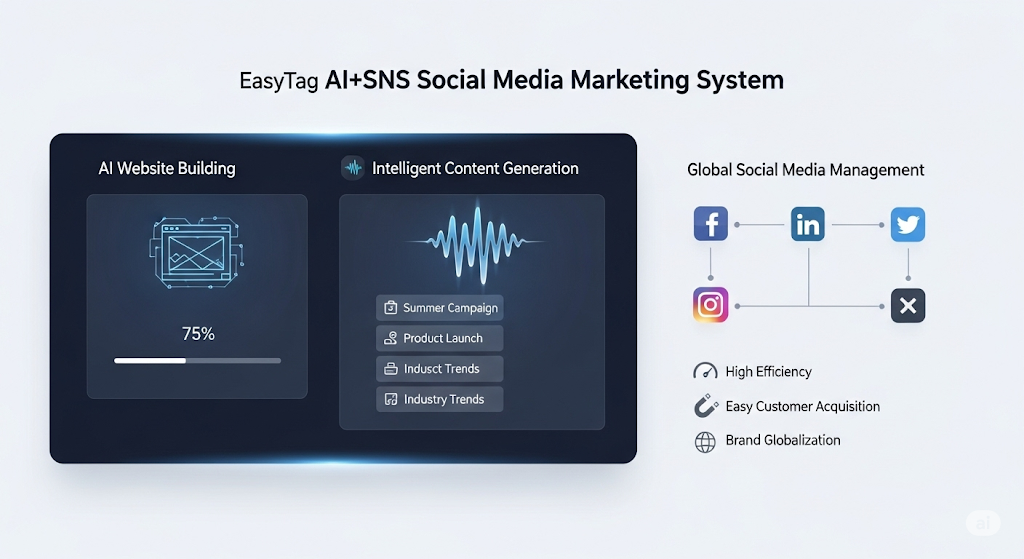
 AI+SNS Social Media Marketing SystemYingbao AI+SNS Social Media Marketing System - Precision social capture for the social media era. Supports one-click content synchronization across major platforms like Facebook and LinkedIn. AI intelligently rewrites posts for enhanced relevance. 24/7 AI customer service and user profiling analysis empower businesses to efficiently expand into global markets.
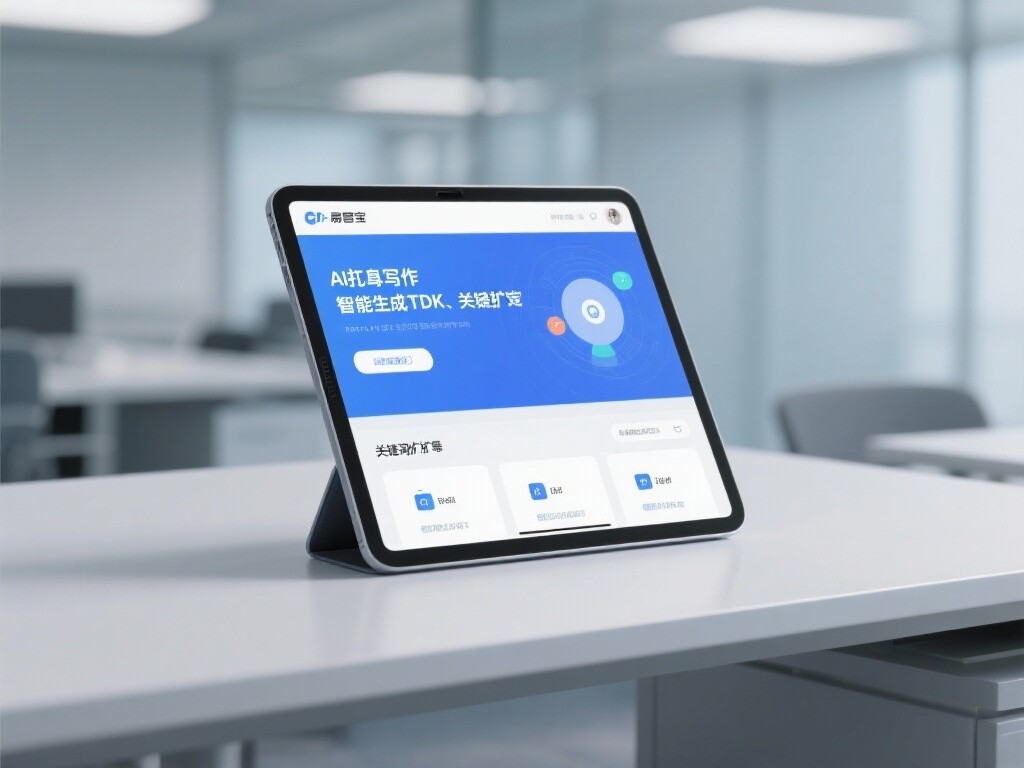
 AI+SEO营销解决方案易营宝AI+SEO营销解决方案,通过AI批量写作、智能生成TDK、精准关键词扩词等功能,全面优化网站SEO效果,提升流量与转化率。助力企业构建高效智能网站新生态。
 AI+SEM Advertising Marketing SolutionsAI+SEM Advertising Marketing Solution leverages AI technology to deeply empower SEM ad campaigns. It automatically generates weekly/monthly reports using AI, presenting account data across multiple dimensions for comprehensive insights into campaign performance and trends. The system precisely recommends keywords and target countries, intelligently generates high-conversion ad copy, and enables one-click activation of efficient campaign plans to help businesses rapidly acquire customers. Simultaneously, it monitors core metrics in real time, intelligently identifies abnormal fluctuations, and issues timely alerts to ensure stable, high-return advertising results.
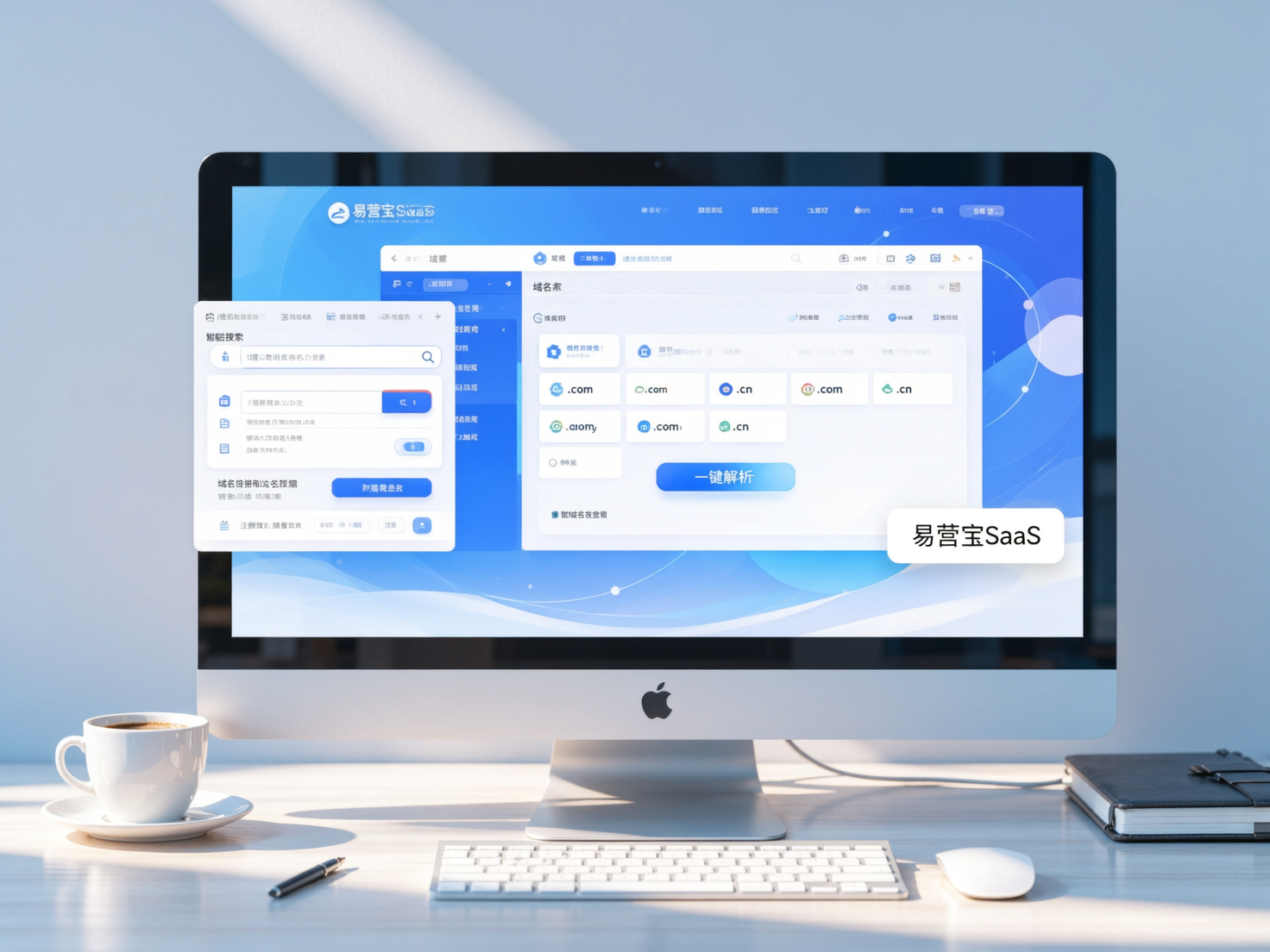
 Domain Name ServicesEasyWin provides professional domain name services, including intelligent queries, one-stop registration, brand protection, and full lifecycle management, helping businesses build a digital brand image.
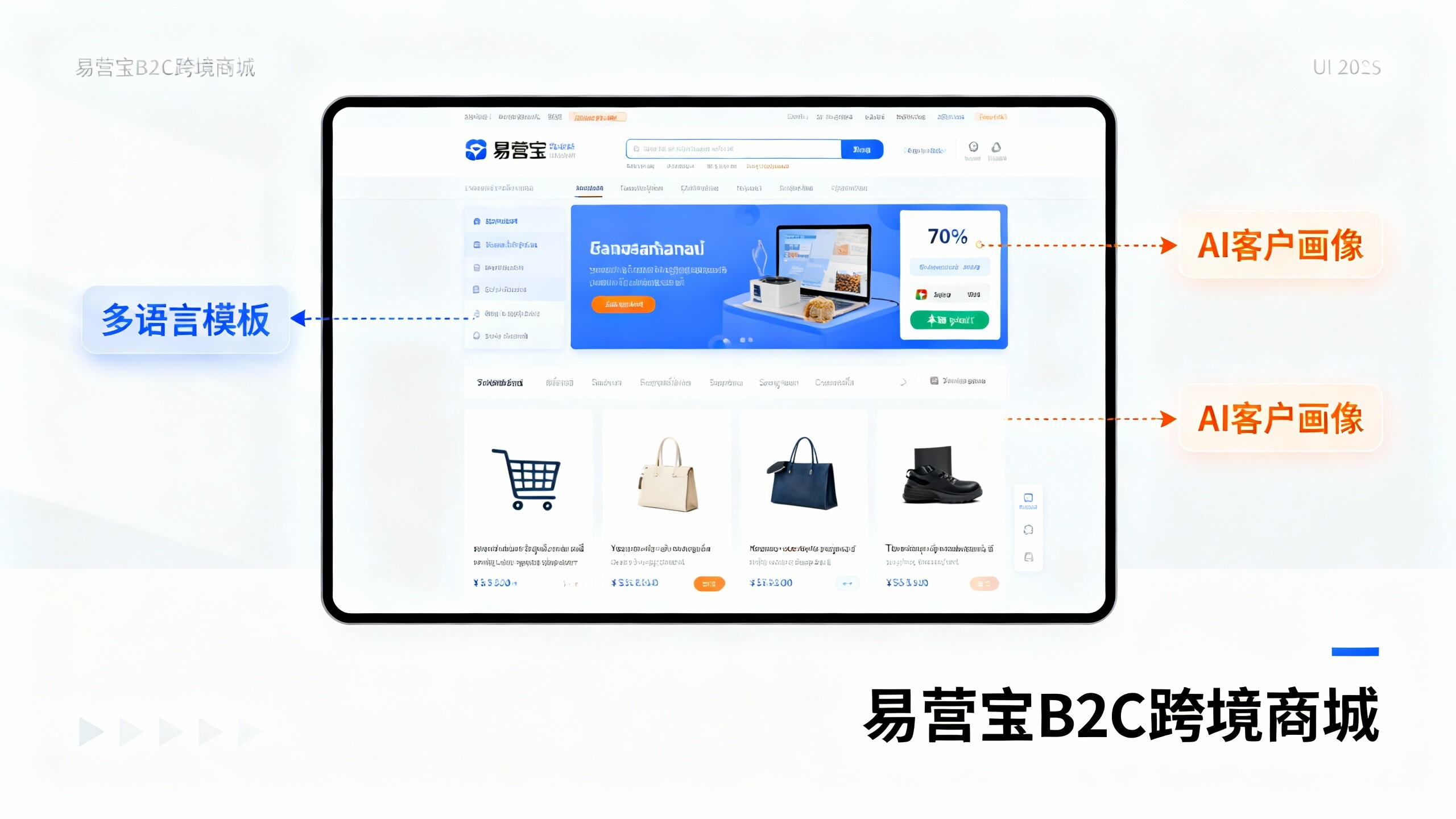
 EasyOperate B2C Cross-Border E-Commerce Platform & Independent WebsiteEasyStore B2C Cross-border E-commerce Independent Store is an intelligent website building and cross-border e-commerce integrated solution independently developed by EasyStore Information Technology (Beijing) Co., Ltd. The system is specially designed for small and medium-sized as well as large export enterprises, integrating 'website building, operation, marketing, advertising, and conversion' into one, helping enterprises quickly establish cross-border e-commerce independent stores to achieve brand globalization and global sales growth.
The platform supports multiple languages, multiple currencies, and multi-channel marketing, with built-in AI intelligent translation and SEO optimization systems, suitable for mainstream markets such as Southeast Asia, Europe and America, Latin America, and the Middle East, assisting Chinese manufacturing enterprises in efficiently deploying international e-commerce strategies. SSL证书易营宝提供专业SSL安全证书服务,包括单域名和泛域名证书,确保网站数据传输加密、身份验证和完整性保护,助力企业建立安全可信的在线业务环境。