



- APEC Shenzhen Spotlight: Cross-Border E-Commerce Orders Promote Asia-Pacific Trade and Economic CooperationNov 08, 2026View details
- China-Europe Railway Express and CIIE Hold Business Matchmaking Event, Focusing on Cross-Border E-commerce B2B ExportsNov 07, 2026View details
- China’s Ministry of Commerce Responds to Additional Charges on Low-Value Imports Imposed by the EUNov 06, 2026View details
- Two Internet Development Reports Released at the 2026 World Internet ConferenceNov 05, 2026View details
- Internet Business Revenue of Enterprises Above the Designated Size Reached RMB 1.716 Trillion in the First Three Quarters, with Profits Up 17.6%Nov 05, 2026View details
- Shopify's Third-Quarter Revenue and GMV Fall Short of Expectations, Sending Shares Tumbling Before the Market OpensNov 04, 2026View details
Should URLs Be Kept in Their Original Language After Website Content Is Translated?
After translating website content, should URLs remain in the original language or be translated as well? Either approach can work; neither automatically leads to better search rankings. The first things to address are whether pages in different languages can be accessed through separate, stable URLs, and whether search engines and users can find the correct versions.
For a website that already attracts traffic, keeping the existing paths is usually the safer option. For a new multilingual website, target-language paths are also an option if the team can review and maintain them. The key is not whether to translate the paths, but whether the cost of making changes, language clarity, and ongoing management are a good fit.
Keep the original paths or use the target language?
Suppose a product page originally uses the English path /products/industrial-pump/. For a new German page, you could use /de/products/industrial-pump/ or translate the product path into German, for example /de/produkte/industriepumpe/. Both make the page hierarchy clear, provided the URLs are accessible and each one corresponds to clearly defined language content.
Keeping the original paths makes consistent management easier, especially for manufacturers with many product models whose names change frequently. The team can identify versions in different languages by matching the same path segments, reducing the work involved in translating and checking each one. Product models, brand names, and widely used industry abbreviations usually do not need to be forcibly translated.
Using target-language paths, on the other hand, better matches local users’ reading habits. For key markets that the business plans to serve over the long term, localized paths can help users understand the page topic from the URL and make it easier for the team to check whether category names are appropriate in the local language. However, words in a URL are only one part of the page’s information. They cannot replace accurate body copy, titles, and product information, and they certainly cannot guarantee higher rankings.
When making changes, distinguish between “adding a translated page” and “modifying an existing page.” Keeping an English path segment for a new German page does not mean the two pages share the same URL. If you directly change the URL of an existing English page to a German one, that is a migration, and the old link must be handled. For pages that have already accumulated backlinks, ad campaign records, or customer bookmarks, changing the URL solely to translate the path is often not worthwhile.
Define the URL structure for language versions first
Plan website content translation and URL optimization together instead of piecing URLs together after the translation is complete. A common approach is to use language directories under the same domain, such as /en/ and /de/. Subdomains or domains for different countries and regions are also options. Directory structures are usually easier to manage centrally, but the right choice also depends on the website platform, business organization, and whether each market needs to be operated independently.
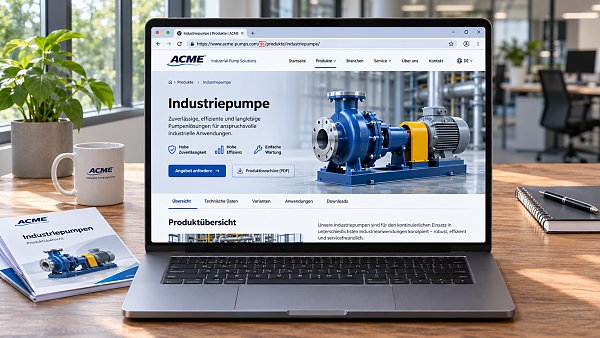
Whichever structure you choose, try to give each language version a fixed URL that can be accessed directly. Do not rely solely on browser language or the visitor’s location to automatically switch content at the same address. Otherwise, people who share a link may show recipients a different version, and search engines may have difficulty discovering all the translations. You can still recommend a language automatically, but it is best to provide a clickable language switcher and let users access the version they select.
When the same language is used for different regions, first check whether the content actually differs. For example, differences in pricing, delivery scope, or contact details may warrant separate pages. But copying large numbers of nearly identical pages just to target more regions can make ongoing maintenance and version management more complicated. The names of language directories should match the actual language of the pages; do not let a German directory continue to serve English body copy that has not yet been translated.
What details are most likely to go wrong when translating paths?
Do not simply feed the original text into a translation tool to translate a path. Names of industrial products, spare parts, and software services may vary by region, and the same word may not refer to the same product in every market. Have someone familiar with the target market review important categories and core product pages to avoid paths that look localized but use inaccurate terminology.
Non-Latin characters can be used in URLs, but when copied or viewed in some tools, they may appear in percent-encoded form. This is usually normal encoding behavior; a longer display alone does not mean the URL is problematic. What you need to test is whether the website platform, server, analytics tools, and external channels can correctly generate, parse, and record these links. If system support is unreliable, short, readable paths using Latin letters are also a practical choice.
Another common problem is failing to maintain automatically generated paths: when a title changes, the system changes the path along with it, breaking the old link. Before publishing, check the rules used by your website platform. Confirm whether URLs can be locked manually, whether paths can be managed independently for different languages, and whether redirects can be set up after a change. Keep paths short and clear, separate words with hyphens, and avoid repeatedly stacking synonyms just to include more keywords.
Language-version linking and old URL migration matter more than translation itself
You can use hreflang to indicate the relationship between pages in different languages, helping search engines understand the language or region each page targets. Make sure the URLs in the annotations are accessible, the language and region codes are valid, the versions reference one another, and each page includes its own URL. You can also set a default version if appropriate. These annotations are signals; they do not guarantee that a search engine will show a particular page to a particular user.
Do not confuse canonical URL tags with language annotations. German and English pages with genuinely different content should generally each point to their corresponding canonical URL, rather than having all translated pages point to the English homepage. Language-switcher links should point to the corresponding translation of the same content whenever possible. If no corresponding page exists, consider directing users to a relevant section or homepage in that language.
If you decide to change published URLs, first create a one-to-one mapping between the old and new URLs, then set up permanent redirects, such as 301 redirects. Do not redirect large numbers of old product pages to the homepage, and do not update only the navigation while overlooking links in body copy, sitemaps, ad landing pages, and social media profiles. After launch, use a browser and webmaster tools to check redirects, page status, and indexing. Search engines need time to process a migration, so do not rely on intuition alone to explain short-term fluctuations.
Give the operations team a set of actionable rules before launch
For teams that manage website development, search optimization, and advertising together, it is a good idea to record language directories, path naming conventions, terminology reviews, redirects, and owners in a single maintenance sheet. When adding a page, record its corresponding URLs in each language. When removing or replacing a product, also check for potential effects on inquiry forms, ad links, and historical backlinks.
YingYingBao provides multilingual website development and overseas marketing services. For integrated projects like these, it is especially important to confirm in advance whether the website management system allows URLs to be edited independently for each language, whether marketing staff can check landing page status, and who will maintain redirects during a site redesign. Specific capabilities depend on the configuration of the system being used and the project plan.
If your current website is running smoothly, first check whether language pages are independently accessible and whether switching between them works correctly, then decide whether translating the paths is necessary. If you are building a new website, choose a set of rules the team can follow over the long term, test them on a small number of pages, and then publish at scale.
Related Articles
 Does Spanish-language content for the Latin American market need to be localized by country?
 Should URLs Be Kept in Their Original Language After Website Content Is Translated?
 How can you evaluate the copywriting capabilities of a marketing website translation provider?

Related Products
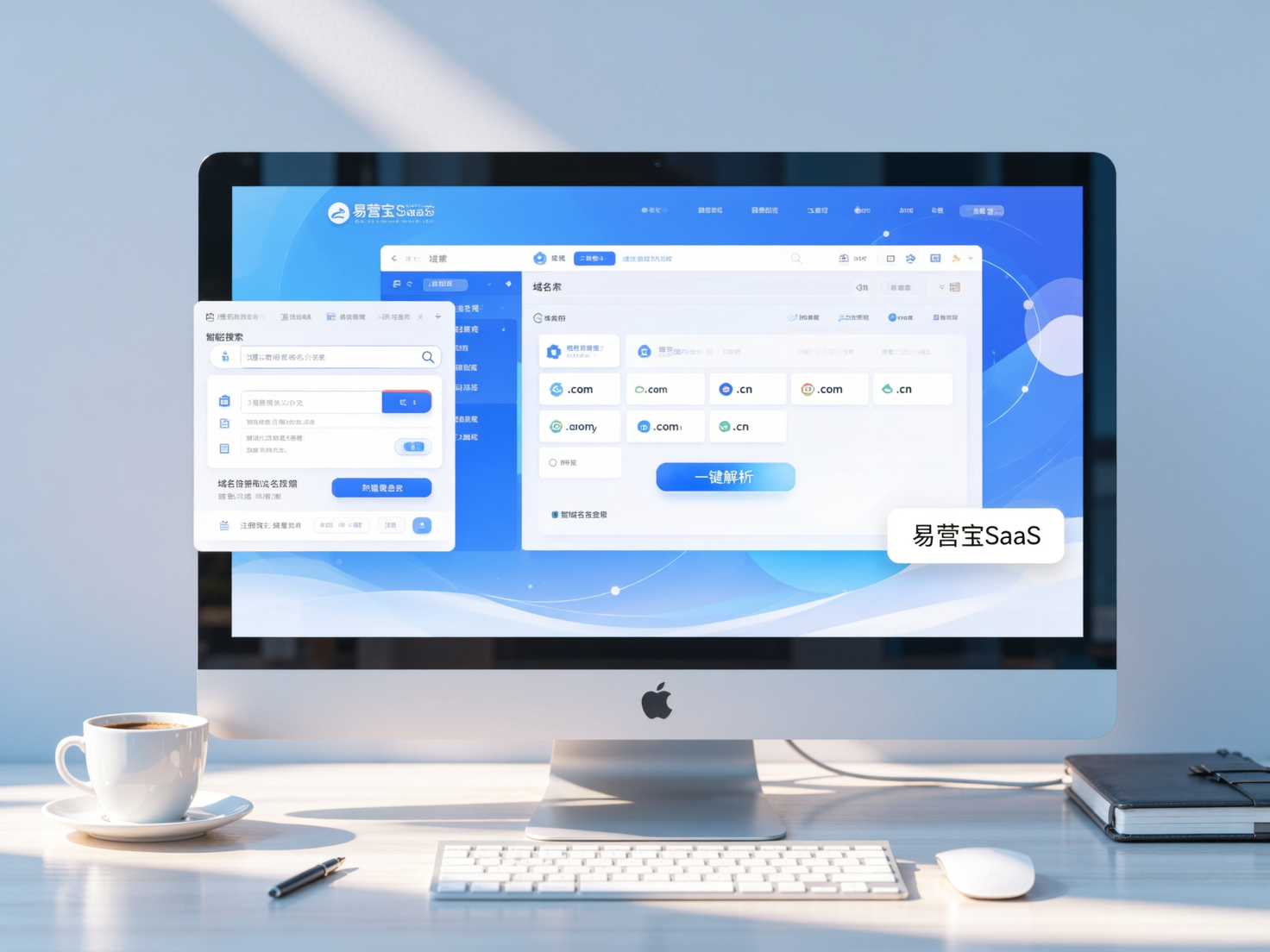
 Yiyingbao SaaS Intelligent Website Building and Marketing SystemYiyingbao SaaS Intelligent Website Building and Marketing System, AI-powered no-code website building, rapid creation of multilingual B2B international websites in 10 minutes, global server acceleration, AI-powered SEO optimization, helping businesses connect efficiently with global markets. The perfect integration of technology and operation makes building an international trade website remarkably simple
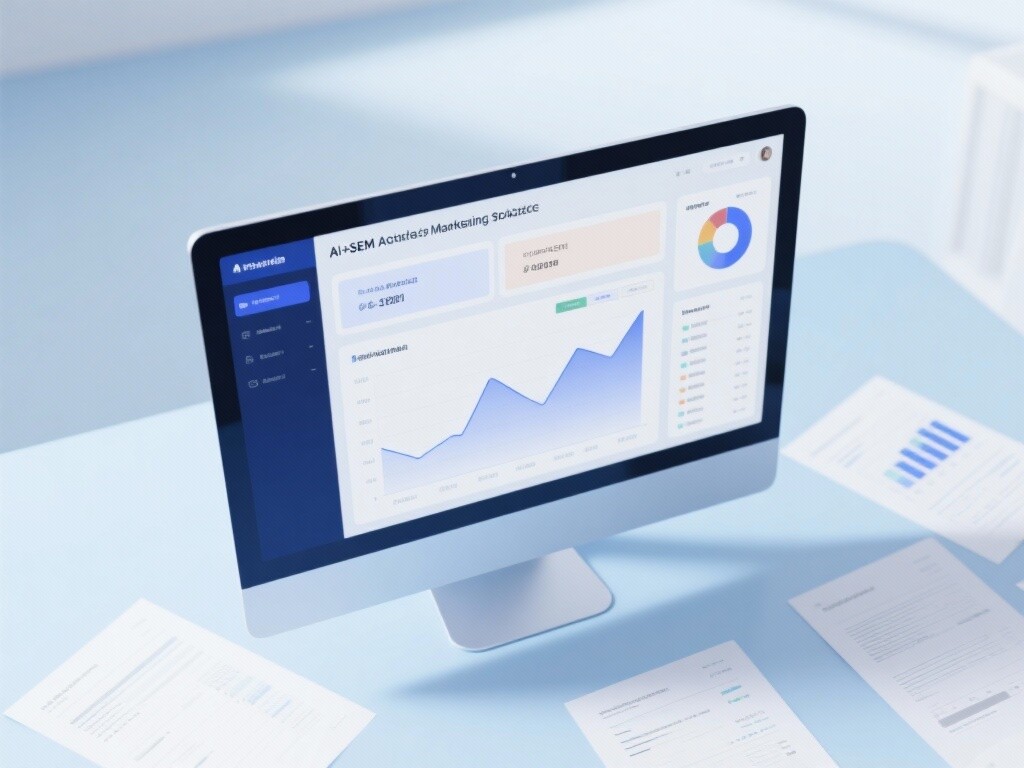
 AI+SEM Intelligent Advertising Marketing SystemAI+SEM drives intelligent ad creation, empowering full-funnel precision advertising marketing. The system automatically generates weekly/monthly reports, AI recommends keywords and target countries, monitors core metrics in real-time with intelligent alerts, and enables one-click high-conversion ad solutions to help quickly acquire customers and improve ROI.
 AI+SEO Dual-Engine System Optimization ServicesYiyingbao’s AI+SEO dual-engine optimization system helps foreign trade enterprises acquire high-quality organic traffic through AI-powered keyword research, content generation, and comprehensive technical optimization, significantly improving search rankings and conversion rates.
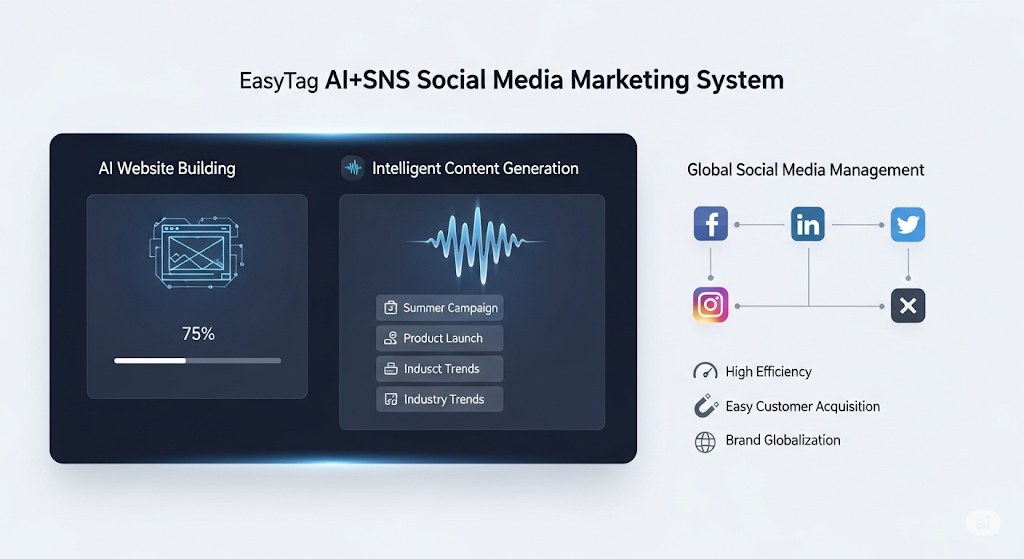
 AI+SNS Social Media Marketing SystemYingbao AI+SNS Social Media Marketing System - Precision social capture for the social media era. Supports one-click content synchronization across major platforms like Facebook and LinkedIn. AI intelligently rewrites posts for enhanced relevance. 24/7 AI customer service and user profiling analysis empower businesses to efficiently expand into global markets.
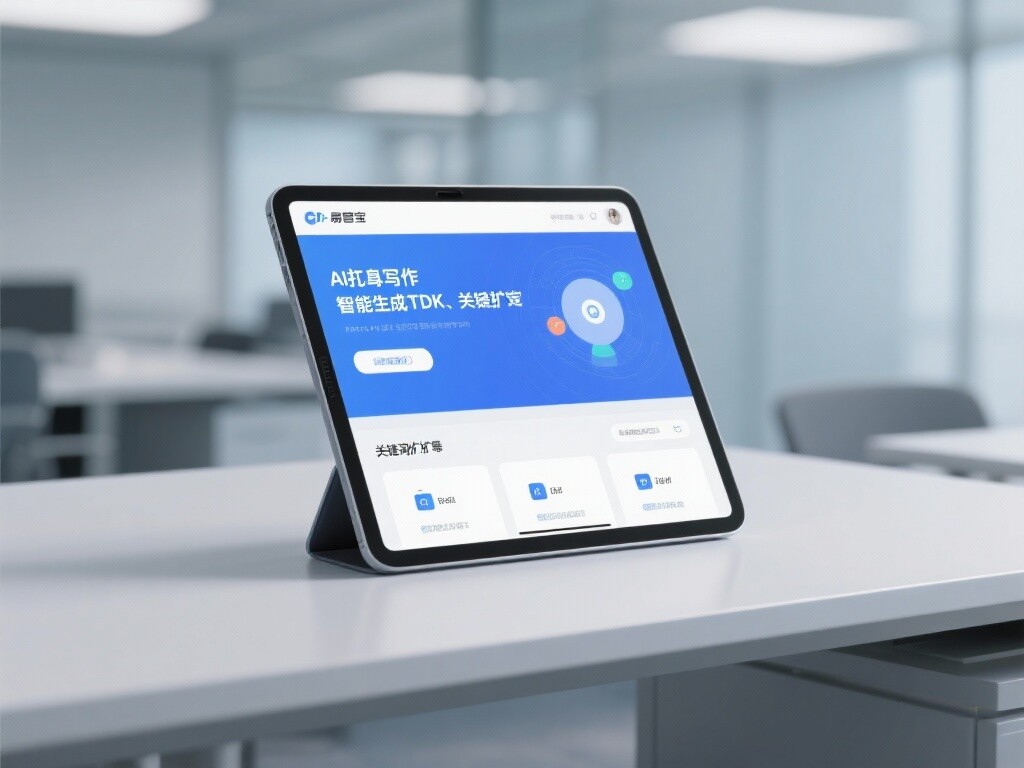
 AI+SEO营销解决方案易营宝AI+SEO营销解决方案,通过AI批量写作、智能生成TDK、精准关键词扩词等功能,全面优化网站SEO效果,提升流量与转化率。助力企业构建高效智能网站新生态。
 AI+SEM Advertising Marketing SolutionsAI+SEM Advertising Marketing Solution leverages AI technology to deeply empower SEM ad campaigns. It automatically generates weekly/monthly reports using AI, presenting account data across multiple dimensions for comprehensive insights into campaign performance and trends. The system precisely recommends keywords and target countries, intelligently generates high-conversion ad copy, and enables one-click activation of efficient campaign plans to help businesses rapidly acquire customers. Simultaneously, it monitors core metrics in real time, intelligently identifies abnormal fluctuations, and issues timely alerts to ensure stable, high-return advertising results.
 Domain Name ServicesEasyWin provides professional domain name services, including intelligent queries, one-stop registration, brand protection, and full lifecycle management, helping businesses build a digital brand image.
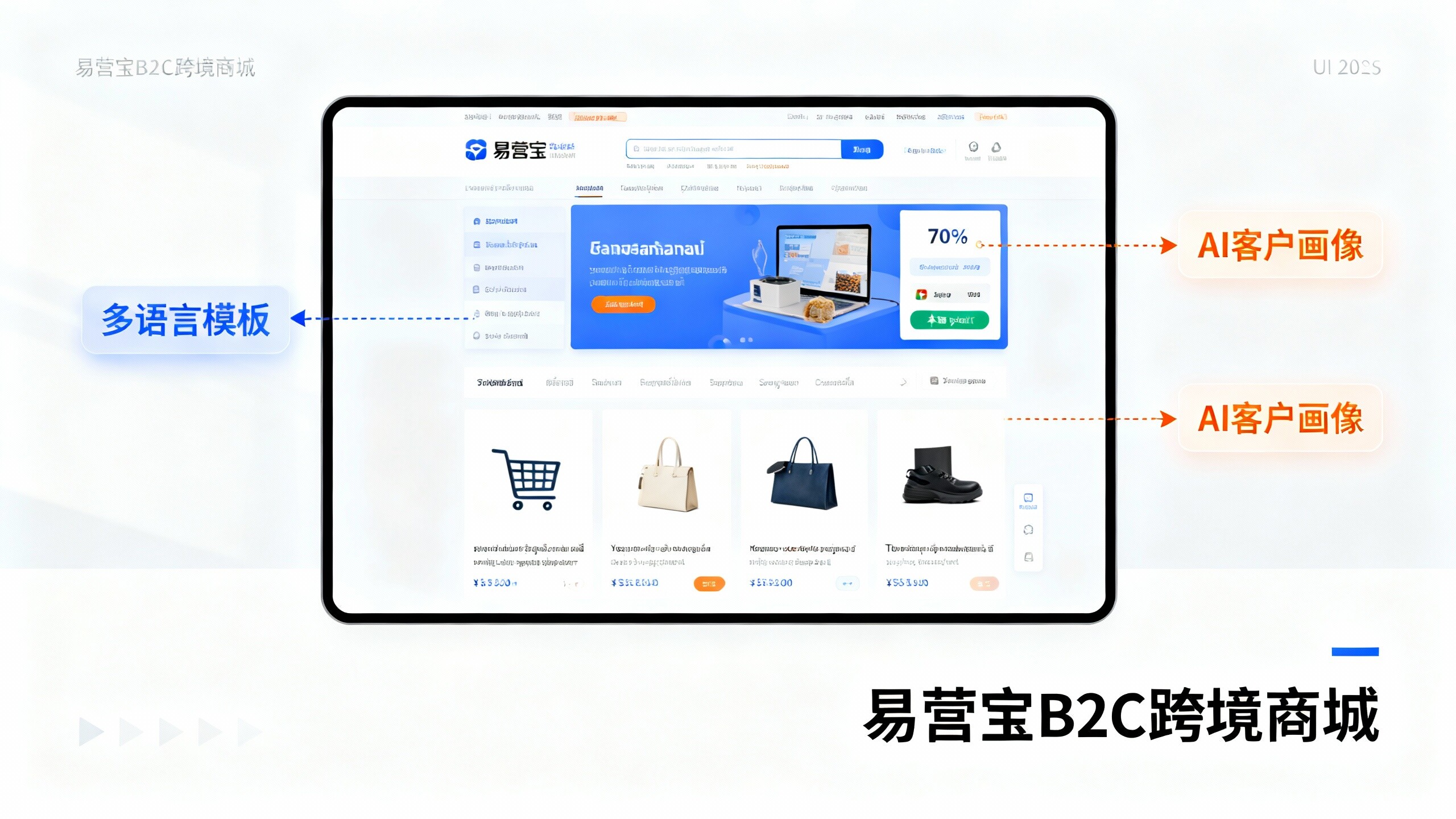
 EasyOperate B2C Cross-Border E-Commerce Platform & Independent WebsiteEasyStore B2C Cross-border E-commerce Independent Store is an intelligent website building and cross-border e-commerce integrated solution independently developed by EasyStore Information Technology (Beijing) Co., Ltd. The system is specially designed for small and medium-sized as well as large export enterprises, integrating 'website building, operation, marketing, advertising, and conversion' into one, helping enterprises quickly establish cross-border e-commerce independent stores to achieve brand globalization and global sales growth.
The platform supports multiple languages, multiple currencies, and multi-channel marketing, with built-in AI intelligent translation and SEO optimization systems, suitable for mainstream markets such as Southeast Asia, Europe and America, Latin America, and the Middle East, assisting Chinese manufacturing enterprises in efficiently deploying international e-commerce strategies. SSL证书易营宝提供专业SSL安全证书服务,包括单域名和泛域名证书,确保网站数据传输加密、身份验证和完整性保护,助力企业建立安全可信的在线业务环境。