








- Lazada 11.11 Mega Sale: LazMall Contributes Nearly Two-Thirds of GMVNov 23, 2026View details
- Shein’s European Revenue Falls 16% as Tighter Rules on Low-Value Direct Shipments Take EffectNov 23, 2026View details
- EU Low-Value Parcel Rules Impact Cargo Flows: Air Freight Volume from China to Europe Down 17% in OctoberNov 23, 2026View details
- Indonesia and the EU Sign Comprehensive Economic Partnership Agreement, 90.4% of Tariff Lines to Become Duty-Free ImmediatelyNov 23, 2026View details
- Qingdao Port's Imports and Exports Exceed RMB 23.699 Trillion in the First 10 Months, Drawing Attention to Port IntelligenceNov 22, 2026View details
- Ningbo Cross-Border E-Commerce Export Value Surges 94.87% Year on Year, Opening Up a New Billion-Yuan Growth TrackNov 22, 2026View details
How Much Organic Traffic Can a Slow Website Loading Speed Cost You?
How Much Organic Traffic Is Lost Due to Slow Website Loading: Technical Evaluation Cannot Focus Only on Whether a Site “Opens”
Many websites can be accessed normally during technical acceptance, with no obvious errors in the backend, yet their organic traffic consistently fails to grow, or rankings quickly decline after improving. After investigation, the issue is often not the number of keywords, nor entirely content quality, but that the page is “too slow” for real visitors. This is particularly true for multilingual sites, product catalog sites, and cross-border e-commerce stores targeting overseas markets: smooth testing in China does not mean that the user experience is acceptable for visitors in North America, Europe, or Southeast Asia.
There is no fixed percentage applicable to all websites for how much organic traffic is lost due to slow website loading. Traffic loss depends on page type, search intent, the quality of competing pages, users' network environments, and whether the website has already established a stable indexing foundation. However, from a technical evaluation perspective, speed issues typically consume organic traffic through two paths: one is that search engine crawling, rendering, and page experience signals are affected; the other is more direct—users leave after clicking through, so even if the page gains impressions, it cannot accumulate effective visits and conversion signals.
Organic Traffic Does Not “Suddenly Drop to Zero”; It Is Gradually Lost at Every Stage of the Funnel
Technical teams often ask: “Can a first screen that is one or two seconds slower really affect rankings?” This question needs to be examined separately. Search rankings are not determined by a single loading time, and Google will not immediately apply a major ranking reduction simply because a page occasionally becomes slower. However, if slow pages are widespread and users cannot quickly see the core content after entering, long-term performance often shows continuous losses in impressions, clicks, engagement, and conversions.
For example, on a B2B foreign trade website, purchasers usually enter a product page with a clear need when searching for a specific model, material, or process capability. If the first screen shows a blank area, an oversized banner image, or chat plugins and tracking scripts monopolize the main thread, visitors may return to the search results page before product specifications and inquiry entry points appear. This visit does not necessarily mean the content is irrelevant, but it causes traffic that should have proceeded to the next stage of browsing to be lost directly.
For B2C cross-border e-commerce stores, the impact is more evident on product detail pages, shopping carts, and checkout pages. If product images, variant selection, inventory interfaces, or payment components are blocked at any point, users may repeatedly click, experience page shifts, or abandon the process after waiting. If SEO teams look only at organic session numbers, they may easily misjudge that “traffic is not a problem”; in fact, losses may have already shifted into higher bounce rates, lower add-to-cart rates, and poorer audience quality for advertising remarketing.

How to Estimate Traffic Loss Caused by Speed
It is not recommended to directly apply industry claims such as “how much conversion is lost for every additional second” to a project. A more reliable approach is to first establish control groups for your own website. Technical evaluators can segment data by country, device, page template, and traffic source, then compare the performance of fast and slow pages for similar search terms. The key is not to find an attractive average, but to identify at which stage the loss occurs.
One practical estimation method is to first select pages with similar content intent and device types but better performance, and calculate the proportion of users who “complete a key action after an organic search click”; then compare this with slow pages and multiply the difference by the number of organic clicks received by the slow pages. This result is not strict causal proof, but it can help teams turn “speed issues” from an abstract impression into repair priorities that can be ranked. If slow pages also have weak content, missing pricing, or poor form design, the entire difference cannot be attributed to performance.
Focus on Real User Data During Evaluation, Not Just Speed Test Scores
Laboratory speed testing is suitable for identifying issues, but not for serving independently as a go-live conclusion. A test conducted once on an office network cannot represent performance on mobile devices, across continents, or during peak periods. For websites that rely mainly on search to acquire customers, real user experience data is more worthy of attention—that is, loading conditions seen by different visitors under actual device and network conditions.
Google's Core Web Vitals can serve as a common language: Largest Contentful Paint (LCP) focuses on when users see the main content; Interaction to Next Paint (INP) measures responsiveness after interactions such as clicks and inputs; Cumulative Layout Shift (CLS) is used to determine whether a page shifts frequently while loading. In general, LCP of no more than 2.5 seconds, INP of no more than 200 milliseconds, and CLS of no more than 0.1 can be used as good reference targets. Actual assessment should be based on real user data at the 75th percentile, rather than only the best result from a single test.
Here is a detail that is easily overlooked: worsening LCP does not necessarily mean the server is slow. On marketing websites, the most common causes are instead uncompressed large first-screen images, autoplay videos, blocking font files, or hiding core product content on the second slide of a carousel. Abnormal INP is also often related to the layering of tag managers, customer service tools, heatmaps, pop-ups, and multiple advertising pixels. Third-party scripts are not unusable, but it must be clear who is responsible for their performance costs.
In Multilingual and Global Access Scenarios, the Issue Is Often in the “Last Mile”
Performance evaluation for overseas independent websites cannot test only the homepage. Pages in different languages may call different fonts, translation components, regional inventory interfaces, and payment services; the same template may perform normally on English pages but not be equally lightweight on Arabic or Russian pages. Whether image resources are close to users, whether static files use appropriate caching and distribution, and whether server response time fluctuates significantly by region should all be included in testing.
For platforms like Yiyingbao that place intelligent website building, SEO, advertising, and overseas marketing tools within the same workflow, a common misconception should be avoided during implementation: adding all code to the entire website simultaneously in order to track every advertising data point. Marketing attribution requires completeness, but performance budgets also require boundaries. A more prudent approach is to distinguish between necessary and unnecessary scripts, defer loading of non-critical resources, and recheck the real access performance of core pages after adding plugins, campaign pages, or theme redesigns.
Repair Order Is More Important Than “Comprehensive Optimization”
When website loading is slow, there is no need to rebuild the entire website at the outset. Addressing pages with the most organic traffic entry points, the strongest commercial intent, and the worst performance first is usually more effective than applying equal effort everywhere. Product detail pages, core category pages, long-term ranking pages, and advertising landing pages should be prioritized on the investigation list. Check server response, first-screen image sizes and formats, unused scripts and styles, caching strategies, and font loading methods, then assess whether complex components truly serve user decision-making.
Speed optimization must not come at the expense of indexing and conversions. For example, excessive reliance on client-side rendering may make it more difficult for search engines to obtain key content; removing product specifications, structured information, or inquiry entry points for the sake of lightweight design puts the cart before the horse. A truly sustainable solution is to deliver core content first, make key actions available, and load supporting marketing functions afterward.
To determine whether a website needs immediate investment in performance management, it may be helpful to return to the most basic question: after users in the target market open a core landing page, can they see the product value and complete the next action before their patience runs out? If the answer is uncertain, what is being lost is not merely page loading time, but the organic visit opportunity gained only after spending on content, advertising, and channels.
Related Articles
 Google’s Sleep-Learning Architecture Draws Attention: How Search Absorbs New Knowledge
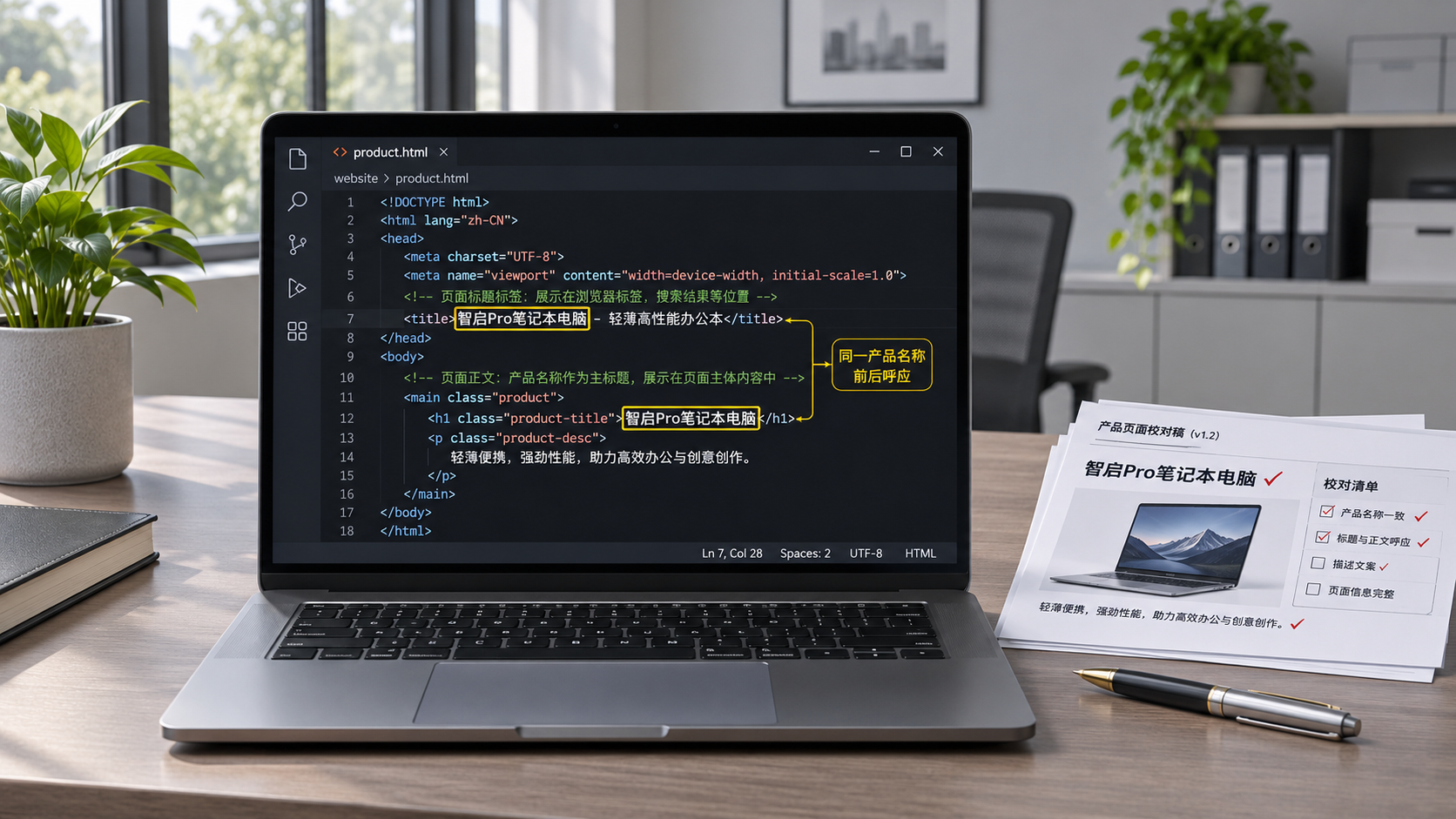
 How can you optimize the title tag to accurately reflect a page’s topic?
 How Should International Digital Agencies Develop SEO Strategies for Multiple Markets?

Related Products
 Yiyingbao SaaS Intelligent Website Building and Marketing SystemYiyingbao SaaS Intelligent Website Building and Marketing System, AI-powered no-code website building, rapid creation of multilingual B2B international websites in 10 minutes, global server acceleration, AI-powered SEO optimization, helping businesses connect efficiently with global markets. The perfect integration of technology and operation makes building an international trade website remarkably simple
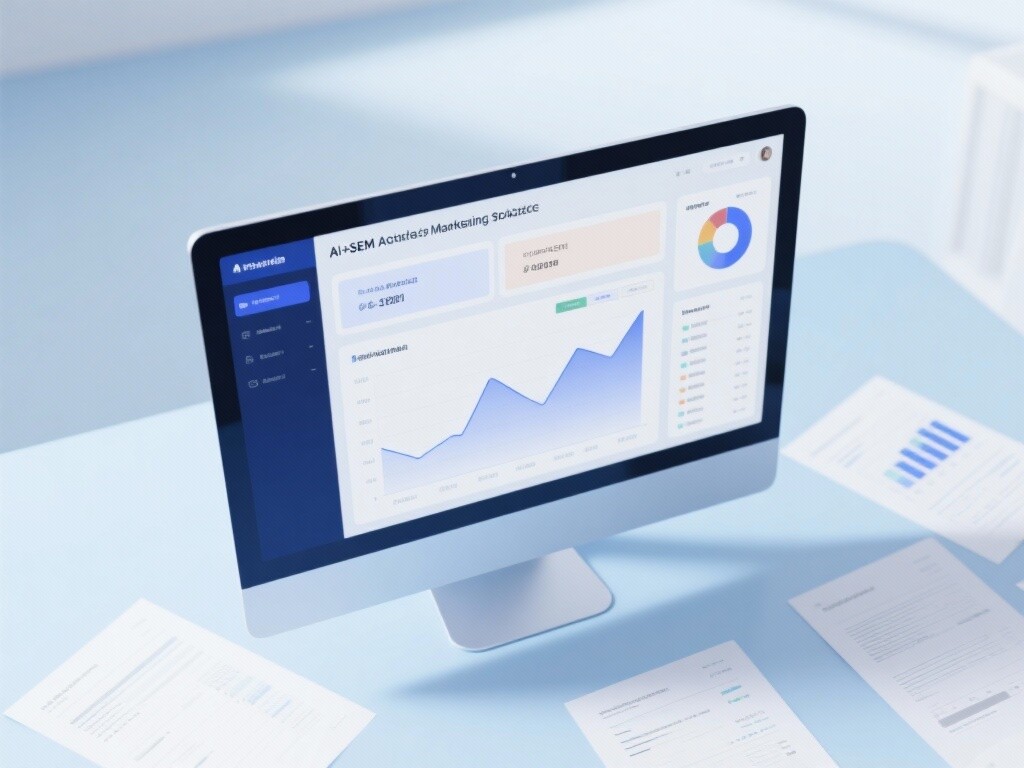
 AI+SEM Intelligent Advertising Marketing SystemAI+SEM drives intelligent ad creation, empowering full-funnel precision advertising marketing. The system automatically generates weekly/monthly reports, AI recommends keywords and target countries, monitors core metrics in real-time with intelligent alerts, and enables one-click high-conversion ad solutions to help quickly acquire customers and improve ROI.
 AI+SEO Dual-Engine System Optimization ServicesYiyingbao’s AI+SEO dual-engine optimization system helps foreign trade enterprises acquire high-quality organic traffic through AI-powered keyword research, content generation, and comprehensive technical optimization, significantly improving search rankings and conversion rates.
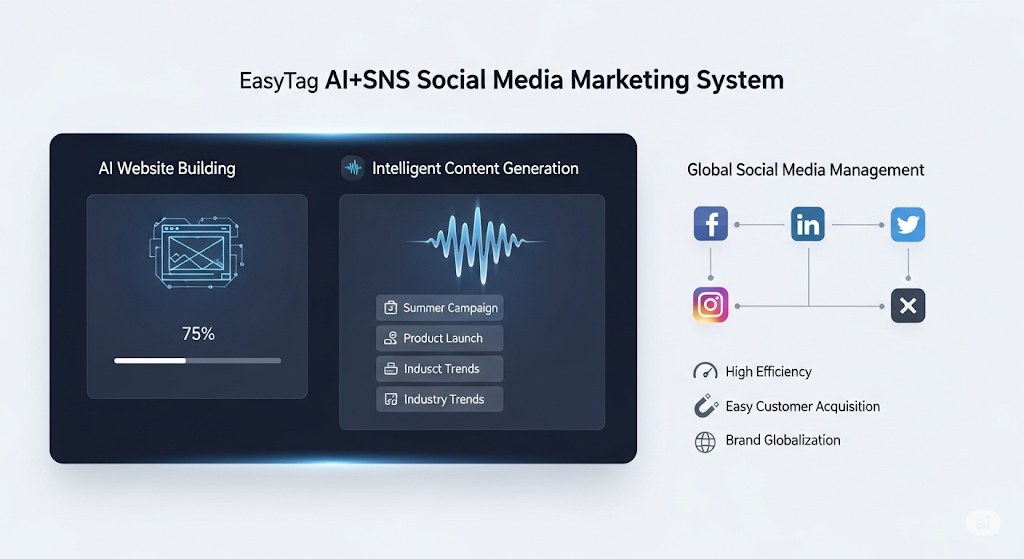
 AI+SNS Social Media Marketing SystemYingbao AI+SNS Social Media Marketing System - Precision social capture for the social media era. Supports one-click content synchronization across major platforms like Facebook and LinkedIn. AI intelligently rewrites posts for enhanced relevance. 24/7 AI customer service and user profiling analysis empower businesses to efficiently expand into global markets.
 AI+SEO营销解决方案易营宝AI+SEO营销解决方案,通过AI批量写作、智能生成TDK、精准关键词扩词等功能,全面优化网站SEO效果,提升流量与转化率。助力企业构建高效智能网站新生态。
 AI+SEM Advertising Marketing SolutionsAI+SEM Advertising Marketing Solution leverages AI technology to deeply empower SEM ad campaigns. It automatically generates weekly/monthly reports using AI, presenting account data across multiple dimensions for comprehensive insights into campaign performance and trends. The system precisely recommends keywords and target countries, intelligently generates high-conversion ad copy, and enables one-click activation of efficient campaign plans to help businesses rapidly acquire customers. Simultaneously, it monitors core metrics in real time, intelligently identifies abnormal fluctuations, and issues timely alerts to ensure stable, high-return advertising results.
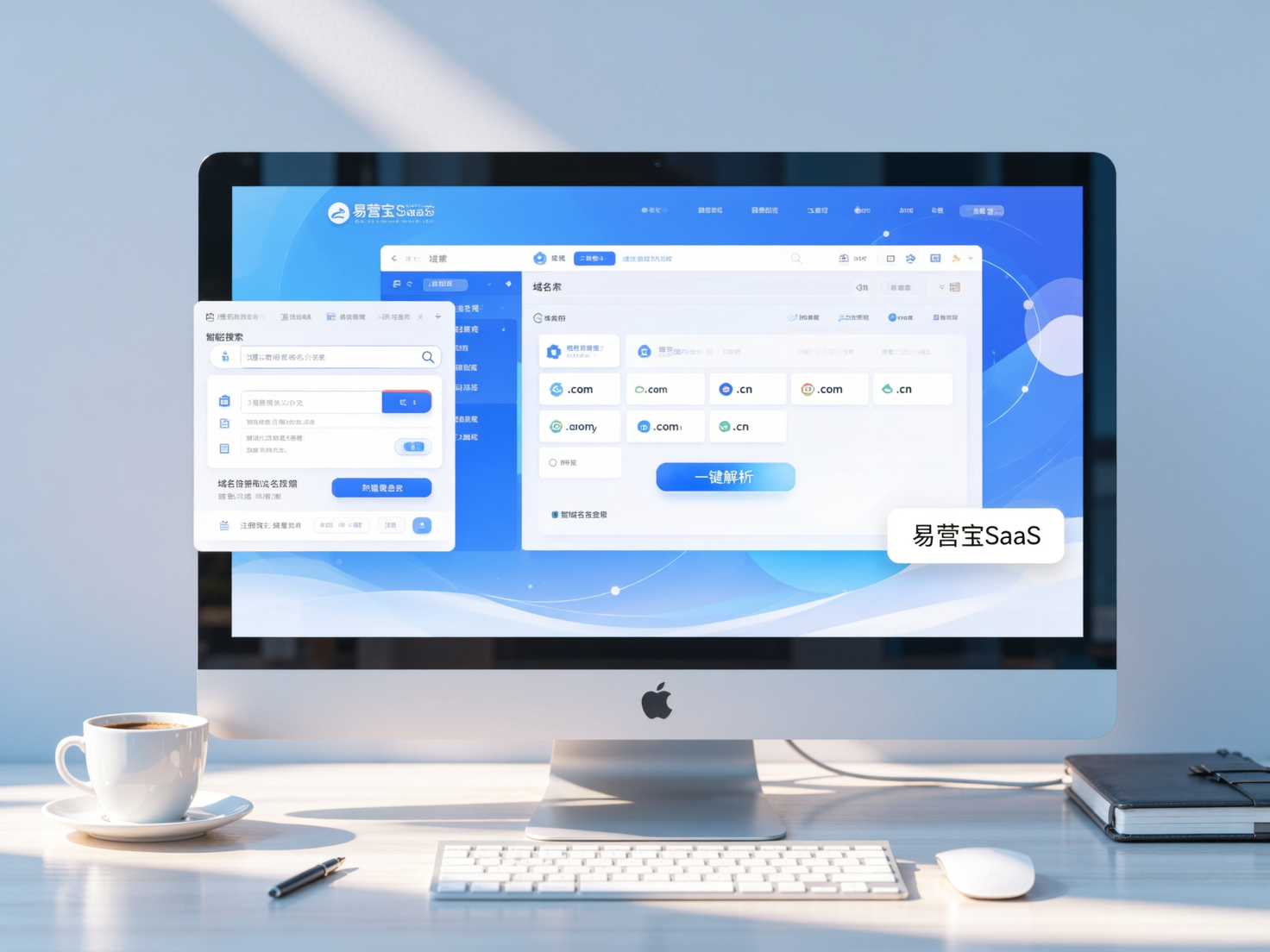
 Domain Name ServicesEasyWin provides professional domain name services, including intelligent queries, one-stop registration, brand protection, and full lifecycle management, helping businesses build a digital brand image.
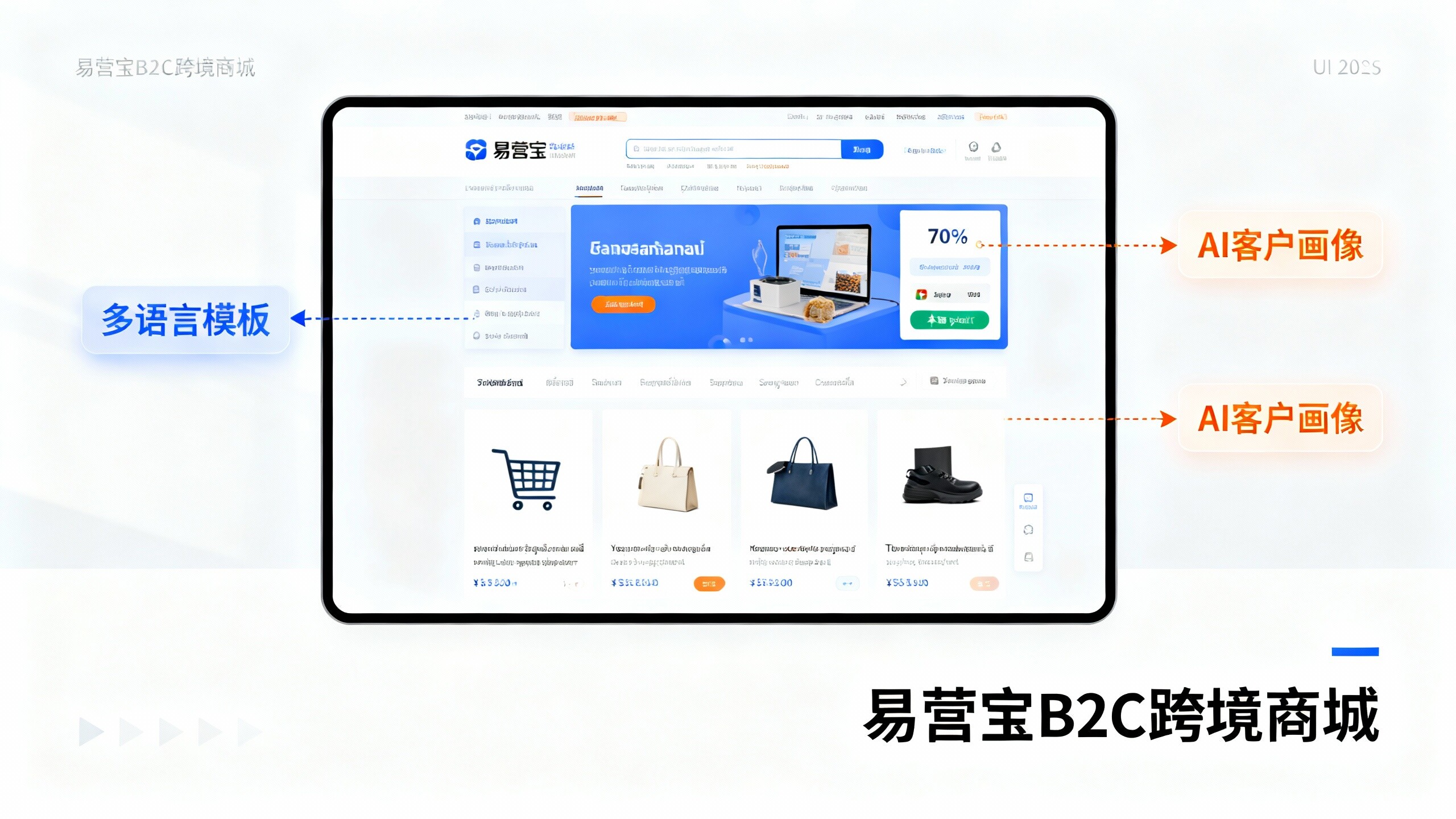
 EasyOperate B2C Cross-Border E-Commerce Platform & Independent WebsiteEasyStore B2C Cross-border E-commerce Independent Store is an intelligent website building and cross-border e-commerce integrated solution independently developed by EasyStore Information Technology (Beijing) Co., Ltd. The system is specially designed for small and medium-sized as well as large export enterprises, integrating 'website building, operation, marketing, advertising, and conversion' into one, helping enterprises quickly establish cross-border e-commerce independent stores to achieve brand globalization and global sales growth.
The platform supports multiple languages, multiple currencies, and multi-channel marketing, with built-in AI intelligent translation and SEO optimization systems, suitable for mainstream markets such as Southeast Asia, Europe and America, Latin America, and the Middle East, assisting Chinese manufacturing enterprises in efficiently deploying international e-commerce strategies. SSL证书易营宝提供专业SSL安全证书服务,包括单域名和泛域名证书,确保网站数据传输加密、身份验证和完整性保护,助力企业建立安全可信的在线业务环境。