




- Qingdao Port's Imports and Exports Exceed RMB 23.699 Trillion in the First 10 Months, Drawing Attention to Port IntelligenceNov 22, 2026View details
- Ningbo Cross-Border E-Commerce Export Value Surges 94.87% Year on Year, Opening Up a New Billion-Yuan Growth TrackNov 22, 2026View details
- AliExpress Global Double 11: Brand Sales Grow Nearly 50% in the First Week, U.S. GMV Rises 70%Nov 21, 2026View details
- Ministry of Commerce Reports E-commerce Development from January to October 2026, with Cross-Border Imports Performing StronglyNov 21, 2026View details
- Amazon Black Friday Orders Sluggish on Day One; NRF Forecasts 4.2 Million Fewer ParticipantsNov 21, 2026View details
- 21st Century Business Herald: AI and CTV Become Core Growth Engines for Digital Marketing in Overseas MarketsNov 18, 2026View details
How can you optimize the title tag to accurately reflect a page’s topic?
An engaging webpage title that does not accurately describe the page content may cause visitors to click through and leave immediately. When considering “quels éléments d'une page faut-il optimiser” (which elements of a page should be optimized), operators should first check the title tag, then verify that the page’s main heading, body content, and search intent are aligned. For an international trade website, titles in different languages should also reflect how local buyers express themselves.
First, distinguish the title tag from the page’s main heading
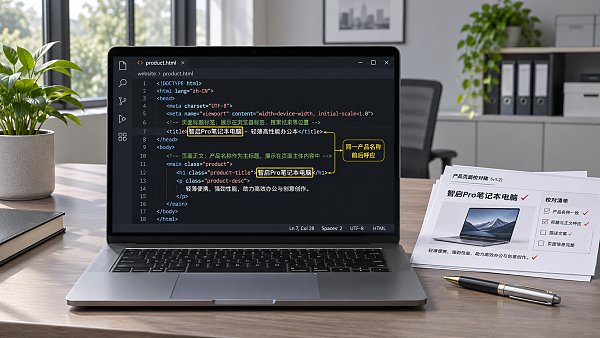
The title tag is the title element in a webpage’s source code. It is usually used in the browser tab and may also appear as the title link in Google search results. The page’s main heading is the description of the topic that visitors see when they open the webpage. The two can be worded differently, but should refer to the same content.
For example, if a page describes a stainless steel centrifugal pump but its title says “Complete Range of Industrial Pumps,” the scope is too broad. If the page features just one product but is labeled “Complete Guide to Prices, Selection, and Specifications,” it may also create a mismatch in expectations. The title should summarize the information the page actually provides, not every keyword the company hopes to target.
quels éléments d'une page faut-il optimiser: determine the title based on evidence from the page
Before making changes, open the page instead of looking only at a keyword list. Use the following four points to write a one-line summary of the page, then use it to draft the title:
- Page subject: Is it about a company, a product, a specific model, or a selection guide? Category pages and individual product pages should not use the same generic title.
- Primary need: Is the visitor looking for specifications, comparing options, or preparing to request a quote? The title should highlight the primary need the page can meet.
- Key qualifiers: A model, material, application, or language version can help buyers determine whether the page is relevant. Include only information that genuinely distinguishes it.
- Supporting content: The specifications, applications, or services promised in the title should be found in the page text, a specifications table, or a clearly visible description.
If a product page contains only a basic introduction and a contact form, the title can highlight the product name and its application; do not write “Complete Technical Manual” just to attract clicks. If the page lacks sufficient content, add information first or narrow the wording of the title.
Write titles for each page type: use keywords to help identify the page
Place the words that best represent the page topic where they are easy to see, then add distinguishing information that is supported by the content. A brand name can help identify the source, but does not need to take up the most important position in every title.
For example, for a product page, “Stainless Steel Centrifugal Pump | Pumps for Food Processing” is clearer than “Pumps, Industrial Pumps, Water Pumps, Centrifugal Pump Manufacturer”—provided the page really does describe a stainless steel centrifugal pump and its use in food processing. Do not stuff the title with synonyms or create large numbers of pages with identical content by changing only the city name.
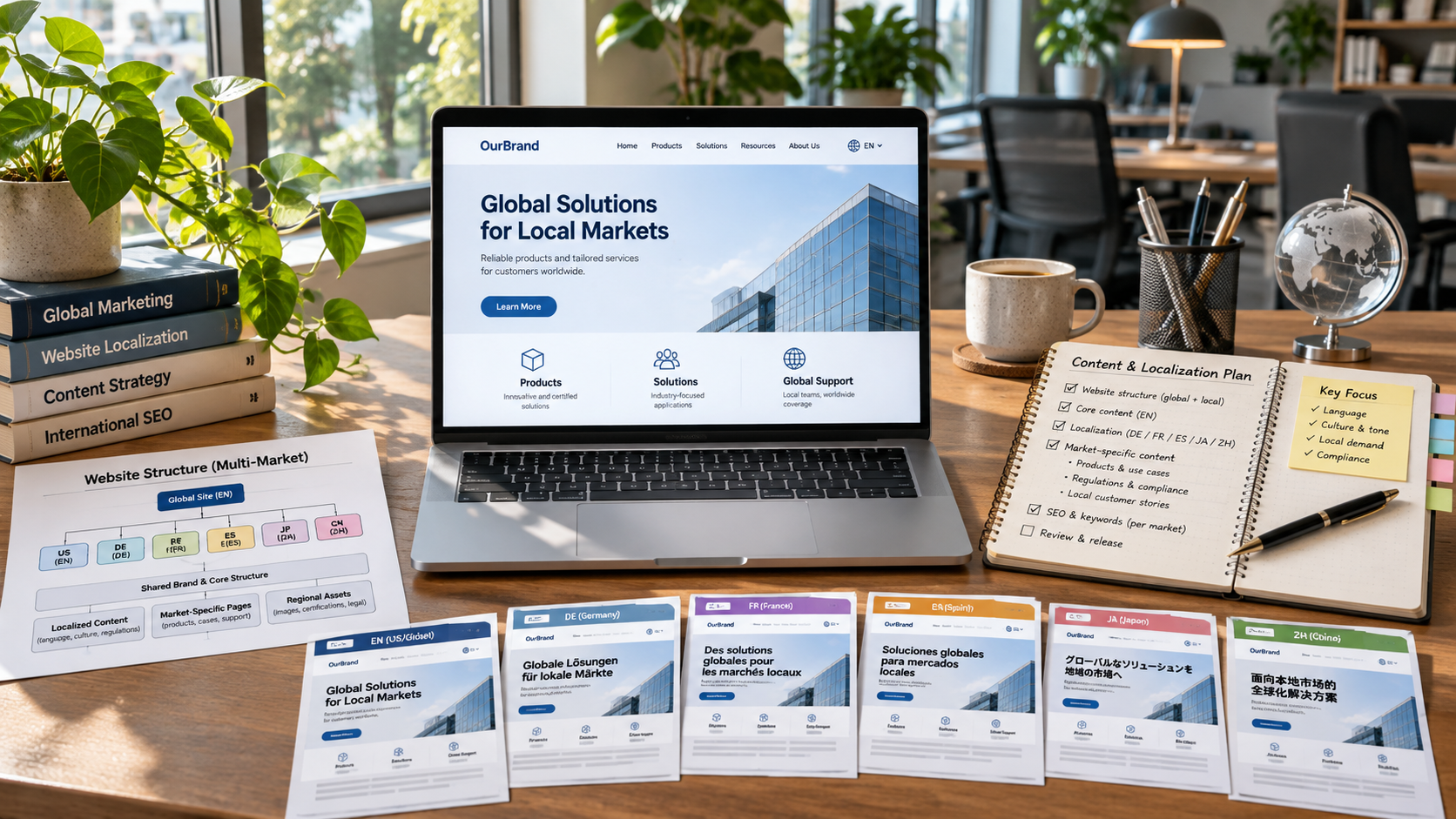
For a French-language page, use product terminology that people in the target market actually search for and that the page genuinely covers. Do not publish a word-for-word machine translation of a Chinese title. The keyword “quels éléments d'une page faut-il optimiser” is more appropriate for a page discussing website optimization than for a product detail page.
Implement changes in your website builder: edit, check, and monitor
- Find the correct field: In your website builder’s page settings, look for “Page Title,” “SEO Title,” or a similar field. After saving, check the page source code to confirm that the corresponding title element has been updated, rather than just the visible main heading.
- Check for uniqueness: Spot-check product pages within the same category to avoid using a template such as “Product Name | Manufacturer” for every page. You can add genuine distinguishing details, such as the model or application, but do not invent selling points.
- Preview on different devices: There is no fixed character limit that applies to all search result titles. Put the main topic near the beginning where possible, and check that it is easy to understand when displayed on mobile devices. Preview tools can only provide guidance.
- Verify after publishing: Use the URL Inspection tool in Google Search Console to check the page status; request recrawling if needed. A request does not guarantee that the page will be crawled or updated in search results immediately.
- Review performance data: In the Performance report in Search Console, monitor changes in impressions, clicks, and click-through rate for relevant pages and queries. Also check whether the search terms match the page’s intent. Demand and rankings can change over time, so do not attribute all results to the title change.
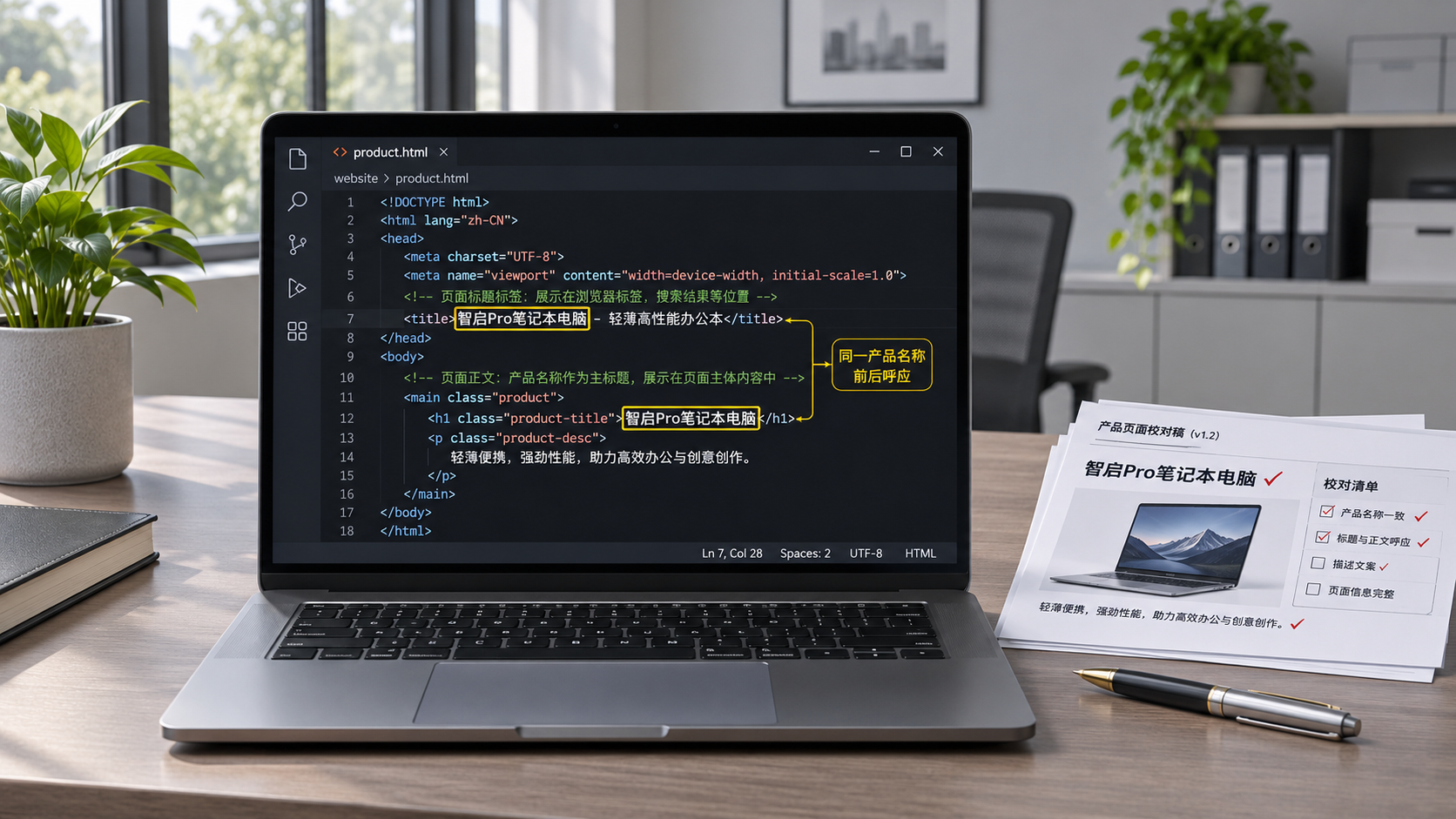
If you use an intelligent website builder such as 易营宝 to manage a multilingual website, you can create a title checklist organized by language and page type. The available field names and bulk editing capabilities depend on the version of the platform you are using. Check the live pages after making changes to prevent template variables, brand suffixes, or language switching from causing duplication.
Does a different title in search results mean the settings failed?
Not necessarily. Google may generate title links using the title element, the page’s main heading, and other sources, so the title shown in search results may differ from the one you set. If you notice a discrepancy, first confirm that the source code has been updated, then check whether the page’s main heading is clear and whether the title is outdated or duplicated. After that, allow time for crawling and processing. Do not repeatedly rewrite the title based on a single search result.
Sources: Google Search Central, “Influencing your title links in search results” (https://developers.google.com/search/docs/appearance/title-link?hl=zh-cn); “Ask Google to recrawl your URLs” (https://developers.google.com/search/docs/crawling-indexing/ask-google-to-recrawl?hl=zh-cn); Search Console Help, “Performance report” (https://support.google.com/webmasters/answer/7576553?hl=zh-Hans).
Common questions about implementation
Does the title have to include the brand name?
No. A brand helps identify the source, but the product model and topic usually deserve priority. If a brand suffix makes the title too long, you can adjust it to suit the page’s purpose, as long as the website’s naming conventions remain clear and consistent.
Will changing the title improve rankings?
There is no guarantee. Title optimization can help communicate the page topic, but search performance also depends on factors such as content relevance, page accessibility, and the competitive landscape. Review the title together with the page content rather than treating it as an independent ranking switch.
Related Articles
 How can you optimize the title tag to accurately reflect a page’s topic?
 How Should International Digital Agencies Develop SEO Strategies for Multiple Markets?
 How can you evaluate an independent SEO expert’s past results?
Related Products
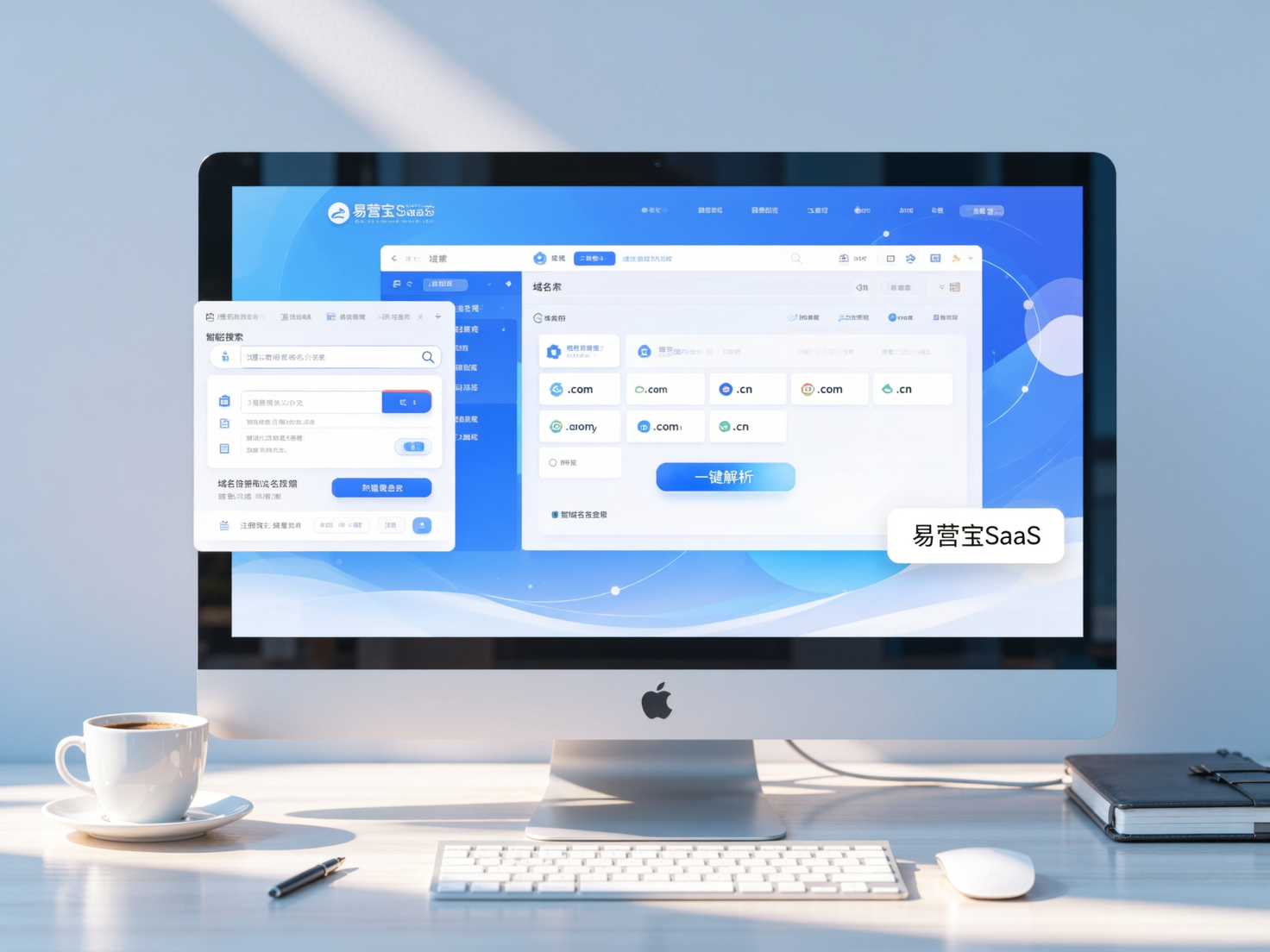
 Yiyingbao SaaS Intelligent Website Building and Marketing SystemYiyingbao SaaS Intelligent Website Building and Marketing System, AI-powered no-code website building, rapid creation of multilingual B2B international websites in 10 minutes, global server acceleration, AI-powered SEO optimization, helping businesses connect efficiently with global markets. The perfect integration of technology and operation makes building an international trade website remarkably simple
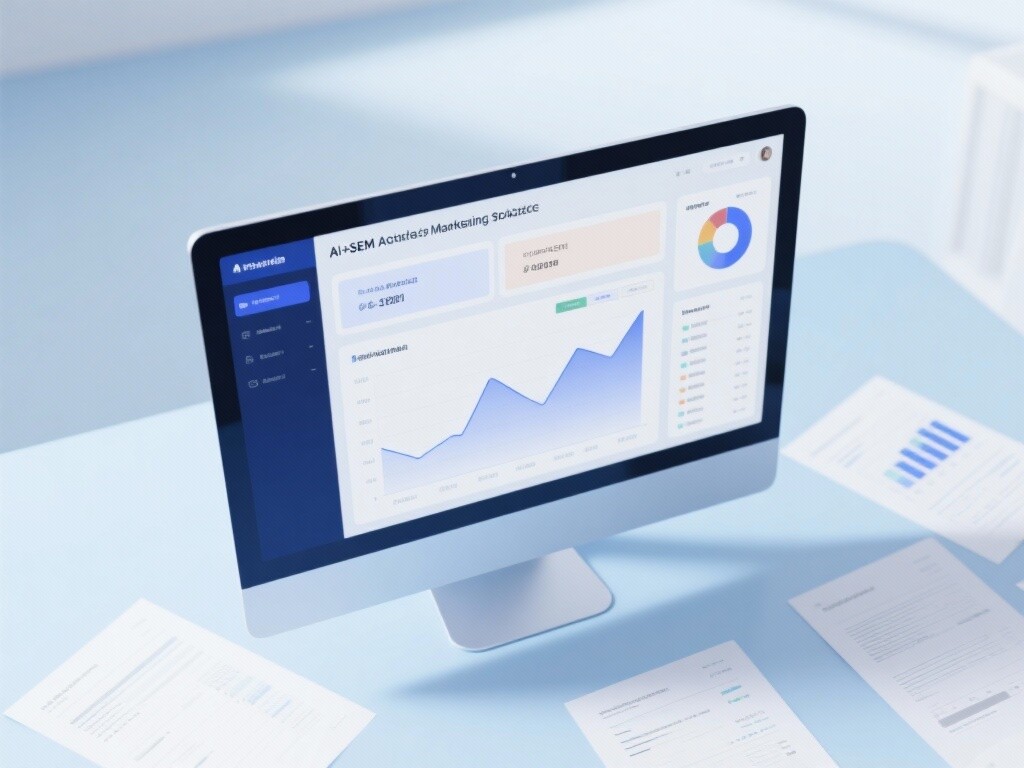
 AI+SEM Intelligent Advertising Marketing SystemAI+SEM drives intelligent ad creation, empowering full-funnel precision advertising marketing. The system automatically generates weekly/monthly reports, AI recommends keywords and target countries, monitors core metrics in real-time with intelligent alerts, and enables one-click high-conversion ad solutions to help quickly acquire customers and improve ROI.
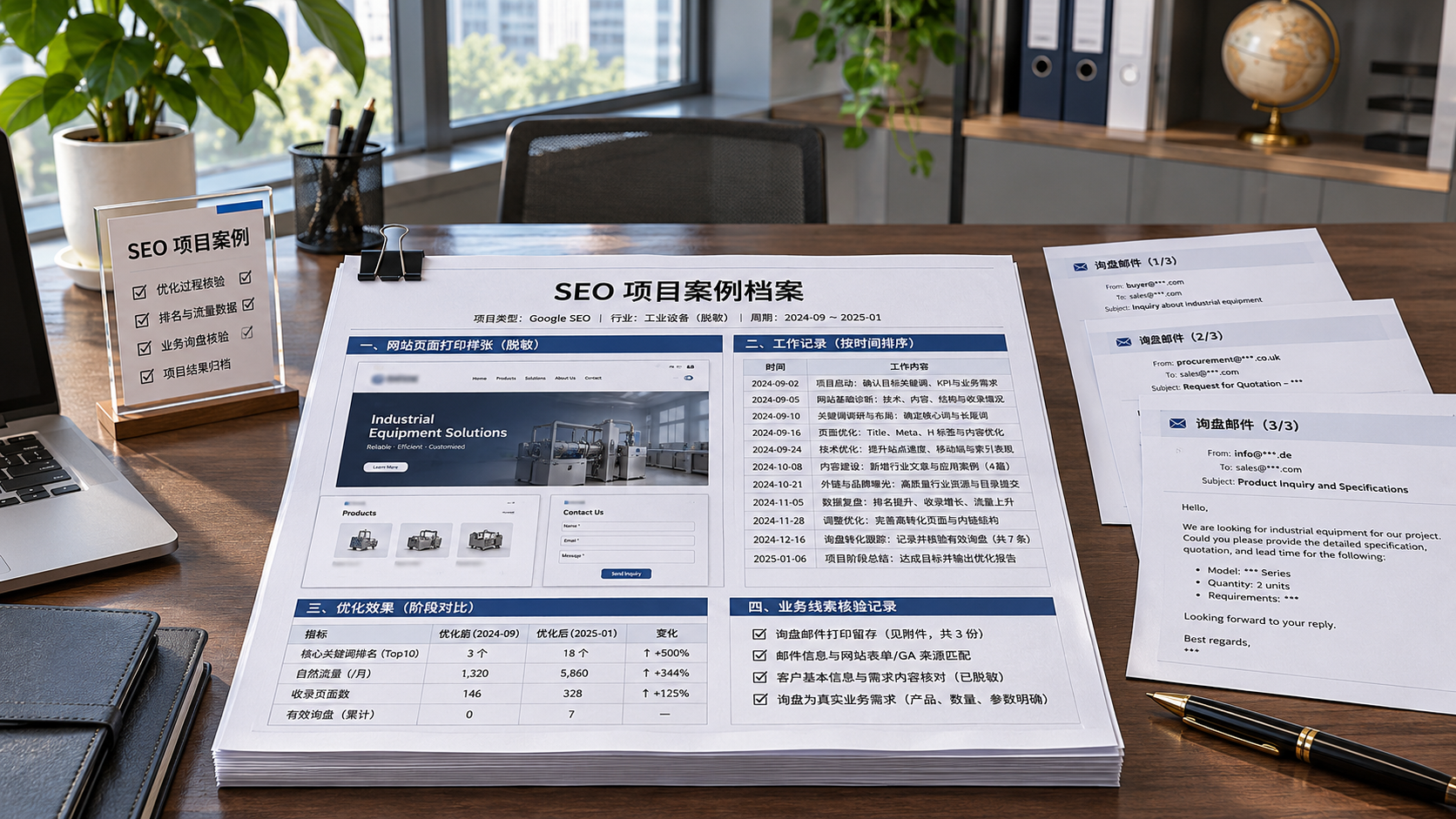
 AI+SEO Dual-Engine System Optimization ServicesYiyingbao’s AI+SEO dual-engine optimization system helps foreign trade enterprises acquire high-quality organic traffic through AI-powered keyword research, content generation, and comprehensive technical optimization, significantly improving search rankings and conversion rates.
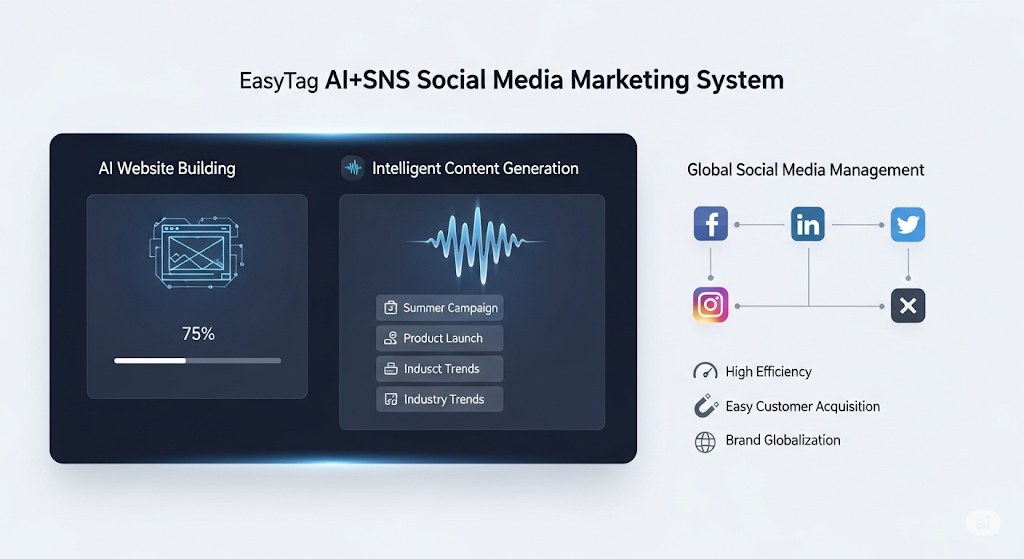
 AI+SNS Social Media Marketing SystemYingbao AI+SNS Social Media Marketing System - Precision social capture for the social media era. Supports one-click content synchronization across major platforms like Facebook and LinkedIn. AI intelligently rewrites posts for enhanced relevance. 24/7 AI customer service and user profiling analysis empower businesses to efficiently expand into global markets.
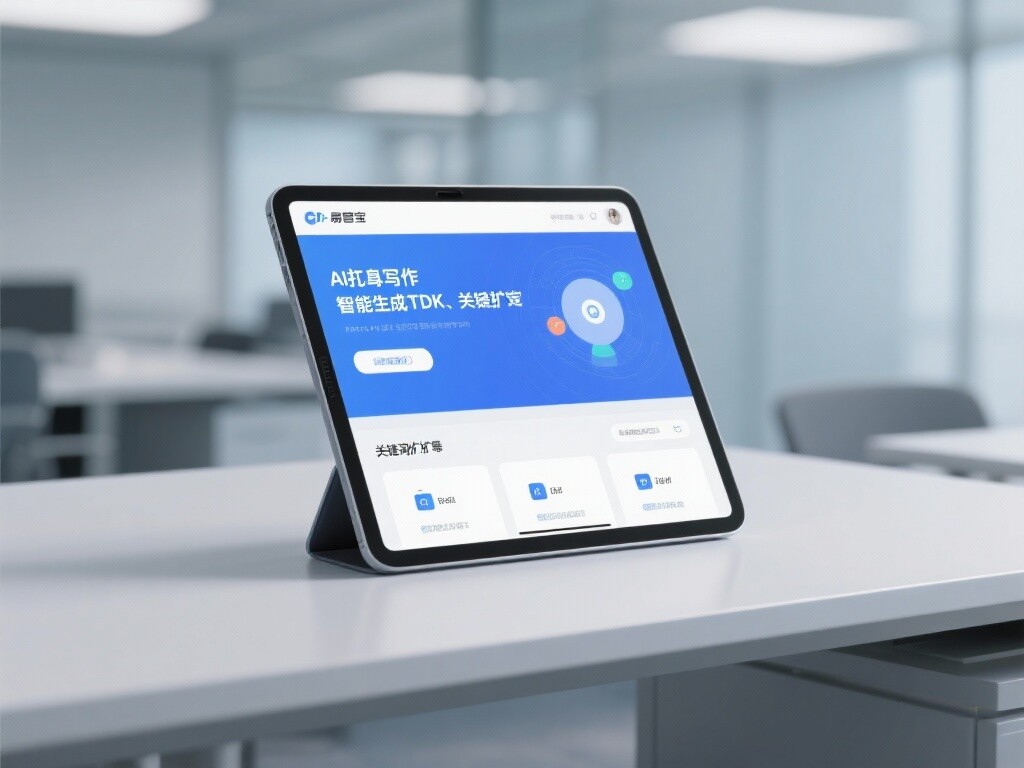
 AI+SEO营销解决方案易营宝AI+SEO营销解决方案,通过AI批量写作、智能生成TDK、精准关键词扩词等功能,全面优化网站SEO效果,提升流量与转化率。助力企业构建高效智能网站新生态。
 AI+SEM Advertising Marketing SolutionsAI+SEM Advertising Marketing Solution leverages AI technology to deeply empower SEM ad campaigns. It automatically generates weekly/monthly reports using AI, presenting account data across multiple dimensions for comprehensive insights into campaign performance and trends. The system precisely recommends keywords and target countries, intelligently generates high-conversion ad copy, and enables one-click activation of efficient campaign plans to help businesses rapidly acquire customers. Simultaneously, it monitors core metrics in real time, intelligently identifies abnormal fluctuations, and issues timely alerts to ensure stable, high-return advertising results.
 Domain Name ServicesEasyWin provides professional domain name services, including intelligent queries, one-stop registration, brand protection, and full lifecycle management, helping businesses build a digital brand image.
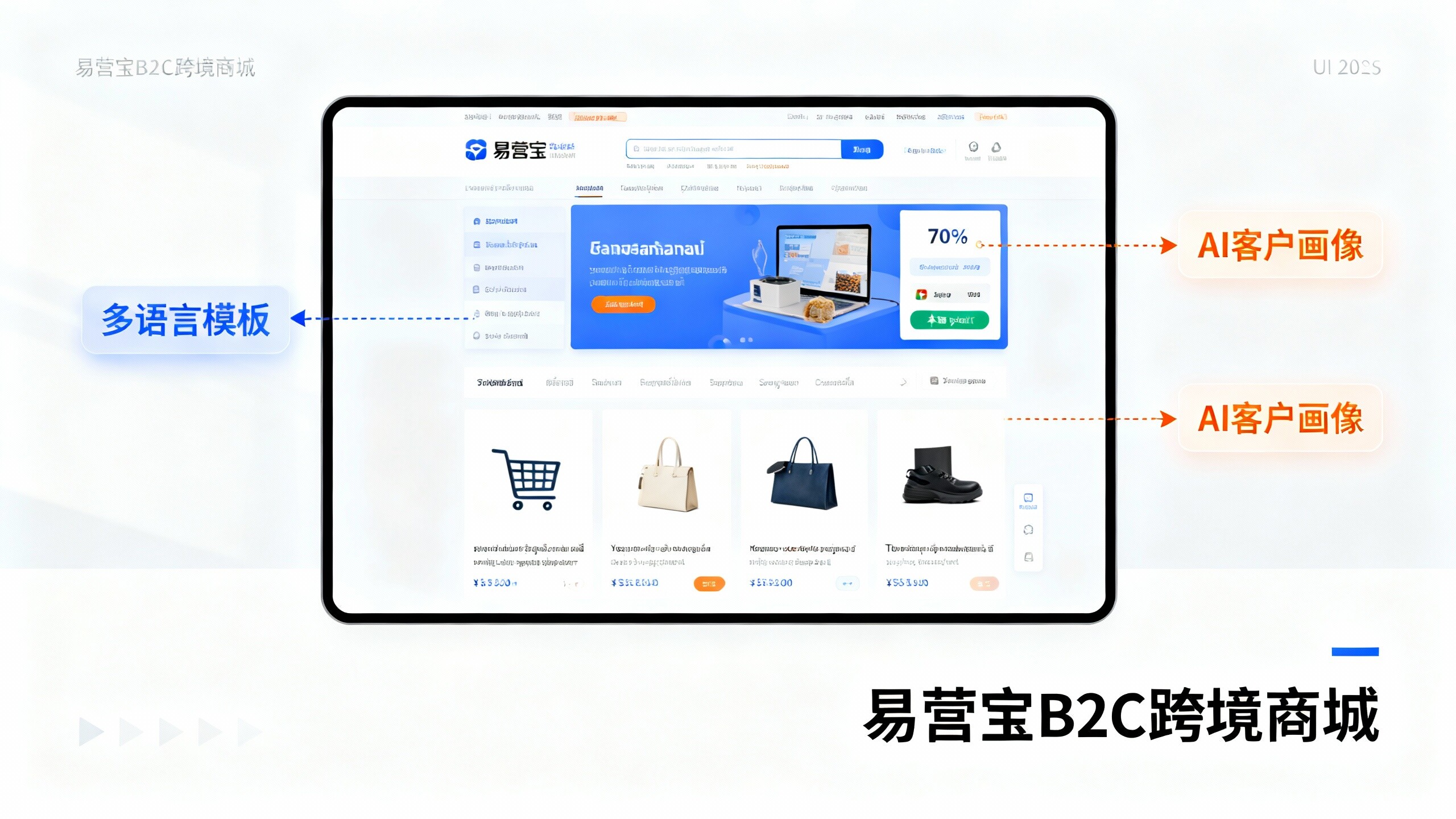
 EasyOperate B2C Cross-Border E-Commerce Platform & Independent WebsiteEasyStore B2C Cross-border E-commerce Independent Store is an intelligent website building and cross-border e-commerce integrated solution independently developed by EasyStore Information Technology (Beijing) Co., Ltd. The system is specially designed for small and medium-sized as well as large export enterprises, integrating 'website building, operation, marketing, advertising, and conversion' into one, helping enterprises quickly establish cross-border e-commerce independent stores to achieve brand globalization and global sales growth.
The platform supports multiple languages, multiple currencies, and multi-channel marketing, with built-in AI intelligent translation and SEO optimization systems, suitable for mainstream markets such as Southeast Asia, Europe and America, Latin America, and the Middle East, assisting Chinese manufacturing enterprises in efficiently deploying international e-commerce strategies. SSL证书易营宝提供专业SSL安全证书服务,包括单域名和泛域名证书,确保网站数据传输加密、身份验证和完整性保护,助力企业建立安全可信的在线业务环境。