








- Qingdao Port's Imports and Exports Exceed RMB 23.699 Trillion in the First 10 Months, Drawing Attention to Port IntelligenceNov 22, 2026View details
- Ningbo Cross-Border E-Commerce Export Value Surges 94.87% Year on Year, Opening Up a New Billion-Yuan Growth TrackNov 22, 2026View details
- AliExpress Global Double 11: Brand Sales Grow Nearly 50% in the First Week, U.S. GMV Rises 70%Nov 21, 2026View details
- Ministry of Commerce Reports E-commerce Development from January to October 2026, with Cross-Border Imports Performing StronglyNov 21, 2026View details
- Amazon Black Friday Orders Sluggish on Day One; NRF Forecasts 4.2 Million Fewer ParticipantsNov 21, 2026View details
- 21st Century Business Herald: AI and CTV Become Core Growth Engines for Digital Marketing in Overseas MarketsNov 18, 2026View details
How should export companies handle right-to-left layouts when developing Arabic websites?
Right-to-left layout in Arabic website development cannot be achieved simply by right-aligning the text. Export businesses need to address page direction, mixed Arabic text and English numbers, component layouts, and form input. To determine whether the adaptation is complete, check whether Arabic pages can be read, used, and submitted normally with real content on commonly used devices.
The safest approach is to set the language and text direction on Arabic pages, then ensure the layout, components, and content each follow the appropriate rules. Existing English-language websites can reuse their content models and some components, but if many of the original styles hard-code left and right positions, most of the rework is likely to involve navigation, forms, and third-party plugins.
Set the page direction first, then adjust the layout
Arabic pages should declare lang="ar" and dir="rtl" on the document’s root element. The former identifies the content language; the latter tells the browser the base text direction for that area. If only part of a page is in Arabic, you can also set the direction on the relevant container to avoid affecting other language areas.
Direction declarations affect how text, some form controls, tables, and other content are displayed, but they do not automatically fix every layout issue. The positions of the left-hand filter panel, right-hand product image, navigation menu, and buttons in pop-ups still need to be checked against the page structure one by one. In particular, simply right-aligning text is not a substitute for setting the direction: even if the text appears right-aligned, punctuation, English model numbers, and the input cursor may still appear in the wrong order.
At the styling level, prioritize CSS logical properties. For example, use margin-inline-start instead of a fixed left margin, and use padding-inline-end to specify padding at the end of a line. This makes the same components easier to reuse across writing directions. For older websites that use many left, right, and absolute-positioning rules, first identify the affected templates, then decide whether to apply local style overrides or adjust the component structure.
Flipping a page does not mean mirroring every element. Elements whose direction conveys reading order, such as back arrows and breadcrumbs, should be checked in the Arabic interface. Brand logos, product photos, maps, and images containing text generally should not simply be mirrored, as this could change their meaning or reverse the text.
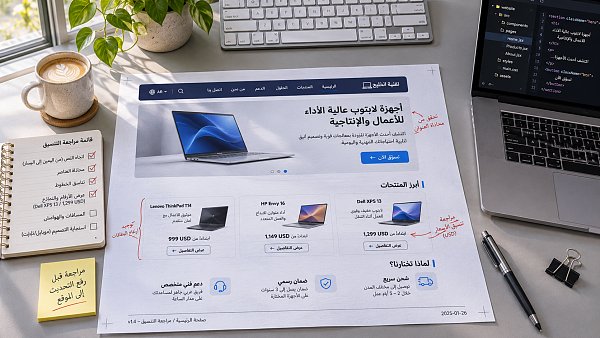
Handle mixed-direction text: verify product model numbers and contact details separately
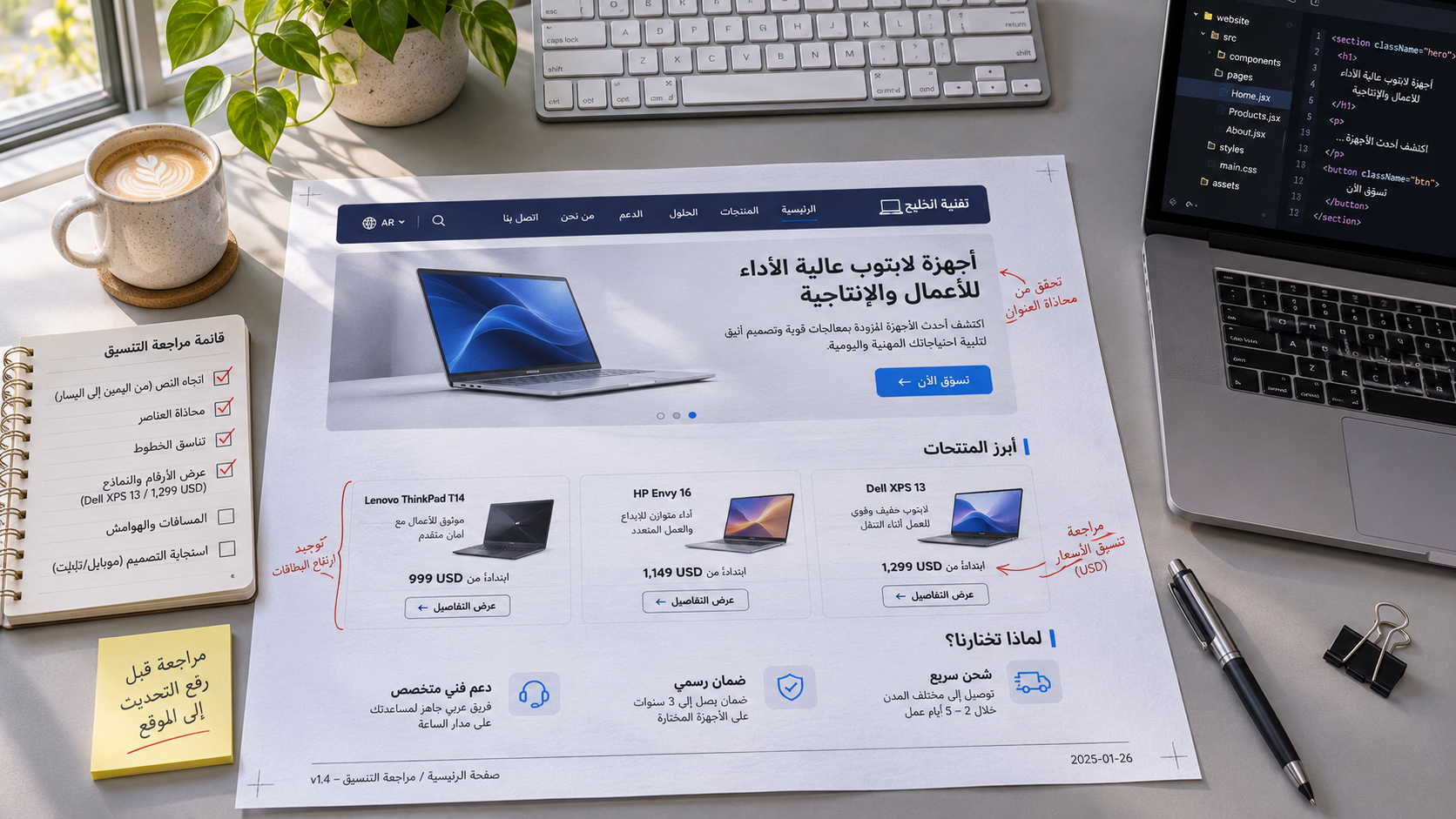
Arabic content on export websites rarely consists only of Arabic letters. Product model numbers, English brand names, email addresses, URLs, numbers, and units often appear on the same line. Browsers arrange characters according to bidirectional text rules, but when Arabic text appears next to symbols, parentheses, or Latin characters, the visual order may differ from what is expected.
For example, if a product description in Arabic includes the model number ABC-120 followed by parentheses or punctuation, check that the model number remains intact and the symbols appear in the expected positions. For mixed-direction content such as product names or usernames that may come from different sources, you can use HTML or CSS mechanisms that isolate text direction—for example, dir="auto" on supported elements or unicode-bidi: isolate in CSS. The right option depends on the content structure. Do not rely on inserting invisible directional characters to mask template issues, as this makes them harder to diagnose during copying, editing, and maintenance.
Email addresses, URLs, and product model numbers are generally best displayed left to right. Phone numbers and dates should be verified against the writing conventions of the target market and the actual data format. Check not only how content appears on the page, but also the result of copying and pasting, form submission values, and backend records to ensure that visual adjustments have not changed the original data.
Font choice also affects readability. Select fonts that support Arabic glyph joining and commonly used characters, and check line height, wrapping, and button width when English, numbers, and Arabic text are mixed. Translated text may be longer or shorter, so fixed-height cards, menus, and buttons are especially prone to truncation.
Adapt components around business workflows
During a technical assessment, prioritize the components customers use from the moment they land on the page until they submit an inquiry. A homepage that looks correct does not mean product filters, specification tables, and inquiry pop-ups also support right-to-left layouts.
- Navigation and breadcrumbs: Check menu expansion direction, hierarchy order, back arrows, and mobile drawer menus so users can identify their current location and how to return.
- Product listings and specification tables: Check the relationships between images, parameter labels, values, and filter criteria. When English model numbers appear alongside Arabic labels, do not check only whether the column order has been flipped.
- Inquiry forms: Check labels, helper text, error messages, and focus order. Input direction can be set separately for fields such as email addresses; also verify required-field validation and the data after submission.
- Carousels and third-party components: Check carousel navigation direction, progress indicators, chat windows, CAPTCHA, and pop-ups. Even if a third-party component inherits the page direction, it may need separate configuration, and some components may not support RTL fully.
For e-commerce pages, also verify the field order in quantity selectors, pricing, cart, and checkout flows. Combinations of prices, currency symbols, and numbers should be displayed according to the target market and business rules; do not assume the result based on flipping the entire page.
Test with real content and complete workflows
For acceptance testing, first prepare sample content that includes Arabic, English model numbers, numbers, parentheses, email addresses, and longer product names, then check it on desktop and mobile devices. In addition to static pages, use the menus, filters, pagination, pop-ups, and forms, and observe states such as expansion, error messages, and successful submission. Font and component behavior may vary across browsers and devices, so the test scope should match the environments used by target customers.
Also check keyboard navigation and the reading order for assistive technologies. Changing element positions visually with styles does not mean the document order and focus order are also appropriate; as users navigate with the Tab key, focus should not jump unpredictably between opposite sides of the screen. Check the direction and legibility of Arabic text in images as well. Where possible, keep important information as selectable, scalable text.
Technical teams evaluating website-building systems can ask to review an Arabic product page and inquiry workflow. Focus on whether templates support switching text direction, whether components can be adjusted individually, what limitations third-party plugins have, and whether the layout remains correct after content updates. Running a real sample containing Arabic, an English model number, and contact details through the entire workflow usually demonstrates the level of adaptation better than a screenshot of a flipped page.
Related Articles
 How should export companies handle right-to-left layouts when developing Arabic websites?
 How can you prevent inaccurate translations of multilingual content during project kickoff?
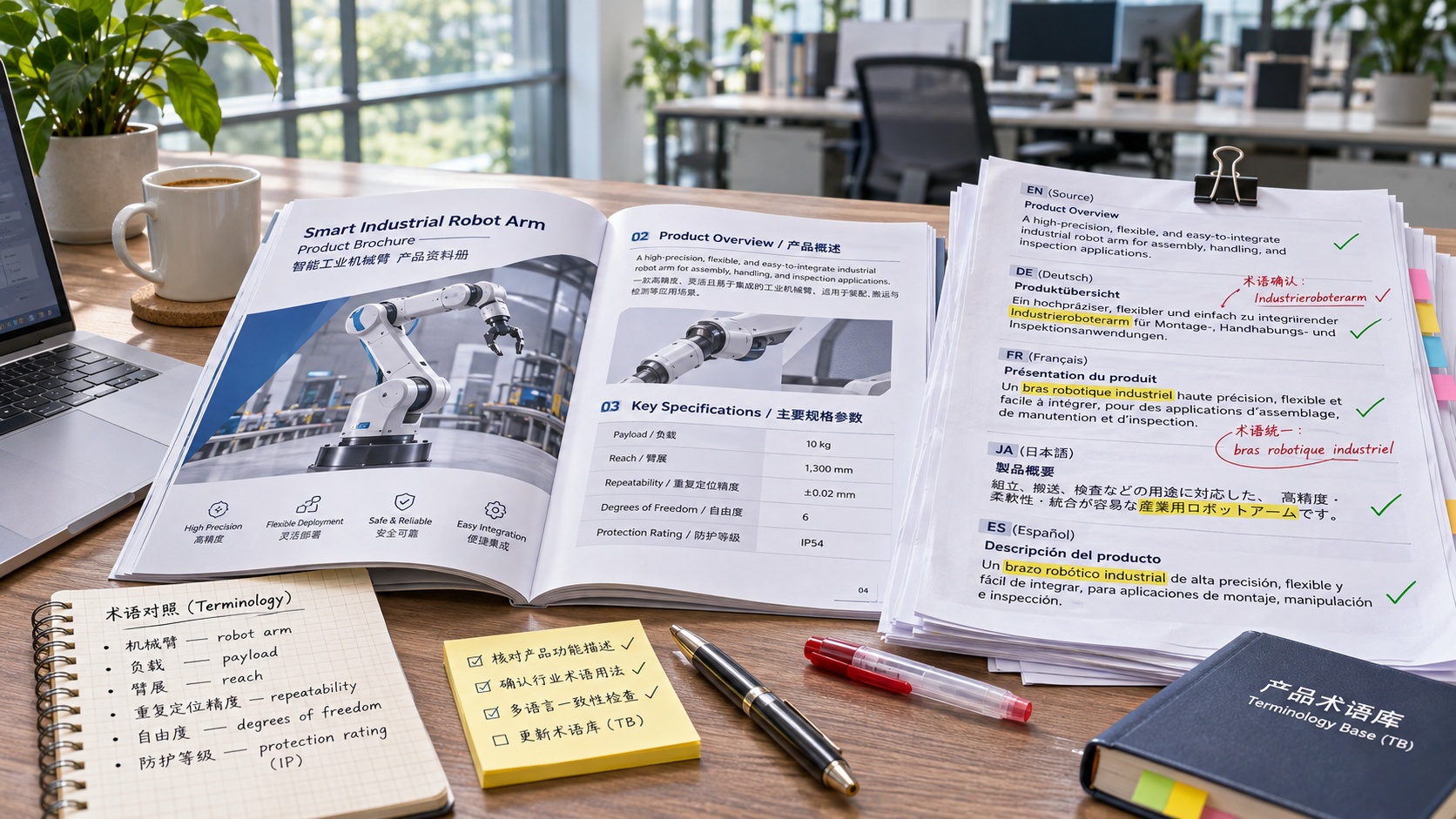
 How to Review Industry Terminology After AI Website Translation
Related Products
 Yiyingbao SaaS Intelligent Website Building and Marketing SystemYiyingbao SaaS Intelligent Website Building and Marketing System, AI-powered no-code website building, rapid creation of multilingual B2B international websites in 10 minutes, global server acceleration, AI-powered SEO optimization, helping businesses connect efficiently with global markets. The perfect integration of technology and operation makes building an international trade website remarkably simple
 AI+SEM Intelligent Advertising Marketing SystemAI+SEM drives intelligent ad creation, empowering full-funnel precision advertising marketing. The system automatically generates weekly/monthly reports, AI recommends keywords and target countries, monitors core metrics in real-time with intelligent alerts, and enables one-click high-conversion ad solutions to help quickly acquire customers and improve ROI.
 AI+SEO Dual-Engine System Optimization ServicesYiyingbao’s AI+SEO dual-engine optimization system helps foreign trade enterprises acquire high-quality organic traffic through AI-powered keyword research, content generation, and comprehensive technical optimization, significantly improving search rankings and conversion rates.
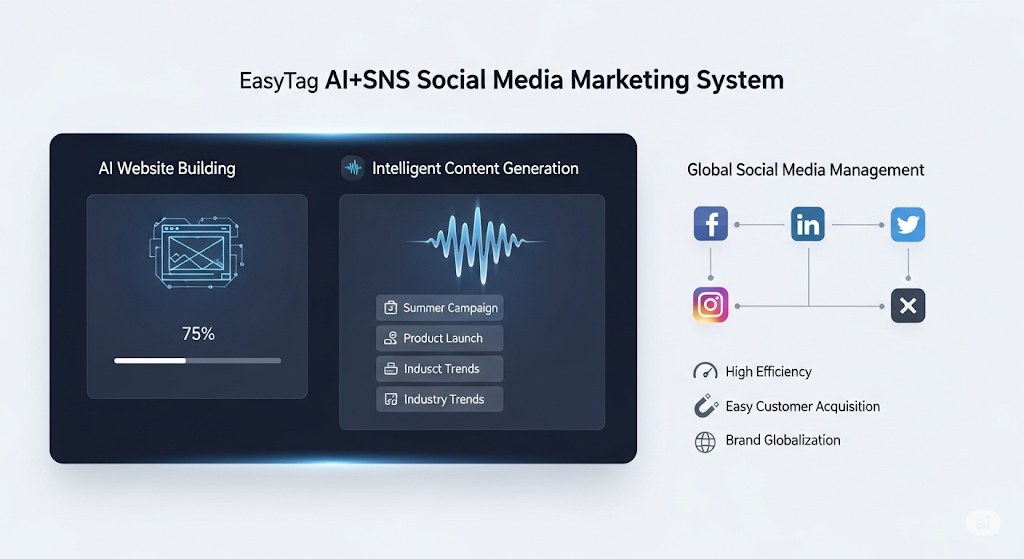
 AI+SNS Social Media Marketing SystemYingbao AI+SNS Social Media Marketing System - Precision social capture for the social media era. Supports one-click content synchronization across major platforms like Facebook and LinkedIn. AI intelligently rewrites posts for enhanced relevance. 24/7 AI customer service and user profiling analysis empower businesses to efficiently expand into global markets.
 AI+SEO营销解决方案易营宝AI+SEO营销解决方案,通过AI批量写作、智能生成TDK、精准关键词扩词等功能,全面优化网站SEO效果,提升流量与转化率。助力企业构建高效智能网站新生态。
 AI+SEM Advertising Marketing SolutionsAI+SEM Advertising Marketing Solution leverages AI technology to deeply empower SEM ad campaigns. It automatically generates weekly/monthly reports using AI, presenting account data across multiple dimensions for comprehensive insights into campaign performance and trends. The system precisely recommends keywords and target countries, intelligently generates high-conversion ad copy, and enables one-click activation of efficient campaign plans to help businesses rapidly acquire customers. Simultaneously, it monitors core metrics in real time, intelligently identifies abnormal fluctuations, and issues timely alerts to ensure stable, high-return advertising results.
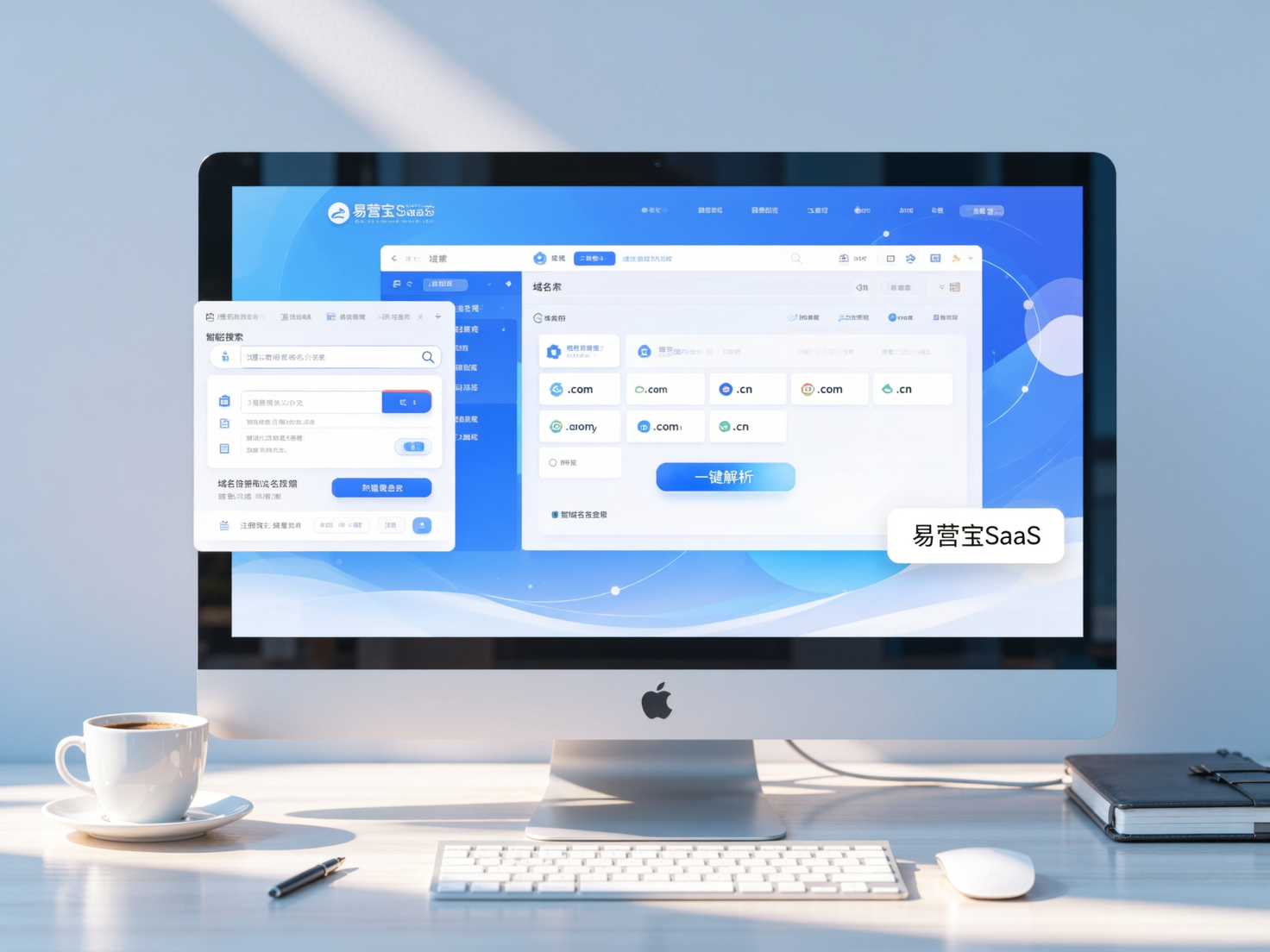
 Domain Name ServicesEasyWin provides professional domain name services, including intelligent queries, one-stop registration, brand protection, and full lifecycle management, helping businesses build a digital brand image.
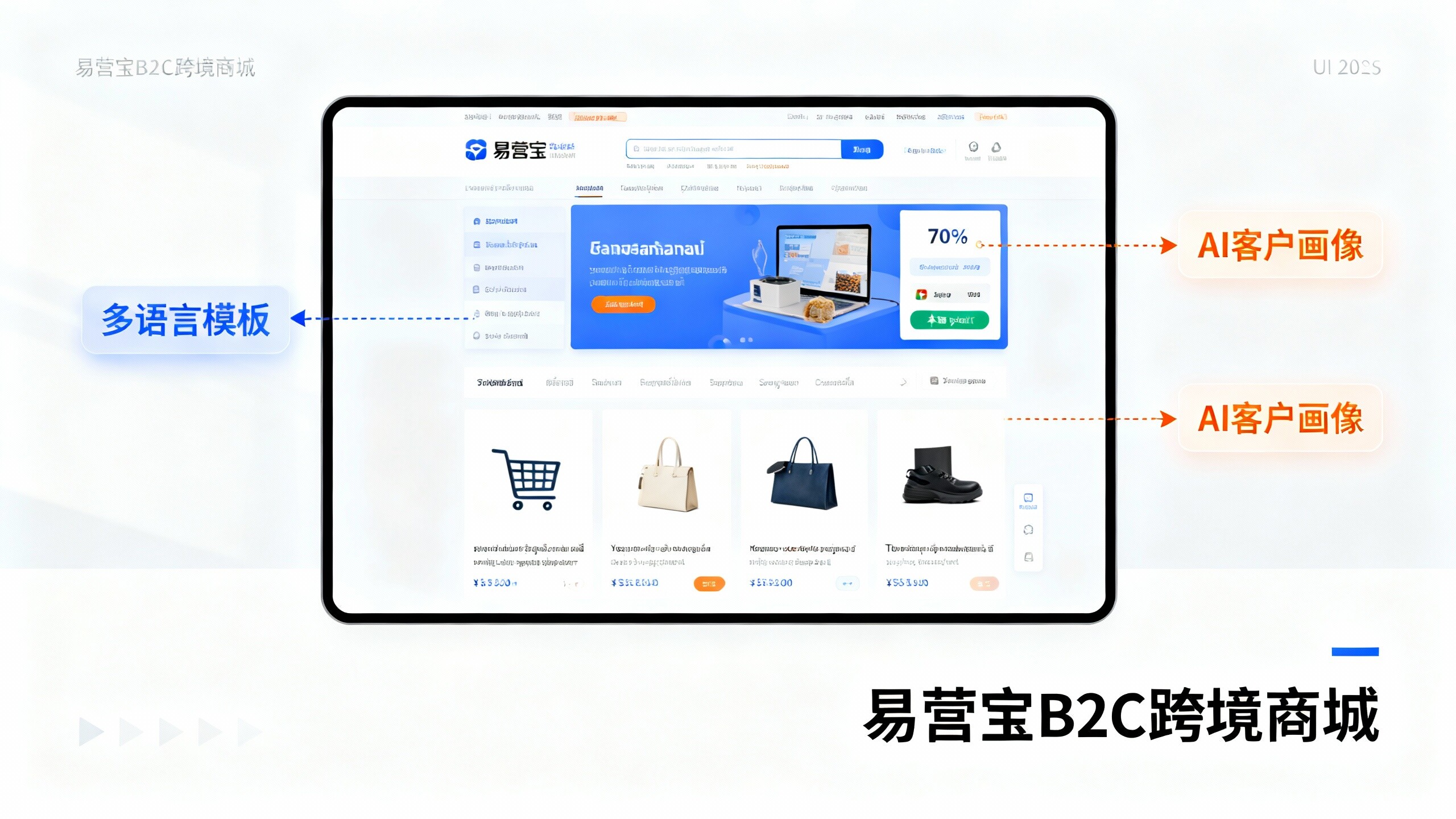
 EasyOperate B2C Cross-Border E-Commerce Platform & Independent WebsiteEasyStore B2C Cross-border E-commerce Independent Store is an intelligent website building and cross-border e-commerce integrated solution independently developed by EasyStore Information Technology (Beijing) Co., Ltd. The system is specially designed for small and medium-sized as well as large export enterprises, integrating 'website building, operation, marketing, advertising, and conversion' into one, helping enterprises quickly establish cross-border e-commerce independent stores to achieve brand globalization and global sales growth.
The platform supports multiple languages, multiple currencies, and multi-channel marketing, with built-in AI intelligent translation and SEO optimization systems, suitable for mainstream markets such as Southeast Asia, Europe and America, Latin America, and the Middle East, assisting Chinese manufacturing enterprises in efficiently deploying international e-commerce strategies. SSL证书易营宝提供专业SSL安全证书服务,包括单域名和泛域名证书,确保网站数据传输加密、身份验证和完整性保护,助力企业建立安全可信的在线业务环境。