






- Lazada 11.11 Mega Sale: LazMall Contributes Nearly Two-Thirds of GMVNov 23, 2026View details
- Shein’s European Revenue Falls 16% as Tighter Rules on Low-Value Direct Shipments Take EffectNov 23, 2026View details
- EU Low-Value Parcel Rules Impact Cargo Flows: Air Freight Volume from China to Europe Down 17% in OctoberNov 23, 2026View details
- Indonesia and the EU Sign Comprehensive Economic Partnership Agreement, 90.4% of Tariff Lines to Become Duty-Free ImmediatelyNov 23, 2026View details
- Qingdao Port's Imports and Exports Exceed RMB 23.699 Trillion in the First 10 Months, Drawing Attention to Port IntelligenceNov 22, 2026View details
- Ningbo Cross-Border E-Commerce Export Value Surges 94.87% Year on Year, Opening Up a New Billion-Yuan Growth TrackNov 22, 2026View details
How to Read a Google Crawl Error Report: Common Issues, Impact, and Repair Priorities
When opening the crawl error report in Google Search Console, the most common misjudgments are immediately making bulk changes to pages upon seeing red errors, or doing nothing at all upon seeing “Excluded.” A more reasonable approach is to first confirm whether the URL should be indexed, whether Googlebot can access it reliably, and whether the error affects the indexing of important pages and user access. The key to understanding the crawl error report is not to eliminate every notification, but to prioritize fixes based on business value and technical risk.
For example, after an export-oriented website launches a new language directory, migrates to HTTPS, adjusts filter parameters, or changes servers, “Not found,” “Blocked by robots.txt,” and “Server error” issues in the report may all increase at the same time. If core product pages, solution pages, and inquiry landing pages are affected, restoring the crawl path should take priority. By contrast, even if discontinued campaign pages or low-value parameter pages generate errors, they usually do not warrant the same level of effort.
First distinguish: errors, exclusions, and valid pages are not the same thing
Google’s Page Indexing report categorizes discovered URLs as “Indexed,” “Not indexed,” and abnormal statuses requiring attention. Report names and categories may change with interface updates, but the underlying logic remains largely the same: an error indicates a blockage in the crawling or indexing path; an exclusion indicates that Google has temporarily not indexed the page based on rules or page signals; valid means the page has entered the index. Not being indexed does not necessarily mean there is a problem. The key is whether it conflicts with the website’s intended indexing strategy.
Before addressing the report, select several URLs from the issue item and use the URL Inspection tool to check the “Last crawl time,” “Crawl allowed?,” “User-declared canonical,” and “Google-selected canonical.” Then use a browser, command line, or logs to verify the actual HTTP status code. Drawing conclusions based on a single category in the report can easily mistake historical status for current status.

Prioritize by impact, not by the number of errors
During technical assessment, issues can be divided into three levels. The first level includes problems that block crawling of important pages or cause access failures, including persistent 5xx errors, incorrect redirects, incorrect robots.txt rules, login walls, and DNS or TLS configuration issues. Even if the number of affected URLs is small, these issues should be handled first because they may harm both organic search visibility and the experience of real visitors.
The second level involves conflicts in indexing signals, such as canonicals pointing to incorrect pages, excessive differences between mobile and desktop content, language pages incorrectly canonicalizing each other, or sitemaps submitting noindex pages. These issues may not immediately make the website unavailable, but they can cause Google to select the wrong version among multiple candidate pages. Multilingual sites should especially check whether every language page returns 200, has a self-referencing canonical, and whether the URLs specified by hreflang can be crawled and indexed.
The third level consists of controllable, low-value URLs, such as 404s for obsolete pages, internal search result pages, sorting and filtering parameters, test directories, or duplicate tracking parameters. The principle is to reduce the entry points through which they are discovered: remove internal links and sitemap entries, and use canonical links or parameter management where necessary. Do not redirect every invalid URL to the homepage just to make the report “all green.”
How to fix several common errors
5xx and timeouts: first identify which layer is failing
A 5xx error does not necessarily mean there is a problem with the page content. Common sources include exhausted origin server resources, application errors, database connection issues, firewalls mistakenly blocking crawlers, and CDN origin fetch failures. First compare the access logs, status code distribution, and occurrence times for the affected URLs. If issues are concentrated in a specific region, on certain large files, or in dynamic form interfaces, check the connection between edge nodes and the origin server, cache rules, and origin timeout settings. If intermittent failures occur across the entire site, first investigate host load, deployment tasks, and security policies.
For websites serving overseas visitors, static files and dynamic requests should not be handled in the same way. Images, CSS, JavaScript, and similar resources can use caching and versioned updates; dynamic requests such as forms and on-site search require reliable origin connectivity and connection optimization. When encountering fluctuations in cross-border access, you can evaluate Global CDN acceleration empowering B2B website building for foreign trade: its node health checks, static caching, and dynamic origin optimization can be part of availability troubleshooting, but you still need to confirm that the origin server itself can consistently return the correct response. A CDN cannot replace application error fixes.
404: retain it, redirect it, or let it disappear naturally
If a page has genuinely been permanently deleted and there is no new page with similar content, returning a 404 or 410 is normal practice. Navigation links, in-content internal links, and the old URL in the XML Sitemap should also be removed, and Google will gradually stop crawling it. If the old page has a clear replacement, such as an upgraded product model or an adjusted catalog URL, use a 301 redirect to the semantically closest new page. Redirecting all invalid URLs to the homepage makes it difficult for both search engines and visitors to understand page relationships, and may also be treated as a soft 404.
robots.txt and noindex: do not misuse both controls at the same time
robots.txt is used to prevent crawlers from accessing a path, while noindex instructs that a page should not enter the index on the condition that it can be crawled. If a page is first blocked by robots.txt, Google usually cannot read its noindex directive. Therefore, when you want historical pages to leave the index, do not only add a robots block. First allow crawling and return noindex; after the page disappears from the index, decide whether to restrict access based on crawl budget.
Also check whether robots.txt has mistakenly blocked CSS, JS, or key language directories. After modifying rules, retest with URL Inspection in Search Console and retain version records from before and after release to prevent the rules from being overwritten during the next template update.
“Crawled – currently not indexed” should be assessed based on page value
This status is often mistakenly regarded as a simple crawling failure. In fact, Google has already obtained the page, but may consider it duplicate of other pages, insufficient in content, clearly exhibiting soft 404 characteristics, or lacking enough on-site signals to demonstrate that it deserves separate indexing. When investigating, first check whether the main content of the page genuinely answers an independent need: product pages cannot merely replace the model name, city or language pages cannot merely replace words mechanically, and category pages cannot contain only images and short titles.
Then check four items: whether the page returns 200; whether the canonical points to itself or the correct primary version; whether important pages can be reached naturally from navigation, category pages, or related recommendations; and whether the XML Sitemap retains only canonical URLs intended for indexing. After changes, you may request indexing again, but do not treat “Request indexing” as a solution. If content, link relationships, and canonicalization signals have not changed, resubmitting will usually not change the final selection.
How to confirm that an issue is truly resolved after the fix
First retest the specific URL in the production environment: the status code is correct, redirects involve only one hop, the main page content can be rendered, and robots and meta robots behave as expected. Then check whether the sitemap, canonical, and internal links have been updated accordingly. For server-related issues, it is recommended to continuously monitor Googlebot response statuses in logs to confirm that the recovery is not occasional. For indexing-related issues, wait for the next processing cycle of the report and check new crawl and canonical page information in URL Inspection.
A truly valuable crawl error report is not an error list waiting to be reduced to zero. It helps the team identify which URLs Google should access, which version should be indexed, and whether an access failure is caused by the origin server, cache, rules, or page signals. Establishing fix records around these three questions will enable faster diagnosis during subsequent migrations, multilingual page expansions, or template adjustments.
Related Articles
 Google’s Sleep-Learning Architecture Draws Attention: How Search Absorbs New Knowledge
 How can you optimize the title tag to accurately reflect a page’s topic?
 How Should International Digital Agencies Develop SEO Strategies for Multiple Markets?


Related Products
 Yiyingbao SaaS Intelligent Website Building and Marketing SystemYiyingbao SaaS Intelligent Website Building and Marketing System, AI-powered no-code website building, rapid creation of multilingual B2B international websites in 10 minutes, global server acceleration, AI-powered SEO optimization, helping businesses connect efficiently with global markets. The perfect integration of technology and operation makes building an international trade website remarkably simple
 AI+SEM Intelligent Advertising Marketing SystemAI+SEM drives intelligent ad creation, empowering full-funnel precision advertising marketing. The system automatically generates weekly/monthly reports, AI recommends keywords and target countries, monitors core metrics in real-time with intelligent alerts, and enables one-click high-conversion ad solutions to help quickly acquire customers and improve ROI.
 AI+SEO Dual-Engine System Optimization ServicesYiyingbao’s AI+SEO dual-engine optimization system helps foreign trade enterprises acquire high-quality organic traffic through AI-powered keyword research, content generation, and comprehensive technical optimization, significantly improving search rankings and conversion rates.
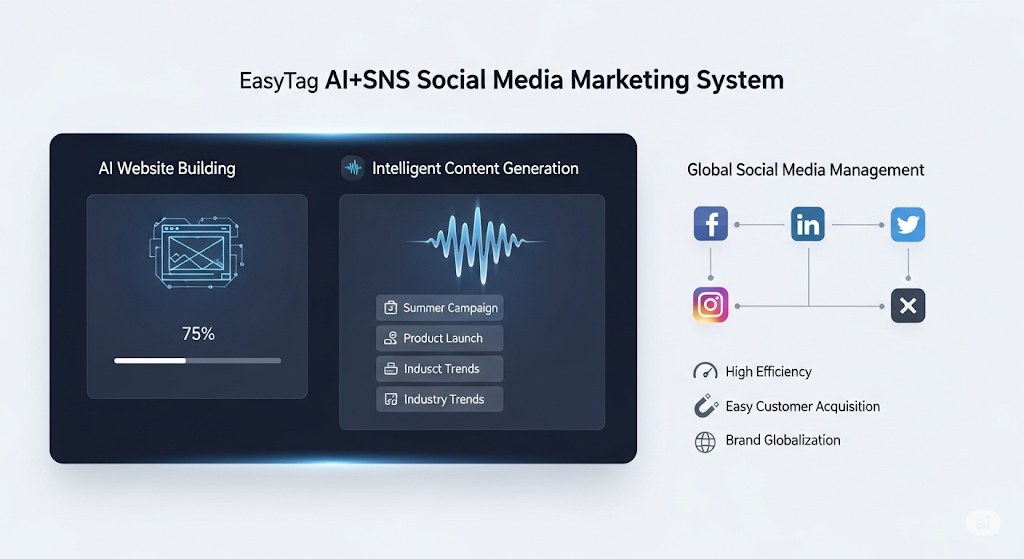
 AI+SNS Social Media Marketing SystemYingbao AI+SNS Social Media Marketing System - Precision social capture for the social media era. Supports one-click content synchronization across major platforms like Facebook and LinkedIn. AI intelligently rewrites posts for enhanced relevance. 24/7 AI customer service and user profiling analysis empower businesses to efficiently expand into global markets.
 AI+SEO营销解决方案易营宝AI+SEO营销解决方案,通过AI批量写作、智能生成TDK、精准关键词扩词等功能,全面优化网站SEO效果,提升流量与转化率。助力企业构建高效智能网站新生态。
 AI+SEM Advertising Marketing SolutionsAI+SEM Advertising Marketing Solution leverages AI technology to deeply empower SEM ad campaigns. It automatically generates weekly/monthly reports using AI, presenting account data across multiple dimensions for comprehensive insights into campaign performance and trends. The system precisely recommends keywords and target countries, intelligently generates high-conversion ad copy, and enables one-click activation of efficient campaign plans to help businesses rapidly acquire customers. Simultaneously, it monitors core metrics in real time, intelligently identifies abnormal fluctuations, and issues timely alerts to ensure stable, high-return advertising results.
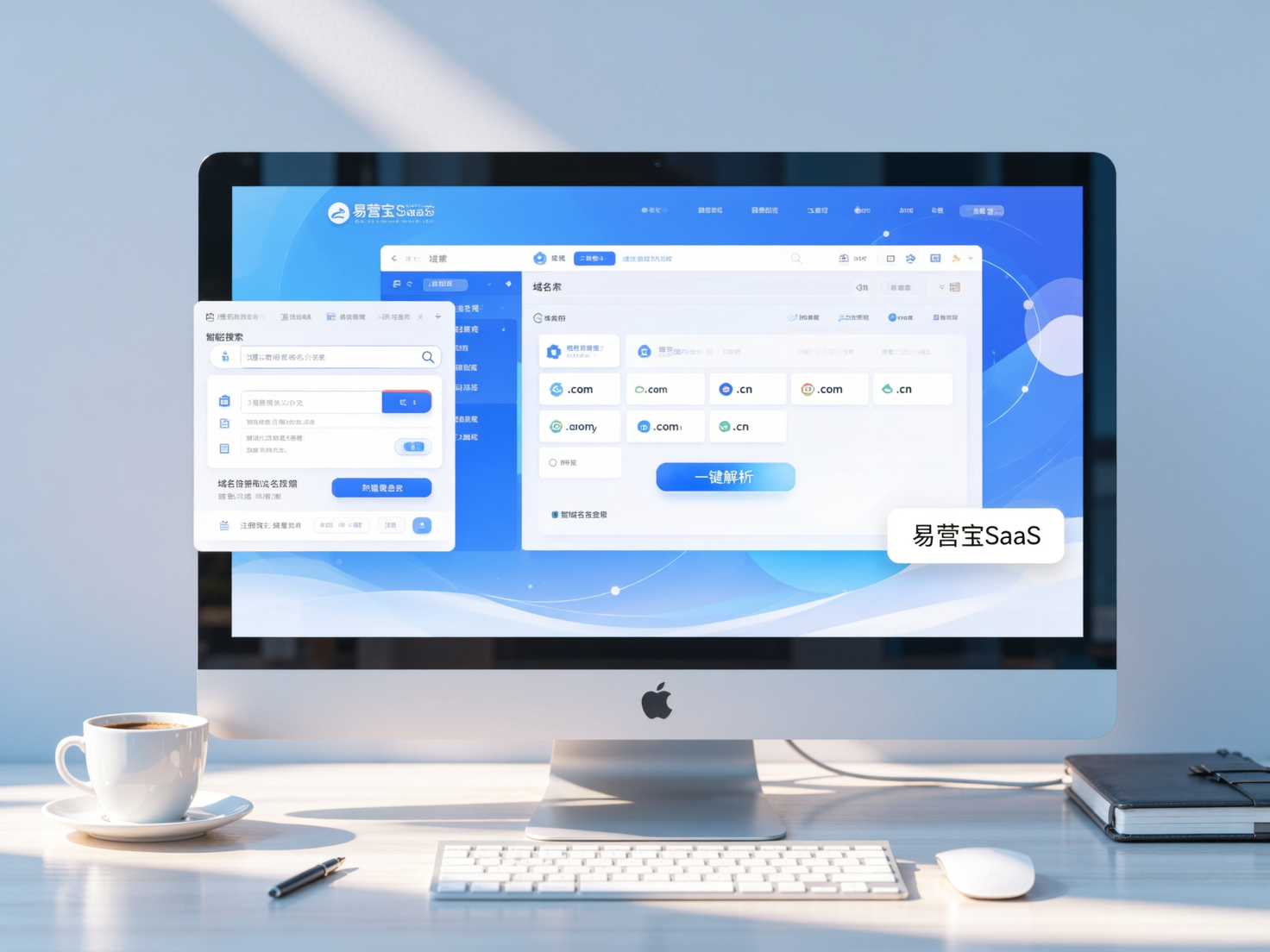
 Domain Name ServicesEasyWin provides professional domain name services, including intelligent queries, one-stop registration, brand protection, and full lifecycle management, helping businesses build a digital brand image.
 EasyOperate B2C Cross-Border E-Commerce Platform & Independent WebsiteEasyStore B2C Cross-border E-commerce Independent Store is an intelligent website building and cross-border e-commerce integrated solution independently developed by EasyStore Information Technology (Beijing) Co., Ltd. The system is specially designed for small and medium-sized as well as large export enterprises, integrating 'website building, operation, marketing, advertising, and conversion' into one, helping enterprises quickly establish cross-border e-commerce independent stores to achieve brand globalization and global sales growth.
The platform supports multiple languages, multiple currencies, and multi-channel marketing, with built-in AI intelligent translation and SEO optimization systems, suitable for mainstream markets such as Southeast Asia, Europe and America, Latin America, and the Middle East, assisting Chinese manufacturing enterprises in efficiently deploying international e-commerce strategies. SSL证书易营宝提供专业SSL安全证书服务,包括单域名和泛域名证书,确保网站数据传输加密、身份验证和完整性保护,助力企业建立安全可信的在线业务环境。