








- Amazon Reportedly Sends Exclusivity Warning Letters to Multiplatform SellersNov 03, 2026View details
- New TikTok Shop Cross-Border Returns Rules for Southeast Asia Take Effect on November 5Nov 03, 2026View details
- U.S. Tightens De Minimis Exemption Channel and Revises Section 321 Data PilotNov 03, 2026View details
- Amazon FBA Fuel and Logistics Surcharge in 10 European Countries to Increase to 2% on November 2Nov 02, 2026View details
- EU Customs Code reform to take effect on November 1, with new handling fees for direct-mail small parcelsNov 01, 2026View details
- EU Plans to Raise Tax on Incoming Small Parcels to €5Oct 31, 2026View details
How to Identify Invalid Traffic on Overseas Websites Using Access Logs
When overseas website traffic increases but inquiries do not, start by looking for unusual requests in the access logs: which sources are visiting continuously, which pages they request, whether the intervals are regular, and whether they reach conversion points such as forms. Identifying invalid traffic on an overseas website requires multiple pieces of evidence; a foreign IP address, high visit frequency, or lack of inquiries alone is not enough to determine that traffic is invalid. Genuine visits, legitimate crawlers, malicious scans, and ad fraud leave different clues in the logs.
Align the log scope first to avoid mistaking differences in measurement for anomalies
Access logs record requests, not visitors. A single page load can request images, scripts, and stylesheets, while analytics tools rely on script execution and consent settings. Differences between the two sets of figures do not, by themselves, indicate traffic inflation.
When a content delivery network is used, origin server logs may record only requests to the origin, missing visits served from cache. If the real client IP address is not configured correctly, the addresses in the logs may belong to proxy nodes. Before investigating, confirm what the logs cover, and trust client IP addresses only when they are passed by configured proxy sources. Do not automatically trust forwarding fields supplied with arbitrary requests.
At a minimum, retain the request time and time zone, client IP address, request method, path, status code, response size in bytes, referrer, and user agent. If available, also record request duration, edge-node decisions, and request IDs. Query parameters can help track campaign sources, but avoid logging form contents, passwords, or complete identity information.
Similar visit patterns can call for different responses
Each of these clues has limitations. Browser caching reduces requests for static resources, and automated programs can also execute scripts; people in a shared office network may use the same public IP address. Crawler identities can also be spoofed, so verify them against their published IP ranges or by following their documented reverse-DNS and forward-DNS verification procedures.

Break down anomalies into three types of evidence: frequency, paths, and sources
Compare request frequency with the website's own baseline. First review historical request volumes for the same day of the week and a similar time of day, then identify the time window in which the volume rose suddenly. After grouping requests by client IP address, also examine user agents, request paths, and any available session indicators. A large number of product-page requests from one IP address in a short period could indicate bulk scraping, but it could also be normal traffic from users sharing an egress IP. Fixed intervals, repeated sequences, and sustained activity together make automation more likely.
Paths can explain what the traffic is doing. Repeatedly probing nonexistent admin pages has a very different business meaning from visiting category pages, product pages, and contact information. Analyze page requests, static files, and APIs separately; otherwise, image loading can inflate request counts, and API polling can be mistaken for repeated browsing.
Assess sources through cross-checks. The referrer field may be missing or spoofed, and an IP address's geolocation does not prove a visitor's actual location. Visits from outside a campaign's target region may come from proxy networks, forwarded links, or geolocation errors. Increase the risk rating only when these are accompanied by unusual timing patterns, irrelevant paths, or repeated bulk behavior.
Logs can identify suspicious visits, but cannot prove ad fraud on their own
A landing-page request containing ad parameters only indicates that the request carried those markers. Copied links, crawler activity, and page preloading can all generate similar records. To assess paid traffic quality, align landing-page visit times, campaign parameters, click IDs, and ad reports, then link them to form submissions, qualified inquiries, or order records.
When aligning timestamps, use a consistent time zone and distinguish click time, arrival time, and conversion time. If a group of sources visits a single landing page in concentrated bursts but generates no subsequent requests, it can be flagged for review. However, blocked scripts, failed page loads, or interrupted cross-domain tracking can also result in a broken behavioral sequence. First confirm that the page and analytics configuration are working properly, then assess traffic quality.
Logs also cannot provide an accurate dwell time directly. A visitor may continue reading after their last request, and a successful response status does not mean the content was fully displayed. Therefore, “only one request” or “no conversion” can be used as screening criteria, but not as grounds for blocking.
Validate rules before expanding the scope of blocking
Start by setting monitoring rules for clearly identified scan paths or sustained abnormal request frequency. Record matching requests, then decide whether to apply rate limiting, an access challenge, or blocking. For suspected traffic inflation, retain the time window, request samples, and associated IDs so they can be reviewed against campaign records. Do not block an entire region simply because conversion rates are low in a particular country or area.
After rules take effect, monitor whether suspicious requests have decreased, normal pages remain accessible, verified crawlers can still crawl the site, and form submissions continue to work. If request volume falls but qualified inquiries also decline, review the rules for false positives. Keep a rollback option for new rules so every action can be traced to specific evidence.
Related Articles
 Q3 marketing content for your standalone website isn’t ready. How should you adjust the launch sequence?
 Is It Normal for Multilingual Website Maintenance to Take Up 35% of the Technical Team’s Time?
 Overseas customers report that websites load slowly in some regions. How can we identify the cause?



Related Products
 Yiyingbao SaaS Intelligent Website Building and Marketing SystemYiyingbao SaaS Intelligent Website Building and Marketing System, AI-powered no-code website building, rapid creation of multilingual B2B international websites in 10 minutes, global server acceleration, AI-powered SEO optimization, helping businesses connect efficiently with global markets. The perfect integration of technology and operation makes building an international trade website remarkably simple
 AI+SEM Intelligent Advertising Marketing SystemAI+SEM drives intelligent ad creation, empowering full-funnel precision advertising marketing. The system automatically generates weekly/monthly reports, AI recommends keywords and target countries, monitors core metrics in real-time with intelligent alerts, and enables one-click high-conversion ad solutions to help quickly acquire customers and improve ROI.
 AI+SEO Dual-Engine System Optimization ServicesYiyingbao’s AI+SEO dual-engine optimization system helps foreign trade enterprises acquire high-quality organic traffic through AI-powered keyword research, content generation, and comprehensive technical optimization, significantly improving search rankings and conversion rates.
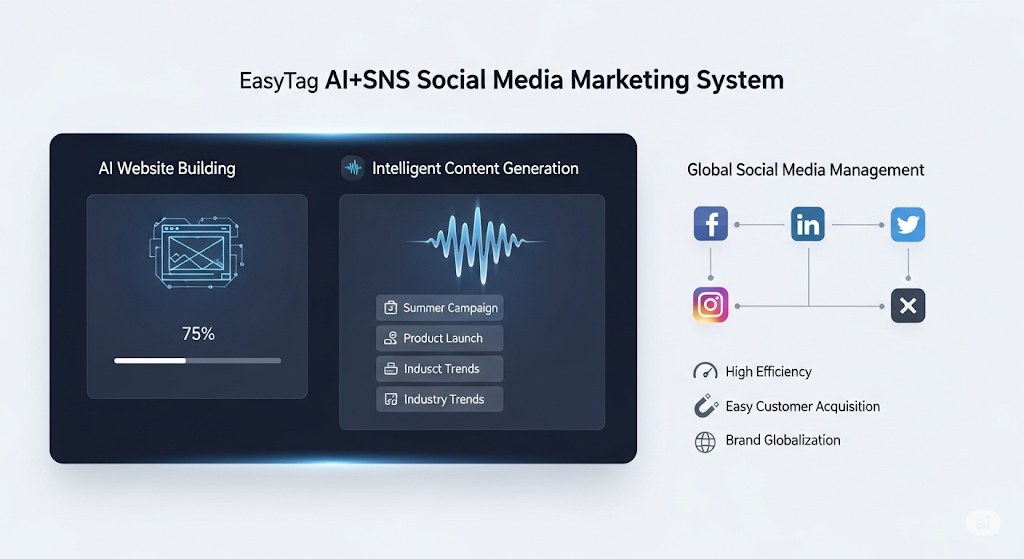
 AI+SNS Social Media Marketing SystemYingbao AI+SNS Social Media Marketing System - Precision social capture for the social media era. Supports one-click content synchronization across major platforms like Facebook and LinkedIn. AI intelligently rewrites posts for enhanced relevance. 24/7 AI customer service and user profiling analysis empower businesses to efficiently expand into global markets.
 AI+SEO营销解决方案易营宝AI+SEO营销解决方案,通过AI批量写作、智能生成TDK、精准关键词扩词等功能,全面优化网站SEO效果,提升流量与转化率。助力企业构建高效智能网站新生态。
 AI+SEM Advertising Marketing SolutionsAI+SEM Advertising Marketing Solution leverages AI technology to deeply empower SEM ad campaigns. It automatically generates weekly/monthly reports using AI, presenting account data across multiple dimensions for comprehensive insights into campaign performance and trends. The system precisely recommends keywords and target countries, intelligently generates high-conversion ad copy, and enables one-click activation of efficient campaign plans to help businesses rapidly acquire customers. Simultaneously, it monitors core metrics in real time, intelligently identifies abnormal fluctuations, and issues timely alerts to ensure stable, high-return advertising results.
 Domain Name ServicesEasyWin provides professional domain name services, including intelligent queries, one-stop registration, brand protection, and full lifecycle management, helping businesses build a digital brand image.
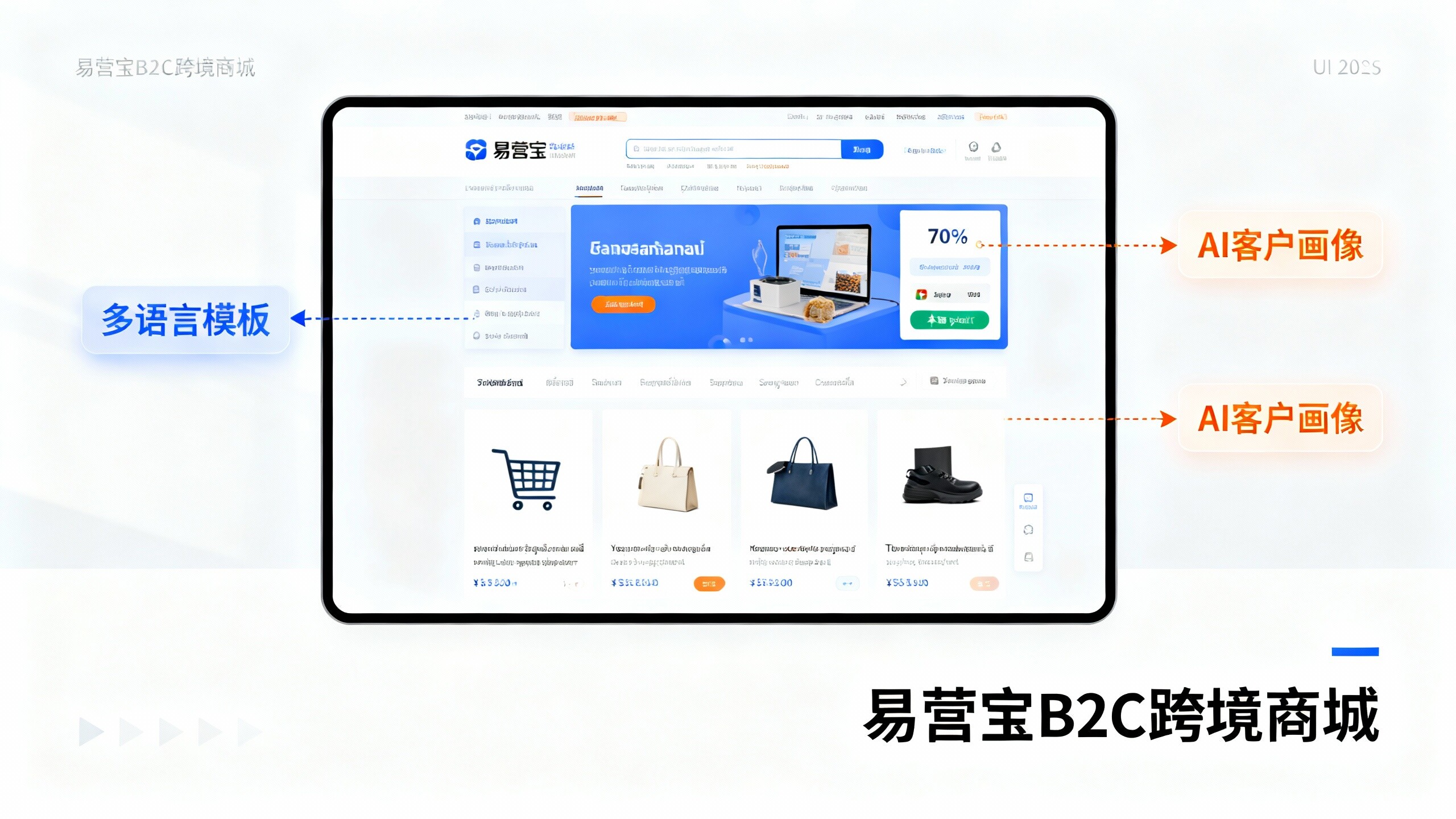
 EasyOperate B2C Cross-Border E-Commerce Platform & Independent WebsiteEasyStore B2C Cross-border E-commerce Independent Store is an intelligent website building and cross-border e-commerce integrated solution independently developed by EasyStore Information Technology (Beijing) Co., Ltd. The system is specially designed for small and medium-sized as well as large export enterprises, integrating 'website building, operation, marketing, advertising, and conversion' into one, helping enterprises quickly establish cross-border e-commerce independent stores to achieve brand globalization and global sales growth.
The platform supports multiple languages, multiple currencies, and multi-channel marketing, with built-in AI intelligent translation and SEO optimization systems, suitable for mainstream markets such as Southeast Asia, Europe and America, Latin America, and the Middle East, assisting Chinese manufacturing enterprises in efficiently deploying international e-commerce strategies. SSL证书易营宝提供专业SSL安全证书服务,包括单域名和泛域名证书,确保网站数据传输加密、身份验证和完整性保护,助力企业建立安全可信的在线业务环境。