







- China’s Ministry of Commerce Responds to Additional Charges on Low-Value Imports Imposed by the EUNov 06, 2026View details
- Two Internet Development Reports Released at the 2026 World Internet ConferenceNov 05, 2026View details
- Internet Business Revenue of Enterprises Above the Designated Size Reached RMB 1.716 Trillion in the First Three Quarters, with Profits Up 17.6%Nov 05, 2026View details
- Shopify's Third-Quarter Revenue and GMV Fall Short of Expectations, Sending Shares Tumbling Before the Market OpensNov 04, 2026View details
- Temu Sellers See a Decline in Traffic as the Platform’s Traffic Allocation ShiftsNov 04, 2026View details
- UK Regulator Requires E-Commerce Businesses to Clearly Display Total Prices Including Mandatory Delivery ChargesNov 04, 2026View details
Is an AI website builder suitable for creating multilingual websites?
Smart website builders are suitable for creating multilingual websites, but only if they do more than translate pages: they must also support independent management, search engine recognition, and ongoing updates for each language version. For websites focused on presenting company information and collecting inquiries from overseas, with only a few language versions, a mature smart website builder can lower the barrier to getting started. If different markets require different product catalogs, pricing structures, or complex approval workflows, carefully assess the platform’s scalability and consider a more flexible custom solution if necessary.
When deciding whether a smart web builder is suitable, don’t look only at “how many languages it supports.” More importantly, consider whether every page can be accessed and managed after a language is added, how changes to the original content are synchronized, and whether the total cost remains acceptable after several years of use.
The differences between multilingual features often become apparent after launch
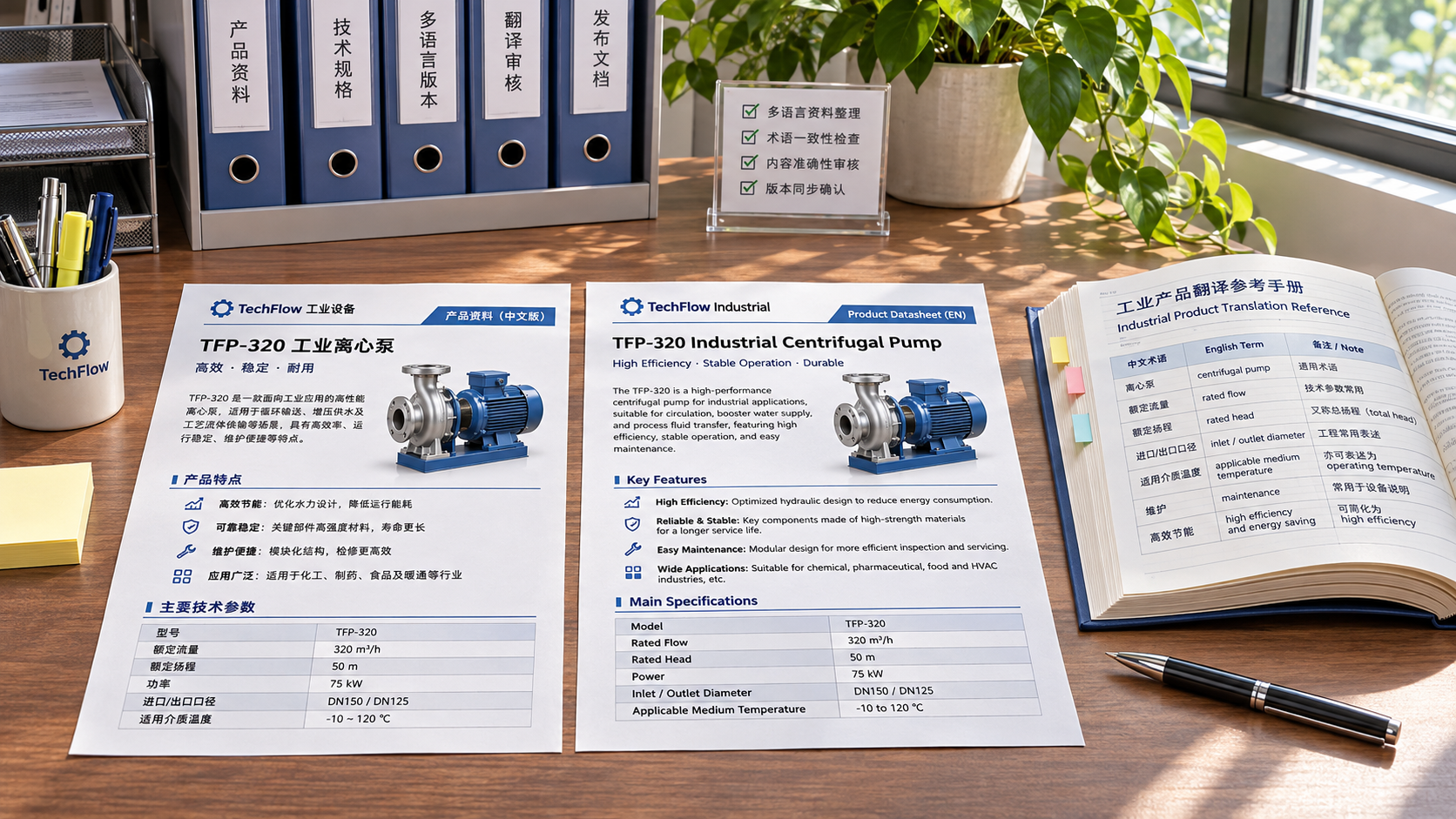
Some tools offer instant page translation: when visitors switch languages, the system automatically replaces the text on the page. This makes it easy to display content quickly, but does not necessarily create independently accessible and editable pages for each language. Other tools support separate language versions, with page content, URLs, titles, and forms configured independently. Both approaches may appear to offer “language switching,” but their effects on future promotion and maintenance differ.
For example, a manufacturer may want its English site to showcase its full product line, while its Spanish site promotes only one product category. If the tool can only translate the original site as a whole, the company may be unable to tailor navigation, product order, and inquiry links to different markets. If each language version can be edited independently, it is easier to organize content according to market needs, but more maintenance work is also required.
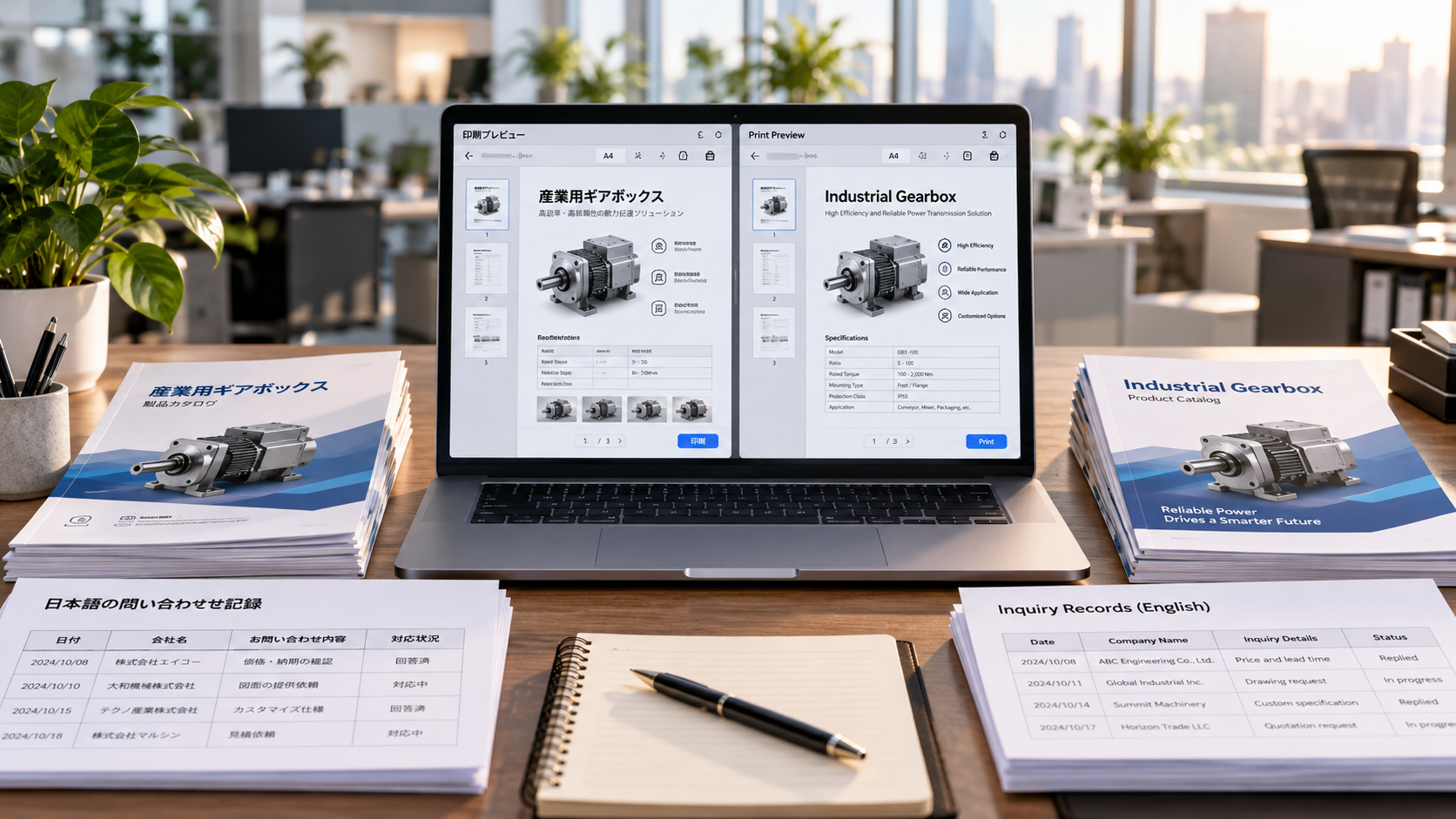
When evaluating a platform, confirm whether language versions can be published page by page, whether untranslated pages can remain unpublished, and how the system flags translations as out of date when the original content changes. Also check whether easily overlooked content—such as text in images, buttons, form prompts, and downloadable files—can be managed and synchronized. Translating the main page content does not mean that post-submission messages and automatic replies will also be in the corresponding language.
Machine translation can speed up the process, but cannot replace content review
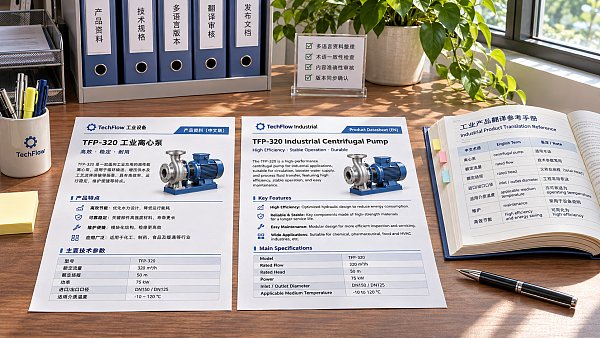
Machine translation or AI translation in a smart website builder is suitable for producing a first draft, especially when there are many products and basic pages need to be created quickly. However, errors in technical specifications, material names, industry abbreviations, or delivery terms can affect more than the reading experience; they may also cause misunderstandings in inquiries. Information about specifications, certifications, warranty terms, and prices should be reviewed by someone familiar with both the target language and the business.
Localization also involves more than translating sentence by sentence. Companies need to check whether units of measurement, date formats, contact details, and commonly used product names match the conventions of the target market. Even the same language can have different regional conventions. However, whether to create separate sites for different regions should depend on the products, service coverage, and capacity to maintain content—not simply on the number of languages or regions.
Another issue that is easy to underestimate is responsibility for updates. If product specifications change on the source-language page but are not updated in other language versions, visitors may see conflicting information. When evaluating a platform, ask whether it provides alerts for content differences, translation tasks, or publishing reviews. If it does not, assess whether internal processes can fill the gap.
If you rely on organic search for leads, check whether pages can be recognized
A multilingual website is not the same as multilingual SEO. Search engines need to be able to access and understand pages in each language, and companies need to provide relevant content for each target market. Whether the tool supports the following capabilities directly affects the scope for future optimization:
- Dedicated URLs: Confirm that pages in different languages have stable, accessible URLs, such as separate language directories. Do not rely solely on visitors’ browser languages to switch content automatically.
- Language and region annotations: Confirm whether the tool lets you set or automatically generates correct
hreflangannotations so search engines can identify the language or regional relationships between pages. - Page-level settings: Check whether titles, descriptions, URL slugs, and canonical links can be edited separately for pages in each language, rather than using the same settings across all versions.
- Crawling and indexing: Check whether language pages can be accessed through standard links and included in the sitemap, and confirm that they have not been mistakenly set to prevent indexing.
Having these features is only a basic requirement; it does not guarantee that pages will be indexed or rank well. Before launch, ask the provider to demonstrate actual pages: check whether the URL changes when switching languages, inspect the language annotations in the page source code, and use search engine tools to check crawling and indexing status. If the tool offers only an automatic translation overlay and the company relies heavily on organic traffic from pages in different languages, it should be evaluated carefully.
Also consider how automatic redirects affect access. Recommending a language based on a visitor’s location can improve the experience, but forced redirects and a lack of a clear language switcher may prevent users and search engines from accessing other versions. A more reliable approach is to provide clearly visible, functional language links and let visitors choose for themselves.
Costs go beyond the website-building plan
The initial price of a smart website builder makes it easy to compare options, but the long-term costs of a multilingual project also include the number of language versions, translation volume, number of pages, additional accounts, app plugins, and ongoing maintenance. Some platforms include multilingual features in higher-tier plans, while others charge by the number of languages or the volume of translations. Different service terms may also apply to domain migration, backup restoration, or technical support.
When assessing your budget, apply the planned number of languages and pages to the contract terms instead of comparing only the lowest-priced plans. For example, if you are launching in English now and plan to add Arabic and Spanish later, confirm in advance how subscription fees will change, whether translations will need to be purchased again, and whether pages in right-to-left languages such as Arabic will display correctly.
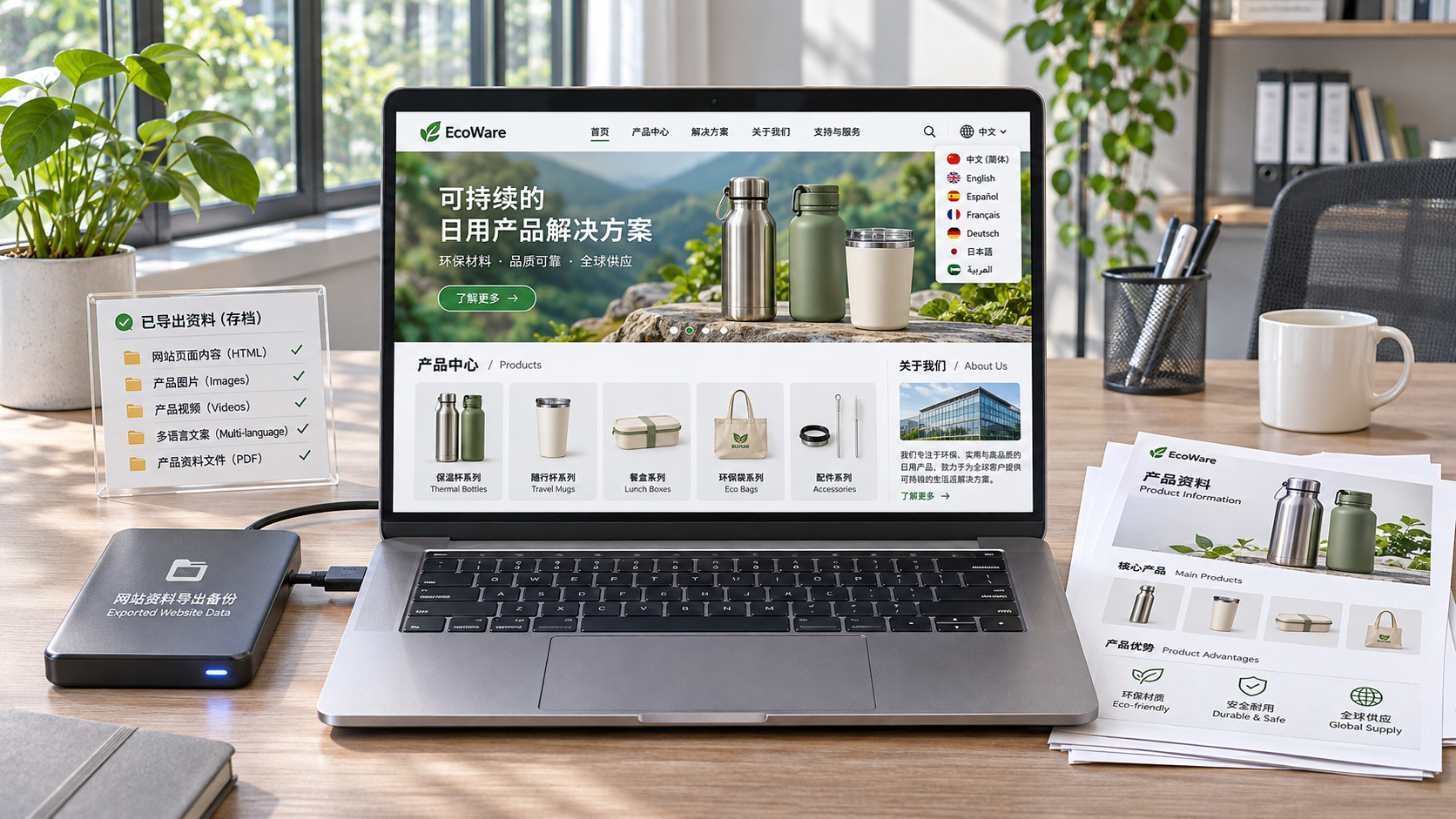
The portability of content assets also affects costs. Confirm whether text in each language, images, product data, and URL rules can be exported, and which content would need to be rebuilt if you change platforms. Even if a platform allows text exports, that does not mean page layouts, forms, and URLs can be migrated intact. For a website that relies on search traffic, migration also requires redirecting old URLs to minimize the impact of existing pages becoming unavailable.
Validate against business scenarios, not just a feature list
If a website mainly presents company information, product details, and inquiry forms, targets only a few languages, and has limited content differences across markets, a smart website builder is usually worth considering. Key factors include whether translations can be edited, whether pages can be accessed independently, and whether existing staff can manage routine updates.
If different markets require separate product catalogs, regional pricing, local inventory, complex permissions, or integration with existing business systems, a standardized website builder may not meet all requirements. In that case, compare the platform’s out-of-the-box features, integration capabilities, and custom development costs, and confirm who will maintain custom features after platform upgrades.
Before signing a contract, it is best to run a small-scale test using real business content: select a page containing product specifications, text in images, and an inquiry form, create a version in the target language, then modify the source page and check translation alerts, search settings, mobile layout, and form routing. If these steps require extensive manual workarounds, a fast launch may not reduce the total investment over the website’s lifecycle.
Related Articles
 Is an AI website builder suitable for creating multilingual websites?
 How can you assess data export capabilities when building an independent website with an AI website builder?
 Can a Japanese AI website generator create a multilingual website for international trade?
Related Products
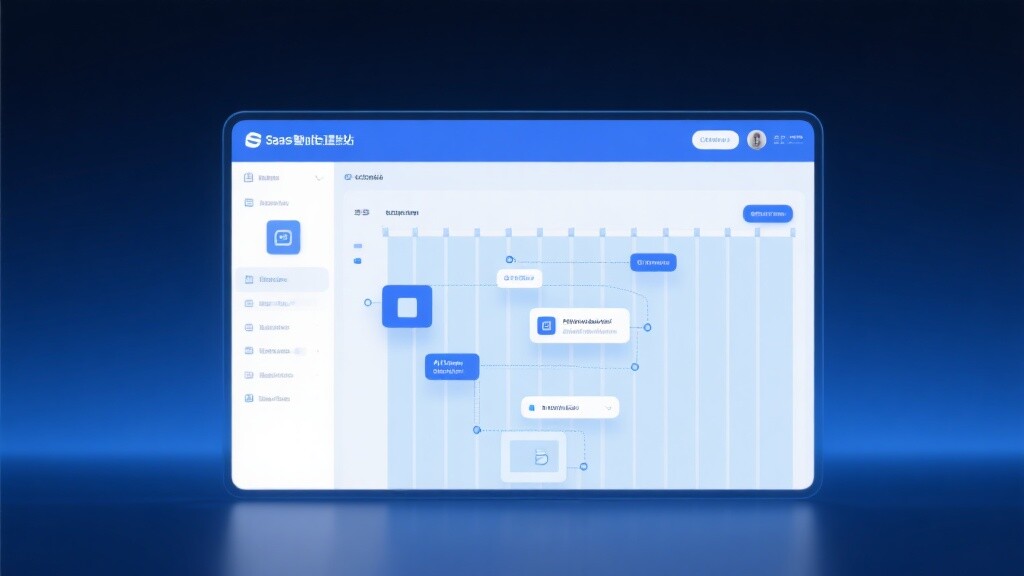
 Yiyingbao SaaS Intelligent Website Building and Marketing SystemYiyingbao SaaS Intelligent Website Building and Marketing System, AI-powered no-code website building, rapid creation of multilingual B2B international websites in 10 minutes, global server acceleration, AI-powered SEO optimization, helping businesses connect efficiently with global markets. The perfect integration of technology and operation makes building an international trade website remarkably simple
 AI+SEM Intelligent Advertising Marketing SystemAI+SEM drives intelligent ad creation, empowering full-funnel precision advertising marketing. The system automatically generates weekly/monthly reports, AI recommends keywords and target countries, monitors core metrics in real-time with intelligent alerts, and enables one-click high-conversion ad solutions to help quickly acquire customers and improve ROI.
 AI+SEO Dual-Engine System Optimization ServicesYiyingbao’s AI+SEO dual-engine optimization system helps foreign trade enterprises acquire high-quality organic traffic through AI-powered keyword research, content generation, and comprehensive technical optimization, significantly improving search rankings and conversion rates.
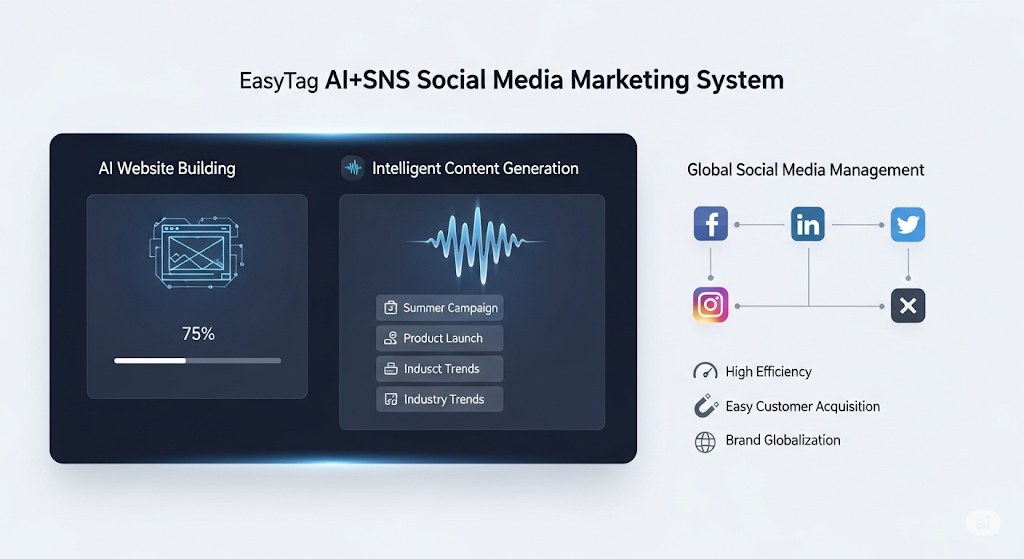
 AI+SNS Social Media Marketing SystemYingbao AI+SNS Social Media Marketing System - Precision social capture for the social media era. Supports one-click content synchronization across major platforms like Facebook and LinkedIn. AI intelligently rewrites posts for enhanced relevance. 24/7 AI customer service and user profiling analysis empower businesses to efficiently expand into global markets.
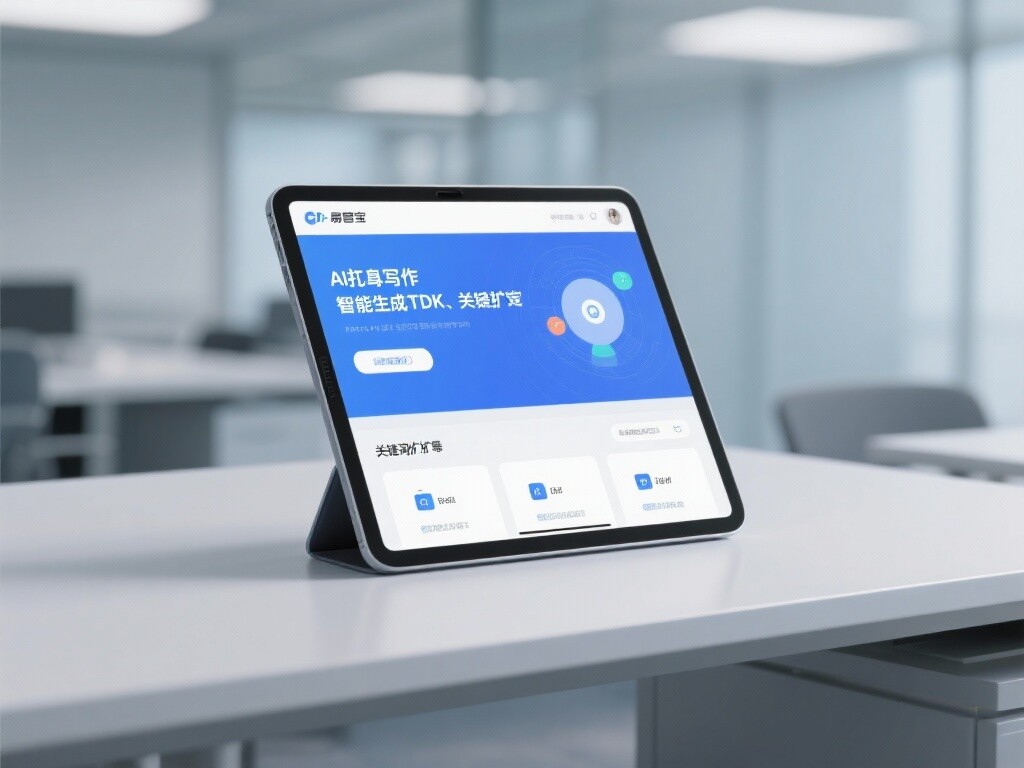
 AI+SEO营销解决方案易营宝AI+SEO营销解决方案,通过AI批量写作、智能生成TDK、精准关键词扩词等功能,全面优化网站SEO效果,提升流量与转化率。助力企业构建高效智能网站新生态。
 AI+SEM Advertising Marketing SolutionsAI+SEM Advertising Marketing Solution leverages AI technology to deeply empower SEM ad campaigns. It automatically generates weekly/monthly reports using AI, presenting account data across multiple dimensions for comprehensive insights into campaign performance and trends. The system precisely recommends keywords and target countries, intelligently generates high-conversion ad copy, and enables one-click activation of efficient campaign plans to help businesses rapidly acquire customers. Simultaneously, it monitors core metrics in real time, intelligently identifies abnormal fluctuations, and issues timely alerts to ensure stable, high-return advertising results.
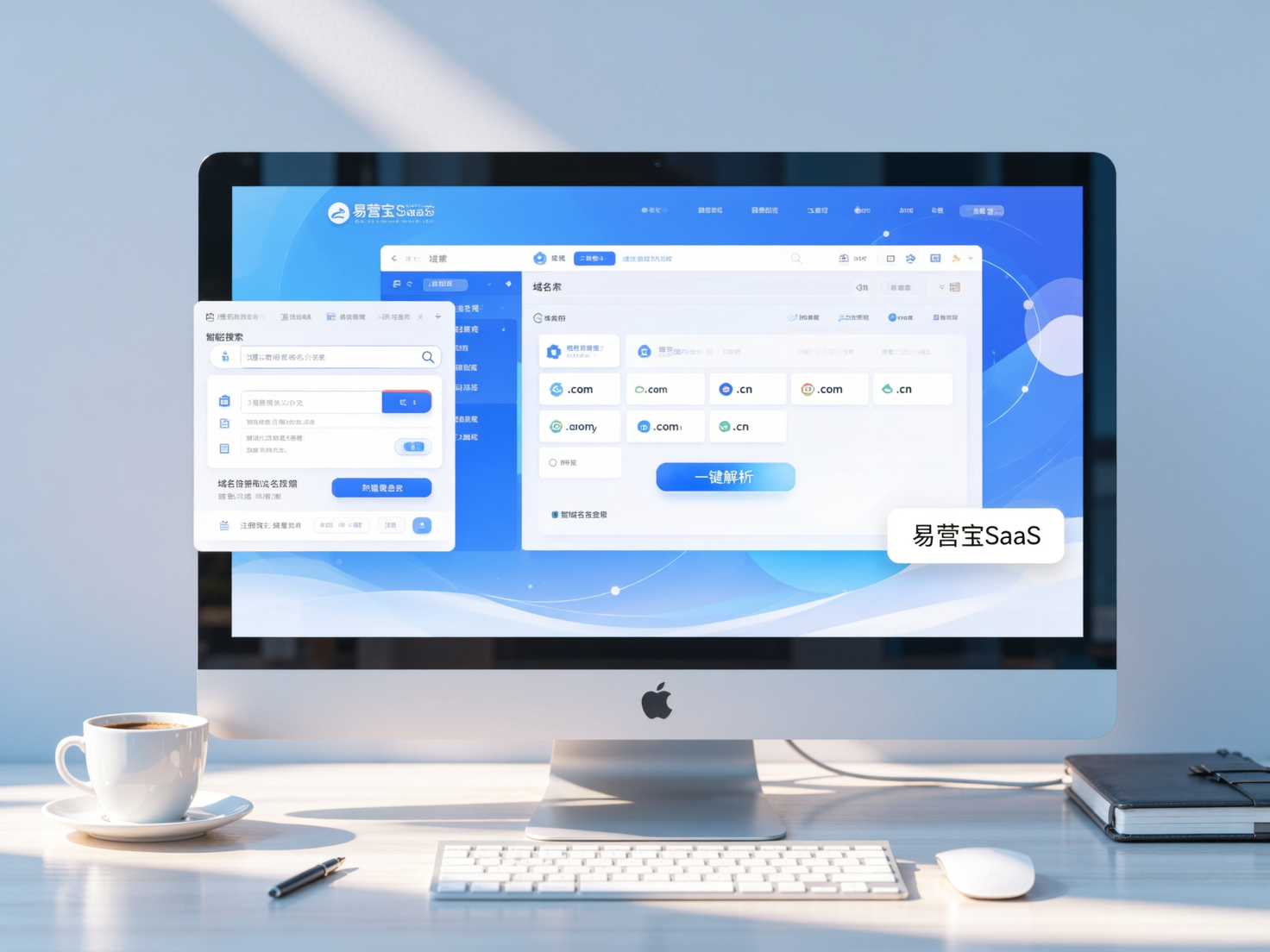
 Domain Name ServicesEasyWin provides professional domain name services, including intelligent queries, one-stop registration, brand protection, and full lifecycle management, helping businesses build a digital brand image.
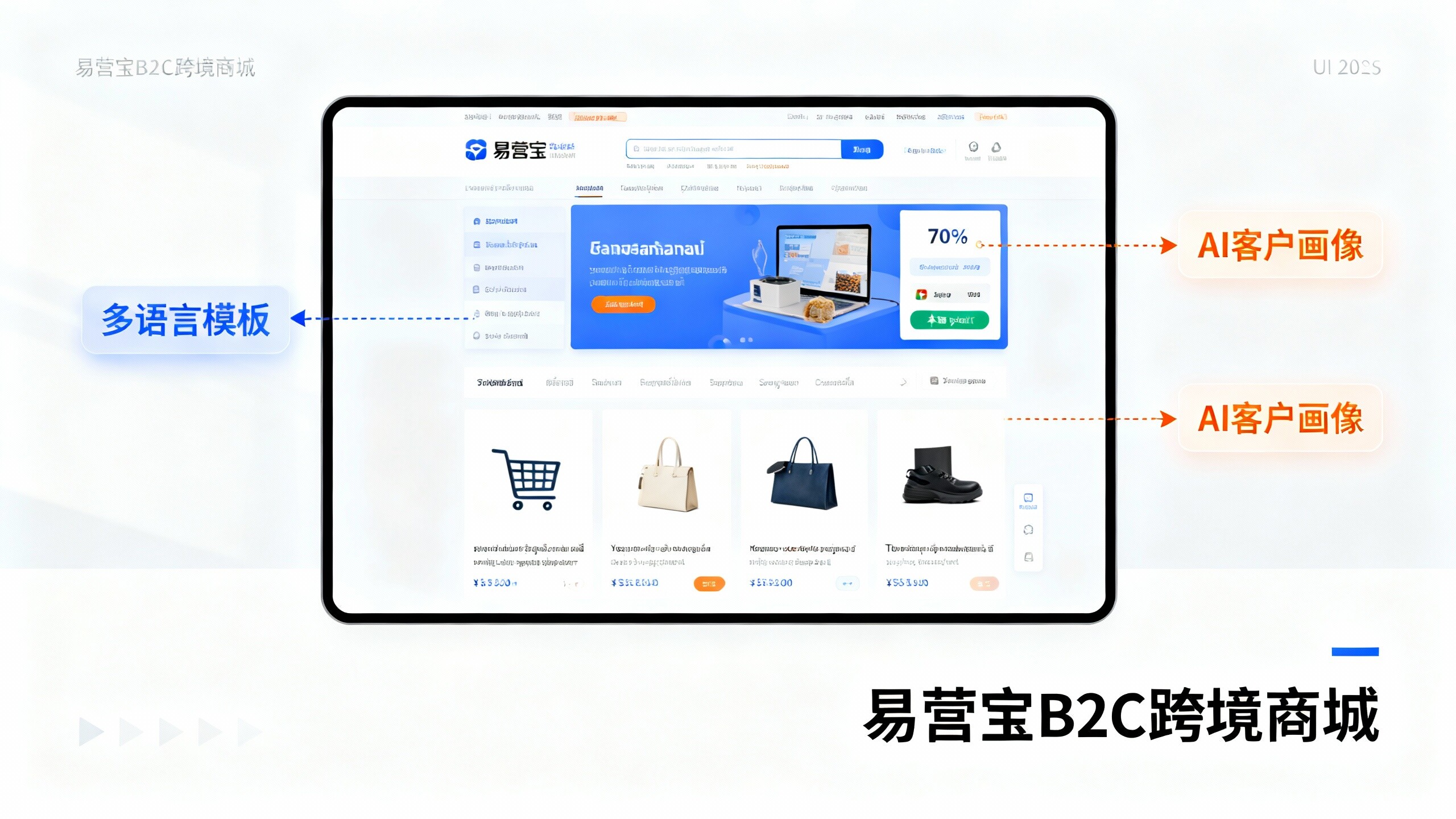
 EasyOperate B2C Cross-Border E-Commerce Platform & Independent WebsiteEasyStore B2C Cross-border E-commerce Independent Store is an intelligent website building and cross-border e-commerce integrated solution independently developed by EasyStore Information Technology (Beijing) Co., Ltd. The system is specially designed for small and medium-sized as well as large export enterprises, integrating 'website building, operation, marketing, advertising, and conversion' into one, helping enterprises quickly establish cross-border e-commerce independent stores to achieve brand globalization and global sales growth.
The platform supports multiple languages, multiple currencies, and multi-channel marketing, with built-in AI intelligent translation and SEO optimization systems, suitable for mainstream markets such as Southeast Asia, Europe and America, Latin America, and the Middle East, assisting Chinese manufacturing enterprises in efficiently deploying international e-commerce strategies. SSL证书易营宝提供专业SSL安全证书服务,包括单域名和泛域名证书,确保网站数据传输加密、身份验证和完整性保护,助力企业建立安全可信的在线业务环境。