








- China’s Ministry of Commerce Responds to Additional Charges on Low-Value Imports Imposed by the EUNov 06, 2026View details
- Two Internet Development Reports Released at the 2026 World Internet ConferenceNov 05, 2026View details
- Internet Business Revenue of Enterprises Above the Designated Size Reached RMB 1.716 Trillion in the First Three Quarters, with Profits Up 17.6%Nov 05, 2026View details
- Shopify's Third-Quarter Revenue and GMV Fall Short of Expectations, Sending Shares Tumbling Before the Market OpensNov 04, 2026View details
- Temu Sellers See a Decline in Traffic as the Platform’s Traffic Allocation ShiftsNov 04, 2026View details
- UK Regulator Requires E-Commerce Businesses to Clearly Display Total Prices Including Mandatory Delivery ChargesNov 04, 2026View details
Can an advertising landing page builder track form conversions?
An advertising landing page tool can track form conversions, but whether it can count them accurately depends on its ability to identify successful form submissions and reliably pass this result to analytics or advertising systems. When evaluating tools, do not look only at whether they support adding tracking code. Also confirm the conditions that trigger a success event, how data is passed across domains, and how duplicate submissions and lead data transfers are handled.
Several steps occur between “clicking the Submit button” and “receiving a valid lead”: field validation may fail, the interface may return an error, and the same visitor may submit more than once. If a tool can only record button clicks, the conversion count in its reports cannot directly represent the number of successful submissions. If you need to measure qualified opportunities, you will also need to connect the backend lead status.
First, confirm when the conversion event is triggered
A more reliable baseline is to trigger one conversion event after the form passes validation and the server confirms that it has been received successfully. Listening only for button clicks can count empty forms, validation failures, and interface errors as conversions. Listening only for a request sent by the browser cannot confirm that the server ultimately accepted it.
Some landing pages redirect to a thank-you page after a successful submission. In this case, a visit to the thank-you page can be used as a conversion signal, and configuration is relatively straightforward. However, if the thank-you page can be accessed directly or refreshing it triggers the event again, conversions may be counted more than once. When evaluating tools, confirm whether duplicate triggers can be limited, and test whether directly opening the thank-you page is counted. For forms that do not redirect, but instead show a success message in a pop-up or through a partial page update, confirm that the tool can capture the success callback for asynchronous submissions rather than relying on page-view events.
You should also distinguish between “successful submission” and “valid lead.” The former means that the system has received the data; the latter may require deduplication, manual verification, or sales follow-up. Passing a CAPTCHA and completing all required fields do not, on their own, prove that a lead is genuine and valid. Therefore, reports should retain separate definitions for each stage.

How browser-side and server-side records work together
Browser-side tracking typically uses page scripts to record events, making it easier to associate them with page visits and ad clicks. However, it can be affected by script loading failures, network interruptions, browser restrictions, and the visitor’s consent status. If the page shows a successful submission but the analytics system does not receive an event, that does not necessarily mean the form was lost.
Server-side records more closely reflect whether the form was received: after confirming that the data has been saved, the backend can log the event or send it. The submission record can still be retained even if the browser is subsequently closed. However, to use server-side events for ad attribution, click identifiers, event times, and other information must also be passed where applicable. A submission log alone does not automatically mean that the submission can be attributed to a specific ad click.
If both the browser and the server send the same conversion, confirm that the receiving system supports deduplication, and pass a consistent event identifier for the same submission. Otherwise, the two records may be treated as two conversions. Conversely, if different submissions mistakenly use the same identifier, they may be merged incorrectly. An event identifier should correspond to the business outcome of a single submission attempt, rather than being fixed on the page or assigned to a visitor long term.
Conversion counts in analytics systems, attributed conversions in advertising systems, and form records in the backend do not have to match exactly. The three may use different time zones, attribution windows, deduplication rules, and processing times. When reconciling records, first align the time range and event definitions, then investigate discrepancies individually. This is more meaningful than simply comparing totals.
Cross-page and system integrations can affect tracking results
When a form is hosted in a third-party embedded frame, on a separate domain, or on an external booking page, scripts on the landing page may not be able to read the form’s internal state. In this case, confirm whether the form system provides a success callback, event notification, or server-side interface, and whether necessary attribution parameters can be retained after a cross-domain redirect. Seeing that a tool “supports embedded forms” is not enough to prove that it can track successful submissions.
After ad click parameters reach the landing page, they must also be passed to the backend through page navigation or form submission. To test this, enter the landing page with test parameters, submit the form after following the actual multi-page path, and then check whether the parameters are retained in the lead record. If page navigation, URL redirects, or scripts remove the parameters, visit data may be available while the lead cannot be associated with its source.
When integrating with a customer relationship management system, confirm field mapping, how retries work when an interface fails, and how duplicate leads are handled. For example, if the form submission succeeds but interface synchronization fails, the landing page conversion count will still increase while the corresponding record may temporarily be missing from the customer management system. Retaining the submission identifier and synchronization status helps distinguish lost tracking from a subsequent transmission failure.
When personal information and advertising identifiers are involved, tracking and data transmission should comply with applicable privacy requirements and user consent settings. When evaluating integration capabilities, also confirm which fields can be passed, where the data is stored, and whether the scope of the fields can be controlled. Do not write all personal information from a form directly into page events or URL parameters.
Validate your choice with an end-to-end test
A single successful submission in a demo environment only proves that the basic workflow works. A more discriminating test covers different outcomes, including success, failure, and duplicates, while checking the form backend, event debugging information, and records in the receiving system.
- Normal submission: Confirm that one lead is created in the backend, the success event fires once, and source parameters and the submission identifier are retained as expected.
- Validation or interface failure: Leave a required field blank, or simulate an interface failure in a controlled test environment, and confirm that the submission is not recorded as a successful conversion.
- Repeated actions: Click Submit repeatedly, refresh the thank-you page, or send the event again, then check whether deduplication behaves as agreed. Do not treat every duplicate lead as the same event.
- Cross-domain navigation and weak networks: Submit the form by following the actual redirect path and test what happens when the network is interrupted. Verify whether the lead is saved, whether the event is missed, and whether the cause can be investigated after a failure.
Finally, document the event name, success conditions, deduplication identifier, attribution parameters, and reconciliation definitions in the delivery agreement. If a tool cannot expose a success callback or submission identifier, its ability to install analytics scripts alone will significantly limit subsequent investigation of data discrepancies.
Related Articles
 How Does an AI Website Translation SaaS Platform Calculate Translation Costs?
 Can an advertising landing page builder track form conversions?
 How Does a Cross-Border Brand Website System Differ from a Standard Website for Foreign Trade? From Brand Management to Scalability



Related Products
 Yiyingbao SaaS Intelligent Website Building and Marketing SystemYiyingbao SaaS Intelligent Website Building and Marketing System, AI-powered no-code website building, rapid creation of multilingual B2B international websites in 10 minutes, global server acceleration, AI-powered SEO optimization, helping businesses connect efficiently with global markets. The perfect integration of technology and operation makes building an international trade website remarkably simple
 AI+SEM Intelligent Advertising Marketing SystemAI+SEM drives intelligent ad creation, empowering full-funnel precision advertising marketing. The system automatically generates weekly/monthly reports, AI recommends keywords and target countries, monitors core metrics in real-time with intelligent alerts, and enables one-click high-conversion ad solutions to help quickly acquire customers and improve ROI.
 AI+SEO Dual-Engine System Optimization ServicesYiyingbao’s AI+SEO dual-engine optimization system helps foreign trade enterprises acquire high-quality organic traffic through AI-powered keyword research, content generation, and comprehensive technical optimization, significantly improving search rankings and conversion rates.
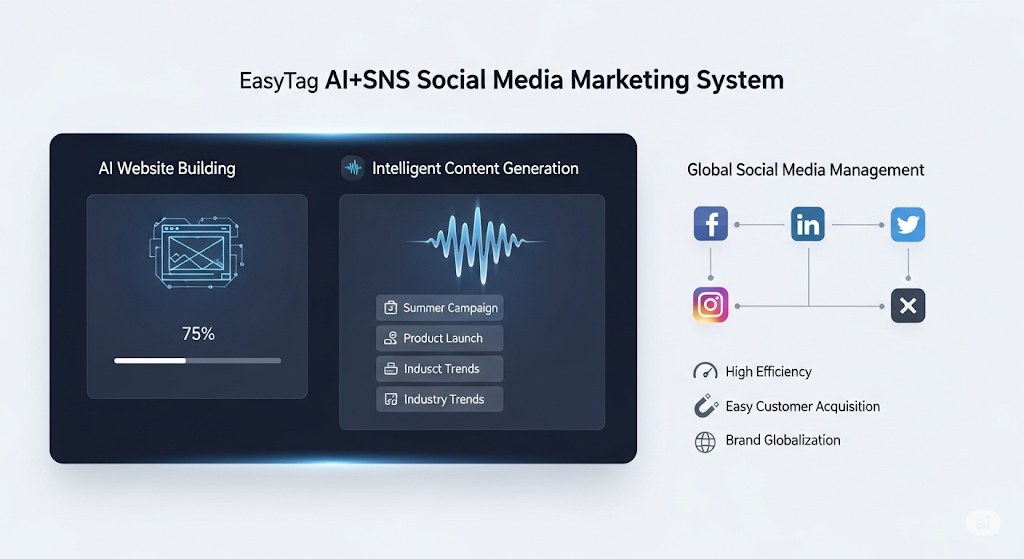
 AI+SNS Social Media Marketing SystemYingbao AI+SNS Social Media Marketing System - Precision social capture for the social media era. Supports one-click content synchronization across major platforms like Facebook and LinkedIn. AI intelligently rewrites posts for enhanced relevance. 24/7 AI customer service and user profiling analysis empower businesses to efficiently expand into global markets.
 AI+SEO营销解决方案易营宝AI+SEO营销解决方案,通过AI批量写作、智能生成TDK、精准关键词扩词等功能,全面优化网站SEO效果,提升流量与转化率。助力企业构建高效智能网站新生态。
 AI+SEM Advertising Marketing SolutionsAI+SEM Advertising Marketing Solution leverages AI technology to deeply empower SEM ad campaigns. It automatically generates weekly/monthly reports using AI, presenting account data across multiple dimensions for comprehensive insights into campaign performance and trends. The system precisely recommends keywords and target countries, intelligently generates high-conversion ad copy, and enables one-click activation of efficient campaign plans to help businesses rapidly acquire customers. Simultaneously, it monitors core metrics in real time, intelligently identifies abnormal fluctuations, and issues timely alerts to ensure stable, high-return advertising results.
 Domain Name ServicesEasyWin provides professional domain name services, including intelligent queries, one-stop registration, brand protection, and full lifecycle management, helping businesses build a digital brand image.
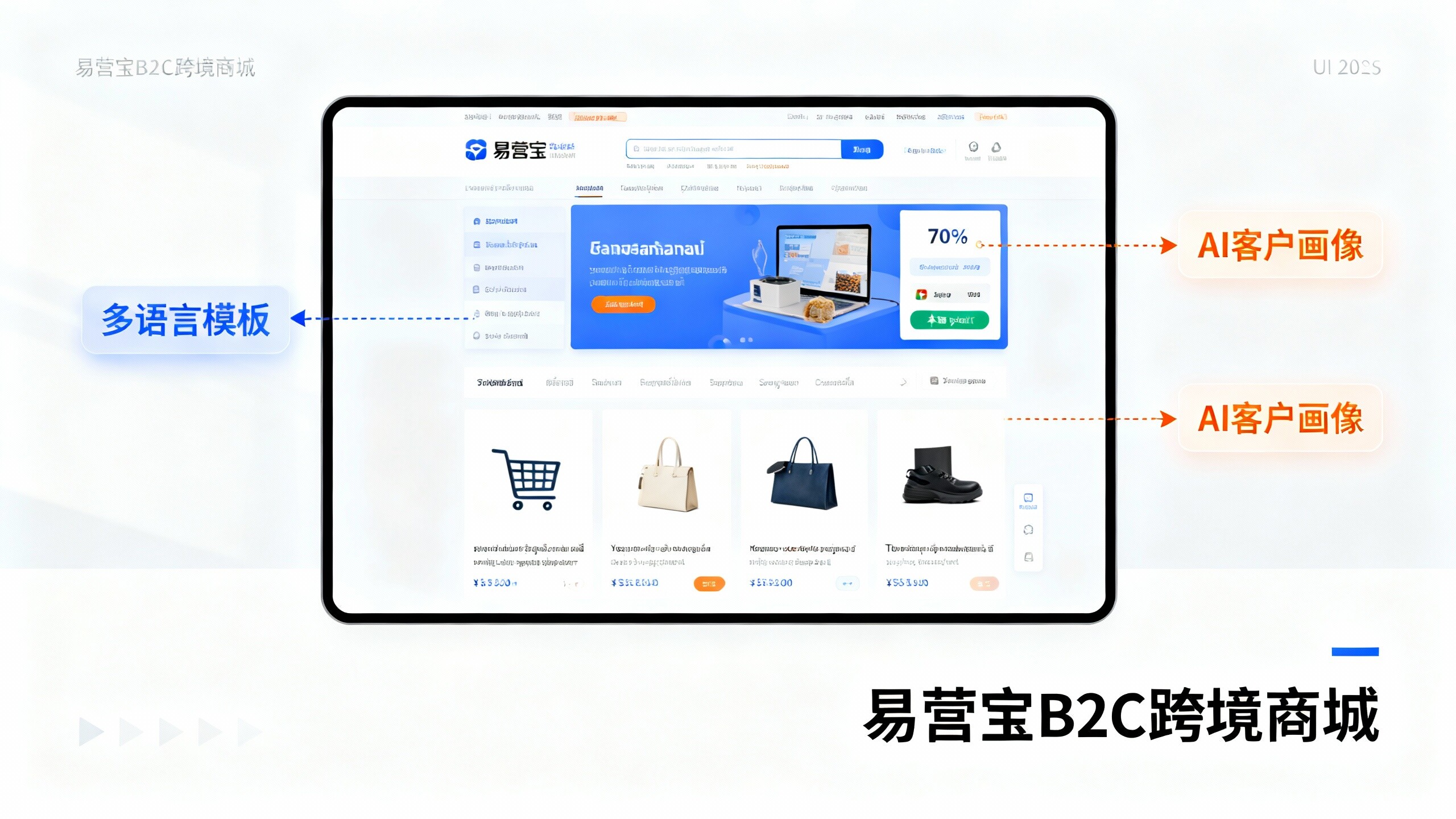
 EasyOperate B2C Cross-Border E-Commerce Platform & Independent WebsiteEasyStore B2C Cross-border E-commerce Independent Store is an intelligent website building and cross-border e-commerce integrated solution independently developed by EasyStore Information Technology (Beijing) Co., Ltd. The system is specially designed for small and medium-sized as well as large export enterprises, integrating 'website building, operation, marketing, advertising, and conversion' into one, helping enterprises quickly establish cross-border e-commerce independent stores to achieve brand globalization and global sales growth.
The platform supports multiple languages, multiple currencies, and multi-channel marketing, with built-in AI intelligent translation and SEO optimization systems, suitable for mainstream markets such as Southeast Asia, Europe and America, Latin America, and the Middle East, assisting Chinese manufacturing enterprises in efficiently deploying international e-commerce strategies. SSL证书易营宝提供专业SSL安全证书服务,包括单域名和泛域名证书,确保网站数据传输加密、身份验证和完整性保护,助力企业建立安全可信的在线业务环境。