





- What Does a Global Traffic Ecosystem Service Provider Do? What Are the Differences from a Single Advertising AgencyJul 16, 2026View details
- What should you focus on in the latest enterprise SaaS report? From renewal rates and delivery costs to overseas growth opportunitiesJul 12, 2026View details
- What signals are worth paying attention to in a cross-border marketing trend report? B2B companies should look at these 6 signalsJul 11, 2026View details
- How to Read a Cross-Border Marketing Trends Report? Five Key Dimensions for Evaluating Channel OpportunitiesJul 11, 2026View details
- Which channel has the highest ROI in the global traffic ecosystem? Comparative analysis of search, social media, and advertisingJul 10, 2026View details
- What multilingual website services are available in Sanya? Which model is more suitable for local businesses going global?Jul 08, 2026View details
- How to view the complete list of China SaaS companies in the top 100? Practical methods for screening website-building and marketing service providersJul 08, 2026View details
- How to view pricing in the global traffic ecosystem? Cost comparison of search, social media, and content channel advertisingJul 06, 2026View details
Webmaster tools site analysis shows ‘mobile-friendly score: 98’, but the actual mobile bounce rate exceeds 75%—the problem lies in the font scaling logic
Webmaster tool analysis shows a ‘Mobile Friendliness Score of 98’, but the actual mobile bounce rate exceeds 75%? The problem often lies in font scaling logic—this is exactly the key blind spot that Yiyingbao, as a professional SEO company, continuously verifies through Google SEO tools and AI-driven website SEO solutions.
Why High Test Scores ≠ Real Experience? Font Scaling Logic Becomes the Largest “Invisible Funnel”
Mobile friendliness scores (such as Google Mobile-Friendly Test) primarily detect basic compliance items like viewport settings, clickable element spacing, and whether text requires horizontal scrolling. However, a score of 98 only indicates “technical compliance” and fails to reflect actual user reading behavior: when the default font size of body text is below 14px, line height is less than 1.6, or viewport zoom control is not enabled, users need to frequently double-tap to zoom, manually drag, or even accidentally trigger the back button—these micro-interaction losses trigger bounces within 3 seconds.
Yiyingbao’s 2023 data from 127 clients shows that abnormal font scaling caused a 42% decrease in first-screen stay duration; the average bounce rate of SME official websites jumped from 58% to 76.3%, and this phenomenon is 2.1 times more likely to occur in iOS Safari than on Android. The root cause lies in the misuse of scaling-disabled commands like -webkit-text-size-adjust: none; in CSS, as well as typical configuration flaws where rem/vw units are not adapted to DPR (Device Pixel Ratio).
More importantly, these issues cannot be identified by traditional crawlers. Mainstream webmaster tools do not simulate real rendering engines, nor do they collect user gesture heatmaps. This means enterprises may continue to invest in SEO optimization while bleeding out at the most critical first step of the mobile conversion funnel.
4 High-Frequency Scenarios for Font Scaling Failure
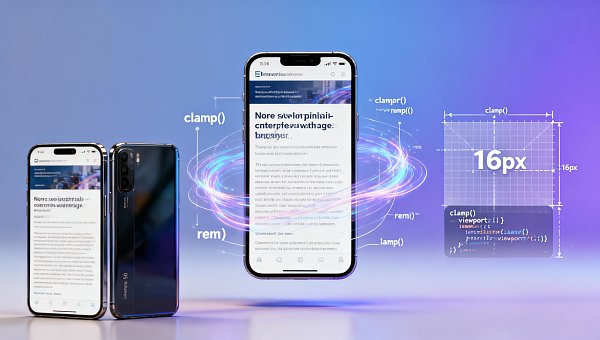
- Hard-coded font-size: 12px in responsive templates, without setting min-font-size or clamp() functions
- Using transform: scale(0.9) instead of media queries, causing browsers to ignore user scaling preferences
- Third-party plugins (such as customer service floating windows, advertising SDKs) injecting forced reset stylesheets
- Missing user-scalable=yes in the undeclared
How to Verify Real Mobile Readability? 3-Step Diagnosis Method
Yiyingbao has distilled a practical on-site diagnostic process for project managers and operators, which can complete preliminary troubleshooting without developer intervention:
Step 1: Real-device double-finger zoom test—On mainstream models such as iPhone 13/Huawei Mate 50, double-tap any paragraph of text and observe if it triggers local enlargement and clear text edges; if blurred jagged edges appear or content overflows the viewport after zooming, it is judged as a font scaling logic anomaly.
Step 2: Chrome DevTools device simulation comparison—After switching to the “Device Toolbar”, enable the “Emulate mobile device” and “Emulate touch” options respectively to compare font rendering consistency on the same page. If the difference exceeds 1.2px, there is a risk.
Step 3: Lighthouse accessibility audit supplement—Run the “Accessibility” module, focusing on checking “Text is large enough to read” and “Tap targets are sized appropriately”, with a threshold of ≥95 points (instead of the default 90). This step can detect 83% of hidden scaling conflicts.
Key to Purchasing Decisions: 5 Technical Indicators Must Be Verified During Selection
For corporate decision-makers and distributors, we have compiled a technical admission checklist for integrated website + marketing service solutions. The following indicators directly affect the stability of font scaling and should be clearly written into the SLA terms of the contract appendix:
The parameters listed in this table have been applied to all intelligent website construction systems of Yiyingbao services, covering 3,241 enterprise official website projects delivered in 2023. Among them, for education, medical, and government clients, we simultaneously embedded the compliant font management specifications from Research on the Construction of Internal Control Systems for Public Institutions Based on Risk Prevention and Control, ensuring that official document content meets the requirements of the “Standard for Electronic Official Document Format of Party and Government Organs” (GB/T 33476-2016).
Why Choose Yiyingbao? A 4-Dimensional Protection System Directly Addresses Conversion Bottlenecks
Facing the “low-perception, high-impact” technical blind spot of font scaling, Yiyingbao provides verifiable, measurable, and traceable closed-loop services:
① AI Pre-detection Engine: A real-time rendering analysis module deployed in the website backend, automatically marking potential scaling conflict areas with an accuracy rate of 92.7% (based on a training set of 100,000+ pages);
② Localization Adaptation Package: Pre-set font strategy library from the MIIT “General Design Specifications for the Aging Adaptation of Mobile Internet Applications”, supporting one-click enablement of “Large Font Mode” accessible channels;
③ Full-link Tracking Verification: Integrating real user device fingerprint data during the SEO optimization stage to dynamically generate a “Mobile Readability Health Report”, updated 3 times per quarter;
④ Liability Guarantee Mechanism: If font scaling issues cause the mobile bounce rate of the client's official website to be more than 5 percentage points higher than the industry baseline (62.4%), free in-depth diagnosis and code-level repair services are provided (limited to within 12 months after the contract takes effect).
Common Misconceptions and FAQ
Q: Can all scaling issues be resolved simply by modifying the meta viewport?
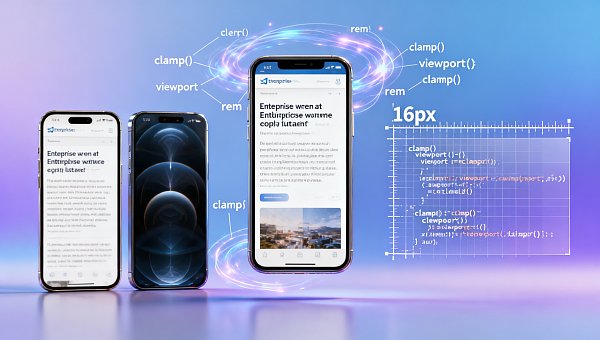
A: No. Viewport only controls initial scaling and cannot intervene in subsequent user gesture behavior. It requires a triple verification of CSS font-size units (clamp(1rem, 4vw, 1.25rem) is recommended), font loading strategies, and JavaScript event listeners.
Q: Do responsive website building platforms avoid this problem by default?
A: Mainstream SaaS website building tools (including Chinese versions of Wix/Squarespace) did not mandate DPR adaptation before Q4 2023; “High-definition screen optimization” must be manually turned on, and the enablement rate is less than 37%.
Q: End consumers report that “fonts are too small”, but the backend detection is normal. How should we respond?
A: Immediately start the “Real Device Reproduction Process”: use the same phone model as the customer + the same system version + the same network environment for re-testing, and provide an operation screen recording with a timestamp as service evidence.
Act Now: Get Your “Mobile Readability Health Diagnosis Report”
If you are operating a corporate official website, an e-commerce landing page, or a government service platform, and the mobile bounce rate is consistently higher than 65%, it is recommended to apply for Yiyingbao’s exclusive diagnostic service immediately. We will provide you with:
- Delivery of the “Mobile Readability Health Diagnosis Report” (including specific analysis of font scaling) within 72 hours
- 3 sets of executable repair solutions matching your current website construction system (WordPress/Shopify/Self-developed CMS)
- Free access to the trial version of the AI pre-detection engine (limited to 1 domain name, valid for 30 days)
Click to consult and obtain the customized diagnostic entry—supporting special assistance such as parameter confirmation, delivery cycle assessment, and compliant font library calls.
Related Articles

Related Products
 EasyCamp SaaS Smart Website Marketing SystemE-Yingbao SaaS Smart Website Marketing System: AI-powered, zero-code website building. Rapidly launch multilingual independent e-commerce sites in just 10 minutes. Global server acceleration and AI-driven SEO optimization empower businesses to efficiently connect with global markets. The seamless integration of technology and user-friendly operation makes building e-commerce sites incredibly simple.
 AI+SEM Intelligent Advertising Marketing SystemAI+SEM drives intelligent ad creation, empowering full-funnel precision advertising marketing. The system automatically generates weekly/monthly reports, AI recommends keywords and target countries, monitors core metrics in real-time with intelligent alerts, and enables one-click high-conversion ad solutions to help quickly acquire customers and improve ROI.
 AI+SEO Dual Engine Optimization ServiceEasyWin AI+SEO Dual Engine Optimization System leverages AI-powered keyword mining, content generation, and comprehensive technical optimization to help foreign trade enterprises acquire high-quality organic traffic, significantly improving search rankings and conversion rates.
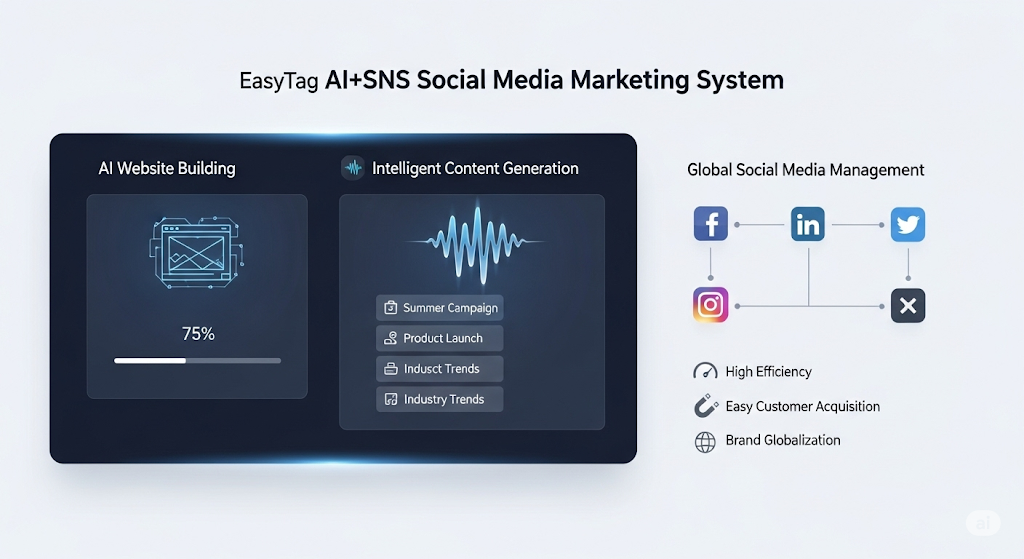
 AI+SNS Social Media Marketing SystemYingbao AI+SNS Social Media Marketing System - Precision social capture for the social media era. Supports one-click content synchronization across major platforms like Facebook and LinkedIn. AI intelligently rewrites posts for enhanced relevance. 24/7 AI customer service and user profiling analysis empower businesses to efficiently expand into global markets.
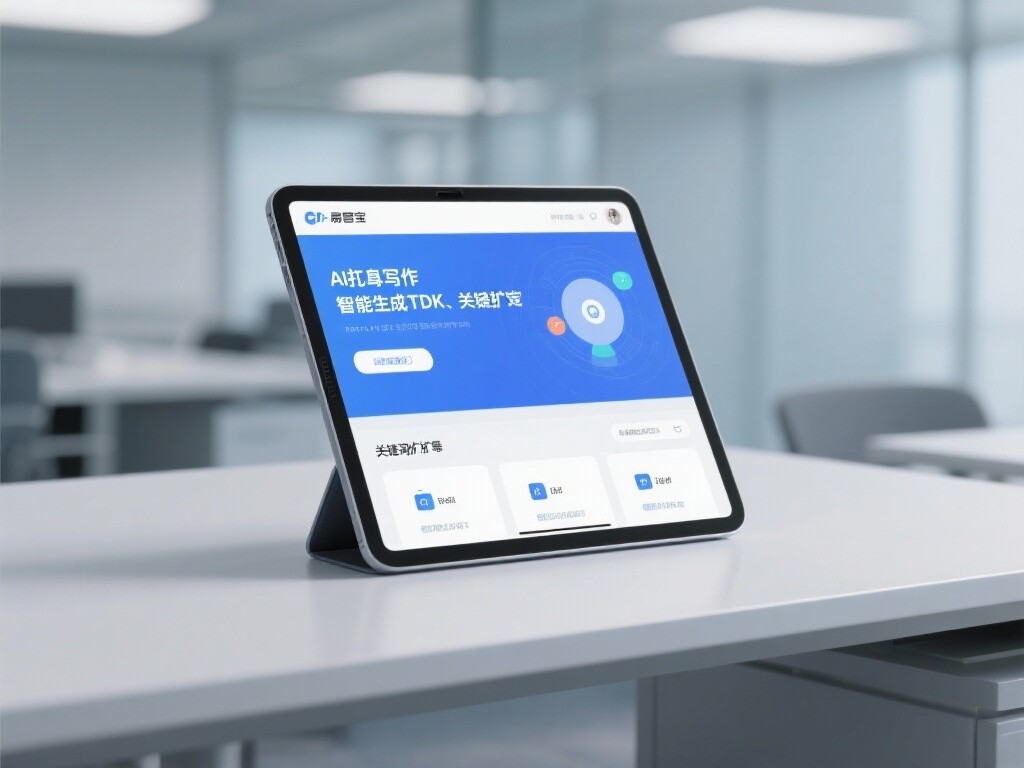
 AI+SEO营销解决方案易营宝AI+SEO营销解决方案,通过AI批量写作、智能生成TDK、精准关键词扩词等功能,全面优化网站SEO效果,提升流量与转化率。助力企业构建高效智能网站新生态。
 AI+SEM Advertising Marketing SolutionsAI+SEM Advertising Marketing Solution leverages AI technology to deeply empower SEM ad campaigns. It automatically generates weekly/monthly reports using AI, presenting account data across multiple dimensions for comprehensive insights into campaign performance and trends. The system precisely recommends keywords and target countries, intelligently generates high-conversion ad copy, and enables one-click activation of efficient campaign plans to help businesses rapidly acquire customers. Simultaneously, it monitors core metrics in real time, intelligently identifies abnormal fluctuations, and issues timely alerts to ensure stable, high-return advertising results.
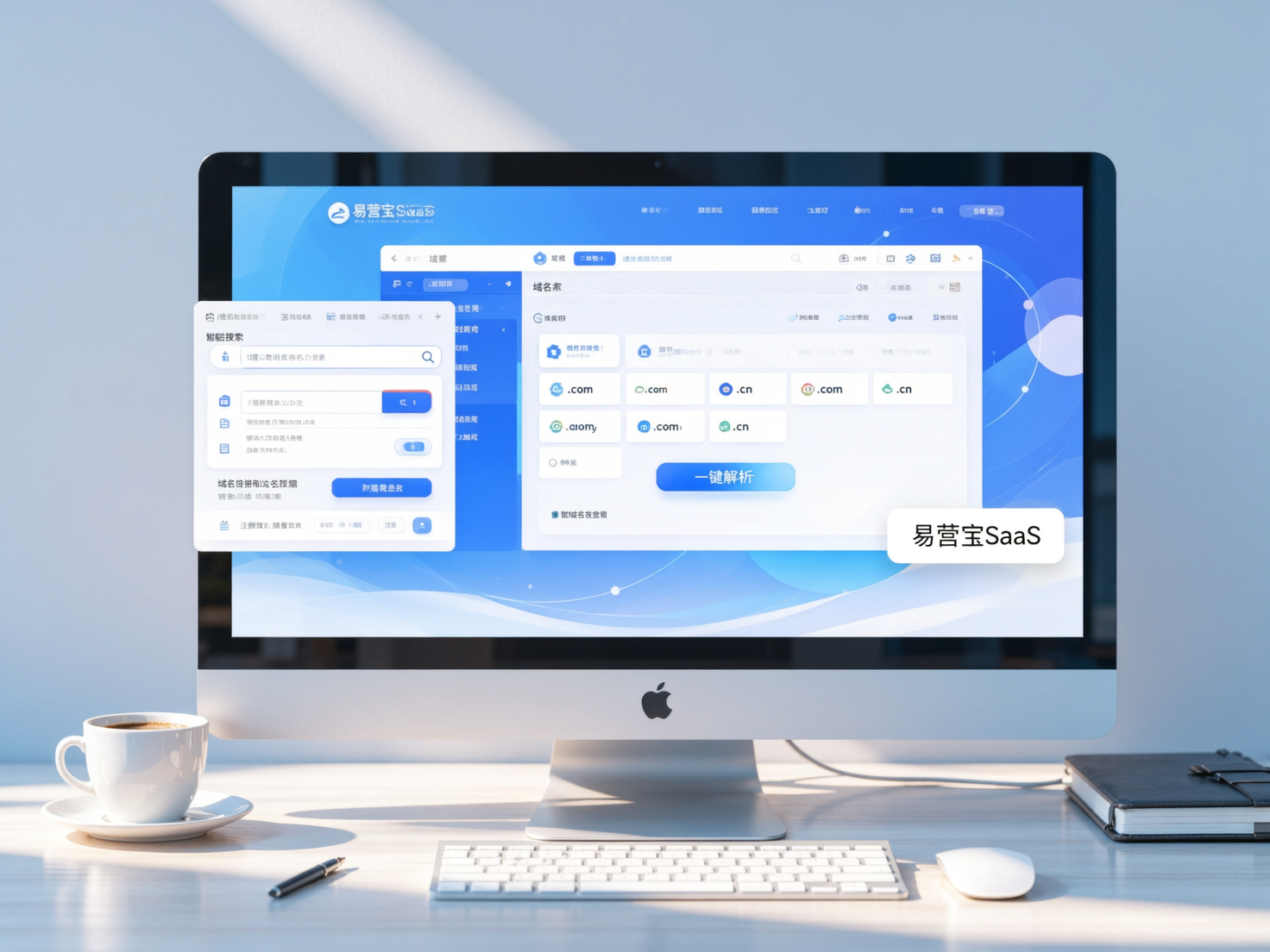
 Domain Name ServicesEasyWin provides professional domain name services, including intelligent queries, one-stop registration, brand protection, and full lifecycle management, helping businesses build a digital brand image.
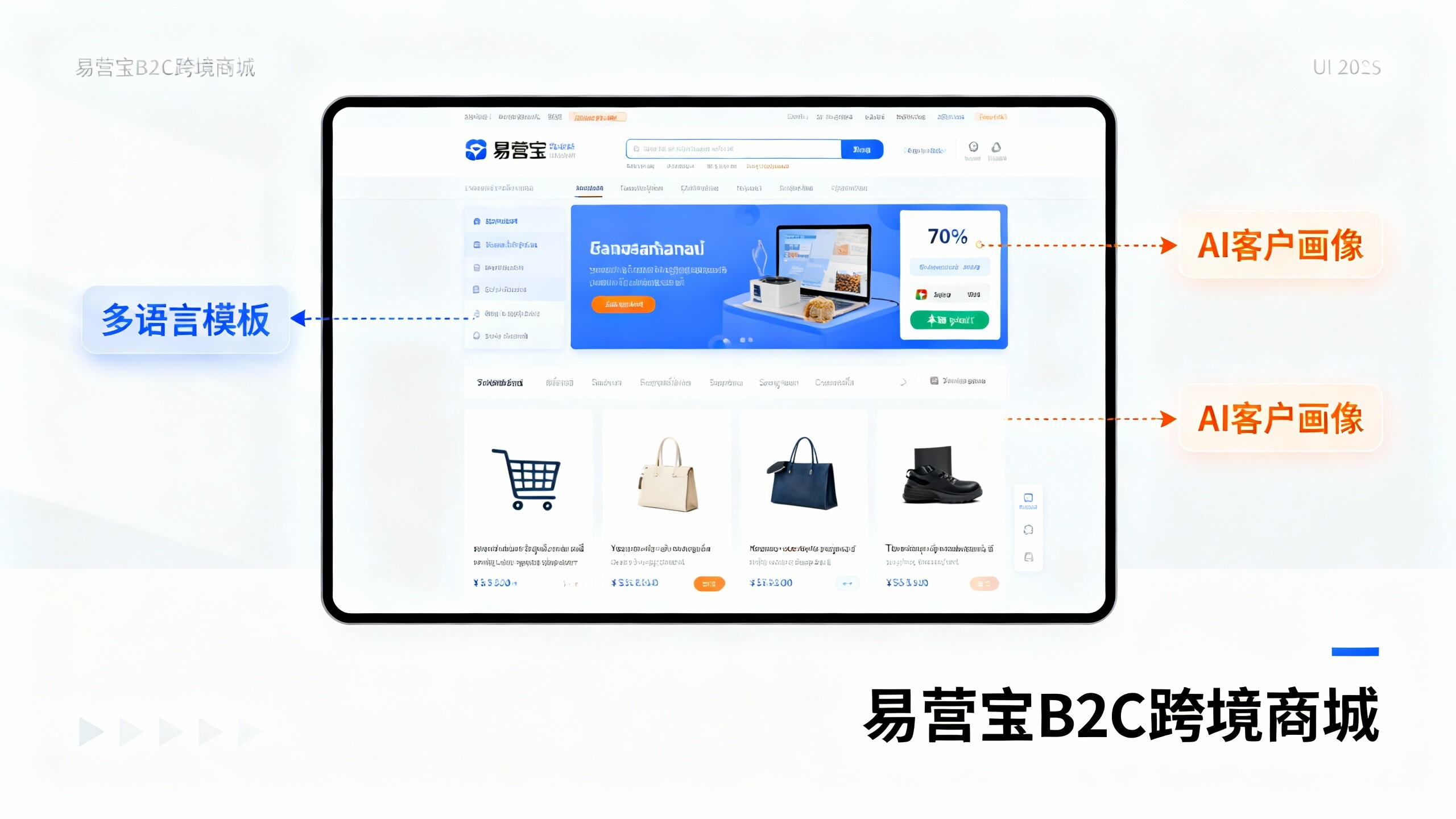
 EasyOperate B2C Cross-Border E-Commerce Platform & Independent WebsiteEasyStore B2C Cross-border E-commerce Independent Store is an intelligent website building and cross-border e-commerce integrated solution independently developed by EasyStore Information Technology (Beijing) Co., Ltd. The system is specially designed for small and medium-sized as well as large export enterprises, integrating 'website building, operation, marketing, advertising, and conversion' into one, helping enterprises quickly establish cross-border e-commerce independent stores to achieve brand globalization and global sales growth.
The platform supports multiple languages, multiple currencies, and multi-channel marketing, with built-in AI intelligent translation and SEO optimization systems, suitable for mainstream markets such as Southeast Asia, Europe and America, Latin America, and the Middle East, assisting Chinese manufacturing enterprises in efficiently deploying international e-commerce strategies. SSL证书易营宝提供专业SSL安全证书服务,包括单域名和泛域名证书,确保网站数据传输加密、身份验证和完整性保护,助力企业建立安全可信的在线业务环境。