








- Amazon Reportedly Sends Exclusivity Warning Letters to Multiplatform SellersNov 03, 2026View details
- New TikTok Shop Cross-Border Returns Rules for Southeast Asia Take Effect on November 5Nov 03, 2026View details
- U.S. Tightens De Minimis Exemption Channel and Revises Section 321 Data PilotNov 03, 2026View details
- Amazon FBA Fuel and Logistics Surcharge in 10 European Countries to Increase to 2% on November 2Nov 02, 2026View details
- EU Customs Code reform to take effect on November 1, with new handling fees for direct-mail small parcelsNov 01, 2026View details
- EU Plans to Raise Tax on Incoming Small Parcels to €5Oct 31, 2026View details
How Can YouTube Video Marketing Measure Traffic to Your Website?
A video is getting a good number of views and plenty of comments, yet the website is receiving almost no inquiries. Is the problem that the video is attracting the wrong audience, the link is not prominent enough, or visitors cannot find the information they need after reaching the website? To measure how effectively YouTube video marketing drives traffic, connect video exposure, website visits, and actual conversions rather than looking only at view counts.
First, define what counts as effective traffic
For international trade businesses, effective traffic is more than simply “someone clicked through to the website.” A visit is more closely aligned with business goals when the visitor is from a target market, views relevant products, and goes on to submit an inquiry or contact sales. Cross-border e-commerce stores may focus more on product views, add-to-cart activity, and orders.
Before publishing a video, set one primary goal for each type of content. For example, a product demonstration can guide viewers to product details; a factory introduction can encourage prospective customers to submit a purchasing request; and a tutorial can direct viewers to an instruction page or email subscription. Different goals call for different performance metrics.
- Traffic volume: How many visits to the website came from video links.
- Visit quality: Whether visitors viewed key pages or engaged with the site, and whether they came from target regions.
- Business results: How many inquiries, registrations, or orders were generated, and the subsequent quality of those conversions.
Add identifiable tracking parameters to video links
To identify which video generated a visit, use URLs with UTM parameters in places where links can be added, such as video descriptions and channel profiles. These parameters do not change the landing page content, but they help website analytics tools identify traffic sources.
For example, a link from a product demonstration video to a product page could look like this:
https://example.com/product?utm_source=youtube&utm_medium=social&utm_campaign=product_demo&utm_content=video_01
Here, utm_source identifies YouTube as the source, utm_medium identifies the channel type, utm_campaign distinguishes the campaign, and utm_content can distinguish the video or link placement. Teams should agree on naming conventions in advance. Otherwise, differences in capitalization or spelling may split the data across multiple entries.
Use different utm_content values for different placements, such as links in the description and channel profile. After publishing, click the link yourself to make sure it opens correctly, the parameters are not lost during redirects, and GA4 receives the visit data. Whether links can be clicked and where they can be placed also depends on YouTube’s current rules and the account’s actual status.

Connect visits and conversions in GA4
After adding tracking parameters, make sure Google Analytics 4 (GA4) is correctly installed on the website. In the traffic acquisition report, you can review session source, medium, and campaign, then use page paths to see which pages YouTube visitors landed on. Report names and interfaces may change with product updates, so refer to the actual account for the latest details.
Visit data alone is not enough. Set up events for actions that matter to the business goals of the website, and mark the events that need close monitoring as key events. For example:
- B2B websites: Successful inquiry form submissions, quote requests, or clicks to contact by email.
- Cross-border e-commerce stores: Add-to-cart activity, checkout initiation, and completed purchases.
- Content websites: Email subscriptions or product material downloads.
Be sure to distinguish between clicking a submit button and successfully submitting a form: the former may include cases where the form contains errors or submission fails. Before launch, test the site to verify that events are triggered correctly. For purchase events, also check that values such as amounts and currencies are accurate. When tracking involves user privacy, implement it in accordance with applicable regulations and the website’s consent management settings.
Review video and website data together
YouTube Analytics helps you understand how videos are viewed, while GA4 is better suited to observing what visitors do after arriving on your website. The numbers from the two platforms do not have to match exactly: differences in measurement methods, date ranges, user privacy settings, and browser restrictions can all affect the results. Before comparing them, use the same dates, target markets, and video scope.
Use the following steps to investigate performance:
- Assess video appeal: Compare impressions, click-through rate, and audience retention. If viewers leave very early, they may not have seen the prompt to visit the website.
- Assess traffic-driving ability: Combine available link click data from YouTube with GA4 session counts to determine whether viewers are willing to visit the website from the video.
- Assess landing page performance: Review engagement, key page views, and conversion events. If traffic is high but engagement is low, check page loading speed, the mobile experience, and how well the content matches visitor expectations.
- Assess business quality: Combine form records with sales follow-up results to distinguish qualified purchasing requests from general inquiries and irrelevant submissions.
Two commonly used calculations are: Visit conversion rate = specified conversions ÷ corresponding sessions × 100%; Cost per conversion = related spend during the reporting period ÷ number of conversions. Before calculating, define whether spend includes production, operations, and promotion costs, and use a consistent basis for comparison. If a session can generate multiple conversions, or the denominator is the number of users, state this in the report.
When results are disappointing, find the break in the journey before making changes
High view count, few website visits: First check link placement, the call to action, and whether the video content is relevant to the link. After watching a demonstration of a piece of equipment, viewers may be more likely to click “View technical specifications” than a vague “Visit our website.” Also make sure the link works; do not assume that content quality is the only issue.
Plenty of visits, few inquiries: Check whether the video’s promise matches the landing page. If a video introduces a specific piece of equipment but the link leads to the home page, visitors have to find the product themselves, making them more likely to leave. The landing page should present the relevant product information, applications, and a clear way to get in touch. For overseas customers, also consider whether the language, time zone, and contact options are convenient.
More inquiries, but few qualified leads: Review the video topic and audience targeting. Entertainment-focused content may generate many views without attracting purchasing personnel. Add information about industry applications, specifications, or purchasing considerations to the title, narration, and page so viewers can judge for themselves whether the offering is suitable.
For teams managing multilingual websites and overseas marketing at the same time, website development, page optimization, and channel data analysis work best when coordinated. EasySite provides services related to intelligent website building, multilingual websites, and overseas marketing. Businesses can review their video landing pages and conversion paths in line with their inquiry or sales goals; the specific tracking method should still be confirmed based on website functionality and actual configuration.
For periodic reviews, consider recording each video’s traffic, key events, and qualified inquiries monthly, then comparing videos on similar topics. After tracking results over time, it is usually clearer which content actually brings in prospective customers than it is from looking at the view peak of a single video.
Related Articles
 How Can YouTube Video Marketing Measure Traffic to Your Website?
 How Can TikTok Marketing Drive Website Traffic with Short-Form Videos?
 How Can Cross-Border E-Commerce Businesses Use Social Media Remarketing to Win Back Users Who Abandoned Their Carts?



Related Products
 Yiyingbao SaaS Intelligent Website Building and Marketing SystemYiyingbao SaaS Intelligent Website Building and Marketing System, AI-powered no-code website building, rapid creation of multilingual B2B international websites in 10 minutes, global server acceleration, AI-powered SEO optimization, helping businesses connect efficiently with global markets. The perfect integration of technology and operation makes building an international trade website remarkably simple
 AI+SEM Intelligent Advertising Marketing SystemAI+SEM drives intelligent ad creation, empowering full-funnel precision advertising marketing. The system automatically generates weekly/monthly reports, AI recommends keywords and target countries, monitors core metrics in real-time with intelligent alerts, and enables one-click high-conversion ad solutions to help quickly acquire customers and improve ROI.
 AI+SEO Dual-Engine System Optimization ServicesYiyingbao’s AI+SEO dual-engine optimization system helps foreign trade enterprises acquire high-quality organic traffic through AI-powered keyword research, content generation, and comprehensive technical optimization, significantly improving search rankings and conversion rates.
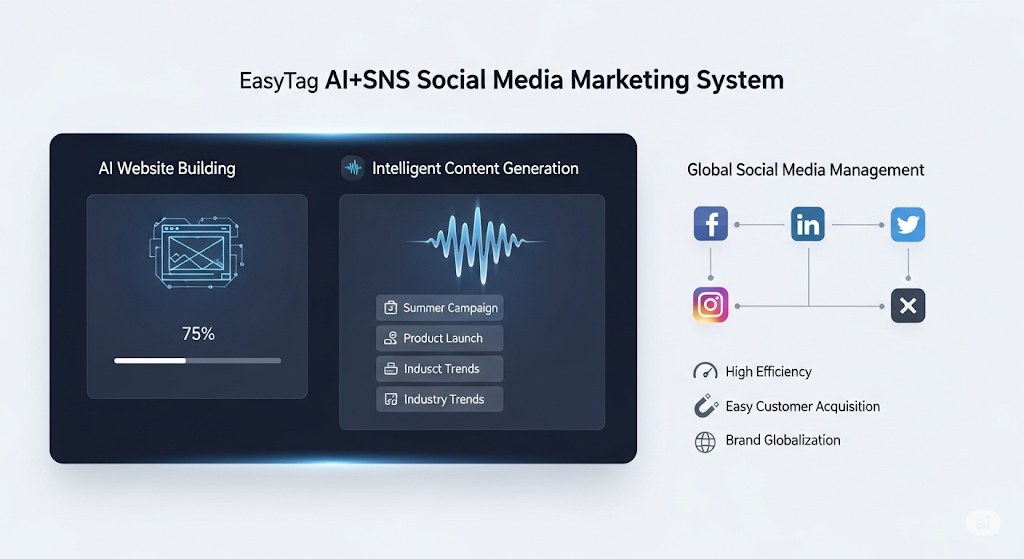
 AI+SNS Social Media Marketing SystemYingbao AI+SNS Social Media Marketing System - Precision social capture for the social media era. Supports one-click content synchronization across major platforms like Facebook and LinkedIn. AI intelligently rewrites posts for enhanced relevance. 24/7 AI customer service and user profiling analysis empower businesses to efficiently expand into global markets.
 AI+SEO营销解决方案易营宝AI+SEO营销解决方案,通过AI批量写作、智能生成TDK、精准关键词扩词等功能,全面优化网站SEO效果,提升流量与转化率。助力企业构建高效智能网站新生态。
 AI+SEM Advertising Marketing SolutionsAI+SEM Advertising Marketing Solution leverages AI technology to deeply empower SEM ad campaigns. It automatically generates weekly/monthly reports using AI, presenting account data across multiple dimensions for comprehensive insights into campaign performance and trends. The system precisely recommends keywords and target countries, intelligently generates high-conversion ad copy, and enables one-click activation of efficient campaign plans to help businesses rapidly acquire customers. Simultaneously, it monitors core metrics in real time, intelligently identifies abnormal fluctuations, and issues timely alerts to ensure stable, high-return advertising results.
 Domain Name ServicesEasyWin provides professional domain name services, including intelligent queries, one-stop registration, brand protection, and full lifecycle management, helping businesses build a digital brand image.
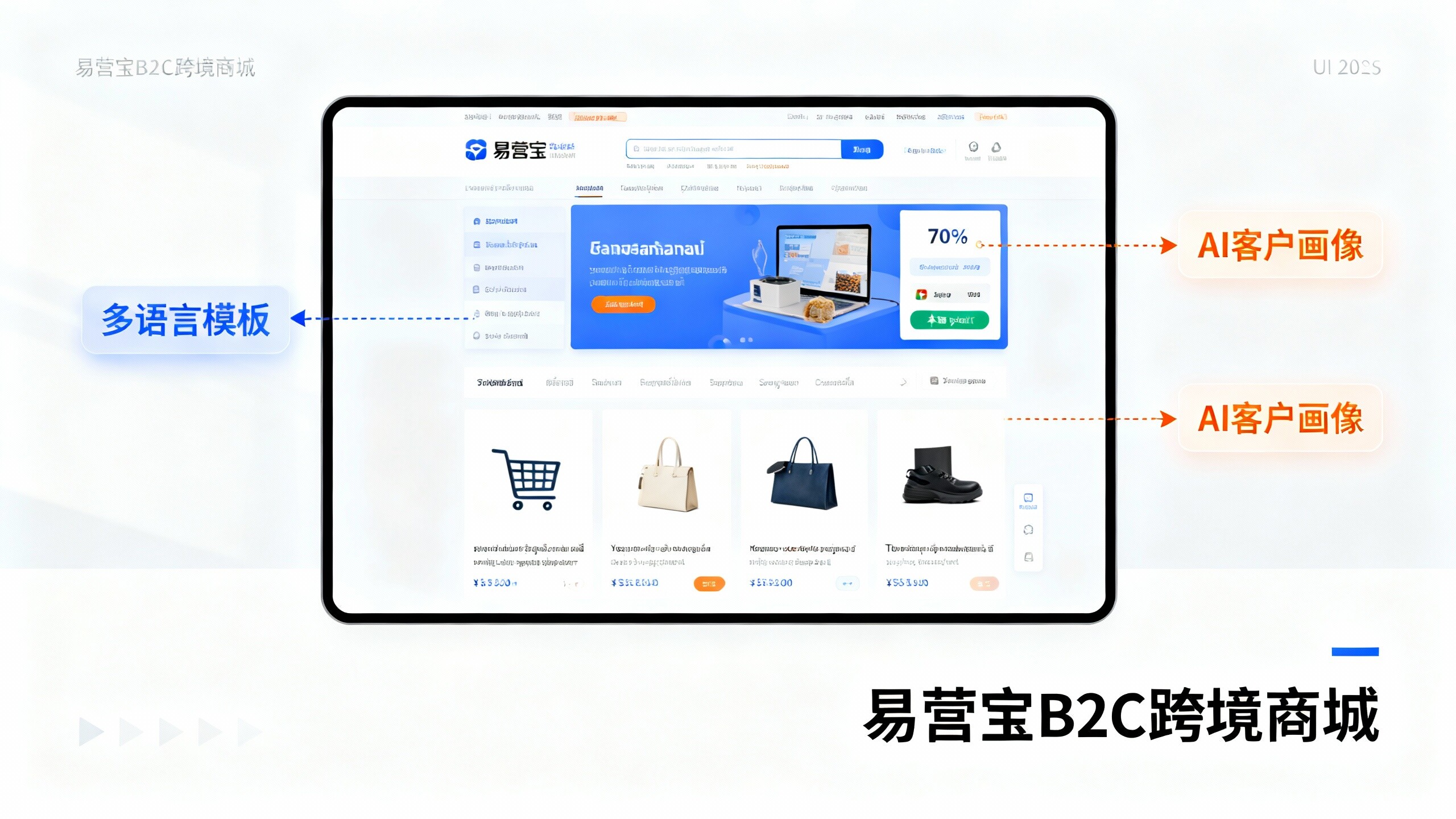
 EasyOperate B2C Cross-Border E-Commerce Platform & Independent WebsiteEasyStore B2C Cross-border E-commerce Independent Store is an intelligent website building and cross-border e-commerce integrated solution independently developed by EasyStore Information Technology (Beijing) Co., Ltd. The system is specially designed for small and medium-sized as well as large export enterprises, integrating 'website building, operation, marketing, advertising, and conversion' into one, helping enterprises quickly establish cross-border e-commerce independent stores to achieve brand globalization and global sales growth.
The platform supports multiple languages, multiple currencies, and multi-channel marketing, with built-in AI intelligent translation and SEO optimization systems, suitable for mainstream markets such as Southeast Asia, Europe and America, Latin America, and the Middle East, assisting Chinese manufacturing enterprises in efficiently deploying international e-commerce strategies. SSL证书易营宝提供专业SSL安全证书服务,包括单域名和泛域名证书,确保网站数据传输加密、身份验证和完整性保护,助力企业建立安全可信的在线业务环境。