








- APEC Shenzhen Spotlight: Cross-Border E-Commerce Orders Promote Asia-Pacific Trade and Economic CooperationNov 08, 2026View details
- China-Europe Railway Express and CIIE Hold Business Matchmaking Event, Focusing on Cross-Border E-commerce B2B ExportsNov 07, 2026View details
- China’s Ministry of Commerce Responds to Additional Charges on Low-Value Imports Imposed by the EUNov 06, 2026View details
- Two Internet Development Reports Released at the 2026 World Internet ConferenceNov 05, 2026View details
- Internet Business Revenue of Enterprises Above the Designated Size Reached RMB 1.716 Trillion in the First Three Quarters, with Profits Up 17.6%Nov 05, 2026View details
- Shopify's Third-Quarter Revenue and GMV Fall Short of Expectations, Sending Shares Tumbling Before the Market OpensNov 04, 2026View details
How Can You Avoid Product Specification Errors When Translating a B2B Website?
Incorrect product specifications on an export website are more than just a translation issue: if the rated voltage, pressure range, temperature limit, or warning conditions are changed incorrectly, readers may rely on them when selecting or using a product, creating quality and safety risks. The focus should not be on polishing sentences one by one, but on ensuring that the values, units, applicable conditions, and limitations in every language version match the approved product information.
Before translation, determine which document is the authoritative source. After translation, check both the technical meaning and how the content appears on the web page. Machine translation, human translation, and automatic unit conversion can all be useful, but none can replace the review of high-risk specifications.
Identify the Source of Specifications First—Do Not Translate an Old Web Page Directly
Product information on a website may come from catalogs, technical specifications, test reports, or sales materials. These documents serve different purposes, and their versions may not be synchronized: the weight in an old catalog may be useful as a reference, but it does not necessarily verify the rated load of the current model; a test result from one occasion should not be presented as proof that every model in the series meets that performance level.
When preparing a specification master, use approved technical documentation applicable to the current model as the source, and record the product model, document name, version, and approval status. When a page covers multiple models, specify which model, configuration, or operating condition each parameter applies to, to avoid copying a value for one specification across the entire series.
The master should include not only numbers but also parameter names and qualifying conditions. For example, “maximum operating temperature: 80 °C” and “can withstand temperatures of 80 °C for short periods” are not the same commitment; nor can “maximum pressure” be changed to “rated operating pressure” without supporting documentation. If the source material does not specify the conditions, consult the technical documentation or responsible department instead of filling in the missing information yourself as a translator.
Safety warnings, installation restrictions, electrical specifications, pressure, and load should be marked as items requiring special review. Standard numbers, certificate scope, and the models covered by each certificate must also be checked. Having a certificate does not mean the website can extend the certification claim to products or configurations that it does not cover.
Preserve the Limits When Converting Units—Do Not Look at the Number Alone
When translating a website for international markets, it may be necessary to display metric and other commonly used units together. Before converting, confirm that the two units measure the same physical quantity, then determine the required precision and rounding rules. The following differences can particularly affect how specifications are interpreted:
- Pressure reference: Gauge pressure and absolute pressure use different reference points; simply replacing the unit symbol is not enough. If the source material does not specify the reference, do not choose one yourself.
- Temperature type: Temperature values and temperature differences are converted differently. For example, 0 °C corresponds to 32 °F, while a temperature difference of 1 °C corresponds to a difference of 1.8 °F.
- Weight and load: A product’s own weight, permissible load, tensile force, and load-bearing capacity are different parameters. They cannot be substituted for one another even if the page expresses them all using units of weight.
- Value ranges: “Less than,” “no more than,” “approximately,” and “typical value” express different limits and must not be omitted or interchanged in translation or layout.
For example, an upper temperature limit of 80 °C converts to 176 °F. If it is rounded to approximately 180 °F for display, readers may interpret the higher temperature as being within the permitted range. When safety limits are involved, prioritize the accurate converted value and the original unit. If rounding is necessary, the technical owner should determine how the value is displayed, so that the upper limit is not extended or the lower limit reduced.
Check number formatting as well. Conventions for decimal points and thousands separators vary by language and locale; “1,500” may be read as one thousand five hundred or as one point five in different contexts. For critical specifications, use a number format that is clear to local readers, and cross-check it against the unit, table heading, and upper and lower limits rather than relying on a single symbol to convey meaning.
Separate Technical Checks from Web Page Checks
A correct translation does not guarantee that the live page is correct. Specifications may shift during spreadsheet imports, product database retrieval, template application, or mobile layout. Downloadable documents, text in images, and page copy may also be updated separately, resulting in multiple versions.
A more reliable approach is to compare each item across the “approved documentation—translation master—web display” rather than checking only whether the translation reads smoothly. Pay particular attention to parameter names, values, units, plus and minus signs, decimal points, comparison symbols, and qualifying conditions such as model and operating conditions. Technical review confirms the meaning, language review confirms that the target-language wording is clear, and publishing review confirms that the actual web display matches the approved content.
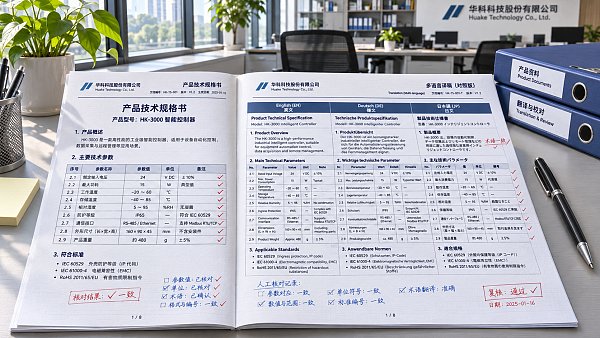
During review, select a specific model and navigate from the product list to its detail page. Check that the specification table, configuration notes, warning text, and downloadable files all correspond to the same version. Then switch languages and view the page on a mobile device to check whether units are cut off, table columns are misaligned, and warnings remain visible. Specifications shown in images should also be checked if they cannot be updated in sync with the text.
Automated checks can help identify missing units, changed numbers, or inconsistent model names, but they cannot determine technical meaning on their own. For example, even if the system finds “10” on both the English and Chinese pages, it cannot confirm that one refers to maximum operating pressure and the other has not been mistranslated as test pressure. High-risk items require manual review and clearly assigned review responsibility.
After Product Changes, Invalidate or Update All Language Versions
Specification errors do not necessarily originate in the initial translation. After a product redesign, material replacement, change in certificate scope, or specification revision, other language versions may continue to show old values if only the Chinese page is updated. Establish links between product models and pages, downloadable files, and image assets in every language, and record the source document version, editor, reviewer, and publication date for each item.
When specifications change, first determine whether the change affects safety limits, scope of applicability, or certification claims. Until affected content has been reviewed, the relevant page may be paused or unverified specifications temporarily removed; do not retain old values just to keep the page complete. After updating, check the pages and downloadable documents in all languages again rather than merely confirming that the backend data has changed.
If an error has already been published, retain a record of the incorrect content and where it appeared, correct or remove it as soon as possible, and assess whether customers who obtained the materials need to be notified. The relevant departments should determine whether further action is necessary based on the nature of the error, the product’s intended use, and applicable requirements. Traceable version records help identify affected pages and prevent the same incorrect information from being reused in the next translation.
Related Articles
 Does Spanish-language content for the Latin American market need to be localized by country?
 Should URLs Be Kept in Their Original Language After Website Content Is Translated?
 How can you evaluate the copywriting capabilities of a marketing website translation provider?

Related Products
 Yiyingbao SaaS Intelligent Website Building and Marketing SystemYiyingbao SaaS Intelligent Website Building and Marketing System, AI-powered no-code website building, rapid creation of multilingual B2B international websites in 10 minutes, global server acceleration, AI-powered SEO optimization, helping businesses connect efficiently with global markets. The perfect integration of technology and operation makes building an international trade website remarkably simple
 AI+SEM Intelligent Advertising Marketing SystemAI+SEM drives intelligent ad creation, empowering full-funnel precision advertising marketing. The system automatically generates weekly/monthly reports, AI recommends keywords and target countries, monitors core metrics in real-time with intelligent alerts, and enables one-click high-conversion ad solutions to help quickly acquire customers and improve ROI.
 AI+SEO Dual-Engine System Optimization ServicesYiyingbao’s AI+SEO dual-engine optimization system helps foreign trade enterprises acquire high-quality organic traffic through AI-powered keyword research, content generation, and comprehensive technical optimization, significantly improving search rankings and conversion rates.
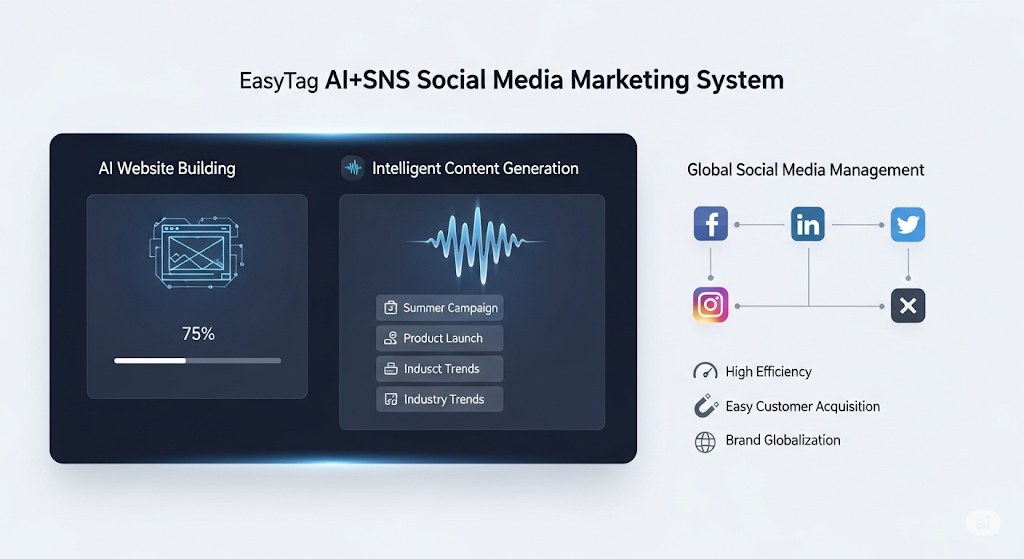
 AI+SNS Social Media Marketing SystemYingbao AI+SNS Social Media Marketing System - Precision social capture for the social media era. Supports one-click content synchronization across major platforms like Facebook and LinkedIn. AI intelligently rewrites posts for enhanced relevance. 24/7 AI customer service and user profiling analysis empower businesses to efficiently expand into global markets.
 AI+SEO营销解决方案易营宝AI+SEO营销解决方案,通过AI批量写作、智能生成TDK、精准关键词扩词等功能,全面优化网站SEO效果,提升流量与转化率。助力企业构建高效智能网站新生态。
 AI+SEM Advertising Marketing SolutionsAI+SEM Advertising Marketing Solution leverages AI technology to deeply empower SEM ad campaigns. It automatically generates weekly/monthly reports using AI, presenting account data across multiple dimensions for comprehensive insights into campaign performance and trends. The system precisely recommends keywords and target countries, intelligently generates high-conversion ad copy, and enables one-click activation of efficient campaign plans to help businesses rapidly acquire customers. Simultaneously, it monitors core metrics in real time, intelligently identifies abnormal fluctuations, and issues timely alerts to ensure stable, high-return advertising results.
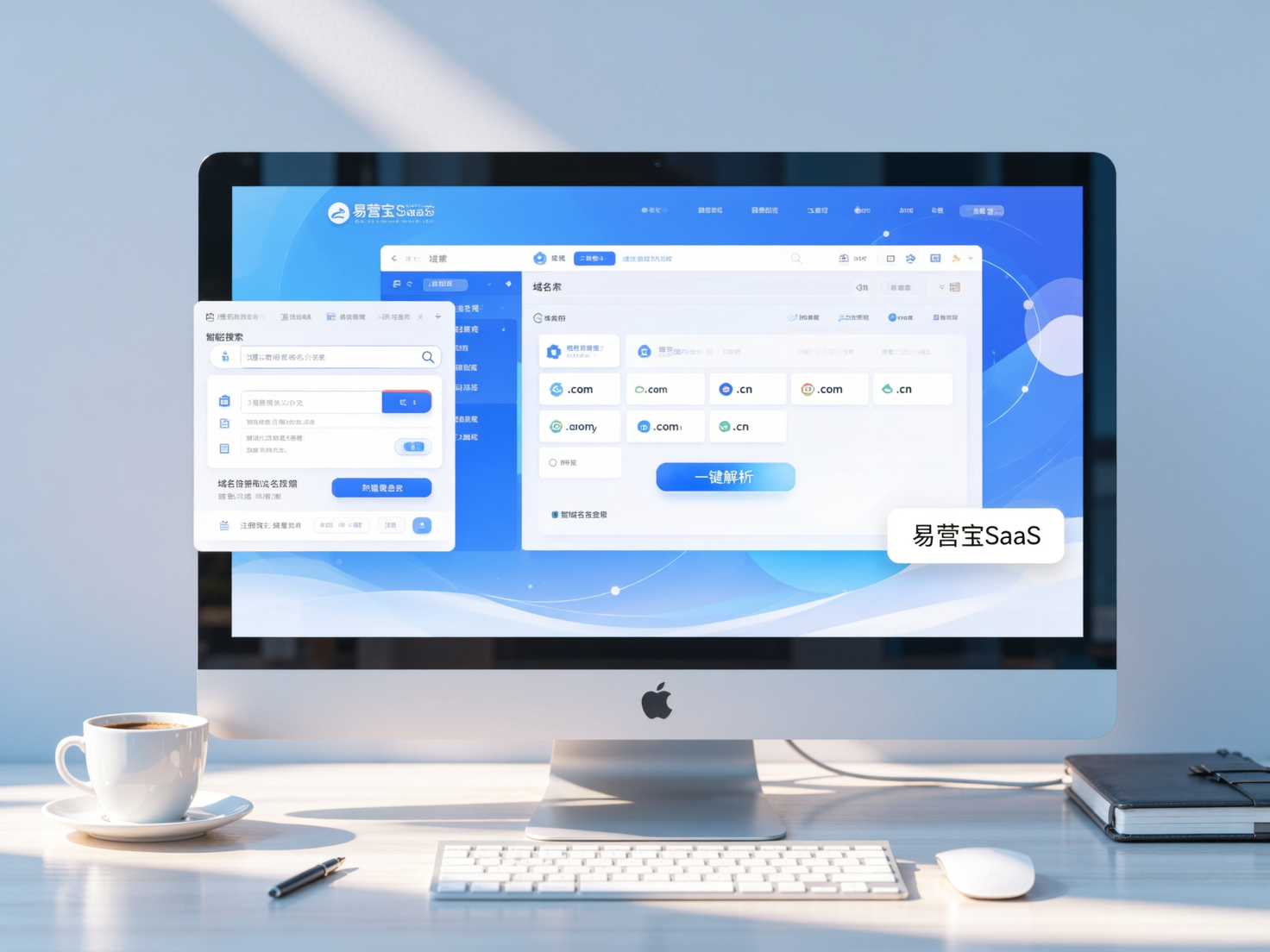
 Domain Name ServicesEasyWin provides professional domain name services, including intelligent queries, one-stop registration, brand protection, and full lifecycle management, helping businesses build a digital brand image.
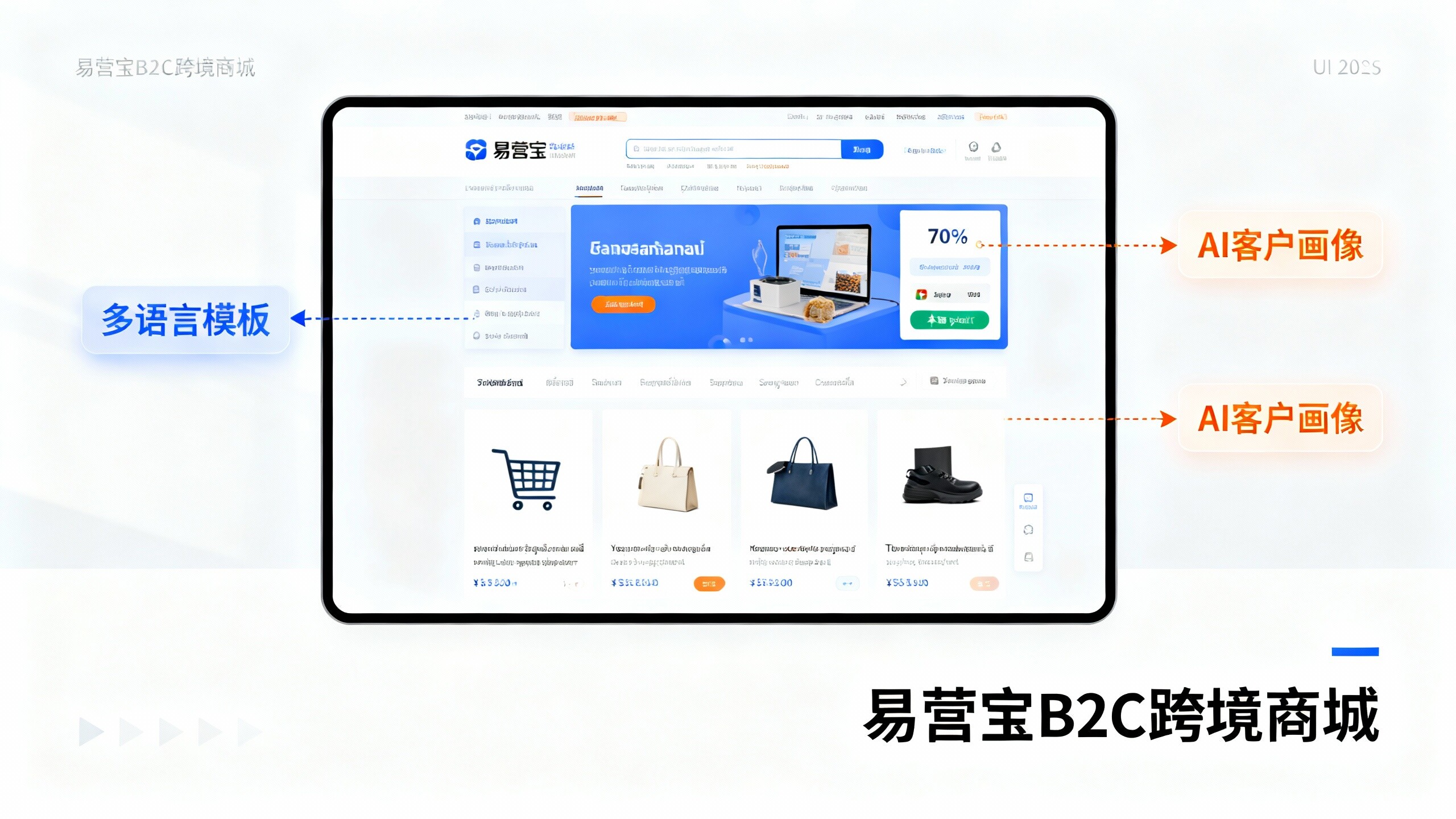
 EasyOperate B2C Cross-Border E-Commerce Platform & Independent WebsiteEasyStore B2C Cross-border E-commerce Independent Store is an intelligent website building and cross-border e-commerce integrated solution independently developed by EasyStore Information Technology (Beijing) Co., Ltd. The system is specially designed for small and medium-sized as well as large export enterprises, integrating 'website building, operation, marketing, advertising, and conversion' into one, helping enterprises quickly establish cross-border e-commerce independent stores to achieve brand globalization and global sales growth.
The platform supports multiple languages, multiple currencies, and multi-channel marketing, with built-in AI intelligent translation and SEO optimization systems, suitable for mainstream markets such as Southeast Asia, Europe and America, Latin America, and the Middle East, assisting Chinese manufacturing enterprises in efficiently deploying international e-commerce strategies. SSL证书易营宝提供专业SSL安全证书服务,包括单域名和泛域名证书,确保网站数据传输加密、身份验证和完整性保护,助力企业建立安全可信的在线业务环境。