






- Lazada 11.11 Mega Sale: LazMall Contributes Nearly Two-Thirds of GMVNov 23, 2026View details
- Shein’s European Revenue Falls 16% as Tighter Rules on Low-Value Direct Shipments Take EffectNov 23, 2026View details
- EU Low-Value Parcel Rules Impact Cargo Flows: Air Freight Volume from China to Europe Down 17% in OctoberNov 23, 2026View details
- Indonesia and the EU Sign Comprehensive Economic Partnership Agreement, 90.4% of Tariff Lines to Become Duty-Free ImmediatelyNov 23, 2026View details
- Qingdao Port's Imports and Exports Exceed RMB 23.699 Trillion in the First 10 Months, Drawing Attention to Port IntelligenceNov 22, 2026View details
- Ningbo Cross-Border E-Commerce Export Value Surges 94.87% Year on Year, Opening Up a New Billion-Yuan Growth TrackNov 22, 2026View details
How to Check Schema Markup in Google: Error Identification and Fix Steps
How to Check Schema in Google: Error Identification and Fix Steps
When a website’s rich results are abnormal, check schema google is the most direct troubleshooting entry point for after-sales maintenance personnel. First confirm whether the page has been crawled correctly and whether the markup complies with specifications, then determine whether the issue comes from code, content, or Google’s display policy to avoid repeated ineffective modifications.
First Clarify: What Is Google Looking At When Checking Schema?

Adding structured data does not automatically guarantee rich results. Google first reads the accessible content on the page, then parses JSON-LD, Microdata, or RDFa markup, and finally determines whether to display it based on quality rules. Therefore, “passing the test” does not mean that search results will necessarily include ratings, prices, or FAQs.
The most common misconception in after-sales maintenance is relying only on normal prompts from plugins or development tools without checking what Google actually recognizes. For product pages, article pages, and corporate service pages, attention should be given to four areas: parseability, required fields, consistency with page content, and indexing status.
Before performing check schema google, retain the URL of the affected page, the time when the issue first appeared, revision records, and screenshots of search results. This information helps maintenance personnel distinguish whether the issue is a template-wide problem, missing content on an individual page, or a display change caused by Google reprocessing the page.
Use Google’s Official Tools to Complete the Initial Check
Prioritize using Google Rich Results Test by entering the full page URL or directly pasting the page source code. This tool is suitable for determining whether a page is eligible for rich results and lists the detected Schema types, valid items, warning items, and blocking errors.
If the page has not yet gone live or you need to validate modified code, you can select “Code” mode and paste the JSON-LD snippet. However, Code mode can only validate markup syntax and cannot identify live-environment issues such as robots restrictions, scripts not loading, or inconsistencies between content and markup.
For indexed pages, you should also use the “URL Inspection” feature in Google Search Console. Confirm whether Google has crawled the updated page, whether the last crawl time is outdated, and whether the crawled HTML contains the target structured data. This is an indispensable step in the check schema google process.
If Search Console shows that the page has been indexed but the rich results report contains no corresponding item, do not immediately conclude that there is an error. First check whether that Schema type supports rich result display and confirm whether the page belongs to a content scenario in which Google allows that result format to be triggered.
How to Quickly Identify Common Schema Errors
The first category is syntax errors, such as missing commas in JSON, unclosed quotation marks, incorrect array nesting, or invalid property value types. Such issues usually prevent the entire markup block from being parsed. First locate the error line in the Rich Results Test, then return to the template or page code to correct it.
The second category is missing required properties. Product usually requires key fields such as name, image, and offers; Article requires information such as headline, image, and datePublished; FAQPage requires that questions and answers genuinely exist on the page and cannot be written only in hidden code.
The third category is invalid field content, such as a price written as “negotiable,” a stock status using custom text, broken image links, or a date format that does not comply with ISO standards. Such issues may not cause complete failure, but they can lead Google to ignore certain properties and reduce the opportunity for rich result display.
The fourth category is incorrect entity relationships. When a page outputs multiple Product, Organization, or BreadcrumbList items at the same time, Google may be unable to determine which object corresponds to the main page if clear @id associations are missing. During maintenance, reduce irrelevant duplicate markup and retain the primary information consistent with the page topic.
Warnings and Errors Should Be Addressed According to Their Impact
Errors usually mean that structured data cannot participate in the corresponding rich results and must be fixed first. Warnings indicate that some recommended fields are missing, while the page may still remain valid. After-sales personnel should not treat every yellow warning as an urgent fault, but should evaluate the value of supplementing it based on the type of business page.
For example, a missing brand on a product page may only be a warning, but missing offers directly affects the recognition of price and inventory information. A missing author on an article page weakens content completeness, while incorrect use of Review markup or adding self-review ratings to a company’s own page may trigger Google’s rich result restrictions.
The recommended handling sequence is: first resolve syntax issues that prevent parsing, then complete the required rich result fields, next verify visible page content, and finally optimize recommended fields. This avoids repeated adjustments on an invalid foundation and is also more suitable for handling multilingual websites and batch template pages.
After Fixing the Code, Page Content Consistency Must Be Verified
Google requires structured data to accurately describe the content that users can actually see on the page. If product prices, currencies, inventory, review counts, or FAQ answers are inconsistent with the front-end display, the page may fail to obtain display even if the testing tool reports no errors. In serious cases, it may also be considered misleading markup.
For AI website building, cross-border online stores, or dynamic quotation pages, it is especially important to check whether JSON-LD is still updated synchronously after front-end scripts are updated. A common situation is that a product has been removed or its price has changed, while the Schema in the cache still retains old values, causing Search Console to continuously report mismatch issues.
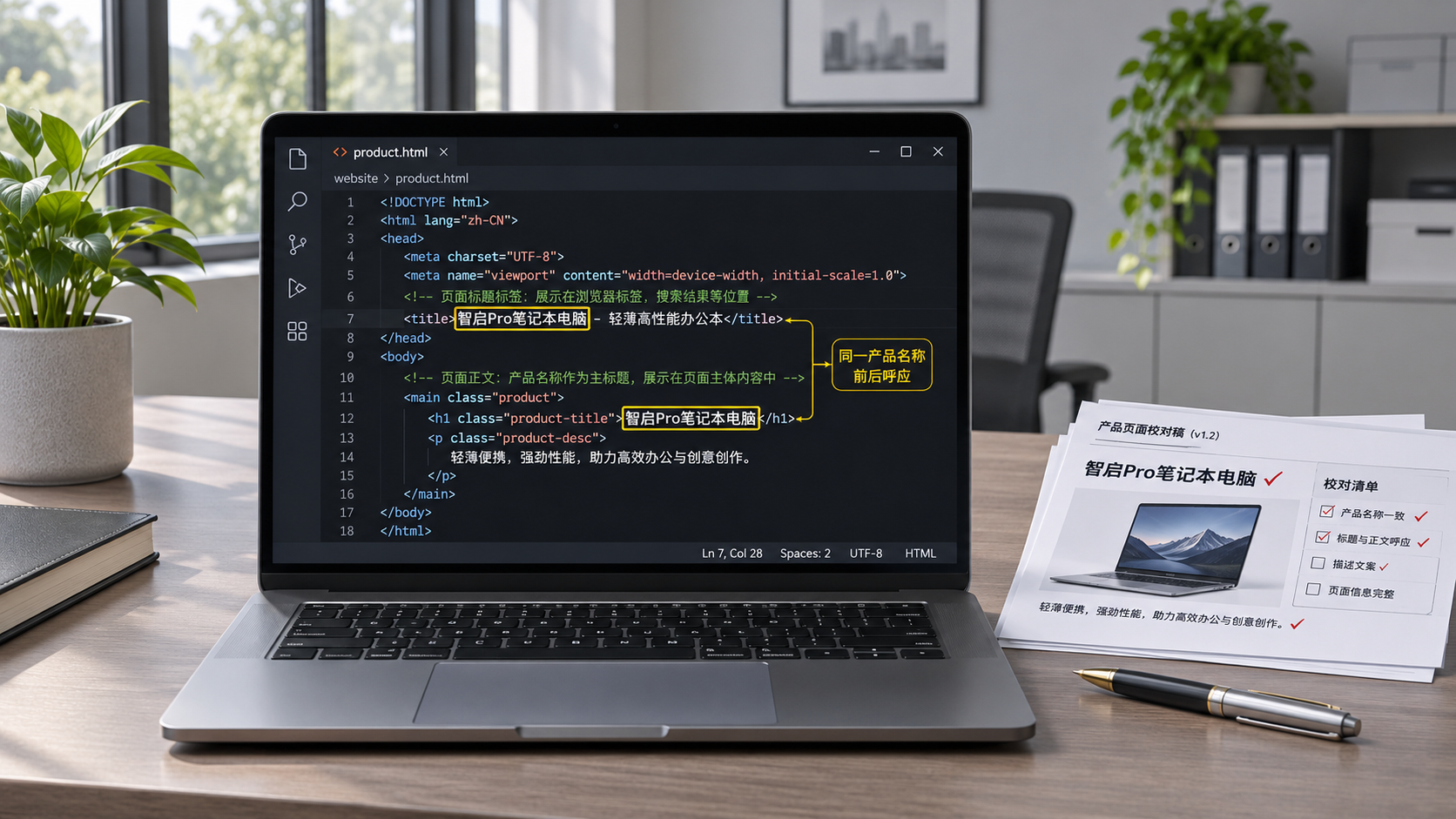
For product descriptions, patent materials, or industry content related to cross-border business, avoid incorrectly marking downloadable resources as products. For example, professional content such as Building an Early Warning System for Foreign-Related Patent Risks of Enterprises in the Context of the Digital Economy is more suitable for using Article, WebPage, or another matching type based on the actual page attributes, rather than mechanically applying Product.
After Submitting Validation, How to Determine Whether the Fix Has Actually Taken Effect
After the code goes live, rerun Rich Results Test first to confirm that blocking errors have disappeared. Then click “Validate Fix” in the corresponding enhancement report in Search Console. If the issue originates from a shared template, spot-check multiple affected URLs rather than validating only one representative page.
Validating a fix does not mean that search results will change immediately. Google needs to recrawl, reprocess, and reevaluate page quality, which may take anywhere from several days to several weeks. Maintenance personnel should record the submission date and observe changes in indexing status, enhancement reports, and actual search results.
If tools show that the page is valid but rich results still do not appear, check whether there are factors such as low-quality content, duplicate content, manual actions, regional differences, or competing results taking up display space. Schema is a signal that helps Google understand a page, not a mandatory instruction that controls the search result format.
Establish a Reusable Schema Inspection Process
For large corporate websites or multilingual independent websites, it is recommended to incorporate Schema checks into the publishing process. After every modification to product templates, breadcrumb logic, article detail pages, pricing systems, or multilingual field mappings, representative URLs should be spot-checked to prevent errors from spreading together with templates.
A simple inspection checklist can be established: whether the page can be crawled, whether the Schema type matches, whether required properties are complete, whether visible content is consistent, whether images are accessible, and whether Search Console has reported new issues. Inspection frequency should be increased for high-traffic product pages and advertising landing pages.
For after-sales maintenance personnel, the core of check schema google is not pursuing a complex quantity of markup, but enabling Google to consistently read genuine, complete, and verifiable information. Only by first locating issues with official tools, then fixing them according to error priority, and finally validating them in combination with crawl and indexing status can search display quality be continuously improved.
Related Articles
 Google’s Sleep-Learning Architecture Draws Attention: How Search Absorbs New Knowledge
 How can you optimize the title tag to accurately reflect a page’s topic?
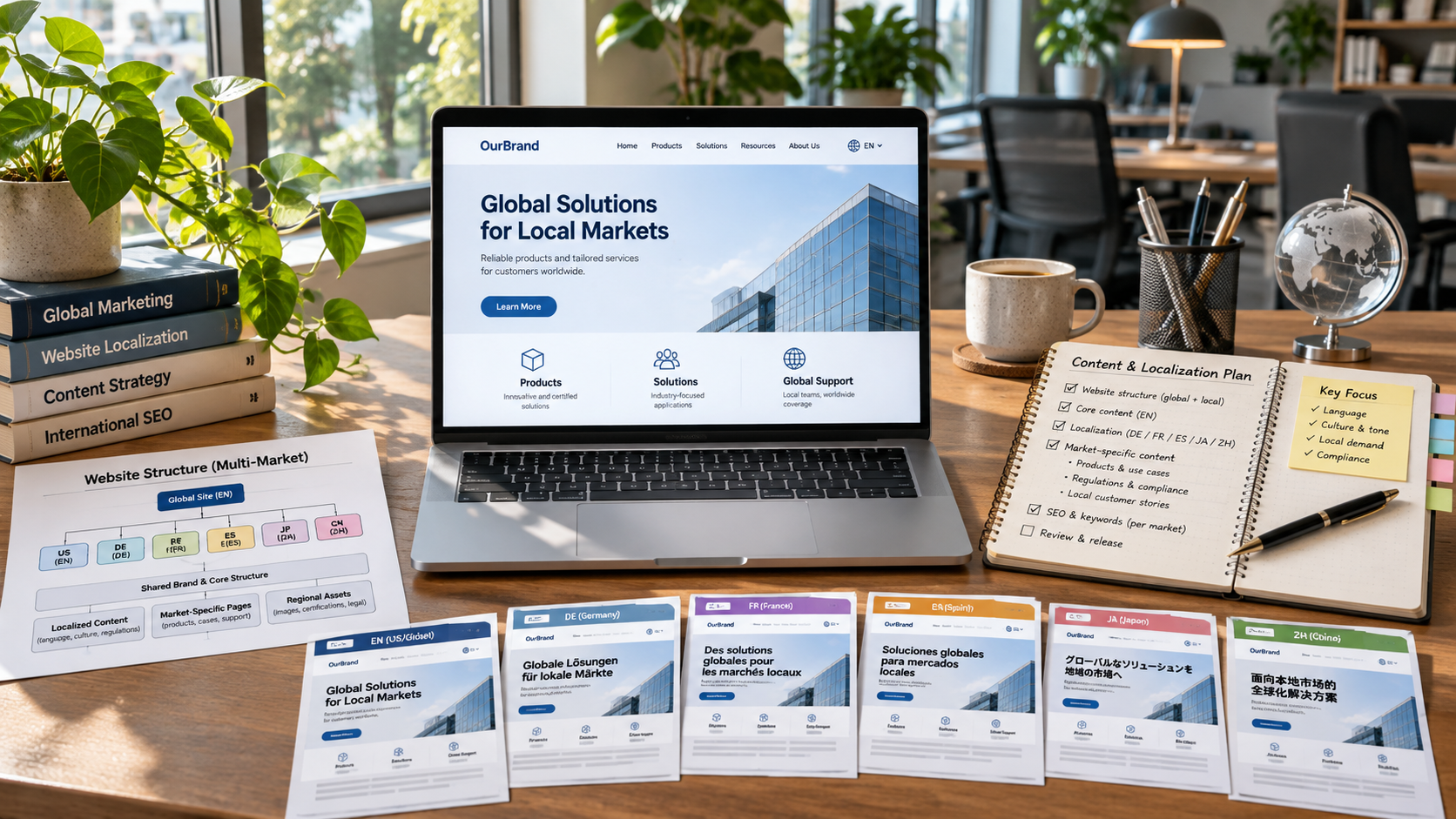
 How Should International Digital Agencies Develop SEO Strategies for Multiple Markets?

Related Products
 Yiyingbao SaaS Intelligent Website Building and Marketing SystemYiyingbao SaaS Intelligent Website Building and Marketing System, AI-powered no-code website building, rapid creation of multilingual B2B international websites in 10 minutes, global server acceleration, AI-powered SEO optimization, helping businesses connect efficiently with global markets. The perfect integration of technology and operation makes building an international trade website remarkably simple
 AI+SEM Intelligent Advertising Marketing SystemAI+SEM drives intelligent ad creation, empowering full-funnel precision advertising marketing. The system automatically generates weekly/monthly reports, AI recommends keywords and target countries, monitors core metrics in real-time with intelligent alerts, and enables one-click high-conversion ad solutions to help quickly acquire customers and improve ROI.
 AI+SEO Dual-Engine System Optimization ServicesYiyingbao’s AI+SEO dual-engine optimization system helps foreign trade enterprises acquire high-quality organic traffic through AI-powered keyword research, content generation, and comprehensive technical optimization, significantly improving search rankings and conversion rates.
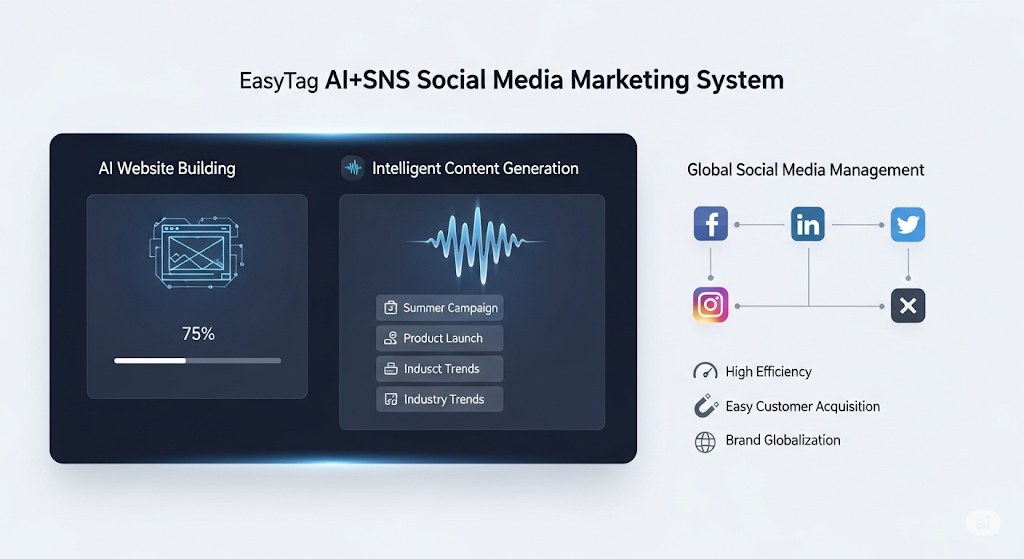
 AI+SNS Social Media Marketing SystemYingbao AI+SNS Social Media Marketing System - Precision social capture for the social media era. Supports one-click content synchronization across major platforms like Facebook and LinkedIn. AI intelligently rewrites posts for enhanced relevance. 24/7 AI customer service and user profiling analysis empower businesses to efficiently expand into global markets.
 AI+SEO营销解决方案易营宝AI+SEO营销解决方案,通过AI批量写作、智能生成TDK、精准关键词扩词等功能,全面优化网站SEO效果,提升流量与转化率。助力企业构建高效智能网站新生态。
 AI+SEM Advertising Marketing SolutionsAI+SEM Advertising Marketing Solution leverages AI technology to deeply empower SEM ad campaigns. It automatically generates weekly/monthly reports using AI, presenting account data across multiple dimensions for comprehensive insights into campaign performance and trends. The system precisely recommends keywords and target countries, intelligently generates high-conversion ad copy, and enables one-click activation of efficient campaign plans to help businesses rapidly acquire customers. Simultaneously, it monitors core metrics in real time, intelligently identifies abnormal fluctuations, and issues timely alerts to ensure stable, high-return advertising results.
 Domain Name ServicesEasyWin provides professional domain name services, including intelligent queries, one-stop registration, brand protection, and full lifecycle management, helping businesses build a digital brand image.
 EasyOperate B2C Cross-Border E-Commerce Platform & Independent WebsiteEasyStore B2C Cross-border E-commerce Independent Store is an intelligent website building and cross-border e-commerce integrated solution independently developed by EasyStore Information Technology (Beijing) Co., Ltd. The system is specially designed for small and medium-sized as well as large export enterprises, integrating 'website building, operation, marketing, advertising, and conversion' into one, helping enterprises quickly establish cross-border e-commerce independent stores to achieve brand globalization and global sales growth.
The platform supports multiple languages, multiple currencies, and multi-channel marketing, with built-in AI intelligent translation and SEO optimization systems, suitable for mainstream markets such as Southeast Asia, Europe and America, Latin America, and the Middle East, assisting Chinese manufacturing enterprises in efficiently deploying international e-commerce strategies. SSL证书易营宝提供专业SSL安全证书服务,包括单域名和泛域名证书,确保网站数据传输加密、身份验证和完整性保护,助力企业建立安全可信的在线业务环境。