



- 21st Century Business Herald: AI and CTV Become Core Growth Engines for Digital Marketing in Overseas MarketsNov 18, 2026View details
- China Presents 25 Cooperation Outcomes in Areas Including Cross-Border E-Commerce During APECNov 18, 2026View details
- AI Products Drive Hong Kong Exports Up 64.9% in September, Fastest Growth in Over 40 YearsNov 17, 2026View details
- National Bureau of Statistics: Foreign trade grew rapidly in October, providing stable support for global tradeNov 17, 2026View details
- The U.S. has ended the $800 de minimis exemption for non-postal shipments; express courier packages must be formally declared.Nov 16, 2026View details
- ASEAN Signs Digital Economy Framework Agreement, Moving Toward Harmonized Cross-Border E-Commerce RulesNov 15, 2026View details
How Can Internal Links Improve Website SEO?
To improve your website’s SEO through internal links, start by checking whether important pages are easy to find, whether links in the body text are useful to readers, and whether the link text clearly indicates the destination. Internal links help search engines discover pages and understand how content is related. They also help visitors move from learning about a problem to viewing products and submitting inquiries.
If you’re searching for “como mejorar el seo de una web” but aren’t sure where to start, choose a core product category and map its links to product pages and application articles. You don’t need to update the entire site at once. Start by creating one useful path for visitors.
Identify pages that would benefit from more links
Internal linking is not about giving every page the same number of links. Prioritize pages that support your business goals and have complete content but few internal entry points, such as core product categories, industry solutions, and articles that answer buyers’ questions.
Create a list of page URLs, topics, and existing entry points, then use a website crawler, your sitemap, and Google Search Console to check:
- Are there any orphan pages? These pages exist but have no links pointing to them from other pages. Appearing in a sitemap alone still doesn’t help visitors find them as they navigate the site.
- Is important content buried too deep? If visitors have to move through several levels of lists to reach a page, consider adding an entry point from a relevant section or body text.
- Are existing links working? Check for broken URLs, repeated redirects, and links pointing to old versions of pages. Where possible, link directly to the valid final URL.
If a page has thin or duplicate content, or no longer covers a product you offer, address the page quality first. Adding internal links cannot make up for content that fails to meet search needs.
Connect pages based on what users need next
A manufacturing company’s website could follow this path: an industry application article explains the conditions of use and links to a suitable product category; the category page helps visitors compare different models before they move on to a specific product; and the product page provides a selection guide, technical documents, or an inquiry form.
For example, an article on “how to choose packaging materials for humid environments” could link to the relevant materials category when discussing moisture protection requirements. Readers have a reason to learn more, and search engines can more easily understand the relationship between the article and the products. Inserting an unrelated best-selling product, on the other hand, can interrupt the reading flow, even if it adds a link.
Links should also support visitors who want to explore in the other direction. A product page can link to installation guides, use cases, and maintenance instructions to help visitors who aren’t ready to request a quote continue their research. There’s no need to link every page to every other page; recommend only content that helps answer the question at hand.
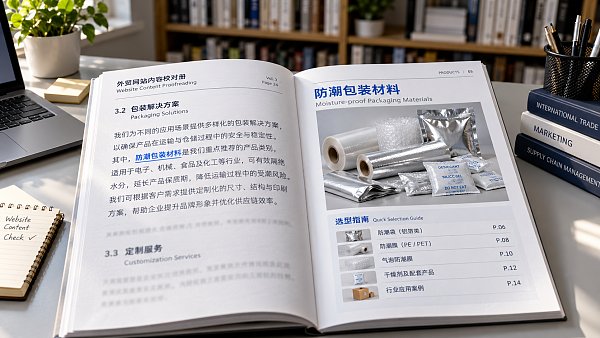
Navigation and breadcrumbs show the site hierarchy, links in the body connect specific topics, and related content is useful for suggesting further reading. Each serves a different purpose. Filling the footer with links is no substitute for connecting related content.
Use specific anchor text and make sure it matches the destination
Anchor text is the clickable text in a link. “Learn more” doesn’t tell visitors what they’ll see after clicking. You could replace it with “View moisture-resistant packaging materials” or “Read the equipment selection guide.” Keep the description accurate and concise, and work it naturally into the sentence.
You don’t need to use the same exact keyword in every link, and you shouldn’t point multiple links with different meanings to the same page just to target a group of phrases. If the link promises pricing information but leads to a company profile, visitors may quickly lose interest in exploring further.
Topical relevance also determines whether a link is appropriate. For example, when discussing financing and R&D investment on a business management website, you could cite Practical Challenges and Countermeasures for Financial Technology in Promoting Business Innovation as further reading. There’s no need to include this kind of link in an article about selecting mechanical products. The test is whether it helps readers continue solving the problem they’re currently facing.
There’s no universally ideal number of links per page. A short explanation may need only a few links, while a longer selection guide may need more. Checking whether each link is helpful is more practical than aiming for a fixed number.
For export websites, check language settings and your website platform too
On multilingual websites, links in the body text should preferably point to pages in the same language. If a link in a Spanish article suddenly leads to an English page, it may create a barrier to reading and submitting an inquiry. If a translated version isn’t available yet, clearly indicate the language of the destination content so visitors know what to expect before clicking.
Language switching requires page-to-page mapping. hreflang indicates language or regional versions; it does not replace regular site navigation. Product categories, guides, and inquiry pages still need clear linking paths.
Technically, important links should be HTML links with valid href URLs. Visitors shouldn’t have to rely solely on click events or site search to reach a page. Standard internal content links generally don’t need to have nofollow added across the board.
When using a platform like 易营宝 that combines website building and overseas marketing, check whether the editor lets you change anchor text, whether sections generate sensible breadcrumbs, and whether links can be set separately for multilingual pages. Automatic recommendations can help with maintenance, but you should still manually confirm that the content is relevant.
After making changes, how can you tell whether they’re working?
First, confirm that the changes are live: new links open correctly, their destination URLs are correct, and they’re easy to tap on mobile devices. Then use a crawler to check whether important pages have more internal entry points, navigation paths are smoother, and broken links have decreased.
Assess search performance after the pages have been recrawled. Record the change date and the pages involved, then monitor index status and changes in impressions and clicks for relevant queries in Search Console. Internal linking improvements cannot guarantee indexing or higher rankings, and short-term fluctuations shouldn’t all be attributed to the changes.
On the business side, monitor whether visitors move from articles to product pages, continue to view resources, or submit inquiries. If people click a link but frequently leave the destination page, check whether the link description matches the landing page content. The most useful next step is to choose a core category, complete the path from relevant guides to products, and then make adjustments based on actual visitor behavior.
Related Articles
 How to troubleshoot when your website isn’t indexed by Google?
 How to Add Structured Data to Product Pages with JSON-LD
 How Long Does It Take to See an Increase in Inquiries from SEO for Your Website?
Related Products
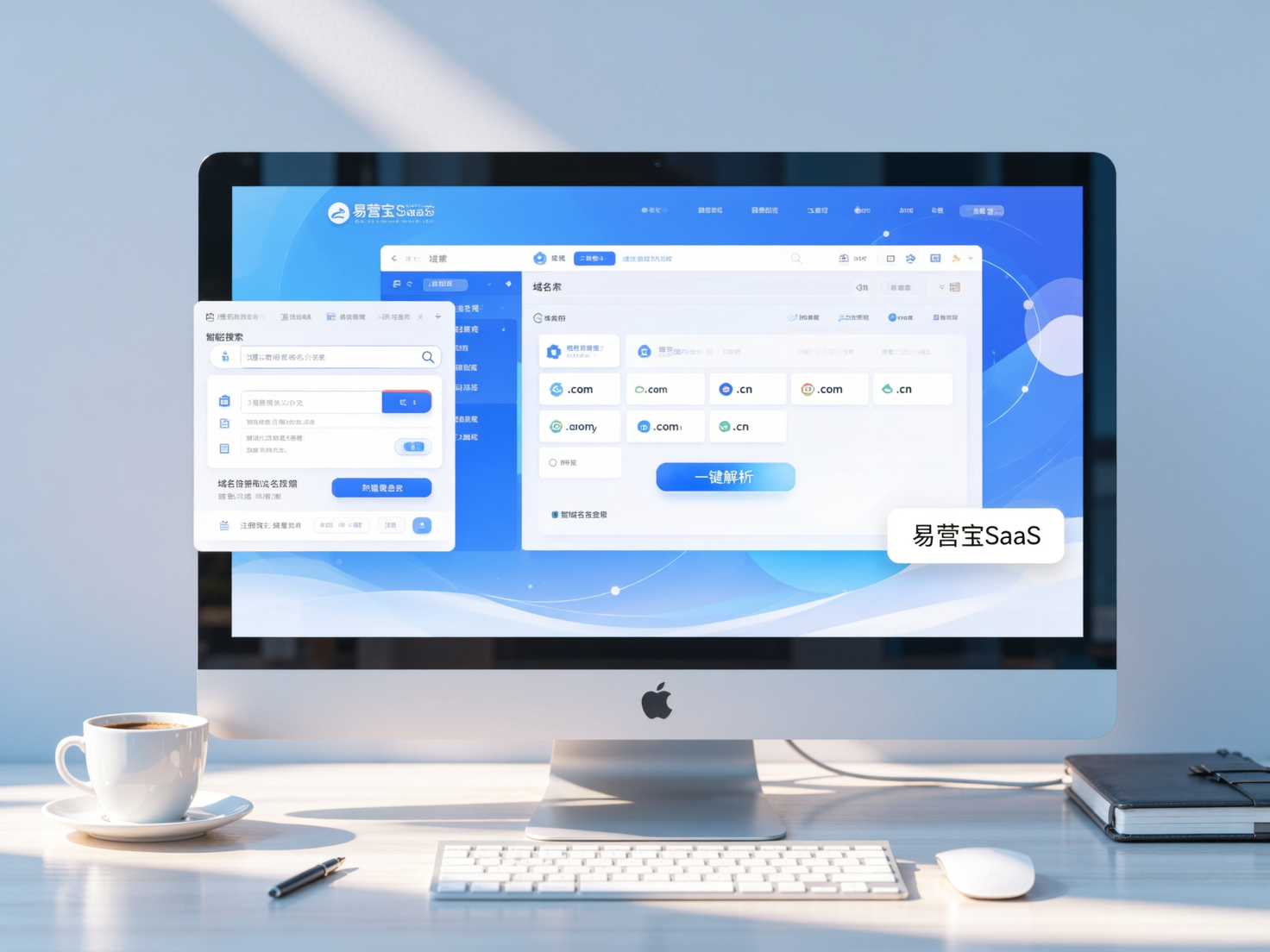
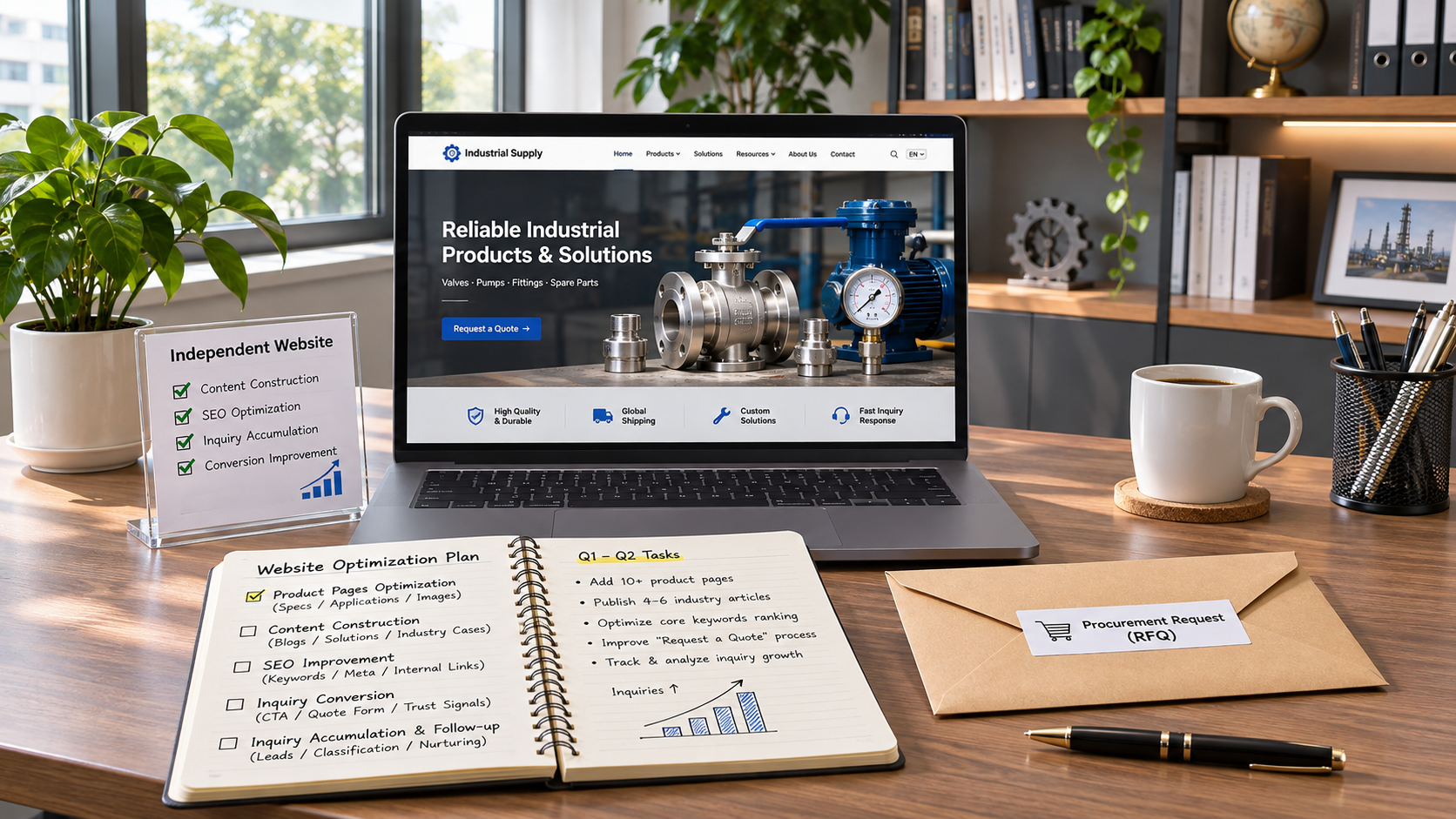
 Yiyingbao SaaS Intelligent Website Building and Marketing SystemYiyingbao SaaS Intelligent Website Building and Marketing System, AI-powered no-code website building, rapid creation of multilingual B2B international websites in 10 minutes, global server acceleration, AI-powered SEO optimization, helping businesses connect efficiently with global markets. The perfect integration of technology and operation makes building an international trade website remarkably simple
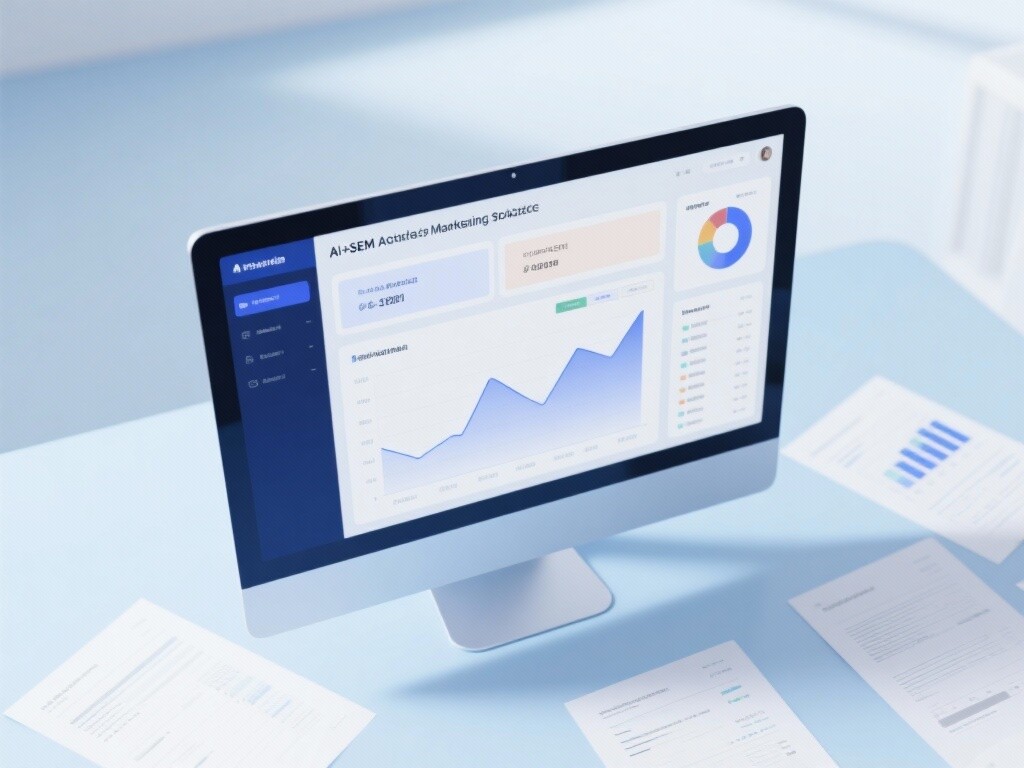
 AI+SEM Intelligent Advertising Marketing SystemAI+SEM drives intelligent ad creation, empowering full-funnel precision advertising marketing. The system automatically generates weekly/monthly reports, AI recommends keywords and target countries, monitors core metrics in real-time with intelligent alerts, and enables one-click high-conversion ad solutions to help quickly acquire customers and improve ROI.
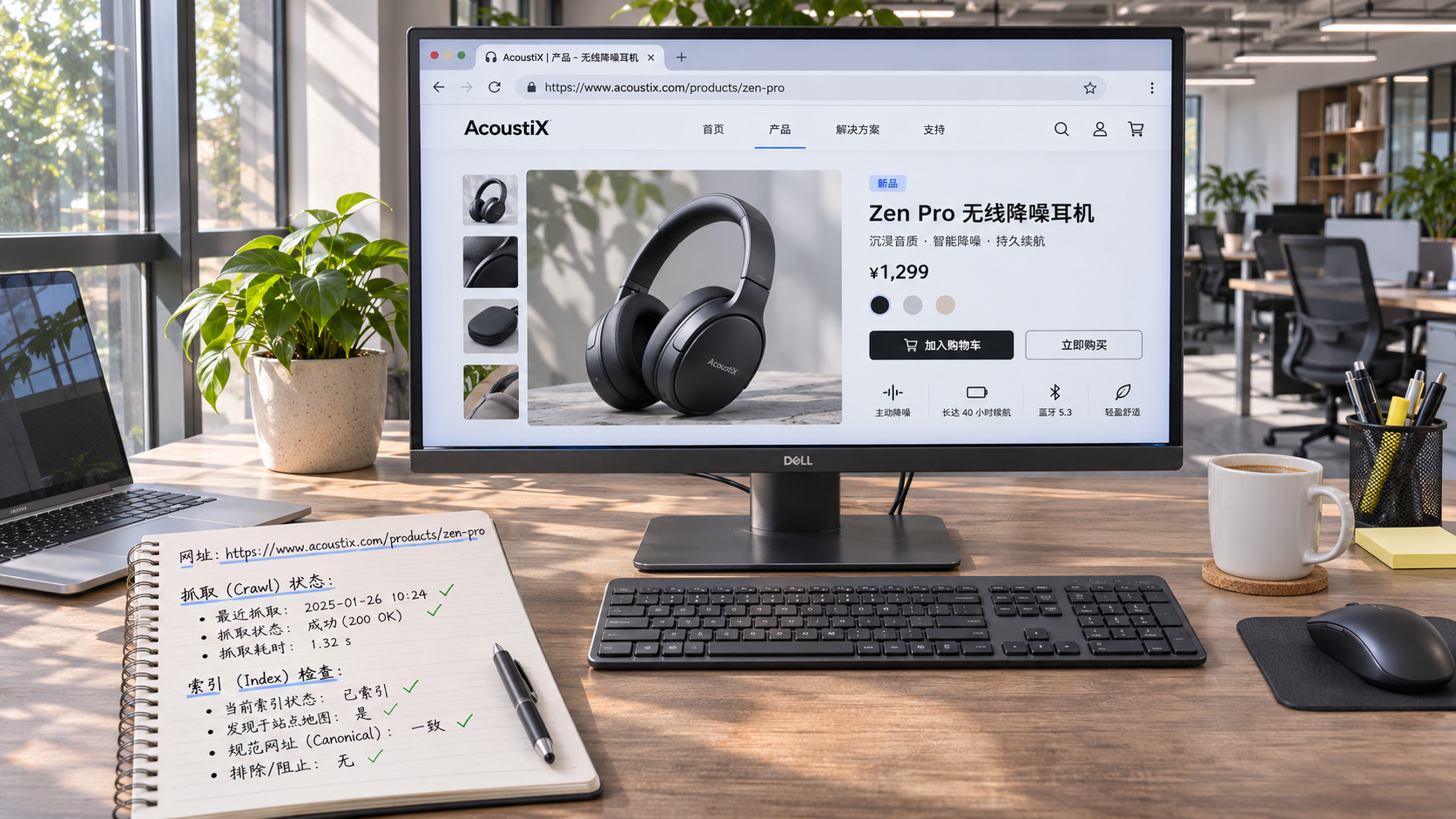
 AI+SEO Dual-Engine System Optimization ServicesYiyingbao’s AI+SEO dual-engine optimization system helps foreign trade enterprises acquire high-quality organic traffic through AI-powered keyword research, content generation, and comprehensive technical optimization, significantly improving search rankings and conversion rates.
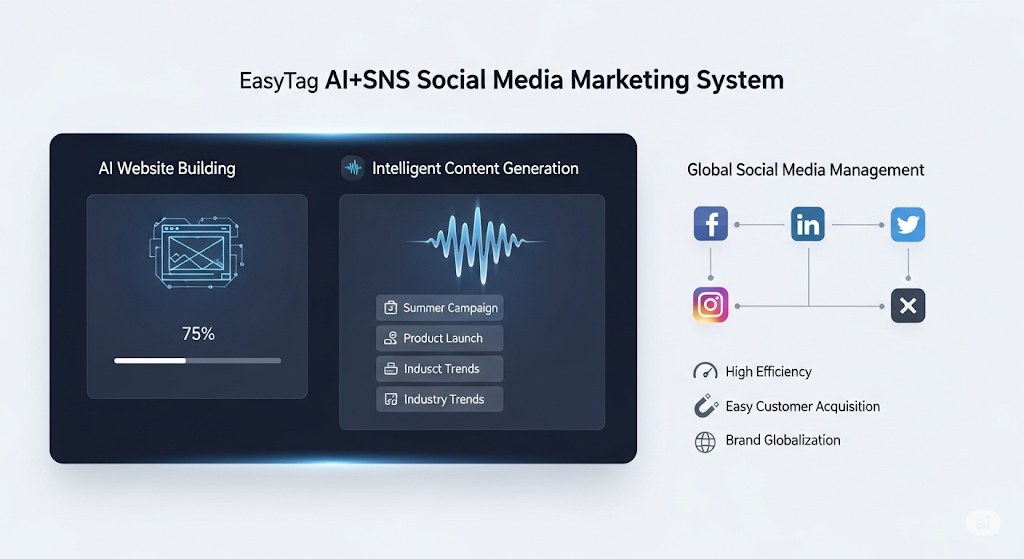
 AI+SNS Social Media Marketing SystemYingbao AI+SNS Social Media Marketing System - Precision social capture for the social media era. Supports one-click content synchronization across major platforms like Facebook and LinkedIn. AI intelligently rewrites posts for enhanced relevance. 24/7 AI customer service and user profiling analysis empower businesses to efficiently expand into global markets.
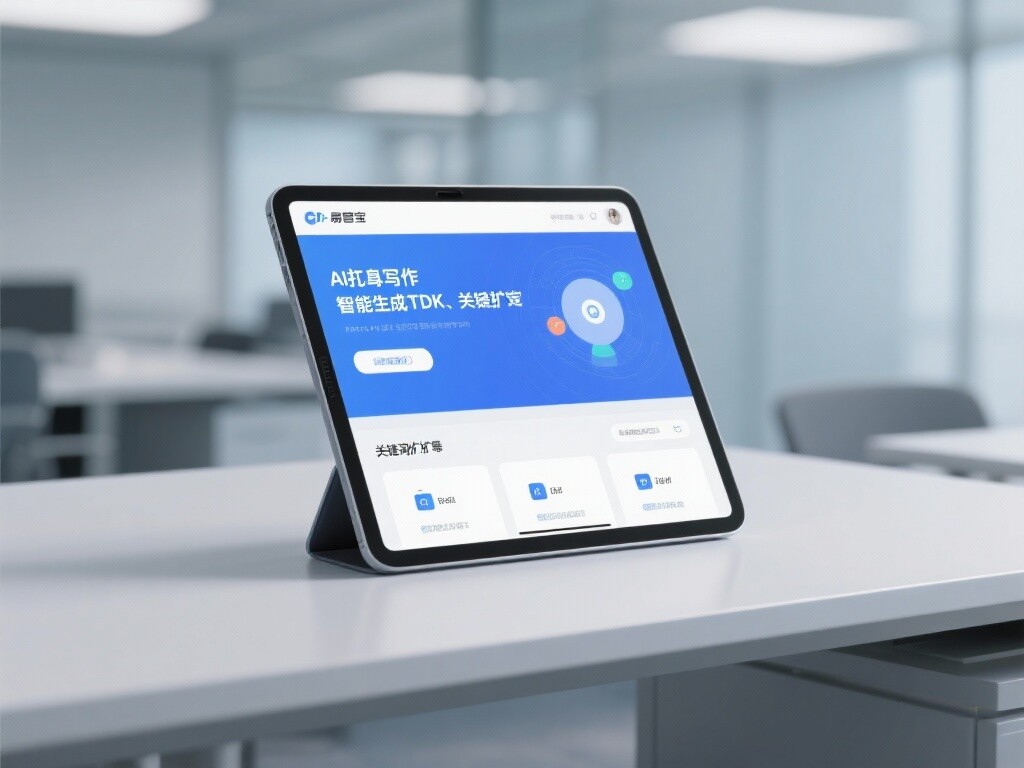
 AI+SEO营销解决方案易营宝AI+SEO营销解决方案,通过AI批量写作、智能生成TDK、精准关键词扩词等功能,全面优化网站SEO效果,提升流量与转化率。助力企业构建高效智能网站新生态。
 AI+SEM Advertising Marketing SolutionsAI+SEM Advertising Marketing Solution leverages AI technology to deeply empower SEM ad campaigns. It automatically generates weekly/monthly reports using AI, presenting account data across multiple dimensions for comprehensive insights into campaign performance and trends. The system precisely recommends keywords and target countries, intelligently generates high-conversion ad copy, and enables one-click activation of efficient campaign plans to help businesses rapidly acquire customers. Simultaneously, it monitors core metrics in real time, intelligently identifies abnormal fluctuations, and issues timely alerts to ensure stable, high-return advertising results.
 Domain Name ServicesEasyWin provides professional domain name services, including intelligent queries, one-stop registration, brand protection, and full lifecycle management, helping businesses build a digital brand image.
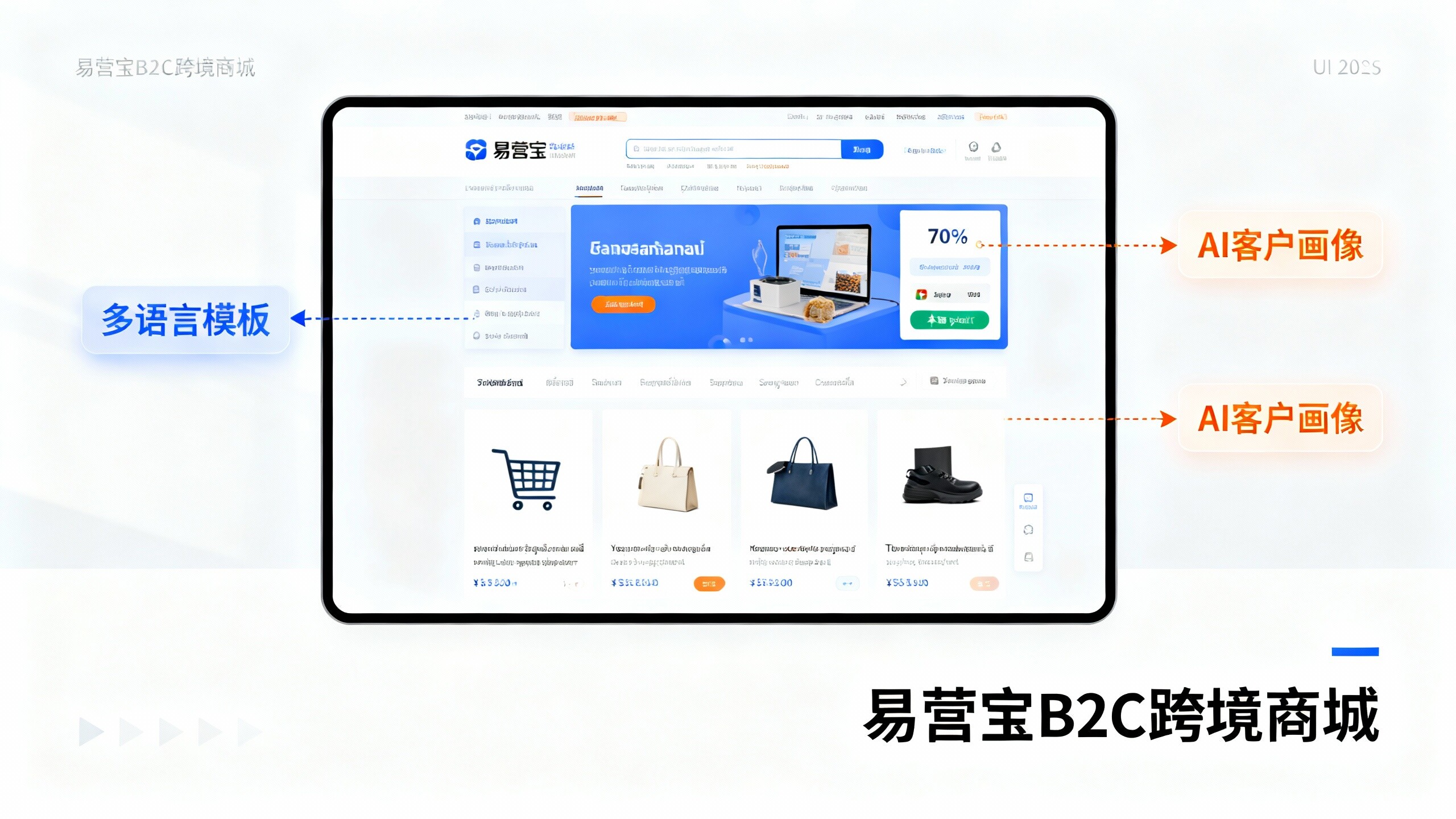
 EasyOperate B2C Cross-Border E-Commerce Platform & Independent WebsiteEasyStore B2C Cross-border E-commerce Independent Store is an intelligent website building and cross-border e-commerce integrated solution independently developed by EasyStore Information Technology (Beijing) Co., Ltd. The system is specially designed for small and medium-sized as well as large export enterprises, integrating 'website building, operation, marketing, advertising, and conversion' into one, helping enterprises quickly establish cross-border e-commerce independent stores to achieve brand globalization and global sales growth.
The platform supports multiple languages, multiple currencies, and multi-channel marketing, with built-in AI intelligent translation and SEO optimization systems, suitable for mainstream markets such as Southeast Asia, Europe and America, Latin America, and the Middle East, assisting Chinese manufacturing enterprises in efficiently deploying international e-commerce strategies. SSL证书易营宝提供专业SSL安全证书服务,包括单域名和泛域名证书,确保网站数据传输加密、身份验证和完整性保护,助力企业建立安全可信的在线业务环境。