






- 21st Century Business Herald: AI and CTV Become Core Growth Engines for Digital Marketing in Overseas MarketsNov 18, 2026View details
- China Presents 25 Cooperation Outcomes in Areas Including Cross-Border E-Commerce During APECNov 18, 2026View details
- AI Products Drive Hong Kong Exports Up 64.9% in September, Fastest Growth in Over 40 YearsNov 17, 2026View details
- National Bureau of Statistics: Foreign trade grew rapidly in October, providing stable support for global tradeNov 17, 2026View details
- The U.S. has ended the $800 de minimis exemption for non-postal shipments; express courier packages must be formally declared.Nov 16, 2026View details
- ASEAN Signs Digital Economy Framework Agreement, Moving Toward Harmonized Cross-Border E-Commerce RulesNov 15, 2026View details
When optimizing a page for SEO, how can you tell whether its content matches search intent?
To determine whether a page matches search intent, consider whether it helps users accomplish what they set out to do after searching. Having the keyword in the title and body only shows that the topic is relevant; the key question is whether users can find the answer, understand what to do, and move on to the next step.
For example, the search query “como mejorar el seo de una pagina web” means “how to improve the SEO of a web page.” It suggests that the user is looking for actionable guidance. If a page mainly describes the strengths of a web design company and adds a consultation button, it is unlikely to meet the needs behind this search, even if “SEO” appears repeatedly. More suitable content would help users identify the problem, prioritize improvements, and understand how to check the results.
First, turn the keyword into a specific task
Before editing the copy, complete this sentence: “What is the user trying to accomplish, and under what conditions?” For the keyword above, a working assumption might be: The website is already live, and the user wants to know where to start with improving its SEO.
This assumption still needs to be checked against the search results, because the same query asking “how to optimize” could reflect a need for a beginner’s guide, technical troubleshooting, or help choosing a tool. Don’t assume that every SEO-related topic belongs on the page just because the keyword contains “SEO.”
Start by writing down three questions to check:
- What obstacle is the user facing: is the page not being indexed, getting no visibility, or attracting visits but no inquiries?
- What does the user expect: step-by-step instructions, a checklist, a comparison of options, or a tool they can use right away?
- What should the user be able to do after reading: edit a title, check indexing status, or choose an appropriate service?
If a piece of content tries to address all these questions without making clear what matters most, readers may finish it without knowing where to start. Identify the primary task first, then add any necessary guidance for other cases.
Review search results to identify the page format users expect
Search for the keyword in the target market’s language and regional setting, and review several organic search results. Ads, map listings, and video modules can also help you understand user needs, but don’t treat a single high-ranking page as the only standard.
Focus on three aspects: what types of pages appear most often, what angle they take in their answers, and what format those answers use. If most results are step-by-step guides, prioritize practical instructions. If they are mainly tool pages, users may want to run a check right away. If service pages predominate, look further into whether users are looking to make a purchase.
Next, review titles, introductions, and main subheadings. Note recurring topics, such as checking indexing, page titles, content quality, and internal links. These common themes can help you identify what readers expect, but they don’t mean you need to copy every section. If the results include both guides and tools, let the guide provide the main answer, then offer a relevant way to run a check at the appropriate step.

When targeting the Spanish-speaking market, also check the page language and reading conventions. Simply adding Spanish keywords to a Chinese page is unlikely to meet the needs of users looking for instructions in Spanish. For multilingual websites, localize the body text, navigation, and calls to action separately rather than translating only the title.
Check whether readers can take action, not just whether the topic is relevant
Treat the page like a set of work instructions: Can readers tell which situation applies to them, find where to take action, and know what to check afterward? This is more useful than counting keyword occurrences.
For example, “Optimizing the title can improve SEO” is too vague. More useful guidance would be: First, check the actual queries that are generating impressions for the page in your search performance data. Then see whether the title accurately describes the page content. If the queries suggest users are looking for a how-to guide, but the title promises instructions while the body mainly describes services, the content needs to be reorganized.
Recommendations should also reflect the circumstances. If a page has not been indexed, prioritize checking crawling, indexing restrictions, and page accessibility. If it is already getting impressions for relevant queries, then analyze the title, content coverage, and appearance in search results. Matching content to search intent does not replace technical checks.
You can also ask about each paragraph: “Does this help users accomplish their current task?” If a company introduction, industry background, or service advantages take up too much space at the beginning, readers have to wait longer for an answer. On a page about integrated website and marketing services, provide a relevant support option only after addressing the key question.
A closely related topic can still answer the wrong question
People searching for “how to optimize web page SEO” may be at a different stage from those searching for “SEO service pricing.” The former need methods and criteria for making decisions; the latter are more interested in service scope, deliverables, and terms of engagement. Internal links can connect these topics, but each page should have a clearly defined primary task.
Links should follow the same principle. For example, An Overview of Problems and Countermeasures in Corporate Tax Planning is relevant to corporate tax planning. It should not be treated as a web page SEO solution simply because it also discusses “problems and countermeasures.” Whether the link destination fits its context is part of checking content relevance.
Another common misstep is making the scope too broad. A user may only want to fix the title of a product page, but the page covers everything from website architecture to social media operations. It may seem comprehensive, but it makes the answer harder to find. Address the current page’s question first, and put related topics in appropriate links.
After making changes, verify your assumptions using actual queries
Your assessment before publication is only a starting point. Once the page has search data, use Google Search Console to view queries by page, then analyze the results by country, device, and time range to confirm whether the demand you’re attracting matches the page’s positioning.
- Relevant queries but few clicks: Review the title and description to see whether they accurately communicate the page’s value, taking rankings, search result presentation, and competing pages into account.
- Visitors reach the page but take no further action: Check whether the answer is easy to find and the steps are clear. Also check for loading, mobile display, and navigation issues.
- Traffic increases but inquiry quality is low: Check whether the content is attracting demand outside your business scope, and whether your target customers and eligibility criteria are clearly described.
None of these signals alone proves that a page does not match search intent. A short visit could mean users found the answer quickly; a lack of inquiries may simply mean that a how-to page serves an early-stage information need. Evaluate search queries, page content, and expected user behavior together.
When you start making changes, choose one priority page and clearly state what the user wants to accomplish. Then compare the page with the search results and review its content. First, add any missing answers, adjust the order where needed, and retain essential technical checks. By making each change to address a clearly defined issue, you’ll be better able to use the subsequent data to decide what to do next.
Related Articles
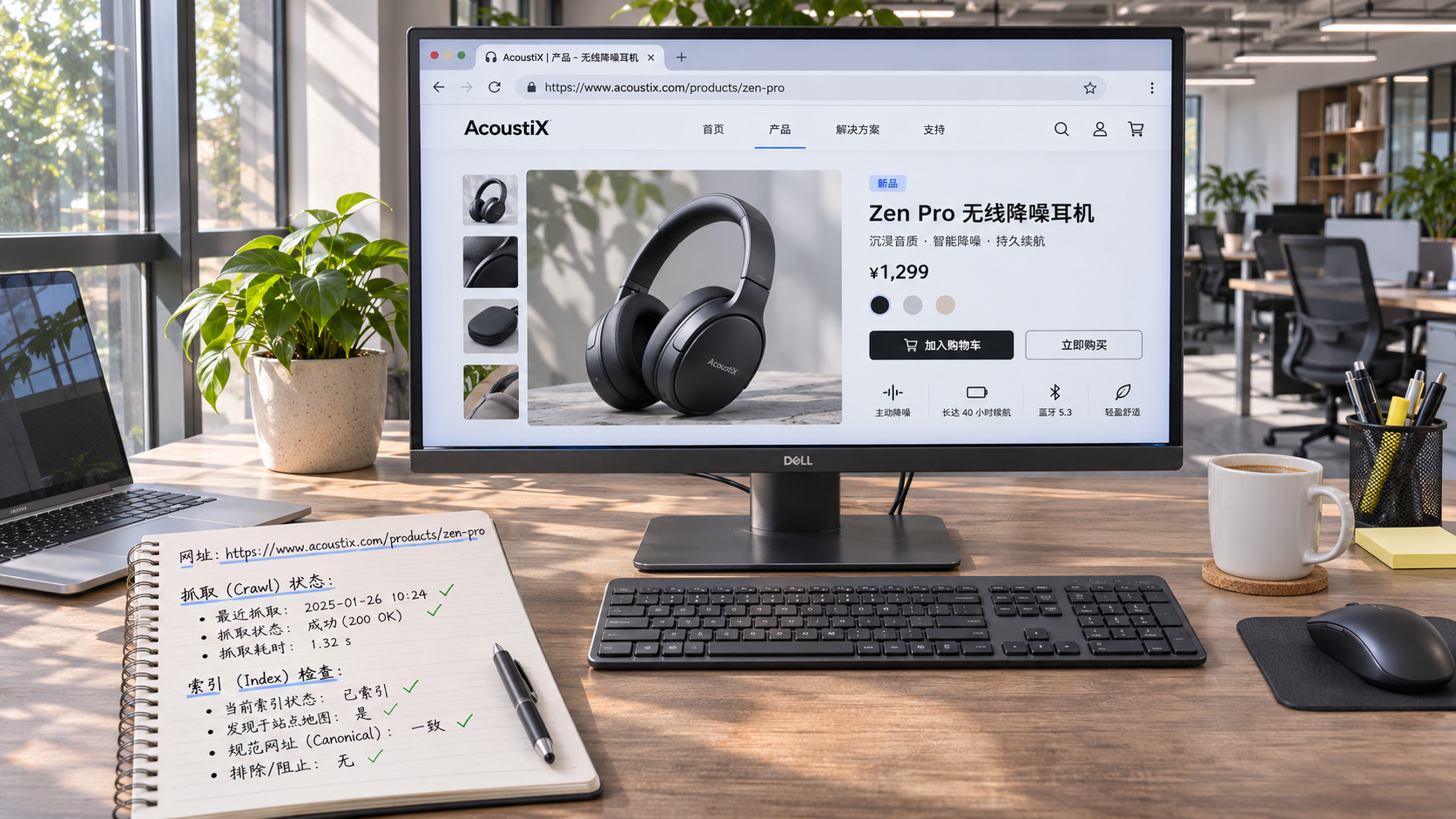
 How to troubleshoot when your website isn’t indexed by Google?
 How to Add Structured Data to Product Pages with JSON-LD
 How Long Does It Take to See an Increase in Inquiries from SEO for Your Website?

Related Products
 Yiyingbao SaaS Intelligent Website Building and Marketing SystemYiyingbao SaaS Intelligent Website Building and Marketing System, AI-powered no-code website building, rapid creation of multilingual B2B international websites in 10 minutes, global server acceleration, AI-powered SEO optimization, helping businesses connect efficiently with global markets. The perfect integration of technology and operation makes building an international trade website remarkably simple
 AI+SEM Intelligent Advertising Marketing SystemAI+SEM drives intelligent ad creation, empowering full-funnel precision advertising marketing. The system automatically generates weekly/monthly reports, AI recommends keywords and target countries, monitors core metrics in real-time with intelligent alerts, and enables one-click high-conversion ad solutions to help quickly acquire customers and improve ROI.
 AI+SEO Dual-Engine System Optimization ServicesYiyingbao’s AI+SEO dual-engine optimization system helps foreign trade enterprises acquire high-quality organic traffic through AI-powered keyword research, content generation, and comprehensive technical optimization, significantly improving search rankings and conversion rates.
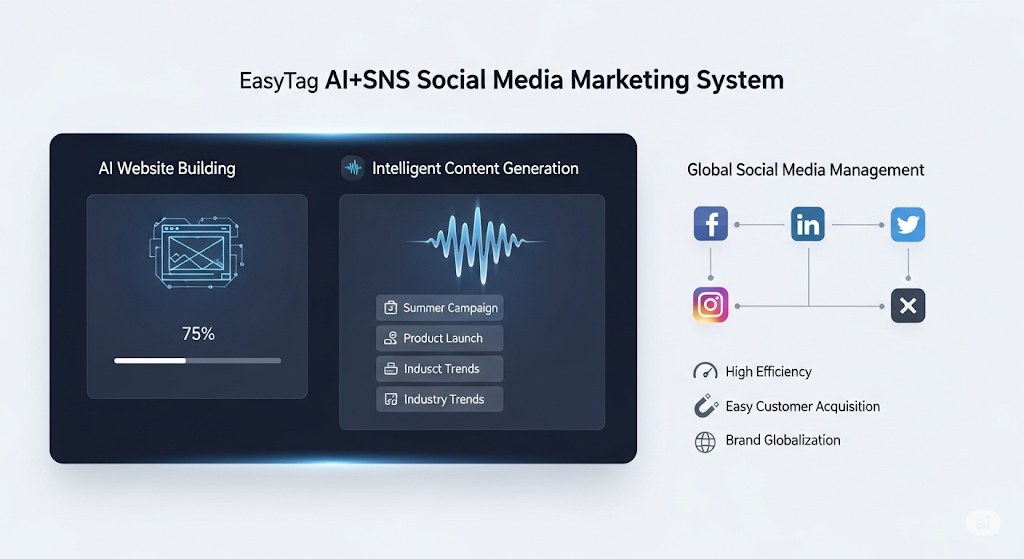
 AI+SNS Social Media Marketing SystemYingbao AI+SNS Social Media Marketing System - Precision social capture for the social media era. Supports one-click content synchronization across major platforms like Facebook and LinkedIn. AI intelligently rewrites posts for enhanced relevance. 24/7 AI customer service and user profiling analysis empower businesses to efficiently expand into global markets.
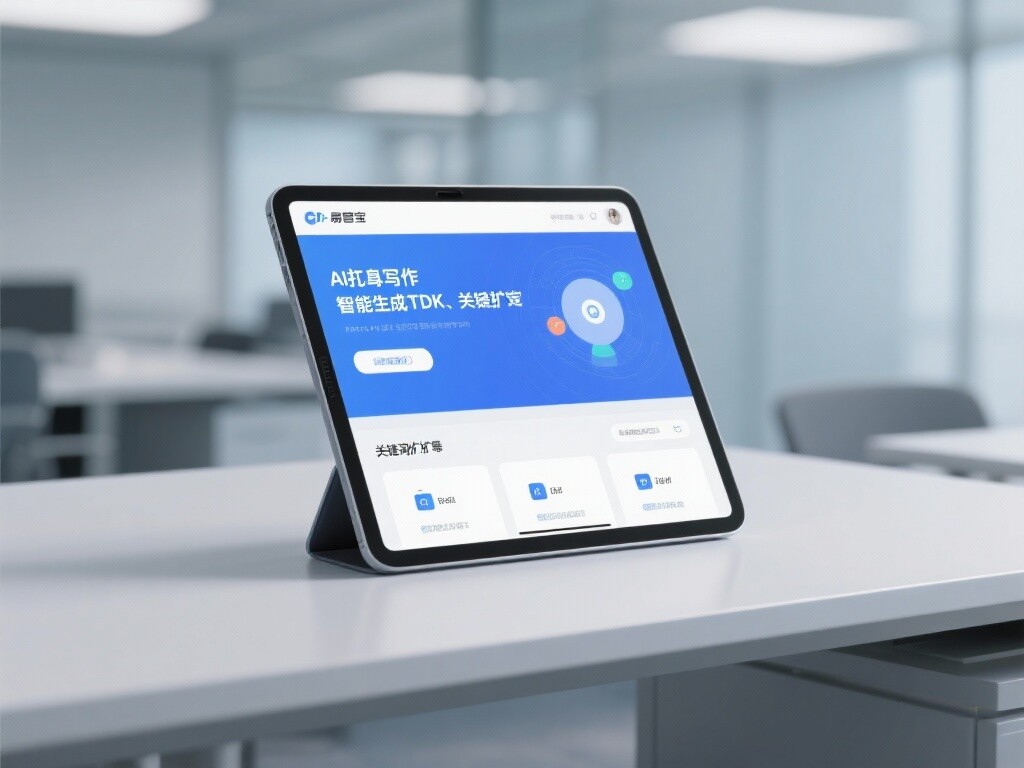
 AI+SEO营销解决方案易营宝AI+SEO营销解决方案,通过AI批量写作、智能生成TDK、精准关键词扩词等功能,全面优化网站SEO效果,提升流量与转化率。助力企业构建高效智能网站新生态。
 AI+SEM Advertising Marketing SolutionsAI+SEM Advertising Marketing Solution leverages AI technology to deeply empower SEM ad campaigns. It automatically generates weekly/monthly reports using AI, presenting account data across multiple dimensions for comprehensive insights into campaign performance and trends. The system precisely recommends keywords and target countries, intelligently generates high-conversion ad copy, and enables one-click activation of efficient campaign plans to help businesses rapidly acquire customers. Simultaneously, it monitors core metrics in real time, intelligently identifies abnormal fluctuations, and issues timely alerts to ensure stable, high-return advertising results.
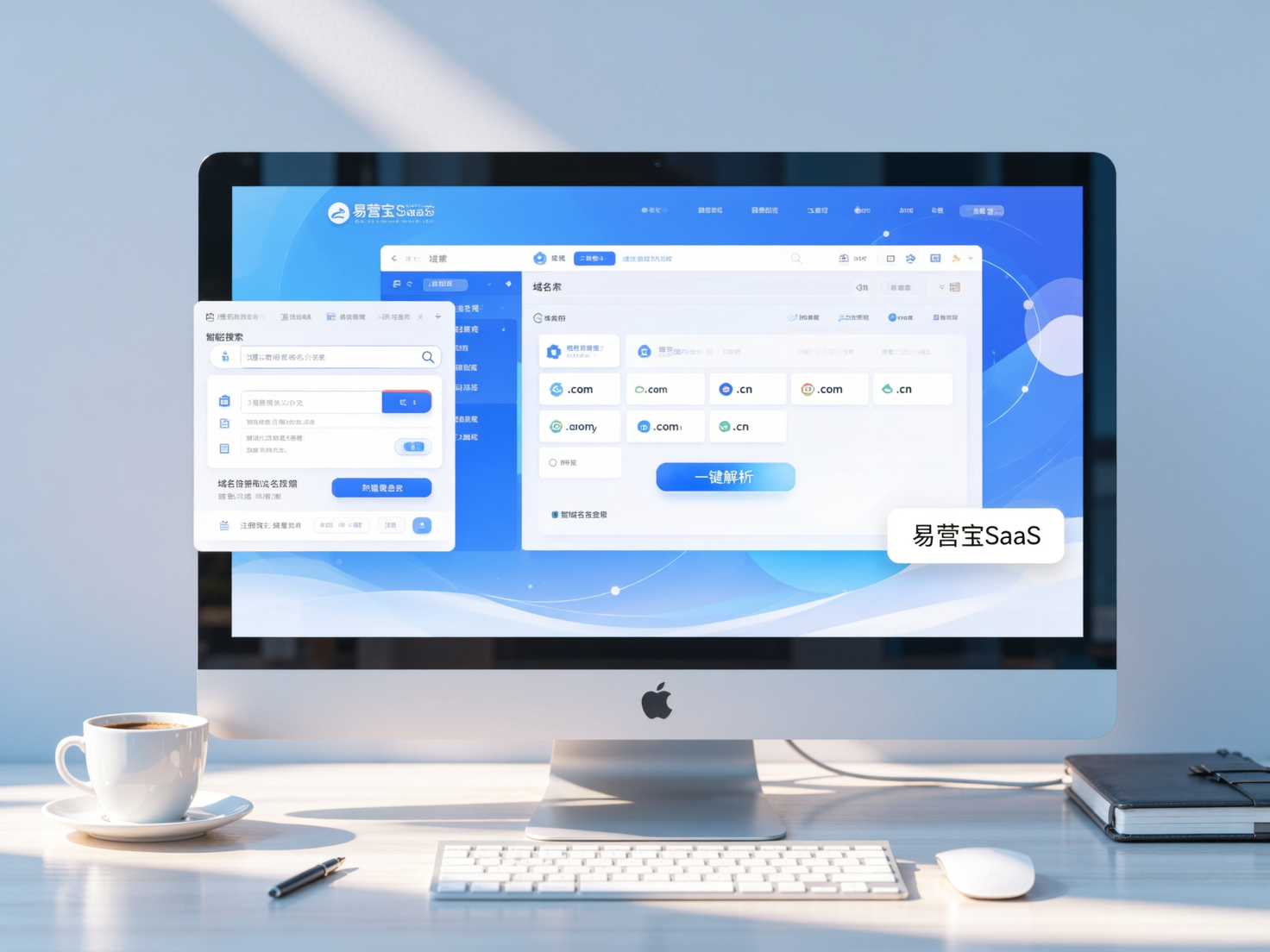
 Domain Name ServicesEasyWin provides professional domain name services, including intelligent queries, one-stop registration, brand protection, and full lifecycle management, helping businesses build a digital brand image.
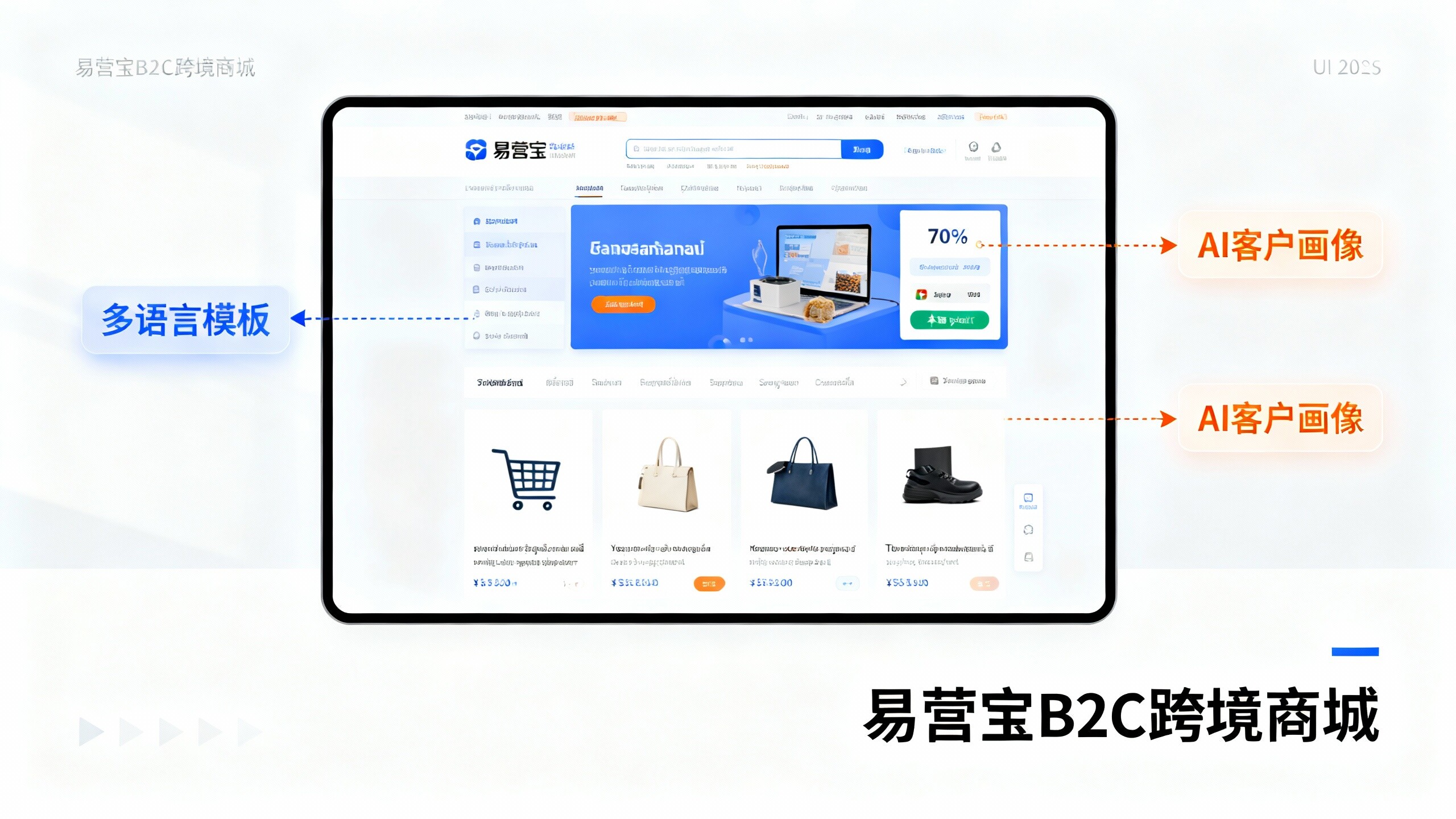
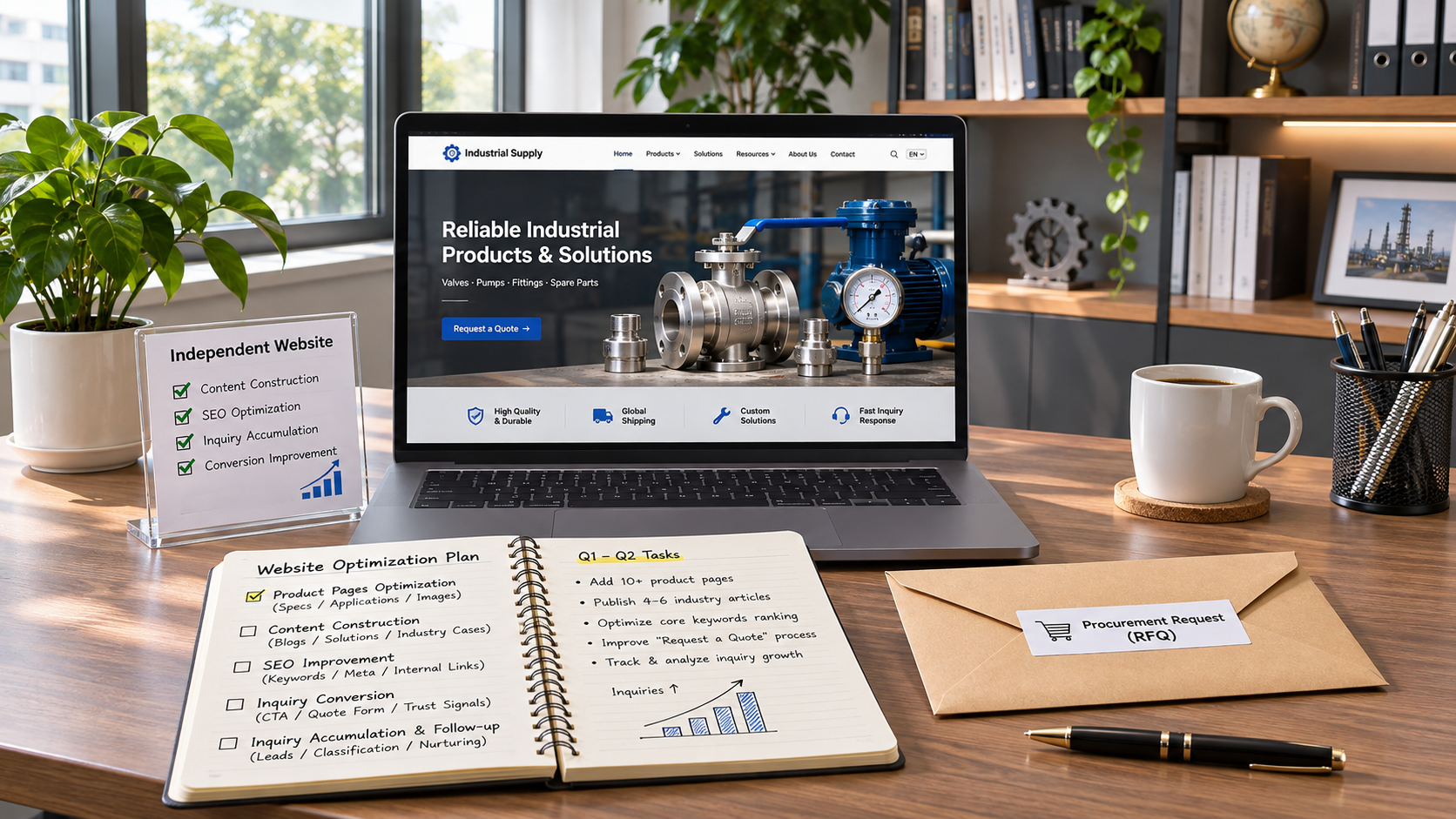
 EasyOperate B2C Cross-Border E-Commerce Platform & Independent WebsiteEasyStore B2C Cross-border E-commerce Independent Store is an intelligent website building and cross-border e-commerce integrated solution independently developed by EasyStore Information Technology (Beijing) Co., Ltd. The system is specially designed for small and medium-sized as well as large export enterprises, integrating 'website building, operation, marketing, advertising, and conversion' into one, helping enterprises quickly establish cross-border e-commerce independent stores to achieve brand globalization and global sales growth.
The platform supports multiple languages, multiple currencies, and multi-channel marketing, with built-in AI intelligent translation and SEO optimization systems, suitable for mainstream markets such as Southeast Asia, Europe and America, Latin America, and the Middle East, assisting Chinese manufacturing enterprises in efficiently deploying international e-commerce strategies. SSL证书易营宝提供专业SSL安全证书服务,包括单域名和泛域名证书,确保网站数据传输加密、身份验证和完整性保护,助力企业建立安全可信的在线业务环境。