







- Hapag-Lloyd’s $4.2 billion acquisition of ZIM faces a closing delay; ZIM reports third-quarter net profit of $830 millionNov 24, 2026View details
- SCFI falls for a third straight week to 3,503.78 points, with blank sailings on trans-Pacific routes rising to 10Nov 24, 2026View details
- Lazada 11.11 Mega Sale: LazMall Contributes Nearly Two-Thirds of GMVNov 23, 2026View details
- Shein’s European Revenue Falls 16% as Tighter Rules on Low-Value Direct Shipments Take EffectNov 23, 2026View details
- EU Low-Value Parcel Rules Impact Cargo Flows: Air Freight Volume from China to Europe Down 17% in OctoberNov 23, 2026View details
- Indonesia and the EU Sign Comprehensive Economic Partnership Agreement, 90.4% of Tariff Lines to Become Duty-Free ImmediatelyNov 23, 2026View details
How to estimate Google Ads costs with Keyword Planner?
Want to find out how much budget you need for Google Ads in advance? People searching for “adwords kosten schätzen” usually want to estimate click costs and customer acquisition costs before launching a campaign. Google Ads Keyword Planner can provide a reference, but its figures are forecasts based on the settings you select, not actual charges. For international trade businesses, the country, language, keyword intent, and website conversion capability can all affect the final results.
Set your campaign criteria before checking keyword prices
Sign in to your Google Ads account and find “Keyword Planner” under “Planning” in “Tools.” The interface labels may change with different versions, but you will generally see two options: “Discover new keywords” and “Get search volume and forecasts.” The first is useful for expanding your keyword list; the second lets you add existing keywords to a plan and review their forecast performance.
Before you begin, define your target country or region, campaign language, product category, and planning period. If your company supplies industrial customers only in Germany, don’t treat search volume across all of Europe as demand in the German market. Likewise, check German and English keyword phrases separately. The account currency affects how amounts are displayed, so keep it consistent when comparing different options.
In “Discover new keywords,” enter a product name, application, specification, or website address. Set the location, language, and search network, then review the suggestions. Don’t select keywords based only on high search volume: a product name may attract retail demand, while terms such as “manufacturer,” “supplier,” and “wholesale” may be more worth evaluating in light of your sales model.
Understand three metrics that are easy to confuse
The average monthly search volume in Keyword Planner reflects historical searches under the selected settings. It is not the number of ad impressions you can expect to receive, nor is it the number of clicks. Some accounts may display search volume as a range. For products with pronounced seasonal variation, check monthly trends rather than relying only on the average.
“Competition” reflects advertiser competition for a keyword, not the difficulty of ranking in organic search. High-competition keywords are worth checking for commercial value, but this does not mean every click will necessarily cost more, nor can it tell you directly whether the keyword will generate sales.
The low and high ranges for top-of-page bids are historical bid estimates, not fixed cost-per-click rates. Actual costs are also affected by the auction, ad quality, users’ search queries, devices, and other factors. Multiplying the high-end figure by the total search volume will often overstate the budget; treating the low-end figure as a guaranteed price is equally unreliable.
Add keywords to a plan to estimate a budget range
After selecting keywords that match your business, add them to a plan and group them by product line or purchase intent. In the forecast view, check the time range, location, language, and match type. Adjust the budget or bid assumptions using the options available in the interface, and review the estimated clicks, cost, and average cost per click. Different match types may cover different search queries, so don’t mix settings when comparing them.
We recommend saving at least two plans: one focused on product- and supplier-related terms, and another that includes some broader application-related terms. Record each plan’s estimated cost, click volume, and key assumptions, then compare whether increasing the budget is likely to bring worthwhile additional results. Forecast figures can change with your settings and market conditions, so include the date when taking screenshots or exporting data.
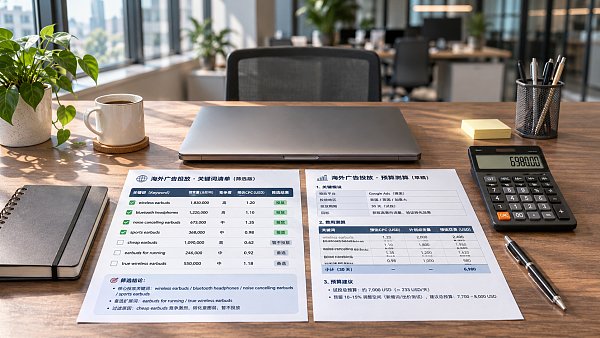
For example, solely to illustrate the calculation, suppose a keyword group is forecast to receive 200 clicks at an average cost per click of 5 yuan. The estimated ad spend would be about 1,000 yuan. If the website’s click-to-inquiry conversion rate is provisionally estimated at 2%, that would amount to about four inquiries, with an ad cost of approximately 250 yuan per inquiry. These figures are arithmetic examples only, not industry pricing or a guarantee of results. The actual currency, clicks, and conversion rate should be based on project data.
When calculating costs, also distinguish between an “inquiry” and a “qualified sales lead.” Dividing ad spend by the total number of form submissions gives only an initial cost per inquiry. If some submissions come from students, retail customers, or people outside your service area, the cost per qualified inquiry accepted by the sales team will be higher. If you don’t have historical conversion data yet, you can set conservative, moderate, and optimistic assumptions, but don’t present assumptions as forecast results.
Don’t let website issues eat up your budget
Keyword Planner can estimate traffic, but it cannot tell whether your company can respond to inquiries promptly or guarantee that your landing page will convince purchasing professionals. Before launching a campaign, check the page language, product specifications, applications, mobile loading performance, and form functionality. If your ad promotes custom manufacturing services but the landing page contains only a generic company introduction, even low-cost clicks may fail to generate qualified inquiries.
Keyword research can also support content development beyond advertising. 易营宝 provides website development and overseas marketing services for international trade businesses. Its AI+SEO dual-engine system optimization service can be used for keyword research, multilingual content, and website technical optimization. In practice, you can turn search queries that appear repeatedly in your ads and match your business into content topics. Organic search takes time to build and should not be equated directly with lower advertising costs.
Use actual data after launch to refine your estimates
Before launching, configure conversion events such as form submissions and phone clicks, and test that they are being recorded correctly. If possible, have your sales team label the source and quality of each inquiry. After launch, review the search terms report to identify queries unrelated to your business, add negative keywords as needed, and compare spend, conversions, and inquiry quality across different keyword groups.
Your budget should also account for website development, content, management services, and any applicable taxes—not just Google Ads media spend. When setting an average daily budget, don’t treat it as a hard cap that can never be exceeded on any given day. Refer to Google Ads’ current guidance and your account settings for the specific spending rules. Testing clear keyword groups and landing pages first, then adjusting based on actual cost per click and qualified inquiry rates, is more reliable than using a single forecast to set a long-term budget.
Related Articles
 How can you assess an advertising service provider's conversion attribution capabilities?
 How to Request a Review After Violating Google Ads Policies
 What factors determine Google Ads costs?
Related Products
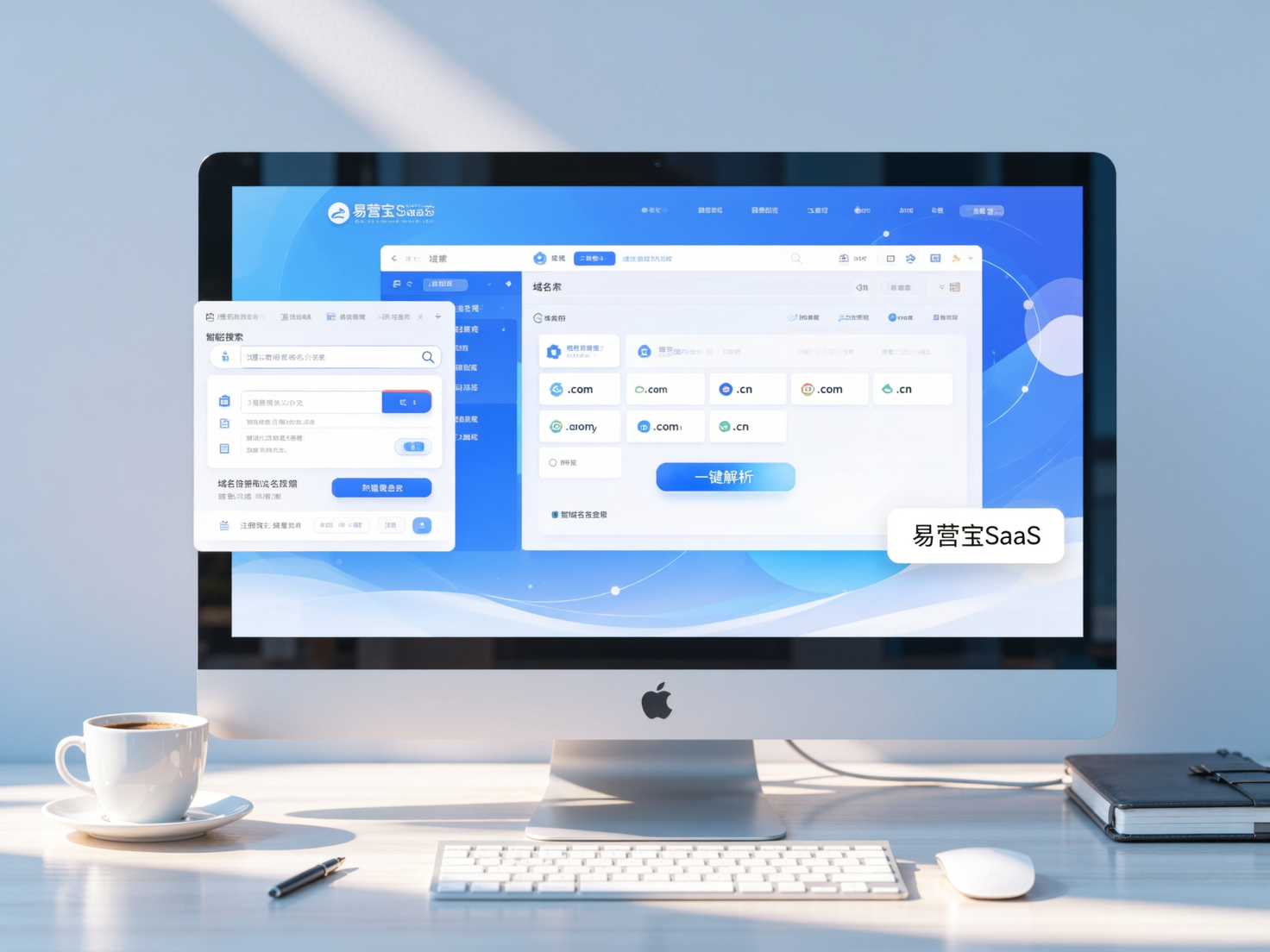
 Yiyingbao SaaS Intelligent Website Building and Marketing SystemYiyingbao SaaS Intelligent Website Building and Marketing System, AI-powered no-code website building, rapid creation of multilingual B2B international websites in 10 minutes, global server acceleration, AI-powered SEO optimization, helping businesses connect efficiently with global markets. The perfect integration of technology and operation makes building an international trade website remarkably simple
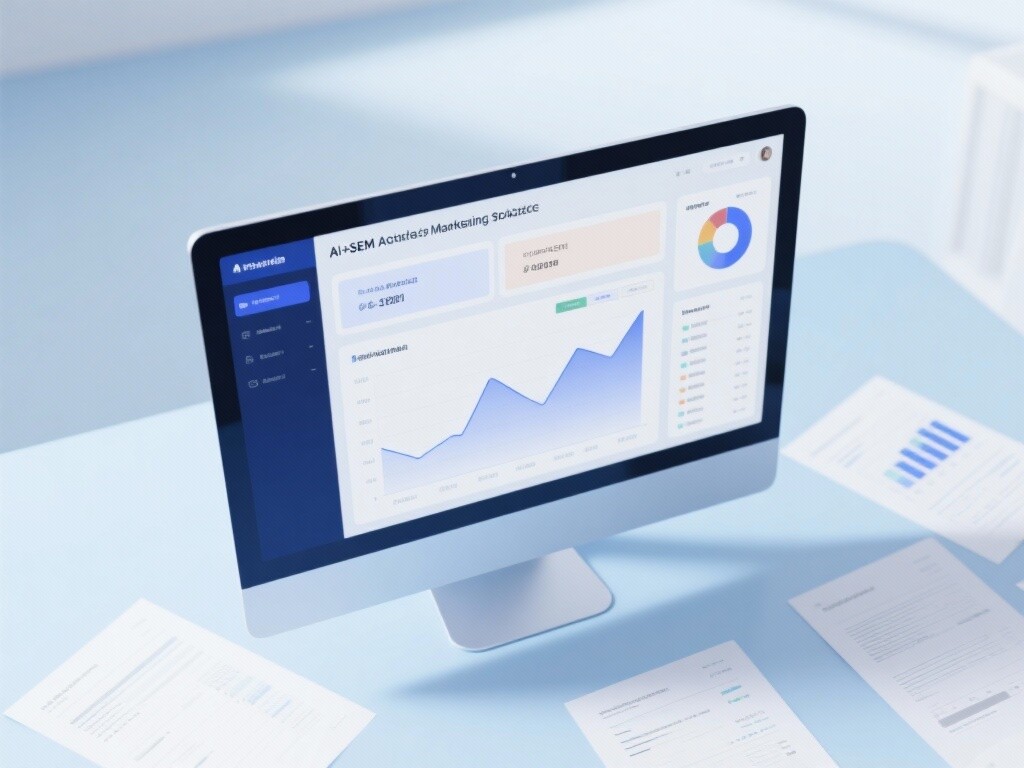
 AI+SEM Intelligent Advertising Marketing SystemAI+SEM drives intelligent ad creation, empowering full-funnel precision advertising marketing. The system automatically generates weekly/monthly reports, AI recommends keywords and target countries, monitors core metrics in real-time with intelligent alerts, and enables one-click high-conversion ad solutions to help quickly acquire customers and improve ROI.
 AI+SEO Dual-Engine System Optimization ServicesYiyingbao’s AI+SEO dual-engine optimization system helps foreign trade enterprises acquire high-quality organic traffic through AI-powered keyword research, content generation, and comprehensive technical optimization, significantly improving search rankings and conversion rates.
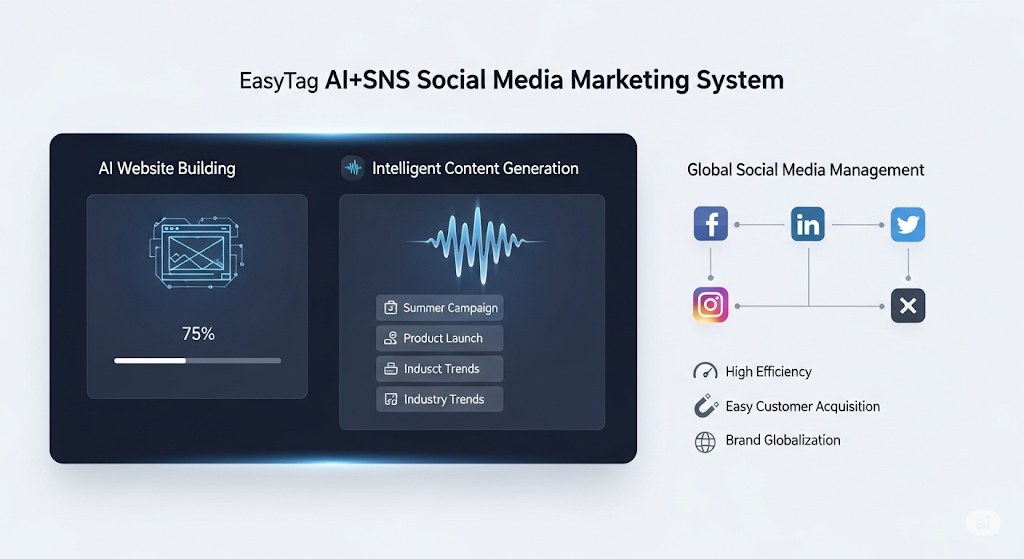
 AI+SNS Social Media Marketing SystemYingbao AI+SNS Social Media Marketing System - Precision social capture for the social media era. Supports one-click content synchronization across major platforms like Facebook and LinkedIn. AI intelligently rewrites posts for enhanced relevance. 24/7 AI customer service and user profiling analysis empower businesses to efficiently expand into global markets.
 AI+SEO营销解决方案易营宝AI+SEO营销解决方案,通过AI批量写作、智能生成TDK、精准关键词扩词等功能,全面优化网站SEO效果,提升流量与转化率。助力企业构建高效智能网站新生态。
 AI+SEM Advertising Marketing SolutionsAI+SEM Advertising Marketing Solution leverages AI technology to deeply empower SEM ad campaigns. It automatically generates weekly/monthly reports using AI, presenting account data across multiple dimensions for comprehensive insights into campaign performance and trends. The system precisely recommends keywords and target countries, intelligently generates high-conversion ad copy, and enables one-click activation of efficient campaign plans to help businesses rapidly acquire customers. Simultaneously, it monitors core metrics in real time, intelligently identifies abnormal fluctuations, and issues timely alerts to ensure stable, high-return advertising results.
 Domain Name ServicesEasyWin provides professional domain name services, including intelligent queries, one-stop registration, brand protection, and full lifecycle management, helping businesses build a digital brand image.
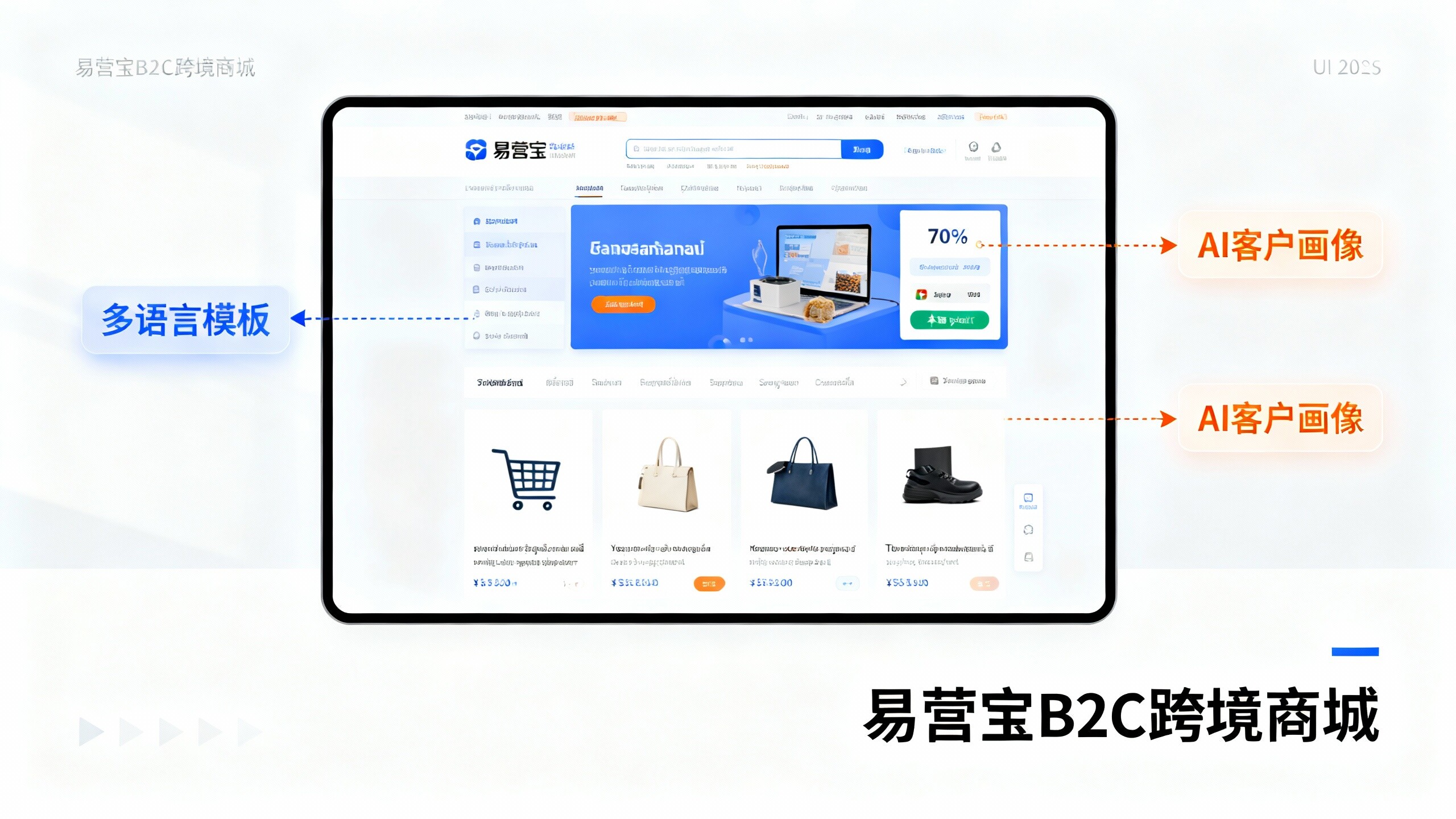
 EasyOperate B2C Cross-Border E-Commerce Platform & Independent WebsiteEasyStore B2C Cross-border E-commerce Independent Store is an intelligent website building and cross-border e-commerce integrated solution independently developed by EasyStore Information Technology (Beijing) Co., Ltd. The system is specially designed for small and medium-sized as well as large export enterprises, integrating 'website building, operation, marketing, advertising, and conversion' into one, helping enterprises quickly establish cross-border e-commerce independent stores to achieve brand globalization and global sales growth.
The platform supports multiple languages, multiple currencies, and multi-channel marketing, with built-in AI intelligent translation and SEO optimization systems, suitable for mainstream markets such as Southeast Asia, Europe and America, Latin America, and the Middle East, assisting Chinese manufacturing enterprises in efficiently deploying international e-commerce strategies. SSL证书易营宝提供专业SSL安全证书服务,包括单域名和泛域名证书,确保网站数据传输加密、身份验证和完整性保护,助力企业建立安全可信的在线业务环境。