








- Hapag-Lloyd’s $4.2 billion acquisition of ZIM faces a closing delay; ZIM reports third-quarter net profit of $830 millionNov 24, 2026View details
- SCFI falls for a third straight week to 3,503.78 points, with blank sailings on trans-Pacific routes rising to 10Nov 24, 2026View details
- Lazada 11.11 Mega Sale: LazMall Contributes Nearly Two-Thirds of GMVNov 23, 2026View details
- Shein’s European Revenue Falls 16% as Tighter Rules on Low-Value Direct Shipments Take EffectNov 23, 2026View details
- EU Low-Value Parcel Rules Impact Cargo Flows: Air Freight Volume from China to Europe Down 17% in OctoberNov 23, 2026View details
- Indonesia and the EU Sign Comprehensive Economic Partnership Agreement, 90.4% of Tariff Lines to Become Duty-Free ImmediatelyNov 23, 2026View details
Why can Google Ads costs exceed the daily budget?
A Google Ads cost exceeding the set daily budget on a particular day does not necessarily mean that the system charged you incorrectly. Most campaigns use an average daily budget: when traffic opportunities are greater, Google may serve more ads on a given day and balance this with lower spending on other days. To determine whether there is an issue, do not look only at the figure for one day. Check the campaign, the reporting basis, and whether the budget changed during the period.
However, an average daily budget is not an absolute spending limit for the account. Multiple campaigns running at the same time, mid-period budget changes, or items such as taxes included in the bill can all make the actual payment differ from what you expected.
Why can daily costs exceed the budget I set?
Google Ads schedules ad delivery based on changes in traffic. For campaigns subject to the standard budget rules, the daily spending limit is generally twice the average daily budget. If the budget remains unchanged and the campaign runs for the full month, the monthly spending limit is generally the average daily budget multiplied by 30.4. Google uses 30.4 as the average number of days in a month for budget calculations; it is not the actual number of days in a given month.
For example, if a campaign has an average daily budget of 100 yuan, its cost on a given day may reach 200 yuan. If the budget remains unchanged for the full month, the monthly spending limit is generally 3,040 yuan. This does not mean that the system will spend the full 100 yuan every day, or that the actual cost is guaranteed to reach 3,040 yuan.
This budget applies at the campaign level. If an account has three separate campaigns, each with a daily budget of 100 yuan, you should not interpret 100 yuan as the daily budget for the entire account. If you use a shared budget, check which campaigns it covers to avoid counting the same budget more than once.
These rules do not apply to all billing methods or campaign types. For specific spending limits, refer to the budget information for the campaign in your account and the current Google Ads Help documentation.

First, distinguish between “cost,” “billable cost,” and the amount on your bill
When investigating overspending, first make sure you are comparing figures on the same basis. Costs in Google Ads reports reflect costs generated by ad activity. In some cases, the system may record serving costs above the applicable spending limit and make adjustments to ensure they comply with the relevant billing rules. So if a figure in a report seems high, also check your billing records and whether any overdelivery credits were applied.
A payment record does not necessarily equal the advertising cost for a particular day. Automatic payments may charge the cumulative costs from a previous period when you reach the payment threshold or when your billing date arrives. Your bill may also include applicable taxes, adjustments, or your account balance. A large charge on your bank card on a given day does not, by itself, mean that your ads overspent that day.
You can check the following in order:
- On the Campaigns page, confirm the date range, currency, and budget for each campaign to avoid comparing total account costs with the budget of a single campaign.
- Review costs by day and check whether multiple campaigns were running at the same time. If you use a shared budget, also confirm which campaigns it covers.
- Check transaction details, credits, and taxes on the relevant billing pages, then compare them with your campaign reports.
- Check the account time zone. Google Ads reports dates according to the account time zone, which may differ from the dates in your company’s internal reports or your payment provider’s records.
Also keep data updates in mind when investigating: recent click, conversion, and cost data may not have been fully processed yet. If a discrepancy is temporary, you can wait and check again. However, do not dismiss a persistent billing discrepancy as “data delay” alone.
Budget changes can complicate monthly cost estimates
“Daily budget multiplied by 30.4” is appropriate when the budget remains unchanged for the entire month. If you raise or lower the budget mid-month, you cannot simply multiply the budget at the end of the month by 30.4 and compare the result directly with the cost for the whole month. Budget changes affect future spending, and costs incurred while the previous budget was in effect do not disappear when you lower the budget.
For example, a campaign might run at 200 yuan per day for the first half of the month and then drop to 100 yuan per day for the second half. If you use only 100 yuan multiplied by 30.4 to assess the cost for the whole month, you are overlooking the higher budget in effect during the first half. Check the time and amount of each change in “Change history,” then assess the costs by day.
Pausing and re-enabling a campaign, or creating one in the middle of the month, also changes the period during which it can run. When analyzing these situations, focus on the actual run dates and budget changes rather than assuming that the campaign ran on the same budget for the entire calendar month.
How can you manage spending more strictly?
If the cost on a particular day exceeds the budget but remains within the applicable rules, and the cumulative monthly cost is acceptable, there is usually no need to pause the campaign just because spending was higher on one day. A more useful approach is to create an account-level cost tracker listing each campaign or shared budget, its current budget, the amount spent so far that month, and whether it is planned to keep running.
If your business has a defined monthly advertising allowance, you can estimate the average daily amount available for the rest of the month using remaining budget ÷ remaining days, then allocate budgets across campaigns. For example, with 6,000 yuan remaining and 20 days to go, the average amount available per day would be about 300 yuan. This figure is for planning only, not a hard daily limit. You should also allow for spending fluctuations and changes in ad delivery following budget adjustments.
If you need to ensure that spending on a particular day never exceeds a specified amount, relying on the average daily budget alone is not reliable. You can manage risk with automated rules, cost alerts, and manual checks, but automated rules are affected by execution timing and data updates and should not be treated as a hard limit that guarantees ads will stop in real time. As you approach your internal spending limit, lower the budget or pause ads in advance, and keep in mind that costs incurred before pausing may appear later.
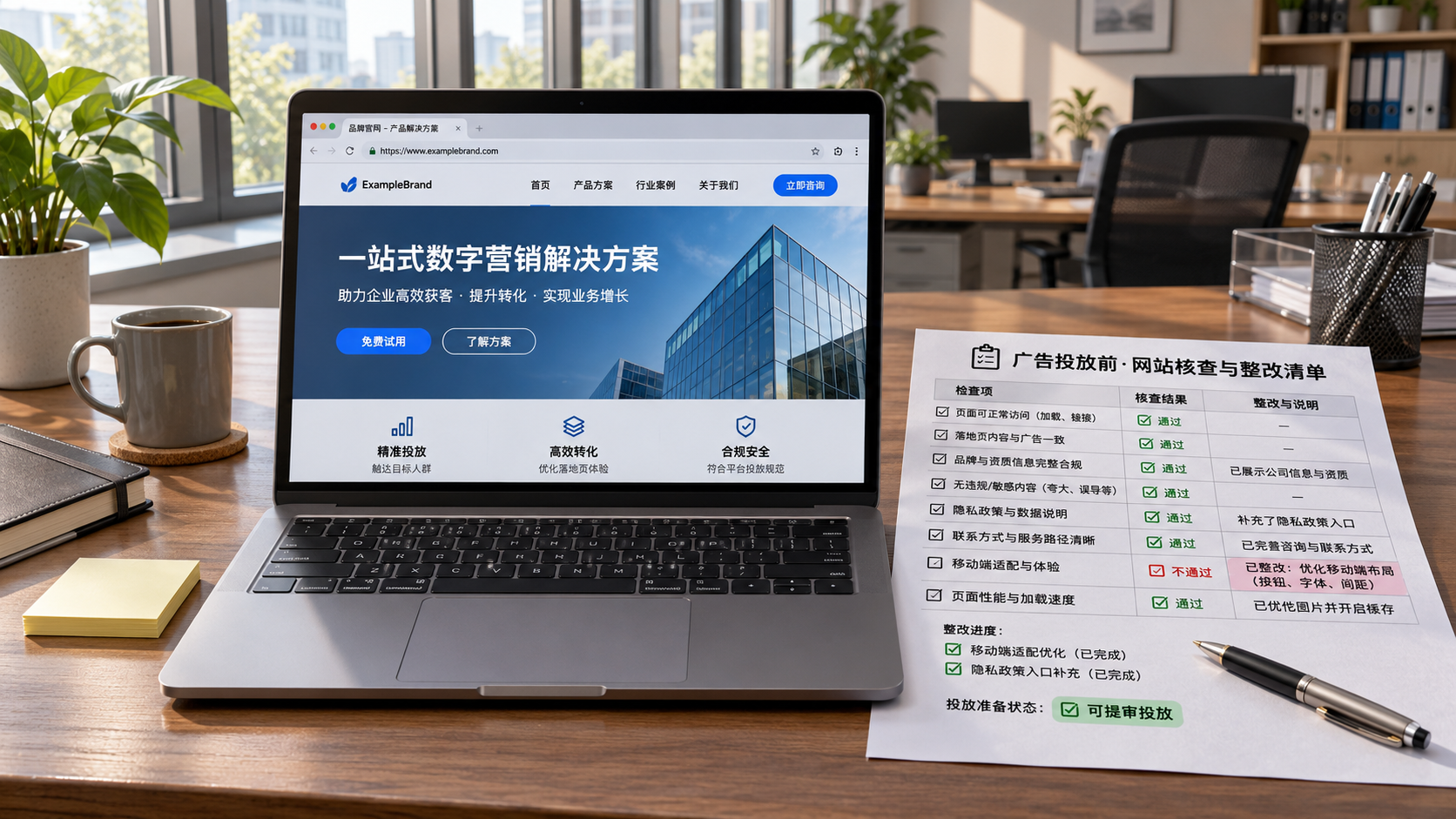
Cost management should not focus only on how much you spend. For ads aimed at generating inquiries, setting the budget too low may reduce the number of relevant impressions. Whether increased costs are justified should be assessed in relation to qualified inquiries, conversion costs, and landing page performance. For example, when promoting solar projects, the ad landing page should clearly present the solutions and contact options. The supply chain and service capabilities presented on the solar and new energy page are also information that can influence visitors’ decisions, but improving the page does not change Google Ads’ budget limit rules.
When should you contact support for further help?
If the budget has not changed and the campaign complies with the standard budget rules, but its billable costs for a day still exceed the applicable limit after the data has stabilized, or billing credits do not explain the difference, it is worth investigating further. Before submitting a question, keep the campaign name, date range, budget settings, change history, cost reports, and transaction details. Also note the account time zone and whether you are comparing ad serving costs or the amount actually billed.
For users searching for adwords kosten, the distinction most easily overlooked is that the budget manages the pace of ad delivery, while payments take place through the billing process. Check ad delivery by campaign and date first, then check the bill against the transaction details. This is how you can determine whether the difference is normal fluctuation, a difference in reporting basis, or an issue that requires further investigation.
Related Articles
 How can you assess an advertising service provider's conversion attribution capabilities?
 How to Request a Review After Violating Google Ads Policies
 What factors determine Google Ads costs?


Related Products
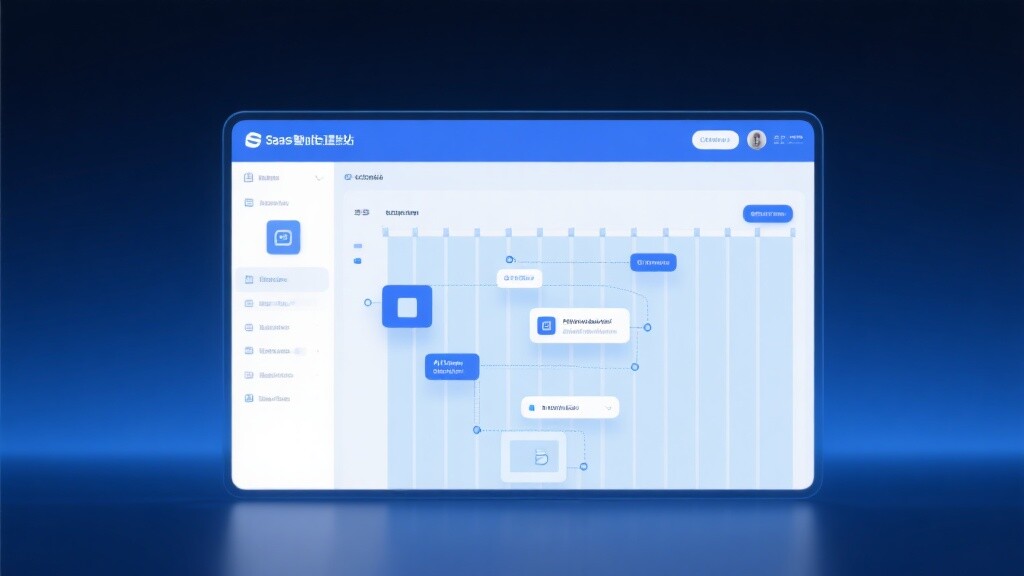
 Yiyingbao SaaS Intelligent Website Building and Marketing SystemYiyingbao SaaS Intelligent Website Building and Marketing System, AI-powered no-code website building, rapid creation of multilingual B2B international websites in 10 minutes, global server acceleration, AI-powered SEO optimization, helping businesses connect efficiently with global markets. The perfect integration of technology and operation makes building an international trade website remarkably simple
 AI+SEM Intelligent Advertising Marketing SystemAI+SEM drives intelligent ad creation, empowering full-funnel precision advertising marketing. The system automatically generates weekly/monthly reports, AI recommends keywords and target countries, monitors core metrics in real-time with intelligent alerts, and enables one-click high-conversion ad solutions to help quickly acquire customers and improve ROI.
 AI+SEO Dual-Engine System Optimization ServicesYiyingbao’s AI+SEO dual-engine optimization system helps foreign trade enterprises acquire high-quality organic traffic through AI-powered keyword research, content generation, and comprehensive technical optimization, significantly improving search rankings and conversion rates.
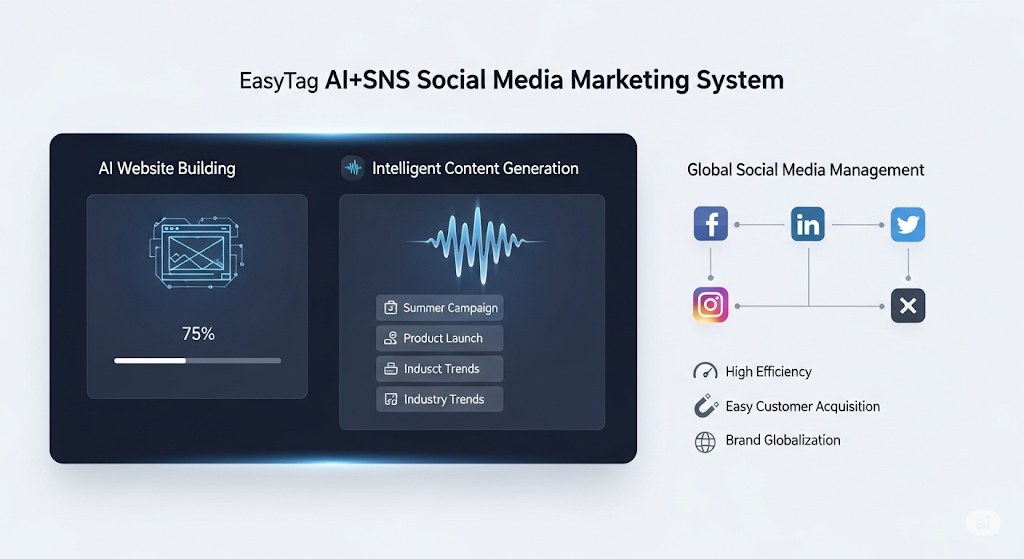
 AI+SNS Social Media Marketing SystemYingbao AI+SNS Social Media Marketing System - Precision social capture for the social media era. Supports one-click content synchronization across major platforms like Facebook and LinkedIn. AI intelligently rewrites posts for enhanced relevance. 24/7 AI customer service and user profiling analysis empower businesses to efficiently expand into global markets.
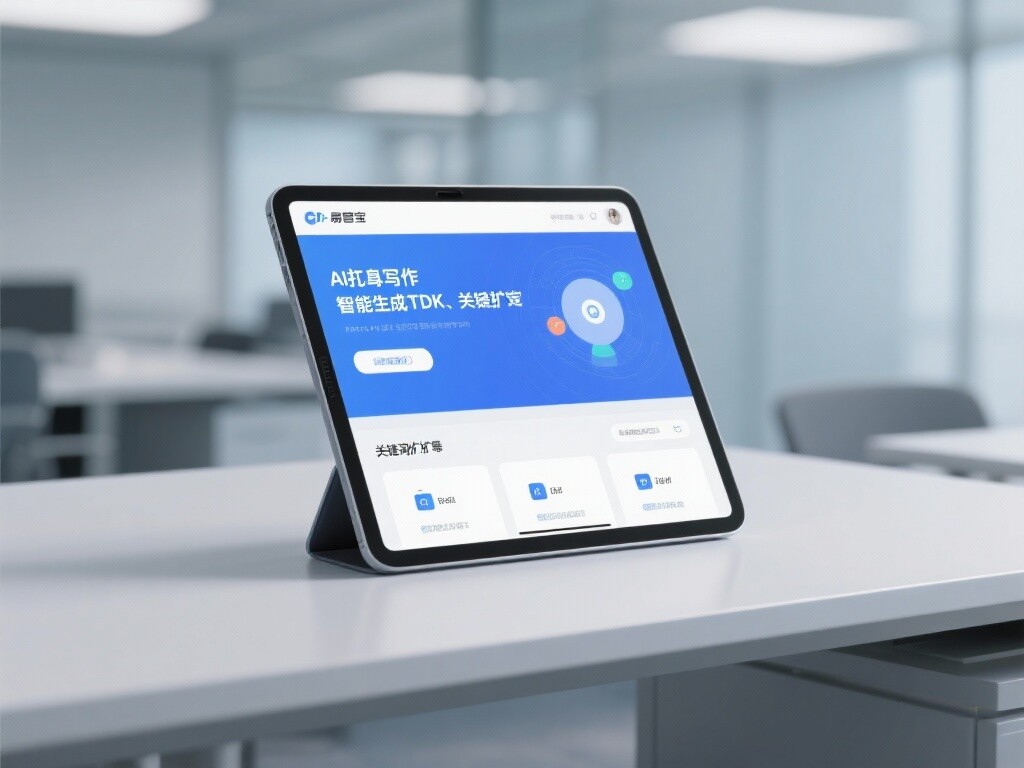
 AI+SEO营销解决方案易营宝AI+SEO营销解决方案,通过AI批量写作、智能生成TDK、精准关键词扩词等功能,全面优化网站SEO效果,提升流量与转化率。助力企业构建高效智能网站新生态。
 AI+SEM Advertising Marketing SolutionsAI+SEM Advertising Marketing Solution leverages AI technology to deeply empower SEM ad campaigns. It automatically generates weekly/monthly reports using AI, presenting account data across multiple dimensions for comprehensive insights into campaign performance and trends. The system precisely recommends keywords and target countries, intelligently generates high-conversion ad copy, and enables one-click activation of efficient campaign plans to help businesses rapidly acquire customers. Simultaneously, it monitors core metrics in real time, intelligently identifies abnormal fluctuations, and issues timely alerts to ensure stable, high-return advertising results.
 Domain Name ServicesEasyWin provides professional domain name services, including intelligent queries, one-stop registration, brand protection, and full lifecycle management, helping businesses build a digital brand image.
 EasyOperate B2C Cross-Border E-Commerce Platform & Independent WebsiteEasyStore B2C Cross-border E-commerce Independent Store is an intelligent website building and cross-border e-commerce integrated solution independently developed by EasyStore Information Technology (Beijing) Co., Ltd. The system is specially designed for small and medium-sized as well as large export enterprises, integrating 'website building, operation, marketing, advertising, and conversion' into one, helping enterprises quickly establish cross-border e-commerce independent stores to achieve brand globalization and global sales growth.
The platform supports multiple languages, multiple currencies, and multi-channel marketing, with built-in AI intelligent translation and SEO optimization systems, suitable for mainstream markets such as Southeast Asia, Europe and America, Latin America, and the Middle East, assisting Chinese manufacturing enterprises in efficiently deploying international e-commerce strategies. SSL证书易营宝提供专业SSL安全证书服务,包括单域名和泛域名证书,确保网站数据传输加密、身份验证和完整性保护,助力企业建立安全可信的在线业务环境。