









- EU Plans to Raise Tax on Incoming Small Parcels to €5Oct 31, 2026View details
- Maersk Adjusts Middle East Emergency Operating Cost Recovery Surcharge to USD 2,000 per ContainerOct 30, 2026View details
- Ministry of Commerce: Online retail sales grew 4.4% in the first three quarters, while cross-border e-commerce maintained relatively rapid growthOct 29, 2026View details
- CCTV reports: AI-powered smart hardware is expanding overseas at a faster pace, with orders for some best-selling products booked through next yearOct 29, 2026View details
- Alphabet Q3 Earnings: Google Search Advertising Revenue Rises 10.5% to $82 BillionOct 29, 2026View details
- AliExpress Announces New Service Rules for Russia, Linked to Wildberries Product IntegrationOct 28, 2026View details
How can you check whether a website is mobile-friendly?
How can you check whether a website works well on mobile?
Being able to open a website on a phone does not mean customers can easily find products, read specifications, and submit inquiries. A check mobile friendly review should go beyond confirming that the page fits on the screen. You also need to check that loading, reading, tapping, and submitting all work smoothly. For an export-focused website, a submit button blocked by a floating chat widget could undermine the results of all the promotional investment that came before it.
Choose the right pages first, then use tools to pinpoint problems
Do not test only the homepage. We recommend selecting the homepage, product category pages, product detail pages, inquiry pages, and any landing pages currently used for advertising. For multilingual websites, also sample language versions with longer text. Different page templates can have different issues: a normal-looking homepage does not prove that a product specification table will not overflow the screen.
Open device emulation mode in Chrome DevTools, switch between phone screen sizes, and observe how the page performs on narrow and landscape screens and over a slow network. This is useful for quickly spotting layout problems, but it cannot replace testing on real devices. Also use at least one actual Android phone and one iPhone to check menus, pop-ups, and forms in commonly used browsers.
For performance testing, use PageSpeed Insights. For further investigation, you can use Lighthouse in Chrome. Note that Google’s original Mobile-Friendly Test tool has been retired, so there is no need to look for the old tool. A performance report is not a certificate of mobile compatibility: buttons obscured by other elements and difficult-to-fill fields still require manual checks.
Check the layout by following the customer journey
Starting from the moment the customer opens the page, go through each step in order: “open the menu—find a product—view specifications—submit an inquiry.” Do not rely on pinch-to-zoom to compensate for the page. Body text should be readable without zooming, buttons should be easy to tap, and adjacent links should not be cramped together. If horizontal scrolling appears, first check for fixed-width images, tables, videos, and excessively long links.
Manufacturing websites should pay particular attention to specification tables. You can allow horizontal scrolling within a table and provide a prompt, but do not let the table expand the width of the entire page. Product images should retain key details; do not crop out dimension labels or model numbers to make them fit a narrow screen.

Also check overlays that are easy to overlook: cookie notices, live chat, language selectors, and fixed inquiry bars at the bottom of the screen. Each may look fine on its own, but together they can cover content. Include a check to ensure that input fields and the submit button remain accessible when the mobile keyboard is open.
Do not judge speed by a single overall score
In PageSpeed Insights, lab data is used to reproduce and diagnose problems, while real-user data reflects actual experiences; the two may differ. If there are not enough real-user samples, the report may not show corresponding data. This does not mean the website has no problems. When attracting customers overseas, you should also test under the network conditions of your target regions rather than relying only on results from the office Wi-Fi network.
Pay particular attention to the Core Web Vitals: Largest Contentful Paint (LCP), Interaction to Next Paint (INP), and Cumulative Layout Shift (CLS). Google’s thresholds for a good user experience are no more than 2.5 seconds, 200 milliseconds, and 0.1, respectively. Real-user assessments generally use the 75th percentile, not the result of a single test.
If the initial viewport loads slowly, first check large images, autoplay videos, and server response time. If interactions feel sluggish, investigate scripts and third-party components. If the page shifts, check whether image dimensions have been reserved and whether banners are inserted late. Do not delete inquiry tracking or customer service features just to improve the score; first identify what is actually causing the blockage.
The key test is whether an inquiry can be submitted
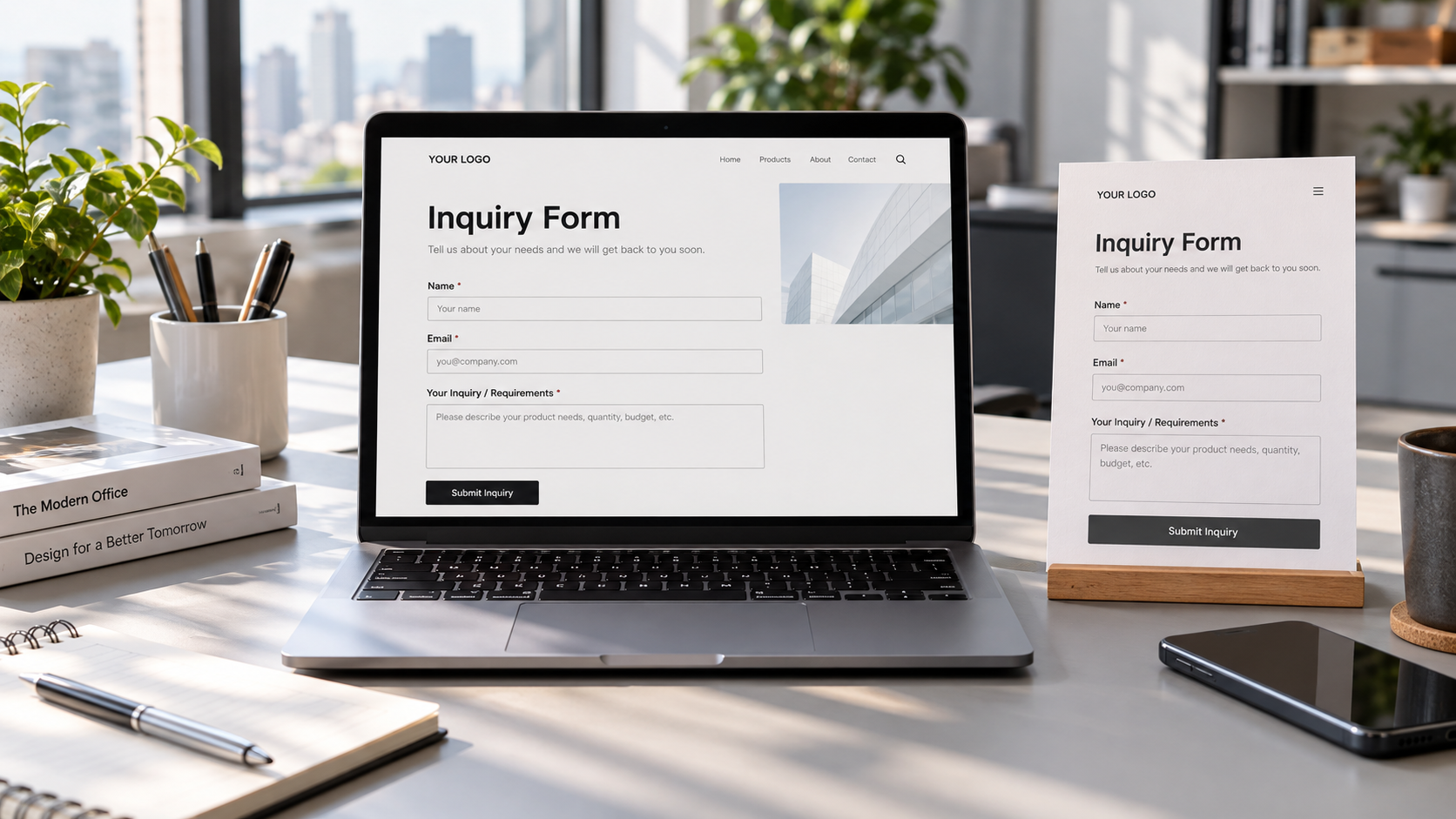
Use a phone to submit an inquiry clearly marked as a test. Check required-field prompts, email validation, country calling codes, file uploads, and CAPTCHA. After submitting, make sure a success message appears and verify that the inquiry is recorded in the backend or received in the email inbox. Being able to tap the button and having the sales team receive the lead are two different things.
If traffic comes from social media, test the actual link by opening it from within the social media app. In-app browsers may behave differently from standalone browsers, so pay particular attention to redirects, logins, and new windows. Yiyingbao’s AI+SNS All-in-One Social Media Marketing System supports multi-platform account binding, content synchronization, and multilingual post generation. When using these distribution capabilities, include the landing pages linked in posts in the acceptance testing; do not just confirm that the content was published successfully.
Turn test results into fixes that can be retested
When documenting a problem, include the page URL, device, browser, steps to reproduce, and a screenshot. Prioritize blocking issues such as failed submissions, missing core content, and obscured buttons, then address slow loading and visual details. After making changes, retest the same page and sample other pages that share the template to avoid fixing one page while breaking another.
Founded in 2013, Yiyingbao Information Technology (Beijing) Co., Ltd. provides intelligent website building, multilingual websites, SEO, advertising, and social media marketing services. For integrated website building and marketing projects like these, acceptance should not stop at “the responsive template is live.” It should also specify who is responsible for landing pages, forms, data transmission, and ongoing maintenance.
After completing a mobile check, retain the test records and repeat the checks whenever you change a template, add a plugin, or launch a new language. Ultimately, whether a website works well on mobile depends on whether customers can complete that key action smoothly on their own devices and under their own network conditions.
Related Articles
 How Can Improving the Form Experience Increase Website Inquiry Conversion Rates?
 Few inquiries after launching your international trade website? What’s wrong with the form settings?
 Why Do B2B Export Website Development Costs Vary by Functional Requirements?

Related Products
 Yiyingbao SaaS Intelligent Website Building and Marketing SystemYiyingbao SaaS Intelligent Website Building and Marketing System, AI-powered no-code website building, rapid creation of multilingual B2B international websites in 10 minutes, global server acceleration, AI-powered SEO optimization, helping businesses connect efficiently with global markets. The perfect integration of technology and operation makes building an international trade website remarkably simple
 AI+SEM Intelligent Advertising Marketing SystemAI+SEM drives intelligent ad creation, empowering full-funnel precision advertising marketing. The system automatically generates weekly/monthly reports, AI recommends keywords and target countries, monitors core metrics in real-time with intelligent alerts, and enables one-click high-conversion ad solutions to help quickly acquire customers and improve ROI.
 AI+SEO Dual-Engine System Optimization ServicesYiyingbao’s AI+SEO dual-engine optimization system helps foreign trade enterprises acquire high-quality organic traffic through AI-powered keyword research, content generation, and comprehensive technical optimization, significantly improving search rankings and conversion rates.
 AI+SNS Social Media Marketing SystemYingbao AI+SNS Social Media Marketing System - Precision social capture for the social media era. Supports one-click content synchronization across major platforms like Facebook and LinkedIn. AI intelligently rewrites posts for enhanced relevance. 24/7 AI customer service and user profiling analysis empower businesses to efficiently expand into global markets.
 AI+SEO营销解决方案易营宝AI+SEO营销解决方案,通过AI批量写作、智能生成TDK、精准关键词扩词等功能,全面优化网站SEO效果,提升流量与转化率。助力企业构建高效智能网站新生态。
 AI+SEM Advertising Marketing SolutionsAI+SEM Advertising Marketing Solution leverages AI technology to deeply empower SEM ad campaigns. It automatically generates weekly/monthly reports using AI, presenting account data across multiple dimensions for comprehensive insights into campaign performance and trends. The system precisely recommends keywords and target countries, intelligently generates high-conversion ad copy, and enables one-click activation of efficient campaign plans to help businesses rapidly acquire customers. Simultaneously, it monitors core metrics in real time, intelligently identifies abnormal fluctuations, and issues timely alerts to ensure stable, high-return advertising results.
 Domain Name ServicesEasyWin provides professional domain name services, including intelligent queries, one-stop registration, brand protection, and full lifecycle management, helping businesses build a digital brand image.
 EasyOperate B2C Cross-Border E-Commerce Platform & Independent WebsiteEasyStore B2C Cross-border E-commerce Independent Store is an intelligent website building and cross-border e-commerce integrated solution independently developed by EasyStore Information Technology (Beijing) Co., Ltd. The system is specially designed for small and medium-sized as well as large export enterprises, integrating 'website building, operation, marketing, advertising, and conversion' into one, helping enterprises quickly establish cross-border e-commerce independent stores to achieve brand globalization and global sales growth.
The platform supports multiple languages, multiple currencies, and multi-channel marketing, with built-in AI intelligent translation and SEO optimization systems, suitable for mainstream markets such as Southeast Asia, Europe and America, Latin America, and the Middle East, assisting Chinese manufacturing enterprises in efficiently deploying international e-commerce strategies. SSL证书易营宝提供专业SSL安全证书服务,包括单域名和泛域名证书,确保网站数据传输加密、身份验证和完整性保护,助力企业建立安全可信的在线业务环境。









