








- Hapag-Lloyd’s $4.2 billion acquisition of ZIM faces a closing delay; ZIM reports third-quarter net profit of $830 millionNov 24, 2026View details
- SCFI falls for a third straight week to 3,503.78 points, with blank sailings on trans-Pacific routes rising to 10Nov 24, 2026View details
- Lazada 11.11 Mega Sale: LazMall Contributes Nearly Two-Thirds of GMVNov 23, 2026View details
- Shein’s European Revenue Falls 16% as Tighter Rules on Low-Value Direct Shipments Take EffectNov 23, 2026View details
- EU Low-Value Parcel Rules Impact Cargo Flows: Air Freight Volume from China to Europe Down 17% in OctoberNov 23, 2026View details
- Indonesia and the EU Sign Comprehensive Economic Partnership Agreement, 90.4% of Tariff Lines to Become Duty-Free ImmediatelyNov 23, 2026View details
Does a poor mobile experience on a B2B lead generation website affect conversions?
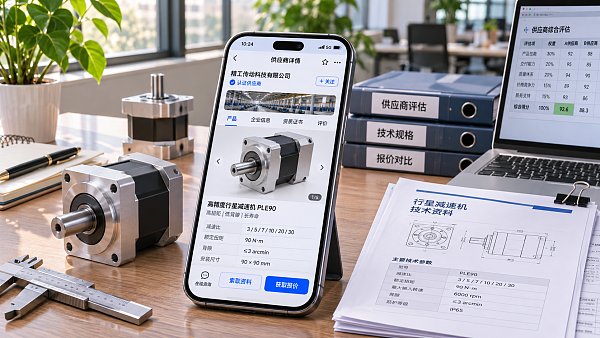
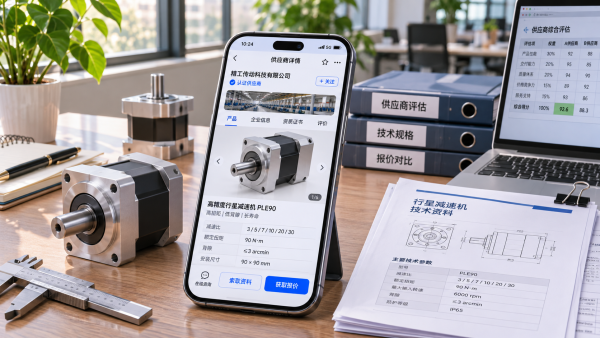
Does a poor mobile experience on a B2B inquiry website affect conversions? The answer is yes. When buyers open a product page on their phones, slow loading, hard-to-read specifications, cumbersome forms, or difficulty finding a suitable way to get in touch may cause them to leave before taking action. For a business, the loss is not just a page visit; it may also be an opportunity to be considered as a potential supplier.
This does not mean that every B2B order is completed on a phone. Purchasing cycles are often long, and decision-makers may browse on their phones first, then switch to a computer to check specifications or contact colleagues. The role of the mobile experience is to help customers complete the step they are on and encourage them to take the next one.
Why can a poor mobile experience affect B2B inquiry conversions?
Business evaluators typically visit a website with specific questions: What products can the company supply? Are they suitable for the purchasing region and application? How can they obtain a quote or technical documents? If content is obscured on a phone, text is too small, or pages keep redirecting, customers have to spend more time confirming basic information.
This friction can build up along the inquiry journey. For example, a customer arrives at a product page through search, waits for images to load, and then looks for the specification sheet; while zooming in to check the parameters, they accidentally tap a button; finally, they open the form only to be asked for a purchase quantity they have not yet determined. Each step may delay the customer's decision to get in touch or even prompt them to turn to another supplier.
Mobile conversions are not limited to form submissions. Clicking an email address, making a phone call, starting an instant message, downloading materials, or sharing a product page with colleagues may also be useful actions in the purchasing process. When evaluating the experience, consider the company's actual sales journey rather than judging it solely by whether the page looks attractive.
Which issues are most likely to interrupt a potential customer's evaluation?
The page opens, but key information takes too long to appear
Large images, autoplay videos, and too many third-party scripts can all add to page load times. Overseas customers may also be affected by network conditions and their location. A blank first screen that persists, or product content that remains obscured by pop-ups after it appears, can prevent customers from deciding whether the page meets their needs.
Businesses should first check their advertising landing pages, core product pages, and contact pages, paying attention to actual wait times on mobile rather than testing only on a fast office network. Compressing images and reducing unnecessary scripts and pop-ups is generally more direct than simply changing the visual style.
Product specifications are available but difficult to read on a phone
B2B purchasing relies on specific information such as model numbers, dimensions, materials, and applicable standards. If a specification table extends beyond the screen, the font is too small, or key parameters are only available in an attachment that is difficult to open, customers may struggle to complete an initial screening.
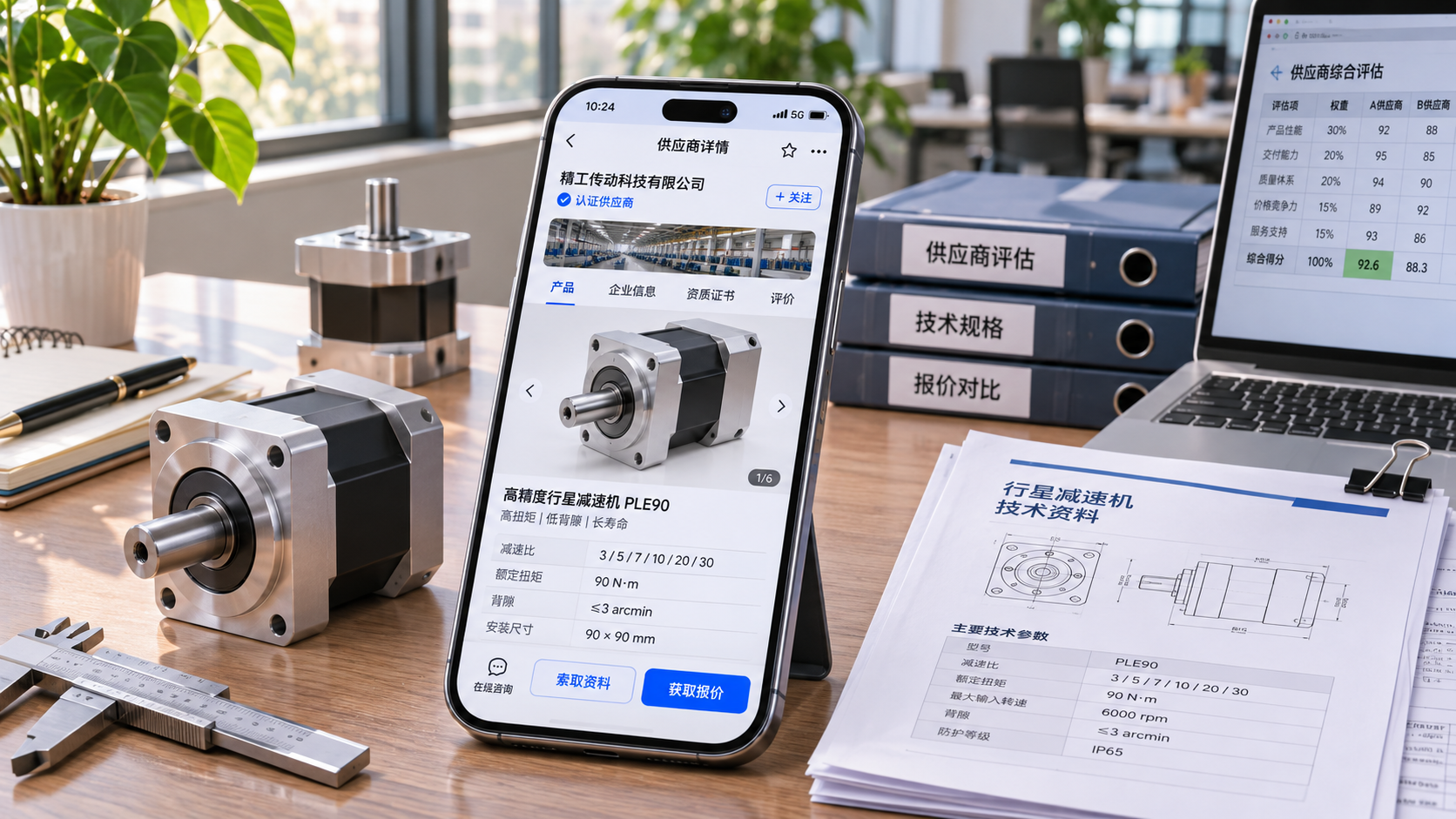
Start by displaying the key parameters that affect product selection, then provide the full documentation. For wider tables, make sure users can identify and use horizontal scrolling. Product images should also allow customers to view details clearly without slowing down the page because of oversized files.
The inquiry form turns a first contact into a purchasing approval process
Customers making an initial inquiry may not yet have confirmed their order quantity, delivery date, or complete technical requirements. If all these details are mandatory, the business might receive fewer but more complete leads—or lose customers who are still comparing options.
A more reliable approach is to distinguish between initial contact and follow-up qualification. Keep the first-contact form to essential contact details and a description of the customer's needs, so they can ask a question first. Sales staff can then follow up to gather the quantity, application, and delivery requirements. The number of fields should be adjusted to the sales team's capacity to handle inquiries, rather than simply minimized.
Contact options are available but do not work in practice
Email, phone calls, and instant messaging can all be suitable for B2B inquiries, but usage habits vary across markets and customers. Contact options should be easy to find on a phone, and tapping them should open the correct app. For business across time zones, it is also helpful to state the expected response time to reassure customers that their inquiry will be followed up.
After a form is submitted successfully, clearly tell customers that their information has been sent and explain what happens next. If submission fails, explain why and retain the information already entered to avoid making customers re-enter it. Privacy notices should explain how customer information will be used and be configured in accordance with the laws applicable in the target market.
How can you tell whether the mobile experience is hindering conversions?
Start by mapping the main customer journey: from arriving through search, advertising, or social media to viewing a product, clicking a contact option, and submitting a request. Then review visits, clicks on key buttons, and form starts and submissions by device type and channel to identify where users are dropping off most often.
For example, if a mobile product page receives many visits but few clicks on the contact button, first check whether the product information is sufficient and the button is easy to find. If many users start filling out a form but few submit it successfully, check the fields, validation rules, and error messages. Data can help identify areas of concern, but it cannot by itself prove the cause of a problem.
When comparing inquiries from phones and computers, also consider traffic source, product type, and purchasing stage. First-time visitors from advertising may have different levels of intent from customers who actively search for the company's name. When mobile data is limited, short-term fluctuations may also obscure the true picture. Review data over a period of time and conduct hands-on testing before deciding whether to redesign the site.
Customers may also research products on their phones and later get in touch through a computer, by phone, or via another channel. Cross-device activity and offline conversations cannot always be accurately linked, so a low number of direct inquiries from mobile devices does not prove that mobile has played no role in lead generation.
How can business evaluators prioritize mobile optimization?
- Test the real journey first: Use common phones and network conditions in the target market. Enter from search or an advertising link, then try finding a product, locating contact information, and submitting a test inquiry.
- Fix blockers first: Prioritize pages that will not open, obscured buttons, form errors, and nonfunctional contact options before adjusting layout and visual details.
- Check lead handling: Confirm that test inquiries reach the responsible staff, check that email or system notifications are not missed, and clarify who is responsible for responding and within what timeframe.
- Validate on a small scale: Address one main issue at a time, such as reducing the number of mandatory fields on the initial form, then assess the results using submission volume, lead quality, and sales team feedback.
When evaluating website development or marketing services, also confirm editing permissions, data tracking methods, maintenance of multilingual pages, third-party tool costs, and ongoing technical support. These factors affect long-term maintenance costs and determine whether the business can continue optimizing rather than finding itself waiting again after a redesign is complete.
Start with the most important product inquiry journey, ask sales staff to complete it on a phone, and record every moment of hesitation, backtracking, or failure. Resolve the issues that prevent customers from taking action first, then use data and sales feedback to decide where to invest next. This helps ensure that mobile optimization addresses real business opportunities.
Related Articles
 Does a poor mobile experience on a B2B lead generation website affect conversions?
 What does website optimization typically involve?
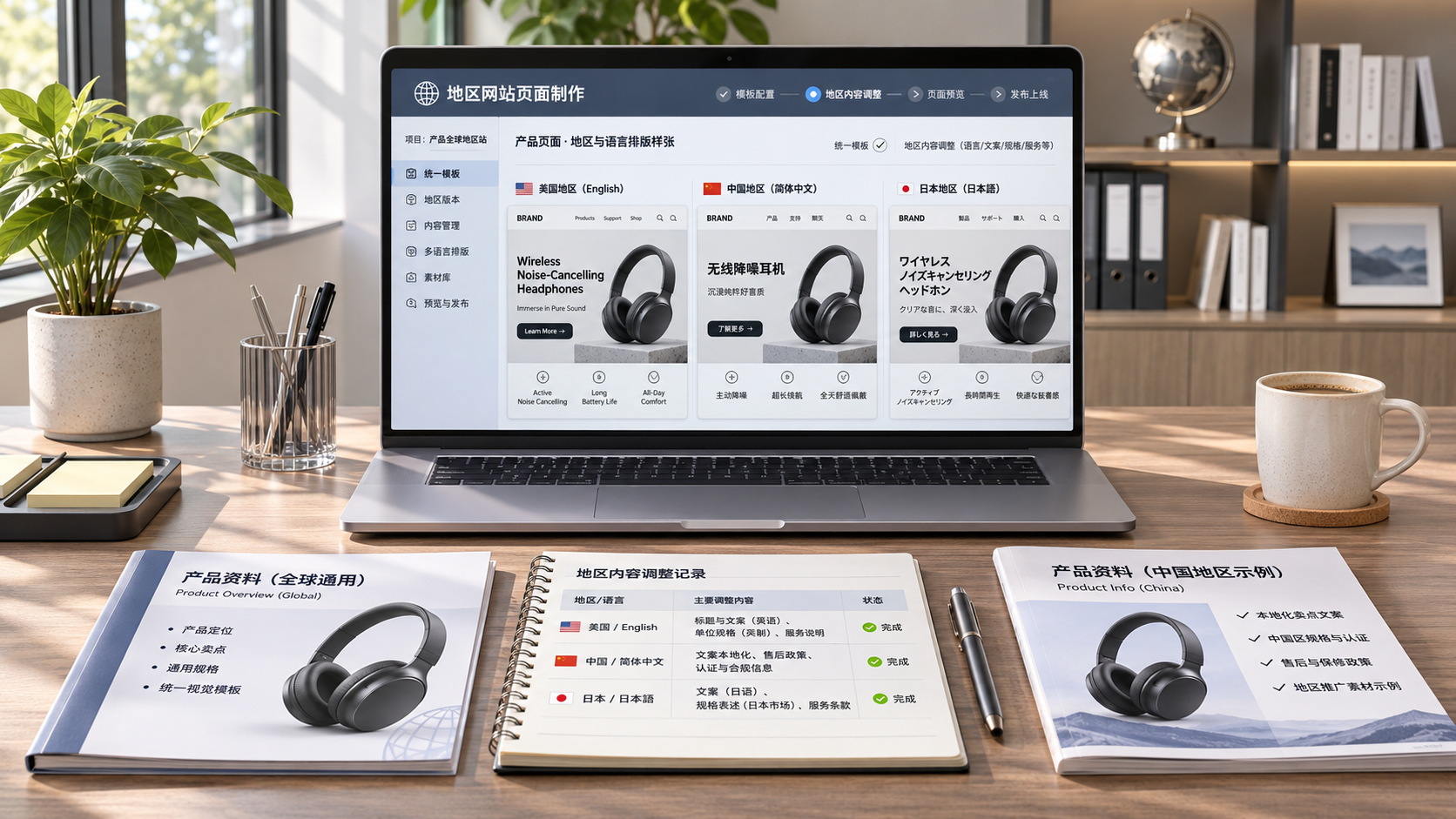
 How Should an Export Website Set Up Dedicated Pages for Different Target Regions?
Related Products
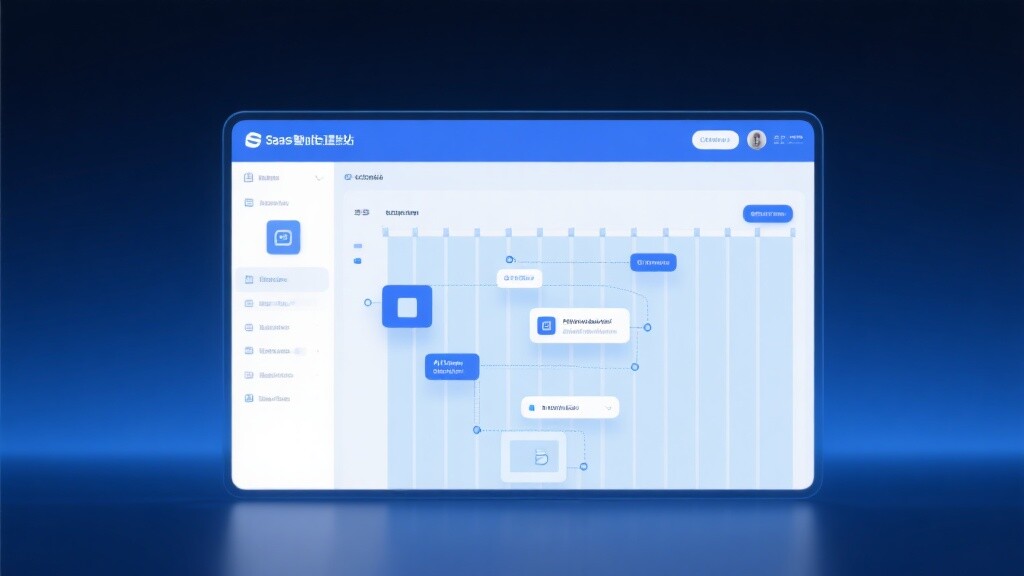
 Yiyingbao SaaS Intelligent Website Building and Marketing SystemYiyingbao SaaS Intelligent Website Building and Marketing System, AI-powered no-code website building, rapid creation of multilingual B2B international websites in 10 minutes, global server acceleration, AI-powered SEO optimization, helping businesses connect efficiently with global markets. The perfect integration of technology and operation makes building an international trade website remarkably simple
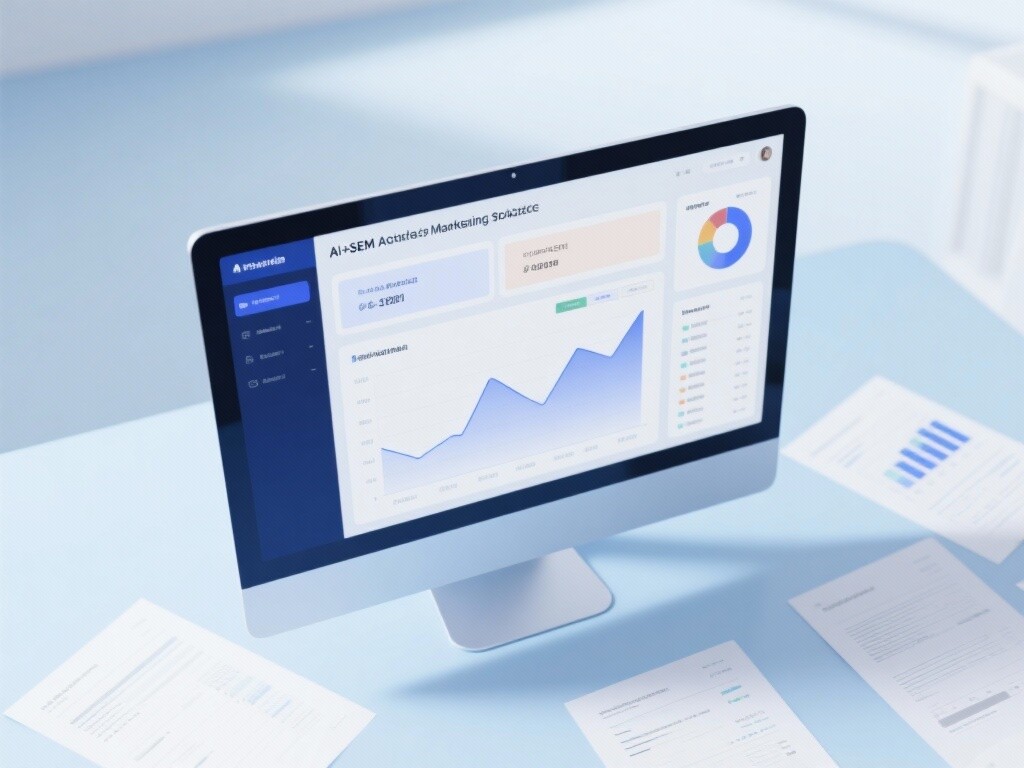
 AI+SEM Intelligent Advertising Marketing SystemAI+SEM drives intelligent ad creation, empowering full-funnel precision advertising marketing. The system automatically generates weekly/monthly reports, AI recommends keywords and target countries, monitors core metrics in real-time with intelligent alerts, and enables one-click high-conversion ad solutions to help quickly acquire customers and improve ROI.
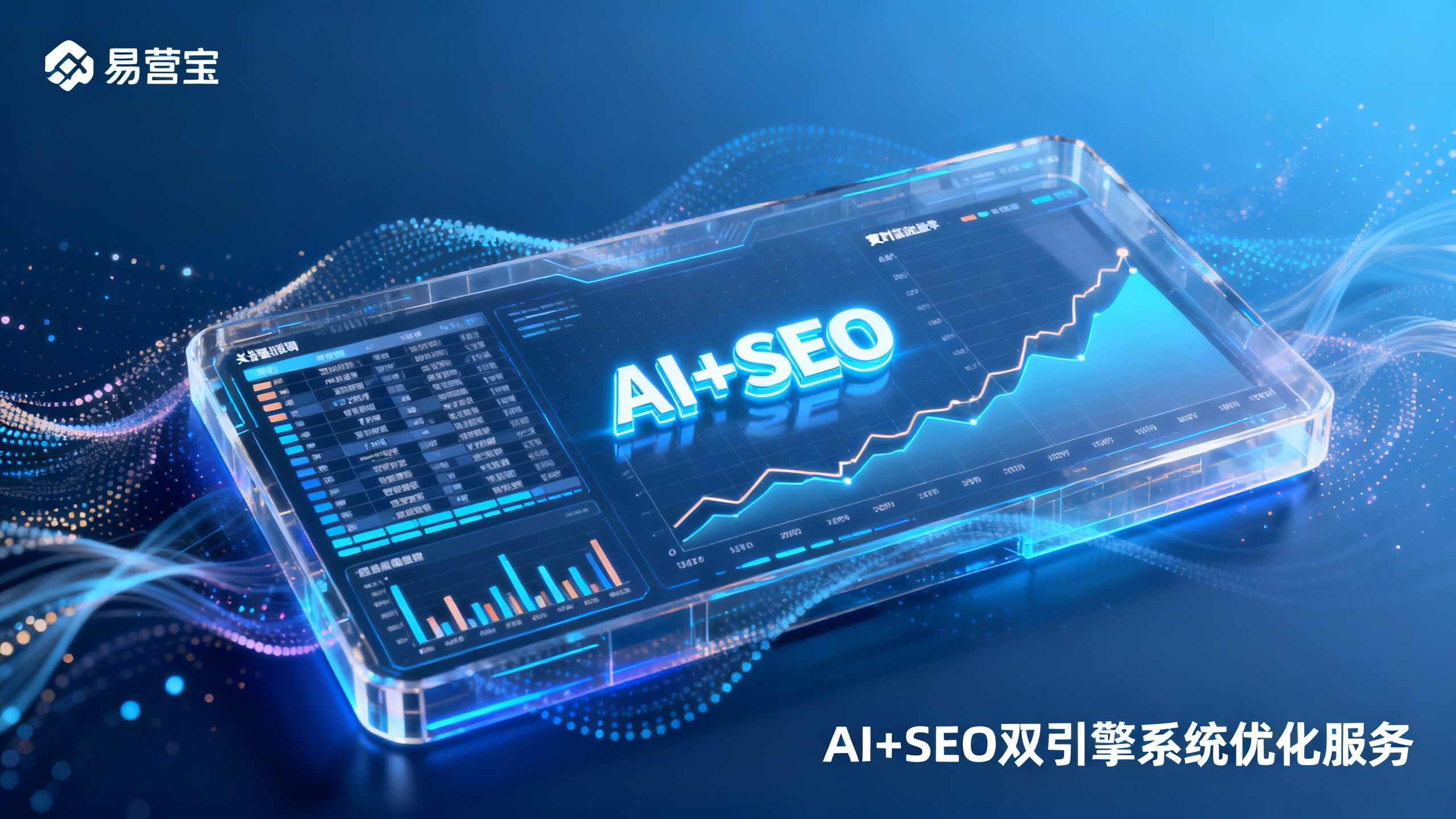
 AI+SEO Dual-Engine System Optimization ServicesYiyingbao’s AI+SEO dual-engine optimization system helps foreign trade enterprises acquire high-quality organic traffic through AI-powered keyword research, content generation, and comprehensive technical optimization, significantly improving search rankings and conversion rates.
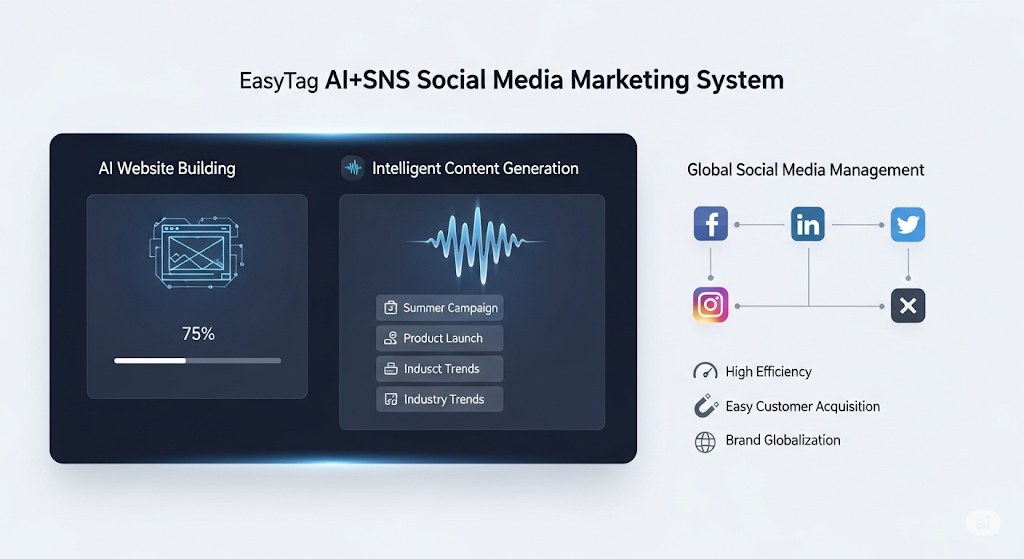
 AI+SNS Social Media Marketing SystemYingbao AI+SNS Social Media Marketing System - Precision social capture for the social media era. Supports one-click content synchronization across major platforms like Facebook and LinkedIn. AI intelligently rewrites posts for enhanced relevance. 24/7 AI customer service and user profiling analysis empower businesses to efficiently expand into global markets.
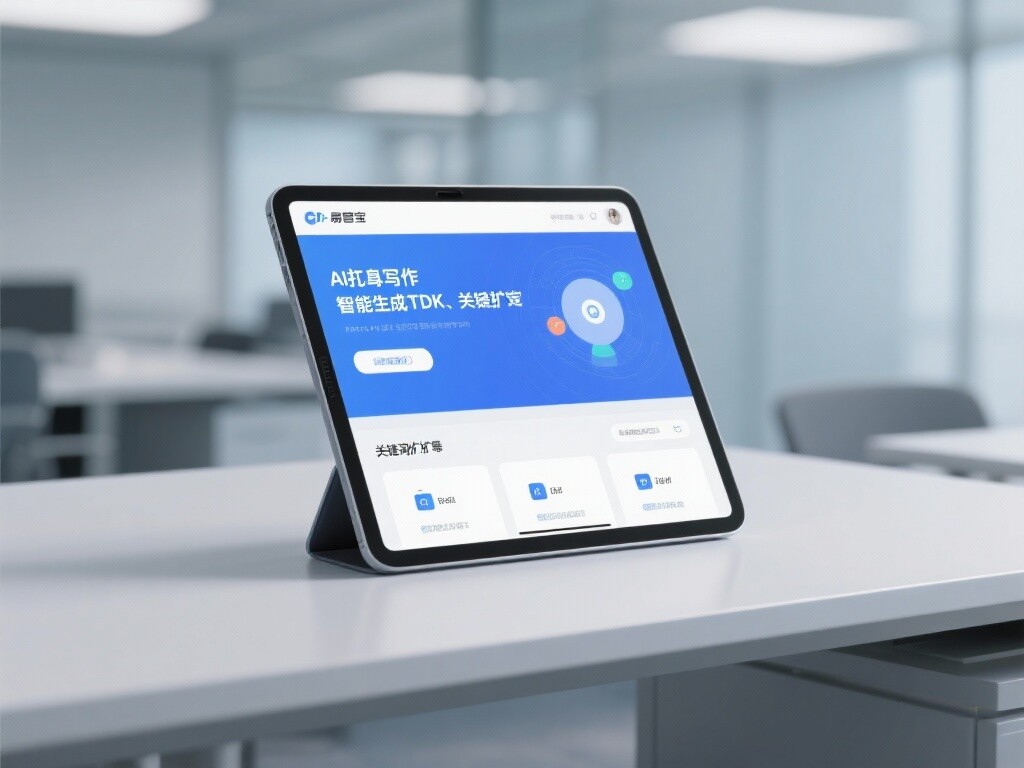
 AI+SEO营销解决方案易营宝AI+SEO营销解决方案,通过AI批量写作、智能生成TDK、精准关键词扩词等功能,全面优化网站SEO效果,提升流量与转化率。助力企业构建高效智能网站新生态。
 AI+SEM Advertising Marketing SolutionsAI+SEM Advertising Marketing Solution leverages AI technology to deeply empower SEM ad campaigns. It automatically generates weekly/monthly reports using AI, presenting account data across multiple dimensions for comprehensive insights into campaign performance and trends. The system precisely recommends keywords and target countries, intelligently generates high-conversion ad copy, and enables one-click activation of efficient campaign plans to help businesses rapidly acquire customers. Simultaneously, it monitors core metrics in real time, intelligently identifies abnormal fluctuations, and issues timely alerts to ensure stable, high-return advertising results.
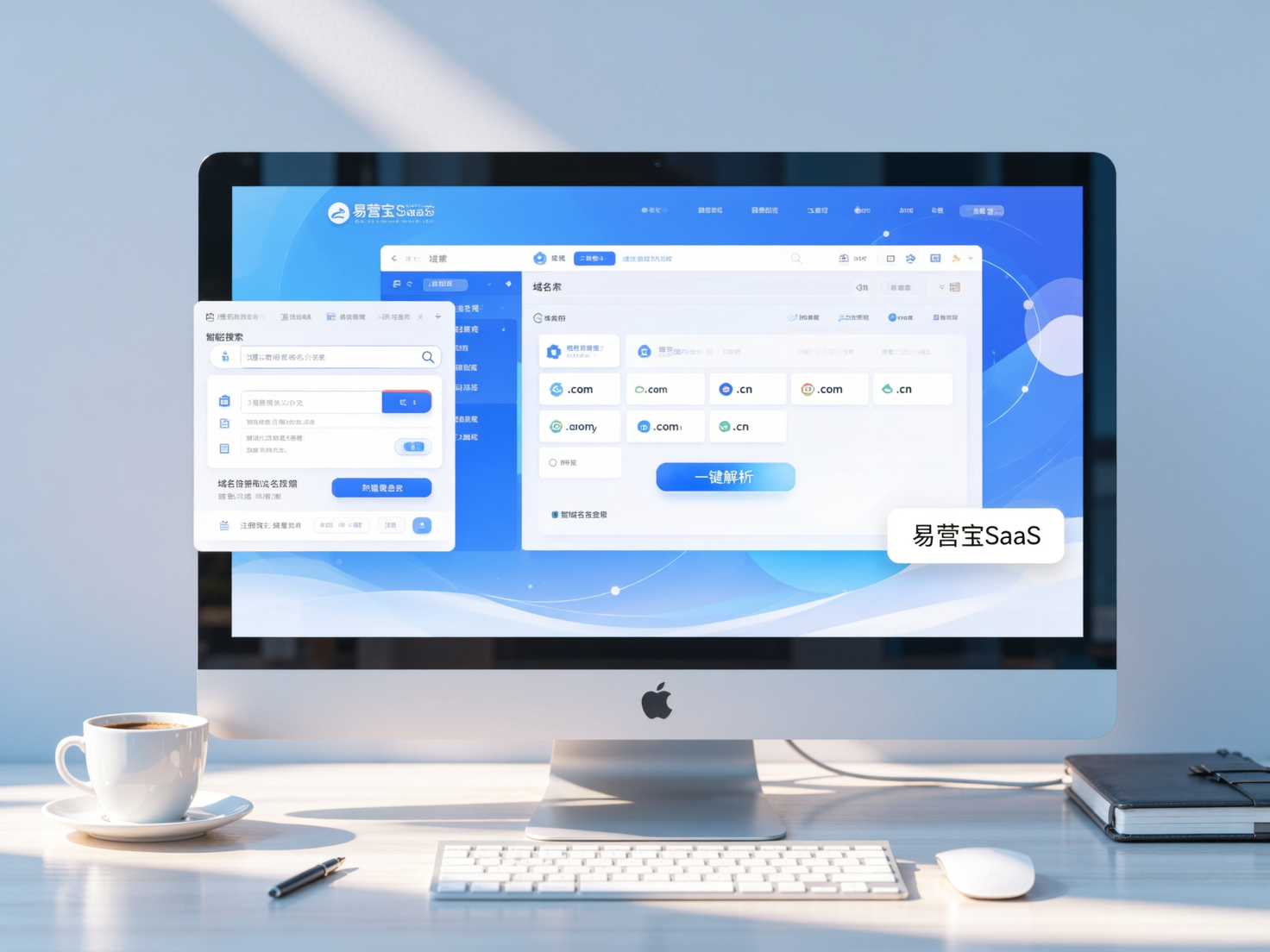
 Domain Name ServicesEasyWin provides professional domain name services, including intelligent queries, one-stop registration, brand protection, and full lifecycle management, helping businesses build a digital brand image.
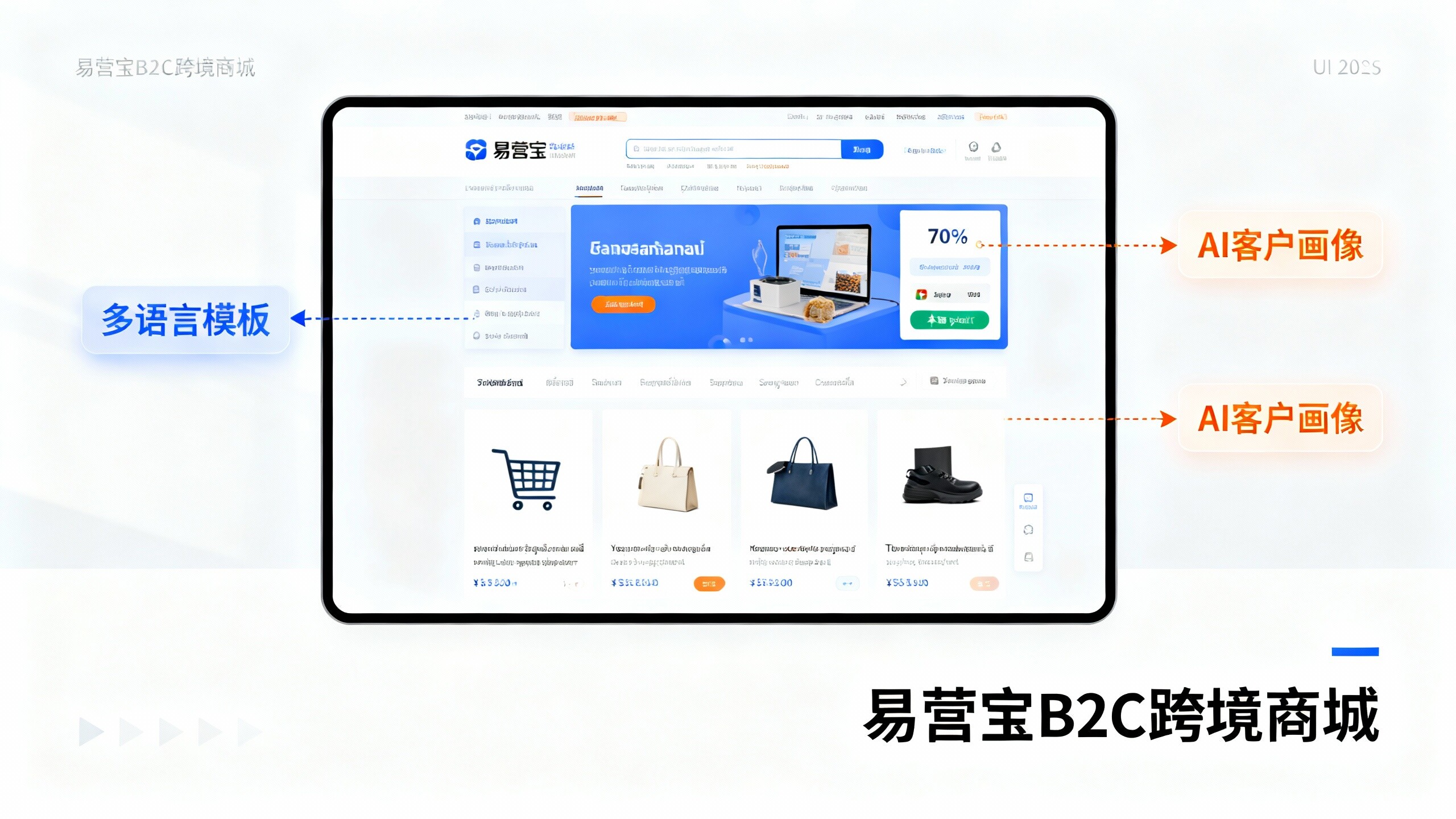
 EasyOperate B2C Cross-Border E-Commerce Platform & Independent WebsiteEasyStore B2C Cross-border E-commerce Independent Store is an intelligent website building and cross-border e-commerce integrated solution independently developed by EasyStore Information Technology (Beijing) Co., Ltd. The system is specially designed for small and medium-sized as well as large export enterprises, integrating 'website building, operation, marketing, advertising, and conversion' into one, helping enterprises quickly establish cross-border e-commerce independent stores to achieve brand globalization and global sales growth.
The platform supports multiple languages, multiple currencies, and multi-channel marketing, with built-in AI intelligent translation and SEO optimization systems, suitable for mainstream markets such as Southeast Asia, Europe and America, Latin America, and the Middle East, assisting Chinese manufacturing enterprises in efficiently deploying international e-commerce strategies. SSL证书易营宝提供专业SSL安全证书服务,包括单域名和泛域名证书,确保网站数据传输加密、身份验证和完整性保护,助力企业建立安全可信的在线业务环境。