








- Hapag-Lloyd’s $4.2 billion acquisition of ZIM faces a closing delay; ZIM reports third-quarter net profit of $830 millionNov 24, 2026View details
- SCFI falls for a third straight week to 3,503.78 points, with blank sailings on trans-Pacific routes rising to 10Nov 24, 2026View details
- Lazada 11.11 Mega Sale: LazMall Contributes Nearly Two-Thirds of GMVNov 23, 2026View details
- Shein’s European Revenue Falls 16% as Tighter Rules on Low-Value Direct Shipments Take EffectNov 23, 2026View details
- EU Low-Value Parcel Rules Impact Cargo Flows: Air Freight Volume from China to Europe Down 17% in OctoberNov 23, 2026View details
- Indonesia and the EU Sign Comprehensive Economic Partnership Agreement, 90.4% of Tariff Lines to Become Duty-Free ImmediatelyNov 23, 2026View details
How can you avoid parameter errors when using AI to generate product descriptions?
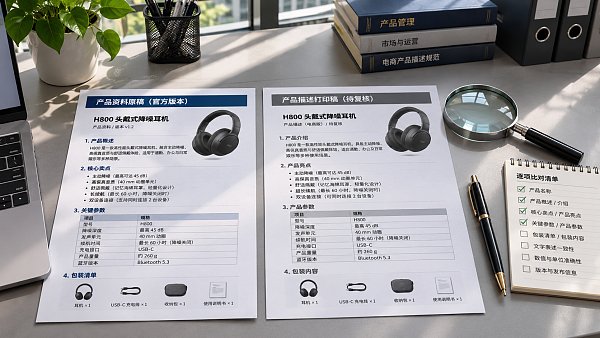
When using AI to help generate product descriptions, the most common mistakes are often not about writing style, but about specific details such as model numbers, dimensions, units, and applicable scope. This is especially true when a product has multiple specifications or is sold in multiple countries: mixing up a single parameter can affect customer product selection, inquiries, and orders. The key to preventing errors is to identify the data that can be referenced first, then have AI write the copy, and verify every fact before publication.
Establish a single source of truth for product specifications
Do not let AI guess specifications based on a product name. Before generating copy, staff should prepare an internally verified set of product information that includes, at a minimum, the product model, key specifications, units, applicable conditions, and corresponding version. Update this information whenever production or technical documentation changes, so copywriters do not use outdated tables.
If a product series includes multiple models, list the specifications for each model separately. For example, if products in the same series have different rated power, do not provide only the series name and a mixed specification table and expect AI to determine which details apply. If colors, packaging, or accessories vary by sales region or order configuration, clearly state where each option applies.
If information sources conflict, have the product, technical, or documentation owner determine which version to use before generating a description. If a data point has not yet been confirmed, remove it from the materials for that generation and instruct AI not to include it; do not fill in the gap with data from a similar model.
Before generating copy, define what can be stated and what must not be inferred
AI can adjust sentence structure, organize selling points, and rewrite language based on verified information, but it cannot replace the source of product specifications. The prompt should state clearly: use only the facts provided, omit any information that is missing, and do not infer certifications, performance, compatibility, or usage results.
For example, staff can give the following instruction:
“Based on the following verified model and specifications, write a product description for overseas buyers. Keep the model, values, units, and applicable conditions unchanged. Omit any information that has not been provided, and do not infer certifications, compatibility, or performance. After writing the description, list the specifications referenced in the copy separately for verification.”
These constraints apply when the source information has already been organized clearly. If the input contains multiple versions, a prompt cannot resolve the conflict automatically; the information must still be separated and verified first. Asking AI to list the specifications it references can help with review, but the list must also be checked against the original information and must not be treated as independent evidence.
How to verify AI-generated product descriptions point by point before publication
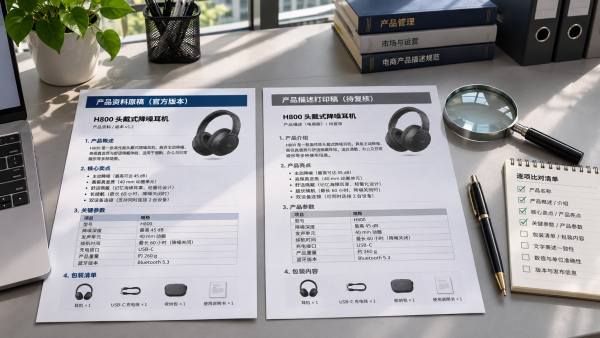
Do not check only whether the copy reads smoothly. Reviewing in the order of “model—value—unit—condition—wording” can help you find issues that affect customer decisions more quickly.
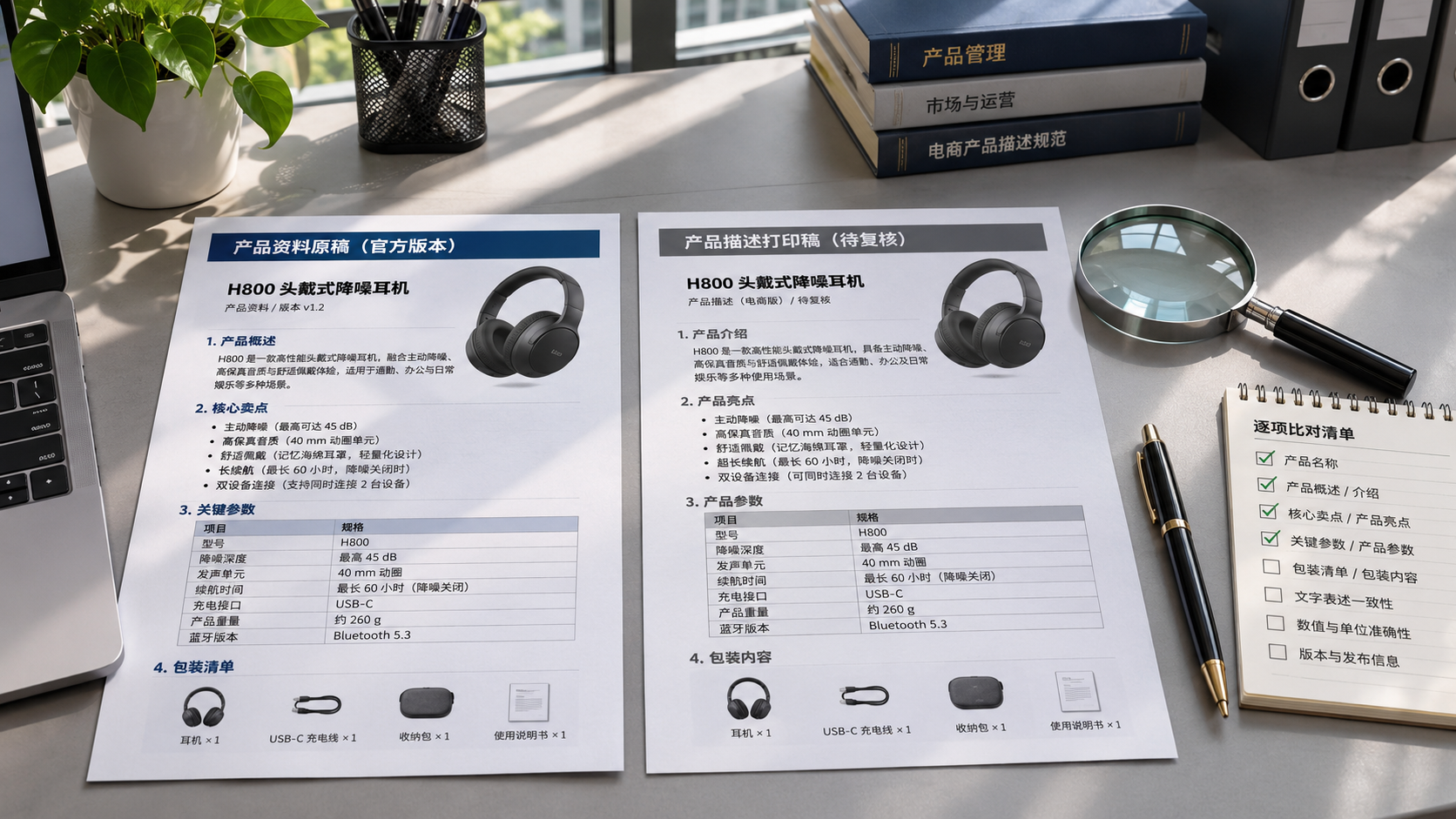
- Verify the model and version. Confirm that the copy uses information for the current product only, and check in particular whether dimensions, power ratings, or configurations from other models have been mixed into a series description.
- Check each value and unit. Compare every number in the copy against the source table, checking decimal points, range limits, and units. If units have been converted, recalculate the figures and express them to the level of precision allowed by the product information.
- Check the conditions under which the specifications apply. Data such as operating temperature, load capacity, and volume may be subject to specific test conditions or usage limitations. If the source information includes conditions, do not retain only the value while removing the limitations.
- Check for wording that broadens the claims. Changing “suitable for some devices” to “compatible with all devices,” or describing an “optional accessory” as “standard,” can alter customer expectations. Claims about certifications, materials, and functions must also remain within the scope of the source information.
- Check other parts of the page. If the title, specification table, body copy, image text, and downloadable materials all show specifications, they must use the same version. After revising the body copy, check that outdated information has not been left elsewhere.
Point-by-point verification is usually straightforward for fields that can be compared directly, such as dimensions and weight. Descriptions involving safety, compatibility, or complex usage conditions should be reviewed by someone familiar with the product; they cannot be judged solely through language editing.
How to prevent specification mix-ups in multilingual and bulk content generation
Export websites often need multiple language versions for the same product, or pages created in bulk for multiple models. A more reliable approach is to verify one set of source information first, then generate and translate content by model while keeping the model linked to its information version. After translation, check not only the numbers but also whether units, negations, words indicating scope, and applicable conditions have changed.
For example, if the negation in “not suitable for outdoor use” is omitted, the result can be seriously misleading even if all other specifications are correct. If units need to be converted for different markets, first determine the conversion rules and display precision, then check the converted results. Do not simply ask AI to “localize” the content without explaining how to handle the specifications.
For bulk processing, each task can be set to use only the information for its corresponding model, with the model retained in the output for matching and spot checks. Critical specifications should be checked individually. Spot checks are more suitable for identifying common issues with formatting and wording; they cannot prove that the specifications on every page are correct.
How to prevent outdated specifications from remaining on your website after a product update
Product descriptions can become outdated after publication due to model revisions, configuration changes, or documentation updates. When specifications are updated, first record the affected models and fields, then check the corresponding multilingual pages, specification tables, promotional materials, and downloadable files. If a configuration applies only to a new version, state the version range clearly on the page to avoid mixing old and new information.
When managing content with an intelligent website-building and overseas marketing platform, 易营宝 provides services such as multilingual website development. When arranging content updates, staff still need to check each item based on where the pages and source information are located, ensuring that customers see consistent information across different entry points.
By using verified information as the input and making specification checks a condition for publication, AI can help staff write more efficiently while keeping product descriptions clear and accurate.
Related Articles
 Brandwatch Unveils 2027 Digital Marketing Trends: Human-Centered Content Takes the Lead
 How can you avoid parameter errors when using AI to generate product descriptions?
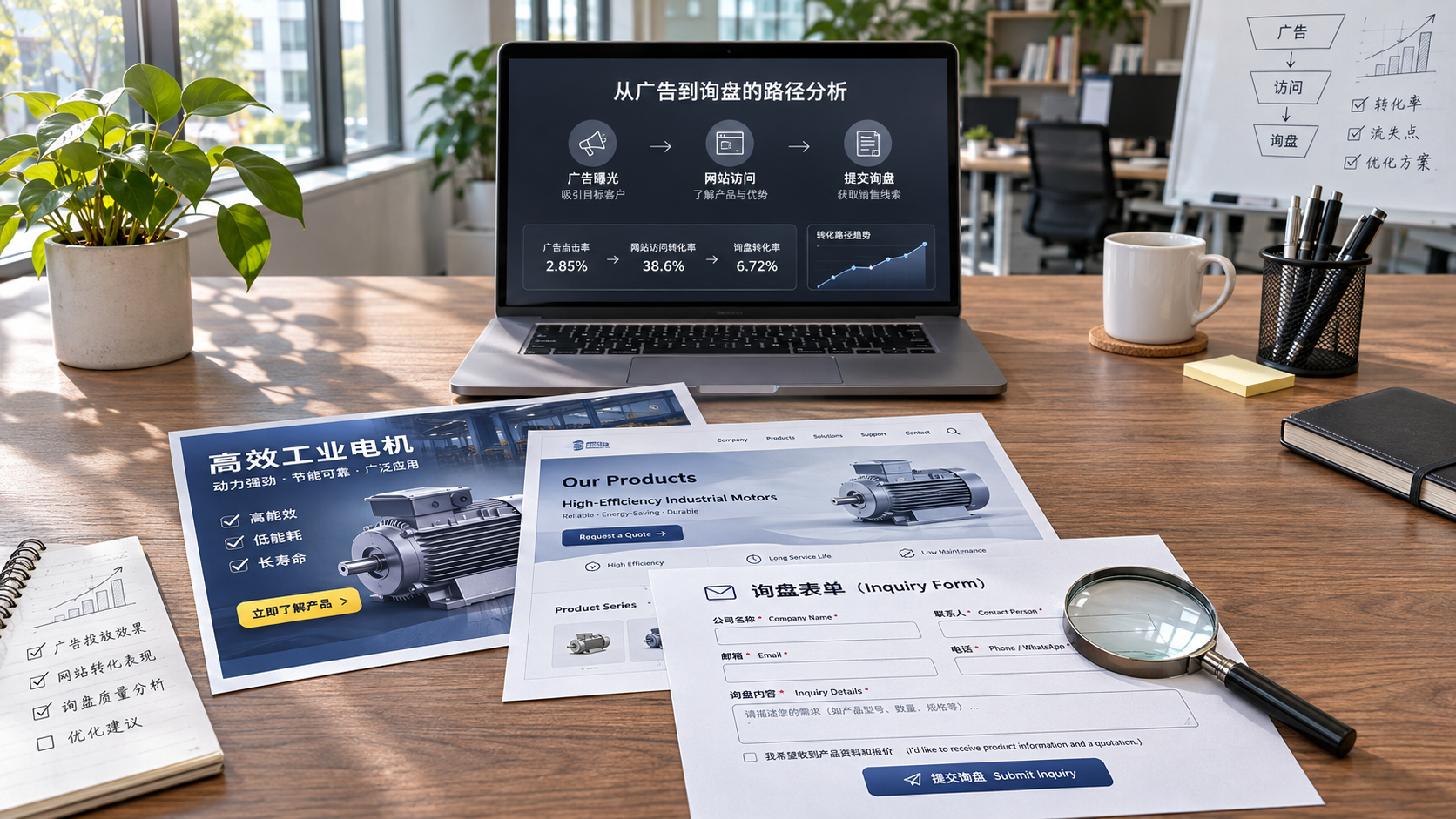
 How Does an AI Advertising System Analyze Ad Conversion Data?

Related Products
 Yiyingbao SaaS Intelligent Website Building and Marketing SystemYiyingbao SaaS Intelligent Website Building and Marketing System, AI-powered no-code website building, rapid creation of multilingual B2B international websites in 10 minutes, global server acceleration, AI-powered SEO optimization, helping businesses connect efficiently with global markets. The perfect integration of technology and operation makes building an international trade website remarkably simple
 AI+SEM Intelligent Advertising Marketing SystemAI+SEM drives intelligent ad creation, empowering full-funnel precision advertising marketing. The system automatically generates weekly/monthly reports, AI recommends keywords and target countries, monitors core metrics in real-time with intelligent alerts, and enables one-click high-conversion ad solutions to help quickly acquire customers and improve ROI.
 AI+SEO Dual-Engine System Optimization ServicesYiyingbao’s AI+SEO dual-engine optimization system helps foreign trade enterprises acquire high-quality organic traffic through AI-powered keyword research, content generation, and comprehensive technical optimization, significantly improving search rankings and conversion rates.
 AI+SNS Social Media Marketing SystemYingbao AI+SNS Social Media Marketing System - Precision social capture for the social media era. Supports one-click content synchronization across major platforms like Facebook and LinkedIn. AI intelligently rewrites posts for enhanced relevance. 24/7 AI customer service and user profiling analysis empower businesses to efficiently expand into global markets.
 AI+SEO营销解决方案易营宝AI+SEO营销解决方案,通过AI批量写作、智能生成TDK、精准关键词扩词等功能,全面优化网站SEO效果,提升流量与转化率。助力企业构建高效智能网站新生态。
 AI+SEM Advertising Marketing SolutionsAI+SEM Advertising Marketing Solution leverages AI technology to deeply empower SEM ad campaigns. It automatically generates weekly/monthly reports using AI, presenting account data across multiple dimensions for comprehensive insights into campaign performance and trends. The system precisely recommends keywords and target countries, intelligently generates high-conversion ad copy, and enables one-click activation of efficient campaign plans to help businesses rapidly acquire customers. Simultaneously, it monitors core metrics in real time, intelligently identifies abnormal fluctuations, and issues timely alerts to ensure stable, high-return advertising results.
 Domain Name ServicesEasyWin provides professional domain name services, including intelligent queries, one-stop registration, brand protection, and full lifecycle management, helping businesses build a digital brand image.
 EasyOperate B2C Cross-Border E-Commerce Platform & Independent WebsiteEasyStore B2C Cross-border E-commerce Independent Store is an intelligent website building and cross-border e-commerce integrated solution independently developed by EasyStore Information Technology (Beijing) Co., Ltd. The system is specially designed for small and medium-sized as well as large export enterprises, integrating 'website building, operation, marketing, advertising, and conversion' into one, helping enterprises quickly establish cross-border e-commerce independent stores to achieve brand globalization and global sales growth.
The platform supports multiple languages, multiple currencies, and multi-channel marketing, with built-in AI intelligent translation and SEO optimization systems, suitable for mainstream markets such as Southeast Asia, Europe and America, Latin America, and the Middle East, assisting Chinese manufacturing enterprises in efficiently deploying international e-commerce strategies. SSL证书易营宝提供专业SSL安全证书服务,包括单域名和泛域名证书,确保网站数据传输加密、身份验证和完整性保护,助力企业建立安全可信的在线业务环境。