








- Qingdao Port's Imports and Exports Exceed RMB 23.699 Trillion in the First 10 Months, Drawing Attention to Port IntelligenceNov 22, 2026View details
- Ningbo Cross-Border E-Commerce Export Value Surges 94.87% Year on Year, Opening Up a New Billion-Yuan Growth TrackNov 22, 2026View details
- AliExpress Global Double 11: Brand Sales Grow Nearly 50% in the First Week, U.S. GMV Rises 70%Nov 21, 2026View details
- Ministry of Commerce Reports E-commerce Development from January to October 2026, with Cross-Border Imports Performing StronglyNov 21, 2026View details
- Amazon Black Friday Orders Sluggish on Day One; NRF Forecasts 4.2 Million Fewer ParticipantsNov 21, 2026View details
- 21st Century Business Herald: AI and CTV Become Core Growth Engines for Digital Marketing in Overseas MarketsNov 18, 2026View details
How Should an Export Website Set Up Dedicated Pages for Different Target Regions?
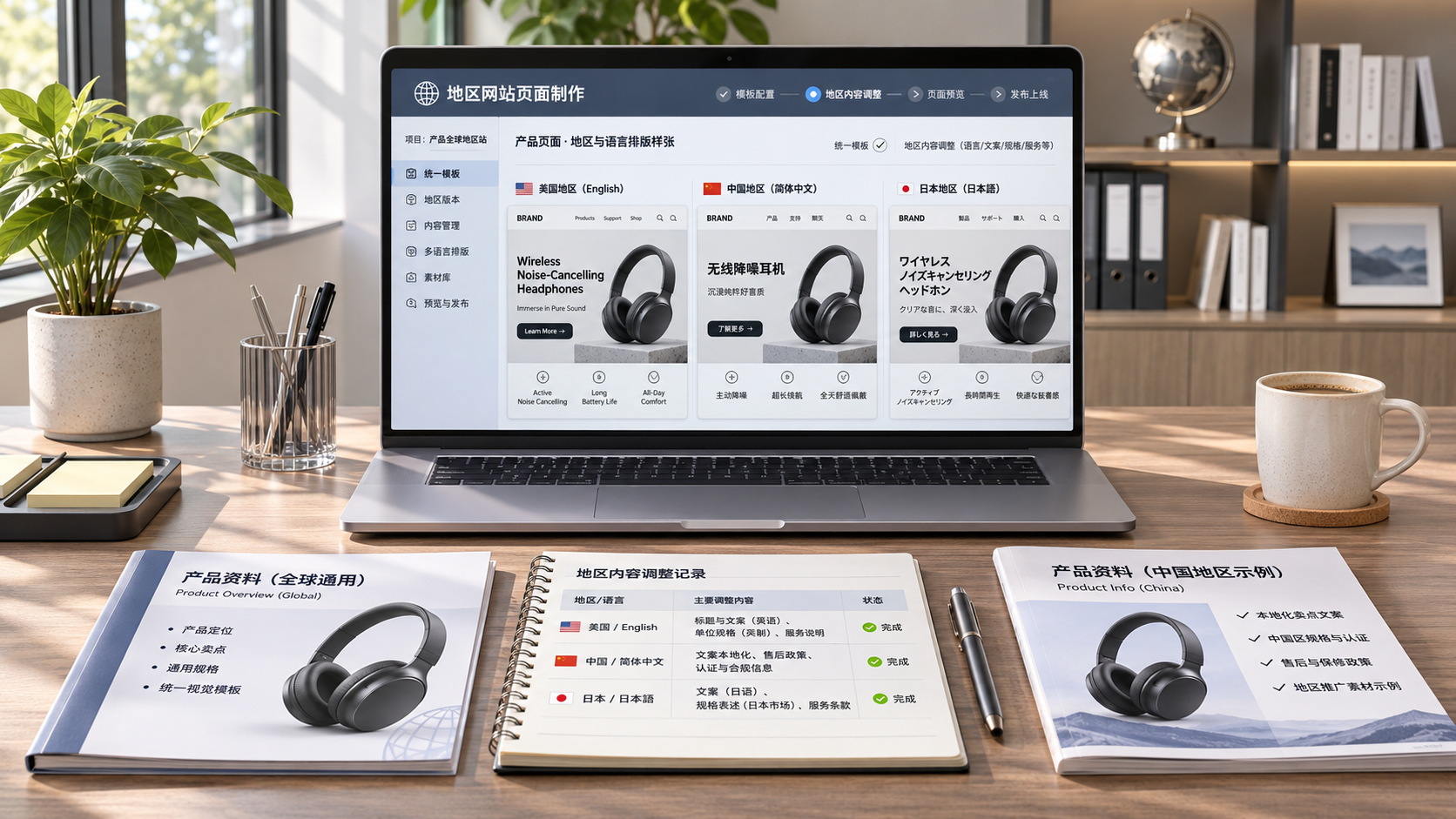
For an export website, setting up separate pages for different target regions is not about duplicating the entire site. The first step is to determine which markets need differentiated content, then configure a stable URL, language version, and conversion path for each region. A region-targeted export website can start with a unified main site and regional subdirectories; separate domains need only be considered when there are significant differences in branding, operations, or compliance requirements.
Page planning should address three questions: Where do customers enter the site? What region-specific information do they see? Who follows up after they submit an inquiry? Determining the technical structure alongside business responsibilities helps prevent maintenance difficulties after the pages go live.
Region-Targeted Export Website: First Decide How Independent Each Page Should Be
The degree of independence for regional pages should be determined by both market differences and maintenance capacity. The same language does not necessarily mean the same market; conversely, different regions do not necessarily require two completely independent websites.
The key criterion is whether the differences justify maintaining a separate page over time.If only the phone number and currency differ, start with a shared page and a regional selector. If product specifications, certification documents, and inquiry handling all differ, create a separate regional page so customers do not have to make their own judgments based on a generic page.
Reflect Regional Differences in Pages and Business Processes
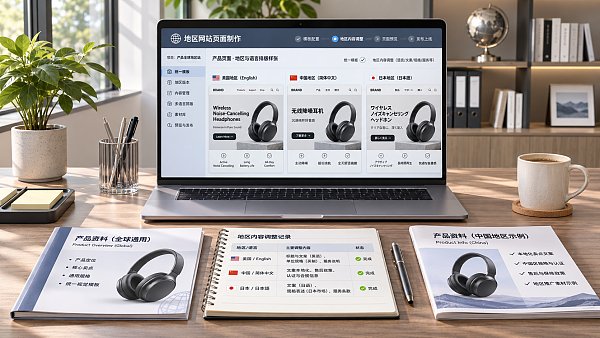
Start by creating a list of “target region—language—product—conversion method,” then decide which home, product, and landing pages are needed. There is no need to cover every country at once. The initial scope can focus on markets where delivery capabilities are clear and dedicated staff are already available to follow up.
- Product and technical information:Confirm the models sold locally, units of measurement, voltage, and interface requirements. Display certification marks and certificates only when they apply to the product and target market.
- Commercial and delivery terms:Specify the regions you serve, currencies accepted for inquiries, shipping coverage, and after-sales contact details. If quotes depend on configuration or trade terms, state that these details need to be confirmed rather than making a blanket commitment.
- Content and messaging:In addition to translation, adapt industry terminology, use cases, date formats, and call-to-action text so customers can understand the content and complete the required actions.
- Inquiry routing:Have forms record the page region, product, and customer contact details, then assign follow-up to the appropriate person by region or business scope. Set a backup recipient when the primary contact is unavailable.
For example, suppose an equipment exporter sells in both the United States and Germany. The product ranges are similar, but the unit systems, technical document languages, and after-sales contacts differ. The company can share product data and page templates while maintaining separate regional information, downloadable materials, and inquiry-routing rules, instead of duplicating the back end.
Help Search Engines and Visitors Find the Right Version
Each regional or language version should have a directly accessible, stable, and unique URL, with clear country or language switching options in the page navigation. Where possible, switching should lead to the corresponding content. If there is no equivalent page, direct visitors to a relevant section or the regional home page instead.
For search engines, configure hreflang between pages with corresponding versions, use the correct language and region codes, and ensure that the versions reference one another. The canonical tag should point to the appropriate preferred version. Avoid pointing every regional page to another region’s home page when the pages need to appear independently. The sitemap should also include valid URLs that you want search engines to discover.
Do not rely solely on automatic IP-based redirects: cross-border access, proxies, or business travel can lead to inaccurate detection. Offer a regional switching prompt while retaining manual selection. Login requirements, query parameters, or visitor location should not prevent search engines from accessing the main page content. These settings help communicate the relationships between versions, but do not guarantee that search engines will display them as intended.
Validate the Delivery Flow Before Launch
A regional page is not complete just because its translation is finished. The entire process, from accessing the page to receiving an inquiry, must be tested. Confirm the acceptance checklist with the content owner, technical owner, and business contact responsible for receiving inquiries.
- Content and permissions:Check regional names, models, document versions, and contact details. Clarify who can edit shared content and who is responsible for reviewing region-specific content.
- Links and indexing:Test each page URL, language switcher, sitemap, and hreflang mapping. Confirm that test pages are not mistakenly treated as live versions.
- Forms and assignment:Submit test inquiries from pages for each region. Verify email or system notifications, regional labels, and recipients, and test the backup notification route.
- Access and compliance:Check loading, fonts, forms, and downloads under target-region network conditions and on commonly used devices. Review requirements for personal information, cookies, or transaction rules in accordance with the applicable regional requirements.
After launch, monitor visits, qualified inquiries, and follow-up outcomes for each regional page, and assess performance in the context of the products and traffic sources rather than relying on page views alone. If a regional page has no dedicated content or clear owner over an extended period, consider consolidating it for easier maintenance. If a shared page can no longer accurately communicate delivery terms, expand it into a separate regional version.
Related Articles
 How Should an Export Website Set Up Dedicated Pages for Different Target Regions?
 How Global Server Deployment Reduces Website Latency for Overseas Visitors
 XYZ Applies for the .seo Top-Level Domain in ICANN’s New Round; Launch May Be Coming Soon


Related Products
 Yiyingbao SaaS Intelligent Website Building and Marketing SystemYiyingbao SaaS Intelligent Website Building and Marketing System, AI-powered no-code website building, rapid creation of multilingual B2B international websites in 10 minutes, global server acceleration, AI-powered SEO optimization, helping businesses connect efficiently with global markets. The perfect integration of technology and operation makes building an international trade website remarkably simple
 AI+SEM Intelligent Advertising Marketing SystemAI+SEM drives intelligent ad creation, empowering full-funnel precision advertising marketing. The system automatically generates weekly/monthly reports, AI recommends keywords and target countries, monitors core metrics in real-time with intelligent alerts, and enables one-click high-conversion ad solutions to help quickly acquire customers and improve ROI.
 AI+SEO Dual-Engine System Optimization ServicesYiyingbao’s AI+SEO dual-engine optimization system helps foreign trade enterprises acquire high-quality organic traffic through AI-powered keyword research, content generation, and comprehensive technical optimization, significantly improving search rankings and conversion rates.
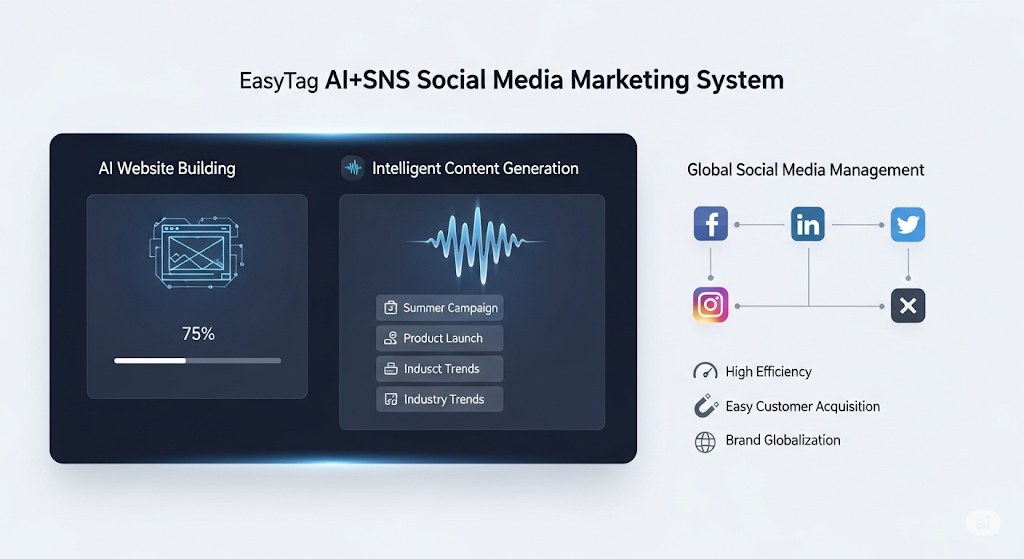
 AI+SNS Social Media Marketing SystemYingbao AI+SNS Social Media Marketing System - Precision social capture for the social media era. Supports one-click content synchronization across major platforms like Facebook and LinkedIn. AI intelligently rewrites posts for enhanced relevance. 24/7 AI customer service and user profiling analysis empower businesses to efficiently expand into global markets.
 AI+SEO营销解决方案易营宝AI+SEO营销解决方案,通过AI批量写作、智能生成TDK、精准关键词扩词等功能,全面优化网站SEO效果,提升流量与转化率。助力企业构建高效智能网站新生态。
 AI+SEM Advertising Marketing SolutionsAI+SEM Advertising Marketing Solution leverages AI technology to deeply empower SEM ad campaigns. It automatically generates weekly/monthly reports using AI, presenting account data across multiple dimensions for comprehensive insights into campaign performance and trends. The system precisely recommends keywords and target countries, intelligently generates high-conversion ad copy, and enables one-click activation of efficient campaign plans to help businesses rapidly acquire customers. Simultaneously, it monitors core metrics in real time, intelligently identifies abnormal fluctuations, and issues timely alerts to ensure stable, high-return advertising results.
 Domain Name ServicesEasyWin provides professional domain name services, including intelligent queries, one-stop registration, brand protection, and full lifecycle management, helping businesses build a digital brand image.
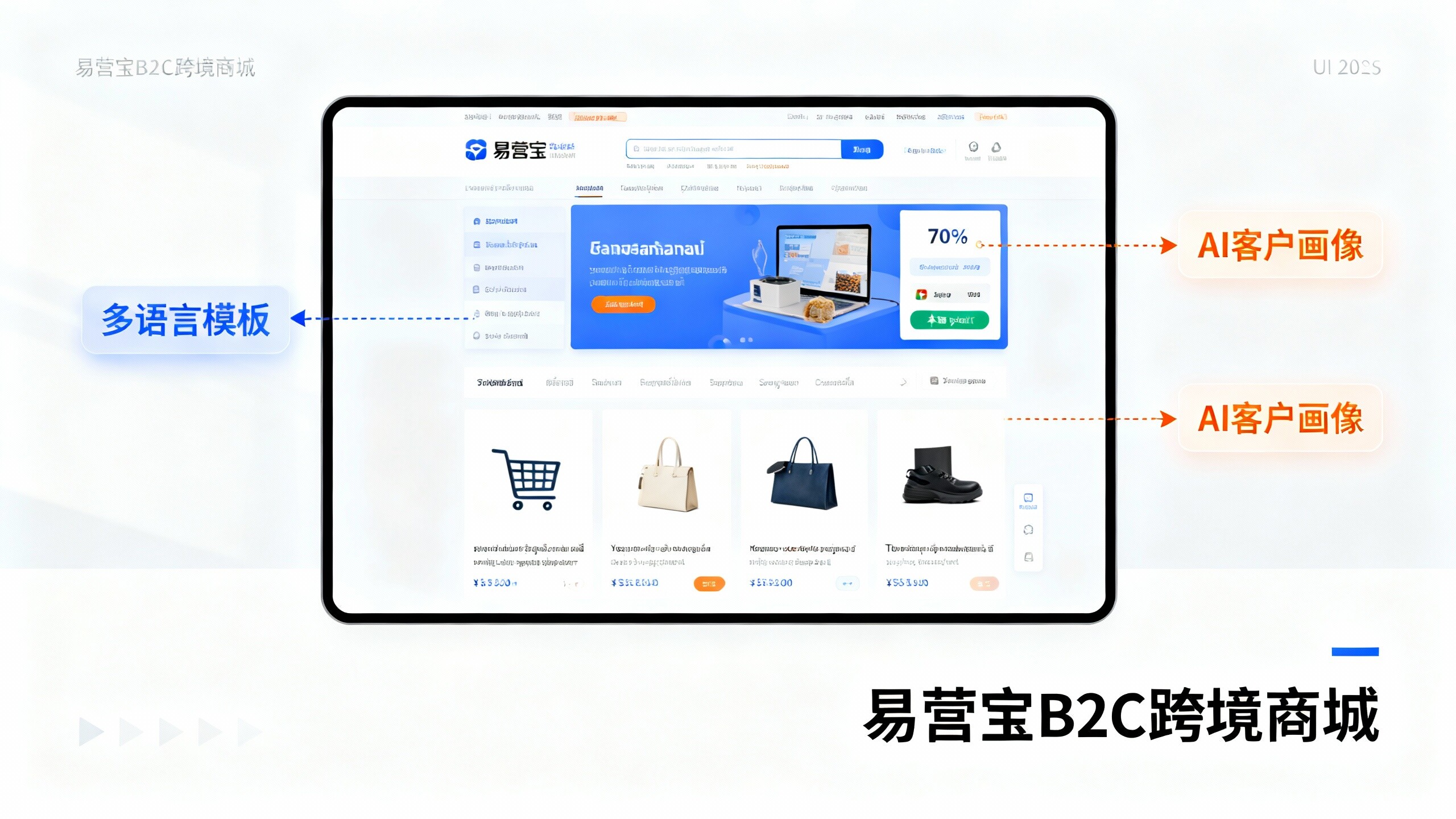
 EasyOperate B2C Cross-Border E-Commerce Platform & Independent WebsiteEasyStore B2C Cross-border E-commerce Independent Store is an intelligent website building and cross-border e-commerce integrated solution independently developed by EasyStore Information Technology (Beijing) Co., Ltd. The system is specially designed for small and medium-sized as well as large export enterprises, integrating 'website building, operation, marketing, advertising, and conversion' into one, helping enterprises quickly establish cross-border e-commerce independent stores to achieve brand globalization and global sales growth.
The platform supports multiple languages, multiple currencies, and multi-channel marketing, with built-in AI intelligent translation and SEO optimization systems, suitable for mainstream markets such as Southeast Asia, Europe and America, Latin America, and the Middle East, assisting Chinese manufacturing enterprises in efficiently deploying international e-commerce strategies. SSL证书易营宝提供专业SSL安全证书服务,包括单域名和泛域名证书,确保网站数据传输加密、身份验证和完整性保护,助力企业建立安全可信的在线业务环境。