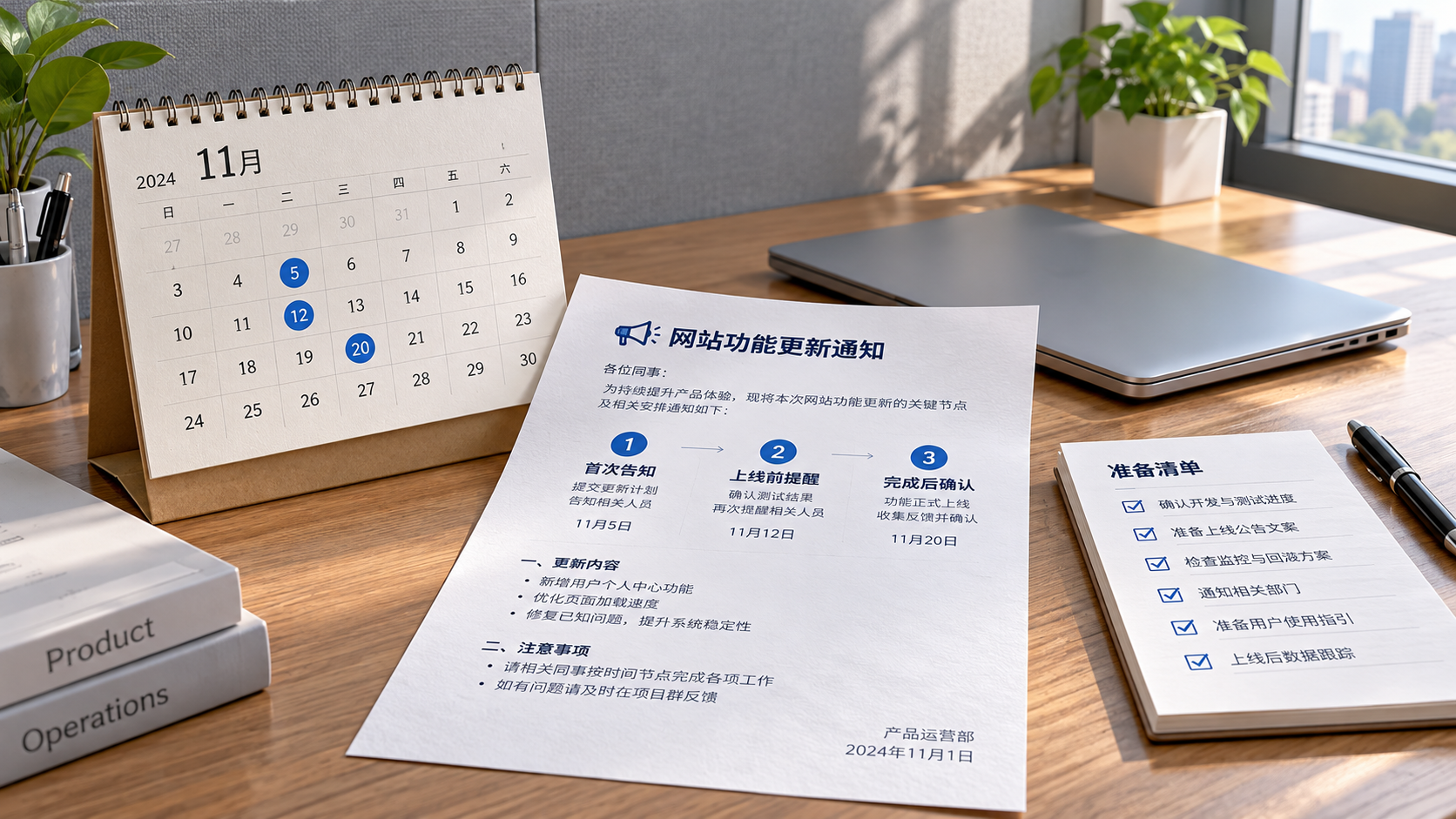
How far in advance should you send a feature update notice? This article considers the impact of the update, preparation requirements, and time differences across overseas markets to help you plan the notification schedule appropriately, reduce the risk of business interruptions, and manage website operations, inquiry handling, and order fulfillment with greater confidence.
You can use the following schedule as a guide: announce non-disruptive optimizations when they go live; notify users three to seven days in advance when they need to change how they work; and give seven to fourteen days' notice for updates involving downtime, payments, or data migration. These timeframes are scheduling suggestions. The actual notice period should depend on the impact and the terms of service.
To determine how much advance notice to give, start by asking three questions: Will customer access be affected? Will operators need to change their procedures? Do other systems need to be coordinated? If orders, forms, or permissions are involved, do not base the notification lead time solely on the scale of the page changes.
For example, adding an optional filter in the admin panel usually does not require multiple reminders. But if inquiry assignment rules change, sales staff could miss customer inquiries even if the page barely changes. Explain who and what will be affected in advance, and allow time for verification.
Also distinguish between the initial announcement and the go-live reminder. Sending an email two weeks ahead does not mean operators will still remember it on launch day. For updates that require preparation, communicate in stages so users can first understand the impact, then prepare, and finally confirm the changeover.
How Can You Schedule Notifications So Operators Take Action in Time?
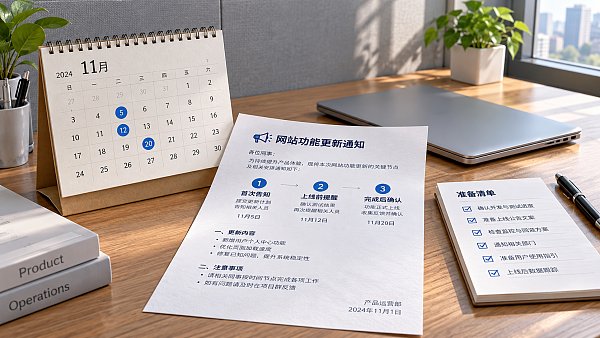
For updates with a significant impact, use a schedule of “initial announcement, pre-launch reminder, and completion confirmation.” The initial notice helps coordinate people and timing, the reminder shortly before launch highlights outstanding tasks, and the completion notice covers verification results, outstanding issues, and where to get help.
Send the initial announcement once the plan and timing are largely confirmed. If the operating instructions are not yet ready, specify when they will be provided. For interface changes, approvals, or work involving multiple people, work backward from the time needed for preparation and send notice more than two weeks in advance if necessary.
Send another reminder one business day before launch, listing outstanding configuration tasks, the period when operations will be paused, and the responsible person. If a final window reminder is also needed, use a targeted in-product announcement where possible, rather than sending multiple similar emails in a short period.
Minor updates that require no user action and cause no noticeable interruption can be included in a weekly or monthly update log. Frequent, low-value notifications reduce engagement, making messages that truly affect business continuity easier to overlook.
What Information Should a Useful Feature Update Notice Include?
The subject line should clearly state the affected area, timing, and impact, for example: “Inquiry Admin Upgrade on June 18: Please Check Assignment Rules in Advance.” Start the message by answering whether the recipient is affected, then explain what they need to do, so they do not have to read the entire introduction to find their action items.
Include the exact effective time and time zone, affected sites and accounts, feature changes, expected downtime, and preparation steps. If the update will be rolled out to only some accounts at a time, explain how users can tell whether their account is included, so users without access do not mistake this for a malfunction.
Instructions should be directly actionable. For example, if users need to check inquiry receipt settings, provide the admin panel location, items to check, and deadline. If they need to save data, specify the export scope, file format, and storage requirements; do not simply say, “Please back up your data in advance.”
Also explain which activities can continue during the update and which must be paused, and who to contact if an issue occurs. If the launch time may still change, state when it will next be confirmed. If the update is postponed or canceled, notify users through the original channels so they do not act on the old schedule.
How Should You Account for Time Differences and Missed Channels for Overseas Websites?
International business websites and cross-border online stores often have operators in multiple regions, so notifications should arrive during recipients' working hours. An update announced after business hours on Friday and taking effect early Monday may be two days away, but it might not leave a full business day for preparation.
Show times in both Coordinated Universal Time and the local time of the main teams, and check local daylight saving time. Choose maintenance windows based on actual traffic, advertising, and sales data. Do not assume that the early hours of the morning in Beijing are off-peak for every market.
Combine channels according to the audience: use admin panel announcements to reach day-to-day operators, email to provide complete information that can be retained, and an agreed-upon work channel for urgent reminders. If the update affects customer orders or inquiry submissions, also consider displaying a notice on the customer-facing site and providing an alternative contact option.
What Else Should You Check When Inquiries, Advertising, and Indexing Are Involved?
Websites and marketing services are interconnected, so feature updates may affect promotional performance. If forms, payments, or landing pages are changing, notify advertising and sales staff in advance so they can jointly check the customer journey, conversion events, and lead receipt. This helps prevent a situation where the website is accessible but cannot generate leads as expected.
If URL structures, page templates, or multilingual paths are changing, notify the people responsible for search optimization so they can check redirects, indexing settings, and the sitemap in advance. A feature update notice does not need to go into technical detail, but it should tell the relevant owners what to check and by when.
Users of integrated website-building and marketing platforms can have the site administrator consolidate notifications and clarify the responsibilities of the vendor, operations team, and sales team. Using the same change checklist and schedule across teams reduces misunderstandings and makes it easier to verify each item after launch.
What If an Urgent Fix Cannot Wait for Advance Notice?
An ongoing outage or security issue may not allow time for the usual notification period. If circumstances permit, publish a brief explanation as soon as possible, stating the scope of impact, temporary measures, and when the next progress update will be provided. Follow up with the full explanation and recovery results.
After service is restored, operators should test the affected workflows, such as login, inquiry submission, orders, and payments. The completion notice should distinguish between what has been restored and what still needs attention. Do not declare all business operations normal solely because deployment is complete; continue to follow up on unresolved issues.
Turn the Advance Notice Period into an Actionable Plan
The key to deciding when to send a feature update notice is to give users enough effective time to prepare. Communicate minor changes promptly, give several days' notice for process changes, and allow one to two weeks or longer for major transitions. Adjust the schedule based on business days, time differences across overseas markets, and coordination dependencies.
Before sending, make three final checks: Are the recipients correct? Are the action items clear? Will someone respond if an issue arises? When every affected operator knows when the change will happen, how to prepare, and how to confirm service has been restored, the notice can truly reduce business interruptions caused by updates.