







- Which channel has the highest ROI in the global traffic ecosystem? Comparative analysis of search, social media, and advertisingJul 10, 2026View details
- What multilingual website services are available in Sanya? Which model is more suitable for local businesses going global?Jul 08, 2026View details
- How to view the complete list of China SaaS companies in the top 100? Practical methods for screening website-building and marketing service providersJul 08, 2026View details
- How to view pricing in the global traffic ecosystem? Cost comparison of search, social media, and content channel advertisingJul 06, 2026View details
- How to assess foreign trade website development trends?Looking at 2026 changes from multilingual,AI content to conversion pathsJul 04, 2026View details
- What are the new trends in multilingual marketing data analytics tools in 2026? Focus on attribution、automation and complianceJul 04, 2026View details
How to configure multilingual settings in a WeChat Mini Program? Backend configuration process and common error troubleshooting
Before configuring multilingual settings for WeChat Mini Programs, first make sure the backend configuration is clear

Configuring multilingual settings for a WeChat Mini Program may seem like it only involves switching languages, but in practice it also involves content structure, field naming, page calls, and backend publishing workflows. If even one part is not aligned, the front end can easily show blank text, invalid language content, or translation errors.
For teams that handle website and marketing services in an integrated way, multilingual support is not only a presentation requirement. It is also related to the synchronization of overseas campaign pages, mini program store conversions, and brand consistency across different regions.
In actual projects, many companies are already used to managing multiple languages in their official website, standalone site, and ad landing pages. If the mini program continues to use a single-language configuration, content maintenance efficiency will drop significantly, and errors are more likely to occur when dealing with cross-regional business.
When Yiyingbao provides long-term multilingual website building, overseas marketing, and digital operations projects, the usual practice is to first establish language resource management rules, and then proceed to page configuration. In this way, the launch rhythm is more stable, and later expanding language versions will not require repeated rework.
How should the backend configuration process be handled to avoid rework before launch
If you are currently handling multilingual settings for a WeChat Mini Program, it is recommended to break the process into four steps rather than writing pages and supplementing language packs at the same time. A more common approach is to define the language scope first, then define the fields, then connect the pages, and finally coordinate the publishing process.
Step 1: First confirm the language versions and switching logic
First make it clear which languages are supported, whether it is Simplified Chinese and English, or whether Japanese, Korean, and Russian also need to be covered. The number of languages directly affects the backend field structure and also affects the follow-up content review workload.
At the same time, confirm the switching method. Is it based on the system language, or is it manually switched inside the mini program? Both methods are common, but the logic must not be mixed, otherwise cached language content and the current page text will become inconsistent.
Step 2: Build a unified language pack and field key names
Language packs are usually divided by page or module, such as home page, product page, form page, and payment prompt page. Field key names should be as semantic as possible, for example banner_title and submit_text, rather than directly using Chinese pinyin abbreviations.
What is most easily overlooked here is consistency. If the front end calls submit_text but the backend records it as submit_btn, the page will display empty values. Problems like this may look like a programming error, but in essence it is a failure in field management.
Step 3: Separate backend content entry from page calling for validation
After backend entry is completed, do not publish everything directly. Pages should be checked one by one to confirm whether the fields are complete, and then verify whether the front end is retrieving values correctly. Button copy, prompt text, and form validation messages are especially prone to omissions.
Step 4: Handle cache and default language before publishing
After configuring multilingual settings for a WeChat Mini Program, common problems do not usually occur during the configuration stage, but during preview and online publishing. Old cache not cleared, default language not specified, and fallback logic not written can all make test results appear inconsistent before and after deployment.
Why do field rules often cause problems? The core issue is not translation, but naming and calling
Many people think the main difficulty of multilingual content is translation quality, but in backend configuration the more common problem is actually inconsistent field rules. This becomes even more obvious when mini programs, official websites, and marketing landing pages are maintained by different people.
If the company is also synchronizing a multilingual official website, standalone site, and overseas advertising pages, it is recommended to use a unified content key naming system directly. The value of doing this is not only saving one round of data entry time, but also enabling later content reuse across channels.
- Keep only one field key name for the same meaning to avoid having one set for the home page and another for the store page.
- Use English semantic words for field key names to make development, testing, and operations easier to identify together.
- Manage dynamic content separately from fixed copy to avoid backend changes affecting program variables by mistake.
- When a field is empty, there should be a default language fallback; it must not return an empty string directly.
For mini programs with a strong marketing focus, field planning also needs to take frequent activity changes into account. For example, holiday campaigns, ad landing page entrances, and limited-time offer pop-ups. If these contents are hard-coded in the page, each language switch later will require republishing, and efficiency will be very low.
From a long-term maintenance perspective, it is best to plan WeChat Mini Program multilingual settings together with the company’s existing digital content system. Platforms like Yiyingbao, which handle intelligent website building, multilingual website construction, and overseas marketing integration services, usually place greater emphasis on unified content assets rather than patching things up page by page.
How to troubleshoot frequent errors: first check whether it is a configuration issue or a calling issue
Error troubleshooting should not rely only on the control panel. Many issues that look like technical problems are actually caused by missing backend data, unsynchronized language packs, wrong field names, or default value handling that is not in place.
The table below can be used as a troubleshooting order reference and is suitable for handling common issues during WeChat Mini Program multilingual setup.
What needs attention is that troubleshooting must follow an order. First confirm whether the data exists, then confirm whether the retrieved value is correct, and only then look at the translation environment. If the sequence is chaotic, time will be wasted on ineffective debugging.
In what scenarios should the mini program and the marketing system be considered together
If the mini program is only an internal tool, configuring multilingual settings for the WeChat Mini Program can be relatively lightweight. But as long as it is responsible for lead generation, display, inquiries, or transactions, multilingual support is no longer just a technical setup, but part of the operational infrastructure.
A more common situation is that the mini program is used together with the official website, store, advertising landing pages, and social media traffic pages. At this time, if the multilingual content is fragmented, users coming from ads will see completely different descriptions, and trust will drop quickly.
This is also why more and more companies, when doing international business, manage multilingual official websites, mini program pages, and overseas marketing content within a unified framework. Once the content standards are unified, SEO, ad landing page conversion, and customer communication become much easier to connect.
From an implementation perspective, service systems with experience in intelligent website building, SEO optimization, ad placement, and multilingual management are often more effective than handling a single page configuration separately. The real difficulty usually lies in cross-system coordination, not in translating a button itself.
Before launch, what other details need to be confirmed
Before going live, it is recommended not to do only functional testing, but also a content and operations review. This can prevent the technical side from passing while the actual user experience still feels awkward.
- Check all key entry pages, especially the home page, product page, form page, and payment prompt page.
- Confirm button lengths in different languages to avoid text overflow or incorrect line breaks.
- Verify the default language and fallback language to prevent blank content caused by missing fields.
- Check whether campaign copy, contact information, currency, and regional prompts are updated in sync.
- Keep the field list and version records so that future new languages can be expanded quickly.
In short, configuring multilingual settings for a WeChat Mini Program is not difficult; what is difficult is putting the backend process, field rules, and page operations into the same standard. As long as the early planning is clear, there will be far fewer errors later, and maintenance costs will also be more controllable.
If you are currently pushing a multilingual mini program live, the next step that is worth doing most is not rushing to add translations, but first sorting out the language scope, field list, page priority, and publishing checklist. In this way, whether the mini program is handled independently or coordinated with the official website, store, or overseas marketing pages, the overall efficiency will be higher.
Related Articles
 GCC Digital Trade Partner Certification, Precondition for Independent Site Dual Verification and Listing
 SEAEC unified API gateway enabled, ASEAN six-country independent site payments and tax interface entered into hard constraints
 How to plan multilingual B2C cross-border e-commerce store development? Key points for products, payment, and localized user experience


Related Products
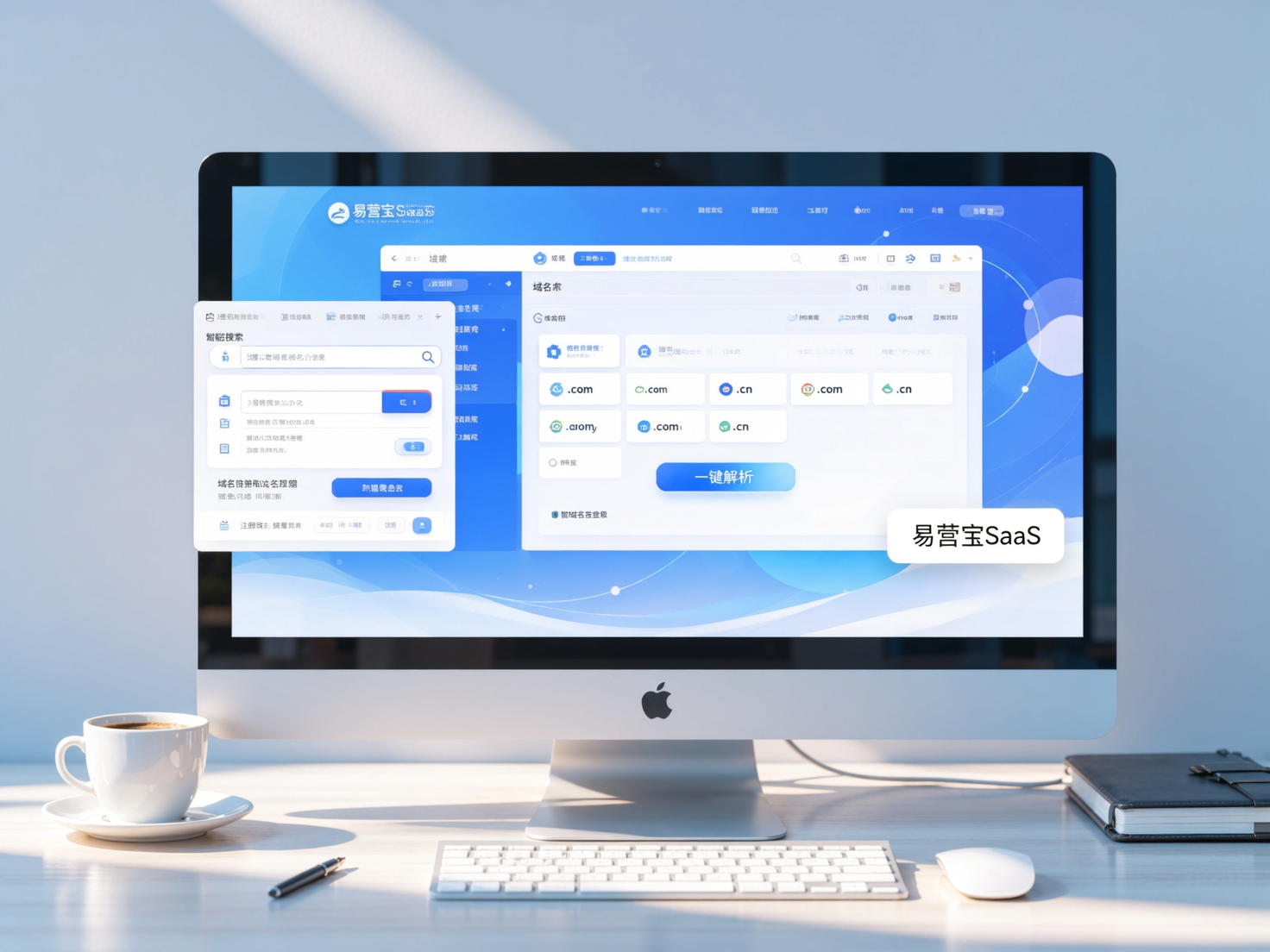
 EasyCamp SaaS Smart Website Marketing SystemE-Yingbao SaaS Smart Website Marketing System: AI-powered, zero-code website building. Rapidly launch multilingual independent e-commerce sites in just 10 minutes. Global server acceleration and AI-driven SEO optimization empower businesses to efficiently connect with global markets. The seamless integration of technology and user-friendly operation makes building e-commerce sites incredibly simple.
 AI+SEM Intelligent Advertising Marketing SystemAI+SEM drives intelligent ad creation, empowering full-funnel precision advertising marketing. The system automatically generates weekly/monthly reports, AI recommends keywords and target countries, monitors core metrics in real-time with intelligent alerts, and enables one-click high-conversion ad solutions to help quickly acquire customers and improve ROI.
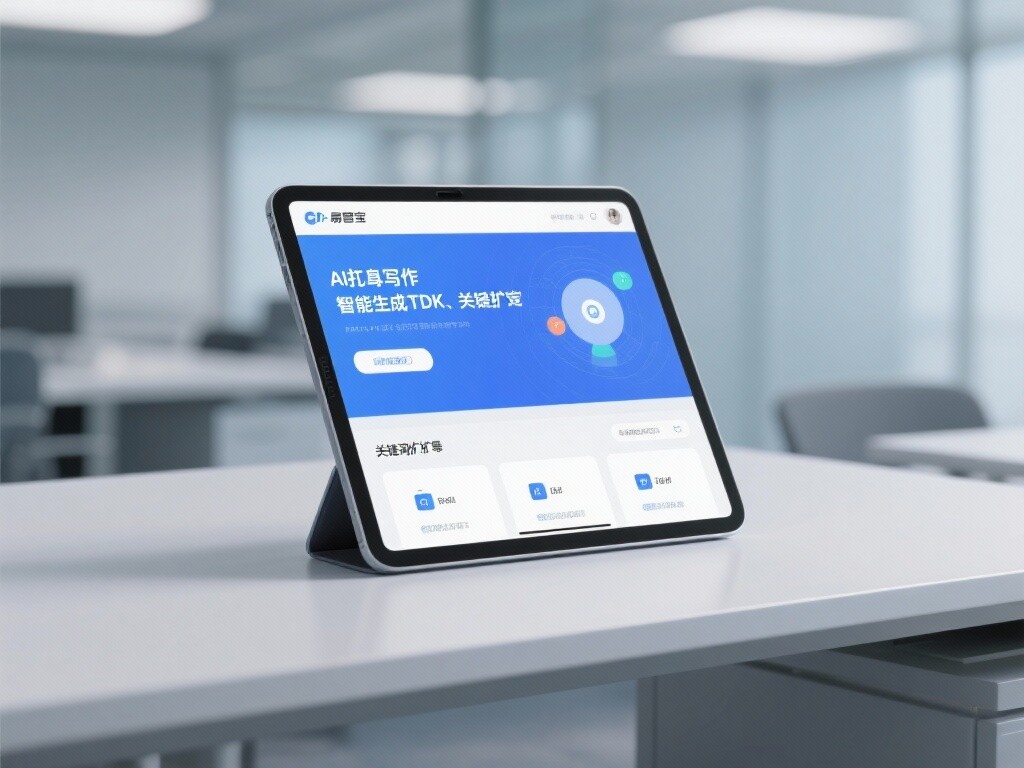
 AI+SEO Dual Engine Optimization ServiceEasyWin AI+SEO Dual Engine Optimization System leverages AI-powered keyword mining, content generation, and comprehensive technical optimization to help foreign trade enterprises acquire high-quality organic traffic, significantly improving search rankings and conversion rates.
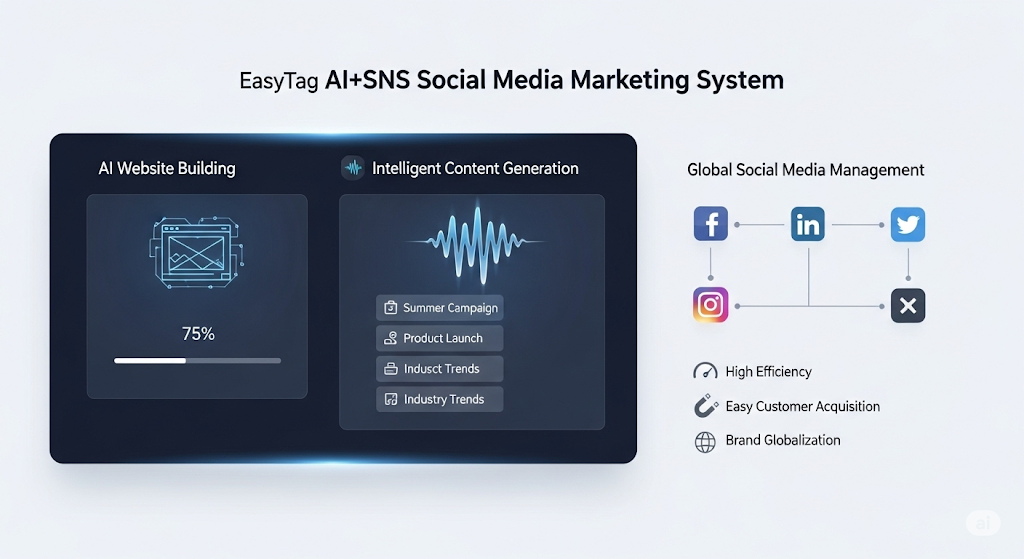
 AI+SNS Social Media Marketing SystemYingbao AI+SNS Social Media Marketing System - Precision social capture for the social media era. Supports one-click content synchronization across major platforms like Facebook and LinkedIn. AI intelligently rewrites posts for enhanced relevance. 24/7 AI customer service and user profiling analysis empower businesses to efficiently expand into global markets.
 AI+SEO营销解决方案易营宝AI+SEO营销解决方案,通过AI批量写作、智能生成TDK、精准关键词扩词等功能,全面优化网站SEO效果,提升流量与转化率。助力企业构建高效智能网站新生态。
 AI+SEM Advertising Marketing SolutionsAI+SEM Advertising Marketing Solution leverages AI technology to deeply empower SEM ad campaigns. It automatically generates weekly/monthly reports using AI, presenting account data across multiple dimensions for comprehensive insights into campaign performance and trends. The system precisely recommends keywords and target countries, intelligently generates high-conversion ad copy, and enables one-click activation of efficient campaign plans to help businesses rapidly acquire customers. Simultaneously, it monitors core metrics in real time, intelligently identifies abnormal fluctuations, and issues timely alerts to ensure stable, high-return advertising results.
 Domain Name ServicesEasyWin provides professional domain name services, including intelligent queries, one-stop registration, brand protection, and full lifecycle management, helping businesses build a digital brand image.
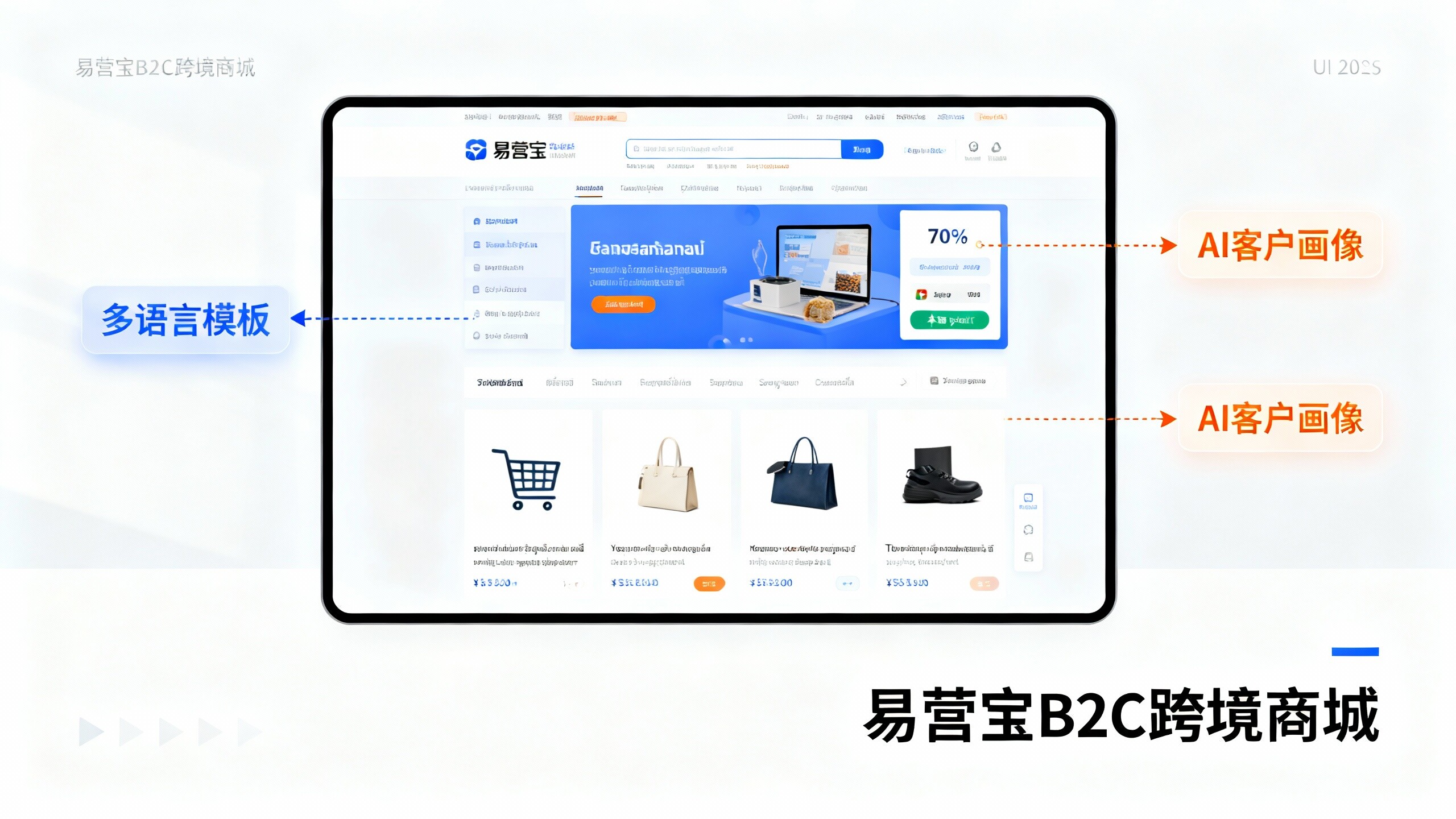
 EasyOperate B2C Cross-Border E-Commerce Platform & Independent WebsiteEasyStore B2C Cross-border E-commerce Independent Store is an intelligent website building and cross-border e-commerce integrated solution independently developed by EasyStore Information Technology (Beijing) Co., Ltd. The system is specially designed for small and medium-sized as well as large export enterprises, integrating 'website building, operation, marketing, advertising, and conversion' into one, helping enterprises quickly establish cross-border e-commerce independent stores to achieve brand globalization and global sales growth.
The platform supports multiple languages, multiple currencies, and multi-channel marketing, with built-in AI intelligent translation and SEO optimization systems, suitable for mainstream markets such as Southeast Asia, Europe and America, Latin America, and the Middle East, assisting Chinese manufacturing enterprises in efficiently deploying international e-commerce strategies. SSL证书易营宝提供专业SSL安全证书服务,包括单域名和泛域名证书,确保网站数据传输加密、身份验证和完整性保护,助力企业建立安全可信的在线业务环境。