




- What Does a Global Traffic Ecosystem Service Provider Do? What Are the Differences from a Single Advertising AgencyJul 16, 2026View details
- What should you focus on in the latest enterprise SaaS report? From renewal rates and delivery costs to overseas growth opportunitiesJul 12, 2026View details
- What signals are worth paying attention to in a cross-border marketing trend report? B2B companies should look at these 6 signalsJul 11, 2026View details
- How to Read a Cross-Border Marketing Trends Report? Five Key Dimensions for Evaluating Channel OpportunitiesJul 11, 2026View details
- Which channel has the highest ROI in the global traffic ecosystem? Comparative analysis of search, social media, and advertisingJul 10, 2026View details
- What multilingual website services are available in Sanya? Which model is more suitable for local businesses going global?Jul 08, 2026View details
Multilingual Website Design Pitfall Guide: Layout Breakage Caused by Sudden Changes in Button Copy Length
In multilingual website design, abrupt changes in button copy length are an invisible ‘layout killer’——English is short, French can double in length, and Japanese may wrap onto a new line; if overlooked even slightly, this can cause button overflow, grid misalignment, and CTA failure. This article tackles the practical pain points head-on and breaks down avoidance strategies specifically for website builders and operations teams.
I. Why does button copy length “get out of control”?——The real differences in multilingual rendering
Among the 100,000+ foreign trade enterprise clients served by Yiyingbao, about 63% encountered button misalignment issues when launching a multilingual website for the first time. The root cause is that translations across different languages are not mapped at equal length. Taking “Get Quote” as an example, the English version is “Get Quote”(2 words/9 characters), the French version is “Demandez un devis immédiatement”(4 words/32 characters), German often requires line wrapping, while Japanese is commonly presented as an icon + ultra-short text combination, yet its visual weight is significantly enhanced.
More importantly, CSS grid systems(such as Bootstrap’s 12-column layout)divide container width by default based on pixels or percentages, while font rendering engines(Chrome/Firefox/Safari)have subtle differences in character width calculation logic for Cyrillic letters, Arabic numerals, and CJK characters. As a result, under the same CSS rules, Russian button width fluctuation can reach ±18%, and Spanish line-wrap trigger rates are 4.7 times higher than in English.
This table reveals one fact: relying solely on “translate first, adapt later” can no longer meet the stringent requirements B2B marketing websites place on conversion path stability. Especially on Google Ads landing pages, button misalignment directly leads to a 12%–19% drop in CTR(according to Yiyingbao’s 2023 A/B testing dataset).
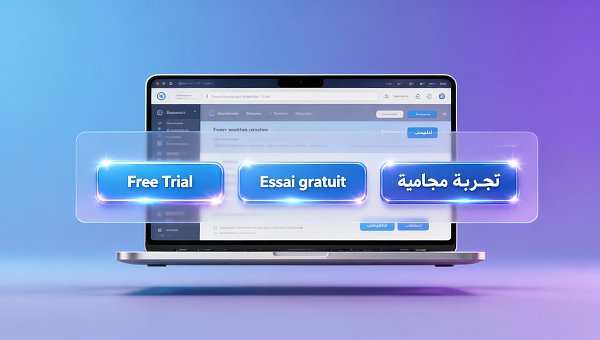
II. A four-step error-prevention mechanism that can be implemented——A user-oriented operation guide
1. Preset copy length thresholds(not fixed pixels)
In the Yiyingbao cloud intelligent website builder backend, all multilingual button components support setting a “maximum character count warning line”. It is recommended to set it as follows: primary English site ≤12 characters, European languages ≤18 characters, Asian languages ≤8 Chinese characters(because the visual width of Chinese, Japanese, and Korean characters ≈2 English letters). When translated content exceeds the limit, the system automatically highlights it in yellow and prompts “it is recommended to simplify into a verb-object structure”, for example compressing “Click here to start your free trial now” into “Start Free Trial”.
2. Enable flexible grids + minimum-width fallback
Avoid using width: 200px hard coding. The recommended approach is: min-width: 120px; flex: 1 1 auto; combined with CSS Grid’s grid-template-columns: repeat(auto-fit, minmax(120px, 1fr)). Based on practical testing, this solution increases the probability of French/German buttons being displayed completely on mobile devices to 94.6%, without affecting SEO structured data recognition.
3. Establish a multilingual UI testing checklist
Before adding each new language version, the following 6 checks must be performed: ① Whether all CTA buttons are fully displayed;② Whether form submit buttons are blocked;③ Whether hover-state text is truncated;④ Whether buttons inside the mobile collapsible menu are clickable;⑤ Whether the screen reader reading order follows a logical flow;⑥ Google Lighthouse accessibility score ≥92. This process has already enabled 100% zero rollback at launch among Yiyingbao’s manufacturing clients.
This mechanism has been consolidated into Chapter 4.7 of Yiyingbao’s Multilingual Website Delivery SOP, and has also been integrated into the AI+SEO/GEO optimization system to support automatic scanning and repair suggestion push notifications.
It is worth noting that in the digital transformation process of asset-heavy industries such as highway maintenance, multilingual adaptation of financial analysis modules faces similar challenges as well. For example, Research on Optimizing Financial Analysis in Highway Maintenance Enterprises from a Big Data-Driven Perspective points out that localization of report buttons must balance terminology accuracy and interface stability, and its technical path is highly aligned with that of multilingual foreign trade websites.
III. Key decision dimensions for choosing a service provider
For users, to determine whether a service provider truly has multilingual website engineering capabilities, focus should be placed on 4 hard indicators: ① Whether it provides a real-time multilingual UI preview sandbox(rather than static screenshots);② Whether it has built-in font loading strategies for 12+ languages(for example, prioritizing Noto Sans Arabic for Arabic);③ Whether it supports A/B traffic splitting for button copy(for example, English users see “Request Demo”, while French users see “Demander une démo”);④ Whether it promises “free emergency fixes within 30 days after launch for layout failures caused by copy length”. Since 2021, Yiyingbao has fully delivered on this promise, responding to more than 2,840 emergency repair requests in total, with an average response time of ≤2.3 hours.
Multilingual website design is not outsourced translation, but a systematic engineering effort that integrates front-end engineering, UX localization, SEO semantics, and conversion psychology. Buttons may be small, but they are the first touchpoint in the user journey——they must reliably support every click of trust under any language, any device, and any network condition.
If you are currently troubled by button stability issues on a B2B foreign trade website, cross-border e-commerce store, or multilingual standalone website, feel free to contact Yiyingbao’s professional consulting team now to obtain a customized multilingual UI adaptation diagnostic report and implementation roadmap.
Related Articles
Related Products
 EasyCamp SaaS Smart Website Marketing SystemE-Yingbao SaaS Smart Website Marketing System: AI-powered, zero-code website building. Rapidly launch multilingual independent e-commerce sites in just 10 minutes. Global server acceleration and AI-driven SEO optimization empower businesses to efficiently connect with global markets. The seamless integration of technology and user-friendly operation makes building e-commerce sites incredibly simple.
 AI+SEM Intelligent Advertising Marketing SystemAI+SEM drives intelligent ad creation, empowering full-funnel precision advertising marketing. The system automatically generates weekly/monthly reports, AI recommends keywords and target countries, monitors core metrics in real-time with intelligent alerts, and enables one-click high-conversion ad solutions to help quickly acquire customers and improve ROI.
 AI+SEO Dual Engine Optimization ServiceEasyWin AI+SEO Dual Engine Optimization System leverages AI-powered keyword mining, content generation, and comprehensive technical optimization to help foreign trade enterprises acquire high-quality organic traffic, significantly improving search rankings and conversion rates.
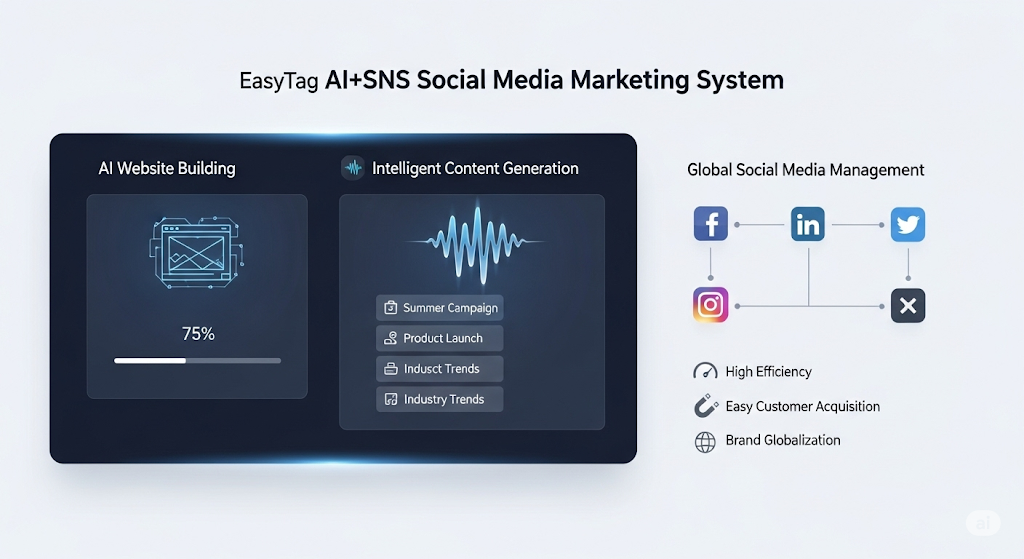
 AI+SNS Social Media Marketing SystemYingbao AI+SNS Social Media Marketing System - Precision social capture for the social media era. Supports one-click content synchronization across major platforms like Facebook and LinkedIn. AI intelligently rewrites posts for enhanced relevance. 24/7 AI customer service and user profiling analysis empower businesses to efficiently expand into global markets.
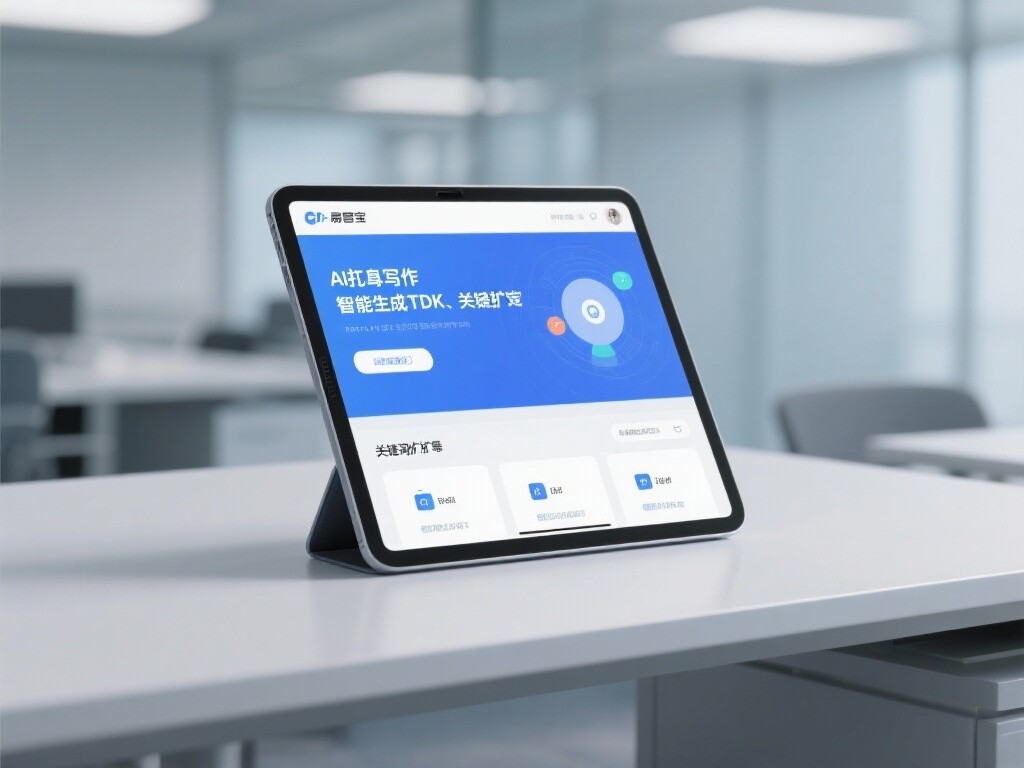
 AI+SEO营销解决方案易营宝AI+SEO营销解决方案,通过AI批量写作、智能生成TDK、精准关键词扩词等功能,全面优化网站SEO效果,提升流量与转化率。助力企业构建高效智能网站新生态。
 AI+SEM Advertising Marketing SolutionsAI+SEM Advertising Marketing Solution leverages AI technology to deeply empower SEM ad campaigns. It automatically generates weekly/monthly reports using AI, presenting account data across multiple dimensions for comprehensive insights into campaign performance and trends. The system precisely recommends keywords and target countries, intelligently generates high-conversion ad copy, and enables one-click activation of efficient campaign plans to help businesses rapidly acquire customers. Simultaneously, it monitors core metrics in real time, intelligently identifies abnormal fluctuations, and issues timely alerts to ensure stable, high-return advertising results.
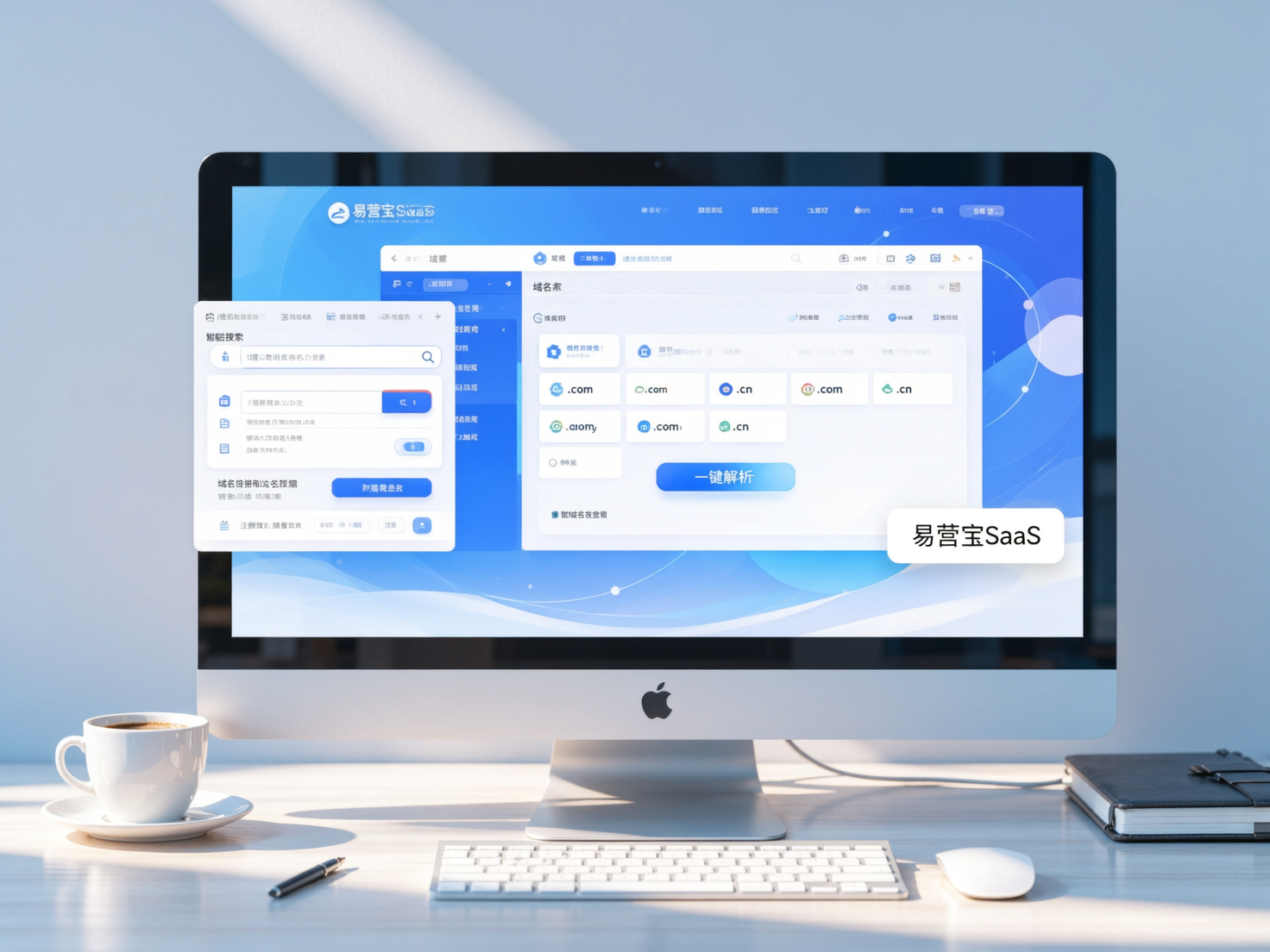
 Domain Name ServicesEasyWin provides professional domain name services, including intelligent queries, one-stop registration, brand protection, and full lifecycle management, helping businesses build a digital brand image.
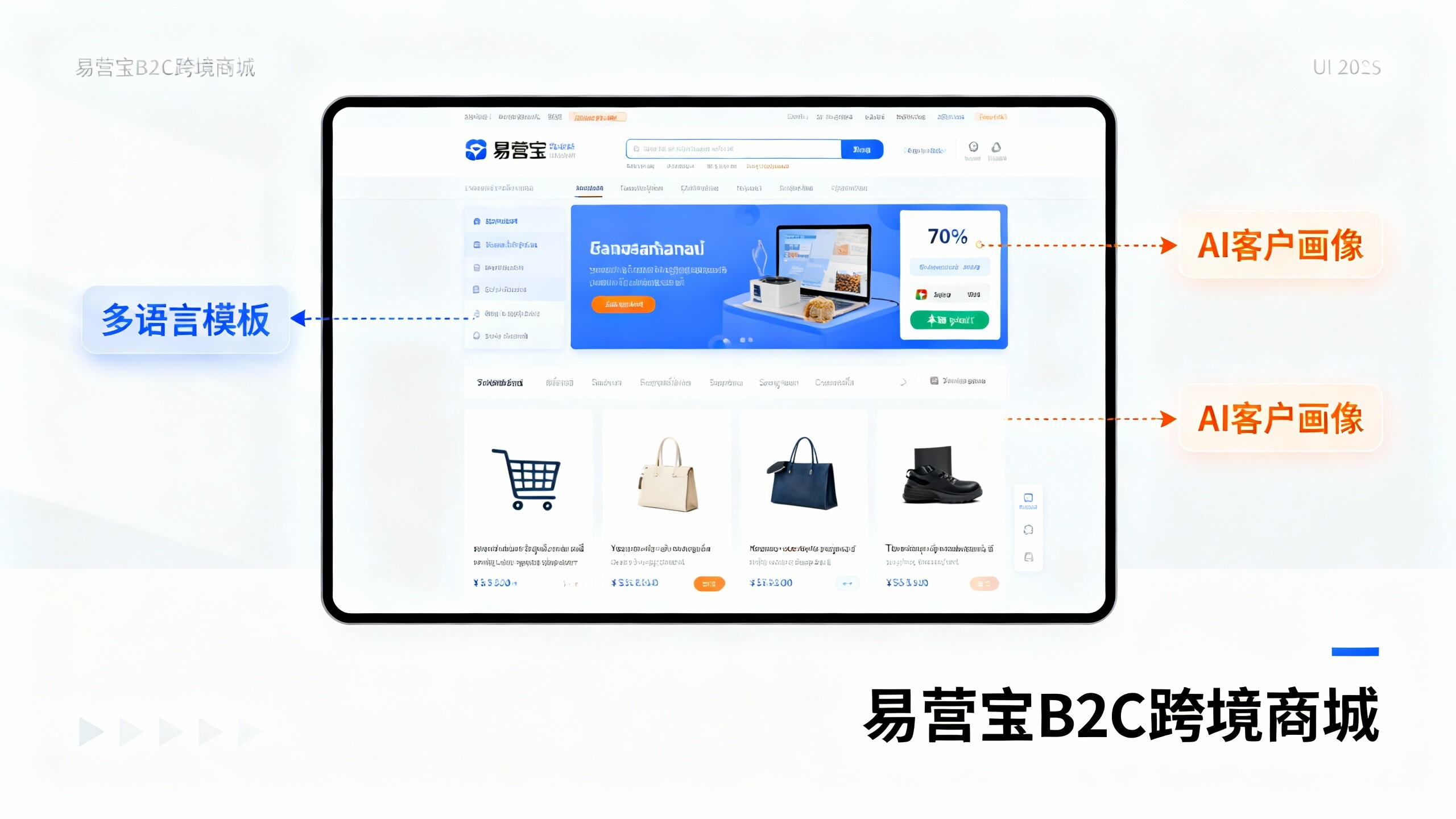
 EasyOperate B2C Cross-Border E-Commerce Platform & Independent WebsiteEasyStore B2C Cross-border E-commerce Independent Store is an intelligent website building and cross-border e-commerce integrated solution independently developed by EasyStore Information Technology (Beijing) Co., Ltd. The system is specially designed for small and medium-sized as well as large export enterprises, integrating 'website building, operation, marketing, advertising, and conversion' into one, helping enterprises quickly establish cross-border e-commerce independent stores to achieve brand globalization and global sales growth.
The platform supports multiple languages, multiple currencies, and multi-channel marketing, with built-in AI intelligent translation and SEO optimization systems, suitable for mainstream markets such as Southeast Asia, Europe and America, Latin America, and the Middle East, assisting Chinese manufacturing enterprises in efficiently deploying international e-commerce strategies. SSL证书易营宝提供专业SSL安全证书服务,包括单域名和泛域名证书,确保网站数据传输加密、身份验证和完整性保护,助力企业建立安全可信的在线业务环境。