









- Cross-Border Marketing Trend Research: Why More and More Companies Are Starting to Deploy AI Search and GEO OptimizationJun 30, 2026View details
- Cross-Border Marketing Trend Research: How Independent Sites, AI Content, and Short-Video Customer Acquisition Are ChangingJun 30, 2026View details
- How Can a Brand Updates Page Be Made More SEO-Friendly? Analysis of Update Frequency, Content Structure, and Internal Linking StrategyJun 28, 2026View details
- What stages does the cross-border services ecosystem include? How do website building, promotion, payment, and compliance work togetherJun 22, 2026View details
- How will email marketing costs change in 2026Jun 22, 2026View details
- The China-US tariff arrangement has reached a preliminary consensus, and the trade association will be establishedJun 15, 2026View details
How to optimize website speed with technical SEO? Step-by-step troubleshooting from code and images to caching strategies
For Technical SEO Website Speed Optimization, Do Not Rush to Change the Code First

When optimizing website speed for technical SEO, many people start by compressing images and deleting plugins right away, only to find that the page is still slow after a lot of work. The truly effective approach is to locate the issue first, then address it layer by layer. A fast homepage does not mean the entire site is fast; fast performance during the day does not mean it will remain fast during peak hours.
From the perspective of technical SEO website speed optimization, search engines care more about a loading experience that is stable, continuous, and crawlable. In other words, it is not just about above-the-fold loading time, but also whether resource requests, server response, cache hits, image size, and script execution are slowing things down.
In actual maintenance, the easiest trap is “feeling like optimization is being done” without establishing a troubleshooting sequence. Code, images, caching, hosting, and third-party scripts often affect one another. Changing only one point often treats the symptom rather than the root cause.
Therefore, this article will follow a problem-solving approach and break technical SEO website speed optimization into an executable path, making it easier to check step by step and more suitable for daily after-sales maintenance scenarios.
Step One: First Identify Where the Slowness Is, Instead of Guessing
The first step in technical SEO website speed optimization is not making changes, but confirming where the bottleneck is. First, check whether slow loading occurs on the first visit or on repeat visits; whether all pages are slow or only certain sections are slow; whether it is fast domestically but slow overseas, or slow in all regions.
You can prioritize recording the following types of symptoms:
- If the page has a long blank-screen time, check server response first.
- If the page structure appears first but images take a long time to display, prioritize checking image size and loading methods.
- If the page keeps spinning repeatedly, it may be caused by script blocking or third-party resource timeouts.
- If the first visit is fast and the second visit is even faster, it indicates that the caching strategy may be effective.
- If both first-time and repeat visits are slow, continue checking the basic configuration.
This step may seem basic, but it determines the direction that follows. The biggest risk in technical SEO website speed optimization is relying on gut feeling, because misjudgment will make troubleshooting increasingly costly.
Step Two: Reduce Blocking and Redundancy at the Code Level
If a page has too many requests or scripts take too long to execute, technical SEO website speed optimization will be difficult to make effective. At the code level, the focus is not on “how advanced the code is,” but on minimizing browser waiting time.
Start by checking these common issues:
- Uncompressed CSS and JS files are too large.
- Similar scripts are loaded repeatedly, especially analytics, pop-up, and form components.
- A large amount of JS is placed in the header, blocking above-the-fold rendering.
- There are many page modules, but only a small amount of content is actually displayed.
- The theme or template carries a heavy legacy burden, leaving unused code behind.
A safer way to handle this is to first clean up unused plugins and disable unnecessary components, then compress static resources, and finally adjust the script loading order. The benefit of doing this is that the effect of each step can be observed clearly, making it less likely to mix problems together.
For business websites such as multilingual websites, B2B official websites, and cross-border e-commerce stores, there are usually more page modules. When optimizing website speed for technical SEO, it is even more important to control the number of homepage effects, carousels, tracking tags, and external plugins; otherwise, crawl efficiency and user dwell time will both be affected.
Step Three: Image Optimization Is Often the Easiest Area to See Results
Many websites are not slow because the code is too heavy, but because images have not been handled properly. When optimizing website speed for technical SEO, image issues are usually the most visible and also the easiest to overlook. This is especially true for product images, case study images, and banner images. Once original images are uploaded directly, the page size can increase rapidly.
It is recommended to check images in the following order:
- First, check whether there are large images exceeding the display dimensions.
- Then, check whether compressed formats and reasonable image clarity are enabled.
- Check the number of above-the-fold images to avoid too many requests being made at once for the first screen.
- Consider lazy loading for images below the fold.
- Repeated icons and small images can be combined or reused.
A common misconception here is only compressing image file size while ignoring image dimensions. If a page only displays an image at 400 pixels wide, but the uploaded original is 3000 pixels wide, this kind of waste is very common. Technical SEO website speed optimization is not just about “compression,” but also about “outputting on demand.”
Judging from recent changes, search experience increasingly emphasizes mobile performance. When images are too large, loading delays on mobile devices become more obvious, which also means image optimization should prioritize core pages and high-traffic landing pages.
Step Four: A Proper Caching Strategy Is What Makes Speed Stable
Technical SEO website speed optimization is often not about pursuing a one-time test score, but about keeping the website stable during repeat visits. The key at this stage is the caching strategy. Without caching, both the browser and the server repeatedly do the same work.
Common cache inspection items can be organized into a table:
The value of cache configuration lies in turning technical SEO website speed optimization from a “temporary speed boost” into a “continuous speed boost.” Especially for corporate official websites, product pages, and case study pages where content does not change frequently, once the cache hit rate improves, the browsing experience becomes noticeably more stable.
If the business covers multiple overseas regions, it should also be evaluated together with acceleration nodes and regional access conditions. This is because technical SEO website speed optimization affects not only how users open the site, but also search engine crawling efficiency and crawl budget utilization.
Step Five: Do Not Ignore Servers, Hosting, and Third-Party Scripts
Some websites have lightweight code and small images, yet technical SEO website speed optimization still fails to improve speed. The problem is often in the underlying environment. For example, insufficient hosting resources, slow database response, weak concurrent load capacity, or frequent timeouts from third-party scripts.
For this part, it is recommended to focus on three things:
- Whether server response time remains high over the long term.
- Whether there are slow queries in database queries.
- Whether external chat tools, maps, and tracking codes are slowing down the main process.
A more obvious signal is that the website becomes noticeably slower during campaigns, ad delivery periods, or sudden traffic spikes. At this point, you cannot focus only on front-end resources. It is often necessary to troubleshoot server configuration, bandwidth, databases, and peak traffic load capacity together.
For integrated website and marketing service platforms like 易营宝, website building, SEO, ad delivery, and multilingual display requirements are often carried at the same time. To truly implement technical SEO website speed optimization, site structure, regional access, marketing scripts, and conversion components need to be considered together, rather than fixing isolated points.
Final Step: Establish a Routine Inspection Mechanism to Prevent Speed Issues from Recurring
Technical SEO website speed optimization is not a one-time project. Many websites are not slow when they first go live, but as new pages are added, images accumulate, plugins stack up, and marketing code increases, speed gradually declines. Without an inspection mechanism, problems will return sooner or later.
Practical routine actions include:
- Spot-check the loading performance of core pages every month.
- Apply unified compression and cropping standards before adding new images.
- Evaluate necessity before adding new plugins and scripts.
- Recheck whether caching has become invalid after version updates.
- Regularly check response differences across overseas access regions.
Ultimately, the core of technical SEO website speed optimization is not chasing a nice-looking score, but making pages easier to access, easier to crawl, and easier to convert. When the troubleshooting sequence is clear, problems will not keep accumulating.
If the current website is already experiencing slow indexing, a high bounce rate, or difficulty opening on mobile devices, you can check each item in the order described in this article. Locate first, process next, and retest afterward. This is usually more effective than blindly rebuilding everything.
For companies that want to acquire overseas traffic over the long term, technical SEO website speed optimization is itself a fundamental capability. By strengthening the layers of code, images, caching, and environment, future SEO optimization, ad delivery, and multilingual expansion will all become much easier.
Related Articles
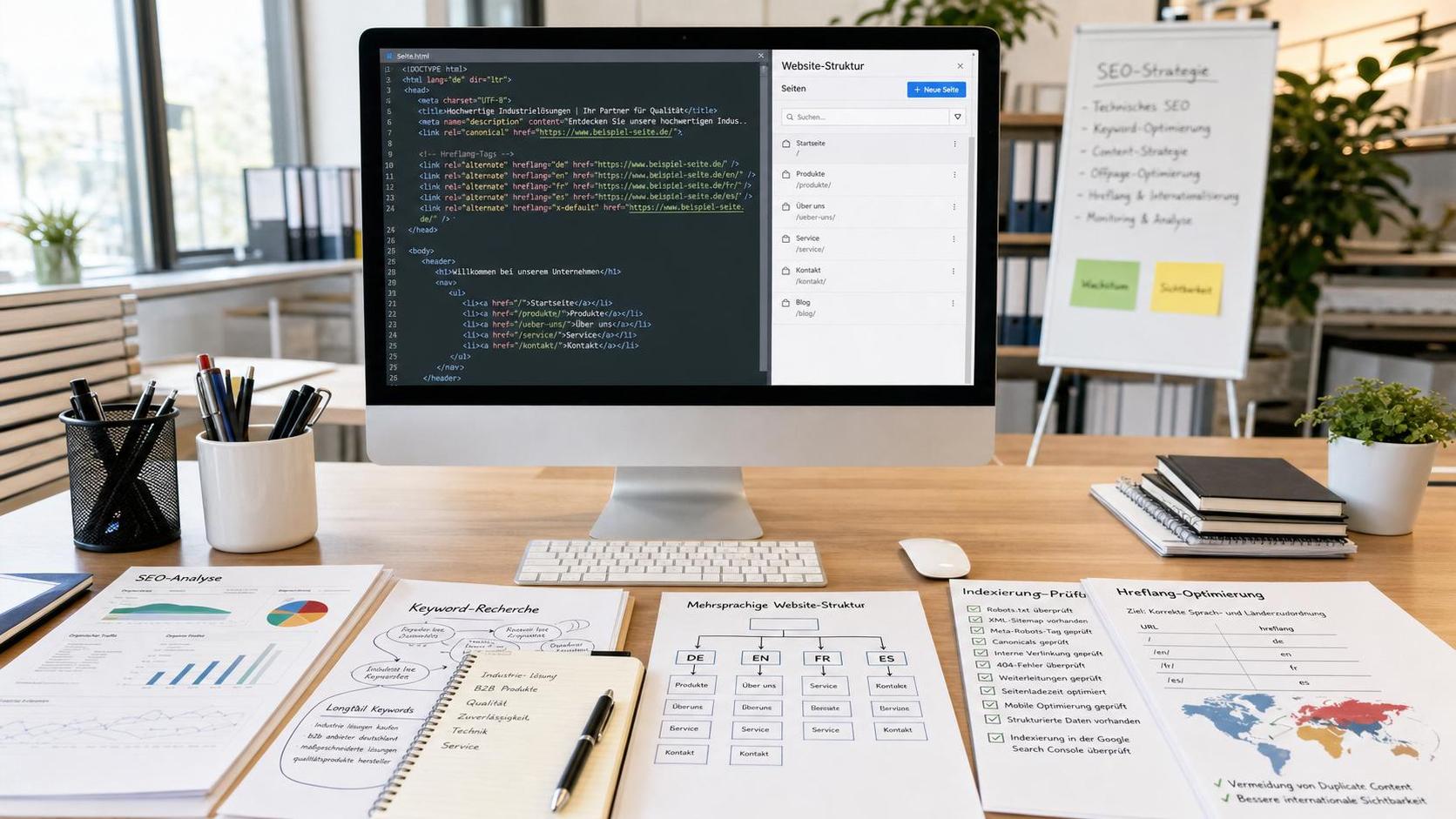
 What should you do if the SEO ranking of your German-language foreign trade website is not improving? Check each item from keywords to hreflang
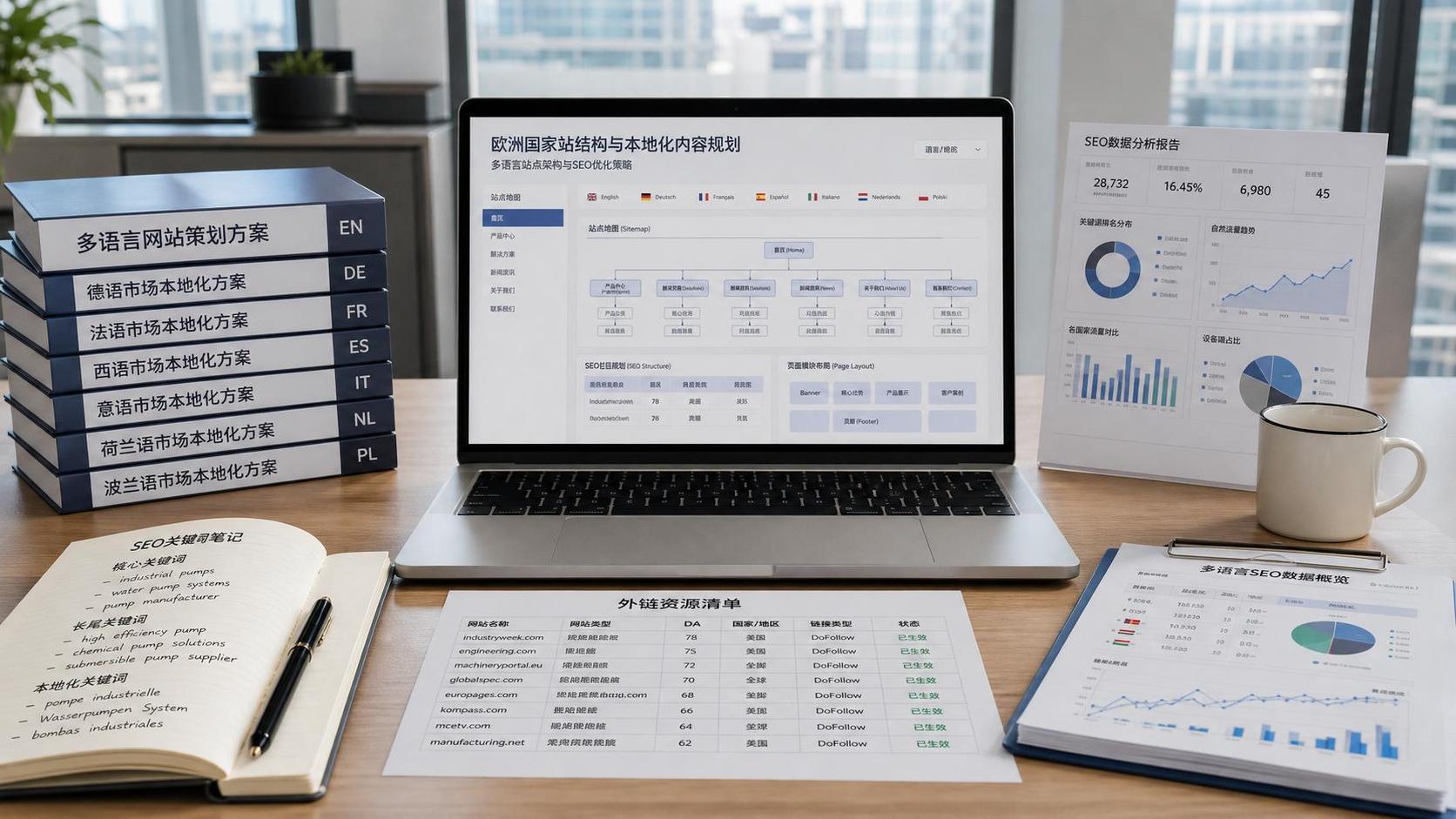
 How Should SEO for European Export Markets Be Localized? An Analysis of Country-Specific Sites, Multilingual Strategies, and Backlink Strategies
 How to optimize website speed with technical SEO? Step-by-step troubleshooting from code and images to caching strategies

Related Products
 EasyCamp SaaS Smart Website Marketing SystemE-Yingbao SaaS Smart Website Marketing System: AI-powered, zero-code website building. Rapidly launch multilingual independent e-commerce sites in just 10 minutes. Global server acceleration and AI-driven SEO optimization empower businesses to efficiently connect with global markets. The seamless integration of technology and user-friendly operation makes building e-commerce sites incredibly simple.
 AI+SEM Intelligent Advertising Marketing SystemAI+SEM drives intelligent ad creation, empowering full-funnel precision advertising marketing. The system automatically generates weekly/monthly reports, AI recommends keywords and target countries, monitors core metrics in real-time with intelligent alerts, and enables one-click high-conversion ad solutions to help quickly acquire customers and improve ROI.
 AI+SEO Dual Engine Optimization ServiceEasyWin AI+SEO Dual Engine Optimization System leverages AI-powered keyword mining, content generation, and comprehensive technical optimization to help foreign trade enterprises acquire high-quality organic traffic, significantly improving search rankings and conversion rates.
 AI+SNS Social Media Marketing SystemYingbao AI+SNS Social Media Marketing System - Precision social capture for the social media era. Supports one-click content synchronization across major platforms like Facebook and LinkedIn. AI intelligently rewrites posts for enhanced relevance. 24/7 AI customer service and user profiling analysis empower businesses to efficiently expand into global markets.
 AI+SEO营销解决方案易营宝AI+SEO营销解决方案,通过AI批量写作、智能生成TDK、精准关键词扩词等功能,全面优化网站SEO效果,提升流量与转化率。助力企业构建高效智能网站新生态。
 AI+SEM Advertising Marketing SolutionsAI+SEM Advertising Marketing Solution leverages AI technology to deeply empower SEM ad campaigns. It automatically generates weekly/monthly reports using AI, presenting account data across multiple dimensions for comprehensive insights into campaign performance and trends. The system precisely recommends keywords and target countries, intelligently generates high-conversion ad copy, and enables one-click activation of efficient campaign plans to help businesses rapidly acquire customers. Simultaneously, it monitors core metrics in real time, intelligently identifies abnormal fluctuations, and issues timely alerts to ensure stable, high-return advertising results.
 Domain Name ServicesEasyWin provides professional domain name services, including intelligent queries, one-stop registration, brand protection, and full lifecycle management, helping businesses build a digital brand image.
 EasyOperate B2C Cross-Border E-Commerce Platform & Independent WebsiteEasyStore B2C Cross-border E-commerce Independent Store is an intelligent website building and cross-border e-commerce integrated solution independently developed by EasyStore Information Technology (Beijing) Co., Ltd. The system is specially designed for small and medium-sized as well as large export enterprises, integrating 'website building, operation, marketing, advertising, and conversion' into one, helping enterprises quickly establish cross-border e-commerce independent stores to achieve brand globalization and global sales growth.
The platform supports multiple languages, multiple currencies, and multi-channel marketing, with built-in AI intelligent translation and SEO optimization systems, suitable for mainstream markets such as Southeast Asia, Europe and America, Latin America, and the Middle East, assisting Chinese manufacturing enterprises in efficiently deploying international e-commerce strategies. SSL证书易营宝提供专业SSL安全证书服务,包括单域名和泛域名证书,确保网站数据传输加密、身份验证和完整性保护,助力企业建立安全可信的在线业务环境。









