





- What Does a Global Traffic Ecosystem Service Provider Do? What Are the Differences from a Single Advertising AgencyJul 16, 2026View details
- What should you focus on in the latest enterprise SaaS report? From renewal rates and delivery costs to overseas growth opportunitiesJul 12, 2026View details
- What signals are worth paying attention to in a cross-border marketing trend report? B2B companies should look at these 6 signalsJul 11, 2026View details
- How to Read a Cross-Border Marketing Trends Report? Five Key Dimensions for Evaluating Channel OpportunitiesJul 11, 2026View details
- Which channel has the highest ROI in the global traffic ecosystem? Comparative analysis of search, social media, and advertisingJul 10, 2026View details
- What multilingual website services are available in Sanya? Which model is more suitable for local businesses going global?Jul 08, 2026View details
- How to view the complete list of China SaaS companies in the top 100? Practical methods for screening website-building and marketing service providersJul 08, 2026View details
- How to view pricing in the global traffic ecosystem? Cost comparison of search, social media, and content channel advertisingJul 06, 2026View details
Before using a website design template, first confirm these compatibility issues
Website design templates are not something you can simply apply and launch directly; compatibility, loading speed, and search performance may all affect conversions. This article will walk you through website design template adaptation, website SEO optimization solutions, and the SSL certificate application process to help you avoid common pitfalls in advance.
Why do templates seem convenient, yet often run into compatibility issues after launch?

When revamping a corporate website, building an export-oriented website, or creating a marketing landing page, many companies’ first reaction is to look for a website design template. Templates can indeed shorten the initial website development cycle to 3–7 days, but if device, system, browser, and plugin compatibility are not verified in advance, later modifications are often more expensive than rebuilding from scratch.
For information researchers, the most common issue is “the demo looks great, but it breaks as soon as I use it”; for business decision-makers, the risk is that the budget has already been spent, yet page misalignment, broken forms, and lost ad tracking still occur; for after-sales maintenance staff, poor compatibility means repeated troubleshooting every month.
In an integrated website + marketing service scenario, a template is not just the “visual appearance” of a page. It also affects SEO crawling, conversion paths, data tracking, ad landing page quality scores, and the efficiency of ongoing content operations. This is especially true when companies use online customer service, inquiry forms, analytics code, and social media plugins at the same time, as compatibility issues will be magnified.
Eybang Information Technology (Beijing) Co., Ltd. has long served global growth needs, building a complete chain around smart website development, SEO optimization, social media marketing, and advertising placement. For enterprises, the value of this integrated capability lies in considering 3 key follow-up goals during the website-building stage itself: accessibility, crawlability, and convertibility, instead of patching issues after launch.
Before applying a template, verify at least these 5 compatibility dimensions
- Terminal device compatibility: check at least 3 mainstream device types—mobile, tablet, and desktop—with special attention to whether navigation, buttons, pop-ups, and forms function properly.
- Browser compatibility: normally this should cover mainstream versions of Chrome, Edge, and Safari from the past 2 years, as well as common enterprise intranet browsing environments.
- Content management compatibility: whether the template conflicts with the existing CMS, product modules, article system, and language switching functions determines subsequent maintenance costs.
- Marketing tool compatibility: whether analytics code, conversion tracking, ad pixels, online customer service, maps, and social media components can load stably.
- Security and certificate compatibility: whether full-site HTTPS deployment is supported and whether mixed content warnings exist directly affects browser trust and form submission.
If a company targets multiple countries or runs ads across multiple channels, it must also evaluate multilingual switching, regional network environments, and how image resources are called. Usually, conducting 1 round of template adaptation testing before project kickoff and 1 round of integration testing before launch can reduce 2–4 weeks of rework costs later.
When purchasing or selecting, which templates are more suitable for marketing websites?
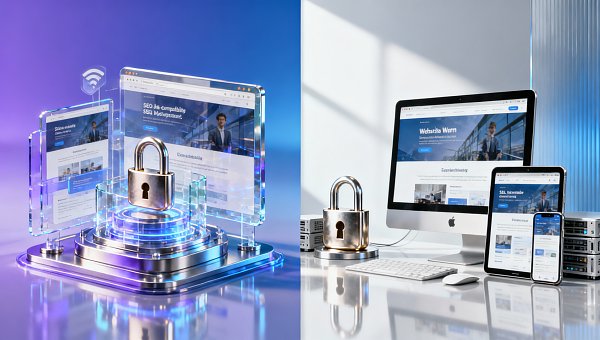
A website design template is not better just because it looks flashier. For corporate websites, distributor recruitment pages, product showcase sites, and independent websites, what truly affects usability is often whether the structure is clear, loading is stable, editing is convenient, and whether it is suitable for implementing a website SEO optimization solution. The table below is suitable for preliminary screening.
From a procurement perspective, the value of a template is not “cheap launch,” but “low rework, high reusability, and sustainable customer acquisition.” Dealer, agent, and distribution-system enterprises usually also need regional pages, distributor recruitment forms, and material download entrances, so the scalability of a template is more important than one-time visual effects.
A 4-step evaluation method for enterprise selection
Step 1: look at business goals. If the core goal is brand presentation, the template can focus on stability and simplicity; if the goal is inquiry conversion, then form logic, button paths, and landing page loading speed should be prioritized. The priorities of these 2 types of templates are not the same.
Step 2: look at content scale. When article pages, product pages, and case pages exceed 50, the template must support batch expansion and unified style management; otherwise, the more content there is, the messier maintenance becomes. Website SEO optimization solutions will also be limited as a result.
Step 3: look at marketing coordination. Does it need to connect with advertising placement, social media redirects, online consultation, and CRM lead flow transfer? If so, the template cannot only consider front-end visuals; it must also consider whether the data feedback chain is complete.
Step 4: look at after-sales pressure. If a template requires weekly style fixes and monthly plugin conflict handling after launch, then the initial cost savings will quickly be offset by maintenance costs. This is also why many enterprises rebuild their official websites in the second year.
What marketing results will compatibility issues specifically affect?
From a conversion perspective, compatibility issues most directly affect the user experience. For example, mobile buttons with overly small clickable areas, forms that provide no feedback after submission, and images that load too slowly under weak network conditions will all cause users to leave the page within the first 30 seconds. If the wrong template is chosen, even the promotion budget is hard to make effective.
From a search performance perspective, chaotic page structures, script blocking, and too many duplicate modules will affect search engines’ understanding of the page topic. Enterprises often say “the website is built, but there is no traffic”; in many cases, it is not because no content was created, but because the underlying template is not conducive to crawling and indexing.
From an after-sales maintenance perspective, poor compatibility means a longer fault-location chain. A seemingly simple style misalignment may involve 4 links: template code, plugin version, cache strategy, and certificate settings. For maintenance personnel, whether issues can be located quickly depends on whether the website development solution is standardized.
For business decision-makers, the more practical issue is return on investment. A website project usually includes 6 stages: planning, design, development, content migration, integration testing, and training. If template compatibility issues are only exposed in the last 3 stages, the overall project timeline is often delayed by 7–15 days.
Common issues and their impact results
In integrated website + marketing service projects, the following issues are most worth checking in advance. They may seem like technical details, but they directly affect inquiries, advertising, content indexing, and customer trust.
In actual execution, compatibility checks are best completed with stress testing, cross-device testing, and key-path testing before launch. For marketing websites, the 5 items of first-screen display, form submission, phone click, chat entry, and analytics callback should each be accepted and verified at least once.
An easily overlooked detail in content integration
If a corporate website also serves both content communication and professional material display functions, then the template must also consider compatibility for long-text pages. For example, research articles, white papers, and industry insights need to balance reading experience and retrieval efficiency. Content pages like Strategic Analysis of the Digital Transformation of Human Resource Management in Smart Era Public Institutions are more suitable for a template structure with clear heading hierarchy, reasonable paragraph spacing, and support for internal link expansion.
How can enterprises handle the SSL certificate application process and launch checks more reliably?
Many template issues do not only occur in front-end styling; they also become concentrated during the HTTPS switch. The SSL certificate application process that enterprises often ask about can actually be divided into 4 steps: domain confirmation, certificate selection, deployment and installation, and full-site inspection. If the site has multiple subdomains, the certificate coverage scope should be clarified early on.
Under normal circumstances, the configuration cycle for a single-domain website is usually 1–3 working days; if multilingual sites, CDN, third-party forms, or historical content migration are involved, the integration cycle may extend to 3–7 working days. If the template contains a large number of absolute paths or references to old resources, mixed content issues are likely to appear after deployment.
For after-sales maintenance personnel, SSL does not end once it is installed. It is also necessary to check whether redirect rules, image and script resources, sitemap URLs, analytics code callback, and form interface protocols have all been synchronously upgraded. Missing even 1 check may cause users to see a “Not secure” warning.
Eybang Information Technology (Beijing) Co., Ltd. places greater emphasis in project implementation on “website building as marketing, launch as operability.” This approach is suitable for enterprises with tight business schedules and clear delivery requirements, because template adaptation, SEO basic configuration, certificate deployment, and marketing tool integration can be advanced in parallel, reducing communication loss in multi-party collaboration.
A recommended 6-item checklist before launch
- Check page consistency across PC, mobile, and mainstream browsers, and spot-check at least 10–15 key pages.
- Verify that navigation, buttons, forms, download links, and online consultation are all available, especially conversion entry points.
- Confirm that HTTPS redirects, active certificates, and resource reference protocols are unified to avoid browser security warnings.
- Check page titles, descriptions, URLs, breadcrumbs, and internal link layout to ensure the website SEO optimization solution can be effectively implemented.
- Verify whether analytics tools, ad pixels, and conversion event callbacks are functioning properly to avoid having no data available after ad placement.
- Arrange 1 round of post-launch regression testing, preferably within 24 hours, to promptly fix cache and compatibility issues that were missed.
If the website will later need to support distributor recruitment, courses, material downloads, or multi-role entry points, the template should also reserve room for expansion. Otherwise, it may work at first launch, but once features are expanded in the second phase, restructuring will be required. For enterprises that need to publish professional content, material pages like Strategic Analysis of the Digital Transformation of Human Resource Management in Smart Era Public Institutions can also serve as test samples for whether a template is suitable for carrying long-form content.
Common misconceptions, FAQ, and final decision-making recommendations
When selecting website design templates, many enterprises easily fall into 3 misconceptions: only looking at the homepage effect without considering maintenance cost; only looking at the initial quote without considering follow-up integration; only looking at the design draft without considering marketing data. There is no absolute good or bad template. The key is whether it matches business goals, budget range, and delivery rhythm.
If you are an information researcher, the focus should be on “whether it can support continuous operation”; if you are a decision-maker, the focus is “whether it can reduce rework and support growth”; if you are responsible for after-sales service, the focus is “whether faults are easy to locate and whether updates are standardized.” Different roles assign different priorities when evaluating templates.
From industry experience, templates truly suitable for marketing landing scenarios often share 3 common traits: clear structure, restrained technology, and expansion-friendly design. They may not be the flashiest, but they are more suitable for enterprises to continuously create content, run ads, receive leads, and optimize conversions over 6 to 12 months.
FAQ: the 4 most common questions before a template goes live
1. How do you choose a template suitable for SEO and conversion?
First look at structure, then speed, and finally scalability. It is recommended to check at least 3 page types: homepage, product page, and content page. If all 3 page types can independently set titles, descriptions, and links, and support internal links and form layouts, they are usually more suitable for long-term operation.
2. What business scenarios are templates suitable for?
They are suitable for enterprises with relatively tight delivery schedules, controlled budgets, and relatively mature content structures. For example, new corporate website development, trial export-oriented independent sites, distributor recruitment pages, and product-focused corporate website upgrades. If business processes are extremely complex, customized evaluation is still recommended.
3. What should be the focus during procurement?
Focus on 5 items: cross-device compatibility, basic SEO capability, functional expansion space, SSL deployment adaptability, and after-sales maintenance difficulty. Do not only compare the initial quotation; also include the modification costs for the following 3–6 months.
4. What is a more reasonable delivery timeline in general?
The common timeline for template-based projects is 1–3 weeks. If multilingual setup, content migration, advertising integration, or certificate switching is involved, it usually takes 2–4 weeks. If the timeline is too short, testing may be compressed; if it is too long, be alert to unclear processes or repeated revisions to the solution.
Why choose us
For enterprises hoping to connect website development, SEO optimization, social media marketing, and advertising placement, purchasing a template alone often only solves the problem of “being able to launch,” but rarely the problem of “being able to grow.” Based on industry accumulation since 2013, Eybang Information Technology (Beijing) Co., Ltd. provides coordinated solutions around smart website development and marketing conversion, making it more suitable for B2B enterprises that need to balance delivery efficiency with long-term operations.
If you are evaluating website design templates, or have already encountered issues such as mobile misalignment, unstable indexing, chaotic SSL deployment, or abnormal lead callback, you can further discuss the following: template compatibility review, website SEO optimization solution planning, SSL certificate application process confirmation, delivery timeline estimation, custom function evaluation, quotation, and maintenance scope definition.
Before truly starting the project, clearly determine whether the template fits your business scenario. This saves more time and budget than making patches and fixes after launch.
Related Articles
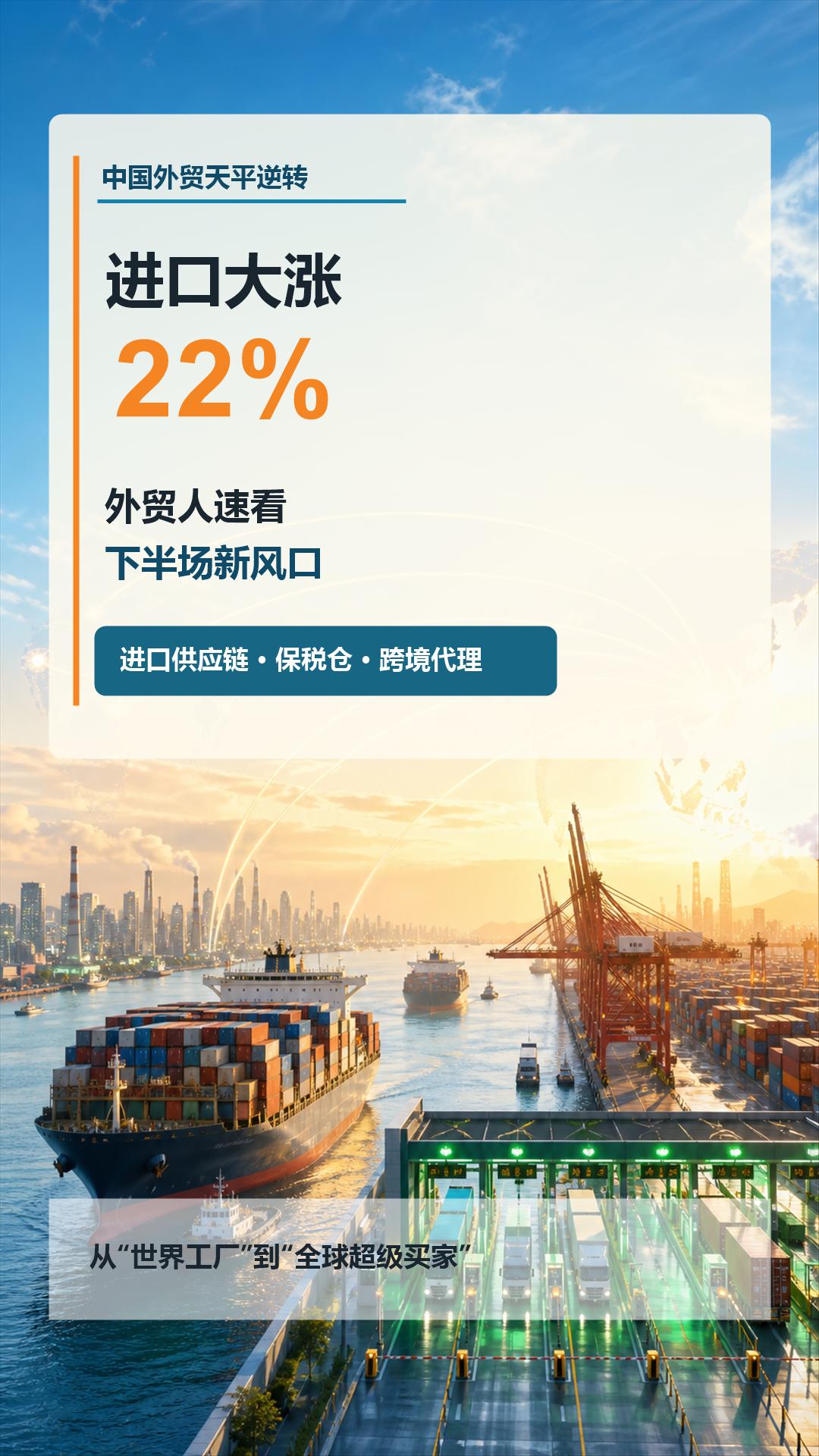
 China's foreign trade sees a turnaround: imports surge by 22%! Foreign trade professionals should quickly take note of the new trends in the second half of the year
 What Does a Global Traffic Ecosystem Service Provider Do? What Are the Differences from a Single Advertising Agency
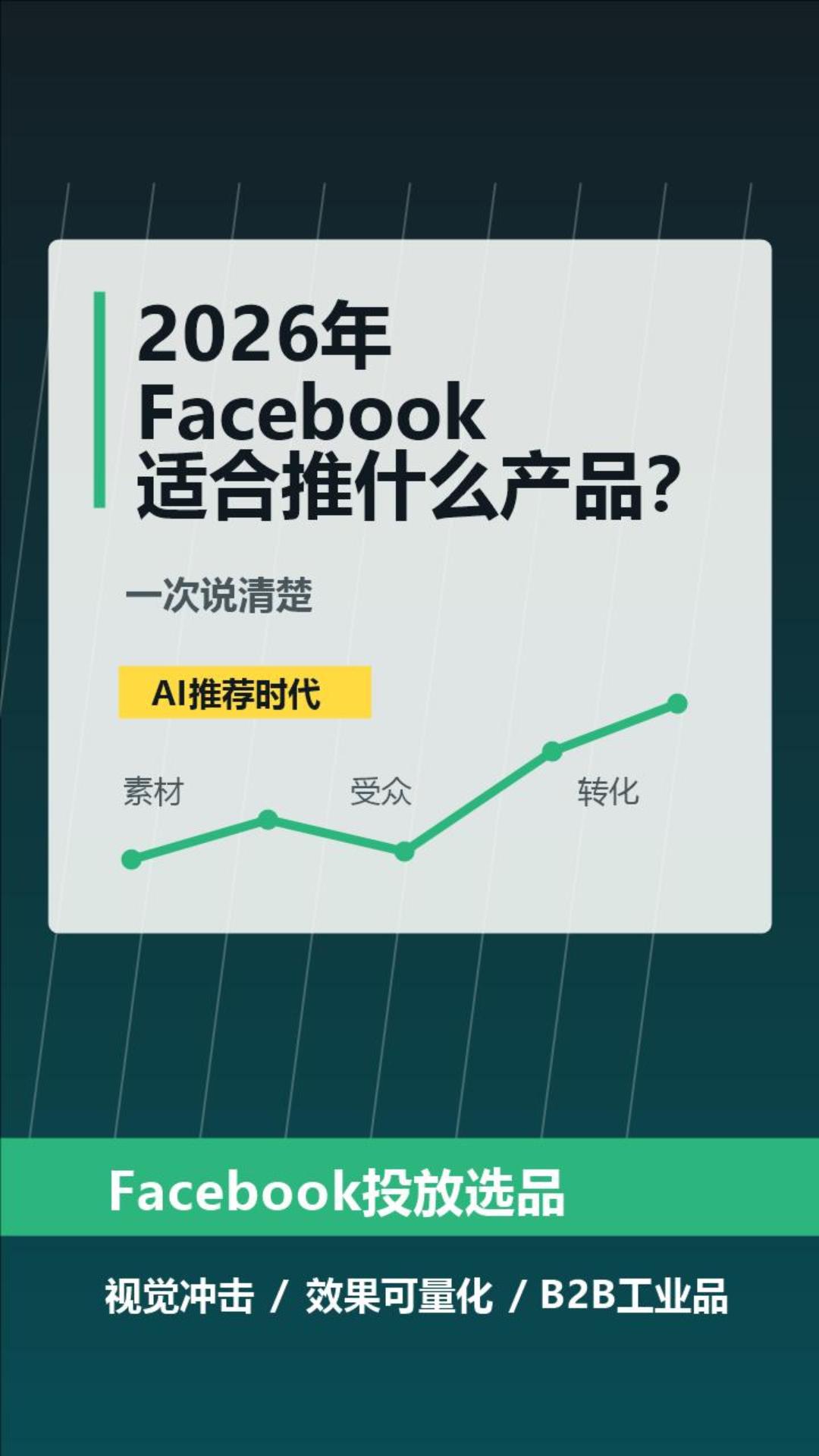
 What Products Are Suitable for Facebook in 2026? Explained Clearly at Once
Related Products
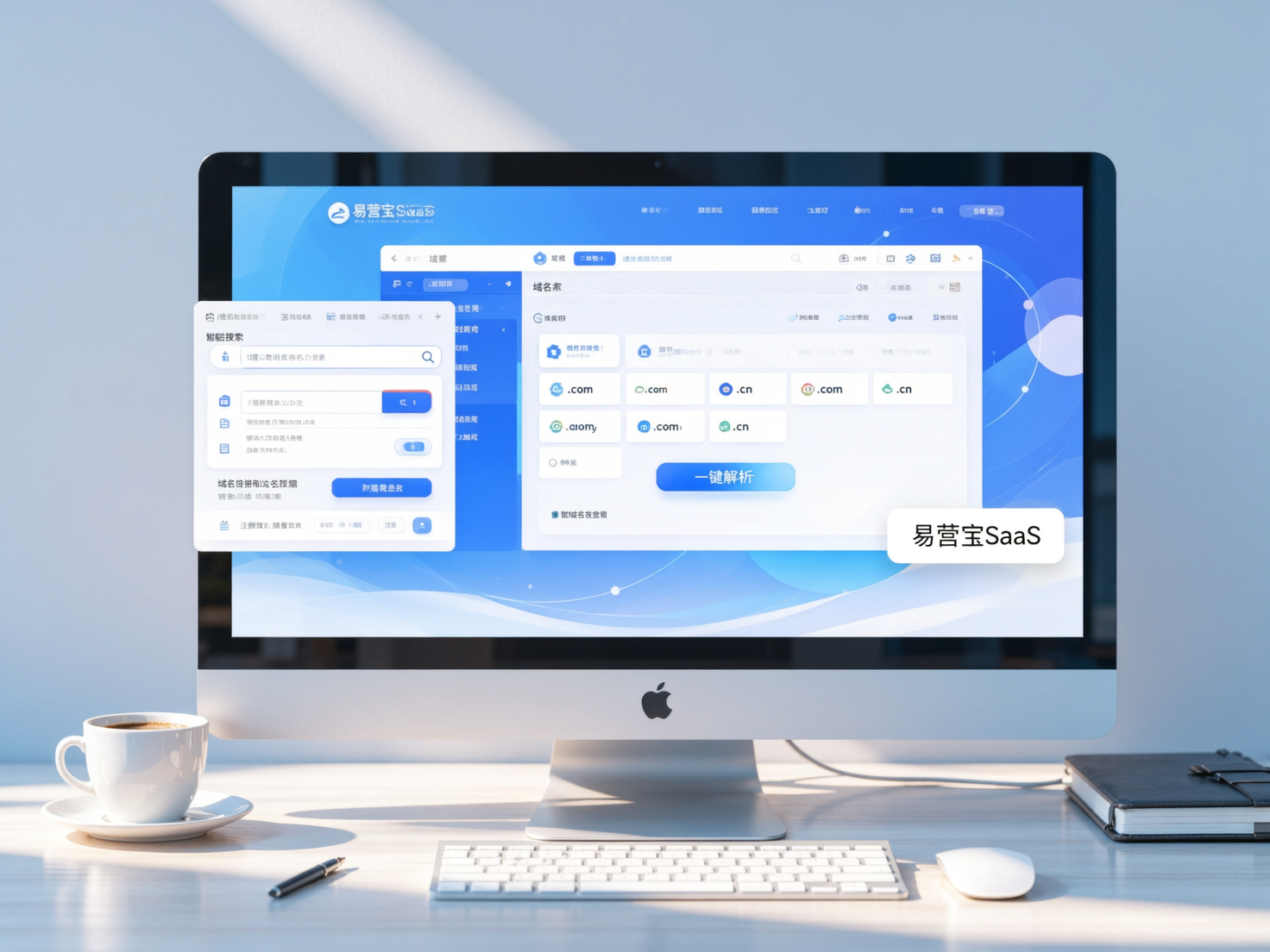
 EasyCamp SaaS Smart Website Marketing SystemE-Yingbao SaaS Smart Website Marketing System: AI-powered, zero-code website building. Rapidly launch multilingual independent e-commerce sites in just 10 minutes. Global server acceleration and AI-driven SEO optimization empower businesses to efficiently connect with global markets. The seamless integration of technology and user-friendly operation makes building e-commerce sites incredibly simple.
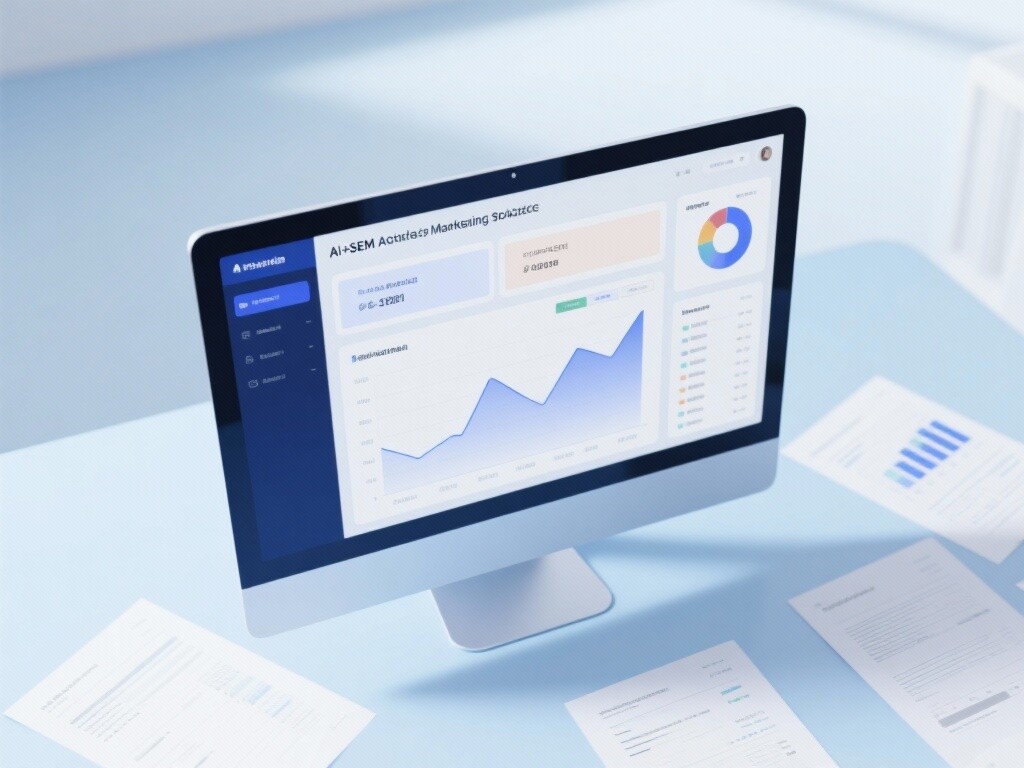
 AI+SEM Intelligent Advertising Marketing SystemAI+SEM drives intelligent ad creation, empowering full-funnel precision advertising marketing. The system automatically generates weekly/monthly reports, AI recommends keywords and target countries, monitors core metrics in real-time with intelligent alerts, and enables one-click high-conversion ad solutions to help quickly acquire customers and improve ROI.
 AI+SEO Dual Engine Optimization ServiceEasyWin AI+SEO Dual Engine Optimization System leverages AI-powered keyword mining, content generation, and comprehensive technical optimization to help foreign trade enterprises acquire high-quality organic traffic, significantly improving search rankings and conversion rates.
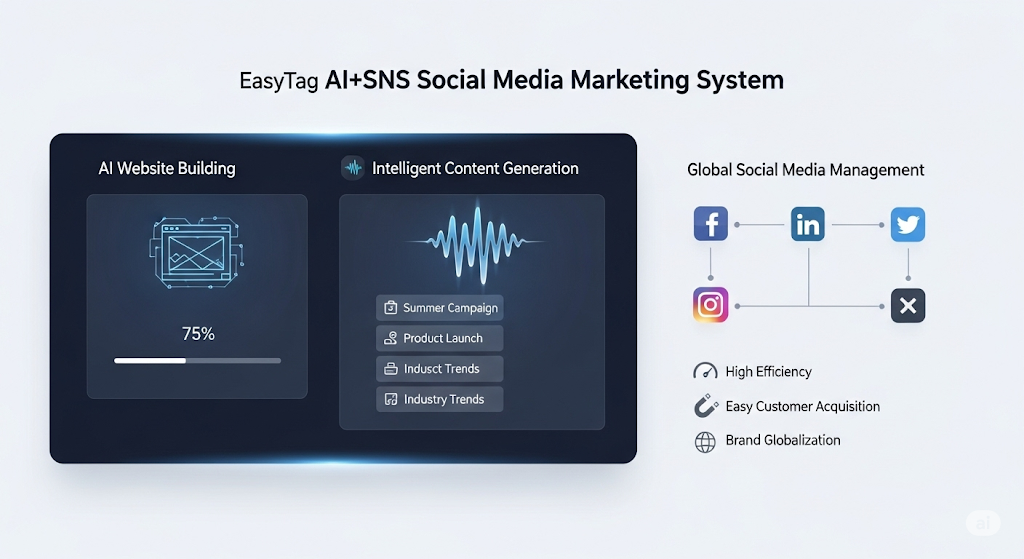
 AI+SNS Social Media Marketing SystemYingbao AI+SNS Social Media Marketing System - Precision social capture for the social media era. Supports one-click content synchronization across major platforms like Facebook and LinkedIn. AI intelligently rewrites posts for enhanced relevance. 24/7 AI customer service and user profiling analysis empower businesses to efficiently expand into global markets.
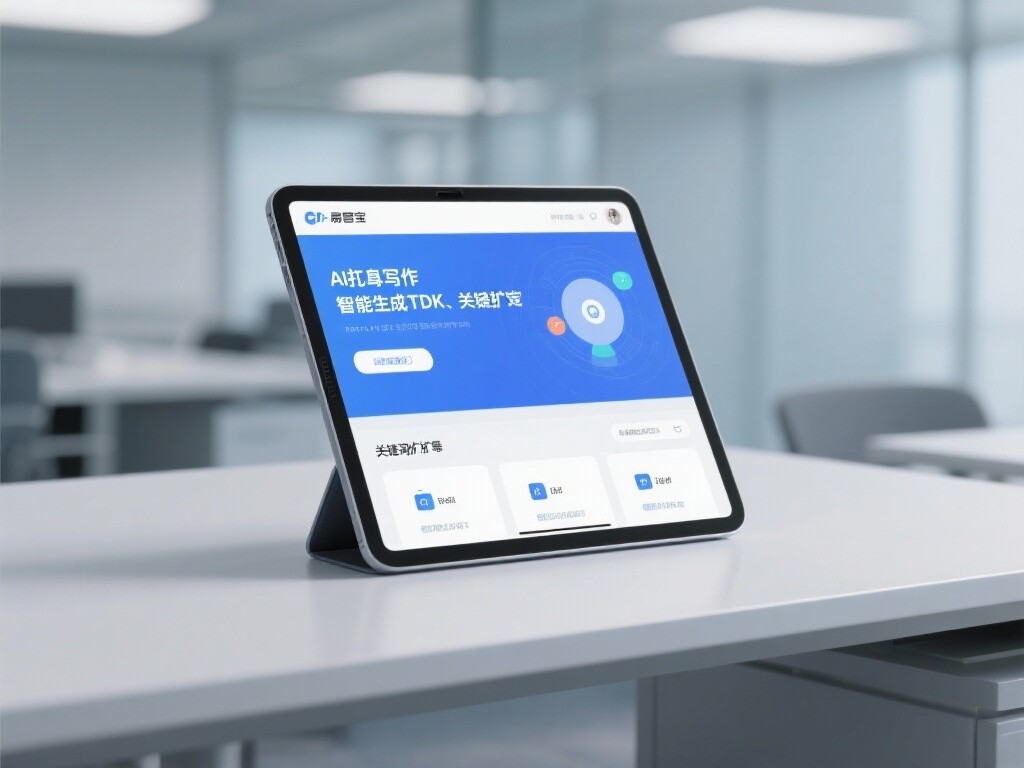
 AI+SEO营销解决方案易营宝AI+SEO营销解决方案,通过AI批量写作、智能生成TDK、精准关键词扩词等功能,全面优化网站SEO效果,提升流量与转化率。助力企业构建高效智能网站新生态。
 AI+SEM Advertising Marketing SolutionsAI+SEM Advertising Marketing Solution leverages AI technology to deeply empower SEM ad campaigns. It automatically generates weekly/monthly reports using AI, presenting account data across multiple dimensions for comprehensive insights into campaign performance and trends. The system precisely recommends keywords and target countries, intelligently generates high-conversion ad copy, and enables one-click activation of efficient campaign plans to help businesses rapidly acquire customers. Simultaneously, it monitors core metrics in real time, intelligently identifies abnormal fluctuations, and issues timely alerts to ensure stable, high-return advertising results.
 Domain Name ServicesEasyWin provides professional domain name services, including intelligent queries, one-stop registration, brand protection, and full lifecycle management, helping businesses build a digital brand image.
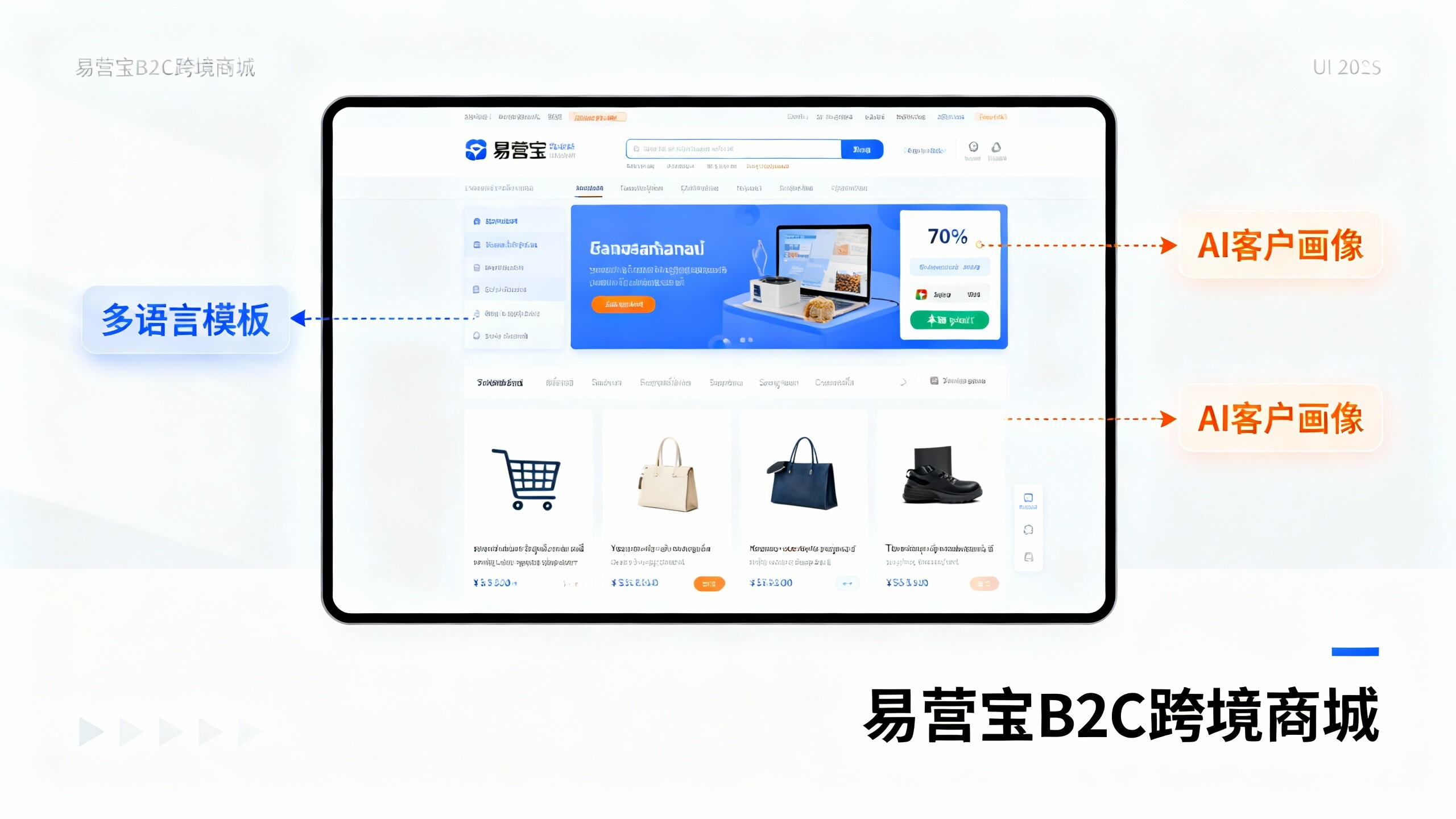
 EasyOperate B2C Cross-Border E-Commerce Platform & Independent WebsiteEasyStore B2C Cross-border E-commerce Independent Store is an intelligent website building and cross-border e-commerce integrated solution independently developed by EasyStore Information Technology (Beijing) Co., Ltd. The system is specially designed for small and medium-sized as well as large export enterprises, integrating 'website building, operation, marketing, advertising, and conversion' into one, helping enterprises quickly establish cross-border e-commerce independent stores to achieve brand globalization and global sales growth.
The platform supports multiple languages, multiple currencies, and multi-channel marketing, with built-in AI intelligent translation and SEO optimization systems, suitable for mainstream markets such as Southeast Asia, Europe and America, Latin America, and the Middle East, assisting Chinese manufacturing enterprises in efficiently deploying international e-commerce strategies. SSL证书易营宝提供专业SSL安全证书服务,包括单域名和泛域名证书,确保网站数据传输加密、身份验证和完整性保护,助力企业建立安全可信的在线业务环境。