








- Shopify's Third-Quarter Revenue and GMV Fall Short of Expectations, Sending Shares Tumbling Before the Market OpensNov 04, 2026View details
- Temu Sellers See a Decline in Traffic as the Platform’s Traffic Allocation ShiftsNov 04, 2026View details
- UK Regulator Requires E-Commerce Businesses to Clearly Display Total Prices Including Mandatory Delivery ChargesNov 04, 2026View details
- Amazon Reportedly Sends Exclusivity Warning Letters to Multiplatform SellersNov 03, 2026View details
- New TikTok Shop Cross-Border Returns Rules for Southeast Asia Take Effect on November 5Nov 03, 2026View details
- U.S. Tightens De Minimis Exemption Channel and Revises Section 321 Data PilotNov 03, 2026View details
How Can Foreign Trade Businesses Use SaaS Tools to Follow Up with Prospective Customers?
Too many inquiries and easy-to-miss follow-ups? With a SaaS lead generation tool for export businesses, staff can manage leads centrally, follow up promptly, and improve customer conversion efficiency.
A tool’s effectiveness depends not on how many features it has, but on whether inquiries are centralized, responsibilities are clearly assigned, and a next action is recorded after each conversation. Get these three steps right first, then gradually introduce automation to reduce missed follow-ups and make it easier to identify which customers deserve priority.
How can you manage inquiries from multiple channels in one place and avoid missing them?

Export leads may come from independent website forms, ad landing pages, social media, and email, with each channel stored in a different account or spreadsheet. This makes inquiries easy to miss during handoffs. Staff should first review the existing channels, confirm which can be connected to the system automatically and which require manual imports, and assign someone to check for unsynced inquiries every day.
When a new lead enters the system, record at least the customer’s name, contact details, country or region, product requirements, source channel, inquiry date and time, and assigned owner. If some information is missing, add it during follow-up; there is no need to wait until the profile is complete before creating a record, as the customer could be lost while waiting.
The same customer may inquire through both the website and social media. Before merging records, verify them using the email address, company name, and conversation details to avoid mistakenly merging separate purchasing projects from the same company. Keep the original source and communication history where possible so you can trace which products initially interested the customer.
What should you do first when a new inquiry comes in to ensure timely follow-up?
First, review the customer’s product, quantity, intended use, and target market. Then have the system assign an owner based on region, product line, or language. Set a clear initial response time, such as replying as soon as possible during business hours. Outside business hours, you can send a confirmation email and indicate when the customer can expect a personal response.
There is no need to rush into sending a complete product catalog in your first reply. Briefly answer the customer’s specific questions, then ask one or two key questions that affect the quotation, such as specifications, estimated order quantity, or delivery location. When using templates, retain personalized details and check that the customer’s name and product model are correct.
After replying, the owner should record the outcome in the customer profile and set a date and specific action for the next follow-up, such as “Confirm sample address on Wednesday.” If the customer has not responded, send one reminder after the interval specified by your team, then adjust the frequency according to the customer’s preferences and avoid repeated messages.
How do you decide which customers to follow up with first?
You can use purchasing needs, purchase timing, product fit, and engagement to create a simple lead classification. For example, prioritize customers who have specified product requirements and a purchasing plan; gather more information from those who have made an initial inquiry but whose needs are unclear; and reduce the follow-up frequency for those without an immediate purchasing plan.
Customer classifications should not be permanent. Reassess and update a customer’s status when they respond to a technical question, request a sample, or specify a delivery deadline. Email opens and page views can be supporting signals, but they do not by themselves prove purchase intent and cannot replace direct communication.
To ensure important customers do not get overlooked, review the task list every day. Handle overdue tasks and customers who have reached the quotation or sample stage first, then work on newly assigned leads. If a customer asks you to pause contact or clearly declines, record this promptly and stop unnecessary marketing follow-ups.
How do you set up follow-up stages and automated reminders?
Follow-up stages should reflect your team’s actual sales process, such as new inquiry, needs confirmation, quoted, sample discussion, commercial negotiation, and won or closed. Define clear entry criteria for each stage to avoid different interpretations among sales representatives. Otherwise, reports may look complete but still be unusable for decision-making.
Start automating reminders for steps that are easy to miss: a new lead has not been assigned, a quotation has not been confirmed, or feedback is pending after a sample has been sent. Reminders should include the customer’s name, the outcome of the last conversation, and a suggested action. After completing the task, the owner should update the record and set another reminder if needed.
Automated emails are suitable for confirming inquiries, sending download materials, or responding to common questions with approved answers. For matters involving pricing, delivery times, certifications, or contract terms, the owner should verify the details before sending. Test trigger conditions with internal accounts before enabling automation to prevent duplicate emails or incorrect content from reaching customers.
How can you use data to identify follow-up issues?
Review the number of new leads, time to first response, overdue follow-ups, and the number of leads progressing through each stage every week. If there are many new inquiries but few needs confirmed, sample the responses to see whether they were timely and addressed the customer’s purchasing requirements. If many opportunities stall after quotations are sent, review the quotation details and subsequent confirmation actions.
When comparing channel performance, look beyond inquiry volume and also consider qualified leads and final sales. First standardize the measurement criteria—for example, what qualifies as a valid inquiry and how the sales attribution period is defined—then compare website forms, advertising, and social media channels. When the sample size is small, avoid making budget-wide changes based only on short-term data.
What should staff check when choosing a tool?
Test the tool using your existing business scenarios: Can website form submissions enter the lead list? Can the owner receive reminders? Are communication records easy to find? Can data be exported? For advertising and social media channels, also confirm the specific integration method, supported features, and any additional fees.
Permissions and data security are equally important. Confirm the processes for employee handovers, account deactivation, data backups, and exports. When collecting and using customer information, obtain any necessary consent under the applicable rules in your target markets, and provide a way to unsubscribe or stop contact. During the trial, you can start by testing one channel with one team.
If your business also needs an independent website, search optimization, and lead management, you can explore platforms such as Eyingbao that provide website and marketing services. Verify the actual integration capabilities for the channels you need, along with follow-up features and service fees. Having a supplier demonstrate your real workflow is more likely to reveal issues than simply reviewing a feature list.
In short, the value of a SaaS lead generation tool for export businesses depends on whether leads enter a unified workflow and whether the team follows that process consistently. Start by responding promptly, assigning clear responsibility, and recording the next step. Then use reminders and data reviews to address gaps and ensure every potential business opportunity receives organized follow-up.
Related Articles
 How Can Foreign Trade Businesses Use SaaS Tools to Follow Up with Prospective Customers?
 Which Channel Should You Choose for Overseas Promotion of Cross-Border E-Commerce? First Assess Search Demand for Your Products
 Indonesian E-commerce Platforms Plan to Withhold 0.5% Income Tax Starting in November


Related Products
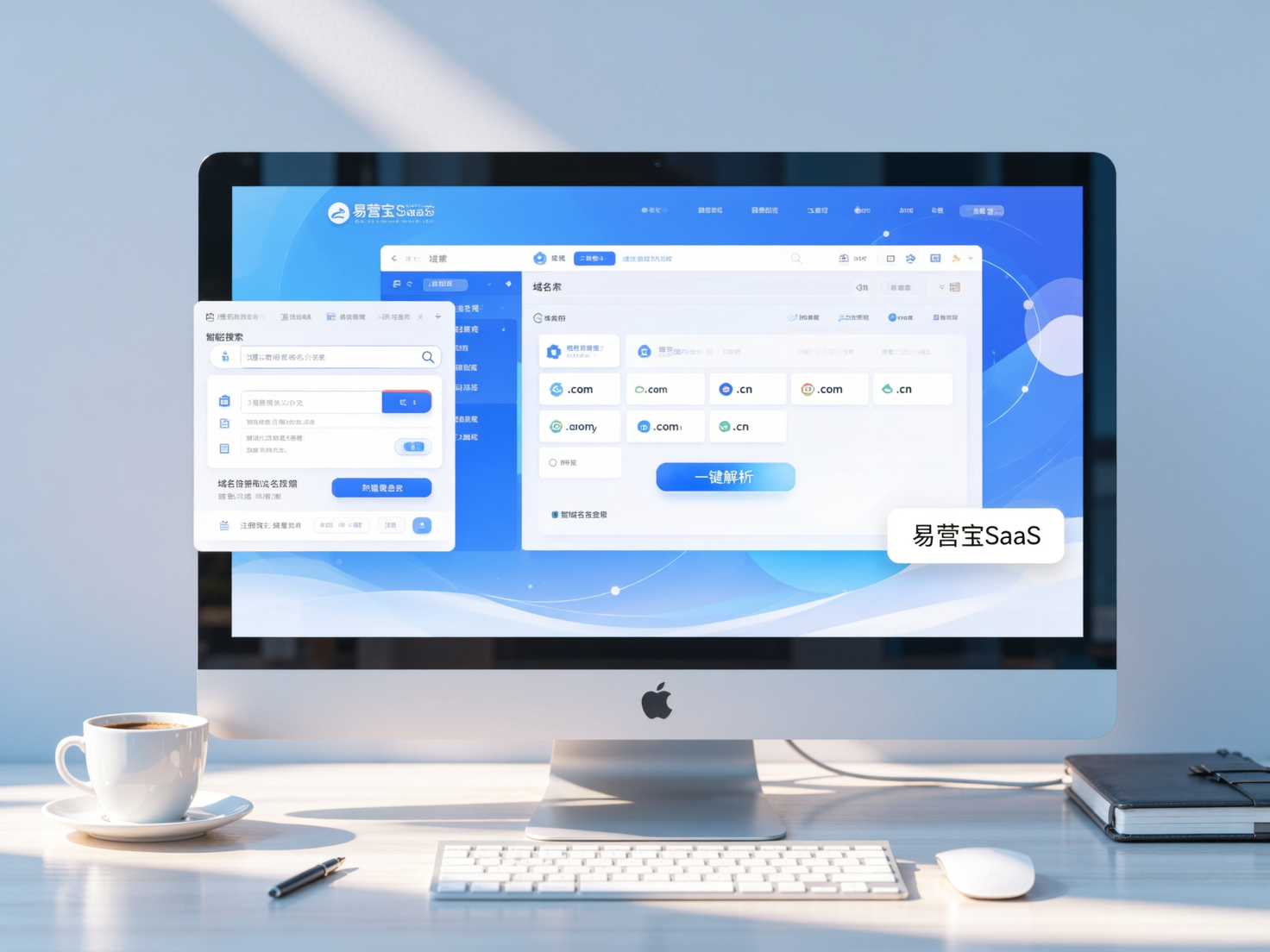
 Yiyingbao SaaS Intelligent Website Building and Marketing SystemYiyingbao SaaS Intelligent Website Building and Marketing System, AI-powered no-code website building, rapid creation of multilingual B2B international websites in 10 minutes, global server acceleration, AI-powered SEO optimization, helping businesses connect efficiently with global markets. The perfect integration of technology and operation makes building an international trade website remarkably simple
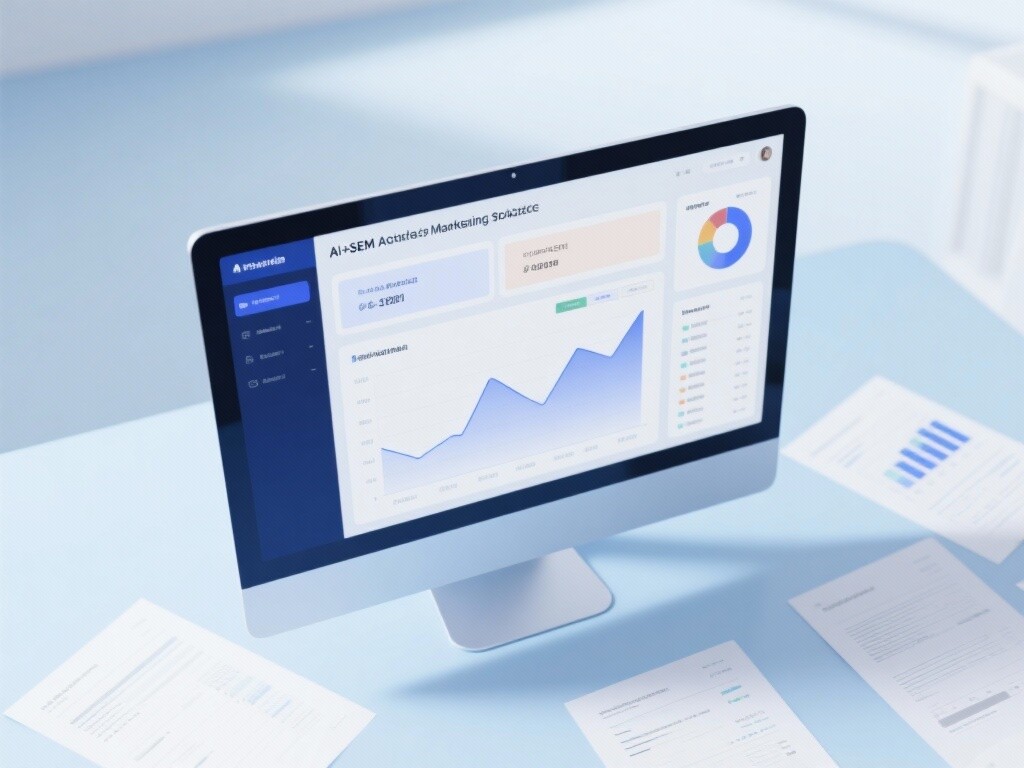
 AI+SEM Intelligent Advertising Marketing SystemAI+SEM drives intelligent ad creation, empowering full-funnel precision advertising marketing. The system automatically generates weekly/monthly reports, AI recommends keywords and target countries, monitors core metrics in real-time with intelligent alerts, and enables one-click high-conversion ad solutions to help quickly acquire customers and improve ROI.
 AI+SEO Dual-Engine System Optimization ServicesYiyingbao’s AI+SEO dual-engine optimization system helps foreign trade enterprises acquire high-quality organic traffic through AI-powered keyword research, content generation, and comprehensive technical optimization, significantly improving search rankings and conversion rates.
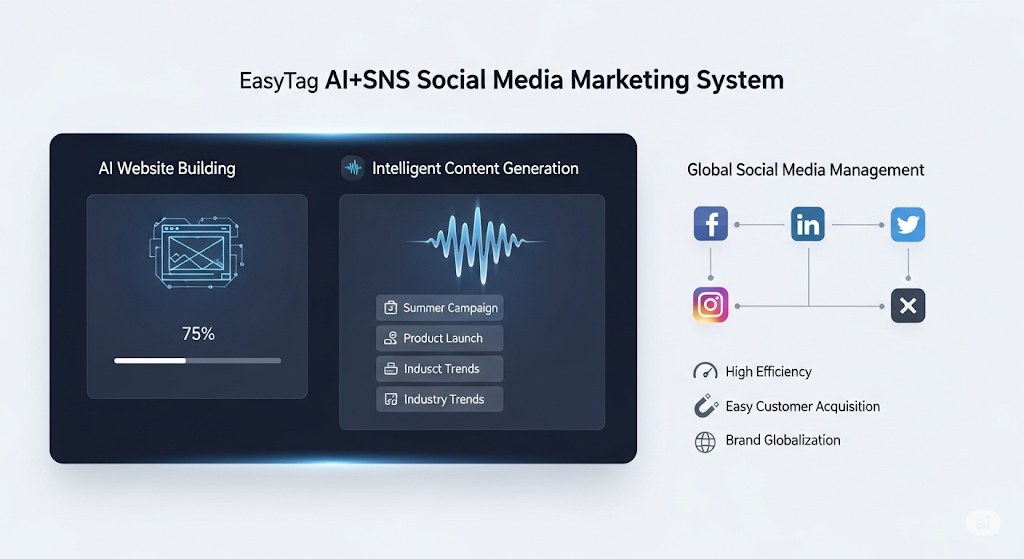
 AI+SNS Social Media Marketing SystemYingbao AI+SNS Social Media Marketing System - Precision social capture for the social media era. Supports one-click content synchronization across major platforms like Facebook and LinkedIn. AI intelligently rewrites posts for enhanced relevance. 24/7 AI customer service and user profiling analysis empower businesses to efficiently expand into global markets.
 AI+SEO营销解决方案易营宝AI+SEO营销解决方案,通过AI批量写作、智能生成TDK、精准关键词扩词等功能,全面优化网站SEO效果,提升流量与转化率。助力企业构建高效智能网站新生态。
 AI+SEM Advertising Marketing SolutionsAI+SEM Advertising Marketing Solution leverages AI technology to deeply empower SEM ad campaigns. It automatically generates weekly/monthly reports using AI, presenting account data across multiple dimensions for comprehensive insights into campaign performance and trends. The system precisely recommends keywords and target countries, intelligently generates high-conversion ad copy, and enables one-click activation of efficient campaign plans to help businesses rapidly acquire customers. Simultaneously, it monitors core metrics in real time, intelligently identifies abnormal fluctuations, and issues timely alerts to ensure stable, high-return advertising results.
 Domain Name ServicesEasyWin provides professional domain name services, including intelligent queries, one-stop registration, brand protection, and full lifecycle management, helping businesses build a digital brand image.
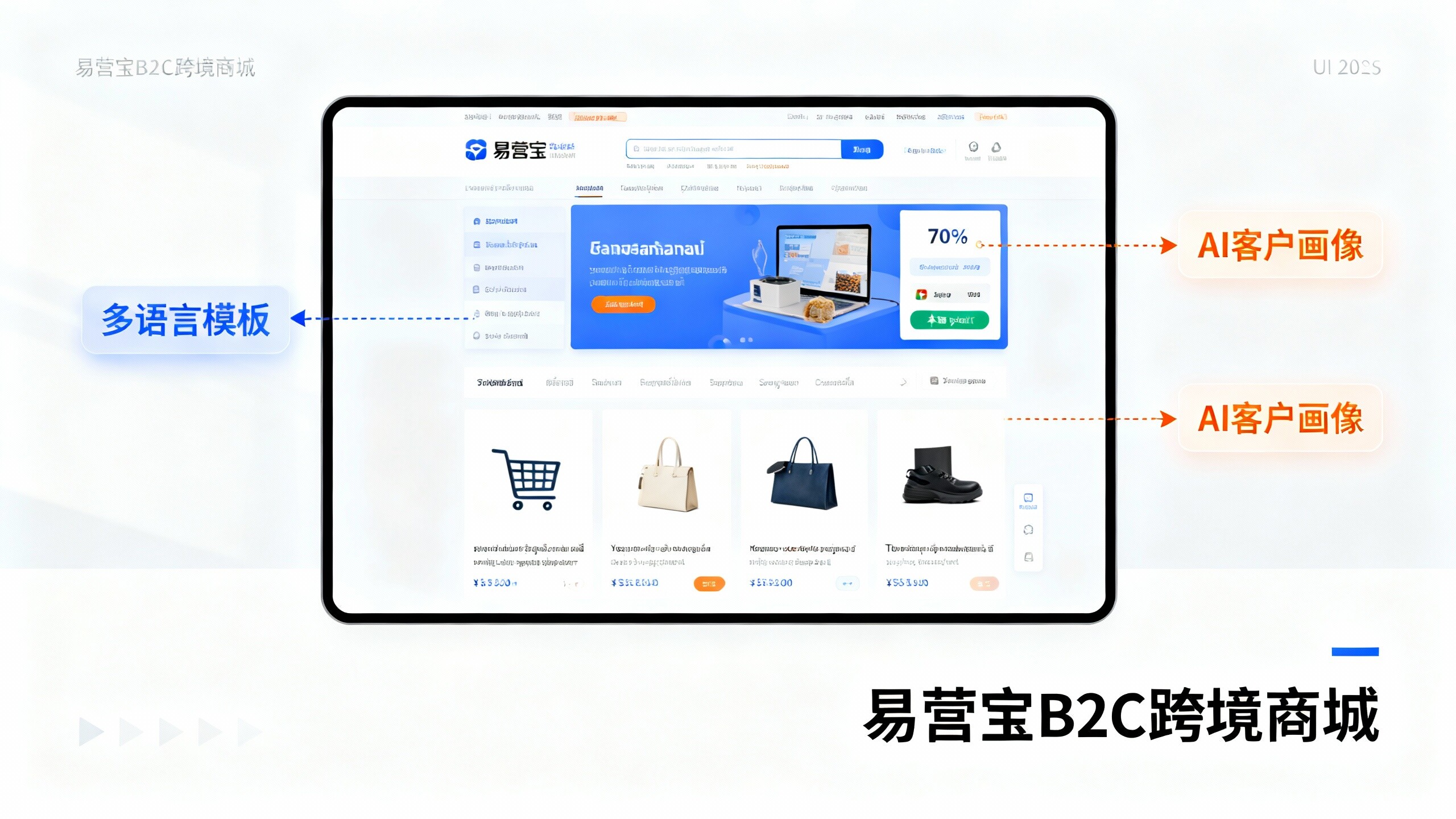
 EasyOperate B2C Cross-Border E-Commerce Platform & Independent WebsiteEasyStore B2C Cross-border E-commerce Independent Store is an intelligent website building and cross-border e-commerce integrated solution independently developed by EasyStore Information Technology (Beijing) Co., Ltd. The system is specially designed for small and medium-sized as well as large export enterprises, integrating 'website building, operation, marketing, advertising, and conversion' into one, helping enterprises quickly establish cross-border e-commerce independent stores to achieve brand globalization and global sales growth.
The platform supports multiple languages, multiple currencies, and multi-channel marketing, with built-in AI intelligent translation and SEO optimization systems, suitable for mainstream markets such as Southeast Asia, Europe and America, Latin America, and the Middle East, assisting Chinese manufacturing enterprises in efficiently deploying international e-commerce strategies. SSL证书易营宝提供专业SSL安全证书服务,包括单域名和泛域名证书,确保网站数据传输加密、身份验证和完整性保护,助力企业建立安全可信的在线业务环境。