








- China’s Tariff Commission of the State Council Adjusts Additional Tariffs on U.S. Goods: 24% Tariff Suspended for Two MonthsNov 10, 2026View details
- APEC Shenzhen Spotlight: Cross-Border E-Commerce Orders Promote Asia-Pacific Trade and Economic CooperationNov 08, 2026View details
- China-Europe Railway Express and CIIE Hold Business Matchmaking Event, Focusing on Cross-Border E-commerce B2B ExportsNov 07, 2026View details
- China’s Ministry of Commerce Responds to Additional Charges on Low-Value Imports Imposed by the EUNov 06, 2026View details
- Two Internet Development Reports Released at the 2026 World Internet ConferenceNov 05, 2026View details
- Internet Business Revenue of Enterprises Above the Designated Size Reached RMB 1.716 Trillion in the First Three Quarters, with Profits Up 17.6%Nov 05, 2026View details
How to Do SEO for a Bilingual Website: Language Versions, URLs, and Markup Configuration
To avoid confusion between language versions, a bilingual website should first give each language its own crawlable URL. Then use hreflang to declare the relationship between versions, and ensure that canonical URLs match the actual pages. Language switching, redirects, and sitemaps should all follow the same URL rules. Translating pages or adding language annotations alone cannot solve version identification issues.
First, define the relationship between languages and regions
When planning bilingual SEO, first distinguish between language versions and regional versions. Chinese and English pages can use zh and en, respectively. If the English pages also provide different prices, shipping, or contact details for the US and the UK, you can use en-US and en-GB. Region codes should reflect real regional differences. Avoid duplicating large numbers of identical pages solely to cover more search terms.
The language and region codes must not be reversed: en-US represents an English-language page targeting the US, while US alone cannot be used as a language value. Script subtags can also distinguish Simplified and Traditional Chinese, for example, zh-Hans and zh-Hant. Before publishing, decide whether pages are differentiated by language, writing system, or region to avoid cascading URL and markup changes later.
Search engines use visible page content to identify its language. Do not translate only the navigation and footer while leaving the main content in another language. Product names and industry terms do not need to be forcibly translated, but titles, body copy, and key action information should match the language of that version.
URL structure determines future maintenance costs
Common structures for bilingual pages include subdirectories on the same domain, different subdomains, and different country- or region-specific domains. For example, example.com/zh/ and example.com/en/ use subdirectories, while zh.example.com and en.example.com use subdomains. All three structures can host multilingual pages. When choosing one, focus on deployment, permissions, and long-term maintenance.
Subdirectories make it easier to manage language paths within the same site. Subdomains are suitable when separate deployment or permission isolation is needed. Different domains can be managed separately for branding and site operations, but each requires its own DNS configuration, renewals, certificates, and cross-domain annotations. Domains with country- or region-specific meanings also send a clear regional signal, so do not use them for unrelated markets merely because the extension is available for registration.
When planning different domains, clarify domain ownership and DNS responsibilities before launch. Domain services cover domain searches, registration, DNS configuration, and renewal reminders. If each language site uses a different domain, these items need to be checked separately, and automatic DNS configuration should be verified against the records that ultimately take effect.
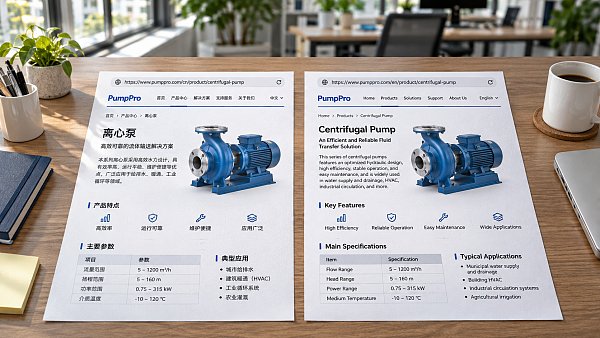
Each language page should have a stable, directly accessible URL, such as /en/products/pump/ and /zh/products/pump/. Do not use the same URL to return completely different body content based only on the browser language; this makes it difficult for crawlers and indexers to reliably associate each language version with its URL. Query parameters can distinguish pages, but require additional controls for parameter combinations, canonical URLs, and internal links to avoid generating unnecessary duplicate URLs.
Ensure hreflang annotations cover all corresponding pages
hreflang expresses the relationship between pages in different languages or regions. It is a signal that helps search engines choose which version to display, but does not guarantee that a specific page will be indexed or shown. Annotations can be placed in the HTML head, HTTP response headers, or an XML sitemap. Keep the configuration consistent across each set of pages to avoid conflicting relationships in different locations.
In the example below, the Chinese and English product pages are alternate versions of each other, and each page declares itself. Both pages use the same annotations, with full URLs:
<link rel="alternate" hreflang="zh"
      href="https://example.com/zh/products/pump/">
<link rel="alternate" hreflang="en"
      href="https://example.com/en/products/pump/">
<link rel="alternate" hreflang="x-default"
      href="https://example.com/language-selector/">
x-default is a fallback for cases where no other language or regional version matches. It can point to a language selector or a page suitable for default visitors. It is optional and is not the same as the English version. If the fallback URL is included in this set of relationships, that page should also output the same corresponding annotations.
Establish relationships between pages with equivalent content: a Chinese product detail page should correspond to its English product detail page, not always point to the English homepage. If an article has not been translated, do not mark it as an alternate version of the homepage in another language. The URLs in the annotations should resolve to accessible final pages, not redirects, error pages, or URLs blocked from indexing.
How canonical URLs work with language switching
canonical and hreflang address different issues. The former declares the URL preferred as the canonical version, while the latter describes alternate language or regional versions. When Chinese and English pages each contain complete content, they would typically each point to their own canonical URL and declare hreflang annotations for one another. If the English page's canonical URL points to the Chinese page, this may reduce the likelihood of the English page being indexed as an independent version.
For URLs with tracking parameters, sorting parameters, or similar parameters in the same language, determine whether they should be consolidated under a canonical URL based on the page content. Do not treat two pages as duplicates simply because they belong to the same set of language versions. Sitemaps and internal links should also prioritize canonical URLs to reduce conflicting signals.
Language-switching links should point directly to the translated equivalent of the current content whenever possible, using ordinary crawlable links. If no translation is available, you can direct users to a relevant section in that language, but do not present this redirect relationship as an equivalent hreflang relationship. Automatic redirects based on browser language or geographic location may also prevent crawlers from accessing other versions. Keeping a clear switching option and allowing direct access to URLs in each language makes verification easier.
How to identify configuration issues after launch
Start with a set of pages that actually correspond to one another, and check the final response status, visible page language, canonical URL, and complete hreflang set for each. The Chinese and English pages should point to each other. If only the Chinese page declares the English page, with no reciprocal relationship from the English page, search engines may ignore the annotations. When generating annotations in bulk, be especially sure that pages whose translations have not yet launched are not incorrectly included.
Crawl testing should also distinguish between the original HTML returned by the server and the content after browser scripts have run. If language links or annotations are generated by scripts, confirm that they are visible after rendering and do not conflict with the original markup. For non-HTML files such as PDFs, you can consider declaring alternate language relationships through HTTP response headers. Blocking crawlers in robots.txt can prevent search engines from reading annotations on a page, while noindex conflicts with the goal of having that page indexed.
If search results show the wrong language, first check the search query, search region, and actual landing page, then investigate annotations, canonicalization, and redirects. A search result appearing in another language does not necessarily indicate a configuration error. If the page itself mixes languages or the two pages do not correspond in content, changing hreflang alone cannot correct the content relationship.
Related Articles
 What factors affect the cost of building an Arabic-language independent website?
 How can you evaluate the terminology accuracy of Yiyingbao’s AI translation engine?
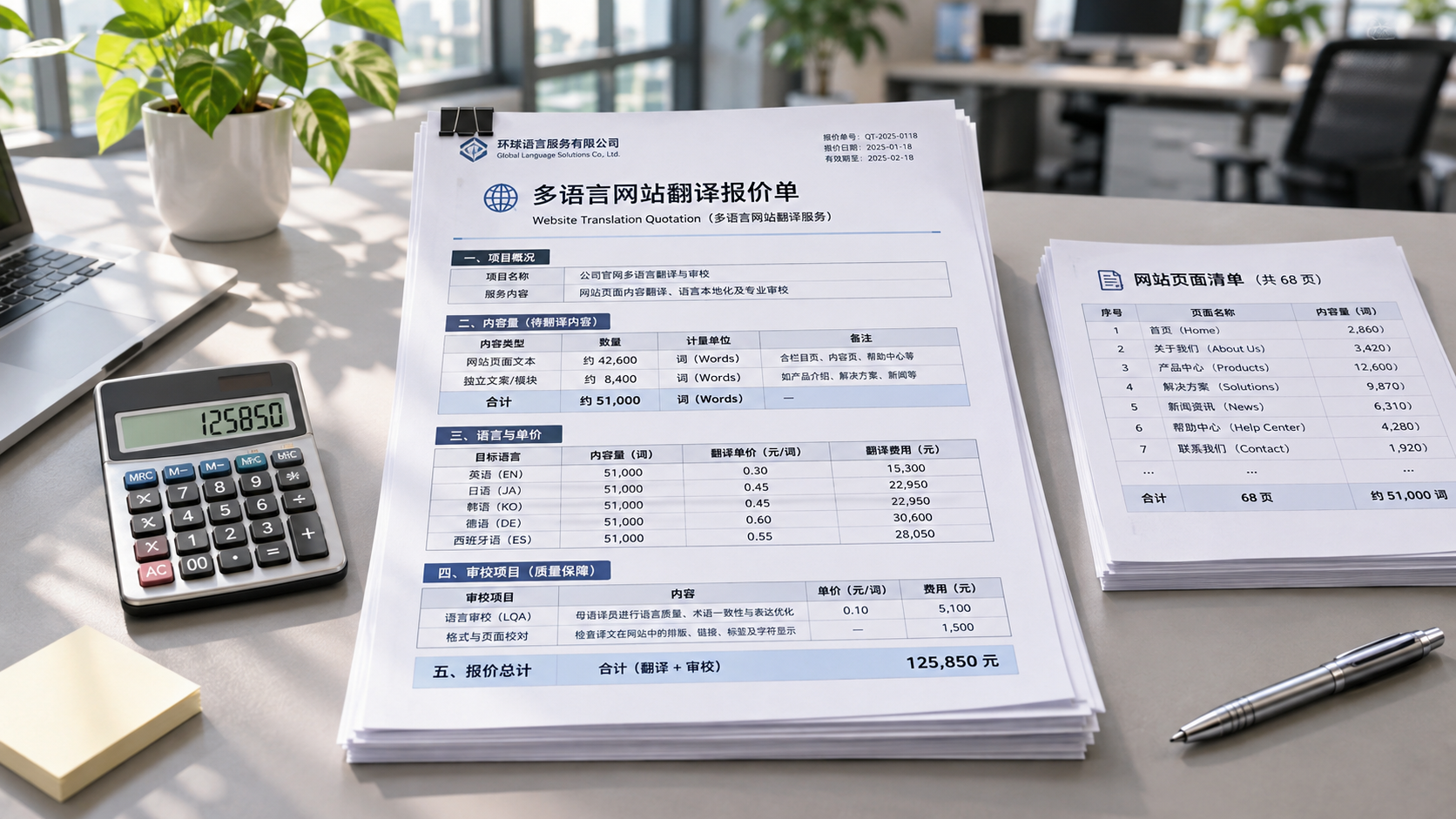
 How Are Translation Costs for Multilingual Website Solutions for International Trade Calculated?

Related Products
 Yiyingbao SaaS Intelligent Website Building and Marketing SystemYiyingbao SaaS Intelligent Website Building and Marketing System, AI-powered no-code website building, rapid creation of multilingual B2B international websites in 10 minutes, global server acceleration, AI-powered SEO optimization, helping businesses connect efficiently with global markets. The perfect integration of technology and operation makes building an international trade website remarkably simple
 AI+SEM Intelligent Advertising Marketing SystemAI+SEM drives intelligent ad creation, empowering full-funnel precision advertising marketing. The system automatically generates weekly/monthly reports, AI recommends keywords and target countries, monitors core metrics in real-time with intelligent alerts, and enables one-click high-conversion ad solutions to help quickly acquire customers and improve ROI.
 AI+SEO Dual-Engine System Optimization ServicesYiyingbao’s AI+SEO dual-engine optimization system helps foreign trade enterprises acquire high-quality organic traffic through AI-powered keyword research, content generation, and comprehensive technical optimization, significantly improving search rankings and conversion rates.
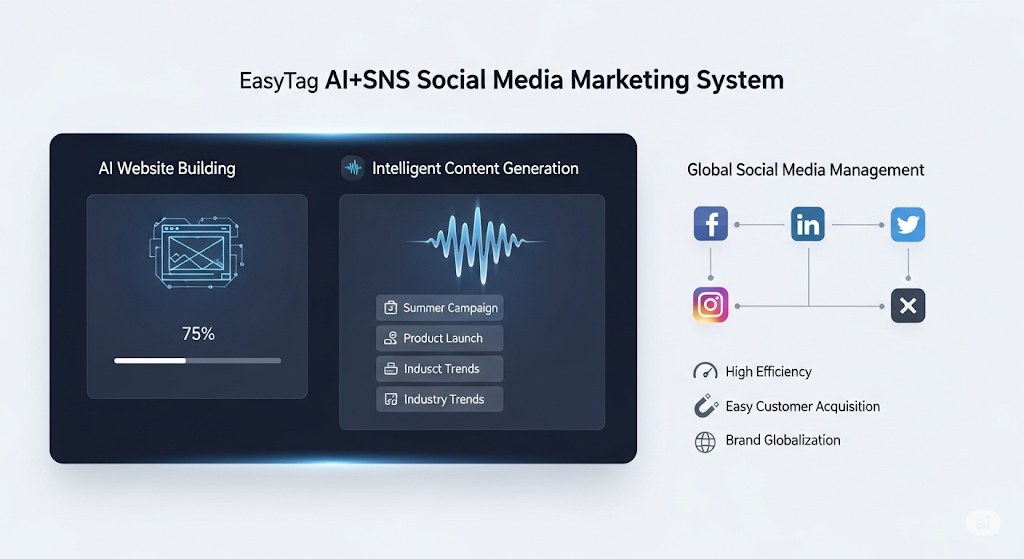
 AI+SNS Social Media Marketing SystemYingbao AI+SNS Social Media Marketing System - Precision social capture for the social media era. Supports one-click content synchronization across major platforms like Facebook and LinkedIn. AI intelligently rewrites posts for enhanced relevance. 24/7 AI customer service and user profiling analysis empower businesses to efficiently expand into global markets.
 AI+SEO营销解决方案易营宝AI+SEO营销解决方案,通过AI批量写作、智能生成TDK、精准关键词扩词等功能,全面优化网站SEO效果,提升流量与转化率。助力企业构建高效智能网站新生态。
 AI+SEM Advertising Marketing SolutionsAI+SEM Advertising Marketing Solution leverages AI technology to deeply empower SEM ad campaigns. It automatically generates weekly/monthly reports using AI, presenting account data across multiple dimensions for comprehensive insights into campaign performance and trends. The system precisely recommends keywords and target countries, intelligently generates high-conversion ad copy, and enables one-click activation of efficient campaign plans to help businesses rapidly acquire customers. Simultaneously, it monitors core metrics in real time, intelligently identifies abnormal fluctuations, and issues timely alerts to ensure stable, high-return advertising results.
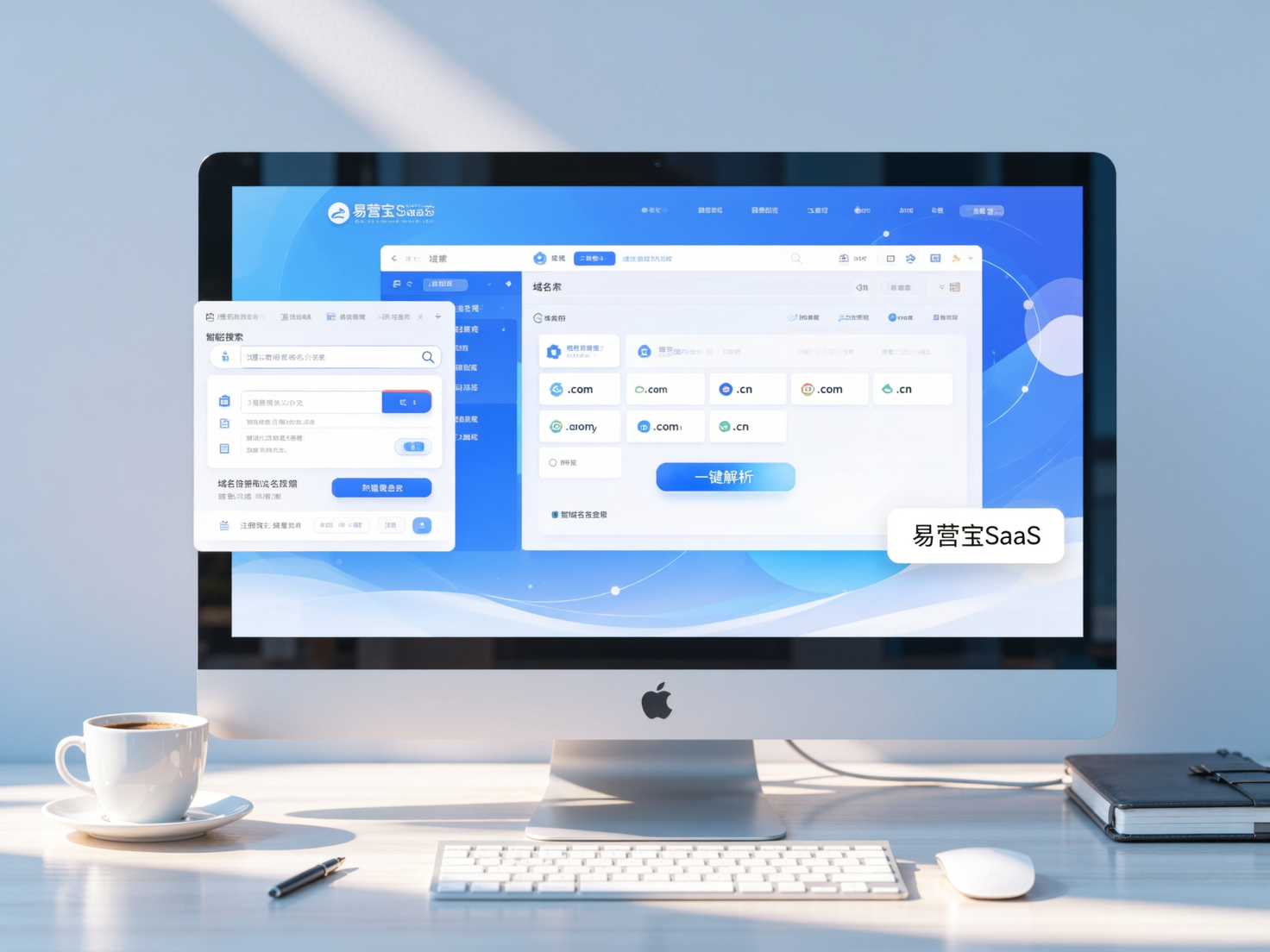
 Domain Name ServicesEasyWin provides professional domain name services, including intelligent queries, one-stop registration, brand protection, and full lifecycle management, helping businesses build a digital brand image.
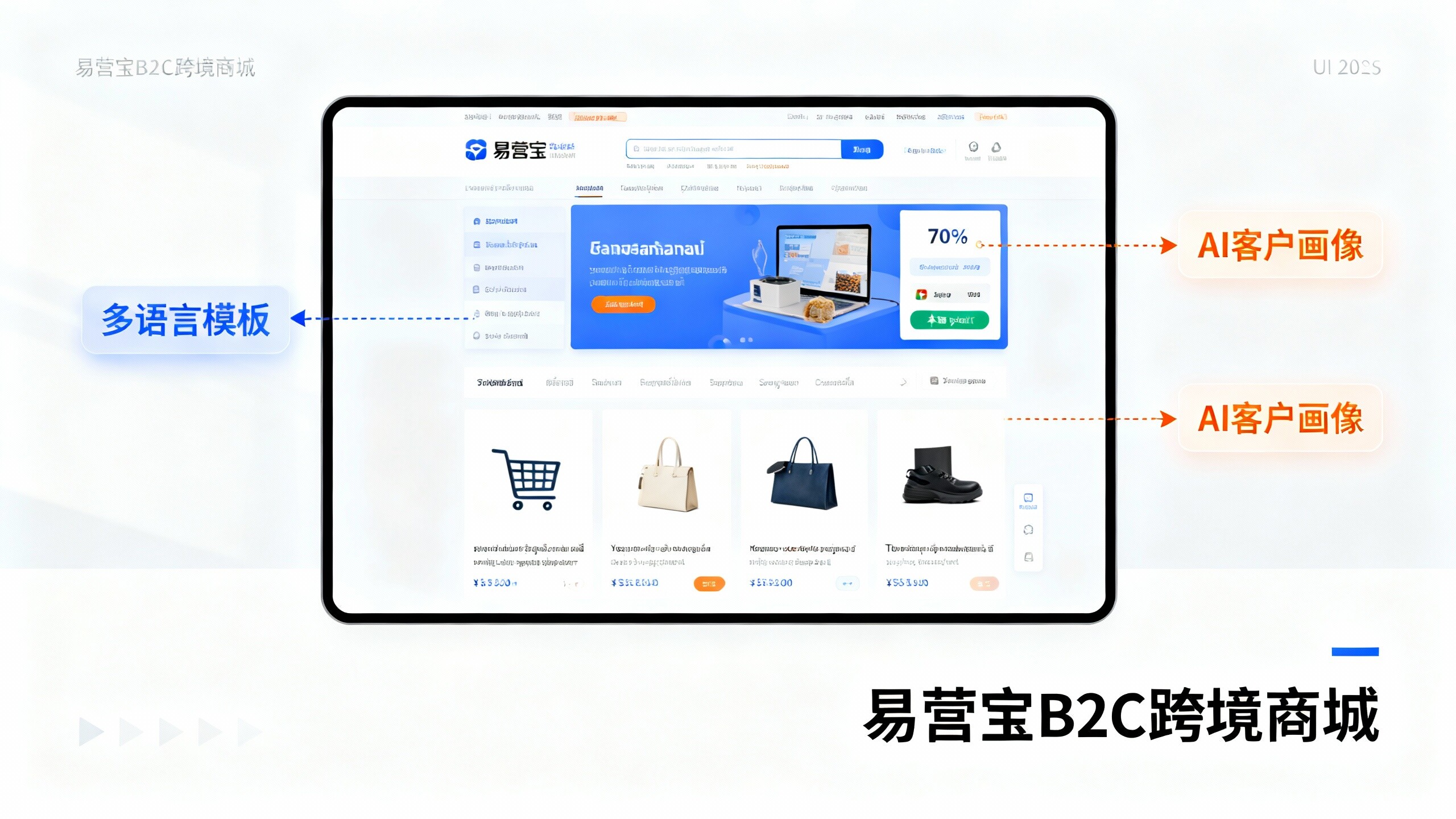
 EasyOperate B2C Cross-Border E-Commerce Platform & Independent WebsiteEasyStore B2C Cross-border E-commerce Independent Store is an intelligent website building and cross-border e-commerce integrated solution independently developed by EasyStore Information Technology (Beijing) Co., Ltd. The system is specially designed for small and medium-sized as well as large export enterprises, integrating 'website building, operation, marketing, advertising, and conversion' into one, helping enterprises quickly establish cross-border e-commerce independent stores to achieve brand globalization and global sales growth.
The platform supports multiple languages, multiple currencies, and multi-channel marketing, with built-in AI intelligent translation and SEO optimization systems, suitable for mainstream markets such as Southeast Asia, Europe and America, Latin America, and the Middle East, assisting Chinese manufacturing enterprises in efficiently deploying international e-commerce strategies. SSL证书易营宝提供专业SSL安全证书服务,包括单域名和泛域名证书,确保网站数据传输加密、身份验证和完整性保护,助力企业建立安全可信的在线业务环境。