








- APEC Shenzhen Spotlight: Cross-Border E-Commerce Orders Promote Asia-Pacific Trade and Economic CooperationNov 08, 2026View details
- China-Europe Railway Express and CIIE Hold Business Matchmaking Event, Focusing on Cross-Border E-commerce B2B ExportsNov 07, 2026View details
- China’s Ministry of Commerce Responds to Additional Charges on Low-Value Imports Imposed by the EUNov 06, 2026View details
- Two Internet Development Reports Released at the 2026 World Internet ConferenceNov 05, 2026View details
- Internet Business Revenue of Enterprises Above the Designated Size Reached RMB 1.716 Trillion in the First Three Quarters, with Profits Up 17.6%Nov 05, 2026View details
- Shopify's Third-Quarter Revenue and GMV Fall Short of Expectations, Sending Shares Tumbling Before the Market OpensNov 04, 2026View details
Logistics Equipment Export Website Development: How to Present Equipment Specifications and Warehouse Applications
The core challenge of building an export website for material handling equipment is helping overseas customers understand the conditions under which the equipment can perform specific tasks. Product pages should present key parameters alongside their test conditions, while application pages should explain how the goods, space, workflow, and equipment relate to one another. Linking the two helps visitors move from “the specifications seem suitable” to “does this match the project requirements?”
State the conditions before presenting values in specification tables
A parameter can lead to incorrect equipment selection if its measurement conditions are not specified. For example, a conveyor’s conveying capacity needs to be understood in relation to the goods’ dimensions and weight, spacing, and conveying speed. The storage and retrieval efficiency of an automated warehouse is also affected by storage location layout, the ratio of inbound to outbound operations, and operating strategy. Stating only a maximum value does not show whether the equipment can meet on-site requirements.
Specification tables can use fields tailored to each equipment category while retaining units, applicable ranges, and notes. When presenting data to customers in different regions, common units for weight, length, and speed can be provided side by side. However, converted values should be checked against the original technical documentation to avoid discrepancies between the specification sheet, webpage, and downloadable files.
- Load capacity: Specify whether the value applies to an individual item, a single pallet, or each meter, and whether the load is evenly distributed. The pallet’s bottom structure and contact area can also affect conveyor compatibility.
- Dimensions and space: Distinguish between the equipment’s overall dimensions, the space required for operation, and the space needed for maintenance. The range of movement of telescopic, turning, or lifting components should not be represented by the equipment’s external dimensions.
- Operating performance: Speed, cycle time, and throughput have different meanings. When stating throughput, specify the calculation or test conditions, such as the goods’ specifications and operating method.
- Installation and interfaces: List confirmed information such as power supply requirements, floor requirements, and control interfaces. Indicate when project-specific details need to be confirmed on site.
For equipment with extensive specifications, first show the fields that affect preliminary selection, then provide the complete specification sheet. When a parameter is unavailable, a clear status such as “to be confirmed for each project” is more reliable than an unverified generic value.
Explain how equipment works together in warehouse workflows
Application pages should describe where goods enter, the steps they pass through, and where they ultimately arrive. For pallet inbound handling, for example, the sequence might include infeed conveying, goods identification, dimension and weight measurement, lifting or transfer, and rack storage. Indicate which equipment is optional. This helps visitors assess the connection requirements with upstream and downstream systems, even if they are interested in only one piece of equipment.
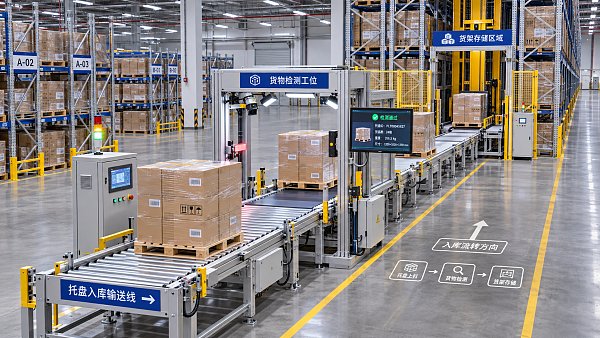
Application diagrams can show material flow direction, equipment locations, and key handoff points. However, they should not imply that all configurations are included in the standard scope of supply. A note next to the diagram can clarify that the layout illustrates the workflow only, and that actual aisle dimensions, turning radii, and equipment spacing must be determined based on drawings and goods requirements.
Different goods require different equipment combinations. In carton conveying applications, whether the carton bottoms are flat and how much the dimensions vary can affect the conveying method and guide design. Pallet applications require attention to pallet material, fork-entry direction, bottom structure, and load distribution. Cold-storage or high-dust environments also require separate checks of equipment configurations and component suitability; standard-temperature warehouse images alone are not enough to determine suitability.
Each application page can link to relevant equipment detail pages and explain why the equipment is linked. For example, if a transfer section changes direction, the relevant page should describe the turning or transfer method, compatible goods range, and space requirements. For equipment that cannot perform the operation on its own, explaining its interface with the control system, conveyor line, or racking is more useful than simply listing equipment names.
Enable preliminary project checks on product pages
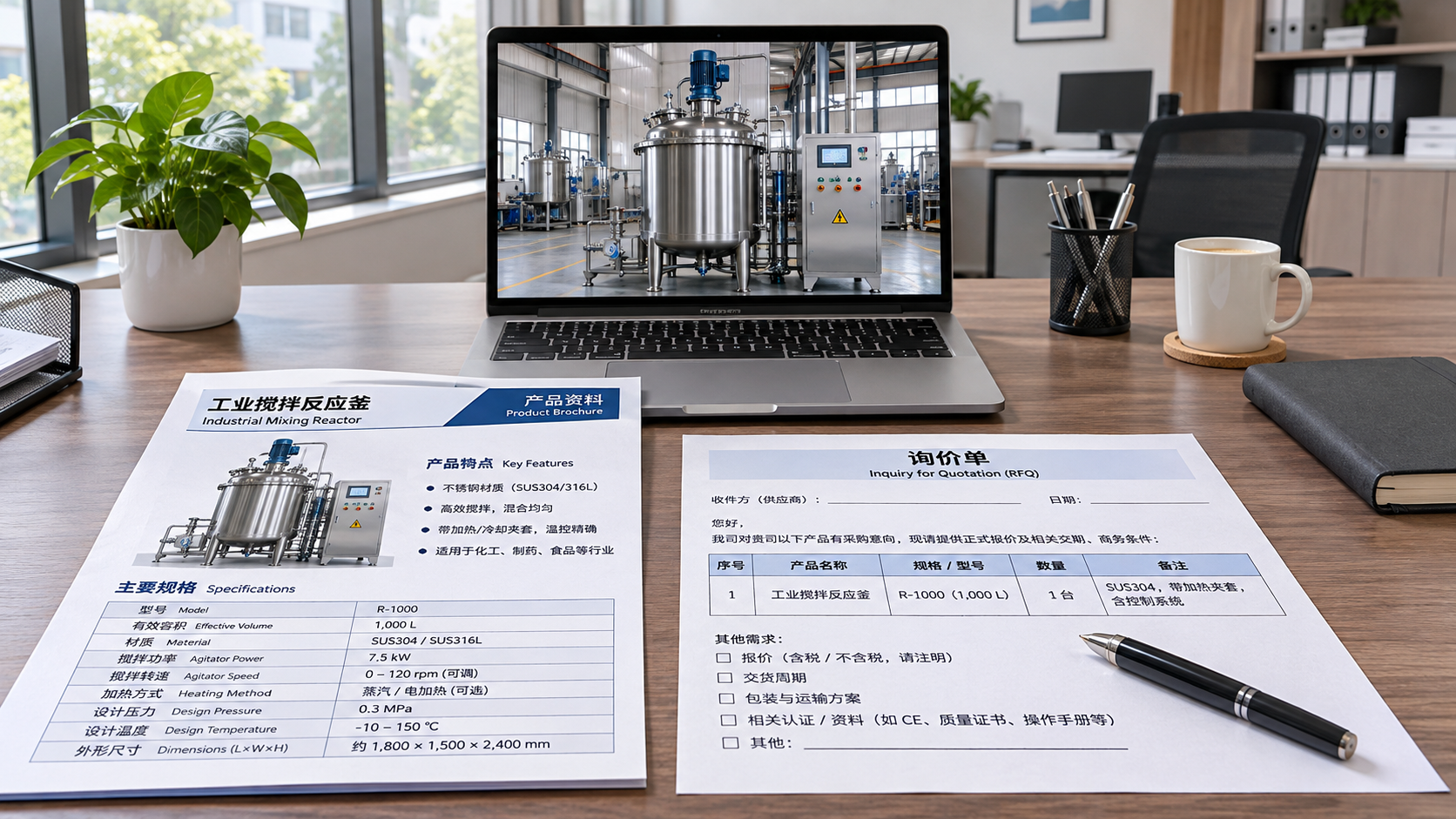
In addition to the model and images, equipment detail pages should provide access to materials that support project discussions, such as dimensional drawings, technical specification sheets, and installation requirement information. Drawings should identify their version and applicable models. If an image shows the general product series, clarify that the documents should be consulted to confirm the specific configuration.
Consistent technical terminology is especially important on multilingual pages. If the same component is translated differently in a specification table, drawing notes, and inquiry form, the parties may mistakenly think they are referring to different configurations. Model numbers, units, interface names, and load definitions should be reviewed by people familiar with the equipment; checking whether the translation reads naturally is not enough.
For customizable equipment, distinguish between the standard scope and items that need confirmation. For example, conveyor length can be adjusted to suit the layout, but the goods to be conveyed, turning locations, equipment height, and target cycle time still need to be agreed upon. Labeling every field in a specification table as “customizable” makes it difficult for customers to assess how closely the available solution matches their needs.
Technical content and other company materials should also be filed separately by topic. For example, A Brief Discussion of Issues and Countermeasures in Corporate Tax Planning is related to financial management and should not be mixed with equipment specifications or warehouse application materials, as this could hinder searches for technical information.
Use inquiry forms to capture on-site requirements
When visitors submit an inquiry from an equipment page, the form should retain the product model or application name they viewed, so follow-up communication does not have to begin by identifying the subject. Keep required fields to a minimum, such as contact details and a description of the requirements. Goods dimensions, individual item weight, throughput, and available space can be optional fields, and the form can allow users to upload layout drawings or photos of the goods.
Field labels should specify how values are measured. For “throughput,” prompt users to state whether the figure is per hour or per shift. For “goods weight,” distinguish between the weight of an individual item and the total pallet weight. For data that has not yet been determined, offering a “to be confirmed” option is more useful for subsequent verification than requiring an estimate.
Before publishing, compare the webpage, specification sheet, and form against the same set of equipment materials: confirm that the model is consistent, units are clear, and the equipment shown in the application diagram can be found on the corresponding product page. When materials are updated, also check linked pages and downloadable files to prevent outdated parameters from being used in project discussions.
Related Articles
 How Can B2B Search Traffic Be Converted into Inquiries? From Keywords to Form Layout
 What Features Affect the Cost of an Export Website for Electronic Components?
 Solar PV Website Development for Exporters: How Should Product Certifications and Project Case Studies Be Presented?

Related Products
 Yiyingbao SaaS Intelligent Website Building and Marketing SystemYiyingbao SaaS Intelligent Website Building and Marketing System, AI-powered no-code website building, rapid creation of multilingual B2B international websites in 10 minutes, global server acceleration, AI-powered SEO optimization, helping businesses connect efficiently with global markets. The perfect integration of technology and operation makes building an international trade website remarkably simple
 AI+SEM Intelligent Advertising Marketing SystemAI+SEM drives intelligent ad creation, empowering full-funnel precision advertising marketing. The system automatically generates weekly/monthly reports, AI recommends keywords and target countries, monitors core metrics in real-time with intelligent alerts, and enables one-click high-conversion ad solutions to help quickly acquire customers and improve ROI.
 AI+SEO Dual-Engine System Optimization ServicesYiyingbao’s AI+SEO dual-engine optimization system helps foreign trade enterprises acquire high-quality organic traffic through AI-powered keyword research, content generation, and comprehensive technical optimization, significantly improving search rankings and conversion rates.
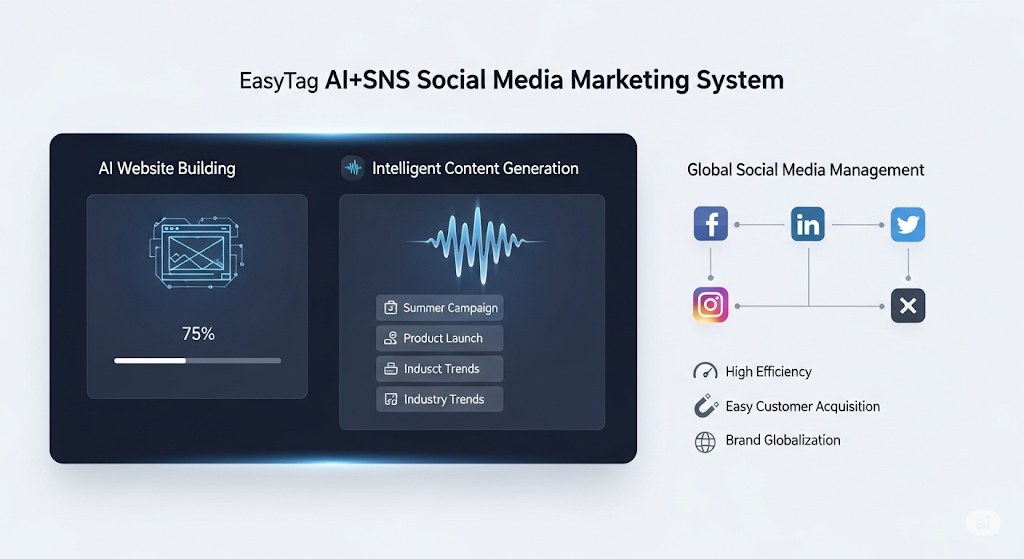
 AI+SNS Social Media Marketing SystemYingbao AI+SNS Social Media Marketing System - Precision social capture for the social media era. Supports one-click content synchronization across major platforms like Facebook and LinkedIn. AI intelligently rewrites posts for enhanced relevance. 24/7 AI customer service and user profiling analysis empower businesses to efficiently expand into global markets.
 AI+SEO营销解决方案易营宝AI+SEO营销解决方案,通过AI批量写作、智能生成TDK、精准关键词扩词等功能,全面优化网站SEO效果,提升流量与转化率。助力企业构建高效智能网站新生态。
 AI+SEM Advertising Marketing SolutionsAI+SEM Advertising Marketing Solution leverages AI technology to deeply empower SEM ad campaigns. It automatically generates weekly/monthly reports using AI, presenting account data across multiple dimensions for comprehensive insights into campaign performance and trends. The system precisely recommends keywords and target countries, intelligently generates high-conversion ad copy, and enables one-click activation of efficient campaign plans to help businesses rapidly acquire customers. Simultaneously, it monitors core metrics in real time, intelligently identifies abnormal fluctuations, and issues timely alerts to ensure stable, high-return advertising results.
 Domain Name ServicesEasyWin provides professional domain name services, including intelligent queries, one-stop registration, brand protection, and full lifecycle management, helping businesses build a digital brand image.
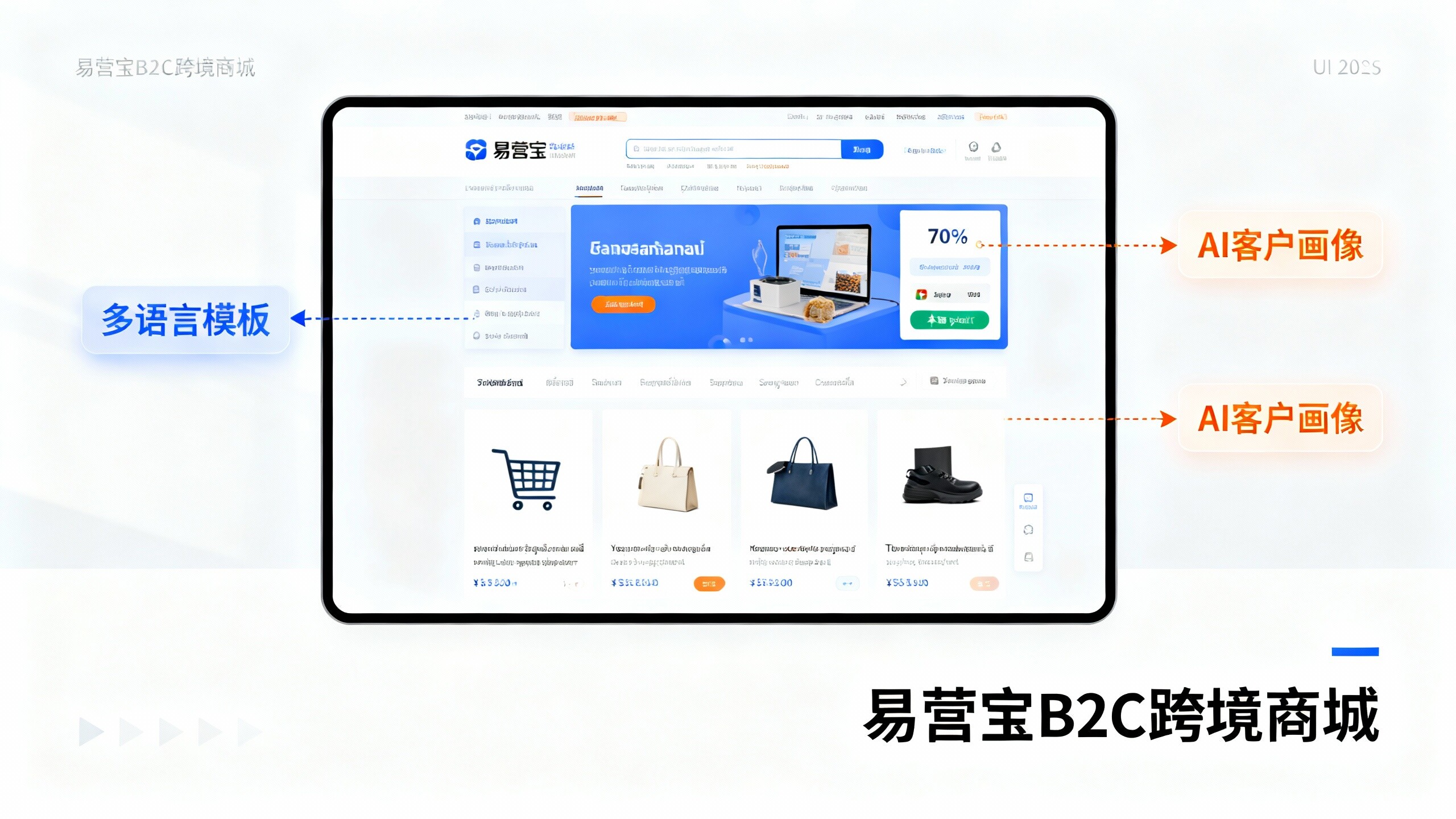
 EasyOperate B2C Cross-Border E-Commerce Platform & Independent WebsiteEasyStore B2C Cross-border E-commerce Independent Store is an intelligent website building and cross-border e-commerce integrated solution independently developed by EasyStore Information Technology (Beijing) Co., Ltd. The system is specially designed for small and medium-sized as well as large export enterprises, integrating 'website building, operation, marketing, advertising, and conversion' into one, helping enterprises quickly establish cross-border e-commerce independent stores to achieve brand globalization and global sales growth.
The platform supports multiple languages, multiple currencies, and multi-channel marketing, with built-in AI intelligent translation and SEO optimization systems, suitable for mainstream markets such as Southeast Asia, Europe and America, Latin America, and the Middle East, assisting Chinese manufacturing enterprises in efficiently deploying international e-commerce strategies. SSL证书易营宝提供专业SSL安全证书服务,包括单域名和泛域名证书,确保网站数据传输加密、身份验证和完整性保护,助力企业建立安全可信的在线业务环境。