








- APEC Shenzhen Spotlight: Cross-Border E-Commerce Orders Promote Asia-Pacific Trade and Economic CooperationNov 08, 2026View details
- China-Europe Railway Express and CIIE Hold Business Matchmaking Event, Focusing on Cross-Border E-commerce B2B ExportsNov 07, 2026View details
- China’s Ministry of Commerce Responds to Additional Charges on Low-Value Imports Imposed by the EUNov 06, 2026View details
- Two Internet Development Reports Released at the 2026 World Internet ConferenceNov 05, 2026View details
- Internet Business Revenue of Enterprises Above the Designated Size Reached RMB 1.716 Trillion in the First Three Quarters, with Profits Up 17.6%Nov 05, 2026View details
- Shopify's Third-Quarter Revenue and GMV Fall Short of Expectations, Sending Shares Tumbling Before the Market OpensNov 04, 2026View details
How Can B2B Search Traffic Be Converted into Inquiries? From Keywords to Form Layout
When a B2B website attracts search traffic but receives no inquiries, simply increasing traffic usually will not solve the problem. First confirm whether visitors are searching for products they can actually purchase, then check whether the landing page answers questions about engineering requirements, supply capabilities, and how to get in touch. Project managers should treat keywords, page content, and forms as parts of the same journey rather than optimizing them separately.
For example, a visitor searches for equipment specifications and lands on a homepage that contains only a brand introduction. Even if page traffic is normal, the visitor may leave because they cannot find technical documents or a way to request a quote. To investigate this kind of issue, start with the specific search terms and landing pages, then determine whether the form or subsequent follow-up is causing visitors to drop off.
First distinguish purchasing searches from information searches
A search term that includes a product name does not necessarily mean that the visitor is ready to request a quote. When assessing “b2b заявки из поиска” for the Russian-speaking market, understand it as a question about B2B inquiries generated by search, rather than treating the phrase as a keyword for promoting every product. Actual keyword selection should take local language, product terminology, and purchasing expressions into account.
You can start by grouping existing search terms into three categories by intent and matching them to the relevant pages:
- Clear purchasing intent: Terms that include supplier, manufacturer, quotation, or specific specifications are suitable for product detail pages or inquiry landing pages.
- Technical evaluation intent: Terms related to selection, operating conditions, installation, or performance requirements are suited to pages providing specifications, application limits, and downloadable documents, followed by an invitation to contact your technical team.
- Broad informational intent: Terms that search only for definitions, principles, or uses unrelated to your business should not be assessed directly by inquiry performance. Adjust the content or reduce promotion for terms that are not a good match.
For engineered products, be sure to check qualifiers such as model, dimensions, media, and operating conditions. A search term with low traffic but a strong match to your actual supply range may be better suited to generating inquiries than a broad industry term. A multilingual keyword list should not rely on direct translation alone: check the models, units, and terminology actually used by local buyers to avoid pages being discoverable but describing the wrong product.
Align search terms with the answers on the landing page
When visitors reach a page from a search result, their first question is, “Is this what I’m looking for?” The first screen should explain what the product or service is, which projects it is suitable for, and what action visitors can take. Visitors searching for specific equipment should be directed to the relevant detail page rather than having to find the product catalog again from the homepage.
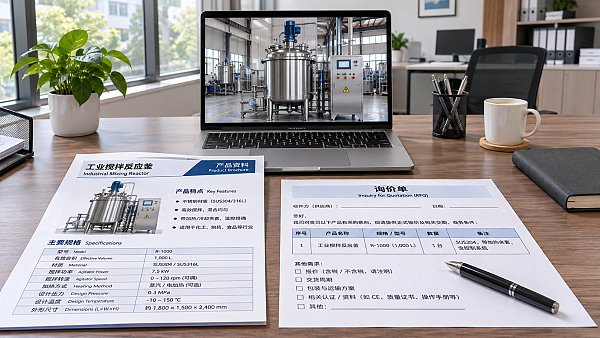
After the first screen, provide information in the order buyers need to evaluate it: key specifications and available options, applicable operating conditions, technical documents you can provide, and delivery or customization terms. For certifications, production capacity, and lead times, show only information that can be verified and applies to the product in question. Where details vary by model or project, clearly state that they need to be confirmed.
Engineering projects often involve more than one person in the evaluation. Technical staff need to verify specifications, procurement staff care about supply terms, and project managers need to confirm whether the solution fits the schedule. So, in addition to “Request a quote,” you can offer options such as “Discuss a technical solution” or “Request product documents,” depending on the page content. Each button should lead to the relevant form or contact option rather than sending every visitor back to the homepage.
Check the mobile experience too: whether specification tables require horizontal scrolling, buttons are obscured, and form fields are easy to tap. Slow page loads, inaccessible documents, or language switching that sends visitors back to the homepage can all interrupt the journey of visitors who were already interested.
Avoid asking for unnecessary information, but collect what is needed to assess the project
A form is not better simply because it is shorter, nor is it more professional because it has more fields. First distinguish what you need to know at first contact from what can be collected in subsequent discussions. Name, contact email, and a description of the inquiry are usually basic fields. Whether product model, quantity, destination, or project stage should be required depends on whether you can respond effectively without that information.
Do not leave the inquiry description as just an empty box. You can use the prompt text to explain: “Please provide the product model, quantity, and application conditions. You may leave any details you are not yet sure about blank.” This helps visitors organize their information and prevents those still selecting a product from abandoning the form because they cannot provide complete specifications.
Place the form near the product information and provide another entry point at the end of longer pages. A first-screen button can link to an on-page form, allowing visitors to review the content before submitting. A technical consultation form should be placed near the specifications or application details. Do not use pop-ups that obscure the page content to force visitors to fill in a form, and do not hide the only contact option in a multi-level menu.
Before submission, explain that the information will be used to respond to the inquiry and provide a reasonable response method or timeframe. Do not promise an immediate reply unless you have the service capacity to deliver it. After submission, show a confirmation and explain the next step, while checking that notifications are actually reaching the staff responsible. If personal information is involved, also confirm that the notices and handling practices meet the requirements of the applicable regions.
Find where visitors drop off at each stage from visit to qualified inquiry
We recommend breaking a conversion into several stages: search visit, target-page view, form started, successful submission, and subsequent qualified communication. Review performance at least by search term or query topic, landing page, language, and device. The form submission event should fire after a successful submission, not merely record a button click. Use clear labels during testing to prevent test data from being mixed with actual inquiries.
- The page gets visits but few visitors reach the form: First check search intent, first-screen content, and the location of the contact option. Do not rush to add fields or increase traffic.
- Visitors start filling out the form but do not submit it: Check required fields, error messages, mobile input, and submission speed, and complete the entire process yourself.
- Submission volume is acceptable but few inquiries are qualified: Review whether the keywords are outside your supply range and, if needed, add screening information such as product type, region, or application conditions.
- Qualified inquiries do not progress: Check the notification, assignment, and response processes, record what information is missing, and then decide whether to adjust the form.
When assessing performance, distinguish between “number of inquiries” and “number of inquiries within the scope of the business,” and agree on internal qualification criteria—for example, whether the contact details are valid and the request is within your supply range. The path from search to sale may take a long time, so do not judge recent page changes solely by short-term order fluctuations. When traffic is low, also review specific search terms and inquiry details.
Connect page development with the follow-up process
If your website also needs to manage multilingual pages, search promotion, and inquiry assignment, you can evaluate website development and marketing tools as part of the same workflow. For example, B2B Foreign Trade Solutions offers features such as corporate website development, multilingual SEO optimization, inquiry notifications, and customer management. When choosing a solution, focus on whether inquiries can be tracked by language and page, whether notifications reach the appropriate staff, and how it integrates with your existing business processes. Whether the features improve results still needs to be verified with actual data.
Before making changes, select one product line and its corresponding language page, and retain the existing search terms, traffic, and qualified inquiry records as a baseline. In each round, prioritize the most obvious break in the journey—for example, first correct a mismatch between search terms and page content, then test form fields. Record the timing and scope of each change so you can determine what is most likely to have caused subsequent changes.
Related Articles
 How Can B2B Search Traffic Be Converted into Inquiries? From Keywords to Form Layout
 What Features Affect the Cost of an Export Website for Electronic Components?
 Solar PV Website Development for Exporters: How Should Product Certifications and Project Case Studies Be Presented?
Related Products
 Yiyingbao SaaS Intelligent Website Building and Marketing SystemYiyingbao SaaS Intelligent Website Building and Marketing System, AI-powered no-code website building, rapid creation of multilingual B2B international websites in 10 minutes, global server acceleration, AI-powered SEO optimization, helping businesses connect efficiently with global markets. The perfect integration of technology and operation makes building an international trade website remarkably simple
 AI+SEM Intelligent Advertising Marketing SystemAI+SEM drives intelligent ad creation, empowering full-funnel precision advertising marketing. The system automatically generates weekly/monthly reports, AI recommends keywords and target countries, monitors core metrics in real-time with intelligent alerts, and enables one-click high-conversion ad solutions to help quickly acquire customers and improve ROI.
 AI+SEO Dual-Engine System Optimization ServicesYiyingbao’s AI+SEO dual-engine optimization system helps foreign trade enterprises acquire high-quality organic traffic through AI-powered keyword research, content generation, and comprehensive technical optimization, significantly improving search rankings and conversion rates.
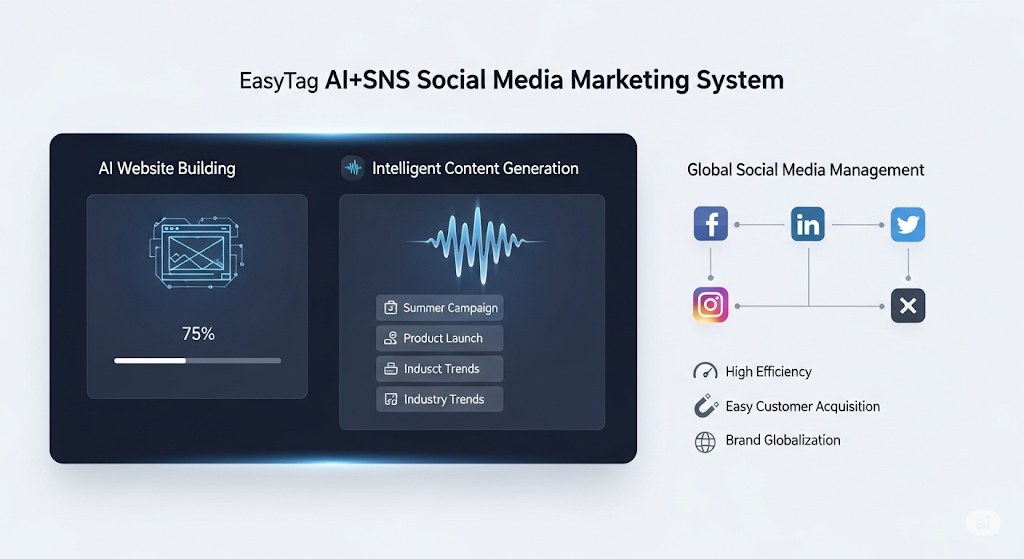
 AI+SNS Social Media Marketing SystemYingbao AI+SNS Social Media Marketing System - Precision social capture for the social media era. Supports one-click content synchronization across major platforms like Facebook and LinkedIn. AI intelligently rewrites posts for enhanced relevance. 24/7 AI customer service and user profiling analysis empower businesses to efficiently expand into global markets.
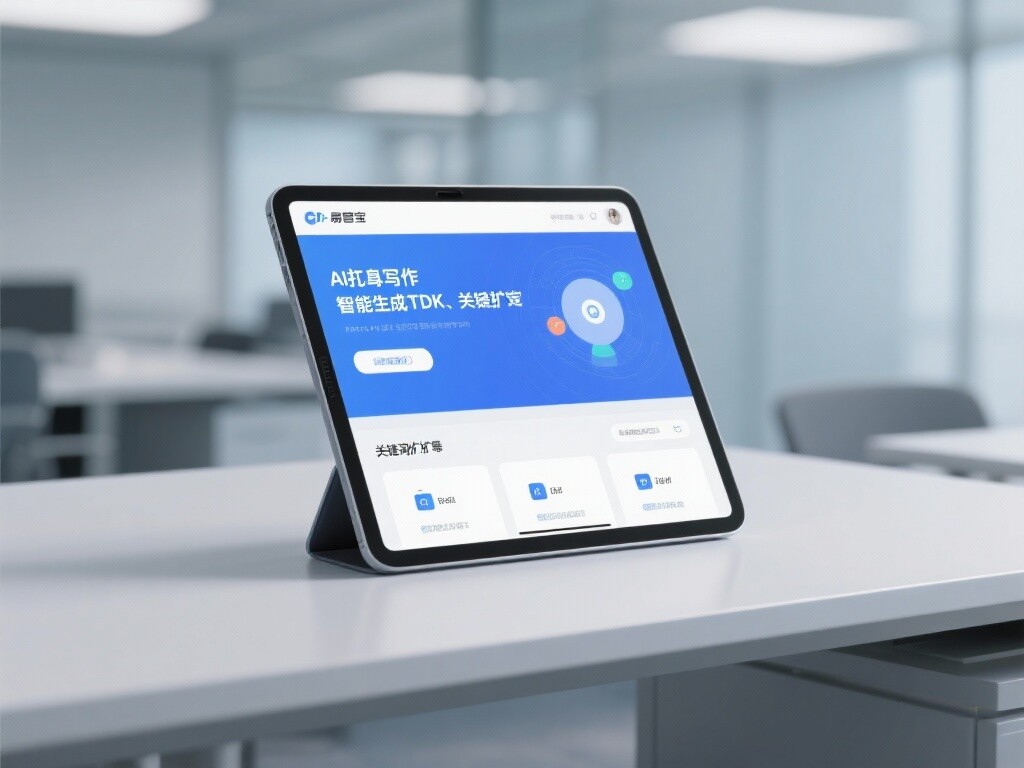
 AI+SEO营销解决方案易营宝AI+SEO营销解决方案,通过AI批量写作、智能生成TDK、精准关键词扩词等功能,全面优化网站SEO效果,提升流量与转化率。助力企业构建高效智能网站新生态。
 AI+SEM Advertising Marketing SolutionsAI+SEM Advertising Marketing Solution leverages AI technology to deeply empower SEM ad campaigns. It automatically generates weekly/monthly reports using AI, presenting account data across multiple dimensions for comprehensive insights into campaign performance and trends. The system precisely recommends keywords and target countries, intelligently generates high-conversion ad copy, and enables one-click activation of efficient campaign plans to help businesses rapidly acquire customers. Simultaneously, it monitors core metrics in real time, intelligently identifies abnormal fluctuations, and issues timely alerts to ensure stable, high-return advertising results.
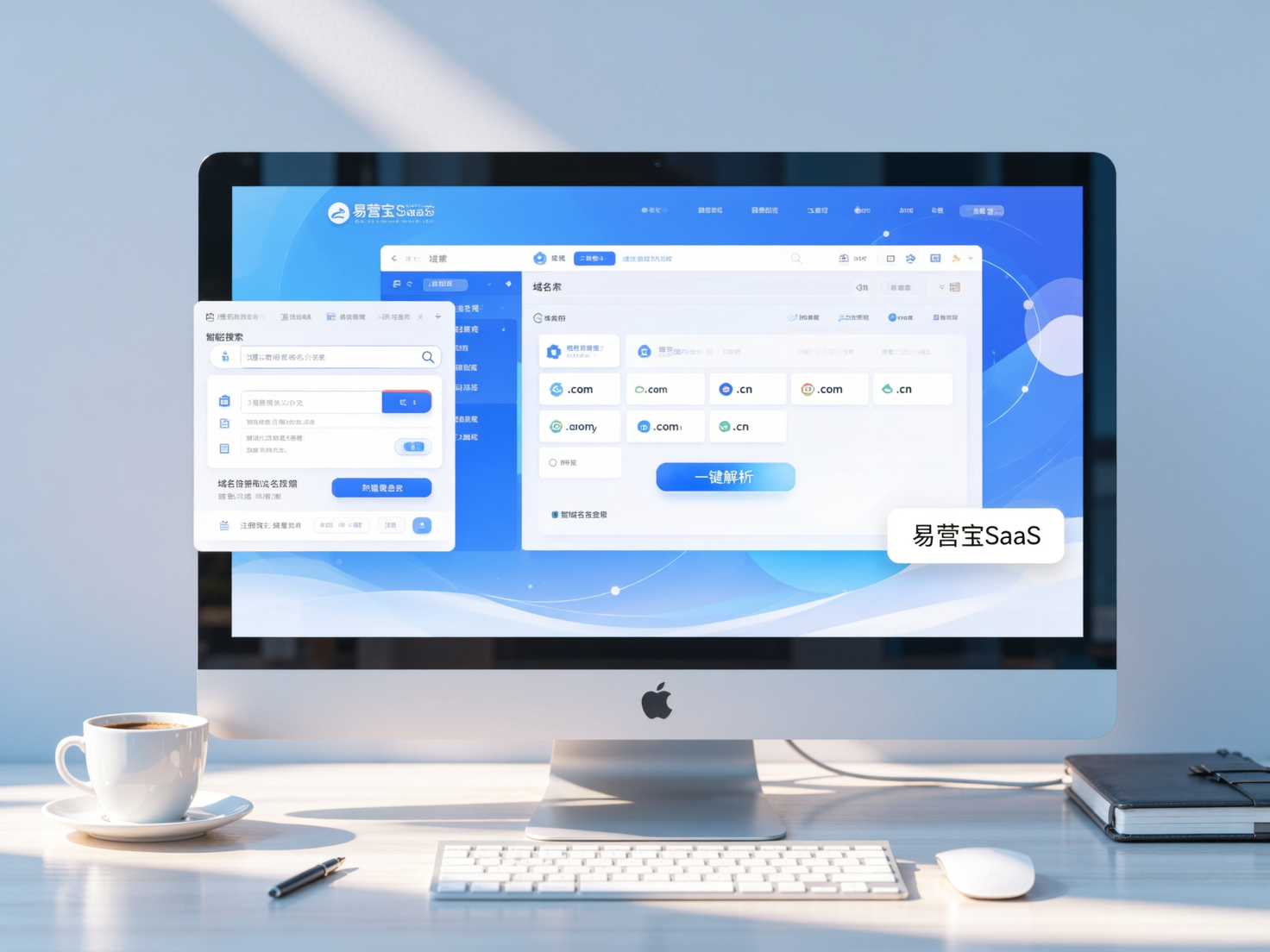
 Domain Name ServicesEasyWin provides professional domain name services, including intelligent queries, one-stop registration, brand protection, and full lifecycle management, helping businesses build a digital brand image.
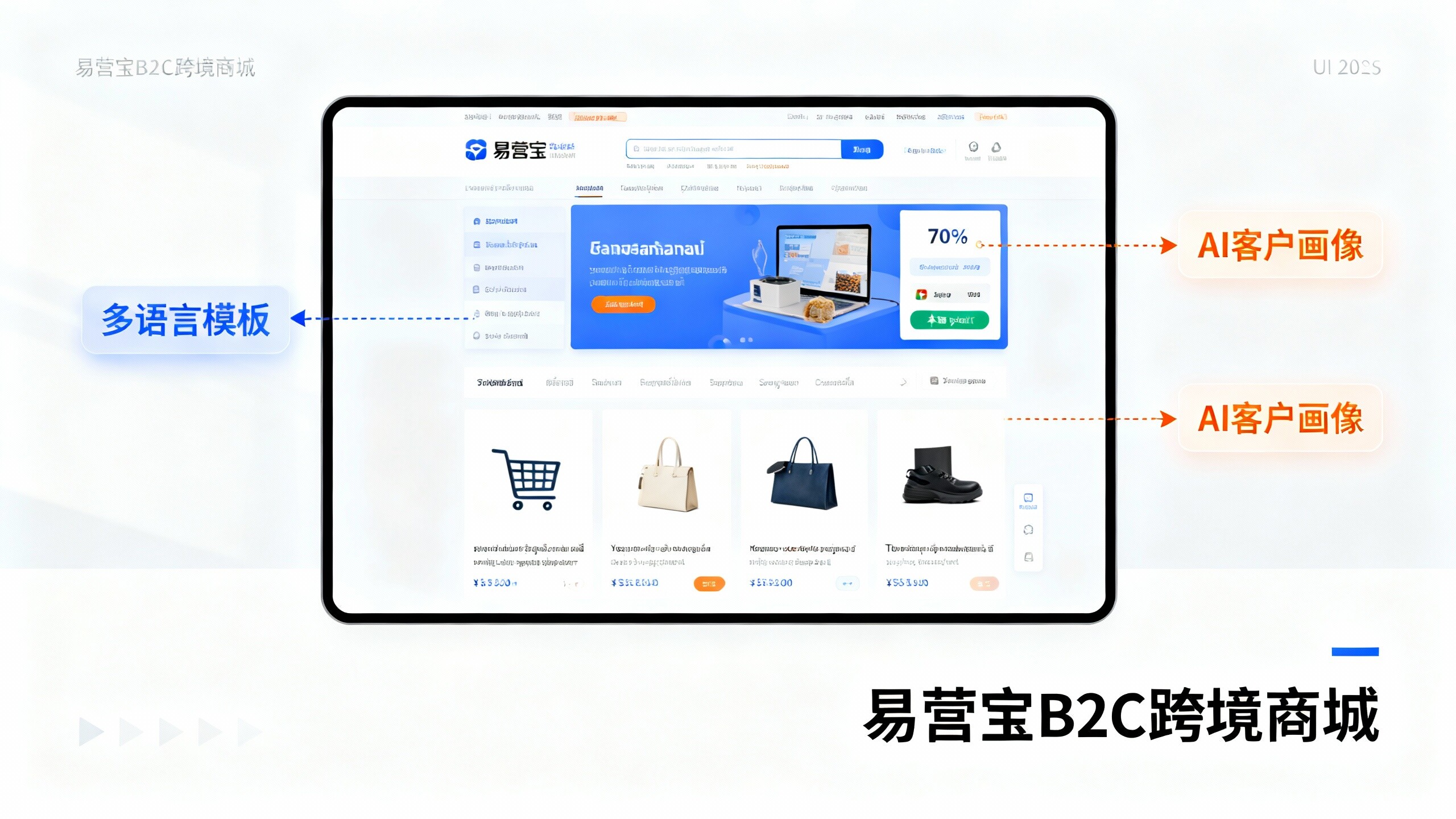
 EasyOperate B2C Cross-Border E-Commerce Platform & Independent WebsiteEasyStore B2C Cross-border E-commerce Independent Store is an intelligent website building and cross-border e-commerce integrated solution independently developed by EasyStore Information Technology (Beijing) Co., Ltd. The system is specially designed for small and medium-sized as well as large export enterprises, integrating 'website building, operation, marketing, advertising, and conversion' into one, helping enterprises quickly establish cross-border e-commerce independent stores to achieve brand globalization and global sales growth.
The platform supports multiple languages, multiple currencies, and multi-channel marketing, with built-in AI intelligent translation and SEO optimization systems, suitable for mainstream markets such as Southeast Asia, Europe and America, Latin America, and the Middle East, assisting Chinese manufacturing enterprises in efficiently deploying international e-commerce strategies. SSL证书易营宝提供专业SSL安全证书服务,包括单域名和泛域名证书,确保网站数据传输加密、身份验证和完整性保护,助力企业建立安全可信的在线业务环境。