








- Qingdao Port's Imports and Exports Exceed RMB 23.699 Trillion in the First 10 Months, Drawing Attention to Port IntelligenceNov 22, 2026View details
- Ningbo Cross-Border E-Commerce Export Value Surges 94.87% Year on Year, Opening Up a New Billion-Yuan Growth TrackNov 22, 2026View details
- AliExpress Global Double 11: Brand Sales Grow Nearly 50% in the First Week, U.S. GMV Rises 70%Nov 21, 2026View details
- Ministry of Commerce Reports E-commerce Development from January to October 2026, with Cross-Border Imports Performing StronglyNov 21, 2026View details
- Amazon Black Friday Orders Sluggish on Day One; NRF Forecasts 4.2 Million Fewer ParticipantsNov 21, 2026View details
- 21st Century Business Herald: AI and CTV Become Core Growth Engines for Digital Marketing in Overseas MarketsNov 18, 2026View details
What Is SEO Structured Data? An Introduction to Common Types and Implementation Methods
SEO structured data is standardized information written in webpage code to clearly identify content on a page, such as a product name, article title, or breadcrumb navigation. It can help search engines understand the relationships between pieces of information, but it does not guarantee higher rankings or mean that images, prices, or other enhanced displays will necessarily appear in search results.
A search for “datos estructurados seo” usually indicates an interest in structured data used for search engine optimization. For website management, the key is not to add as much markup as possible to every page, but to choose the appropriate type based on the page’s actual content and ensure that the markup matches the information visitors see.
What is the difference between structured data and webpage content?
The main text of a webpage is primarily intended for people to read, while structured data describes page entities using explicitly defined properties. For example, visitors can understand what an “industrial valve” is from the title and product description on a page; Product structured data can use properties such as name and description to explicitly identify its name and description.
Schema.org is a shared vocabulary for describing this kind of information. It defines types such as Product and Article, along with their properties. JSON-LD, Microdata, and RDFa are different formats for expressing structured data. JSON-LD is typically embedded in a webpage as a separate script, making it easier to maintain without modifying the HTML tags in the main text individually.
It is important to distinguish between what Schema.org defines and what search engines support for search result displays, which also depends on their own documentation and guidelines. Markup that conforms to Schema.org syntax does not automatically meet the requirements for a particular Google rich result.

How do you choose common structured data types?
Product: Suitable for pages introducing specific products. It can describe information such as the name, image, and brand; if a price is publicly available, the price and availability can also be described as appropriate. If a B2B product page accepts inquiries only and does not display a public price, do not invent a price to try to obtain a price display. Whether the page can qualify for a product rich result also depends on search engine requirements for properties and pages.
Article: Suitable for content pages such as news, information, and blog posts. It can identify details such as the title, author, publication date, and image. Company-published industry insights or technical articles can use it when appropriate to their actual content, but Article markup alone does not guarantee a specific style in search results.
BreadcrumbList: Used to indicate a page’s position in the website hierarchy, such as “Home—Product Category—Specific Product.” The names and links in the markup should match the actual navigation and website structure; do not invent category levels.
Organization: Used to describe a business or institution, such as its name, official website, and logo. A company website can provide accurate details on a page that represents the organization, keeping information such as its name and URL consistent across the site.
LocalBusiness: Suitable for organizations with a physical business location that provide relevant services. It can describe details such as the address and opening hours. A website for an online-only business with no customer-facing location should not enter a fictitious address just to cover more types.
Types such as FAQPage and VideoObject also have specific uses, but having a corresponding type is not the same as being eligible for a particular Google display. Some displays have additional restrictions on websites or content, so consult the latest Google Search Central documentation before implementing them.
How do you add structured data to a webpage?
First, identify the page’s main content, then choose a type that matches it. A single product detail page may use Product; a category listing page containing multiple products should not be treated as the detail page for one of those products. If a page contains both an article and breadcrumb navigation, you can describe them separately, but all the information must actually be present.
The following is a simplified JSON-LD example for an article page. In practice, replace the sample content with accurate information visible on the page, and add any required properties according to the target search engine’s documentation.
<script type="application/ld+json">
{
  "@context": "https://schema.org",
  "@type": "Article",
  "headline": "Industrial Valve Selection Guide",
  "author": {
    "@type": "Organization",
    "name": "Sample Company"
  },
  "datePublished": "2025-01-15"
}
</script>
In the code, @type indicates the type of information; headline, author, and datePublished describe the title, author, and publication date, respectively. JSON-LD can be placed in the page’s head or body. When using a website-building system, check whether the page editor, SEO settings, or template supports inserting JSON-LD. If the system already generates markup for the same entity, review it first to avoid duplication or conflicting information.
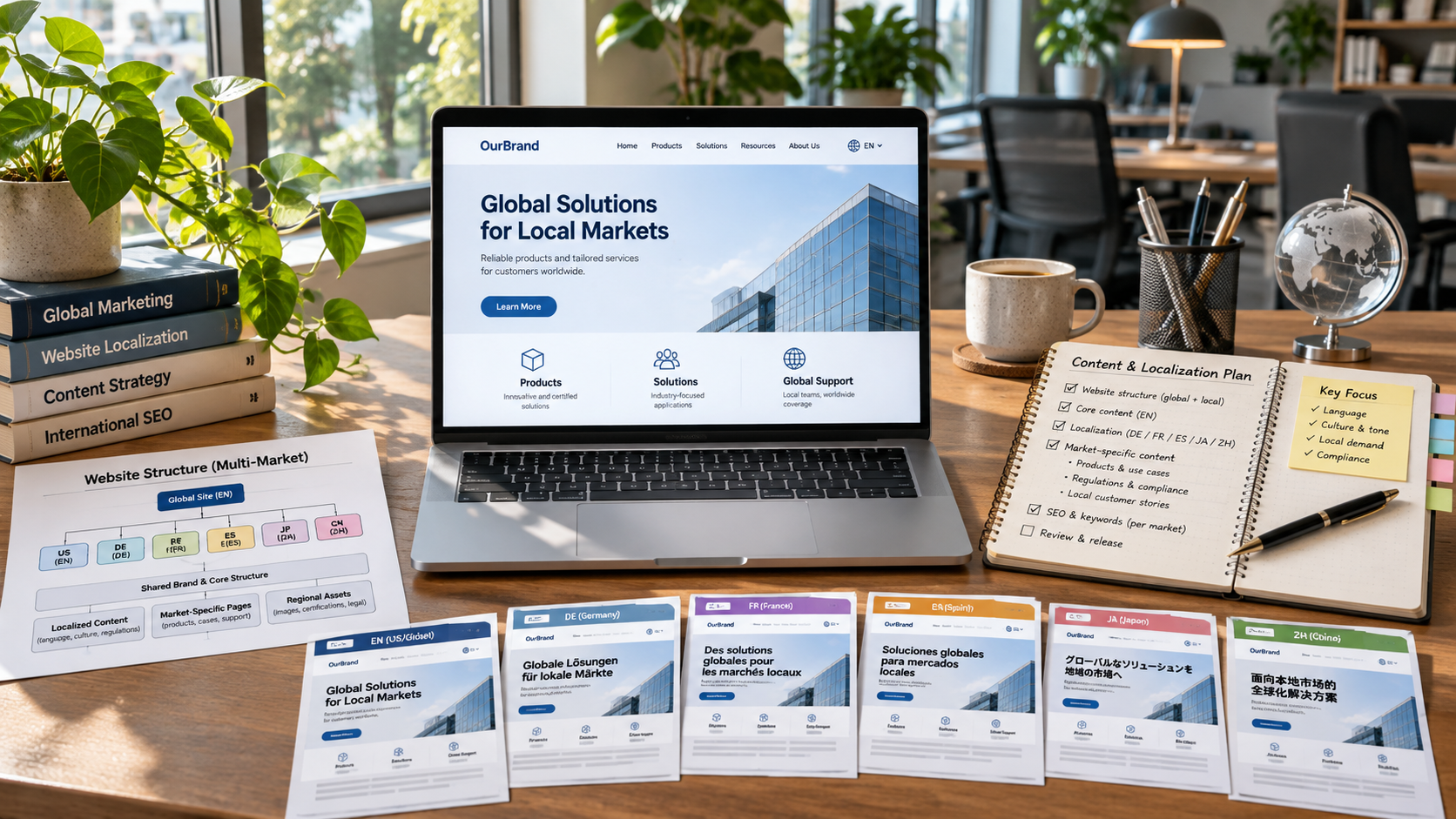
For pages in bulk, use templates to generate markup from real fields rather than copying a fixed block of code to every page. Multilingual websites should also use the title, description, and URL corresponding to each language page to avoid marking up an English page with Chinese content or having multiple pages point to incorrect product information.
How do you check whether it is valid after adding it?
Use Google’s Rich Results Test to check whether a page meets the requirements for relevant rich result types supported by Google. You can also use the Schema Markup Validator to check Schema.org markup. The tools focus on different aspects: the former checks display requirements supported by Google, while the latter focuses on Schema.org structure and syntax. Passing one does not mean the page will necessarily pass the other.
When testing, review both the tool’s feedback and the page itself. Do the title, author, price, or availability match what visitors see? Is the markup on the correct page? Can search engines access the page? Adding code in the website’s back end does not mean the final webpage necessarily contains the correct data.
After publication, you can also use Google Search Console to check relevant enhancement reports and URL indexing status. Whether a report appears depends on the website’s markup types and the tools’ support. Even if there are no errors, search engines may choose not to show rich results based on relevance, content quality, and display policies.
Maintain structured data as content changes: update the page and markup when product prices, availability, article authors, or company addresses change. To assess whether implementation is appropriate, focus not on the amount of markup but on whether the information is accurate, the page type is a good match, and search engines can understand and access the content.
Related Articles
 How Should International Digital Agencies Develop SEO Strategies for Multiple Markets?
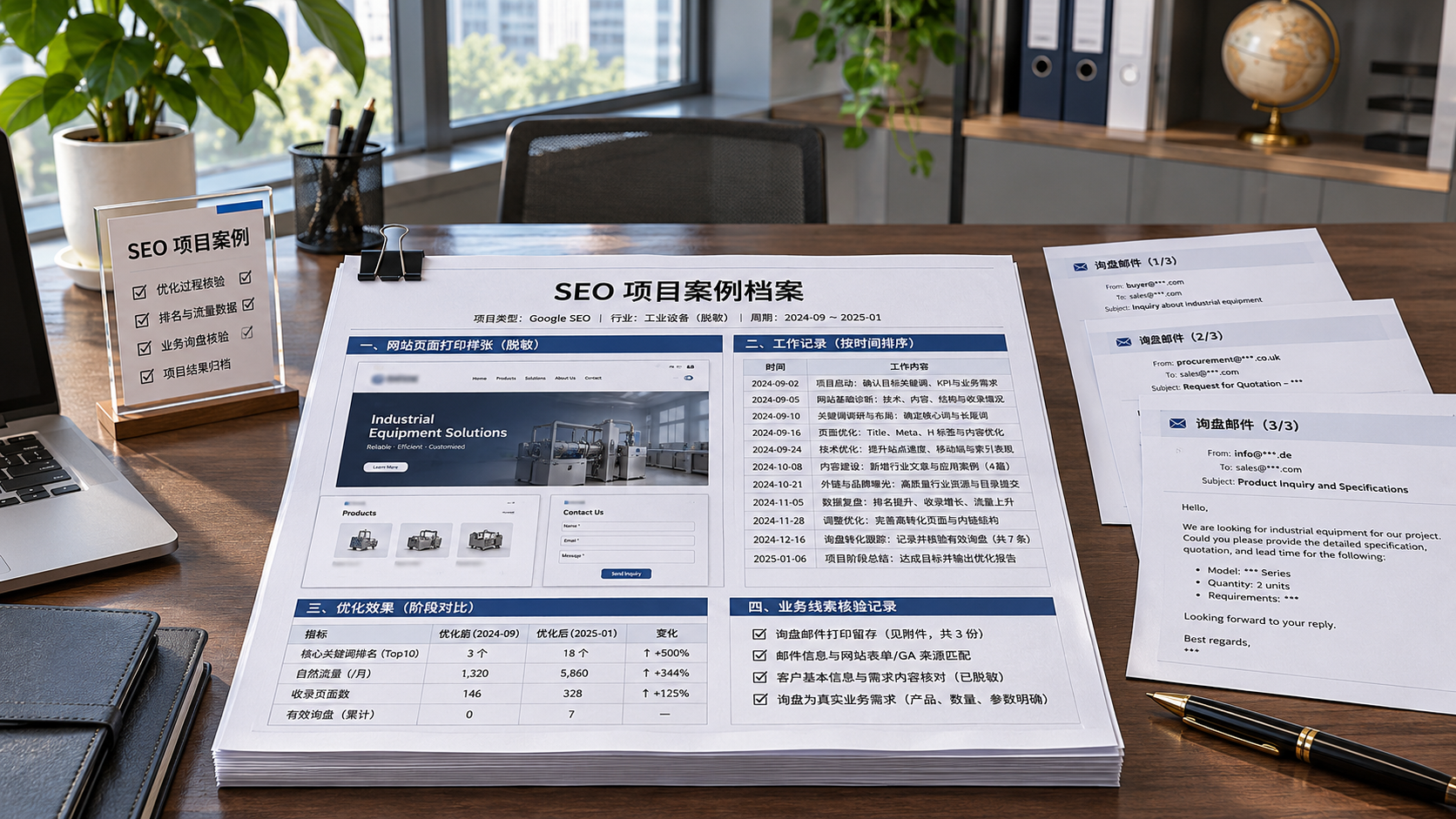
 How can you evaluate an independent SEO expert’s past results?
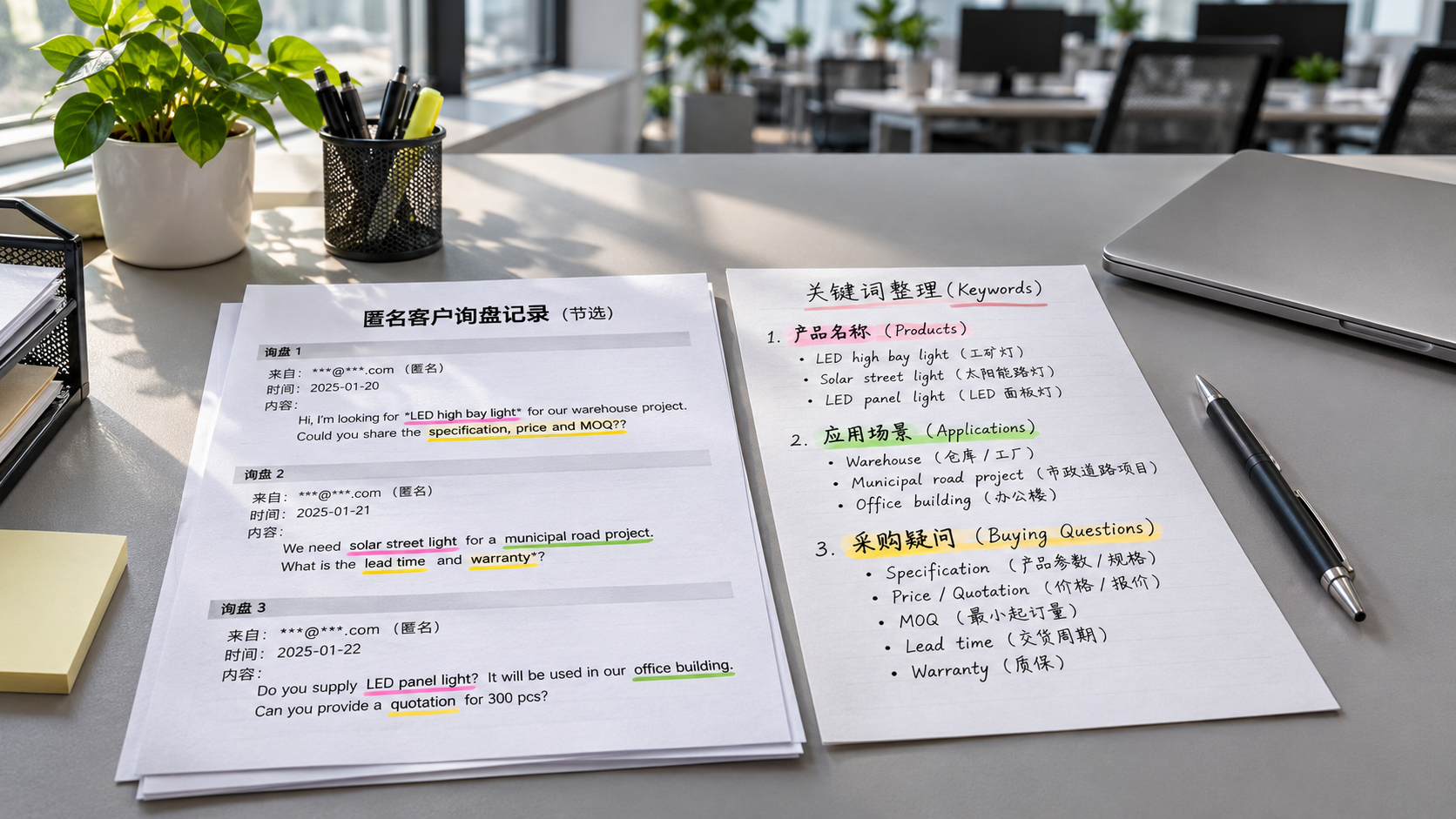
 How Can You Expand Keywords for a B2B Website Using Customer Inquiries?
Related Products
 Yiyingbao SaaS Intelligent Website Building and Marketing SystemYiyingbao SaaS Intelligent Website Building and Marketing System, AI-powered no-code website building, rapid creation of multilingual B2B international websites in 10 minutes, global server acceleration, AI-powered SEO optimization, helping businesses connect efficiently with global markets. The perfect integration of technology and operation makes building an international trade website remarkably simple
 AI+SEM Intelligent Advertising Marketing SystemAI+SEM drives intelligent ad creation, empowering full-funnel precision advertising marketing. The system automatically generates weekly/monthly reports, AI recommends keywords and target countries, monitors core metrics in real-time with intelligent alerts, and enables one-click high-conversion ad solutions to help quickly acquire customers and improve ROI.
 AI+SEO Dual-Engine System Optimization ServicesYiyingbao’s AI+SEO dual-engine optimization system helps foreign trade enterprises acquire high-quality organic traffic through AI-powered keyword research, content generation, and comprehensive technical optimization, significantly improving search rankings and conversion rates.
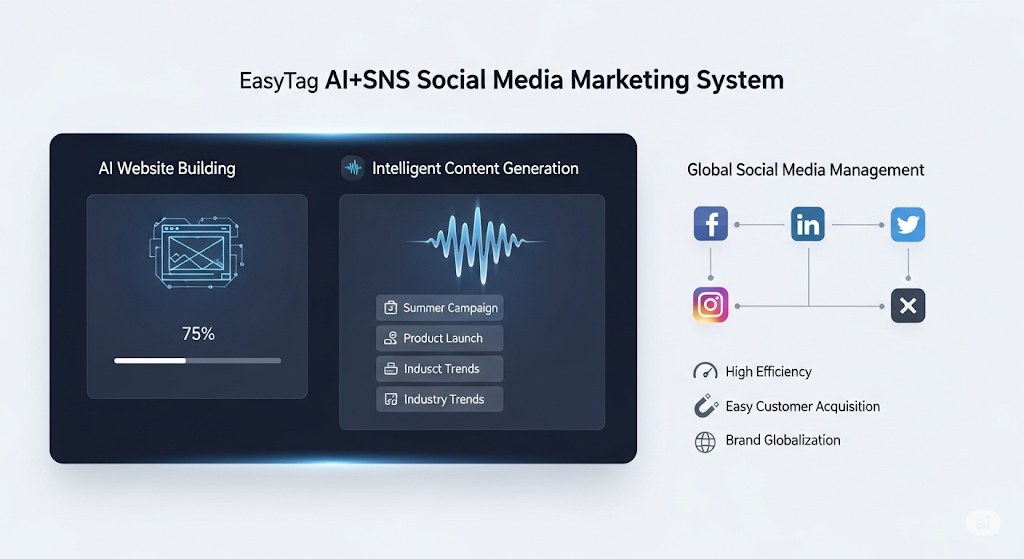
 AI+SNS Social Media Marketing SystemYingbao AI+SNS Social Media Marketing System - Precision social capture for the social media era. Supports one-click content synchronization across major platforms like Facebook and LinkedIn. AI intelligently rewrites posts for enhanced relevance. 24/7 AI customer service and user profiling analysis empower businesses to efficiently expand into global markets.
 AI+SEO营销解决方案易营宝AI+SEO营销解决方案,通过AI批量写作、智能生成TDK、精准关键词扩词等功能,全面优化网站SEO效果,提升流量与转化率。助力企业构建高效智能网站新生态。
 AI+SEM Advertising Marketing SolutionsAI+SEM Advertising Marketing Solution leverages AI technology to deeply empower SEM ad campaigns. It automatically generates weekly/monthly reports using AI, presenting account data across multiple dimensions for comprehensive insights into campaign performance and trends. The system precisely recommends keywords and target countries, intelligently generates high-conversion ad copy, and enables one-click activation of efficient campaign plans to help businesses rapidly acquire customers. Simultaneously, it monitors core metrics in real time, intelligently identifies abnormal fluctuations, and issues timely alerts to ensure stable, high-return advertising results.
 Domain Name ServicesEasyWin provides professional domain name services, including intelligent queries, one-stop registration, brand protection, and full lifecycle management, helping businesses build a digital brand image.
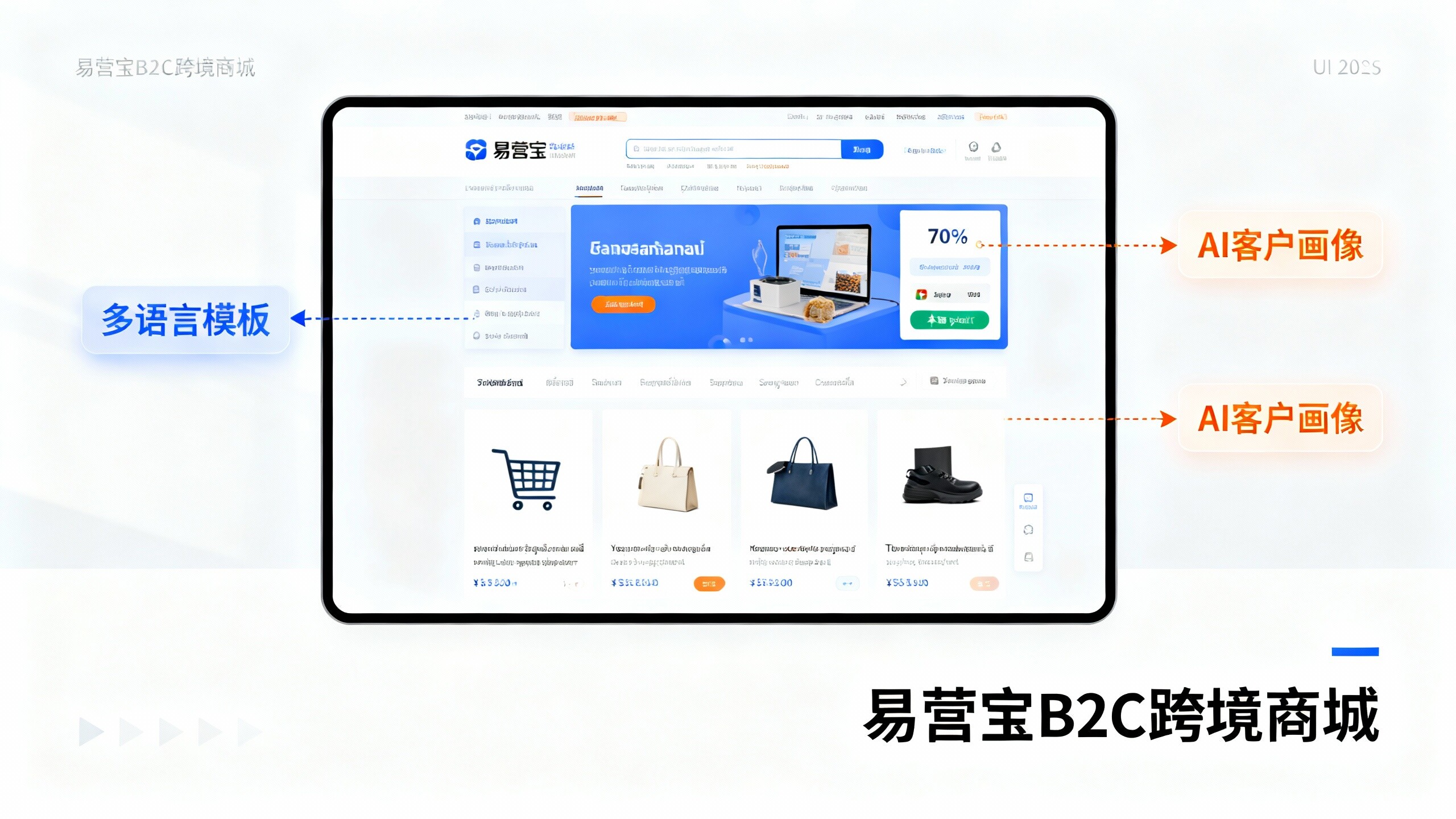
 EasyOperate B2C Cross-Border E-Commerce Platform & Independent WebsiteEasyStore B2C Cross-border E-commerce Independent Store is an intelligent website building and cross-border e-commerce integrated solution independently developed by EasyStore Information Technology (Beijing) Co., Ltd. The system is specially designed for small and medium-sized as well as large export enterprises, integrating 'website building, operation, marketing, advertising, and conversion' into one, helping enterprises quickly establish cross-border e-commerce independent stores to achieve brand globalization and global sales growth.
The platform supports multiple languages, multiple currencies, and multi-channel marketing, with built-in AI intelligent translation and SEO optimization systems, suitable for mainstream markets such as Southeast Asia, Europe and America, Latin America, and the Middle East, assisting Chinese manufacturing enterprises in efficiently deploying international e-commerce strategies. SSL证书易营宝提供专业SSL安全证书服务,包括单域名和泛域名证书,确保网站数据传输加密、身份验证和完整性保护,助力企业建立安全可信的在线业务环境。