







- AliExpress Global Double 11: Brand Sales Grow Nearly 50% in the First Week, U.S. GMV Rises 70%Nov 21, 2026View details
- Ministry of Commerce Reports E-commerce Development from January to October 2026, with Cross-Border Imports Performing StronglyNov 21, 2026View details
- Amazon Black Friday Orders Sluggish on Day One; NRF Forecasts 4.2 Million Fewer ParticipantsNov 21, 2026View details
- 21st Century Business Herald: AI and CTV Become Core Growth Engines for Digital Marketing in Overseas MarketsNov 18, 2026View details
- China Presents 25 Cooperation Outcomes in Areas Including Cross-Border E-Commerce During APECNov 18, 2026View details
- AI Products Drive Hong Kong Exports Up 64.9% in September, Fastest Growth in Over 40 YearsNov 17, 2026View details
How to Choose a GEO Website Builder That Supports Structured Content
When choosing a GEO website builder that supports structured content, first check whether it can organize company knowledge into content that is maintainable and reusable, then check whether that content can be published, accessed, and marked up reliably. For technical evaluators searching for “GEO optimization website builder with structured content,” a vendor’s demonstrations of AI writing or one-click markup features alone are not enough to determine whether the product is suitable for long-term use.
If a website has only a few fixed introductory pages, a conventional website builder with manual maintenance may be sufficient. If you need to manage many product models, multilingual pages, specifications, and application descriptions, take a close look at the content model, data output, and migration capabilities. GEO features can help make content easier to understand, but they cannot guarantee that a website will be cited in AI search results, nor can they replace checks on content quality and access permissions.
Test the content model with real business content first
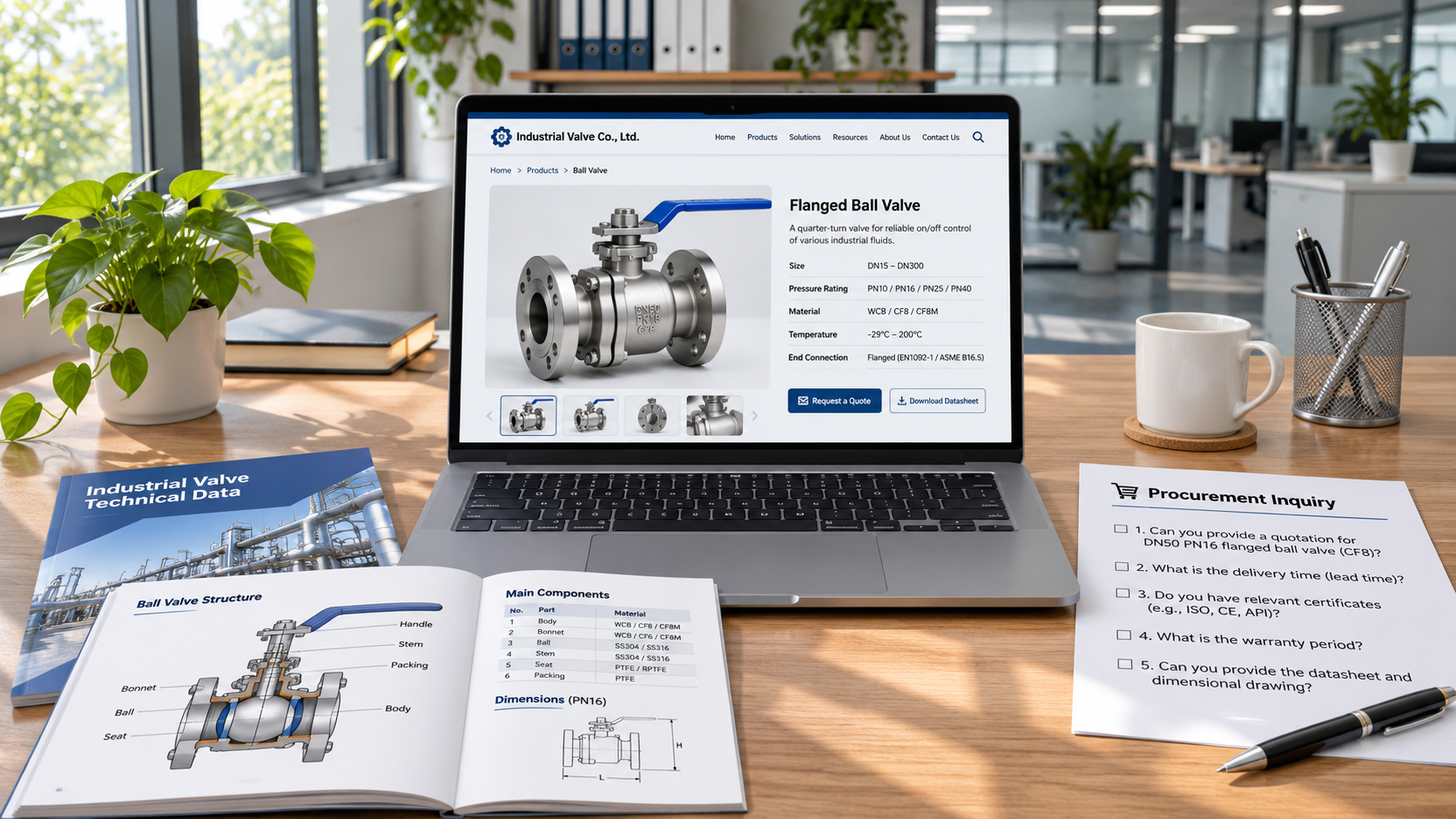
The value of structured content management lies in storing information as fields and entities rather than embedding it all in page layouts. For example, a manufacturer’s product information can be divided into model, use, specifications, applicable conditions, and product series. During evaluation, import a set of real product data into the system and check whether fields can be configured to meet business needs, and whether numbers, units, images, and related documents can be managed separately.
Next, see how the same information is used across different pages. Can product specifications appear on product detail pages, product listings, and downloadable materials at the same time? When a model or specification is changed, are the pages that reference that information updated as well? If each page must be edited separately, maintenance costs and the risk of conflicting information will increase as the number of products and language versions grows.
You should also check the relationships between content items. Can products be linked to product series, use cases, manufacturers, and frequently asked questions, and can these relationships be queried and adjusted? For complex catalogs, the ability to manage relationships affects how content can be reused later. If the system offers only fixed page templates, the front end may look tidy, but the system may not support ongoing expansion.
Companies with existing product information or content management systems should also check import, export, and integration capabilities. The key is not the number of interfaces, but whether fields, relationships, and language versions can be transferred completely. If an export contains only page copy, data may have to be reorganized when switching platforms in the future.
Then check how pages can be accessed and understood
Having structured fields in the back end does not mean search engines or generative engines can necessarily read them. Review the HTML of published pages, public access results, and rendered content to confirm that important information, such as product names, descriptions, and specifications, is accessible rather than available only in the back end or behind a login.
Also check the sitemap, page status codes, canonical URLs, and crawl restrictions. Configurations may differ between test and production environments, so acceptance testing should cover pages after they are published. For websites that rely on scripts to load content, check what is returned when scripts are not executed and whether the target platform can retrieve the complete content. Allowing crawlers is only one condition for discovery and processing; whether content is ultimately indexed or cited is up to each platform.
Structured data markup is another layer to check. Does the tool support outputting Schema.org markup suitable for the page content? Can technical staff review the generated output, adjust field mappings, and modify or disable the markup when necessary? For example, the name and model output on a product page should match the content visible on the page. Do not add information unsupported by the page just to increase the amount of markup.
During acceptance testing, use the relevant search platform’s testing tools to check syntax and support, and manually verify field values at the same time. Passing a test means only that no issues were found in the specific checks performed. It does not guarantee a particular search result appearance, much less that an AI answer will cite the page.

For multilingual capabilities, check data relationships, not just the translation feature
A common challenge in website projects targeting overseas markets is keeping technical specifications consistent across language versions of the same product while allowing descriptions, unit formats, and applicable information to be adapted for each market. When selecting a system, check whether it can distinguish shared fields from language-specific fields, and whether it can identify which translations need review after the source content is updated.
At the page level, check whether each language has a stable, accessible URL, whether language versions are correctly linked, and whether canonical URLs and language tags match the actual pages. Do not check only the homepage: product detail pages, category pages, and FAQ pages may use different templates, which can result in missing language versions or incorrect redirects.
Translation workflows also affect delivery quality. Select a product record and complete the process of creation, translation, review, publication, and source-content revision in sequence. Check whether access controls, version history, and update notifications meet the team’s workflow needs. For content involving specifications and usage restrictions, manual review and traceability are more valuable for decision-making than the speed of bulk generation.
Use a small-scale acceptance test to decide whether to purchase
Before comparing vendors for a purchase, select a product series with multiple models, add two languages, several FAQs, and related application pages, and ask each candidate tool to complete the entire process from import to publication. This scope is enough to reveal issues with field mapping, template limitations, language synchronization, and page output, while also making it easier to compare ongoing maintenance workload.
Classify the results into three categories during acceptance testing: capabilities natively supported by the system and maintainable by your team; capabilities requiring vendor configuration or customization; and capabilities that cannot currently be implemented. For custom work, clarify the scope of delivery, acceptance criteria, fees, compatibility with future upgrades, and responsibility for troubleshooting. Also agree on the format and scope of data exports to avoid discovering only after purchase that relationships or multilingual content are difficult to migrate.
The final choice should match your team’s capabilities. For projects with simple content models and infrequent updates, prioritize ease of maintenance and delivery efficiency. For projects with complex product catalogs and cross-language synchronization needs, treat field relationships, integrations, and version management as basic requirements. Demonstrating a complete content change that the technical team can independently reproduce often says more about a tool’s suitability for long-term use than a feature list claiming “GEO support.”
Related Articles
 Google, ChatGPT, and other platforms are starting to provide promo codes directly in search results
 How do the optimization priorities of AI SEO and traditional SEO differ?
 How to Choose a GEO Website Builder That Supports Structured Content

Related Products
 Yiyingbao SaaS Intelligent Website Building and Marketing SystemYiyingbao SaaS Intelligent Website Building and Marketing System, AI-powered no-code website building, rapid creation of multilingual B2B international websites in 10 minutes, global server acceleration, AI-powered SEO optimization, helping businesses connect efficiently with global markets. The perfect integration of technology and operation makes building an international trade website remarkably simple
 AI+SEM Intelligent Advertising Marketing SystemAI+SEM drives intelligent ad creation, empowering full-funnel precision advertising marketing. The system automatically generates weekly/monthly reports, AI recommends keywords and target countries, monitors core metrics in real-time with intelligent alerts, and enables one-click high-conversion ad solutions to help quickly acquire customers and improve ROI.
 AI+SEO Dual-Engine System Optimization ServicesYiyingbao’s AI+SEO dual-engine optimization system helps foreign trade enterprises acquire high-quality organic traffic through AI-powered keyword research, content generation, and comprehensive technical optimization, significantly improving search rankings and conversion rates.
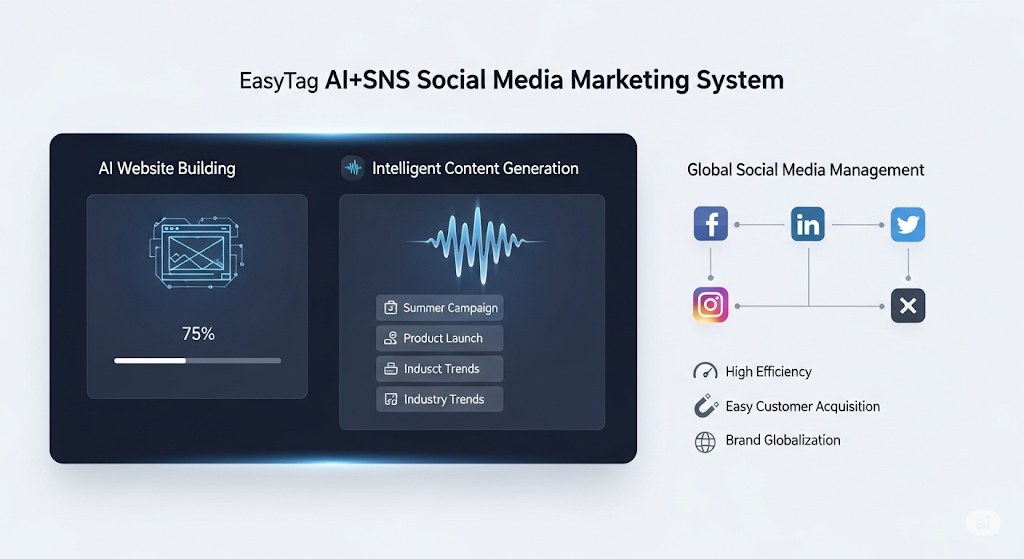
 AI+SNS Social Media Marketing SystemYingbao AI+SNS Social Media Marketing System - Precision social capture for the social media era. Supports one-click content synchronization across major platforms like Facebook and LinkedIn. AI intelligently rewrites posts for enhanced relevance. 24/7 AI customer service and user profiling analysis empower businesses to efficiently expand into global markets.
 AI+SEO营销解决方案易营宝AI+SEO营销解决方案,通过AI批量写作、智能生成TDK、精准关键词扩词等功能,全面优化网站SEO效果,提升流量与转化率。助力企业构建高效智能网站新生态。
 AI+SEM Advertising Marketing SolutionsAI+SEM Advertising Marketing Solution leverages AI technology to deeply empower SEM ad campaigns. It automatically generates weekly/monthly reports using AI, presenting account data across multiple dimensions for comprehensive insights into campaign performance and trends. The system precisely recommends keywords and target countries, intelligently generates high-conversion ad copy, and enables one-click activation of efficient campaign plans to help businesses rapidly acquire customers. Simultaneously, it monitors core metrics in real time, intelligently identifies abnormal fluctuations, and issues timely alerts to ensure stable, high-return advertising results.
 Domain Name ServicesEasyWin provides professional domain name services, including intelligent queries, one-stop registration, brand protection, and full lifecycle management, helping businesses build a digital brand image.
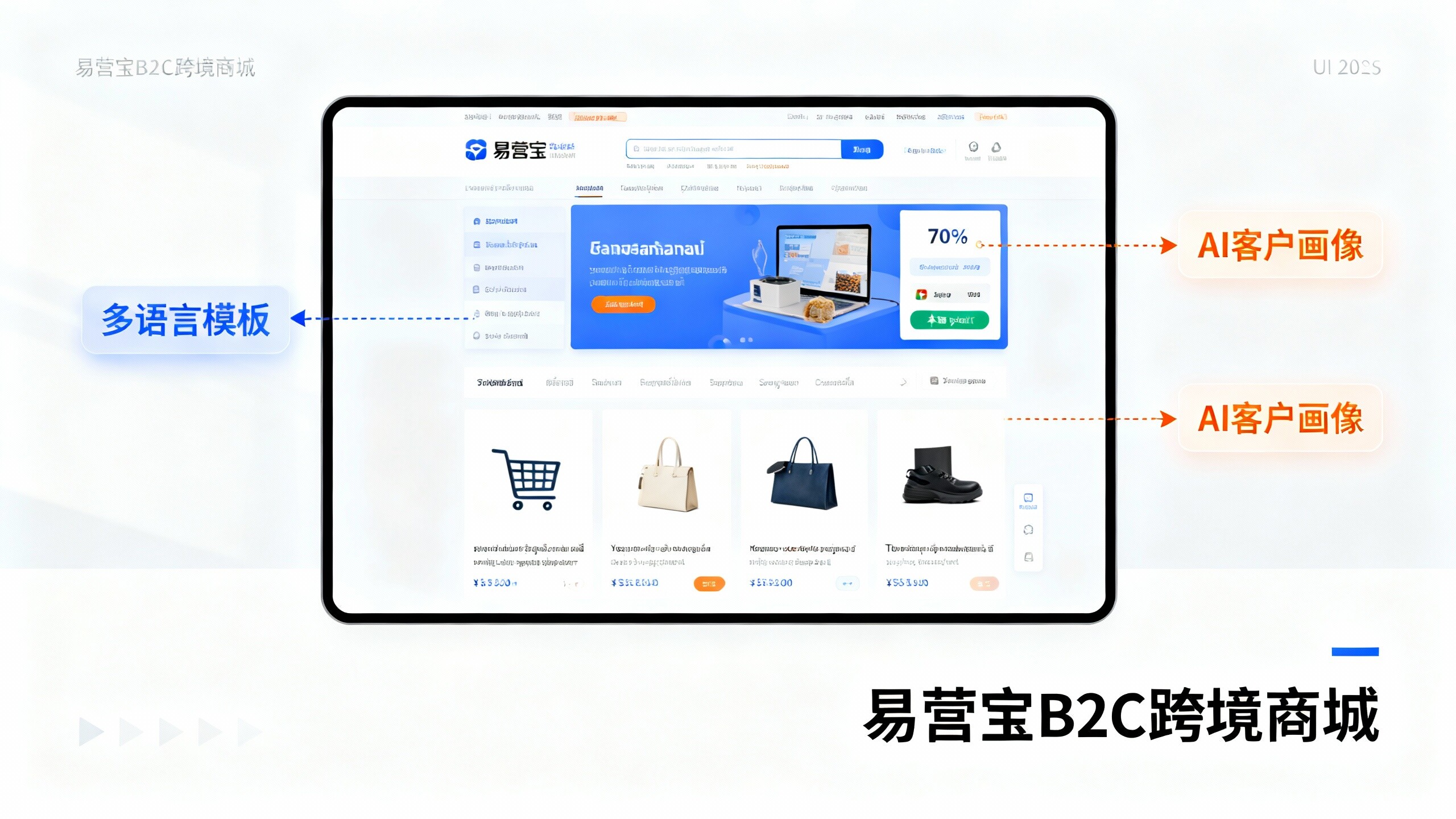
 EasyOperate B2C Cross-Border E-Commerce Platform & Independent WebsiteEasyStore B2C Cross-border E-commerce Independent Store is an intelligent website building and cross-border e-commerce integrated solution independently developed by EasyStore Information Technology (Beijing) Co., Ltd. The system is specially designed for small and medium-sized as well as large export enterprises, integrating 'website building, operation, marketing, advertising, and conversion' into one, helping enterprises quickly establish cross-border e-commerce independent stores to achieve brand globalization and global sales growth.
The platform supports multiple languages, multiple currencies, and multi-channel marketing, with built-in AI intelligent translation and SEO optimization systems, suitable for mainstream markets such as Southeast Asia, Europe and America, Latin America, and the Middle East, assisting Chinese manufacturing enterprises in efficiently deploying international e-commerce strategies. SSL证书易营宝提供专业SSL安全证书服务,包括单域名和泛域名证书,确保网站数据传输加密、身份验证和完整性保护,助力企业建立安全可信的在线业务环境。