








- APEC Shenzhen Spotlight: Cross-Border E-Commerce Orders Promote Asia-Pacific Trade and Economic CooperationNov 08, 2026View details
- China-Europe Railway Express and CIIE Hold Business Matchmaking Event, Focusing on Cross-Border E-commerce B2B ExportsNov 07, 2026View details
- China’s Ministry of Commerce Responds to Additional Charges on Low-Value Imports Imposed by the EUNov 06, 2026View details
- Two Internet Development Reports Released at the 2026 World Internet ConferenceNov 05, 2026View details
- Internet Business Revenue of Enterprises Above the Designated Size Reached RMB 1.716 Trillion in the First Three Quarters, with Profits Up 17.6%Nov 05, 2026View details
- Shopify's Third-Quarter Revenue and GMV Fall Short of Expectations, Sending Shares Tumbling Before the Market OpensNov 04, 2026View details
Low Google Ads click-through rate: How to improve it, from search terms to ad copy
When Google Ads click-through rates are low, don’t rush to rewrite all your ads. A more effective sequence is to check which search terms actually matched your ads, determine whether the search intent is relevant, and then see whether the copy clearly addresses users’ needs. Advertisers searching for “améliorer taux de clic google ads” usually need more than just additional clicks—they need people with purchase potential to want to click.
Click-through rate (CTR) is the number of clicks divided by the number of impressions. It can indicate how appealing an ad is to its current audience, but it does not show on its own whether a campaign is successful: if an ad attracts a large number of irrelevant clicks, a higher CTR may still increase wasted spend.
First, identify where the low click-through rate is occurring
In Google Ads, select a representative date range and review impressions, clicks, and conversions for your search campaigns, ad groups, and keywords. When comparing performance, keep conditions such as country, device, and branded versus non-branded terms as consistent as possible. People searching for branded terms often already know the business, so their CTR should not be used as a direct benchmark for generic industry terms.
When impression volume is low, one or two clicks can significantly change the rate, so avoid judging performance based on CTR alone. Extend the observation period and consider actual spend, inquiries, and orders as well. If an ad group has a low CTR but generates high-quality inquiries, prioritize retaining its valuable traffic instead of blindly pursuing a higher rate.
Also review metrics related to ad position. If your ads often appear in less prominent positions, even compelling copy may not get enough attention. Bids, budget, competition, and ad quality can all affect ad placement. Identify the issue first, then decide whether to adjust bids. Avoid treating a budget increase as the only solution.
Use the search terms report to identify mismatched traffic
Keywords are the targets advertisers set, while search terms are what users actually enter. They do not always match exactly, so open the search terms report and review which queries triggered your ads by impressions and spend, then categorize them based on clicks and conversions.
- Clear intent and a good fit for the business: Keep these terms and consider organizing them into a dedicated ad group so that the headlines and landing page better match users’ needs.
- Relevant, but with a different need: For example, people searching for heavy vehicles may be looking for complete vehicles or spare parts. If you serve both needs, prepare separate ad copy and pages for each.
- Irrelevant to the business: For instance, a company that sells only new products may frequently match searches for used products. If you have no relevant offering, consider adding negative keywords.
- Not enough information to determine: If there is insufficient impression or click data, keep monitoring rather than excluding a term immediately just because it has not converted in the short term.

When adding negative keywords, check their scope and match type. Adding an overly broad term to an entire campaign may also block valuable searches. If an issue affects only one ad group, address it at a narrower level first. The search terms report may not show every query that triggered an ad, so make decisions based on the data available in your account.
For keywords that attract a mix of different needs, you can also review match types and ad group structure. Broad coverage can help uncover new needs, but it requires ongoing review. Terms with clear intent and significant product differences are better managed in separate groups. Split them only when the copy and landing pages genuinely need to differ; there is no need to create a separate ad group for every keyword.
Ad copy should address what searchers are looking for
Once you have reviewed the search terms, revise your responsive search ads to address the needs of each group. Headlines can directly specify the product type, use, or purchasing need. Descriptions can add credible points of difference, such as the range of products available, service areas, or how to make an inquiry. Avoid relying only on phrases like “high-quality products” or “professional service,” as they do little to help users distinguish your ad.
Suppose an ad group targets searches from buyers of logistics vehicles in the French-speaking market. Headlines could focus on factual business offerings such as “Logistics Vehicles Supplier” or “Browse Vehicle Products,” while descriptions could explain which product categories are available or how to inquire. Include customization, export, or after-sales services in your ads only if your business actually provides them. The language, currency, and service areas should also match the target market.
Responsive search ads combine different headlines and descriptions, so each asset should make sense on its own. Avoid making every headline a variation of the same sentence. Prepare different angles covering products, use cases, purchasing support, and calls to action, and check that combinations remain accurate and coherent. Pinning headlines to specific positions may help meet particular messaging needs, but it limits the combinations the system can create, so avoid pinning everything unless necessary.
Ad assets also affect what users see. Depending on your actual business, add assets such as sitelinks and promotional information to help users reach product categories, contact pages, or other relevant content more quickly. Do not make promises you cannot fulfill.
The landing page must meet users’ needs after the click
Landing pages do not usually determine whether users click an ad directly, but they affect conversions and how you assess subsequent campaign performance. If an ad promises a particular type of product but takes users to a homepage that contains only a company profile, buyers have to search for the information themselves. A better approach is to link the ad to the relevant category or product page and provide specifications, use cases, and a clear way to make an inquiry.
For example, industrial companies expanding overseas to promote heavy vehicles or logistics equipment can consider digital portal solutions such as heavy vehicles and logistics to address different purchasing needs through product search centers, displays of business coverage, and professional inquiry forms. Maps, client logos, or data dashboards can help present company information, but the content should be accurate and relevant to the audience. If an ad promotes only one specific product, there is no need to make users navigate a complex portal first.
When reviewing the page, also check mobile loading speed and form usability. B2B inquiry forms can collect necessary information such as product requirements and purchasing regions, but too many fields may discourage submissions. If CTR is high but inquiries are low, review the page content, form functionality, and conversion tracking as well; do not immediately assume the ad copy is ineffective.
Make one change at a time, then review the results
When optimizing, record the campaign conditions before and after each change, and try to focus on one type of issue at a time. For example, first remove clearly irrelevant search terms and monitor the change in relevant traffic; then test different headline wording. If you make major changes to keywords, budget, copy, and pages all at once, it will be difficult to determine what caused any change in performance.
Evaluate CTR alongside cost per click, conversion rate, and cost per qualified inquiry. Compare periods with similar campaign conditions and allow enough data to accumulate. If the budget, season, or target regions change significantly, do not simply attribute differences in performance to the ad copy. For inquiry-based businesses, review feedback from the sales team as well: how many inquiries came from target regions, whether their needs were relevant, and whether they were worth pursuing further.
Prioritize areas with high impression volume and spend where search intent is clearly mismatched. Then optimize the copy and landing pages for valuable search terms. This makes it possible to assess whether your budget is shifting toward more valuable demand, even if CTR does not increase significantly.
Related Articles
 How can I reduce high access latency for Google Ads landing pages in Europe?
 What is the difference between phrase match and exact match in Google Ads?
 How should you allocate your TikTok advertising budget?


Related Products
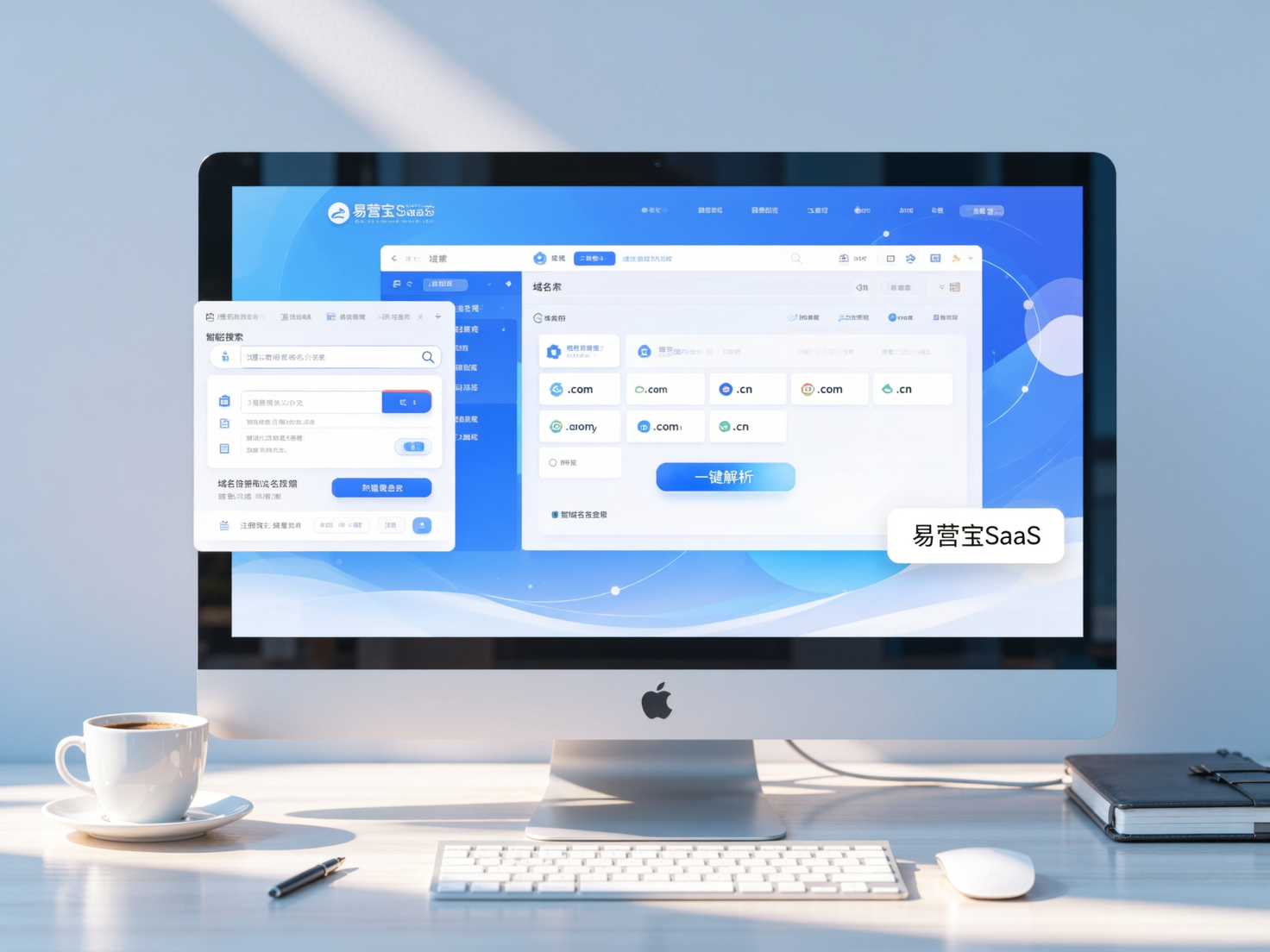
 Yiyingbao SaaS Intelligent Website Building and Marketing SystemYiyingbao SaaS Intelligent Website Building and Marketing System, AI-powered no-code website building, rapid creation of multilingual B2B international websites in 10 minutes, global server acceleration, AI-powered SEO optimization, helping businesses connect efficiently with global markets. The perfect integration of technology and operation makes building an international trade website remarkably simple
 AI+SEM Intelligent Advertising Marketing SystemAI+SEM drives intelligent ad creation, empowering full-funnel precision advertising marketing. The system automatically generates weekly/monthly reports, AI recommends keywords and target countries, monitors core metrics in real-time with intelligent alerts, and enables one-click high-conversion ad solutions to help quickly acquire customers and improve ROI.
 AI+SEO Dual-Engine System Optimization ServicesYiyingbao’s AI+SEO dual-engine optimization system helps foreign trade enterprises acquire high-quality organic traffic through AI-powered keyword research, content generation, and comprehensive technical optimization, significantly improving search rankings and conversion rates.
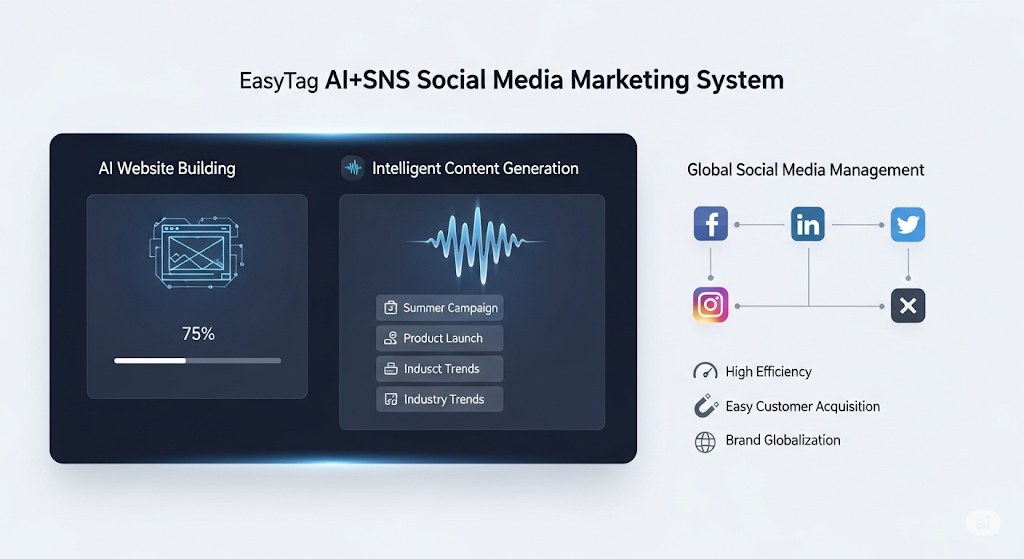
 AI+SNS Social Media Marketing SystemYingbao AI+SNS Social Media Marketing System - Precision social capture for the social media era. Supports one-click content synchronization across major platforms like Facebook and LinkedIn. AI intelligently rewrites posts for enhanced relevance. 24/7 AI customer service and user profiling analysis empower businesses to efficiently expand into global markets.
 AI+SEO营销解决方案易营宝AI+SEO营销解决方案,通过AI批量写作、智能生成TDK、精准关键词扩词等功能,全面优化网站SEO效果,提升流量与转化率。助力企业构建高效智能网站新生态。
 AI+SEM Advertising Marketing SolutionsAI+SEM Advertising Marketing Solution leverages AI technology to deeply empower SEM ad campaigns. It automatically generates weekly/monthly reports using AI, presenting account data across multiple dimensions for comprehensive insights into campaign performance and trends. The system precisely recommends keywords and target countries, intelligently generates high-conversion ad copy, and enables one-click activation of efficient campaign plans to help businesses rapidly acquire customers. Simultaneously, it monitors core metrics in real time, intelligently identifies abnormal fluctuations, and issues timely alerts to ensure stable, high-return advertising results.
 Domain Name ServicesEasyWin provides professional domain name services, including intelligent queries, one-stop registration, brand protection, and full lifecycle management, helping businesses build a digital brand image.
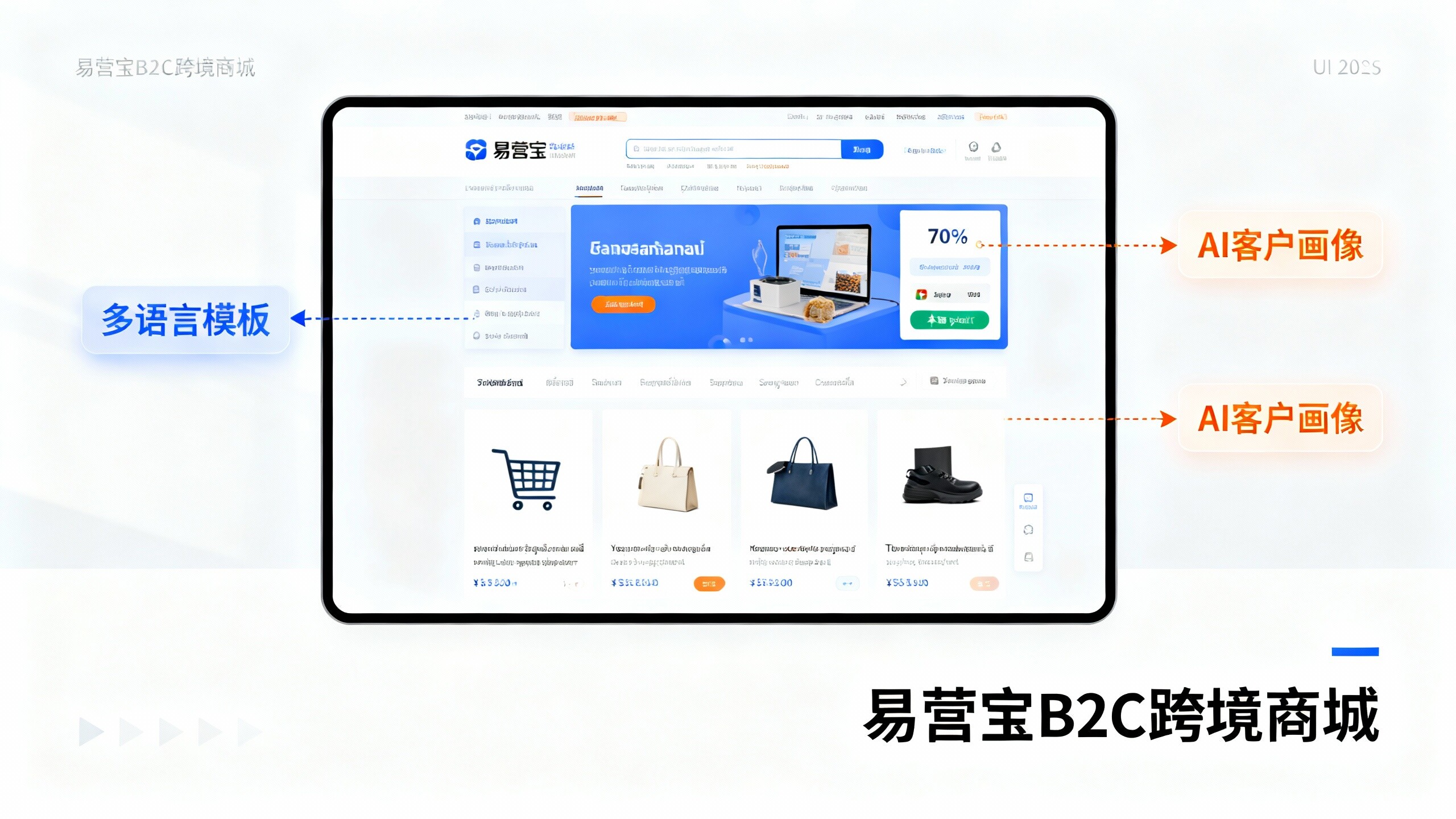
 EasyOperate B2C Cross-Border E-Commerce Platform & Independent WebsiteEasyStore B2C Cross-border E-commerce Independent Store is an intelligent website building and cross-border e-commerce integrated solution independently developed by EasyStore Information Technology (Beijing) Co., Ltd. The system is specially designed for small and medium-sized as well as large export enterprises, integrating 'website building, operation, marketing, advertising, and conversion' into one, helping enterprises quickly establish cross-border e-commerce independent stores to achieve brand globalization and global sales growth.
The platform supports multiple languages, multiple currencies, and multi-channel marketing, with built-in AI intelligent translation and SEO optimization systems, suitable for mainstream markets such as Southeast Asia, Europe and America, Latin America, and the Middle East, assisting Chinese manufacturing enterprises in efficiently deploying international e-commerce strategies. SSL证书易营宝提供专业SSL安全证书服务,包括单域名和泛域名证书,确保网站数据传输加密、身份验证和完整性保护,助力企业建立安全可信的在线业务环境。