








- Fujian Announces the First Batch of Provincial-Level Cross-Border E-Commerce Industrial Parks and Key Brands for CultivationNov 14, 2026View details
- Amazon Global Store Announces the Launch of the 2026 Black Friday Global Shopping SeasonNov 14, 2026View details
- CCTV.com Examines APEC’s Role in China’s Foreign TradeNov 12, 2026View details
- China’s Tariff Commission of the State Council Adjusts Additional Tariffs on U.S. Goods: 24% Tariff Suspended for Two MonthsNov 10, 2026View details
- APEC Shenzhen Spotlight: Cross-Border E-Commerce Orders Promote Asia-Pacific Trade and Economic CooperationNov 08, 2026View details
- China-Europe Railway Express and CIIE Hold Business Matchmaking Event, Focusing on Cross-Border E-commerce B2B ExportsNov 07, 2026View details
Google Ads Ongoing Optimization Checklist: When to Adjust Bids and Budgets
When a campaign regularly spends its budget early, increasing the budget is not necessarily the immediate answer; likewise, a rise in conversion cost does not necessarily mean bids should be lowered right away. First confirm that conversion tracking is reliable and that the data covers a normal conversion cycle. Then determine whether the constraint comes from budget, bidding competitiveness, or traffic quality. If the budget is limiting performance and additional conversions are still valuable, consider increasing it; if traffic quality or conversion costs fall short of your goals, first investigate search terms, bidding strategy, and landing pages.
The key to ongoing adwords optimierung is not changing numbers frequently, but ensuring that every adjustment is based on clear evidence. This is particularly important in accounts with inconsistent inquiry volumes, where daily fluctuations can obscure the real issue: raising the budget today and lowering bids tomorrow often makes it difficult to determine which change caused the result.
Before making adjustments, verify the basis for your decision
Open the campaign report, select a date range that covers a complete business cycle, and compare it with a previous period of the same length. Review spend, clicks, conversions, cost per conversion, and, where available, conversion value. If your business has pronounced differences between weekdays, compare periods with the same weekday composition to avoid mistaking normal fluctuations for a campaign problem.
Check conversions before interpreting costs. Confirm that your primary conversion actions are still being recorded correctly, and that form submissions, purchases, or other key actions are not being missed or double-counted after a website redesign. Automated bidding uses eligible conversion signals in the account. If a low-quality action is incorrectly set as a primary conversion, the system may optimize toward the wrong goal. For B2B inquiries, also use follow-up sales feedback to distinguish qualified opportunities from invalid submissions.
- Review campaign status, budget, and policy notifications to confirm that ads are serving normally.
- Compare search terms, devices, locations, and times of day to identify areas where spend is concentrated but conversions are weak.
- Check that landing pages load, forms can be submitted, and the mobile experience works as expected.
- Account for conversion delays: recent clicks may not yet have resulted in an inquiry or purchase, so do not draw hasty conclusions from immature data.
When conversion volumes are low, a single conversion can significantly change the average cost. In this situation, consider extending the observation window and assess click quality, search intent, and inquiry quality together. Do not treat any fixed number of days or conversions as a universal threshold for making adjustments across all accounts.
When should you adjust the budget?
The budget primarily determines how much a campaign can spend. A “Limited by budget” notification only indicates that the budget may be restricting impressions; it does not prove that the additional traffic would be worth buying. First check whether the cost per conversion or conversion value meets your business goals, then review available metrics such as Search impression share lost due to budget.
For example, if a campaign regularly exhausts its budget, its search terms are relevant to your business, and recent results for qualified conversions are stable, you could consider a modest budget increase and record changes in spend and conversions before and after the adjustment. Continue to monitor marginal performance afterward: if the additional spend mainly generates low-quality clicks, do not keep increasing the budget.
Conversely, if the budget is not being spent in full, adding more budget will usually not solve the problem. First check for insufficient search volume, overly narrow geographic or keyword targeting, ad review restrictions, or insufficient bidding competitiveness. If the account uses a shared budget, also review how multiple campaigns are drawing from the same budget so you do not mistakenly attribute an individual campaign's fluctuations to its own settings.
Budget cuts should also have a clear focus: after checking tracking and traffic composition, you can gradually reduce the budget for campaigns that consistently spend money but deliver poor-quality conversions. Better-performing campaigns do not necessarily need to be cut at the same time. Base the size of any adjustment on normal fluctuations and what the business can sustain, and avoid making a major one-off change that makes its impact difficult to assess.

When should you adjust bids or targets?
First confirm which bidding strategy is currently in use. With manual bidding, the operator directly controls the relevant bids. With automated bidding, the system participates in auctions based on the strategy and available signals. Adjustments are generally made to strategy targets or constraints, so bids should not simply be increased one by one as they might be with manual bidding.
If impressions are low, first distinguish between budget and ad rank
If budget is available but impressions for relevant searches are still low, review Search impression share lost due to rank and check your keywords, ad relevance, and landing page experience. Ad rank is influenced by bidding, quality, and other factors. Simply raising bids may increase exposure, but it may also drive up costs and cannot replace efforts to improve relevance.
With manual bidding, you can cautiously raise bids for areas with high business value and stable performance where competitiveness is insufficient. With a target cost-per-action strategy, setting the target too low may restrict traffic; with a target return on ad spend strategy, setting the target too high may also restrict traffic. Once you have confirmed that the data is reliable and the target is indeed too restrictive, consider easing it moderately and monitor changes in conversion volume and cost.
If costs are high, do not focus only on lowering bids
First determine whether the increase in cost is caused by irrelevant search terms, competitive changes, a lower conversion rate, or a website issue. If irrelevant searches are increasing, review match types and negative keywords. If clicks are normal but submissions are declining, prioritize checking page content, loading, and forms. If traffic quality, tracking, and landing pages have all been verified and costs remain above an acceptable level over the long term, then consider lowering manual bids or adjusting automated bidding targets.
Lowering a target cost per conversion or raising a target return on ad spend may cause the system to participate in auctions more cautiously, and may also reduce traffic and conversions. Allow the strategy sufficient time to respond, especially when the account has few conversions or has just undergone a major change. The time required depends on traffic, conversion delays, and the size of the adjustment.
Address one question at a time, then review the results
- Write down your adjustment hypothesis: For example, “The budget is limiting a campaign that is meeting performance targets.” Record the budget, strategy targets, and key metrics before the adjustment.
- Control variables: Avoid making major changes to the budget, bids, keywords, and landing pages at the same time. If you need to fix an issue at the same time, record it separately to avoid misattributing the results.
- Allow an observation window: Monitor performance in light of the normal conversion cycle and data volume, and check the strategy status. Major changes may trigger a learning or readjustment period, so avoid immediately reversing course based on short-term fluctuations.
- Compare quality and cost: Look beyond conversion volume to qualified inquiries, sales feedback, or conversion value. If the results do not support your original hypothesis, investigate other causes and restore the previous settings if necessary.
You can use a change log within the account to record who made each change, when and why it was made, and the review findings. This is particularly useful when multiple people manage the account. For ideas on identifying and controlling risks, you can also refer to Research on the Development of an Internal Control System for Public Institutions Based on Risk Prevention and Control; this material is intended for internal control in public institutions and cannot directly replace specific rules for managing advertising accounts.
If conversion tracking is malfunctioning, spend continues without an identifiable source, or automated bidding targets are clearly misaligned with actual business value, first stop increasing investment and check the data and account settings. Budgets and bids are adjustment tools; changes can only be meaningfully reviewed once measurement is reliable and the source of the problem is clear.
Related Articles
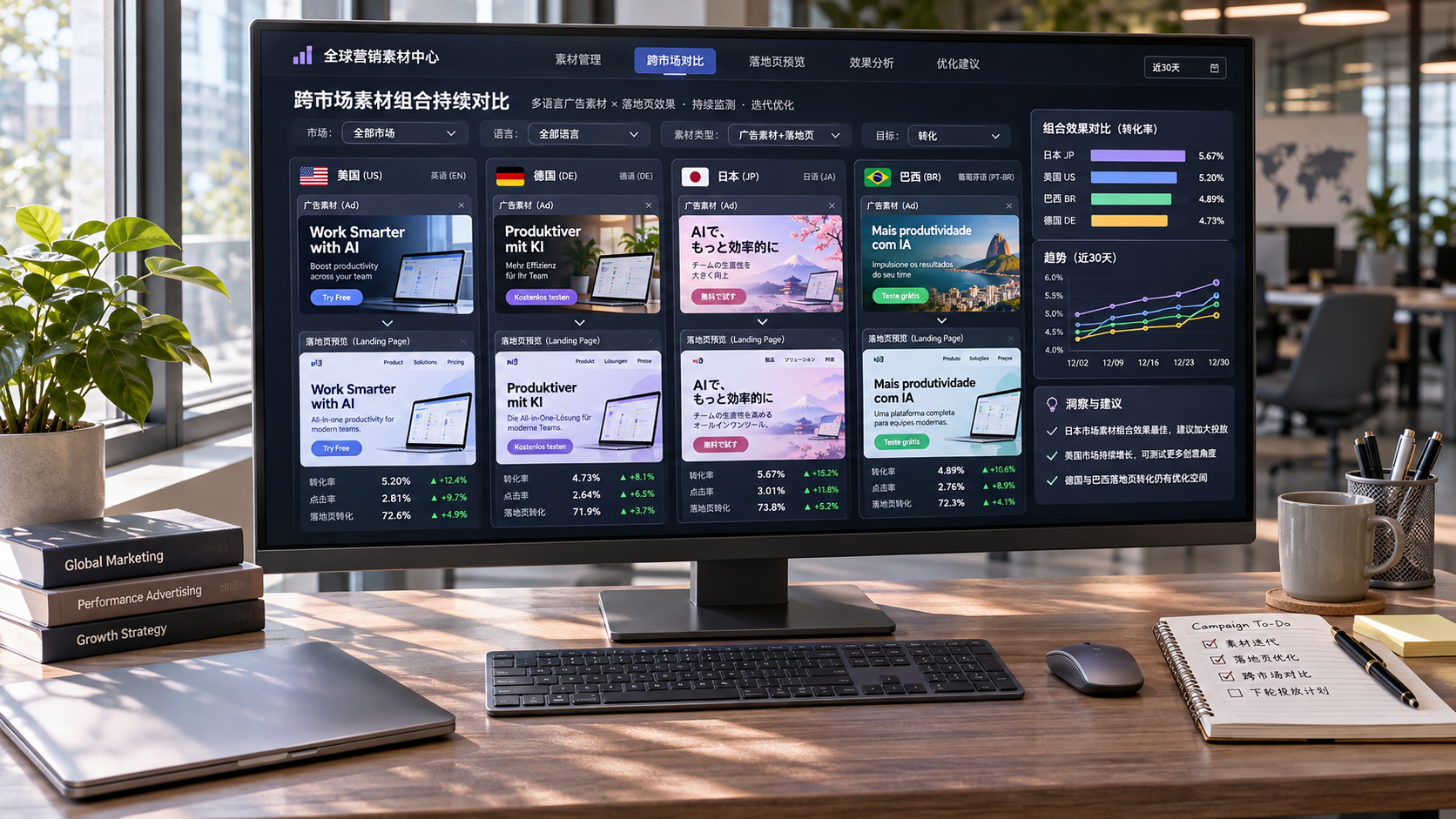
 How do you measure the overall conversion performance of multilingual overseas advertising?
 How do you evaluate campaign experience when choosing a Meta ads management service?
 Which scenarios are better suited to data-driven advertising than manual ad placement?


Related Products
 Yiyingbao SaaS Intelligent Website Building and Marketing SystemYiyingbao SaaS Intelligent Website Building and Marketing System, AI-powered no-code website building, rapid creation of multilingual B2B international websites in 10 minutes, global server acceleration, AI-powered SEO optimization, helping businesses connect efficiently with global markets. The perfect integration of technology and operation makes building an international trade website remarkably simple
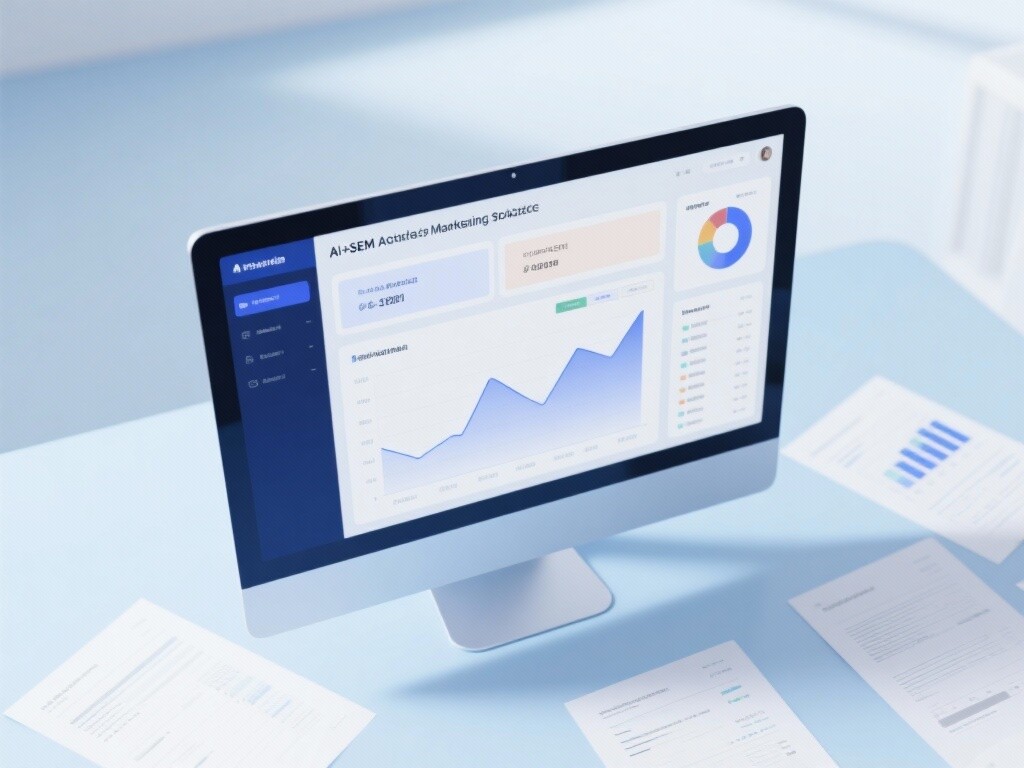
 AI+SEM Intelligent Advertising Marketing SystemAI+SEM drives intelligent ad creation, empowering full-funnel precision advertising marketing. The system automatically generates weekly/monthly reports, AI recommends keywords and target countries, monitors core metrics in real-time with intelligent alerts, and enables one-click high-conversion ad solutions to help quickly acquire customers and improve ROI.
 AI+SEO Dual-Engine System Optimization ServicesYiyingbao’s AI+SEO dual-engine optimization system helps foreign trade enterprises acquire high-quality organic traffic through AI-powered keyword research, content generation, and comprehensive technical optimization, significantly improving search rankings and conversion rates.
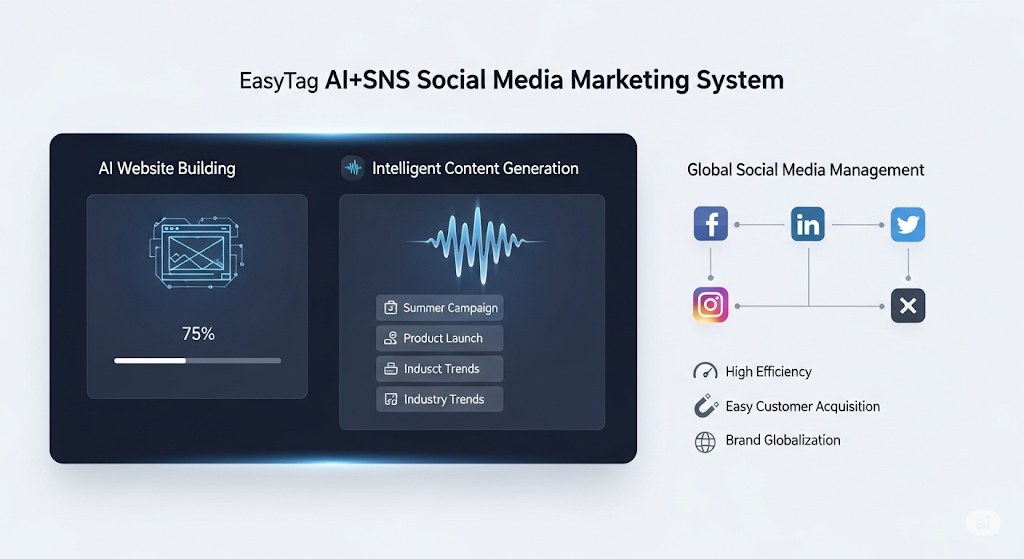
 AI+SNS Social Media Marketing SystemYingbao AI+SNS Social Media Marketing System - Precision social capture for the social media era. Supports one-click content synchronization across major platforms like Facebook and LinkedIn. AI intelligently rewrites posts for enhanced relevance. 24/7 AI customer service and user profiling analysis empower businesses to efficiently expand into global markets.
 AI+SEO营销解决方案易营宝AI+SEO营销解决方案,通过AI批量写作、智能生成TDK、精准关键词扩词等功能,全面优化网站SEO效果,提升流量与转化率。助力企业构建高效智能网站新生态。
 AI+SEM Advertising Marketing SolutionsAI+SEM Advertising Marketing Solution leverages AI technology to deeply empower SEM ad campaigns. It automatically generates weekly/monthly reports using AI, presenting account data across multiple dimensions for comprehensive insights into campaign performance and trends. The system precisely recommends keywords and target countries, intelligently generates high-conversion ad copy, and enables one-click activation of efficient campaign plans to help businesses rapidly acquire customers. Simultaneously, it monitors core metrics in real time, intelligently identifies abnormal fluctuations, and issues timely alerts to ensure stable, high-return advertising results.
 Domain Name ServicesEasyWin provides professional domain name services, including intelligent queries, one-stop registration, brand protection, and full lifecycle management, helping businesses build a digital brand image.
 EasyOperate B2C Cross-Border E-Commerce Platform & Independent WebsiteEasyStore B2C Cross-border E-commerce Independent Store is an intelligent website building and cross-border e-commerce integrated solution independently developed by EasyStore Information Technology (Beijing) Co., Ltd. The system is specially designed for small and medium-sized as well as large export enterprises, integrating 'website building, operation, marketing, advertising, and conversion' into one, helping enterprises quickly establish cross-border e-commerce independent stores to achieve brand globalization and global sales growth.
The platform supports multiple languages, multiple currencies, and multi-channel marketing, with built-in AI intelligent translation and SEO optimization systems, suitable for mainstream markets such as Southeast Asia, Europe and America, Latin America, and the Middle East, assisting Chinese manufacturing enterprises in efficiently deploying international e-commerce strategies. SSL证书易营宝提供专业SSL安全证书服务,包括单域名和泛域名证书,确保网站数据传输加密、身份验证和完整性保护,助力企业建立安全可信的在线业务环境。