








- 21st Century Business Herald: AI and CTV Become Core Growth Engines for Digital Marketing in Overseas MarketsNov 18, 2026View details
- China Presents 25 Cooperation Outcomes in Areas Including Cross-Border E-Commerce During APECNov 18, 2026View details
- AI Products Drive Hong Kong Exports Up 64.9% in September, Fastest Growth in Over 40 YearsNov 17, 2026View details
- National Bureau of Statistics: Foreign trade grew rapidly in October, providing stable support for global tradeNov 17, 2026View details
- The U.S. has ended the $800 de minimis exemption for non-postal shipments; express courier packages must be formally declared.Nov 16, 2026View details
- ASEAN Signs Digital Economy Framework Agreement, Moving Toward Harmonized Cross-Border E-Commerce RulesNov 15, 2026View details
Are Your Export Website Conversion Tracking Data Inaccurate? Troubleshoot Form Submissions and Duplicate Counts
Distorted conversion tracking data on an export website is often caused not by the reports themselves, but by missing or duplicate form events, or by different platforms using different counting methods. The ad platform shows inquiries, but none arrive in the sales inbox; or a customer submits a form once, but the analytics tool records it twice. When this happens, don’t rush to adjust the ad budget. Instead, follow one real submission and verify the business outcome and event flow step by step.
First, define what counts as a valid submission
Before technical troubleshooting, confirm with the marketing and sales teams what should be counted. Clicking the submit button, passing front-end validation, the server receiving the request, the inquiry being saved in the database, and sales receiving an email are separate steps. If a button click is counted as a conversion, incomplete fields, request timeouts, and even validation failures may all be counted.
For B2B websites focused on generating inquiries, it is generally better to trigger a successful submission event only after the server confirms receipt and completes the relevant business processing. Note that a successful API response does not necessarily mean the email was delivered or the lead is qualified. If the website also performs anti-spam checks, record the review status separately; do not equate a front-end success message with a valid sales opportunity.
We recommend generating a unique identifier for each business submission and retaining it in business logs and event parameters for troubleshooting and deduplication. The identifier should not contain personal information such as email addresses or phone numbers. Before sending it to a third-party platform, check the platform’s rules and your company’s data-handling requirements.
Check the flow using a test submission
Prepare a test inquiry that can be identified, and record its submission time, page URL, form location, and test identifier. Open the browser’s developer tools and the tag manager’s preview mode, then trace the process from page interaction through to the back-end record. Avoid relying solely on figures in real-time reports.

First, check the network request: Was a request actually sent when the form was submitted? Did the API return the expected result? Did the page still show a success message after a failure or timeout? Then check the business back end: Was the corresponding inquiry created? Do its timestamp and submission identifier match? If the server received the submission but the front end did not receive a response because of a network interruption, the user might submit again and create a second record. This is a business-level deduplication issue and cannot be fixed solely in the analytics tool.
Next, check the event flow: Did the success callback run? Was the agreed event pushed to the data layer? Did the tag fire? Was the corresponding tracking request sent in the network panel? Seeing an event enter the data layer does not mean the target platform received it. An unpublished tag, mismatched trigger conditions, or a blocked request can all interrupt the flow.
You can narrow down the cause by checking in this order:
If the business record exists but the success event does not, first check the callback logic and asynchronous form. If the event exists but the tag did not fire, check the trigger conditions and published version. If the tag fired but no request was sent, check consent status, browser restrictions, and network blocking. If the request was sent but does not appear in the report, verify the target configuration, processing delays, and report filters.
Multilingual websites require page-by-page verification. The English and Spanish pages may appear to use the same form, but could actually load different components. Pop-ups, footer forms, and mobile forms may also have separate implementations. Passing a test on one page does not mean all entry points are working properly.
For duplicate counts, check for two triggering mechanisms
A common issue is that the same successful action is recorded twice: the website code sends it once, and the tag manager sends it again based on the same event; or both a form success event and a thank-you page view are configured. During troubleshooting, list the tracking codes, containers, plugins, and ad tags installed on the page, and confirm who sends data to each destination. Don’t check only the configuration currently being maintained.
The thank-you page approach also has limitations. If users refresh the page, revisit it from a bookmark, or open it directly, relying solely on a page view can result in duplicate counts. A more reliable approach is to use a confirmed successful business event. If you need to use a thank-you page, combine it with a one-time submission identifier or a server-side status check, and test both refreshing and direct access. Don’t match based only on the page URL.
For asynchronous forms, also check for repeated button clicks, event listeners being bound more than once, page components being re-rendered, and retries after failures. Disabling the button on the front end can reduce accidental actions, but it cannot replace server-side idempotency handling. If both the front end and server send conversions to the same platform, use the event identifiers and deduplication mechanism supported by that platform, and verify that the rules apply to your current integration method. The same approach cannot be applied indiscriminately across different platforms.
Include domain changes and cross-site redirects in testing
Many export businesses host ad landing pages, their main website, and third-party forms on different domains or subdomains. If session information or ad click identifiers are not passed as configured during redirects, inquiries may still be recorded, but their source attribution may change. Check redirect links, redirect chains, the relevant platforms’ cross-domain settings, and whether users are taken to the expected page after submitting a form.
The domain itself cannot fix tracking, but DNS changes, lapsed renewals, or missed redirects from an old domain can invalidate existing test paths. Yiyingbao provides website building and overseas marketing services. Its domain services include DNS configuration, status monitoring, and renewal reminders. After changing domains, businesses still need to check their ad landing pages, tracking configuration, certificates, and redirects, and retest their forms.
When reconciling data, don’t expect every platform’s numbers to match exactly
The business back end may report inquiries based on the time they were entered, analytics tools may show the time an event occurred, and ad platforms may attribute conversions according to their own attribution windows and conversion settings. Time zones, reporting delays, deduplication methods, user consent status, and browser restrictions can also cause discrepancies. First align the date range, time zone, conversion definition, and filter conditions; only then will comparisons of trends and differences be meaningful.
After making fixes, test at least successful submissions, validation failures, API failures, repeated clicks, thank-you page refreshes, and mobile submissions, and label test data to keep it out of official reports. Keep a record of event names, trigger conditions, owners, and versions. When the site is next updated or ad tags are changed, regression-testing against this record is far more reliable than investigating only after sales discovers a missing inquiry.
Related Articles
 Are Your Export Website Conversion Tracking Data Inaccurate? Troubleshoot Form Submissions and Duplicate Counts
 Low Inquiry Form Submission Rates on Your Export Website? Troubleshoot Everything from Form Fields to the Mobile Experience
 Getting Traffic but No Inquiries on Your B2B Website? Check Every Step from Product Pages to Forms



Related Products
 Yiyingbao SaaS Intelligent Website Building and Marketing SystemYiyingbao SaaS Intelligent Website Building and Marketing System, AI-powered no-code website building, rapid creation of multilingual B2B international websites in 10 minutes, global server acceleration, AI-powered SEO optimization, helping businesses connect efficiently with global markets. The perfect integration of technology and operation makes building an international trade website remarkably simple
 AI+SEM Intelligent Advertising Marketing SystemAI+SEM drives intelligent ad creation, empowering full-funnel precision advertising marketing. The system automatically generates weekly/monthly reports, AI recommends keywords and target countries, monitors core metrics in real-time with intelligent alerts, and enables one-click high-conversion ad solutions to help quickly acquire customers and improve ROI.
 AI+SEO Dual-Engine System Optimization ServicesYiyingbao’s AI+SEO dual-engine optimization system helps foreign trade enterprises acquire high-quality organic traffic through AI-powered keyword research, content generation, and comprehensive technical optimization, significantly improving search rankings and conversion rates.
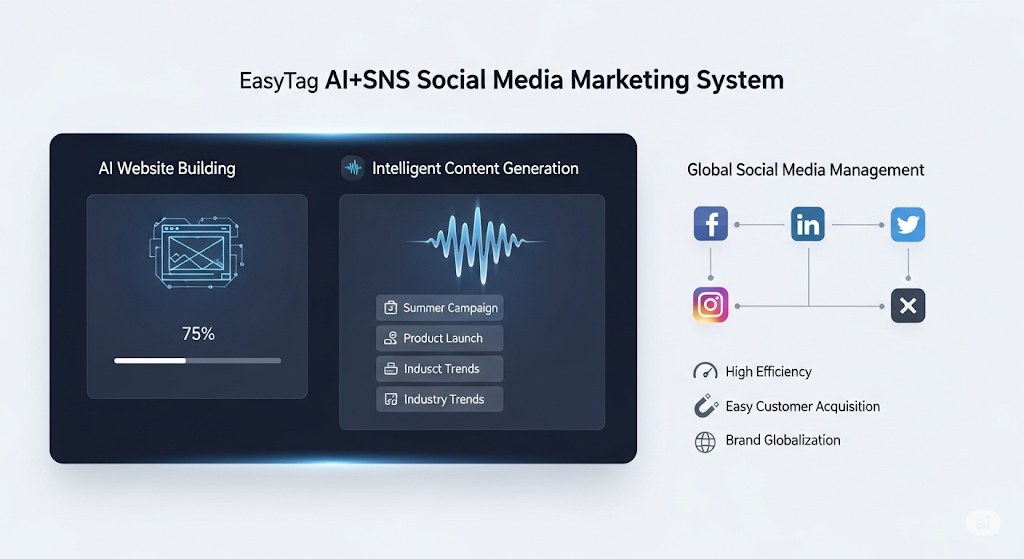
 AI+SNS Social Media Marketing SystemYingbao AI+SNS Social Media Marketing System - Precision social capture for the social media era. Supports one-click content synchronization across major platforms like Facebook and LinkedIn. AI intelligently rewrites posts for enhanced relevance. 24/7 AI customer service and user profiling analysis empower businesses to efficiently expand into global markets.
 AI+SEO营销解决方案易营宝AI+SEO营销解决方案,通过AI批量写作、智能生成TDK、精准关键词扩词等功能,全面优化网站SEO效果,提升流量与转化率。助力企业构建高效智能网站新生态。
 AI+SEM Advertising Marketing SolutionsAI+SEM Advertising Marketing Solution leverages AI technology to deeply empower SEM ad campaigns. It automatically generates weekly/monthly reports using AI, presenting account data across multiple dimensions for comprehensive insights into campaign performance and trends. The system precisely recommends keywords and target countries, intelligently generates high-conversion ad copy, and enables one-click activation of efficient campaign plans to help businesses rapidly acquire customers. Simultaneously, it monitors core metrics in real time, intelligently identifies abnormal fluctuations, and issues timely alerts to ensure stable, high-return advertising results.
 Domain Name ServicesEasyWin provides professional domain name services, including intelligent queries, one-stop registration, brand protection, and full lifecycle management, helping businesses build a digital brand image.
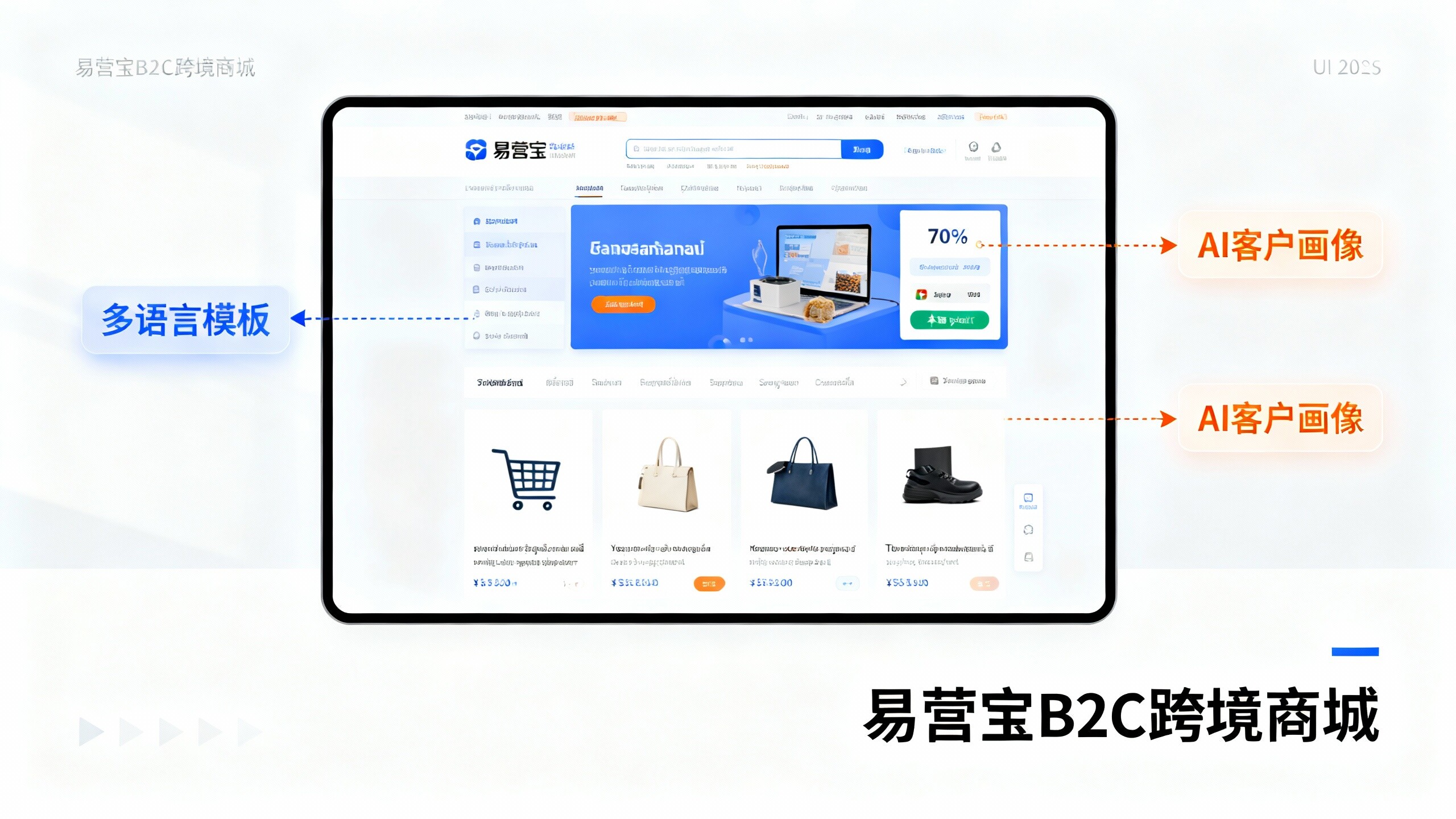
 EasyOperate B2C Cross-Border E-Commerce Platform & Independent WebsiteEasyStore B2C Cross-border E-commerce Independent Store is an intelligent website building and cross-border e-commerce integrated solution independently developed by EasyStore Information Technology (Beijing) Co., Ltd. The system is specially designed for small and medium-sized as well as large export enterprises, integrating 'website building, operation, marketing, advertising, and conversion' into one, helping enterprises quickly establish cross-border e-commerce independent stores to achieve brand globalization and global sales growth.
The platform supports multiple languages, multiple currencies, and multi-channel marketing, with built-in AI intelligent translation and SEO optimization systems, suitable for mainstream markets such as Southeast Asia, Europe and America, Latin America, and the Middle East, assisting Chinese manufacturing enterprises in efficiently deploying international e-commerce strategies. SSL证书易营宝提供专业SSL安全证书服务,包括单域名和泛域名证书,确保网站数据传输加密、身份验证和完整性保护,助力企业建立安全可信的在线业务环境。