







- Four Annual Industry Reports Released at the 14th Digital Marketing Development ForumNov 29, 2026View details
- Sichuan Announces 2026 Provincial Cross-Border E-Commerce Parks; Two Chengdu Industrial Parks SelectedNov 29, 2026View details
- People’s Daily Focuses on Liaoning Cross-Border E-Commerce: Xiaobeihe Hosiery Reaches Overseas Markets Through Digital ChannelsNov 29, 2026View details
- What Are the Ranking Criteria for China's Top 100 SaaS Companies?Nov 28, 2026View details
- Eight Departments, Including the Ministry of Commerce, Issue the 15th Five-Year Plan for the Development of Trade in ServicesNov 27, 2026View details
- General Administration of Customs Issues New Rules on Import and Export Cosmetic Labeling, Effective December 1Nov 26, 2026View details
What Is a Self-Service Website Builder for Export Businesses? A Beginner’s Guide to the Website-Building Process and Daily Operations
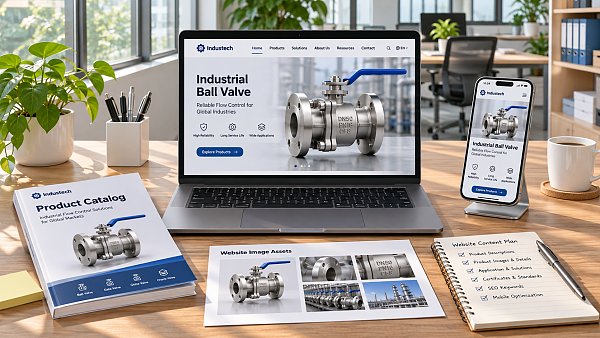
A self-service website builder for foreign trade is a software platform that helps businesses build overseas websites themselves using templates, visual editing tools, and a content management dashboard. It brings together page creation, content publishing, and form management, enabling businesses to create websites for overseas customers, inquiry websites, or cross-border stores without having to develop everything from scratch.
A website builder addresses “how to build and manage a website”; it does not mean the website will automatically attract traffic and generate orders after launch. A website’s effectiveness also depends on content quality, search engine indexing, promotion methods, and follow-up with prospective customers.
How does a self-service website builder for foreign trade work?
Think of it as a website dashboard: a business selects a page template, adds products, images, and contact details, then publishes the website under its own domain. Visitors see the front end, while the business uses the dashboard to maintain content, review inquiries, or manage orders.
Most self-service website builders are offered as SaaS. This means users access software and a hosting environment provided by the platform and use its features according to the agreed terms. Compared with fully custom development, self-service website building relies more on ready-made templates and feature modules. It has a lower barrier to entry, but the platform may limit page structures, specialized business processes, and data migration capabilities.
- Presentation layer: The homepage, product pages, About Us page, and contact page help visitors learn about the business and its products.
- Management layer: Used to update content, configure languages, and manage forms, as well as products or orders where supported by the system.
- Operations layer: Directs visitors to the website through channels such as search, advertising, and social media, then converts them through inquiries or purchases.
Therefore, when choosing a system, do not focus only on how attractive the templates are. Check whether it supports the pages your business needs, data analytics, and ongoing operations.
From preparing materials to launching the website
Before building the website, define its primary goal: should customers submit purchasing inquiries, or should they be able to buy directly online? Both approaches require clear product information, but they have different requirements for forms, shopping carts, payment, and shipping features.
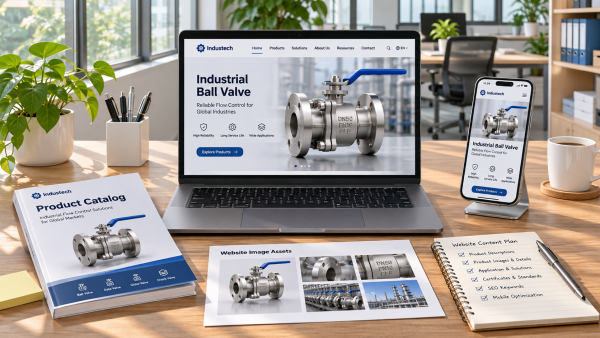
- Define target markets and content. Identify your main sales regions, website languages, and target customers. Prepare a company introduction, product specifications, use cases, images, and contact information. Any claims about certifications or performance should be consistent with the supporting documentation you can provide.
- Plan the page structure. Organize product categories based on the number of products, and plan the homepage, product detail pages, company introduction, and contact page. A B2B inquiry website should make product specifications and inquiry options easy to find. An online store should also account for product attributes, the checkout process, and after-sales information.
- Select a template and add content. Use visual tools to adjust navigation, modules, and page layouts, then upload text and images. Avoid placing important information only in images, where it may be difficult for visitors to copy, read, or access with assistive tools.
- Configure the domain and essential features. Connect the company domain and check the HTTPS certificate, form notification email, mobile display, and any necessary analytics tools. If enabling payment or multilingual features, confirm that the target regions, currencies, and language versions are supported.
- Test before publishing. Check navigation, images, links, and forms on both mobile devices and computers. Submit a test inquiry and confirm that the email or dashboard notification arrives. For an online store, test the complete process from adding an item to the cart through payment.
Publishing is not simply a matter of putting the pages online. Domain configuration, certificate activation, and search engines discovering pages each take time. After publishing, check that the website is accessible and that important pages are indexed correctly.
Which basic settings affect ongoing operations?
A multilingual website involves more than translating Chinese sentence by sentence into other languages. Product units, model naming, after-sales information, and local communication conventions all need to be reviewed. Machine translation can help with initial drafting, but technical specifications and contract-related content should be checked by people familiar with both the business and the target language.
The mobile experience should also be tested separately before launch. For example, Yingyingbao AMP/MIP Intelligent Mobile Website Builder offers features such as AMP multilingual mobile pages, image compression, and lazy loading. When using such features, verify page compatibility, maintenance requirements, and actual loading performance in the target market. Using a specific acceleration technology does not guarantee improved search rankings or conversion rates.
What should you do after the website goes live?
Maintain product content, not just the homepage
Overseas customers often arrive at a website through a specific product or question. Product pages should clearly explain specifications, applications, available configurations, and the information needed to submit an inquiry. Update the pages when a product is discontinued, its specifications change, or contact details are revised, so customers do not make decisions based on outdated information.
Content can address questions customers care about, such as how to select a product, what applications it suits, and what to confirm before purchasing. Accurate, natural page titles and copy can help search engines understand the content, but indexing and rankings still depend on many factors.
Distinguish traffic, inquiries, and qualified leads
Traffic indicates how many times a website has been viewed; it does not directly represent business results. During operations, consider traffic sources, visits to key pages, and form submissions to determine whether visitors found the information they needed. Also record the inquiry region, how well the inquiry matches your business, and the follow-up outcome.
For example, if a product page receives visits but few form submissions, first check whether the specifications are clearly explained, the inquiry option is easy to find, and the form can be submitted successfully. If there are many inquiries but few match your business needs, review whether the page descriptions and traffic sources are accurate.
Check technical and account status regularly
Routine maintenance includes checking broken links, form notifications, domain and certificate expiration dates, website backups, and administrator permissions. If you use advertising, social media, or search analytics tools, confirm that the relevant accounts are owned by the business and promptly remove access permissions that are no longer needed.
Confirm the system’s limitations before choosing it
For websites with a small number of products that focus on product presentation and inquiries, prioritize template editing, forms, multilingual support, and basic search settings. For websites that support online transactions, also verify that payment methods, shipping rules, tax displays, order management, and after-sales processes meet your business needs.
Before signing a contract, clarify which costs are included and which are billed separately, including the domain, templates, language versions, traffic resources, technical support, and renewals. Find out whether content can be exported and how migration works if you stop using the service. The ability to build and maintain the website while retaining control of the data is a better long-term criterion than simply pursuing a larger number of pages.
Related Articles
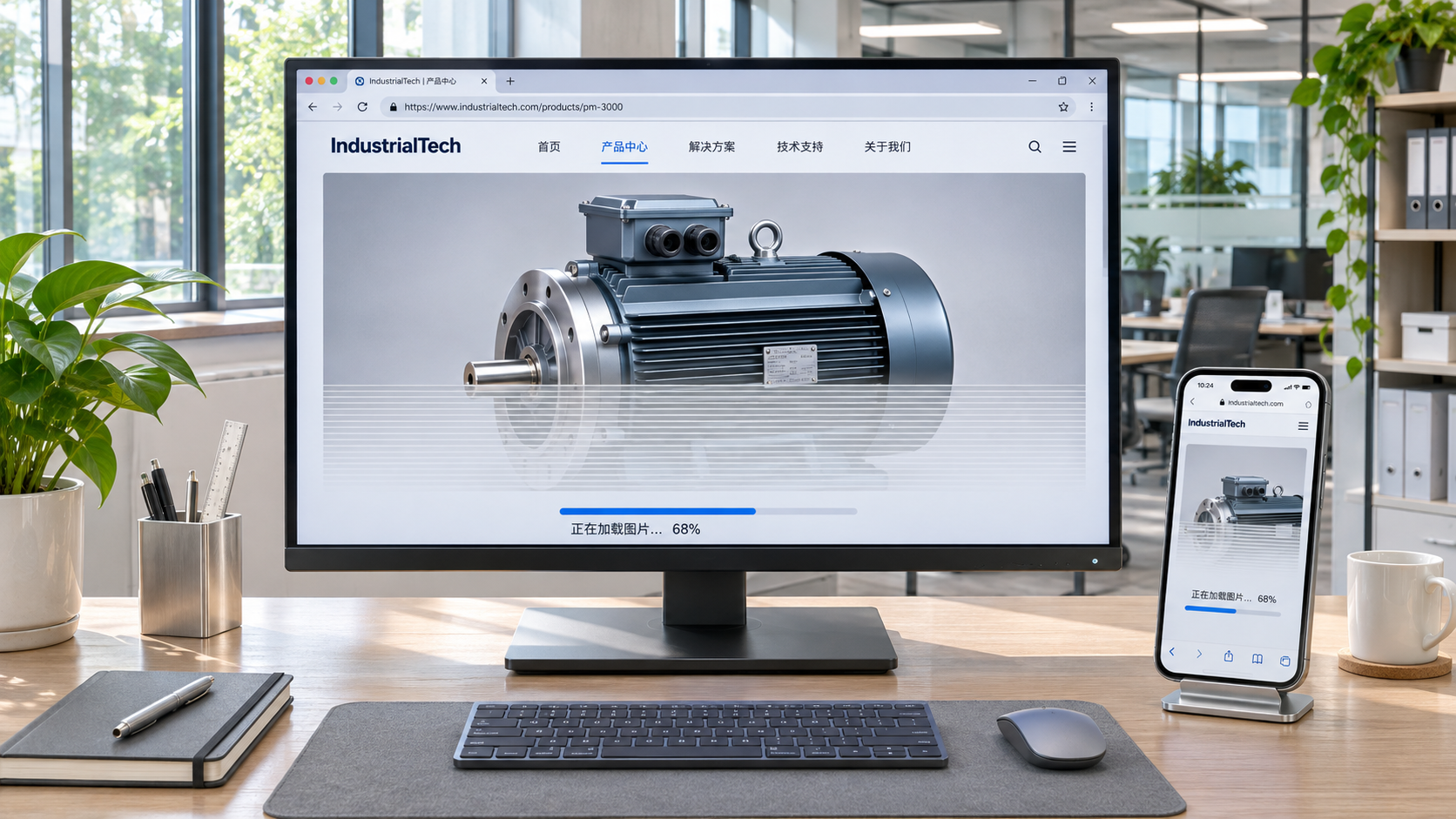
 The website is loading slowly. How can you troubleshoot delays caused by images?
 How Can Global Server Deployment Reduce Latency for Overseas Users?
 Does a poor mobile experience on a B2B lead generation website affect conversions?

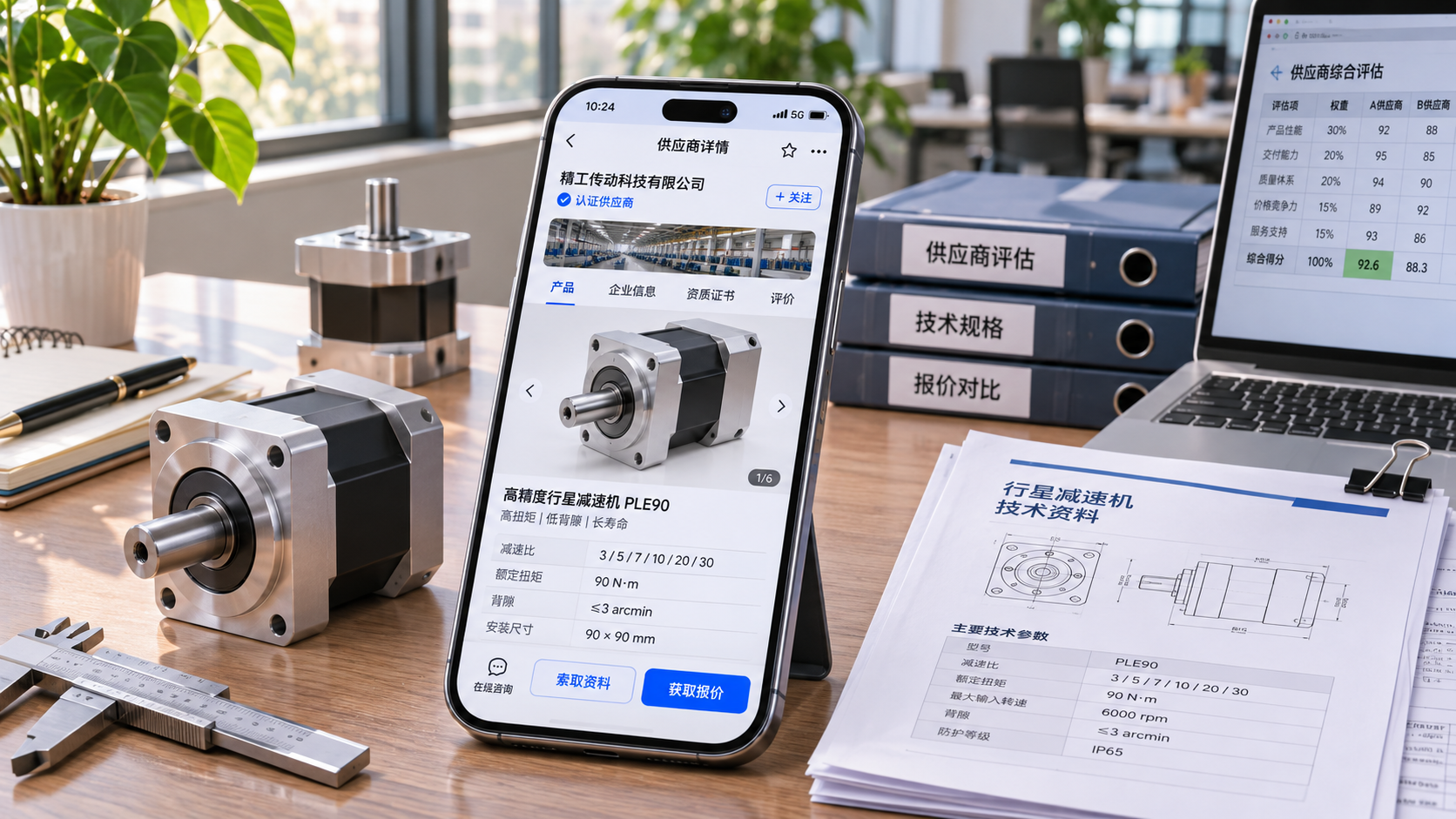
Related Products
 Yiyingbao SaaS Intelligent Website Building and Marketing SystemYiyingbao SaaS Intelligent Website Building and Marketing System, AI-powered no-code website building, rapid creation of multilingual B2B international websites in 10 minutes, global server acceleration, AI-powered SEO optimization, helping businesses connect efficiently with global markets. The perfect integration of technology and operation makes building an international trade website remarkably simple
 AI+SEM Intelligent Advertising Marketing SystemAI+SEM drives intelligent ad creation, empowering full-funnel precision advertising marketing. The system automatically generates weekly/monthly reports, AI recommends keywords and target countries, monitors core metrics in real-time with intelligent alerts, and enables one-click high-conversion ad solutions to help quickly acquire customers and improve ROI.
 AI+SEO Dual-Engine System Optimization ServicesYiyingbao’s AI+SEO dual-engine optimization system helps foreign trade enterprises acquire high-quality organic traffic through AI-powered keyword research, content generation, and comprehensive technical optimization, significantly improving search rankings and conversion rates.
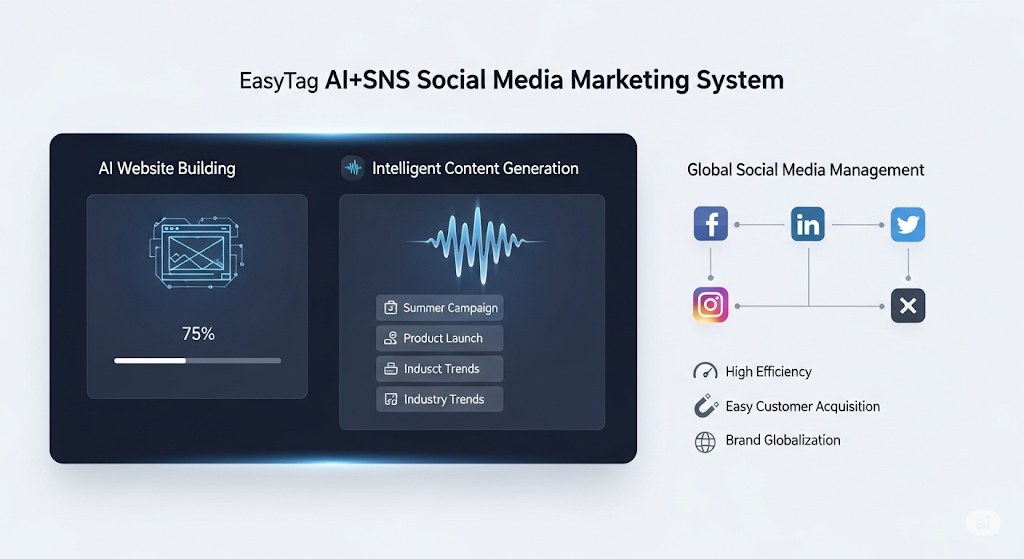
 AI+SNS Social Media Marketing SystemYingbao AI+SNS Social Media Marketing System - Precision social capture for the social media era. Supports one-click content synchronization across major platforms like Facebook and LinkedIn. AI intelligently rewrites posts for enhanced relevance. 24/7 AI customer service and user profiling analysis empower businesses to efficiently expand into global markets.
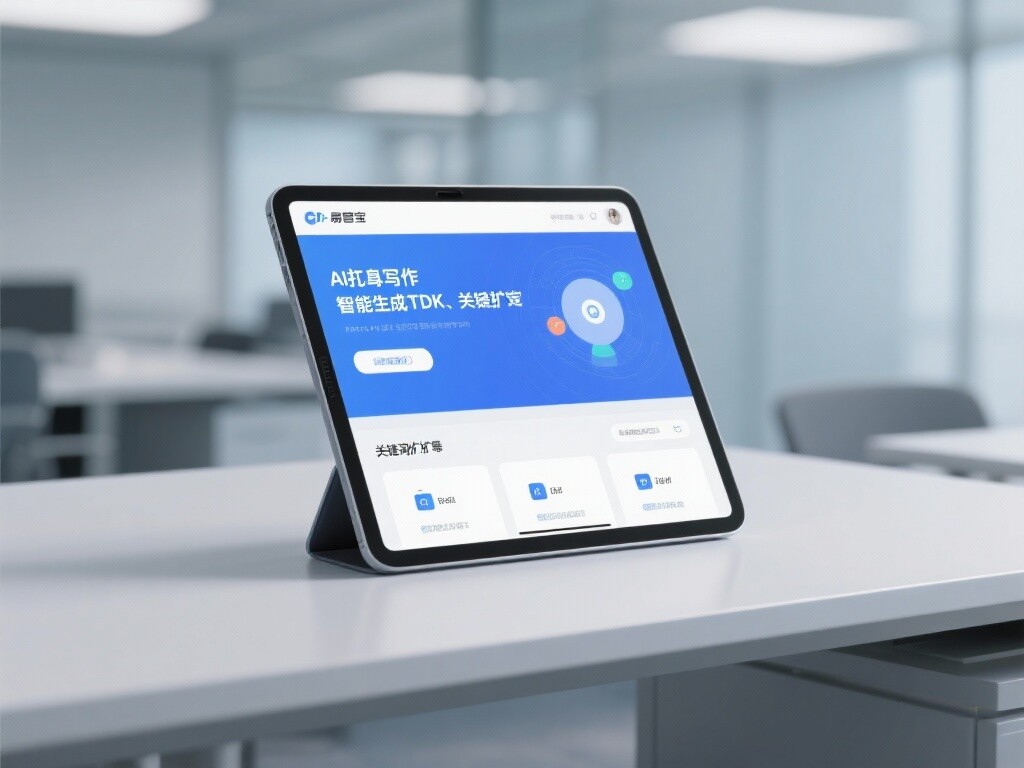
 AI+SEO营销解决方案易营宝AI+SEO营销解决方案,通过AI批量写作、智能生成TDK、精准关键词扩词等功能,全面优化网站SEO效果,提升流量与转化率。助力企业构建高效智能网站新生态。
 AI+SEM Advertising Marketing SolutionsAI+SEM Advertising Marketing Solution leverages AI technology to deeply empower SEM ad campaigns. It automatically generates weekly/monthly reports using AI, presenting account data across multiple dimensions for comprehensive insights into campaign performance and trends. The system precisely recommends keywords and target countries, intelligently generates high-conversion ad copy, and enables one-click activation of efficient campaign plans to help businesses rapidly acquire customers. Simultaneously, it monitors core metrics in real time, intelligently identifies abnormal fluctuations, and issues timely alerts to ensure stable, high-return advertising results.
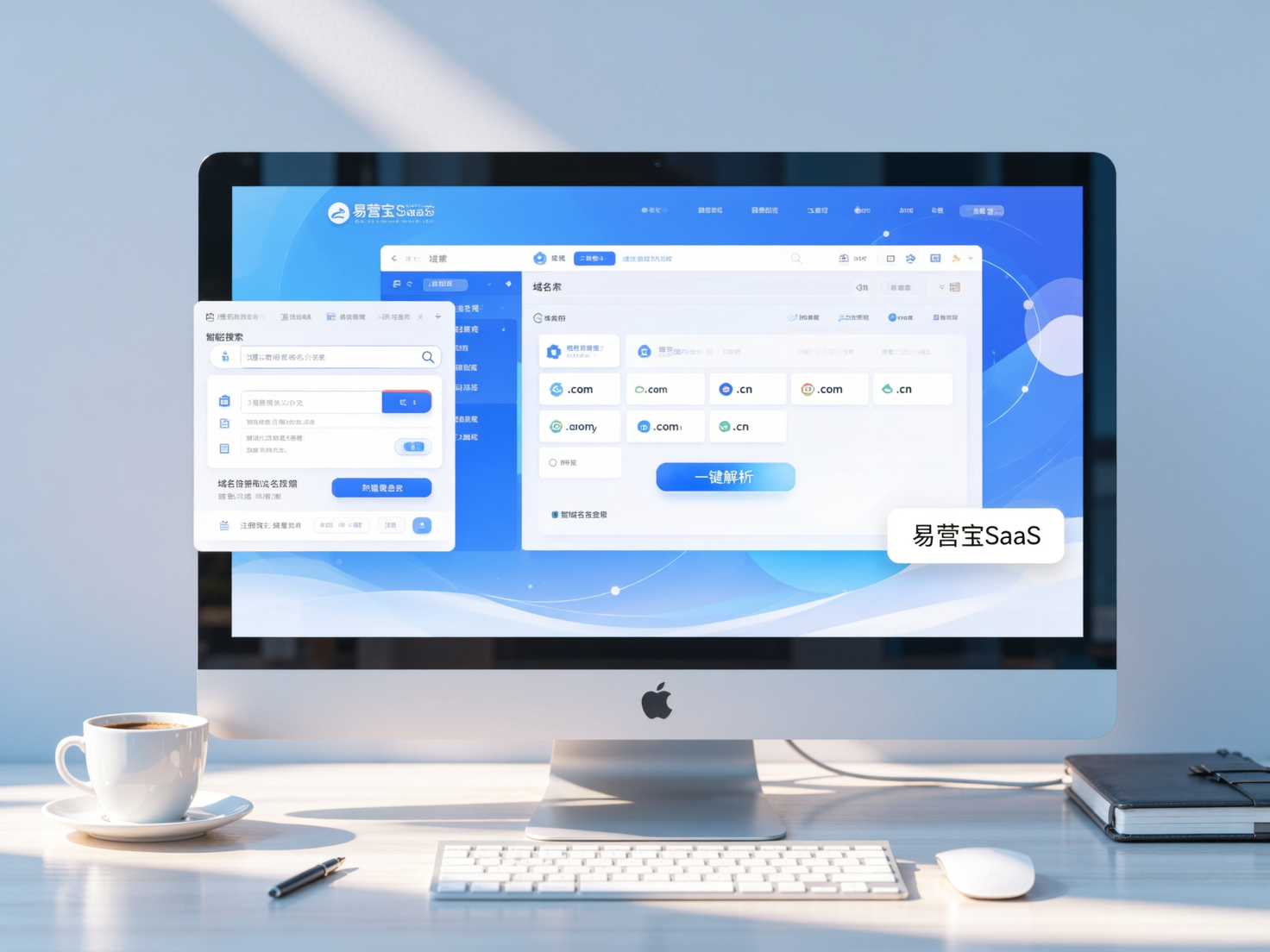
 Domain Name ServicesEasyWin provides professional domain name services, including intelligent queries, one-stop registration, brand protection, and full lifecycle management, helping businesses build a digital brand image.
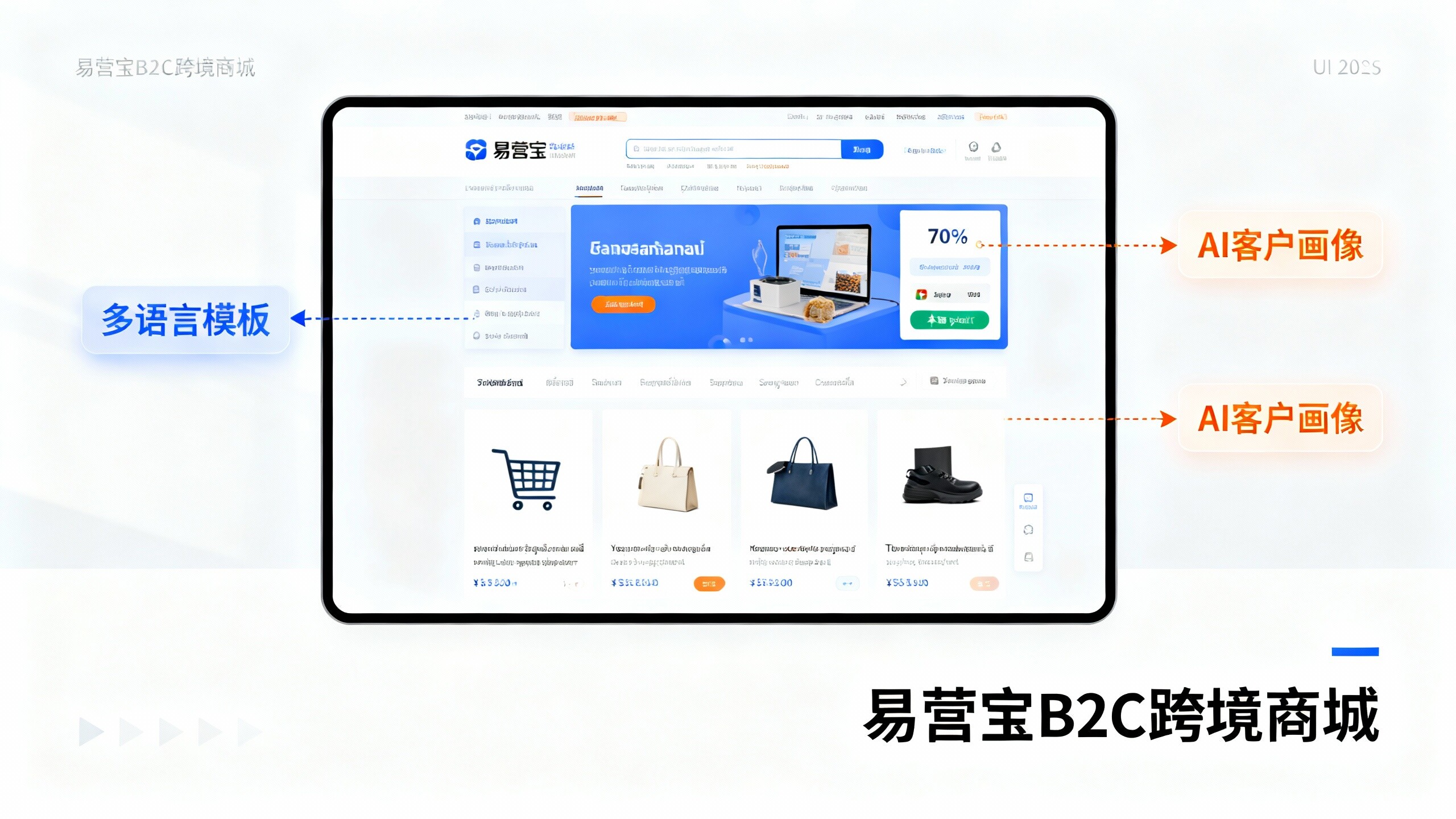
 EasyOperate B2C Cross-Border E-Commerce Platform & Independent WebsiteEasyStore B2C Cross-border E-commerce Independent Store is an intelligent website building and cross-border e-commerce integrated solution independently developed by EasyStore Information Technology (Beijing) Co., Ltd. The system is specially designed for small and medium-sized as well as large export enterprises, integrating 'website building, operation, marketing, advertising, and conversion' into one, helping enterprises quickly establish cross-border e-commerce independent stores to achieve brand globalization and global sales growth.
The platform supports multiple languages, multiple currencies, and multi-channel marketing, with built-in AI intelligent translation and SEO optimization systems, suitable for mainstream markets such as Southeast Asia, Europe and America, Latin America, and the Middle East, assisting Chinese manufacturing enterprises in efficiently deploying international e-commerce strategies. SSL证书易营宝提供专业SSL安全证书服务,包括单域名和泛域名证书,确保网站数据传输加密、身份验证和完整性保护,助力企业建立安全可信的在线业务环境。