








- Amazon Reportedly Sends Exclusivity Warning Letters to Multiplatform SellersNov 03, 2026View details
- New TikTok Shop Cross-Border Returns Rules for Southeast Asia Take Effect on November 5Nov 03, 2026View details
- U.S. Tightens De Minimis Exemption Channel and Revises Section 321 Data PilotNov 03, 2026View details
- Amazon FBA Fuel and Logistics Surcharge in 10 European Countries to Increase to 2% on November 2Nov 02, 2026View details
- EU Customs Code reform to take effect on November 1, with new handling fees for direct-mail small parcelsNov 01, 2026View details
- EU Plans to Raise Tax on Incoming Small Parcels to €5Oct 31, 2026View details
How to Optimize Website Load Speed for European Users
How to Optimize Website Loading Speed for European Users
Is slow loading hurting your customer acquisition in Europe? The problem may not be your server. When a customer in Germany opens a product page, they may be waiting for requests to travel across continents—or the page may be bogged down by a hero video, live chat, and advertising scripts. The key to optimizing website loading speed in Europe is not to use every available technology, but to first identify where customers are getting stuck and then decide where to invest your budget.
Don’t Use Your Office Network in China to Test the Experience for European Customers
A site that loads smoothly in China may not perform as well for mobile users in France. Testing should cover your main customer acquisition markets and distinguish between mobile and desktop devices. If your budget is limited, prioritize the markets that generate the most advertising traffic, along with your homepage, key product pages, ad landing pages, and inquiry pages. There’s no need to scan the entire site from the outset.
Lab tests are useful for identifying issues, while real-user data is closer to the actual experience; neither can replace the other. Use Google’s PageSpeed Insights to check Core Web Vitals: Largest Contentful Paint (LCP) measures when the main content appears, Interaction to Next Paint (INP) measures whether clicks receive a timely response, and Cumulative Layout Shift (CLS) measures whether the page jumps around.
According to Google’s published thresholds, the “good” benchmarks for the three metrics are 2.5 seconds or less, 200 milliseconds or less, and 0.1 or less, respectively. Real-user assessments are based on the 75th percentile. A new site may not have enough field data, so start with simulated tests. Don’t treat a single high score as representative of every visitor’s experience in Europe, or as a guarantee of higher rankings.
European Servers and Content Delivery Networks Solve Different Problems
If your origin server is in Asia, network round trips for visitors in Europe may slow down responses. Hosting the origin server in a European region closer to your target customers can help shorten the network path, but that doesn’t mean you have to migrate. Start by checking Time to First Byte (TTFB): if most of the time is spent on database queries or page generation, simply changing data centers is usually not enough.
A content delivery network (CDN) is better suited to caching images, stylesheets, and scripts at nodes close to visitors. For export websites focused on product displays and resource downloads, distributing static assets effectively is often worth trying before upgrading server specifications. Check the actual coverage of European nodes, cache hit rates, and whether assets can be refreshed promptly after updates.
Cross-border e-commerce stores require more caution. Shopping carts, login states, and personalized prices must not use the same caching rules as public pages, or prices may become outdated or content may be served to the wrong users. If dynamic requests are still slow, then consider a European origin server and optimizing APIs and databases. The two approaches can work together; it’s not an either-or choice.

Balance Visual Impact with Above-the-Fold Speed to Support Purchase Decisions
Industrial equipment websites often use large images to showcase processing details, while brand stores favor full-screen videos. The issue isn’t the number of images, but whether mobile users have to download desktop-sized originals. Generate images to fit their display dimensions, use modern formats supported by browsers, and retain suitable fallback options. Don’t compress images showing critical details so much that they become blurry.
The main image above the fold usually shouldn’t be lazy-loaded; images further down the page are better candidates for deferred loading. Replace autoplay videos with a cover image and click-to-play, so the product name, key selling points, and inquiry button appear first. Reserve space for images, videos, and embedded components to prevent the page from suddenly jumping down just as customers are about to click a button.
Multilingual websites can also be slowed down by fonts. Don’t make every language page download multiple font weights and unnecessary character sets just to maintain a consistent look. Font subsetting and on-demand loading can reduce assets, but check that special characters aren’t missing. Don’t sacrifice a localized reading experience for a better score.
Don’t Remove All Marketing Tools—or Keep Them All
Ad tracking, live chat, heatmaps, and social media plugins may each seem useful on their own, but together they can occupy the browser’s main thread. Rather than focusing only on minifying code, first remove duplicate tracking tags, inactive plugins, and unused components, then defer non-essential features. When adjusting tracking scripts, validate attribution as well to ensure that faster pages don’t come at the cost of losing inquiry sources.
For users in Europe, enabling non-essential tracking also involves applicable privacy and consent requirements, which should be confirmed in light of your business and local regulations. Don’t bypass consent management just to improve speed test results. Test first-time visits, visits where non-essential tracking is rejected, and visits after consent, since the loading paths may differ.
Validate Website Development and Ad Campaigns Together to Avoid Rework
Speed optimization shouldn’t be left to developers as a final step. New videos, promotional pop-ups, or ad tags added by the marketing team can slow pages down again. Yiyingbao offers integrated services including intelligent website building, multilingual websites, search optimization, and advertising. The practical value of this collaboration lies in clarifying asset loading, tracking configuration, and validation responsibilities during website development—not in trying to fix everything after launch.
For the next round of optimization, select one priority market in Europe and a set of high-traffic pages. Keep test records from before and after the changes, while also checking that forms, shopping carts, and ad attribution work properly. Fix the bottlenecks that most affect customer actions first, then extend the changes to other language versions. This is more reliable than aiming for a perfect score across the entire site in one go.
Related Articles
 How to Evaluate the Delivery Capabilities of a Website Development Provider in Guangdong?
 Independent Website Loading Slowly? How to Troubleshoot Image Loading Issues
 How Can Improving the Form Experience Increase Website Inquiry Conversion Rates?



Related Products
 Yiyingbao SaaS Intelligent Website Building and Marketing SystemYiyingbao SaaS Intelligent Website Building and Marketing System, AI-powered no-code website building, rapid creation of multilingual B2B international websites in 10 minutes, global server acceleration, AI-powered SEO optimization, helping businesses connect efficiently with global markets. The perfect integration of technology and operation makes building an international trade website remarkably simple
 AI+SEM Intelligent Advertising Marketing SystemAI+SEM drives intelligent ad creation, empowering full-funnel precision advertising marketing. The system automatically generates weekly/monthly reports, AI recommends keywords and target countries, monitors core metrics in real-time with intelligent alerts, and enables one-click high-conversion ad solutions to help quickly acquire customers and improve ROI.
 AI+SEO Dual-Engine System Optimization ServicesYiyingbao’s AI+SEO dual-engine optimization system helps foreign trade enterprises acquire high-quality organic traffic through AI-powered keyword research, content generation, and comprehensive technical optimization, significantly improving search rankings and conversion rates.
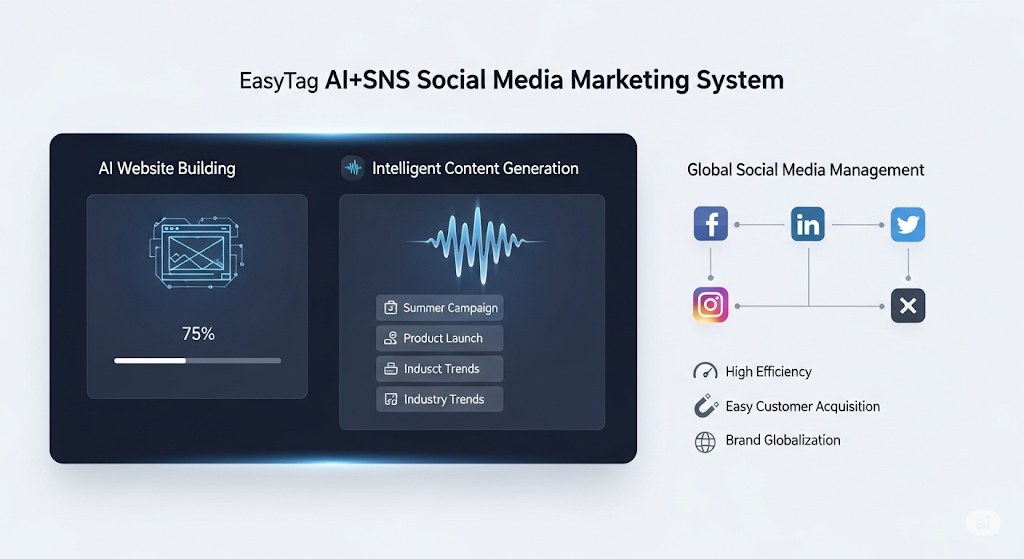
 AI+SNS Social Media Marketing SystemYingbao AI+SNS Social Media Marketing System - Precision social capture for the social media era. Supports one-click content synchronization across major platforms like Facebook and LinkedIn. AI intelligently rewrites posts for enhanced relevance. 24/7 AI customer service and user profiling analysis empower businesses to efficiently expand into global markets.
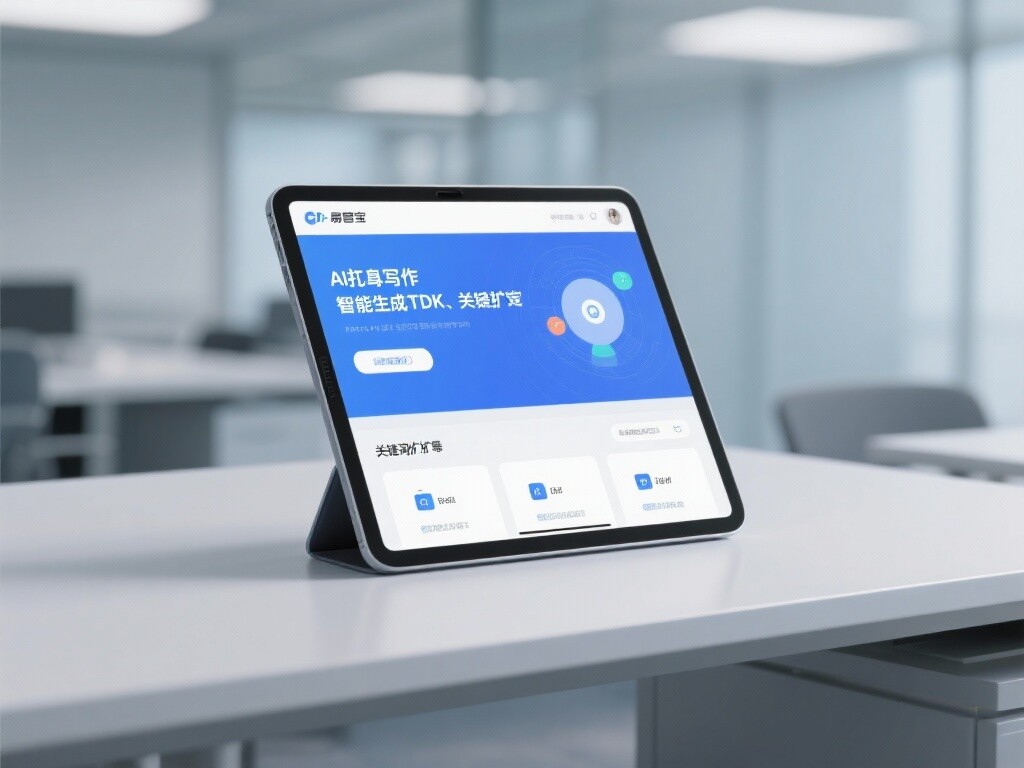
 AI+SEO营销解决方案易营宝AI+SEO营销解决方案,通过AI批量写作、智能生成TDK、精准关键词扩词等功能,全面优化网站SEO效果,提升流量与转化率。助力企业构建高效智能网站新生态。
 AI+SEM Advertising Marketing SolutionsAI+SEM Advertising Marketing Solution leverages AI technology to deeply empower SEM ad campaigns. It automatically generates weekly/monthly reports using AI, presenting account data across multiple dimensions for comprehensive insights into campaign performance and trends. The system precisely recommends keywords and target countries, intelligently generates high-conversion ad copy, and enables one-click activation of efficient campaign plans to help businesses rapidly acquire customers. Simultaneously, it monitors core metrics in real time, intelligently identifies abnormal fluctuations, and issues timely alerts to ensure stable, high-return advertising results.
 Domain Name ServicesEasyWin provides professional domain name services, including intelligent queries, one-stop registration, brand protection, and full lifecycle management, helping businesses build a digital brand image.
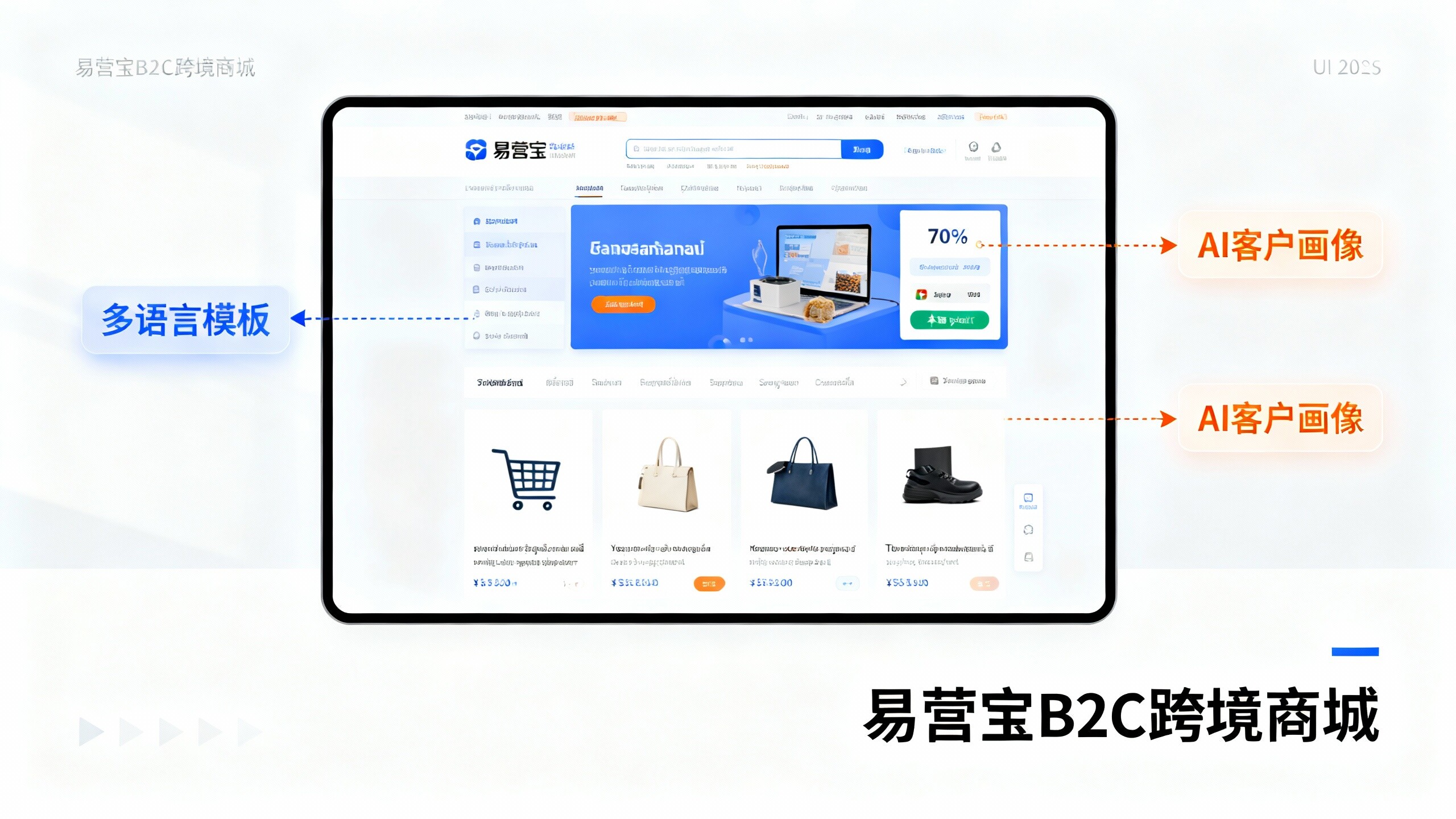
 EasyOperate B2C Cross-Border E-Commerce Platform & Independent WebsiteEasyStore B2C Cross-border E-commerce Independent Store is an intelligent website building and cross-border e-commerce integrated solution independently developed by EasyStore Information Technology (Beijing) Co., Ltd. The system is specially designed for small and medium-sized as well as large export enterprises, integrating 'website building, operation, marketing, advertising, and conversion' into one, helping enterprises quickly establish cross-border e-commerce independent stores to achieve brand globalization and global sales growth.
The platform supports multiple languages, multiple currencies, and multi-channel marketing, with built-in AI intelligent translation and SEO optimization systems, suitable for mainstream markets such as Southeast Asia, Europe and America, Latin America, and the Middle East, assisting Chinese manufacturing enterprises in efficiently deploying international e-commerce strategies. SSL证书易营宝提供专业SSL安全证书服务,包括单域名和泛域名证书,确保网站数据传输加密、身份验证和完整性保护,助力企业建立安全可信的在线业务环境。