








- Amazon Reportedly Sends Exclusivity Warning Letters to Multiplatform SellersNov 03, 2026View details
- New TikTok Shop Cross-Border Returns Rules for Southeast Asia Take Effect on November 5Nov 03, 2026View details
- U.S. Tightens De Minimis Exemption Channel and Revises Section 321 Data PilotNov 03, 2026View details
- Amazon FBA Fuel and Logistics Surcharge in 10 European Countries to Increase to 2% on November 2Nov 02, 2026View details
- EU Customs Code reform to take effect on November 1, with new handling fees for direct-mail small parcelsNov 01, 2026View details
- EU Plans to Raise Tax on Incoming Small Parcels to €5Oct 31, 2026View details
Independent Website Loading Slowly? How to Troubleshoot Image Loading Issues
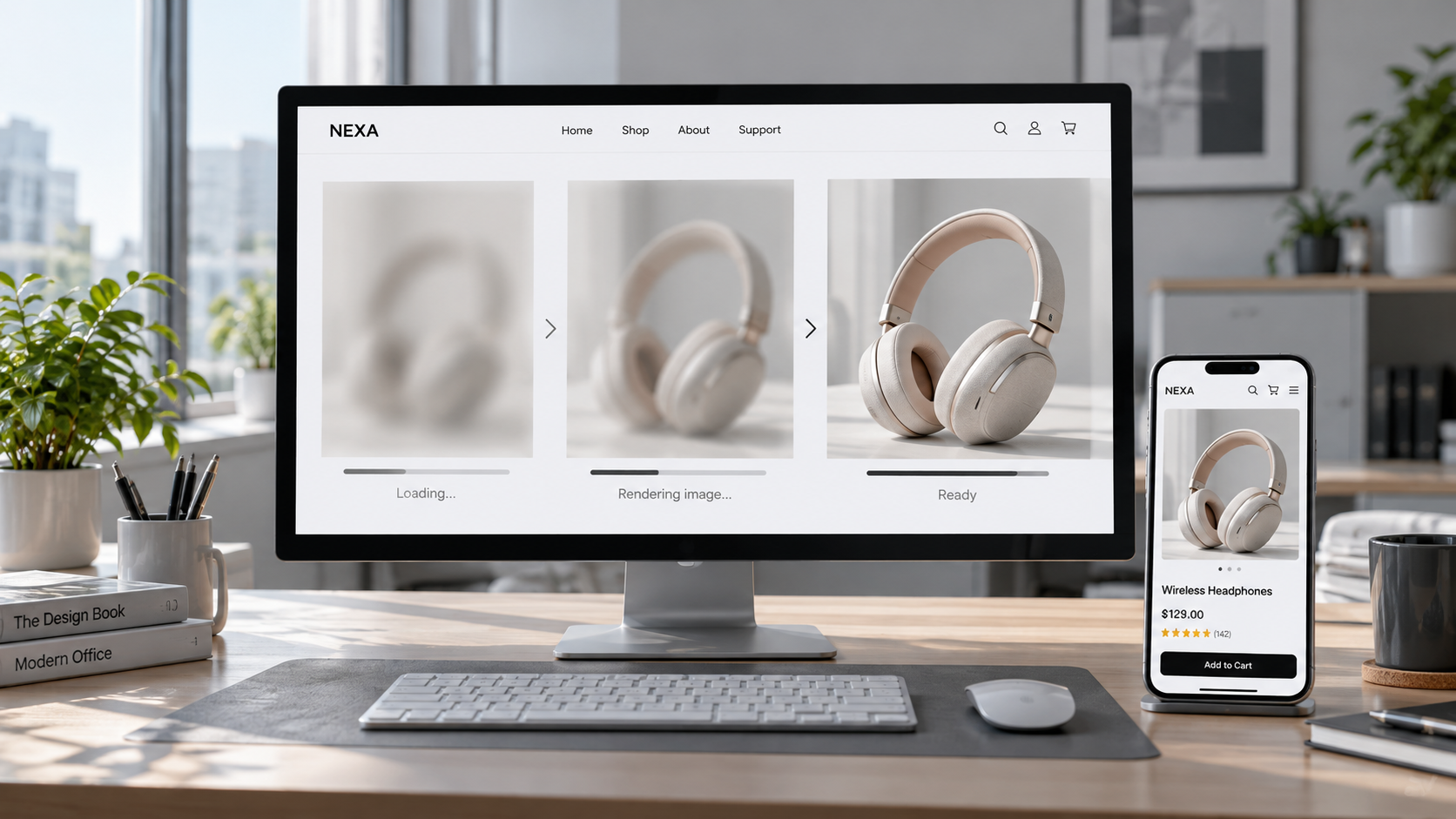
Slow loading on a standalone website is often attributed to images, but seeing many images on a page is not a reason to compress them all in bulk. Users may feel that “the images never appear” because a large above-the-fold image takes too long to download, image requests are discovered too late, connections from overseas locations are poor, or the server responds slowly. First identify the specific images and stages of the process that are slowing the page down, then decide whether to modify the files, adjust the page code, or investigate the delivery chain.
For technical evaluators, an effective investigation should answer three questions: Which image is slow? Is the time spent before the request starts or during transfer? After optimization, do users in the target market actually see the main content sooner?
First, confirm whether images are the main bottleneck
Open the Network panel in Chrome DevTools, select Disable cache, and record requests while the page loads. After testing a first visit, test again with the cache enabled to distinguish cold-cache performance from the experience on return visits. Filter requests by image type and review file sizes, request start times, durations, and the waterfall chart. Test under network conditions similar to those of your target users, and check both desktop and mobile pages.
Also run Lighthouse or PageSpeed Insights and review diagnostics related to Largest Contentful Paint (LCP). If the LCP element is an above-the-fold image and it appears late, you have a clear starting point for investigation. If the LCP element is text, or if the HTML or scripts themselves respond slowly, image optimization may still be worthwhile, but may not solve the slow initial rendering.
Do not focus only on total request duration. Click a suspected image to inspect its Timing details, and use the waterfall chart to determine whether:
- The request starts late: The image may not be discovered until after JavaScript renders it, or it may have been incorrectly set to lazy-load.
- Waiting for a response takes a long time: Check the image origin, CDN cache status, and network route to the target region.
- Content takes a long time to download: Consider the actual transfer size, network bandwidth, and image dimensions, and prioritize large files.
- The image is still slow to appear after downloading: Check image decoding, main-thread tasks, and whether page styles or scripts are blocking rendering.
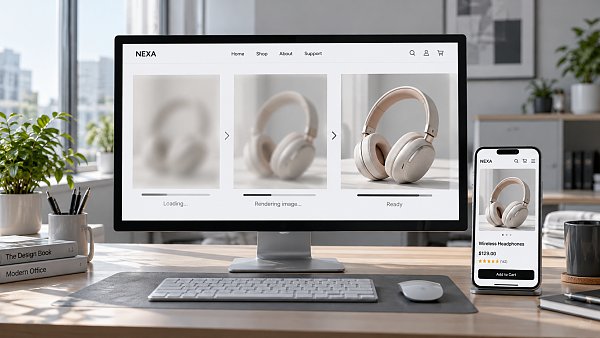
The transfer size shown in the Network panel may differ from the image’s original file size. Also check for redirects, failed retries, whether the cache was hit, and whether the same image is requested more than once under different URLs. For an overseas standalone website, retest from the regions where major customers are located or use local test nodes; otherwise, local results may mask cross-region access issues.
Check image dimensions, formats, and intended use
Start with the main above-the-fold image, large product detail images, and mobile banners. These images can consume significant bandwidth and directly affect how quickly users see the main content. Check the image’s displayed dimensions in the browser against the resource dimensions. If the page displays only a small product thumbnail but downloads a high-resolution original, generate a version suited to that display area instead of simply increasing the compression level.
Responsive pages can use srcset and sizes to provide different image dimensions, allowing the browser to select a resource based on the layout and device conditions. If the composition differs significantly between mobile and desktop, you can also use picture to provide separate images. When checking, make sure that sizes matches the actual layout; otherwise, the browser may still choose an oversized file.
Choose formats based on the image content and compatibility requirements. WebP or AVIF may be suitable for photographs and product images. For assets requiring transparent backgrounds, also check whether the target format and processing tools support them. Retain a compatibility fallback and compare the converted files’ size, image quality, and decoding performance. A newer format does not guarantee a smaller file for every image. Pay particular attention to text edges, product textures, and brand marks after compression.
Product displays also have business requirements: listing thumbnails can use smaller dimensions, while close-up views, material textures, and model markings on detail pages need to remain sufficiently clear. Generate separate thumbnails, detail images, and zoom images as appropriate, rather than using one original image everywhere or sacrificing information buyers need to identify products just to save bandwidth.
Prioritize above-the-fold content and load offscreen images on demand
The browser should discover the above-the-fold LCP image as early as possible. Prefer placing the image URL directly in the initial HTML, rather than inserting it only after script execution, and do not use loading="lazy" for this above-the-fold image. Once you have confirmed that it is a critical resource, consider using fetchpriority="high" to signal that the browser should give it higher priority. However, do not assign high priority to multiple images at once, as they may compete for bandwidth with other critical resources such as fonts and stylesheets.
If a large above-the-fold image is loaded as a CSS background, the browser often needs to fetch and parse the relevant styles before discovering it. For images carrying primary content, consider using an HTML image element instead. You can also consider preloading when the resource URL is known and there is a genuine discovery delay. The preload URL and responsive configuration should match the resource ultimately used; otherwise, the image may be downloaded twice.
Native lazy loading is worth considering for offscreen product listings, long detail-page images, and recommended content to reduce initial requests. During testing, scroll down the page and check that images appear promptly. Provide image dimensions or a reasonable aspect ratio to prevent the page from shifting when images load. Also check carousels: if multiple large, initially hidden images all load at once, they may slow down the initial rendering, but the first visible image should still be prioritized.
If images are still slow after file optimization, investigate the delivery chain
If the same image loads normally locally but slowly in the target market, check whether the CDN covers the target region and whether requests are hitting the cache. The caching strategy should align with how images are updated: long-term caching suits unchanged resources, while versioned URLs can be used when images are updated to prevent users from continuing to see old images. Signed parameters or frequently changing query parameters may also affect cache hits, so check them against the service configuration.
If images are hosted on a third-party domain, also examine domain resolution, connection establishment, redirects, and service availability. Cross-origin connections take time, but whether optimizations such as preconnect are worthwhile should be determined from actual wait times in the waterfall chart. For cross-border ecommerce sites, check pages in different languages and regions, as well as advertising landing pages, to ensure that no page template references an unoptimized original image.
Retest under the same conditions to confirm the issue is resolved
After making changes, record the results again using the same page, device type, network conditions, and test region. Compare the request start time, transfer size, download duration, and LCP for key above-the-fold images. A single test can be affected by network fluctuations, so repeat measurements and check whether the results are consistent. If real-user performance data is available, use data from the target market as well.
Finally, check that optimization has not introduced new issues: whether above-the-fold images remain clear, mobile devices select suitable dimensions, lazy-loaded images appear promptly while scrolling, and updated assets are cached correctly. Fewer image requests or smaller files are only process metrics. Whether users can see a usable page sooner is what should guide the next round of adjustments.
Related Articles
 How to Evaluate the Delivery Capabilities of a Website Development Provider in Guangdong?
 Independent Website Loading Slowly? How to Troubleshoot Image Loading Issues
 How Can Improving the Form Experience Increase Website Inquiry Conversion Rates?


Related Products
 Yiyingbao SaaS Intelligent Website Building and Marketing SystemYiyingbao SaaS Intelligent Website Building and Marketing System, AI-powered no-code website building, rapid creation of multilingual B2B international websites in 10 minutes, global server acceleration, AI-powered SEO optimization, helping businesses connect efficiently with global markets. The perfect integration of technology and operation makes building an international trade website remarkably simple
 AI+SEM Intelligent Advertising Marketing SystemAI+SEM drives intelligent ad creation, empowering full-funnel precision advertising marketing. The system automatically generates weekly/monthly reports, AI recommends keywords and target countries, monitors core metrics in real-time with intelligent alerts, and enables one-click high-conversion ad solutions to help quickly acquire customers and improve ROI.
 AI+SEO Dual-Engine System Optimization ServicesYiyingbao’s AI+SEO dual-engine optimization system helps foreign trade enterprises acquire high-quality organic traffic through AI-powered keyword research, content generation, and comprehensive technical optimization, significantly improving search rankings and conversion rates.
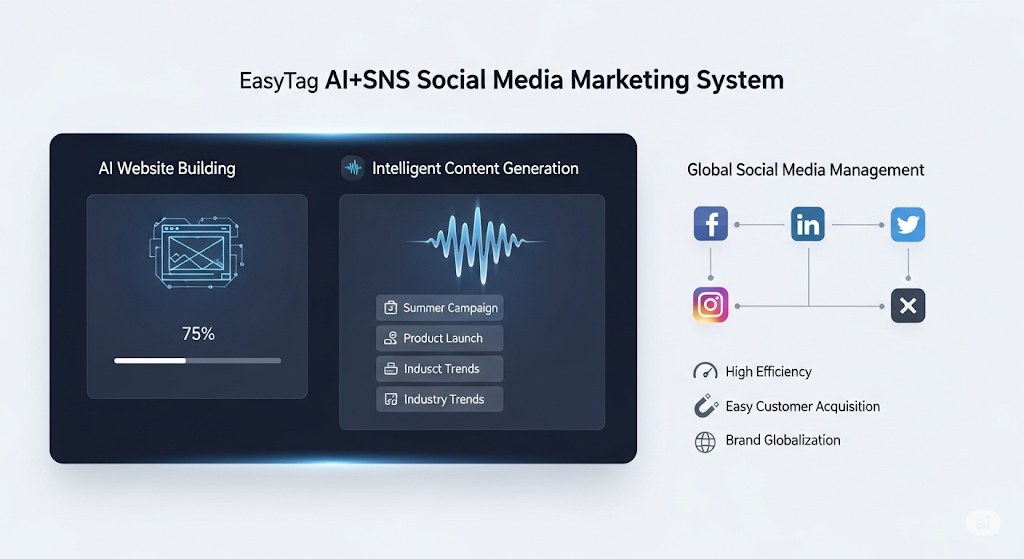
 AI+SNS Social Media Marketing SystemYingbao AI+SNS Social Media Marketing System - Precision social capture for the social media era. Supports one-click content synchronization across major platforms like Facebook and LinkedIn. AI intelligently rewrites posts for enhanced relevance. 24/7 AI customer service and user profiling analysis empower businesses to efficiently expand into global markets.
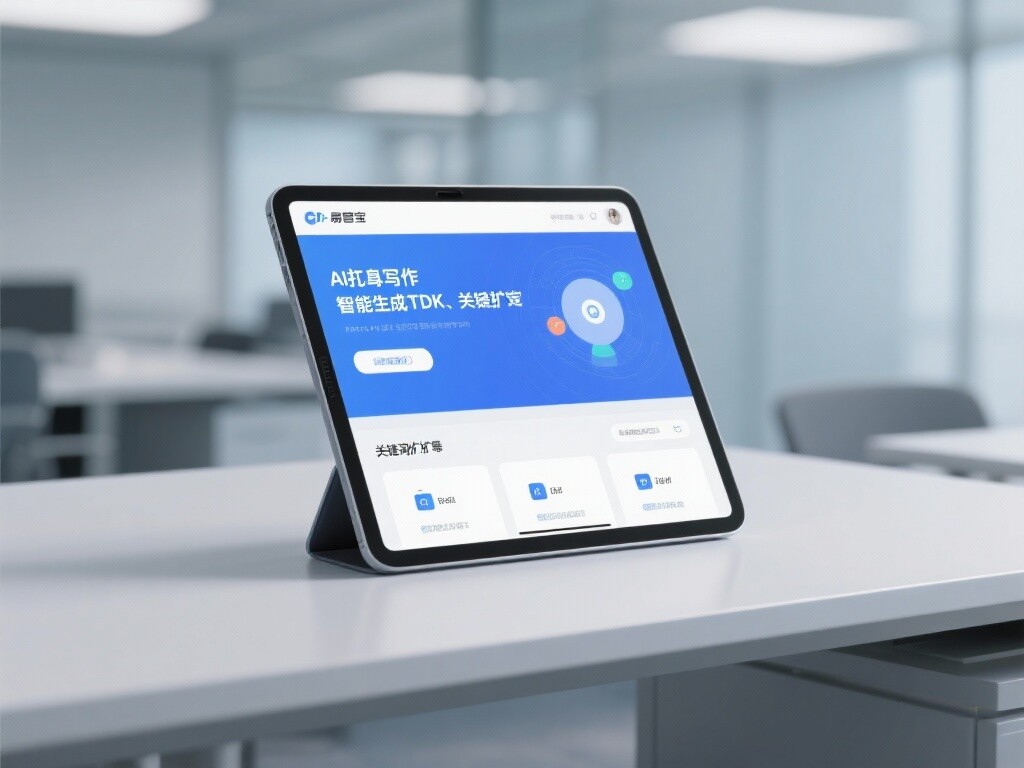
 AI+SEO营销解决方案易营宝AI+SEO营销解决方案,通过AI批量写作、智能生成TDK、精准关键词扩词等功能,全面优化网站SEO效果,提升流量与转化率。助力企业构建高效智能网站新生态。
 AI+SEM Advertising Marketing SolutionsAI+SEM Advertising Marketing Solution leverages AI technology to deeply empower SEM ad campaigns. It automatically generates weekly/monthly reports using AI, presenting account data across multiple dimensions for comprehensive insights into campaign performance and trends. The system precisely recommends keywords and target countries, intelligently generates high-conversion ad copy, and enables one-click activation of efficient campaign plans to help businesses rapidly acquire customers. Simultaneously, it monitors core metrics in real time, intelligently identifies abnormal fluctuations, and issues timely alerts to ensure stable, high-return advertising results.
 Domain Name ServicesEasyWin provides professional domain name services, including intelligent queries, one-stop registration, brand protection, and full lifecycle management, helping businesses build a digital brand image.
 EasyOperate B2C Cross-Border E-Commerce Platform & Independent WebsiteEasyStore B2C Cross-border E-commerce Independent Store is an intelligent website building and cross-border e-commerce integrated solution independently developed by EasyStore Information Technology (Beijing) Co., Ltd. The system is specially designed for small and medium-sized as well as large export enterprises, integrating 'website building, operation, marketing, advertising, and conversion' into one, helping enterprises quickly establish cross-border e-commerce independent stores to achieve brand globalization and global sales growth.
The platform supports multiple languages, multiple currencies, and multi-channel marketing, with built-in AI intelligent translation and SEO optimization systems, suitable for mainstream markets such as Southeast Asia, Europe and America, Latin America, and the Middle East, assisting Chinese manufacturing enterprises in efficiently deploying international e-commerce strategies. SSL证书易营宝提供专业SSL安全证书服务,包括单域名和泛域名证书,确保网站数据传输加密、身份验证和完整性保护,助力企业建立安全可信的在线业务环境。